Our readers keep the lights on and my smoothie glass nicely filled. As an Amazon Associate, I earn from qualifying purchases.
Finding a way to share daily moments with aging parents or grandparents who aren’t on social media often feels like shouting into a void. You send a photo via text, but the screen is too small for them to truly enjoy, or the interface confuses them. A dedicated digital frame solves this by creating a direct, visual line of communication that updates itself automatically.
I’m Mohammad Maruf — the founder and writer behind WellFizz. I’ve spent hundreds of hours dissecting the hardware specifications, app ecosystems, and real-world usability of dozens of connected frames to identify which models actually deliver on the promise of effortless sharing.
This guide cuts through the marketing to find the most reliable digital frame for grandparents that balances generous storage with a frictionless setup and a screen clear enough to see every grandchild’s grin.
How To Choose The Best Digital Frame For Grandparents
The best frame for an older relative isn’t necessarily the one with the most features — it is the one with the least friction. Prioritize a model that offers remote sharing through a simple app interface, a responsive touchscreen that works with a light tap, and a display resolution that makes photos look sharp without needing glasses.
App Simplicity and Remote Sharing
The entire value of a connected frame hinges on how easily family members can send photos from hundreds or thousands of miles away. Look for frames that use the Frameo app or a dedicated platform like Skylight, which allow unlimited contributors to upload directly from a phone. Avoid models that require grandparents to manually pull files from an email or SD card for daily updates.
Screen Size and Resolution
A 10-inch screen might fit a nightstand, but a 15.6-inch panel at 1920×1080 resolution delivers the visual impact that makes a frame a centerpiece. For grandparents with declining eyesight, a larger Full HD IPS display with wide viewing angles ensures every detail is visible from across the room. The anti-glare coating on some premium models further reduces eye strain during bright daylight hours.
Storage Capacity and Expandability
Internal storage determines how many memories can live on the device without cloud dependency. A 32GB frame holds roughly 10,000 photos at standard resolution, but a 64GB model doubles that capacity. Many frames also accept SD cards or USB drives, which is a critical fallback for families who prefer to load photos manually for a big holiday surprise.
Quick Comparison
On smaller screens, swipe sideways to see the full table.
| Model | Category | Best For | Key Spec | Amazon |
|---|---|---|---|---|
| BIGASUO 15.6″ | Mid-Range | Massive Storage | 64GB / 100,000+ photos | Amazon |
| KODAK 15.6″ Wood | Premium | Modern Aesthetics | Quad-core RK3326S CPU | Amazon |
| ARZOPA D14 Metal | Premium | Anti-Glare Display | 1920×1200 / 14-inch | Amazon |
| KPKUE 15.6″ | Mid-Range | Album Management | 64GB + 128GB expandable | Amazon |
| Skylight 10″ | Premium | Easiest Setup | 8GB cloud-based | Amazon |
| Flyruit 15.6″ | Mid-Range | No WiFi Option | 32GB / SD & USB-C | Amazon |
| Dragon Touch 15.6″ | Budget | Value Pick | 32GB / VPhoto app | Amazon |
In‑Depth Reviews
1. BIGASUO 15.6″ Frameo Frame

The BIGASUO walks the tightrope between high capacity and user-friendly operation. Its 64GB of internal storage can hold upwards of 100,000 photos, which eliminates the need to ever manage memory cards or cloud subscriptions. The Frameo app is the same platform used by millions globally, offering a straightforward interface for family members to send photos directly to the grandparents’ frame.
The 15.6-inch IPS panel at 1920×1080 resolution delivers crisp, true-to-life colors with wide viewing angles — ideal for a living room mantle where people gather from different seats. The touchscreen responds reliably to taps, and the frame includes a sleep schedule that automatically turns off the display at night, conserving energy and preventing light pollution in a bedroom.
One notable design strength is the nearly borderless front, which lets the photo fill the entire screen without a bulky plastic frame distracting from the image. Setup involves plugging in, connecting to 2.4GHz WiFi, and pairing via the app — a process that reviewers consistently describe as taking under five minutes.
Why it’s great
- Massive 64GB storage with no subscription required
- Full HD IPS display with vibrant color accuracy
- Simple Frameo app with unlimited contributor support
- Auto sleep/wake schedule preserves display life
Good to know
- Only supports 2.4GHz WiFi networks
- Plastic frame feels lightweight compared to metal options
- SD card compatibility may be inconsistent with large capacities
2. KODAK 15.6″ Wood WiFi Frame
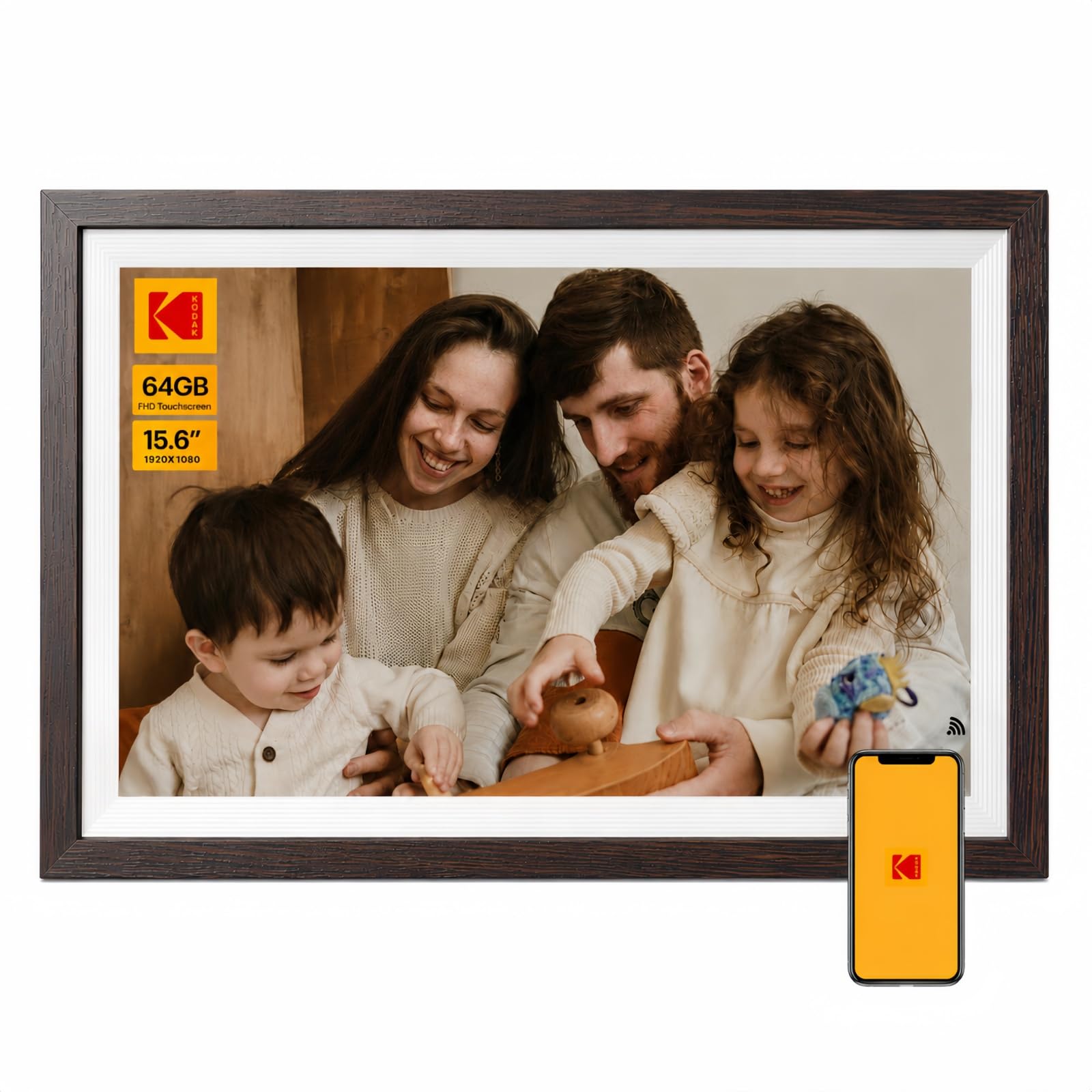
KODAK brings its trusted imaging pedigree to a 15.6-inch frame housed in an MDF wood-style frame that looks more like a piece of furniture than a gadget. The RK3326S quad-core processor ensures snappy performance when browsing photos, and the 1920×1080 Full HD touchscreen handles slideshow transitions without stutter. A 64GB internal capacity accommodates roughly 20,000 high-resolution images.
What sets this frame apart is the depth of sharing options. Family members can upload via the dedicated KODAK app, Google Photos, email, USB drive, or SD card. The app also supports AI-assisted photo creation and batch transfers of up to 120 files at once, which makes loading a family archive far less tedious. Auto-rotate adjusts orientation whether the frame is mounted vertically or horizontally.
The built-in 3-day weather forecast and automatic sleep/wake timer add practical daily utility. The display handles both photos and videos with audio, making it a true multimedia hub. The 12-month warranty and lifetime support add confidence for a purchase intended to last years.
Why it’s great
- Elegant wood frame blends with home décor
- Quad-core processor for smooth slideshows
- Multiple upload methods including Google Photos
- 12-month warranty with lifetime support
Good to know
- App performance can vary across different devices
- Military time default on clock may need adjustment
- Some users report app account creation issues
3. ARZOPA Metal Digital Picture Frame D14
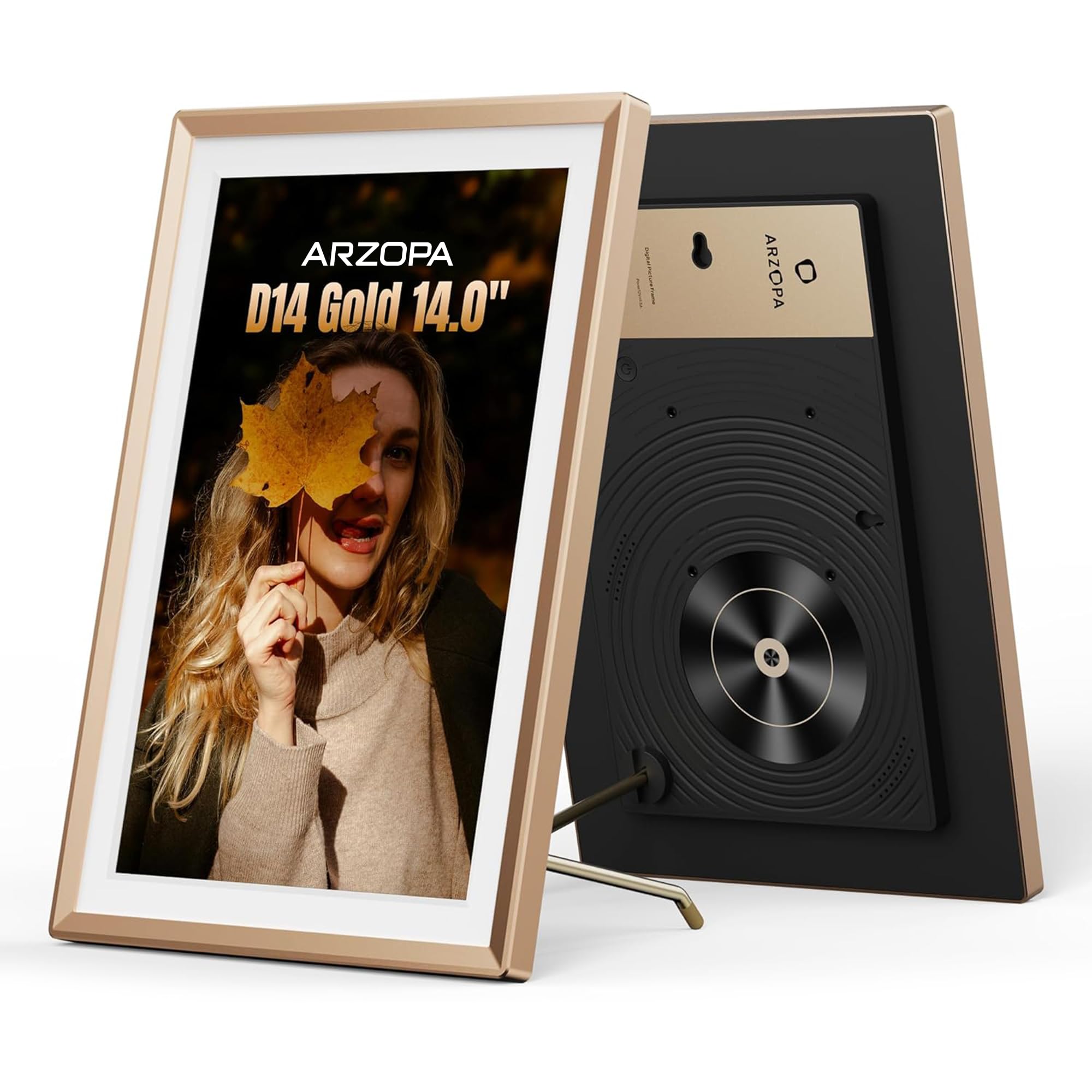
The ARZOPA D14 breaks the plastic mold with a champagne-gold metal chassis that feels substantial and looks elegant on a sideboard. Its 14-inch IPS panel runs at a slightly taller 1920×1200 resolution, which provides extra vertical space for portrait-oriented photos without awkward cropping. The anti-glare coating is a standout feature for homes with large windows, as it keeps reflections at bay during daytime viewing.
One of the strongest selling points for grandparents is the 100% free unlimited cloud storage with no subscription ever required. Photos are stored on AWS Amazon Cloud and can be uploaded remotely from family phones. The frame also supports a custom Gift Mode that lets you preload photos and greeting cards before the recipient ever unboxes the device — a thoughtful touch for surprise presents.
The ARZOPA app supports inviting multiple family members, remote sharing, and even likes and interactions that let grandparents feel engaged with the photos they receive. The metal build, MUSE Design Award recognition, and 24/7 technical support make this a durable, serviceable investment for long-term use.
Why it’s great
- Premium metal frame with scratch-resistant finish
- 1920×1200 resolution with anti-glare screen
- Free unlimited cloud storage, no subscription
- Gift Mode for preloading photos before unboxing
Good to know
- App can be moody and occasionally requires phone reboot
- 14-inch screen slightly smaller than 15.6-inch rivals
- Videos with sound may startle if volume is set high
4. KPKUE Smart WiFi Digital Frame 15.6″
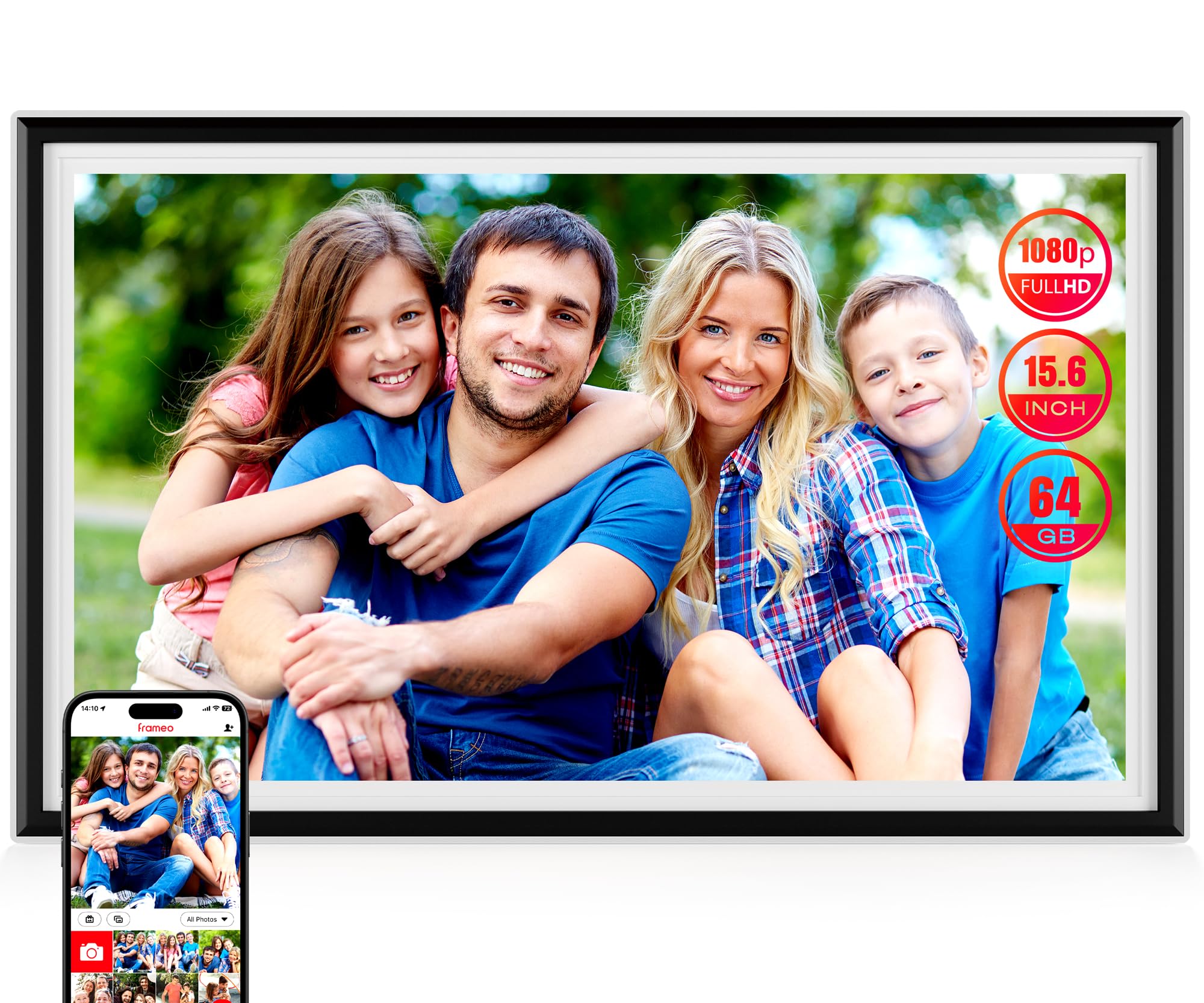
KPKUE delivers a thoughtful software twist with its Album Management function, which lets you organize photos into custom albums and even create auto-collages. This is especially useful for grandparents who love looking back at specific trips or holidays without scrolling through a jumbled timeline. The 15.6-inch IPS LCD at 1920×1080 resolution is bright and vibrant, with adjustable brightness settings to suit different lighting conditions.
The frame packs 64GB of internal storage (approximately 7GB used by the system) and supports expansion via USB or SD card up to 128GB. Multiple connectivity ports include a 3.5mm headphone jack and dual speakers for audio playback during video slideshows. The Frameo app is fully supported, ensuring encrypted and private sharing from any smartphone.
Construction uses impact-resistant ABS plastic with a scratch-resistant screen, and the frame is wall-mountable with two hanging holes and four anchor points. The removable stand makes it easy to switch between tabletop and wall display. A 365-day support period backs the purchase, offering peace of mind for less tech-savvy recipients.
Why it’s great
- Custom album creation with auto-collage feature
- 64GB storage expandable to 128GB via SD
- Headphone jack and dual speaker audio output
- Impact-resistant ABS build with wall mount kit
Good to know
- Setup can require more time than simpler frames
- Constant power connection needed for operation
- Power adapter cable measures only 5 feet
5. Skylight Frame 10″ Black

Skylight has built its reputation on frictionless usability, and the 10-inch model remains the gold standard for grandparents who need absolute simplicity. The setup is genuinely plug-and-play: plug it in, connect to WiFi, and the frame generates a unique email address. Family members send photos to that address, and the frame displays them automatically. No app downloads or account creation is required on the recipient’s end.
The 1280×800 resolution on a 10-inch screen is adequate for a nightstand or kitchen counter, though it lacks the pixel density of larger 1080p panels. The frame supports Gift Mode, allowing you to preload photos before giving it as a present, and offline mode lets the frame display existing photos without a live WiFi connection. Cloud-based storage eliminates the need for SD cards entirely.
The white glove customer support is a major differentiator. Skylight offers direct phone support to help elderly users troubleshoot, which is a rare service in this category. The physical design is clean and unobtrusive, with a touchscreen that responds to the lightest taps — ideal for hands with reduced dexterity.
Why it’s great
- Zero-setup for the recipient — just plug in and connect
- Direct phone support for elderly users
- Gift Mode for preloading photos before unboxing
- Offline mode works without WiFi after initial setup
Good to know
- 10-inch screen is much smaller than modern 15.6-inch frames
- 8GB internal storage with no external expansion slot
- Resolution limited to 1280×800, not Full HD
6. Flyruit 15.6″ Frameo Frame

The Flyruit frame addresses a critical problem for grandparents in areas with unreliable internet: it supports non-WiFi transmission via SD card, USB drive, or USB-C cable from a computer. You can load a full memory card with photos and videos, and the frame will play them without ever connecting to a network. This makes it a strong choice for remote cabins or assisted living facilities with locked-down WiFi.
The 15.6-inch 1080p IPS touchscreen delivers the same crisp viewing experience as more expensive competitors, and integration with the Frameo app means you can still use WiFi sharing when available. The frame includes Greeting and React features that let you send themed birthday messages and emoji responses directly to the frame, adding an interactive layer that grandparents enjoy.
The direct manufacturer model keeps the price competitive, and the 24/7 technical support with comprehensive user instructions helps when setup questions arise. The plastic frame has a visible power cord that some reviewers find distracting, but the overall build quality is solid for the mid-range price tier.
Why it’s great
- Works completely without WiFi via SD, USB, or USB-C
- Frameo app support with Greeting and React features
- Large 15.6-inch Full HD IPS display
- Competitive pricing with 24/7 support
Good to know
- Free app version limits uploads to 10 photos at a time
- Visible power cord detracts from wall-mounted aesthetics
- Portrait photos shrink when frame is in landscape mode
7. Dragon Touch 15.6″ Large Frame

The Dragon Touch 15.6-inch frame offers the largest screen in the budget tier, making it an attractive option for families who want maximum visual real estate without stretching the budget. The 1080p Full HD touchscreen delivers decent clarity, and the VPhoto app supports sharing from up to 20 family members simultaneously. Photos and videos upload in roughly 1-2 seconds over a stable 2.4GHz connection.
The 32GB internal storage is adequate for thousands of photos, and the frame includes bonus features like a calendar, alarm, weather display, and background music playback via USB or TF card. The slideshow supports multiple layout options including dual, triple, and quad photo displays, along with pan mode for larger images. The auto on/off scheduling helps preserve the screen and reduce power consumption overnight.
One notable design shortcoming is the power button placement — it sits on the back of the frame, which is inconvenient when the frame is wall-mounted. There is no power control within the app, so users must rely entirely on scheduled sleep times. Despite this quirk, reviewers consistently praise the value proposition, noting it delivers features comparable to frames costing significantly more.
Why it’s great
- Large 15.6-inch Full HD screen at an entry-level price
- Supports up to 20 family contributors via VPhoto app
- Multi-photo display layout options available
- Calendar, alarm, and weather features included
Good to know
- Power button located on the back, hard to reach when mounted
- No app-based power control for remote on/off
- Plastic frame feels less premium than metal options
FAQ
Can grandparents receive photos without a smartphone?
Do I need a WiFi connection to use a digital frame?
What is the difference between Frameo and Skylight apps?
How many family members can send photos to one frame?
Is it possible to preload photos before giving the frame as a gift?
Final Thoughts: The Verdict
For most users, the digital frame for grandparents winner is the BIGASUO 15.6″ Frameo frame because it combines a massive 64GB storage capacity with the user-friendly Frameo app ecosystem and a crisp Full HD display at a mid-range price. If you want a premium metal build with anti-glare screen and free cloud storage, grab the ARZOPA D14. And for the absolute easiest setup where the grandparent never needs to touch an app, nothing beats the Skylight 10-inch frame.

Mo Maruf
I created WellFizz to bridge the gap between vague wellness advice and actionable solutions. My mission is simple: to decode the research and give you practical tools you can actually use.
Beyond the data, I am a passionate traveler. I believe that stepping away from the screen to explore new environments is essential for mental clarity and physical vitality.