Our readers keep the lights on and my smoothie glass nicely filled. As an Amazon Associate, I earn from qualifying purchases.
A floating monitor is the single quickest upgrade to your desk ergonomics, but a flimsy arm that droops under the weight of a curved ultrawide turns that upgrade into a daily frustration. The core challenge in this category is simple: the arm must hold your screen exactly where you place it, without sagging, creeping, or wobbling, for years of use. Picking the wrong gas spring or hinge design means fighting your setup every morning instead of sitting down to work.
I’m Mohammad Maruf — the founder and writer behind WellFizz. My research process for this guide involved analyzing over a thousand customer reviews across seven different monitor arms, cross-referencing load capacities with real-world durability reports, and evaluating hinge mechanisms, gas spring cycle ratings, and VESA compatibility data to separate the arms that truly hold their position from those that drift over time.
Whether you run triple 27-inch screens or a single heavy ultrawide, finding a reliable best desk mount monitor arm means understanding which construction materials, weight limits, and motion ranges actually deliver long-term stability for your specific monitor setup.
How To Choose The Best Desk Mount Monitor Arm
Choosing a monitor arm involves more than matching your screen size. The three variables that separate a frustrating experience from a seamless one are weight capacity margin, gas spring quality, and desk attachment security. Overlooking any one of these leads to sag, tilt drift, or a clamp that damages your desk surface.
Weight Capacity and Your Monitor’s Actual Weight
Never buy an arm whose maximum capacity equals your monitor’s weight. A safety margin of at least 4 to 5 pounds ensures the gas spring maintains consistent lift tension over time. Arms rated for 19.8 pounds often struggle with a 17-pound curved ultrawide because the curve shifts the center of gravity forward, increasing the effective load on the hinge.
Gas Spring vs. Mechanical Spring vs. Friction Hinge
Gas springs dominate the premium segment because they offer smooth, tool-free height adjustment across the full motion range. Mechanical spring systems, like those in some ASUS arms, eliminate gas leak risk but feel stiffer during adjustment. Friction hinges are cheapest but degrade fastest — within six months they often fail to hold position, especially under heavier screens.
Desk Thickness and Mounting Method
C-clamps work best on desks between 0.4 and 3.15 inches thick, but their under-desk hardware can interfere with keyboard trays or cable trays. Grommet mounts require a pre-drilled hole but distribute weight more evenly and leave the desk underside cleaner. For desks thinner than 0.6 inches or made of glass, a reinforcement plate is essential to prevent cracking or deformation.
Quick Comparison
On smaller screens, swipe sideways to see the full table.
| Model | Category | Best For | Key Spec | Amazon |
|---|---|---|---|---|
| MOUNT PRO Triple | Triple Arm | Three identical flat screens | 19.8 lbs per arm, 32″ max | Amazon |
| ErgoFocus Triple | Triple Arm | Budget triple setups | 19.8 lbs per arm, 32″ max | Amazon |
| PUTORSEN Triple | Ultrawide + Dual | Center ultrawide + side monitors | Center 44 lbs, sides 26.4 lbs | Amazon |
| Mount-It! Ultrawide | Single Heavy Duty | Heavy curved ultrawide screens | 33 lbs max, VESA 200×200 | Amazon |
| BenQ BSH01 | Single Premium | 45″ screens, sag-free longevity | 44 lbs max, 25,000 cycle spring | Amazon |
| Ergotron LX | Single Iconic | Ultra-smooth daily repositioning | 25 lbs max, 10-year warranty | Amazon |
| ASUS ROG AAS01 | Single Mechanical | ROG aesthetic, no gas leak risk | 23.35 lbs max, 80° tilt | Amazon |
In‑Depth Reviews
1. MOUNT PRO Triple Monitor Mount

The MOUNT PRO Triple delivers the best balance of capacity, motion range, and price for a three-screen workplace. Each gas spring arm supports up to 19.8 pounds and accommodates monitors from 13 to 32 inches, which covers the vast majority of productivity setups. The aluminum and iron construction resists corrosion better than all-steel budget arms, and the integrated cable management system tucks wires neatly inside each arm segment.
Assembly takes longer than a single-arm mount because you must tension three gas springs independently, and the center arm’s height adjustment instructions could be clearer. That said, once installed, the arm stays rock-solid across all three screens — reviewers consistently mention zero wobble even after two years of daily use with 27-inch monitors in portrait orientation.
The 90-degree tilt range and 360-degree rotation make it easy to switch between landscape coding and portrait document reading. A reinforcement plate is recommended if your desk is thinner than 0.6 inches, as the C-clamp concentrates pressure on a small surface area.
Why it’s great
- Gas spring arms hold position without drift across three 27-inch screens
- Aluminum build resists rust better than budget iron competitors
- C-clamp and grommet mounting included for desk thickness up to 3.15 inches
Good to know
- Center arm height adjustment procedure is not clearly documented
- Cable management channels work best with thin cabling, not thick power bricks
2. ErgoFocus Triple Monitor Desk Mount
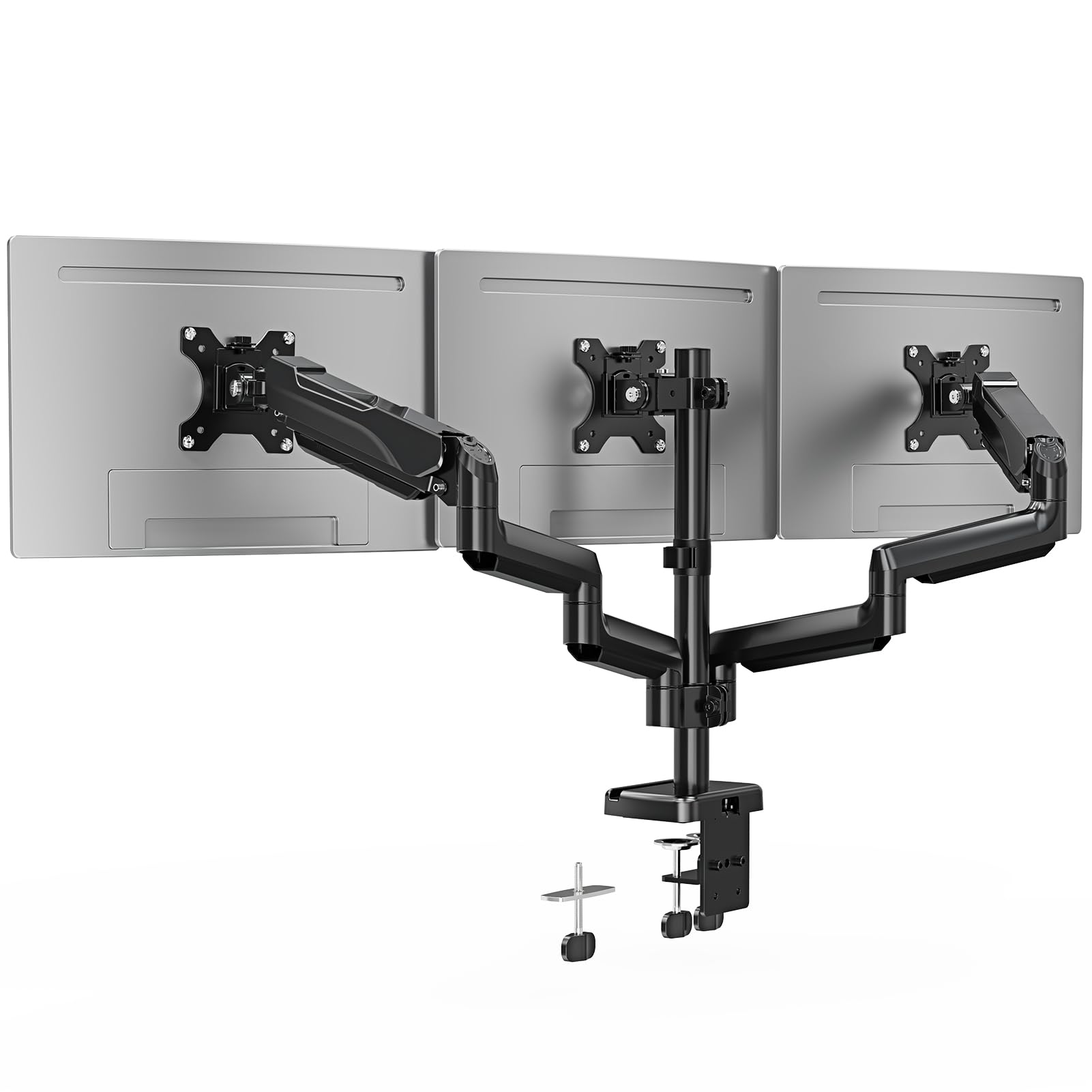
The ErgoFocus Triple closely mirrors the MOUNT PRO in specs but uses a full metal enclosure rather than aluminum — a minor trade-off that slightly increases weight while keeping costs down. Each arm supports the same 19.8-pound limit and accepts screens from 13 to 32 inches, with a 90-degree tilt and full articulation for portrait or landscape orientation.
Reviewers highlight how easy the setup is compared to other triple-arm kits — the step-by-step instructions are clearer, and the parts come pre-labeled. The C-clamp and grommet base offer the same desk thickness compatibility as the MOUNT PRO, but the ErgoFocus includes a 3-year warranty compared to the standard 2-year coverage on many competitors.
Where this mount falls slightly short is long-term tension consistency. A few users report that after five months the gas springs require minor re-tensioning, especially on the outer arms that hold heavier curved monitors. For flat 24-inch or 27-inch office screens, this arm offers excellent stability at a lower entry point than premium single-arm alternatives.
Why it’s great
- Clear assembly instructions with labeled parts for fast installation
- 3-year warranty provides better coverage than most triple-arm kits
- Full motion range includes 360-degree rotation and 180-degree swivel
Good to know
- Gas springs may need re-tensioning after several months of use
- Full metal enclosure adds weight to the overall assembly
3. PUTORSEN Triple Monitor Mount
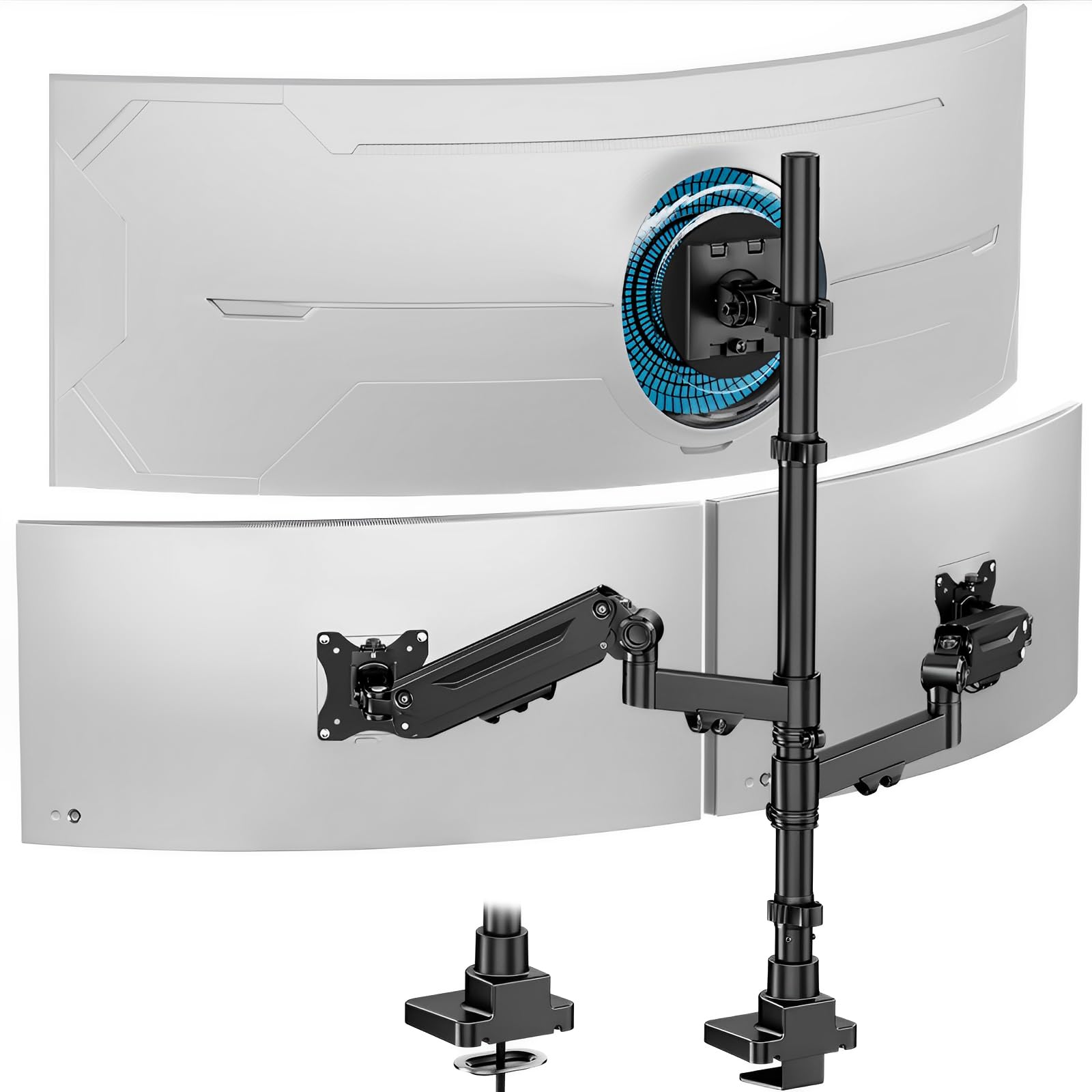
The PUTORSEN Triple is built specifically for the ultrawide-in-the-center workflow that many gamers and video editors use. The center arm accepts monitors up to 49 inches and 44 pounds, while the two side gas spring arms handle up to 35-inch screens at 26.4 pounds each. This asymmetric capacity distribution is rare in triple-arm mounts, which usually treat all three positions identically.
The cast aluminum base and reinforced head structure eliminate sag on heavy center screens — reviewers with 49-inch ultrawides report no forward tilt even after months of use. The gas spring side arms offer smooth dynamic adjustment, though the tension settings require trial and error to match lighter side monitors. Setup takes 20 to 30 minutes with clear instructions, and the C-clamp fits desks from 0.4 to 1.8 inches thick.
One limitation is the minimum screen size of 17 inches for the center arm, which means this mount won’t work with a small secondary monitor in the middle. The cable management system is decent but the plastic covers feel less premium than the aluminum arms themselves.
Why it’s great
- Center arm holds ultrawide 49-inch screens up to 44 pounds without sag
- Cast aluminum construction provides long-term stability for heavy setups
- Asymmetric arm design supports ultrawide + two side monitors perfectly
Good to know
- Center arm minimum size of 17 inches limits small monitor placement
- Plastic cable covers feel less durable than the aluminum arm structure
4. Mount-It! Ultrawide Monitor Arm
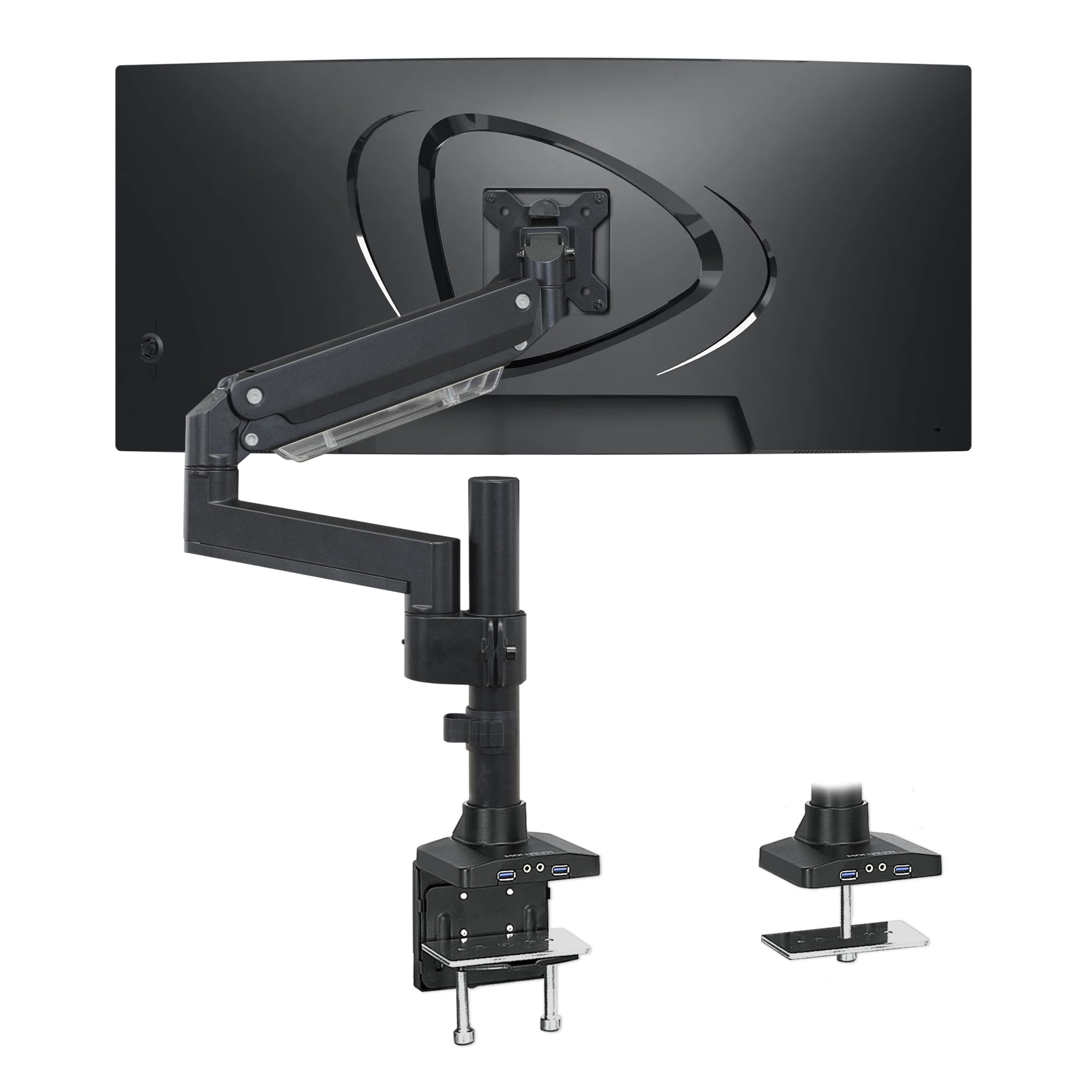
The Mount-It! Ultrawide is a single-arm solution that handles the heaviest curved gaming monitors, supporting up to 33 pounds and VESA patterns up to 200×200. This makes it one of the few arms on the market compatible with the Samsung Odyssey G9 and similar massive ultrawides. The gas spring mechanism includes a tension adjustment screw that requires fine-tuning with the monitor attached, but once set it holds position reliably.
A standout feature is the built-in USB 3.0 hub with two ports and an audio passthrough, which lets you plug peripherals directly into the arm rather than reaching behind your desk. The heavy-duty aluminum and steel construction earns consistent praise for not tilting forward even when the arm is fully lowered. The C-clamp fits desks up to 3 inches thick, and a grommet mount is also included.
The tilt adjustment uses a hex key rather than a tool-free lever, which makes on-the-fly angle changes less convenient. Some users also note that the cable management channel is plastic and can crack if overtightened. For single ultrawide setups that need both strength and connectivity, this arm delivers unmatched load capacity.
Why it’s great
- 33-pound capacity and VESA 200×200 support fit the heaviest curved ultrawides
- Integrated USB 3.0 hub with audio passthrough keeps ports accessible
- Aluminum and steel frame does not tilt forward even when fully lowered
Good to know
- Tilt adjustment requires a hex key, not tool-free
- Plastic cable management channel is fragile if overtightened
5. BenQ BSH01 Ergo Monitor Arm
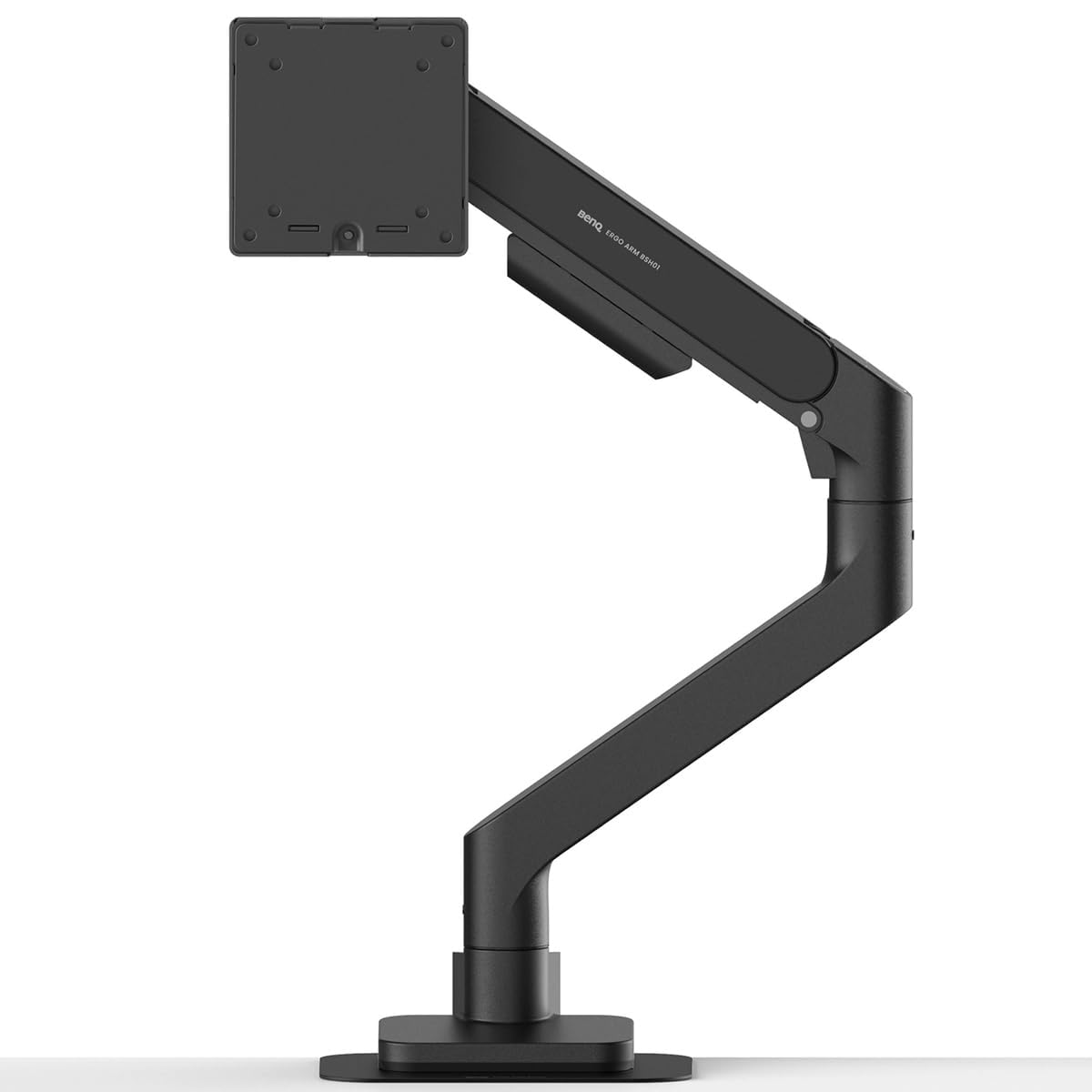
The BenQ BSH01 is engineered for users who want an arm that will not sag or degrade over years of heavy use. The gas spring is tested to 25,000 cycles — more than double the industry standard of 10,000 cycles — which means consistent lift tension long after cheaper arms start drifting. It supports screens up to 45 inches and 44 pounds, covering everything from standard 27-inch office monitors to massive ultrawide productivity panels.
The tilt mechanism uses an optimized hinge geometry that prevents the nose-up tendency some premium arms exhibit. A steel reinforcement plate is included in the box, which protects thin or glass desktops from clamp pressure. The quick-release VESA plate ships with factory preset tension, so most users can attach their monitor and use it immediately without adjustment.
At 22.4 inches of extension and a height range from 8.7 to 18.7 inches, the BSH01 offers generous reach for sit-stand desks. A small number of users report a persistent slight upward tilt that cannot be fully eliminated, but this appears to be a manufacturing variance rather than a design flaw affecting all units.
Why it’s great
- 25,000-cycle gas spring test ensures long-term tension consistency
- Included steel reinforcement plate protects thin and glass desktops
- Factory preset tension reduces setup time for most monitor weights
Good to know
- Some units exhibit a persistent slight upward tilt that cannot be adjusted out
- Premium pricing targets users who prioritize longevity over upfront savings
6. Ergotron LX Monitor Arm

The Ergotron LX is the benchmark against which most single-arm monitor mounts are measured. Its gas spring mechanism delivers the smoothest height adjustment in the category, with 13 inches of vertical lift and 75 degrees of tilt. The arm holds screens from 7 to 25 pounds and up to 34 inches diagonal, which covers virtually all standard monitors below the ultrawide category.
The two-piece desk clamp and grommet mount fit desks from 0.4 to 2.4 inches thick, and the 10-year warranty reflects Ergotron’s confidence in the build quality. The matte black finish and integrated cable management produce a clean aesthetic that blends into professional and gaming environments alike. Reviewers consistently mention that the LX holds its position perfectly even after years of frequent repositioning.
Where the LX falls short is capacity — it cannot handle heavy 49-inch ultrawides or monitors exceeding 25 pounds. The pole clamp design also requires removing the monitor to adjust the arm height on the pole, which is less convenient than the tool-free gas spring arms on competitors. For standard 24- to 34-inch screens, however, this arm offers the most fluid and reliable adjustment experience available.
Why it’s great
- Smoothest gas spring height adjustment in the category with 13 inches of lift
- 10-year warranty sets the standard for long-term reliability
- 75-degree tilt range and 360-degree rotation cover every viewing position
Good to know
- 25-pound limit excludes heavy 49-inch ultrawide monitors
- Pole height adjustment requires monitor removal and reinstallation
7. ASUS ROG Ergo Monitor Arm (AAS01)

The ASUS ROG AAS01 differentiates itself with a mechanical spring system rather than a gas spring, which eliminates any risk of gas leak over time. The spring mechanism passed a 10,000-cycle range-of-motion test during design, and the all-steel construction feels exceptionally rigid. It supports monitors up to 39 inches and 23.35 pounds for flat screens, or 18.74 pounds for curved panels.
The tool-free VESA bracket slides into the arm and locks with a satisfying click, making monitor attachment faster than most competitors. Integrated cable cutouts keep wiring organized, and the 80-degree tilt range provides more downward angle than typical arms — useful for tall users who need to angle a screen toward their face. The ROG aesthetic with clean lines and a black finish fits gaming setups perfectly.
The main drawback is the joint adjustment mechanism, which some users find confusing compared to the intuitive gas spring arms from Ergotron or BenQ. The mechanical spring also produces a slightly stiffer feel during height adjustment, which may feel less fluid to users accustomed to gas spring motion. At the premium end of the market, this arm justifies its price through build quality and leak-proof design rather than adjustment ease.
Why it’s great
- Mechanical spring design eliminates gas leak risk over years of use
- Quick-release VESA bracket with tool-free slide-in attachment
- 80-degree tilt range offers more downward angle than typical gas spring arms
Good to know
- Joint adjustment mechanism is less intuitive than gas spring competitors
- Stiffer feel during height adjustment compared to Ergotron or BenQ arms
FAQ
Can I use a triple monitor arm with three different monitor brands?
How tight should the C-clamp be on a glass desk?
What causes monitor sag and how do I prevent it?
Final Thoughts: The Verdict
For most users, the best desk mount monitor arm winner is the MOUNT PRO Triple Monitor Mount because it combines gas spring reliability, 19.8-pound capacity per arm, and triple-screen support at a price that beats most single-arm premium alternatives. If you need an ultrawide-centric triple setup, grab the PUTORSEN Triple for its 44-pound center arm capacity. And for a single heavy curved ultrawide, nothing beats the Mount-It! Ultrawide Monitor Arm with its 33-pound limit and built-in USB hub.

Mo Maruf
I created WellFizz to bridge the gap between vague wellness advice and actionable solutions. My mission is simple: to decode the research and give you practical tools you can actually use.
Beyond the data, I am a passionate traveler. I believe that stepping away from the screen to explore new environments is essential for mental clarity and physical vitality.