Our readers keep the lights on and my smoothie glass nicely filled. As an Amazon Associate, I earn from qualifying purchases.
A dash cam that lives on your windshield but stays trapped on its tiny screen is only half useful. The real power of a modern dash cam unlocks the moment you connect it to your phone — letting you pull up 4K footage, change settings, and share clips through an app without removing a memory card. This guide cuts through the noise to find the models that actually make that connection fast, stable, and frustration-free.
I’m Mohammad Maruf — the founder and writer behind WellFizz. I’ve spent thousands of hours analyzing dash cam hardware specifications, studying real-world connection stability, and comparing sensor performance across price tiers to produce this guide on finding the best dash cam that connects to phone for your specific needs.
Whether you drive for a rideshare service, park on a busy street, or just want a clean, clutter-free way to save driving evidence, choosing the right phone-connected dash cam comes down to three factors: app reliability, Wi-Fi speed, and sensor quality.
How To Choose The Best Dash Cam That Connects To Phone
Not all phone-connected dash cams deliver a smooth experience. Some apps crash repeatedly, some Wi-Fi modules drop the connection mid-download, and others bury essential settings behind confusing menus. These are the features that separate a usable dash cam from a frustrating one.
Wi-Fi Frequency and Speed
A 2.4GHz Wi-Fi module transfers 4K clips at a painfully slow pace — often a minute or more per file. Dual-band Wi-Fi (2.4GHz + 5.8GHz) or the newer Wi-Fi 6 standard cuts that time dramatically. Models like the 70mai T800E use Wi-Fi 6 to reach transfer speeds up to 10 MB/s, making it possible to download a 30-second 4K clip in just a few seconds. For anyone who needs evidence fast after an incident, this speed is critical.
Sensor Technology and Night Performance
The image sensor determines how much detail your dash cam captures in low light. Sony STARVIS 2 sensors (the IMX678 and IMX675) deliver roughly four times the low-light sensitivity of non-STARVIS sensors. Models like the REDTIGER F17 Elite and Pelsee P1 Pro use these sensors to maintain full color at night rather than switching to grainy black-and-white infrared. This distinction matters most for capturing license plates at dusk or in poorly lit parking garages.
Parking Mode and Power Management
Basic G-sensor parking mode only starts recording when it detects a bump — which often means you miss the first moment of impact. Buffered parking mode, available on models like the Vantrue N5, continuously records a few seconds before an event, then locks that buffer to the saved clip. This pre-event recording is the difference between seeing a hit-and-run from the start versus catching only the aftermath. All parking modes require a hardwire kit (sold separately) to run off your car’s battery without draining it.
Channel Count and Coverage
A single front-facing camera covers only one direction. Two-channel systems (front + rear) capture both ends of your car. Three-channel systems add an interior view, which is essential for rideshare drivers monitoring passengers. The four-channel Vantrue N5 covers front, rear, front cabin, and rear cabin for true 360-degree coverage. The more channels you use, the more storage you burn through — so most cameras support microSD cards up to 256GB or 512GB to compensate.
Quick Comparison
On smaller screens, swipe sideways to see the full table.
| Model | Category | Best For | Key Spec | Amazon |
|---|---|---|---|---|
| FAIMEE 4K+2K | Mid-Range | Budget-friendly dual-cam with GPS | 4K front + 2K rear, 170° FOV | Amazon |
| Pelsee P1 Pro | Mid-Range | STARVIS 2 night vision + ADAS | STARVIS 2, 4K HDR front + WDR rear | Amazon |
| 70mai T800E | Mid-Range | Wi-Fi 6, 3-channel rideshare setup | 4K front + 1080p cabin + 1080p rear | Amazon |
| FAIMEE 4K+2K+2K | Mid-Range | Triple cam with 128GB card included | 4K front + 2K interior + 2K rear | Amazon |
| WOLFBOX G850 PRO | Premium | Mirror dash cam with ADAS + BSD | 12″ touch IPS, 4K front + 1080p rear | Amazon |
| REDTIGER F17 Elite | Premium | True 4K 3-channel with STARVIS 2 | IMX678 + IMX675, 4K+2.5K+1080P | Amazon |
| Vantrue N5 | Premium | 360° 4-channel coverage | 2.7K front + 1080P x3 rear/cabin | Amazon |
In‑Depth Reviews
1. 70mai 4K Dash Cam Front and Rear Inside (T800E)

The 70mai T800E hits the sweet spot between price, features, and connection reliability. Its Wi‑Fi 6 module transfers 4K clips up to five times faster than standard Wi‑Fi 4, and the 70mai app handles live view and downloads without the frequent disconnects that plague cheaper models. The 3-channel setup — 4K front, 1080p interior, 1080p rear — provides full coverage for rideshare drivers and families who want to monitor both the road and the cabin.
The Sony Starvis 2 sensors (same class as premium models) deliver excellent night vision with HDR and 3D noise reduction, keeping license plates readable in low light. The super capacitor design means no lithium battery to degrade in extreme heat, and the operating range of 14°F to 140°F covers most climates without performance drop-off. A 64GB card is included, though 512GB is supported for extended recording.
The voice control system responds to commands like “Lock the video” and “Take photo” without requiring precise pronunciation, and the built-in 5-mode GPS embeds speed, route, and coordinates into each clip. The main trade-off is that app connection can occasionally feel finicky during first-time setup, and the included rear camera cord may require careful routing in larger vehicles.
Why it’s great
- Wi‑Fi 6 delivers app downloads up to 10 MB/s
- Super capacitor handles extreme heat without battery swelling
- 3-channel recording with switchable IR for cabin at night
- 64GB card included, expandable to 512GB
Good to know
- App connection can be inconsistent during initial pairing
- Rear cable length may be tight for larger SUVs and trucks
- No hardwire kit included for parking mode
2. Pelsee P1 Pro 4K Dash Cam Front and Rear
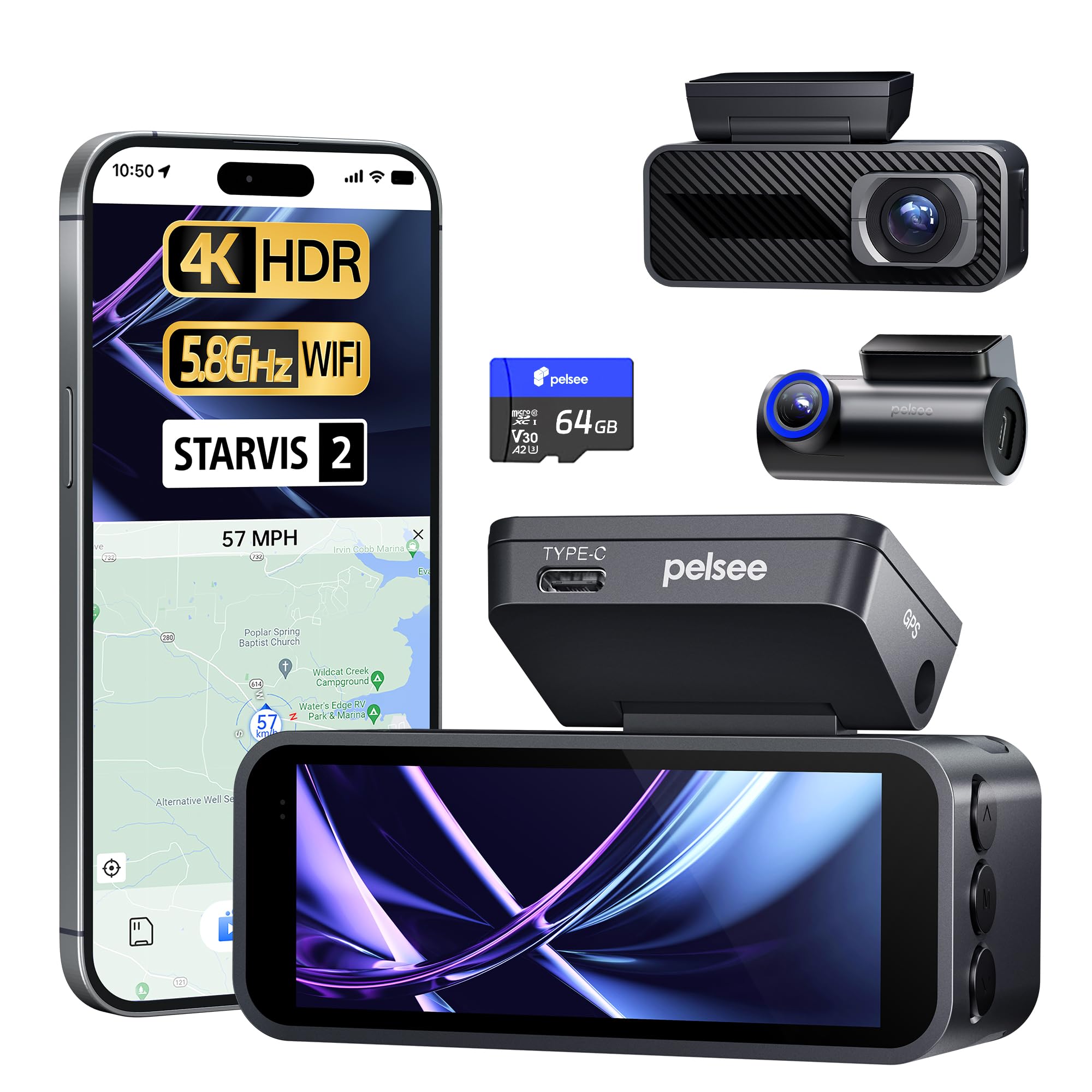
The Pelsee P1 Pro uses a Sony STARVIS 2 image sensor for the front camera, which delivers roughly four times the low-light sensitivity of standard sensors. This translates to full-color night vision even in starlight conditions, outclassing cameras that switch to grainy black-and-white IR after dark. The 4K HDR front camera handles high-contrast scenes like direct sunlight and tunnel exits without blowing out license plate details.
ADAS features — forward collision warning, lane departure alert, pedestrian warning, and front vehicle start reminder — give visual and audio cues at 0.8 to 2 seconds reaction time. The 5.8GHz dual-band Wi-Fi provides a stable, fast connection to the Pelsee Cam app for live view and video downloads. GPS tracking embeds speed and coordinates onto each clip, and the 3.39-inch IPS screen offers crisp live previews for mounting adjustments.
The voice control system recognizes commands even with road noise, and the included 64GB card (expandable to 512GB) covers loop recording. Some users noted that the power adapter needed wiggling to maintain connection, and the long power cable can be tough to hide in trucks and vans. ADAS alerts can feel overly sensitive for some drivers, but they are adjustable through the app.
Why it’s great
- STARVIS 2 sensor delivers full-color night vision
- 5.8GHz Wi-Fi provides fast, stable app connection
- ADAS alerts cover collision, lane departure, and pedestrian warning
- 64GB card included, expandable to 512GB
Good to know
- Power adapter can have intermittent contact issues
- ADAS notifications may be too frequent for city driving
- Rear camera cable routing requires patience in larger vehicles
3. FAIMEE 4K+2K+2K 3 Channel Dash Cam
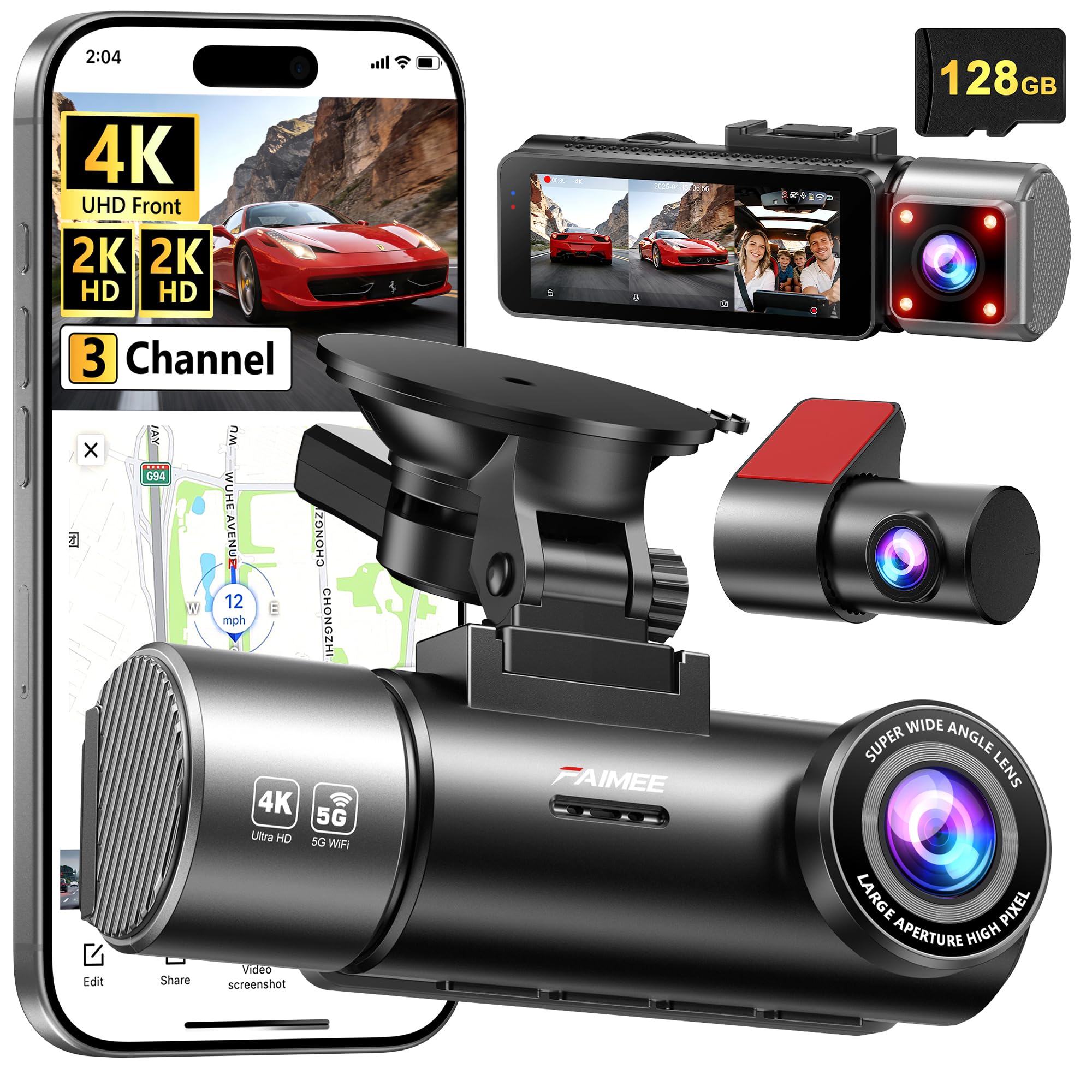
FAIMEE’s 3-channel system records 4K front, 2K interior, and 2K rear simultaneously — a rare spec at this price point. The interior camera is especially useful for rideshare drivers monitoring passenger behavior or parents keeping an eye on back-seat kids. The 170° front and 150° rear lenses minimize blind spots, and the F1.8 aperture with WDR keeps footage balanced in challenging lighting.
The dual-band Wi-Fi (5.8GHz/2.4GHz) connects reliably to the FAIMEE app for live view and downloads, and the built-in GPS logs speed, route, and location data that can be overlaid on Google Maps. A 128GB high-endurance memory card is included out of the box, so there is no need to buy extra storage for months of daily driving. The system supports up to 256GB for extended recording.
Parking mode with time-lapse recording works with a hardwire kit (sold separately), and the G-sensor locks clips automatically during collisions. The main drawback is the cable length for the rear camera — it is sufficient for cars but may not reach the tailgate on vans, trucks, or longer SUVs without extensions. The on-device menu is functional but could benefit from clearer labeling.
Why it’s great
- 4K front + 2K interior + 2K rear recording
- 128GB card included — no immediate storage upgrade needed
- Dual-band Wi-Fi ensures stable app connectivity
- GPS tracking overlaid on Google Maps for trip review
Good to know
- Rear camera cable may be too short for vans and large trucks
- On-device menu system could be more intuitive
- Hardwire kit required for parking mode (not included)
4. WOLFBOX G850 PRO 4K Mirror Dash Cam

The WOLFBOX G850 PRO replaces your rearview mirror with a 12-inch full IPS touchscreen display that shows live feeds from both cameras. The front records 2560×1440 at 30fps, and the rear captures 1080p at 25fps. The split-screen mode lets you view both feeds simultaneously, which effectively eliminates the need for a traditional rearview mirror when the rear camera is mounted on the back window.
ADAS includes forward collision, pedestrian collision, lane departure, lead vehicle start, and distance monitoring. The blind-spot detection (BSD) algorithm alerts you to vehicles in adjacent lanes and rear collision risks — features rarely found on mirror-style dash cams. The 5.8GHz Wi-Fi connects to the WOLFBOX app for quick downloads, and voice control handles 12 commands including “Turn on WiFi”, “Take picture”, and “Lock the video”.
The 64GB card is included, and GPS is built in with an external antenna for accurate speed and route logging. Some users note that the large mirror display can obstruct the driver’s view in smaller cars if not positioned carefully. ADAS alerts can be distracting during everyday driving, and the display brightness may be insufficient under direct sunlight or with polarized sunglasses. Parking mode requires a separate hardwire kit.
Why it’s great
- 12-inch touchscreen replaces the stock rearview mirror
- ADAS + BSD provide comprehensive driving alerts
- 5.8GHz Wi-Fi for fast app connection and downloads
- Voice control handles 12 hands-free commands
Good to know
- Large display can obstruct view in compact cars
- ADAS alerts may be overly sensitive for city driving
- Display brightness may be too low with sunglasses on
5. REDTIGER F17 Elite 4K Dash Cam 3 Channel
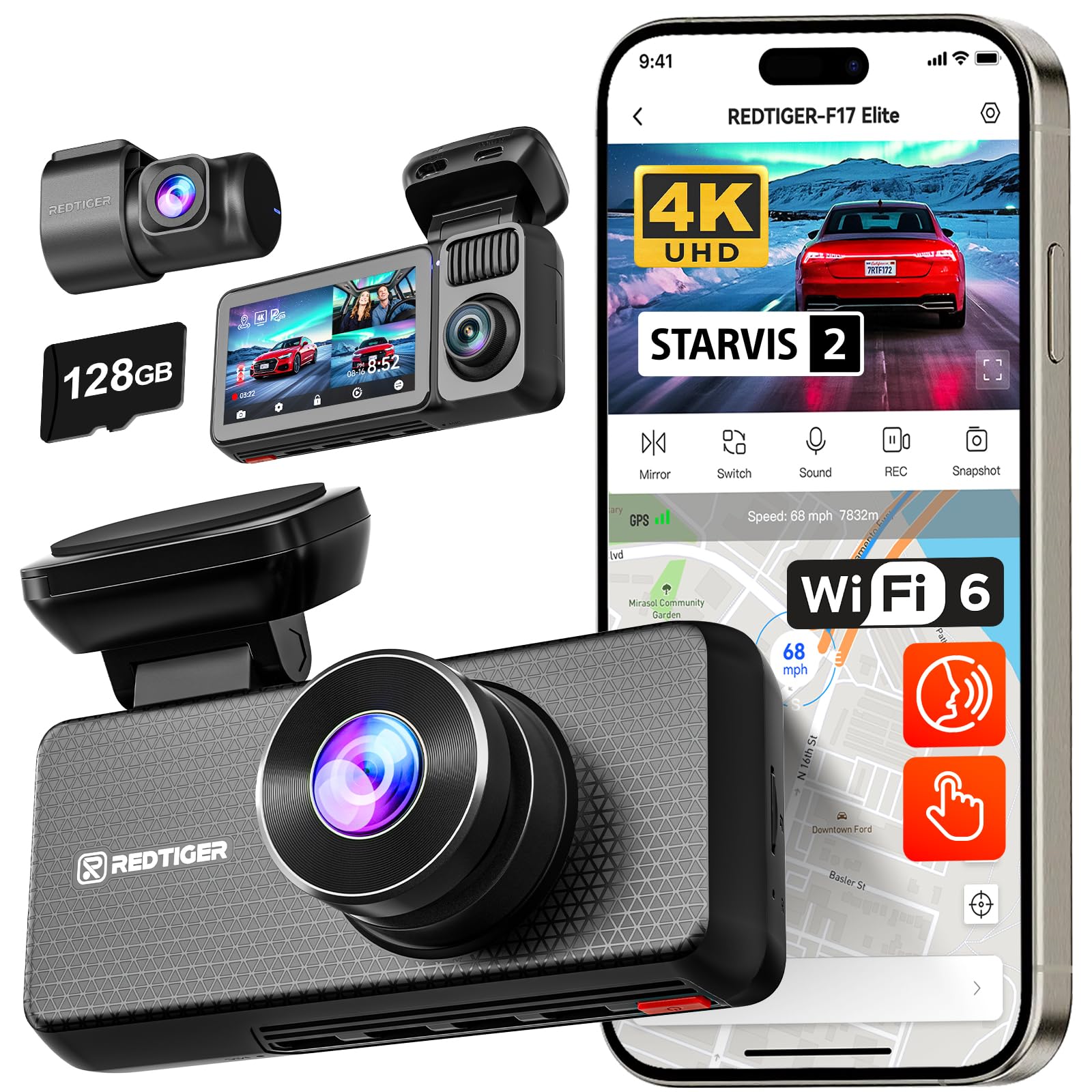
The REDTIGER F17 Elite pairs dual Sony STARVIS 2 sensors — an 8MP IMX678 for the front and a 4MP IMX675 for the rear — to deliver true 4K front, 2.5K rear, and 1080P cabin recording. This sensor combination outperforms most competitors in its price range, maintaining full-color night vision for both the front and interior cameras thanks to the enhanced NIR sensitivity of the STARVIS 2 platform.
Wi‑Fi 6 with 5.8GHz support enables app download speeds up to 30 MB/s, which is roughly three times faster than typical dual-band Wi-Fi 5 cameras. The REDTIGER Cam app supports live view, quick video sharing, and GPS tracking with speed and route overlay. A 128GB microSD card is included, and the system supports expansion up to 512GB for extended loop recording.
Voice control, a responsive touchscreen, and a customizable cabin camera toggle for privacy make this a polished experience. Parking mode with buffered motion detection captures pre-event footage, though it requires a hardwire kit. Some users report that the app connection can be finicky during initial setup, and the adhesive mount is permanent — no suction cup option for easy relocation.
Why it’s great
- Dual STARVIS 2 sensors for true full-color night vision
- Wi‑Fi 6 app downloads at up to 30 MB/s
- 128GB card included, expandable to 512GB
- Touchscreen interface with voice control
Good to know
- Adhesive mount is permanent — no suction cup option
- App connection can be tricky during first-time pairing
- Parking mode hardwire kit not included
6. Vantrue N5 4 Channel WiFi 360° Dash Cam

The Vantrue N5 is the only four-channel dash cam on this list, recording from the front (2.7K), front cabin (1080P), rear cabin (1080P), and rear (1080P) simultaneously. This eliminates every blind spot around your vehicle, including the side windows and trunk area that standard dual-cam systems miss. For rideshare drivers monitoring back-seat passengers, or families with children in the third row, this coverage is unmatched.
The buffered parking mode is a game-changer: the camera continuously records a pre-event buffer, so when motion or impact triggers a recording, the saved clip includes the seconds before the event happened. This is critical for hit-and-run evidence where the initial impact is the most important moment. The STARVIS 2 sensor in the front camera and IR lights in the cabin cameras ensure night recordings remain clear and colored, not grainy black-and-white.
The 5GHz Wi-Fi connects to the Vantrue app for live view, video downloads, and OTA firmware updates without needing to remove the SD card. Dual GPS tracks speed and location accurately, and voice control supports multiple languages. The main downsides are the price — it is the most expensive model here — and the requirement to use Vantrue-approved SD cards for reliable performance, which adds to the overall cost.
Why it’s great
- 4-channel 360° coverage captures every angle including side windows
- Buffered parking mode records pre-event footage
- STARVIS 2 front sensor with IR cabin cam for full night color
- OTA firmware updates via the app
Good to know
- Premium price — the most expensive option on the list
- Requires Vantrue-approved SD cards for reliable operation (not included)
- No suction cup mount; uses adhesive pads only
7. FAIMEE 4K+2K Dash Cam Front and Rear
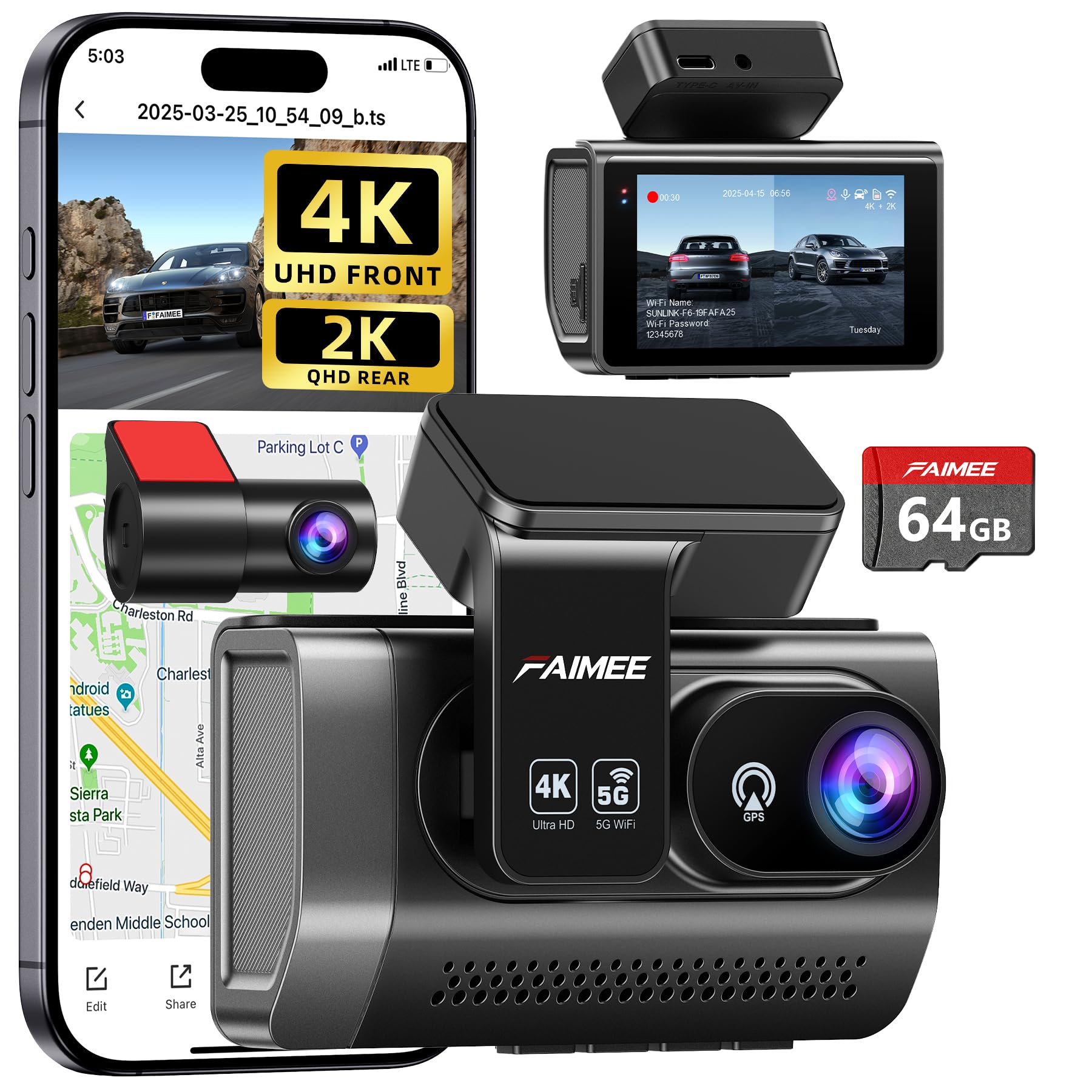
The FAIMEE 4K+2K delivers surprising value for the price. The front camera records 3840×2160 at 25fps, and the rear captures 2304×1296, both with 170° wide-angle lenses. The F1.8 aperture and WDR technology keep footage balanced in low-light and high-contrast conditions — an impressive feat at this price tier. A 64GB high-endurance card is included, and the system supports expansion up to 256GB.
The dual-band Wi-Fi (5.8GHz/2.4GHz) connects to the FAIMEE app for live view and downloads. The connection is stable enough for daily use, though the app interface is more basic than premium competitors. Built-in GPS logs speed, route history, and coordinates that can be reviewed on Google Maps, providing essential data for insurance claims or fleet management.
Parking mode with time-lapse recording offers 24-hour surveillance, though it requires a hardwire kit. The loop recording automatically overwrites the oldest footage, and the G-sensor locks critical clips during collisions. The compact 3-inch IPS screen fits discreetly behind the rearview mirror, and the stick-on mount makes installation simple. Some users note that the instruction manual is poorly written and that the rear camera cable is too short for larger vehicles.
Why it’s great
- 4K front + 2K rear at an entry-level price point
- 64GB card included — start recording immediately
- Dual-band Wi-Fi for app connectivity
- Built-in GPS with Google Maps route overlay
Good to know
- Basic instruction manual with limited clarity
- Rear camera cable may not reach in vans or large trucks
- App interface is simpler than premium alternatives
FAQ
Can I view my dash cam live on my phone while driving?
Do I need cellular data to use the dash cam app?
Will a 5.8GHz Wi-Fi dash cam work in my older car?
Final Thoughts: The Verdict
For most users, the best dash cam that connects to phone winner is the 70mai T800E because it combines Wi‑Fi 6 speeds, reliable app connectivity, and 3-channel coverage at a mid-range price that outperforms many premium competitors in transfer speed and heat tolerance. If you want STARVIS 2 night vision and ADAS driving alerts without breaking the budget, grab the Pelsee P1 Pro. And for total 360° surveillance where no blind spot is left uncovered, nothing beats the Vantrue N5.

Mo Maruf
I created WellFizz to bridge the gap between vague wellness advice and actionable solutions. My mission is simple: to decode the research and give you practical tools you can actually use.
Beyond the data, I am a passionate traveler. I believe that stepping away from the screen to explore new environments is essential for mental clarity and physical vitality.