Our readers keep the lights on and my smoothie glass nicely filled. As an Amazon Associate, I earn from qualifying purchases.
Staring at a cramped, blurry 1366×768 screen for eight hours a day is a slow drain on productivity and eye health. Upgrading to a dedicated 20-inch-class display with clear text and accurate color is the single most effective desk improvement you can make without rearranging your furniture.
I’m Mohammad Maruf — the founder and writer behind WellFizz. For years, I’ve analyzed budget display hardware, from TN panels to IPS flicker rates, to find the monitors that actually deliver sharpness and comfort without forcing you into expensive gaming-tier specs.
After reviewing the current market of compact Full HD and HD+ options, I’ve built a focused guide to the best 20 inch pc monitor for home offices, small desks, and dual-screen setups that value clarity and reliability over raw size.
How To Choose The Best 20 Inch PC Monitor
Buying a compact monitor requires balancing desk footprint, viewing comfort, and connectivity. The smallest spec choices — like a TN panel versus an IPS display — become the biggest quality-of-life factors on a small screen you stare at closely.
Panel Technology: IPS vs. TN vs. VA
IPS panels maintain color accuracy and brightness when you shift your head, which is critical on a shallow desk. TN panels offer faster response times but wash out at off-center angles. VA panels provide deeper blacks and a higher contrast ratio, ideal for dark-room work. For a 20-inch monitor used for spreadsheets or reading, IPS is almost always the safer choice.
Resolution: 1080p vs. 1600×900
Full HD (1920×1080) gives you noticeably sharper text and more screen real estate on a 20-inch panel. The lower HD+ (1600×900) resolution saves money but can make small fonts feel fuzzy. If your primary task is email and web browsing, HD+ is workable; for reading documents or editing photos, spend the small premium on 1080p.
Refresh Rate and Eye Comfort
A 60Hz panel is standard, but 75Hz, 100Hz, or 120Hz improves cursor smoothness and reduces perceived flicker. Look for monitors with Flicker-Free backlighting and Low Blue Light modes that do not wash out color. These features directly reduce headache and eye strain during long sessions.
Quick Comparison
On smaller screens, swipe sideways to see the full table.
| Model | Category | Best For | Key Spec | Amazon |
|---|---|---|---|---|
| ASUS VP229Q | Premium | Color-critical office work | 21.5″ IPS 75Hz | Amazon |
| Lenovo L22-4e | Mid-Range | Home office dual screening | 21.5″ IPS 100Hz | Amazon |
| ViewSonic VA2256-MHD | Mid-Range | Versatile connectivity | 22″ IPS 75Hz | Amazon |
| AOC 24B35H3 | Mid-Range | Budget 120Hz smoothness | 24″ IPS 120Hz | Amazon |
| SANSUI ES-22X3AH | Mid-Range | High contrast ratio | 22″ VA 120Hz | Amazon |
| Dell E2016H | Budget | Reliable brand at HD+ | 20″ TN 1600×900 | Amazon |
| Dell E2020H | Budget | Entry-level multi-monitor | 19.5″ TN 1600×900 | Amazon |
In‑Depth Reviews
1. ASUS VP229Q
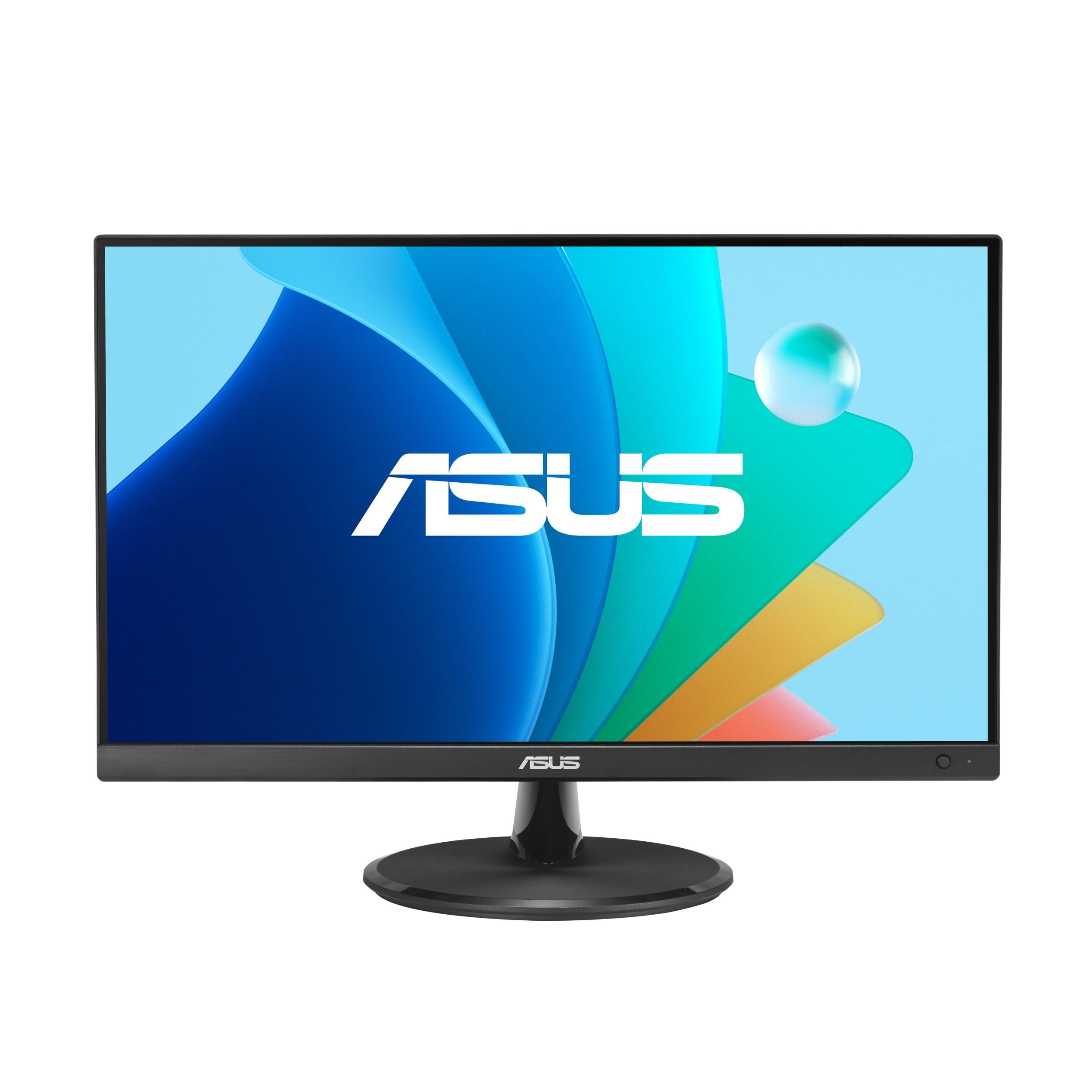
The ASUS VP229Q delivers the best combination of color fidelity and desk adaptability on this list. Its 21.5-inch IPS panel delivers 178-degree viewing angles and true 1080p sharpness, making it ideal for anyone who reads spreadsheets or edits photos on a compact monitor. The 75Hz refresh rate with Adaptive-Sync eliminates the micro-stutter you notice on standard 60Hz displays, and ASUS Eye Care technology (TÜV Rheinland-certified) keeps your eyes fresh.
Connectivity is a standout feature: you get HDMI, DisplayPort, and VGA, plus built-in 1.5-watt speakers for basic audio. The frameless bezel design feels modern on a desk, and VESA mounting is supported if you want to use an arm. Included cables for HDMI and DisplayPort mean you can plug into a modern laptop or older desktop immediately.
Some users note the base lacks swivel adjustment and the speakers are not powerful, but the consistent backlight, lack of dead pixels, and G-SYNC compatibility with NVIDIA cards make this the most versatile premium pick for a home office or creative setup.
Why it’s great
- Full HD IPS with excellent color reproduction
- Includes HDMI, DisplayPort, and VGA
- 75Hz Adaptive-Sync for smooth scrolling
Good to know
- Stand is tilt-only with no height adjustment
- Built-in speakers are weak
2. Lenovo L22-4e
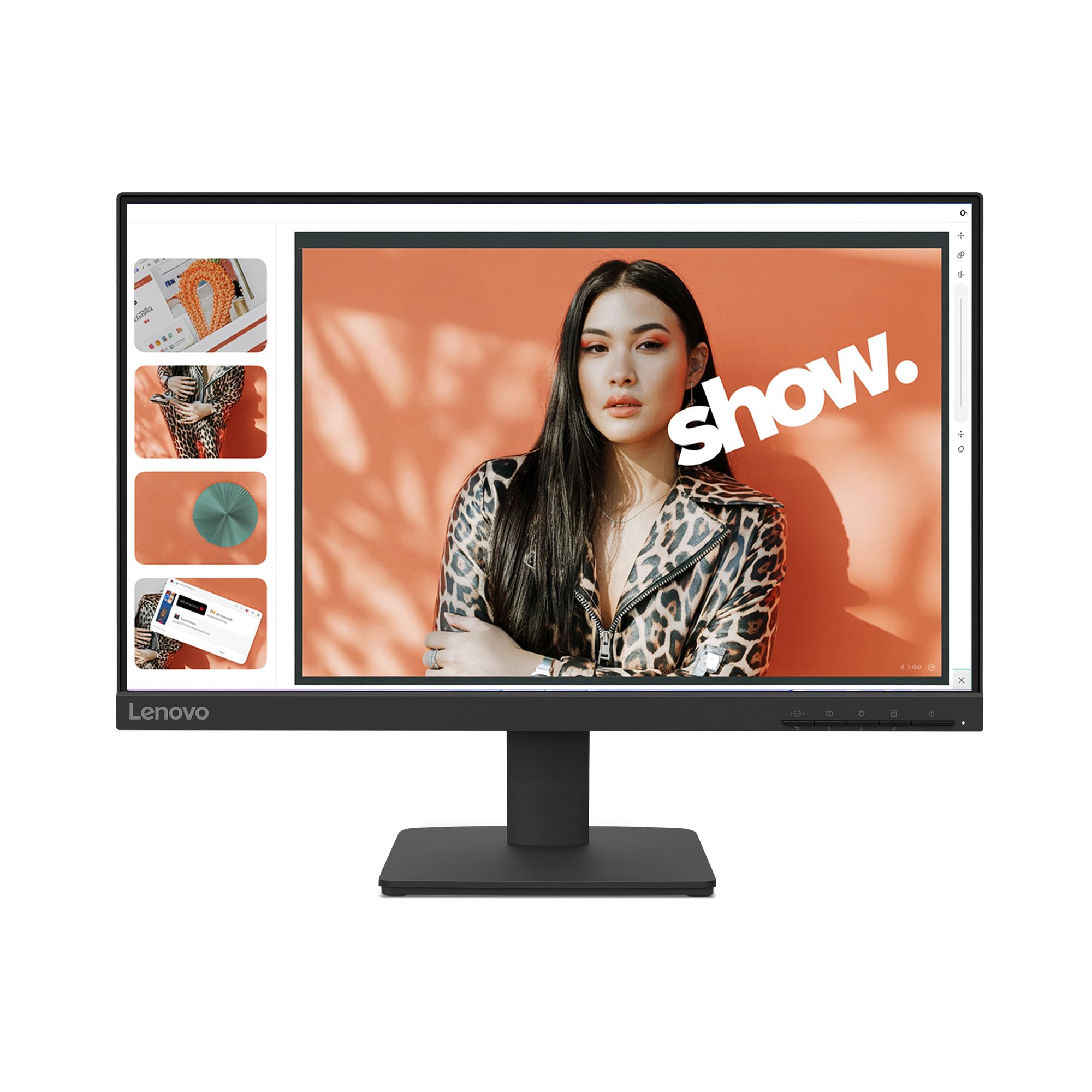
The Lenovo L22-4e is the perfect secondary monitor for a dual-screen home office. Its 21.5-inch Full HD IPS panel covers 99% of the sRGB gamut, which means photos and UI elements appear accurate and vibrant. The 100Hz refresh rate is noticeably smoother than typical 75Hz displays, and the 4ms response time keeps motion artifacts minimal even when you drag windows across the screen.
The three-sided borderless design makes it easy to pair with a primary monitor without a distracting bezel gap. It includes a tilt stand and is VESA-mountable. Lenovo also ships this unit in 100% paper-based packaging, which matters if you prioritize recyclability. Setup is quick with the included HDMI cable.
A few buyers received a cracked unit during shipping, though replacements were handled the same or next day. The monitor lacks built-in speakers, so plan for external audio. For the price point, the combination of IPS color accuracy, 100Hz refresh, and a comfortable blue-light filter makes this an exceptional value for long workdays.
Why it’s great
- 99% sRGB color gamut for accurate visuals
- 100Hz refresh rate reduces scrolling fatigue
- Three-sided borderless design for clean multi-monitor setups
Good to know
- No built-in speakers
- Shipping damage reported in isolated cases
3. ViewSonic VA2256-MHD

The ViewSonic VA2256-MHD is the king of connectivity in this size class. Alongside standard HDMI, it also includes DisplayPort and VGA, letting you connect legacy desktops, modern laptops, and gaming consoles without adapters. The 22-inch IPS panel delivers consistent color and 1080p sharpness, while the 75Hz refresh rate and FreeSync support keep scrolling and light gaming smooth.
ViewSonic includes preset picture modes for Game, Movie, Web, Text, and Mono, so you can optimize contrast and sharpness per task without digging into menus. The Flicker-Free and Blue Light Filter technology reduces eye strain effectively. The bezel is thin enough to blend well into a multi-monitor setup, and the monitor auto-detects the active video source, a small convenience that saves fumbling for buttons.
The main trade-off is the stand: it is tilt-only, has no height adjustment, and can feel wobbly. Brightness maxes out at 250 nits, which is adequate for indoor use but not bright-side-window viewing. None of these drawbacks matter much for a budget-friendly 22-inch display that delivers clean text and robust port selection out of the box.
Why it’s great
- HDMI, DisplayPort, and VGA built in
- FreeSync for smooth frame rates
- Preset modes for different content types
Good to know
- Stand lacks height adjustment and feels flimsy
- 250 nits is average brightness
4. AOC 24B35H3
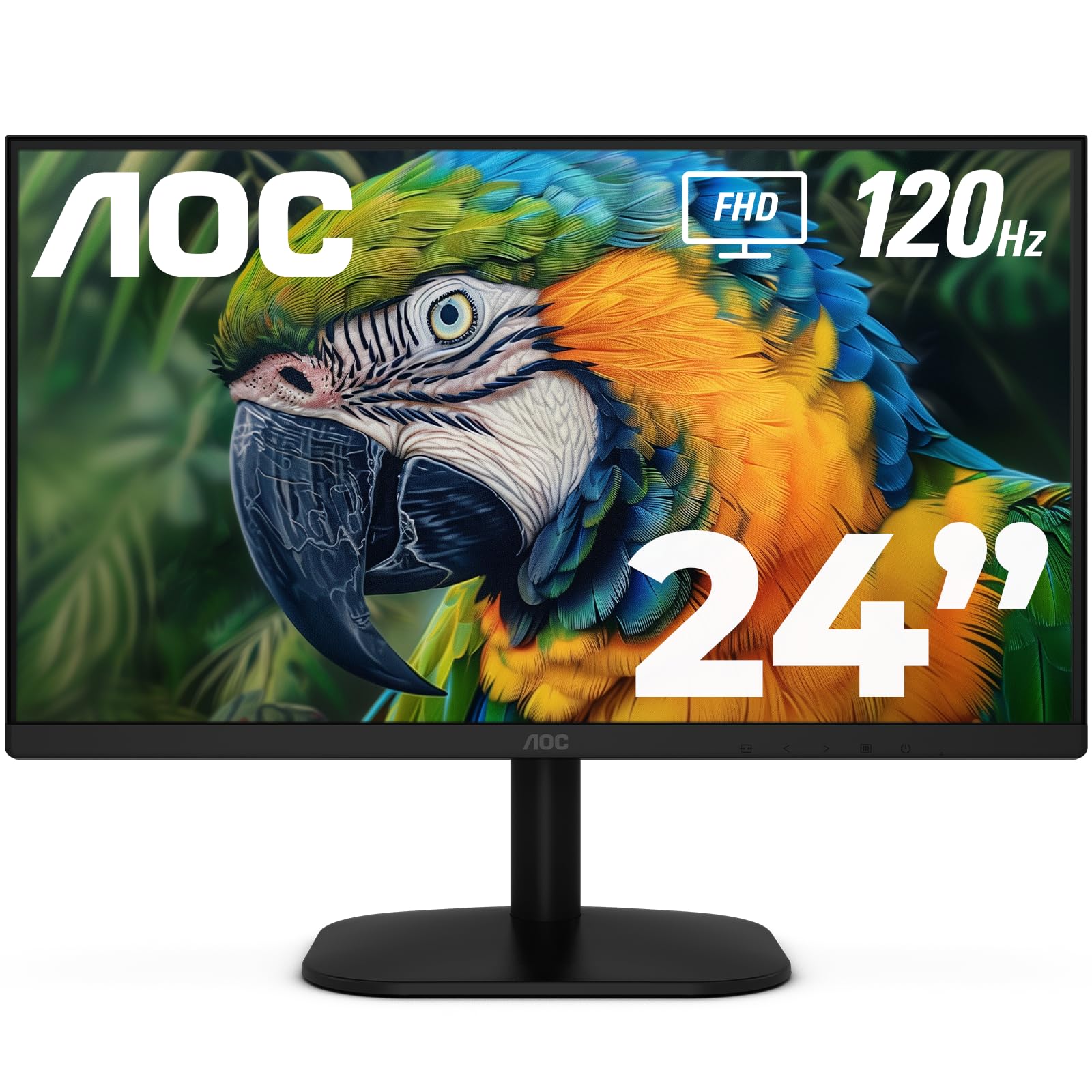
The AOC 24B35H3 punches far above its price tier by offering a 120Hz refresh rate on an IPS panel. If you split time between office work and light gaming, this monitor delivers ultra-smooth cursor movement and tear-free video playback thanks to Adaptive Sync. The 24-inch Full HD display with 100% sRGB gamut makes colors look punchy without oversaturation.
Build quality is surprisingly thin and modern, with a tilt-adjustable stand and VESA mount compatibility. Connectivity includes HDMI and VGA, plus a 3.5mm headphone jack for private audio. Several reviewers note that the display is crisp and bright enough for productivity, and mounting it on an arm is straightforward.
One omission is the lack of DisplayPort, so you will need to use HDMI for high-refresh-rate input. The stand only tilts, with no swivel or height adjustment. For the price, though, you get a 120Hz IPS panel with a wide color gamut that rivals monitors costing significantly more, making it an excellent choice for a value-conscious buyer who wants smooth motion.
Why it’s great
- 120Hz IPS panel for buttery-smooth visuals
- 100% sRGB and 84% NTSC color coverage
- Thin profile and VESA mountable
Good to know
- No DisplayPort included
- Stand is tilt-only
5. SANSUI ES-22X3AH
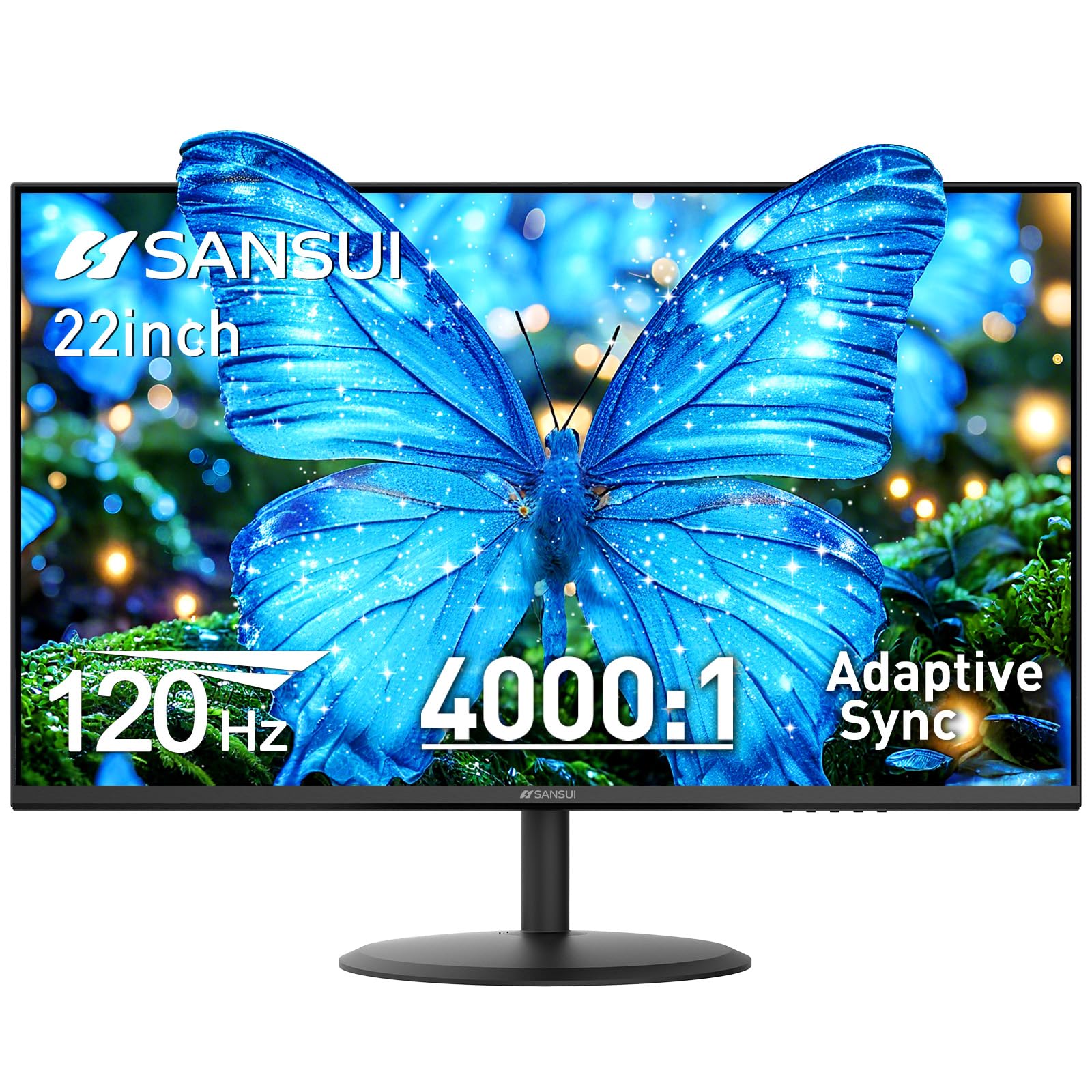
The SANSUI ES-22X3AH stands out with its VA panel that achieves a 4000:1 contrast ratio — four times deeper than typical IPS or TN monitors. Blacks look genuinely dark, making this a strong contender for watching movies, editing dark-themed designs, or working in a dim room. The 22-inch Full HD display also covers 100% sRGB and supports HDR mode for punchier highlights.
Its 120Hz refresh rate and Adaptive Sync provide the same smooth scrolling and gaming performance as the AOC option, but the VA panel gives richer contrast at the cost of slightly narrower viewing angles. Dual HDMI ports let you switch between a work laptop and a desktop easily. VESA 75x75mm mounting and a -5° to 22° tilt range add ergonomic flexibility.
Some units ship with a power cord that has a bulky plug that can feel loose in certain outlets, and the monitor has no built-in speakers.
Why it’s great
- 4000:1 contrast ratio for deep blacks
- 120Hz refresh rate with FreeSync
- Dual HDMI ports for easy device switching
Good to know
- Power cord plug can be loose in some outlets
- No built-in speakers
6. Dell E2016H

The Dell E2016H is a no-nonsense 20-inch monitor for users who need a true 20-inch panel (1600×900 resolution) and value brand reliability. The TN panel delivers a 1000:1 contrast ratio and 250 cd/m² brightness, which is adequate for spreadsheets, email, and running a server or backup display. Dell’s build quality is consistent, and the cable management system keeps your desk tidy.
Port selection includes DisplayPort and VGA, but notably lacks HDMI, so you may need an adapter to connect a modern laptop. The monitor is VESA-mountable and has a reduced footprint compared to older generations. It is ENERGY STAR and TCO Certified, and the packaging is Styrofoam-free with recycled cardboard.
The TN panel’s viewing angles are narrow, so color shifts if you do not sit directly in front. Some users report a blurry appearance at default settings, which can be improved by adjusting the sharpness or contrast via the on-screen menu. This monitor is best suited for someone who needs a small, reliable screen that fits on a tight desk and does not require wide-angle color accuracy.
Why it’s great
- True 20-inch size fits compact spaces
- DisplayPort for clean digital signal
- Energy Star certified and eco-friendly packaging
Good to know
- TN panel has narrow viewing angles
- No HDMI port included
7. Dell E2020H

The Dell E2020H is the entry-level king for budget multi-monitor setups. Its 19.5-inch screen with 1600×900 HD+ resolution is small enough to tuck beside a larger primary display, and the anti-glare coating makes it usable near a bright window. Dell Display Manager’s Easy Arrange feature allows you to quickly tile windows across multiple monitors, a genuine productivity booster.
It uses a TN panel with ComfortView, which reduces blue light emissions without the yellow tint that plagues many software filters. Connectivity relies on VGA and DisplayPort (no HDMI), so you will need an adapter to connect to many modern laptops. The VESA mount option keeps your setup flexible, and the thin profile and cable management improve desk aesthetics.
The resolution (1600×900) means text is not as crisp as 1080p on a similar-sized screen, and the TN viewing angles are limited. Some users report the screen looks blurry out of the box, requiring manual sharpness adjustments. If you need the smallest footprint possible and can tolerate HD+ resolution, the E2020H is a reliable, affordable solution for stacking monitors or as a dedicated display for a secondary machine.
Why it’s great
- Compact 19.5-inch size ideal for tight desks
- Anti-glare coating reduces reflections
- Dell Display Manager for easy window tiling
Good to know
- 1600×900 resolution is less sharp than Full HD
- No HDMI port available
FAQ
Is 1600×900 acceptable for a 20-inch monitor in 2025?
Which panel type is best for an office 20-inch monitor?
Do I need a monitor with built-in speakers for a compact desk?
Final Thoughts: The Verdict
For most users, the best 20 inch pc monitor winner is the ASUS VP229Q because it combines a true IPS panel, 75Hz refresh, and the widest range of inputs (HDMI, DisplayPort, VGA) at a competitive price — making it a genuine all-rounder for home offices and creative work. If you want deeper contrast and smoother 120Hz motion, grab the SANSUI ES-22X3AH instead. And for the tightest desk or a cheap second monitor, nothing beats the Dell E2020H.

Mo Maruf
I created WellFizz to bridge the gap between vague wellness advice and actionable solutions. My mission is simple: to decode the research and give you practical tools you can actually use.
Beyond the data, I am a passionate traveler. I believe that stepping away from the screen to explore new environments is essential for mental clarity and physical vitality.