Our readers keep the lights on and my smoothie glass nicely filled. As an Amazon Associate, I earn from qualifying purchases.
Specs are compiled from manufacturer listings and verified buyer reviews and can change over time — please confirm the key details on the product page before buying.
You are buying a screen for your business, not your living room. A commercial display is built to run 16 hours a day, seven days a week, in a busy lobby, a restaurant, or a retail floor — and the difference between a TV and a commercial screen is the difference between years of steady service and a flickering failure in months. The brightness, the software, the warranty, and the panel itself are all engineered for constant use, so you get a screen that does what you need without you worrying about whether it can handle the load.
I’m Mohammad Maruf — the founder and writer behind WellFizz. This guide is built by comparing the manufacturers’ published specifications and the patterns across verified customer reviews, so you get each pick’s real strengths and trade-offs instead of marketing spin.
if you need an interactive kiosk for a trade show floor or a simple lobby sign that runs on a schedule, this breakdown of the best commercial displays covers the specs that actually separate a workhorse from a headache.
Our Picks at a Glance

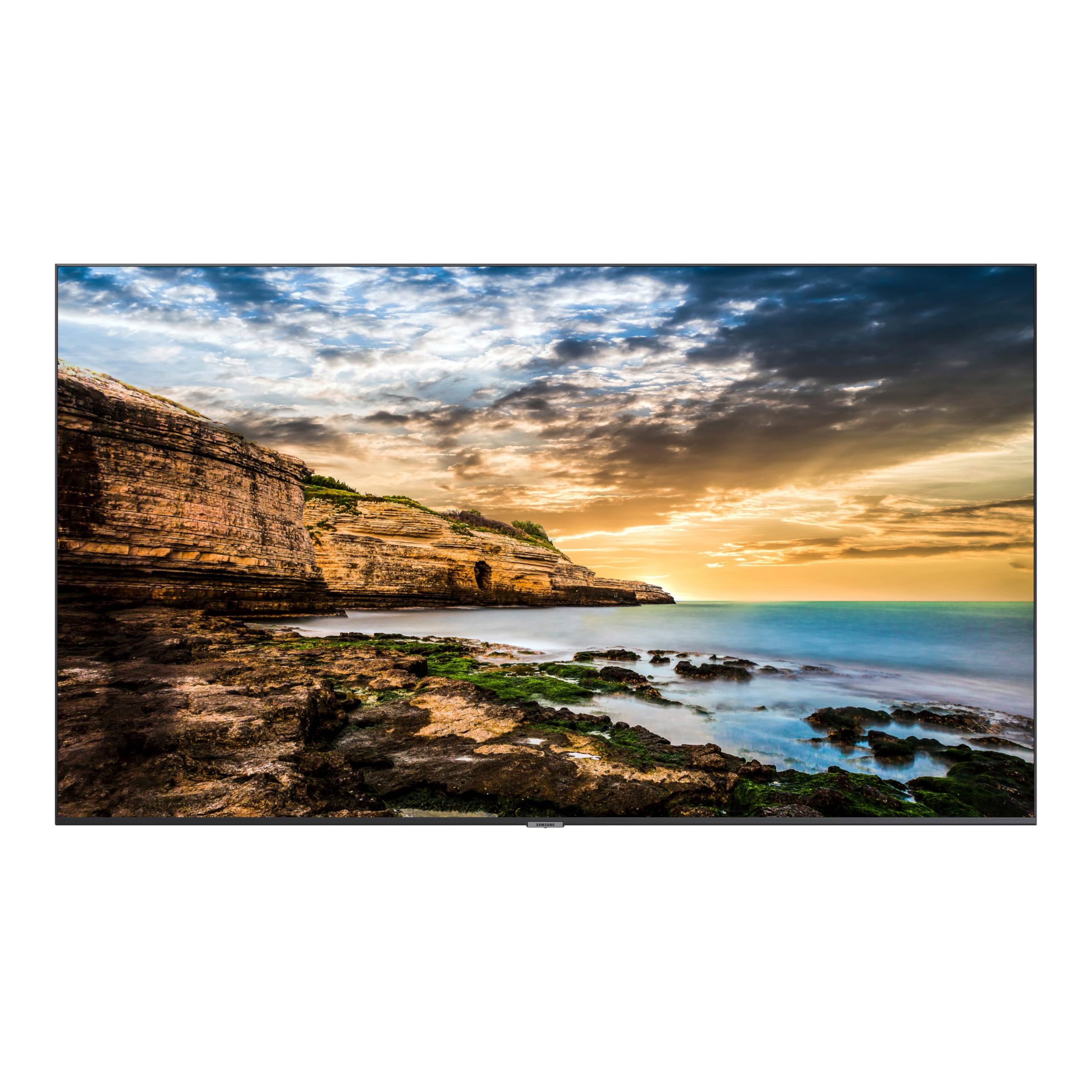

How To Choose The Best Commercial Displays
A commercial display purchase affects your daily operations, your customer’s first impression, and your maintenance budget for years.
Brightness: Nits, Light, and Your Room
The single most important spec for a commercial display is brightness, measured in nits (or cd/m², the unit for candelas per square meter). A standard home TV runs around 250 to 300 nits, which is fine for a dim living room. A commercial display in a storefront window or a lobby with large windows needs much more — 700 nits, 1000 nits, or even higher — so the content stays readable instead of looking washed out. A 250-nit display in a bright room will frustrate everyone who tries to read your menu or announcement.
Operating System and Software
Most commercial displays now run an Android operating system, which lets you install apps, schedule content, and manage the screen remotely. Some come with a built-in content management system (CMS) that lets you update a single screen or a hundred screens from your phone or laptop. Reliable software defines the daily experience — a great screen with buggy software is still a headache.
Warranty and Build
A commercial-grade display is built to run 16/7 or even 24/7, and it comes with a warranty that matches that expectation. Look for a 3-year warranty that covers onsite service, not just a return-to-depot plan. The physical build also matters — metal chassis, heat dissipation, and sturdy mounting points are signs of a display that will survive years of constant use in a public space.
Quick Comparison
| Model | Best For | Brightness | Resolution | Touchscreen | Amazon |
|---|---|---|---|---|---|
| MWE 55″ 4K Touchscreen Kiosk★ Best Overall | Interactive retail & trade shows | — | 3840 x 2160 | Yes | Amazon |
| Samsung 43″ QET SeriesPremium Pick | Corporate & church lobbies | 300 cd/m² | 3840 x 2160 | No | Amazon |
| Samsung 50″ BE50T-H Pro TVBest Value | Budget commercial monitor | 250 nits | 3840 x 2160 | No | Amazon |
| Canlarriz 50″ Digital Signage | High-brightness menu boards | 1000 nits | 3840 x 2160 | No | Amazon |
| YCKJNB 37″ Floor Standing Kiosk | Interactive wayfinding & info | 480 nits | 1920 x 1080 | Yes | Amazon |
| JIYANG 49″ Floor Standing Kiosk | Elegant lobby & restaurant signs | — | 1920 x 1080 | No | Amazon |
| JASZDOT 65″ 4K Digital Signage | Large-format interactive signage | 600 nits | 3840 x 2160 | No | Amazon |
| HARZHI 65″ Digital Signage Kiosk | Multi-purpose business display | — | 3840 x 2160 | No | Amazon |
In‑Depth Reviews
1. MWE 55 Inch 4K Touchscreen Kiosk, Indoor Floor Standing Digital Signage Display
Our pick — 4.5★ from 50+ verified ratings; the strongest balance of quality and price.
You get a 55-inch touchscreen and 4K resolution in one floor-standing unit — it works as a sales tool, a directory, and a self-service kiosk.
This MWE kiosk delivers a 3840 x 2160 (4K) touchscreen in a floor-standing frame, so customers at a trade show, retail store, or conference lobby can tap, swipe, and explore. The Android operating system lets you install apps, plug in a USB drive, or manage the screen remotely over Wi-Fi or Ethernet — you can update a menu, start a slideshow, or run an interactive game without touching the screen. That richness matters when you are showing product photos, brand logos, or video ads.
Owners consistently mention the build quality and professional appearance. The slim bezel and sleek design mean it does not look like a bulky old kiosk — it blends into a modern space. The real star here is the touch responsiveness: owners mention the screen reacts smoothly without lag, making it ideal for interactive content like surveys, self-help kiosks, or games. The purchase includes a 3-year warranty on quality defects, and the manufacturer offers a lifetime CMS system and custom logo stickers for branding.
The trade-off is the contrast ratio. That said, for the vast majority of advertising, menu, and wayfinding use, the crisp 4K resolution and smooth touch response more than compensate.
What wins people over
- Stunning 4K touchscreen that makes products and graphics pop.
- User-friendly Android OS with plug-and-play USB and Wi-Fi management.
- Sturdy, slim design with a professional look for any retail or trade show floor.
The trade-off to know
Best for interactive use: This is the pick if you need a touchscreen that customers can tap on — for a trade show demo, a store directory, or an interactive ad campaign.
Consider the limits: If your content relies on deep black levels and cinematic contrast, a non-touch LED display with a higher contrast ratio will look better.
2. SAMSUNG 43” QET Series LFD Display with Integrated MagicInfo Lite Player
Text and graphics look deeper and richer on this display thanks to its 4000:1 contrast ratio.
The Samsung QET Series makes church announcements, corporate lobby slides, and retail signage look their best. It runs a Crystal 4K processor that drives a UHD resolution (3840 x 2160) on an LED panel with a 4000:1 contrast ratio — that is more than three times the contrast of the MWE touchscreen kiosk (1200:1), which means deeper blacks, brighter whites, and a noticeably more refined image for text-heavy content like menus or schedules. The brightness is rated at 300 cd/m², which is appropriate for indoor spaces with controlled lighting but will feel dim in a storefront with direct sunlight.
The integrated MagicInfo Lite Player handles content scheduling and remote management, and customers note it works well for lobbies and church use — as owners put it: “We brought this for our church announcements to run in the lobby and it did not disappoint.” The anti-glare screen helps readability in bright rooms, and the built-in speakers are present, though many buyers prefer to use an external speaker for better audio quality. The display supports wall mounting, pivot adjustment, and connectivity via HDMI 2.0, HDCP 2.2, and USB 2.0. The 3-year onsite commercial warranty is a significant advantage, covering 16/7 operation.
The contrast ratio advantage over the MWE kiosk is the headline feature, and for content that relies on sharp typography and vibrant graphics, this display delivers a noticeably richer image. The trade-off is the lack of a touchscreen — this is a passive display for viewing, not interaction. If your goal is to show information and advertisements with the best possible image quality in a controlled indoor space, this is the display to beat.
The standout strengths
- Excellent 4000:1 contrast ratio makes text and images look deep and rich.
- Integrated MagicInfo Lite software simplifies content scheduling and remote management.
- Full 3-year onsite commercial warranty built for 16/7 operation.
What to keep in mind
- 300 cd/m² brightness is fine for indoor lobbies but not bright enough for window-facing use.
- No touchscreen — it is a display-only solution for viewing, not interaction.
Reach for this if: You need a reliable, high-contrast screen for a lobby, church, or office that runs 16 hours a day and looks fantastic doing it.
Look elsewhere if: You need a touchscreen for customer interaction or a display bright enough to compete with direct sunlight.
3. Samsung 50-Inch BE50T-H Pro TV Commercial
For a dimly lit indoor space, this 50-inch 4K screen costs less than the QET Series and offers solid contrast.
The Samsung BE50T-H is a 50-inch commercial-grade display that offers excellent value for businesses that need a reliable screen without the cost of a full digital signage kiosk. It actually offers strong black-level depth for its price, making it a strong choice for content that demands rich contrast — menus, text-heavy announcements, and video. The display runs at 250 nits brightness, which is on the lower end for commercial use, so it is best suited for dimly lit lobbies, conference rooms, or indoor signage where sunlight is not a factor.
This unit is a “smart TV” that supports YouTube from the start, but it is designed to be used as a non-smart monitor — many buyers purchase it specifically for use with external streaming devices like Apple TV or Roku. The Samsung Pro TV app allows on-the-fly content creation and scheduling from your phone or tablet, which is a convenient tool for small businesses. The 16/7 operating certification means it can run reliably during business hours, though the overall crowd feedback puts it at a decent but not outstanding satisfaction level. A minority of reviewers point out reliability issues after about six months, particularly with LED failures, so the 3-year warranty is worth verifying at purchase.
Key trade-off: At 250 nits, this display is not bright enough for a storefront window or a lobby with lots of natural light. It is a solid choice for controlled indoor environments where the primary goal is a big, clear 4K screen at a lower price point.
Best for budget-conscious buyers: If you need a large commercial-grade 4K display for a dimly lit room and plan to use your own media player, this is an excellent value.
skip it if: You need high brightness for a bright retail space or need a commercial display with a proven track record of long-term reliability.
4. Digital Signage Display 50 inch Wall Mount, 1000 nits Ultra-High Brightness

Its 1000-nit rating makes it readable in storefront windows and sunny lobbies — more than triple the Samsung QET’s 300 nits.
This Canlarriz 50-inch display is purpose-built for one job: being seen in a bright room. With a brightness rating of 1000 nits (advertised; some components are listed at 700 lm), it is dramatically brighter than the Samsung QET’s 300 nits or the BE50T’s 250 nits, which makes it the go-to choice for storefront windows, sunny lobbies, and any location where direct or indirect sunlight washes out the screen. The 4K UHD resolution (3840 x 2160) ensures the content remains sharp, and the 2000:1 contrast ratio provides good depth for the brightness level.
The built-in Android system includes a free CMS software for remote content management, split-screen support (dividing the display into 2 to 6 zones), and scheduled power on/off for different menus throughout the day. The 50,000-hour lifespan and 178° viewing angle mean it will serve reliably for years. However, the software receives mixed feedback from buyers — some find it functional after setup, while others report it is unstable and poorly tune. The display is also heavy at 20 kilograms (about 44 lbs), and installation requires mounting on a solid wall. The 3-year warranty provides some confidence for a commercial investment.
The bright side: class-leading brightness for glare-prone rooms; the 1000-nit panel crushes what standard commercial displays can manage. The software side: The CMS can be frustrating to learn and use, and the initial setup process is more involved than plug-and-play displays.
Reach for this if: Your display sits in a bright room — a storefront, a sunny lobby, or a restaurant with large windows — and you need the screen to stay readable all day.
Look elsewhere if: You want a simple, trouble-free software experience or need a lighter display for flexible mounting.
5. 37 inch Indoor Digital Signage Touchscreen IPS Floor Standing Digital Kiosk
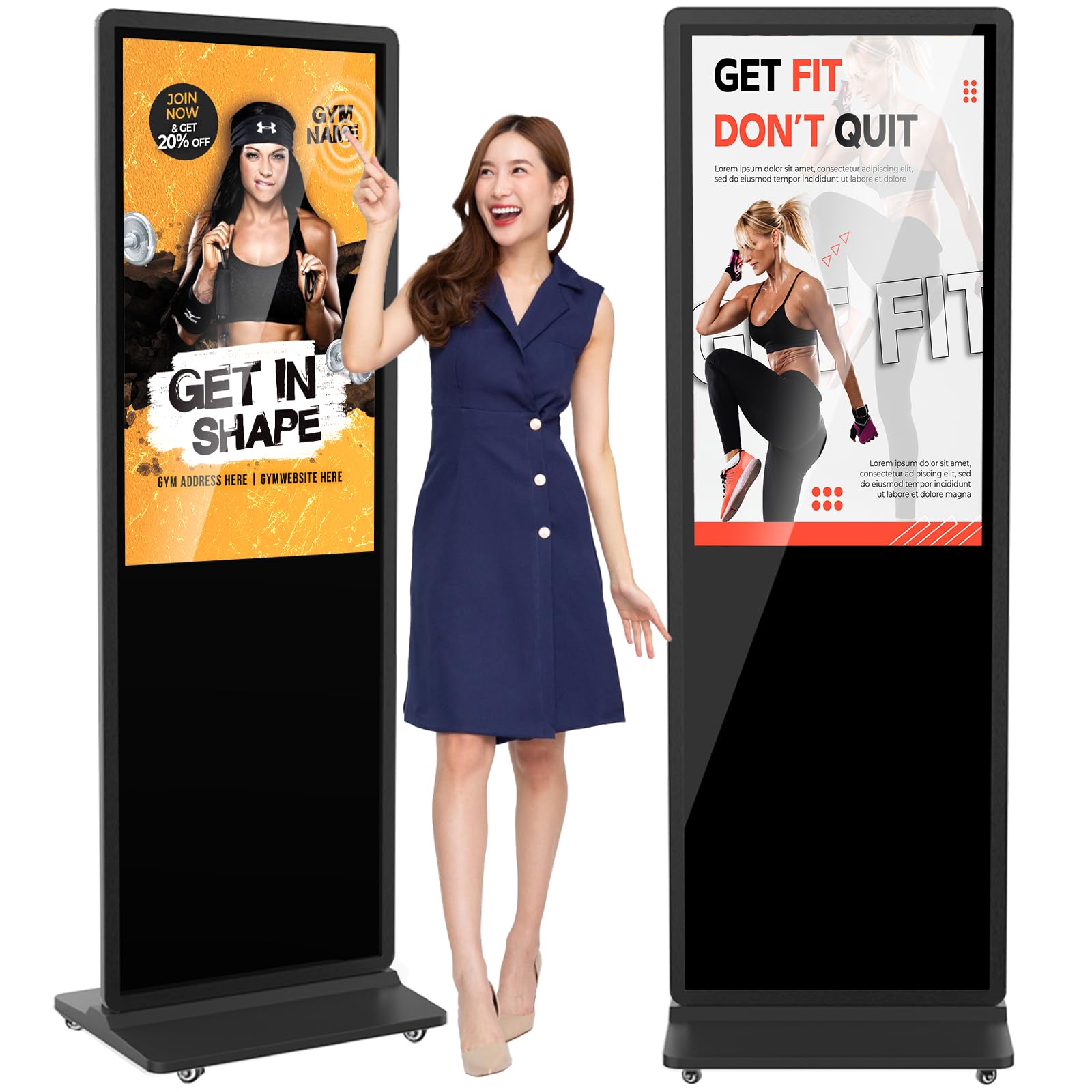
This 37-inch touchscreen delivers 480 nits for indoor lobbies and 1080p sharpness readable across the room.
This 37-inch floor-standing kiosk from YCKJNB proves that smaller can be smarter. The IPS LCD panel delivers a 1080p resolution (1920 x 1080) with a 480 nits brightness, which is bright enough for indoor lobbies, libraries, and fitness studios where natural light is present but not harsh. The touchscreen is the headline feature here — buyers praise the touch responsiveness extensively, and the full glass face gives it a premium, polished look. The Android OS supports U disk plug-and-play, Wi-Fi and Ethernet connectivity, and remote control operation, making it easy to update content from anywhere.
Build quality is the most-discussed positive, with 21 owners singling it out. The case is sturdy, the hardware shelf inside allows for additional controllers, and the split-screen function lets you run videos, images, and scrolling text simultaneously. One buyer described it as a “solid investment for businesses,” and a fitness studio owner reported that the crisp text was readable from across the room, elevating the professional look of the space. The 3-year after-sales warranty provides additional confidence. The 1080p resolution is a step down from 4K, but at this 37-inch size, the pixel density is still sharp at normal viewing distances.
What owners love
- Excellent touchscreen responsiveness for an interactive kiosk.
- Sturdy build quality with a premium full-glass front and slim design.
- Bright 480-nit screen remains clear in normal indoor lighting.
The one limitation
- 1080p resolution rather than 4K, though most owners find it sharp at this size.
Best for interactive spaces: A fitness studio, a university library, or a trade show booth where you need a responsive touchscreen and a professional look without a huge footprint.
Consider instead: If you need the highest resolution for detailed product images or large text, a 4K display may be a better fit.
6. 49 Inch Digital Signage Display, Indoor Floor Standing Advertising Display Kiosk (White)
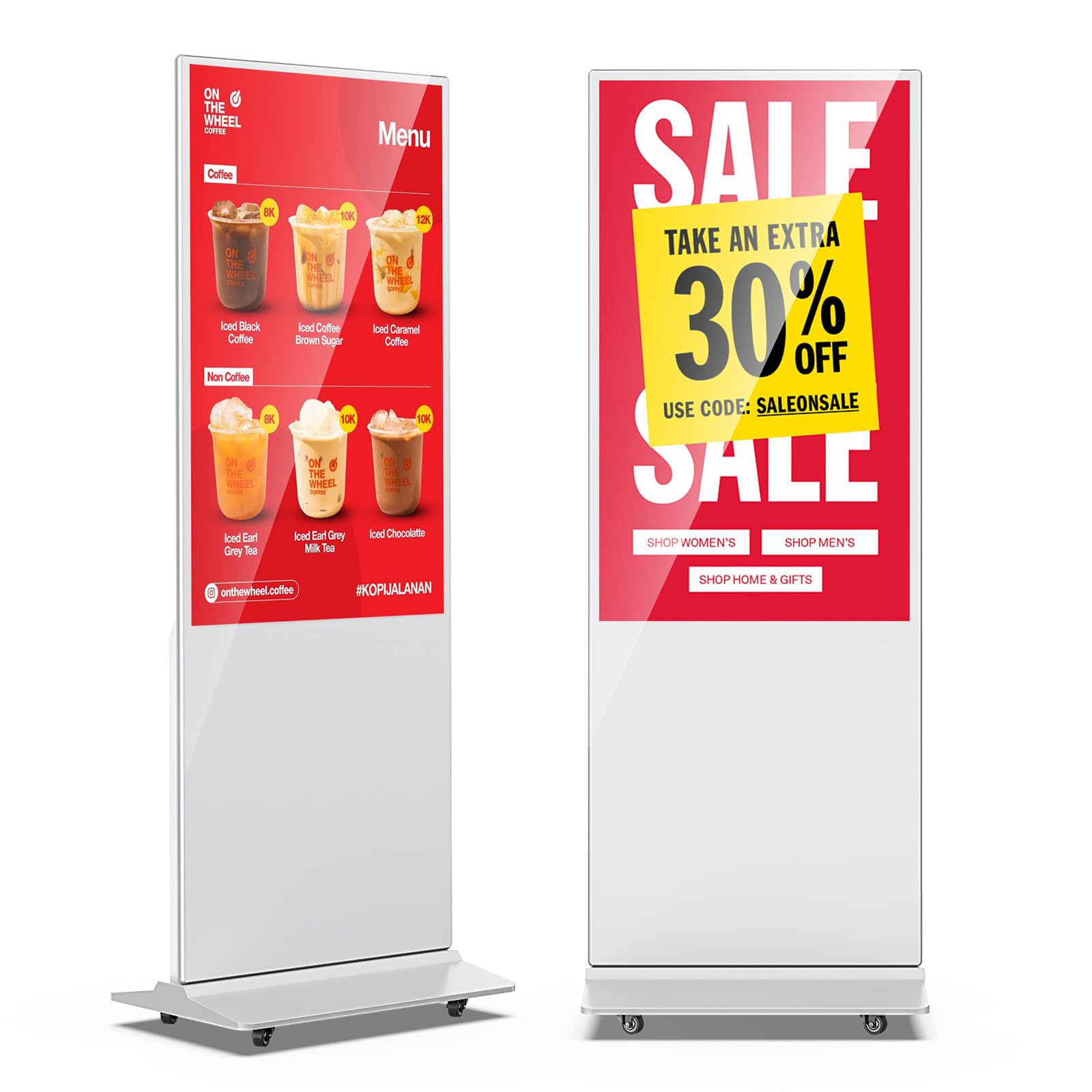
A white, floor-standing 49-inch kiosk that owners say guests enjoy reading — it runs Android and includes a lifetime CMS with no recurring fees.
The JIYANG 49-inch display is a white, floor-standing kiosk designed for retail stores, hotel lobbies, and restaurant entrances. The 1920 x 1080 resolution panel delivers a bright and colorful image that owners say guests love reading for promotional and menu content. The Android operating system enables plug-and-play USB functionality, automatic looping, and subtitle scrolling, making it simple to get content running without a steep learning curve. The built-in split-screen feature allows you to display video, pictures, and text simultaneously in a customized layout.
Buyers consistently praise the picture quality and build. The 3-year warranty from Marvel Technology (MWE) provides a safety net, and the included lifetime CMS system means you can manage content remotely without recurring software fees. The unit stands tall on four wheels, which are convenient for repositioning in a store but make the kiosk extremely heavy — one owner noted it is difficult to transport without a carrying case, so it is best considered a semi-permanent fixture. The 1080p resolution is the main spec limitation; if your content relies on fine text or high-resolution product photography, a 4K version of the same size would look sharper.
Best for semi-permanent signage: Once it is in place, this kiosk looks elegant, runs reliably, and the bright screen grabs attention. Just plan for delivery — it is heavy and hard to move without help.
Reach for this if: You need an attractive, bright floor-standing display for a lobby or restaurant and want a simple Android-based setup with a lifetime CMS.
Consider the game plan: This is heavy and not designed for frequent relocation — set it up once and leave it.
7. JASZDOT 65” 4K Digital Signage Display, LCD Screen Advertising Display Kiosk

At 65 inches and 600 nits, this is the largest and one of the brightest displays on the list — the 3000:1 contrast ratio keeps colors vivid in bright public spaces.
This JASZDOT floor-standing kiosk is the largest display on this list, offering a 65-inch 4K UHD panel (3840 x 2160) with 600 nits of brightness, making it one of the brightest options available. The 3000:1 or higher contrast ratio ensures deep blacks and vibrant colors at that high brightness, which is essential for large-format content in bright public spaces like shopping malls, airports, and retail stores. The Android OS supports 5G Wi-Fi, Google Apps, USB, and HDMI connectivity for flexible content uploads.
The split-screen function allows you to run multiple content types simultaneously — videos, images, and text side by side — which is perfect for running ads and promotions in a single glance. The freestanding design is built for high-traffic environments, and Marvel Technology backs it with a 3-year warranty and lifetime technical support. The lack of customer reviews means there is less real-world data on reliability and software performance compared to more established products, but the specs position it as a strong contender for large-format digital signage where size and brightness are the priority.
The big picture: At 65 inches and 600 nits, this is a serious display for a serious space. If you need a large, bright screen for a busy public area and value the warranty support, this is a compelling option.
Best for large public spaces: Malls, airports, and retail stores where a big, bright screen commands attention.
One thing to note: With no customer reviews yet, you are buying on specs and warranty alone — a leap of faith for a significant investment.
8. HARZHI 65 Inch Digital Signage Kiosk 4K UHD, Floor Standing Digital Signage Display
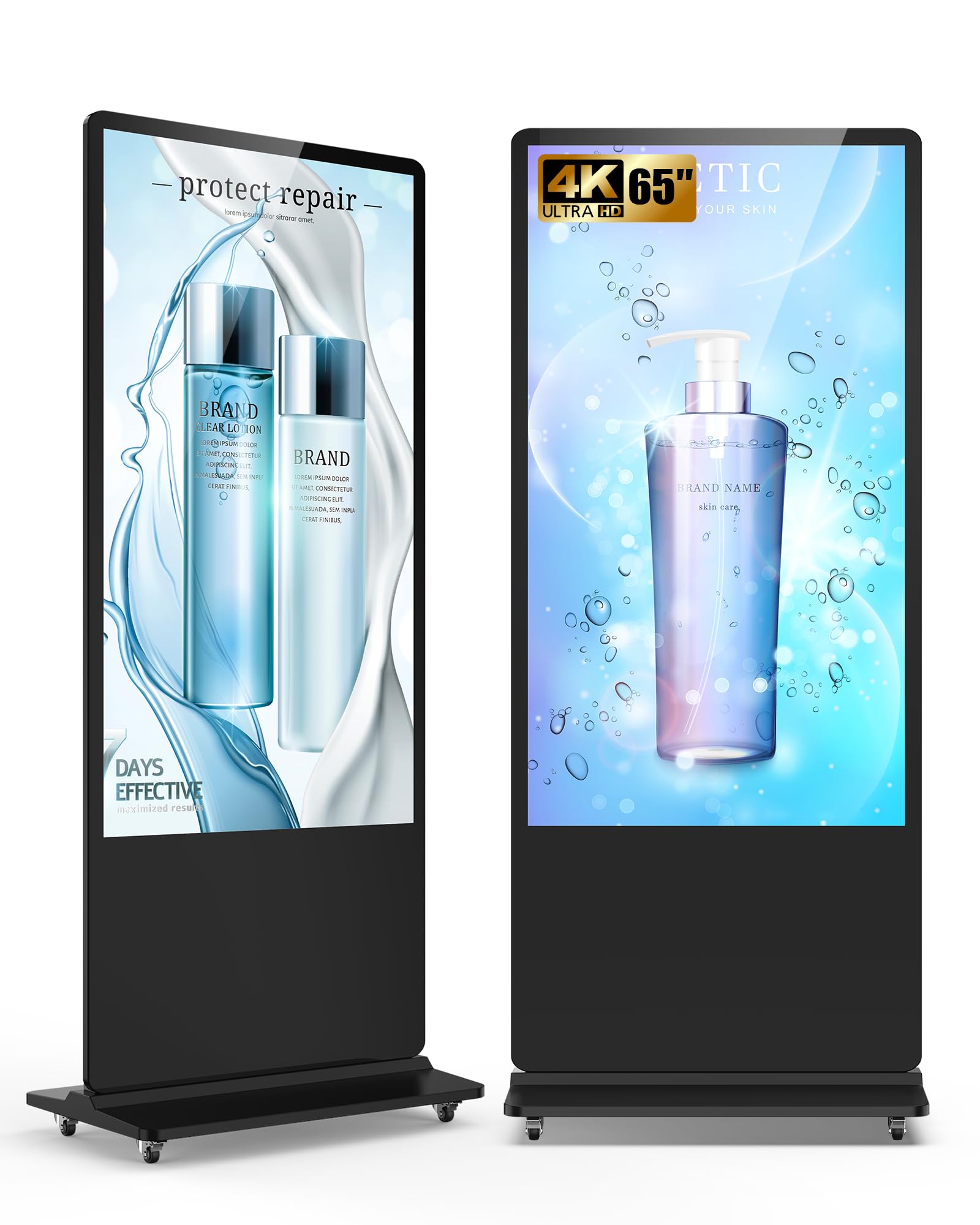
Owners give this 65-inch kiosk near-perfect scores for its bright 4K UHD IPS panel and easy assembly — you can set it up in 10 to 15 minutes.
The HARZHI 65-inch floor-standing kiosk is the crowd favorite in this list, earning near-perfect scores from owners who praise its ease of assembly, quality, and value. The 4K UHD IPS panel delivers stunning clarity with a 178° wide viewing angle, so content remains readable from any position in a room. The built-in CMS enables real-time remote publishing and centralized content management — you can update one screen or a hundred from anywhere. Scheduled power on/off and customizable split-screen layouts (videos, images, scrolling text) give you full control over your messaging throughout the day.
Owners highlight the ease of assembly and the bright, even ring light as standout features, with one noting it works perfectly for a wedding DJ’s photo booth business. The unit ships with a solid build, casters for mobility, and a design that is easy to set up and tear down in 10 to 15 minutes. The 4K resolution at this 65-inch size is noticeably sharper than the 1080p panels found on smaller kiosks like the YCKJNB, and the IPS technology ensures consistent colors from wide angles. The software experience is straightforward, though some shoppers say that the initial setup requires a bit of patience with the user manual.
Why owners love it
- Exceptional 4K UHD IPS display with wide 178° viewing angles.
- Powerful CMS for remote content management and scheduling.
- Easy assembly with built-in casters for mobility — setup is under 15 minutes.
The minor caveat
- Heavy at 61 kilograms (134 lbs) — not a display you want to move daily without the casters.
Best for event and retail use: This display earns top marks for its bright 4K screen, excellent CMS, and easy assembly. Perfect for businesses that need a professional-looking, feature-rich kiosk.
Plan for the weight: The casters make it mobile, but it is heavy — ensure your delivery team can handle a 61 kg unit.
Understanding the Specs
Brightness (Nits / cd/m²)
Brightness is measured in nits, which stands for candelas per square meter (cd/m²). A standard living-room TV runs about 250 to 300 nits, which looks fine in a dim room. A commercial display in a lobby or storefront needs 400 to 1000 nits or more so the content stays readable even when sunlight hits the screen. More nits means a brighter image that fights glare better.
Contrast Ratio
Contrast ratio describes the difference between the darkest black and the brightest white a display can show. A ratio of 4000:1 (like the Samsung QET) means the black parts of an image are 4,000 times darker than the white parts — that makes text look sharp and colors pop. A lower ratio like 1200:1 still looks fine for bright video content, but dark scenes and fine text lose some depth.
Touchscreen vs Non-Touch
A touchscreen turns your display into an interactive station — customers can tap to browse, search, or play. This is ideal for wayfinding kiosks, trade show demos, and self-service. A non-touch display is simpler and often has a cleaner look, and it is the right choice for passive advertising, menu boards, and announcements where nobody needs to touch the screen.
Operating System and CMS
The operating system (usually Android) runs the display’s built-in software. A Content Management System (CMS) lets you schedule and update content across one or many screens from a phone, tablet, or computer. A good CMS saves hours of manual work — some displays include a lifetime free CMS, while others require a subscription after the trial period.
Warranty
Commercial displays are built to run 16 to 24 hours a day, so they need a warranty that matches. A standard consumer TV warranty (usually 1 year, return-to-depot) is not enough. A good commercial warranty covers 3 years of onsite service, so if the display fails, a technician comes to you instead of you having to ship a 50-pound screen back.
Resolution
Resolution refers to the number of pixels on the screen. 1920 x 1080 (Full HD / 1080p) is sharp enough for most signage content at normal viewing distances. 3840 x 2160 (4K UHD) packs four times the pixels, making fine text, product photos, and video look noticeably crisp, especially on larger screens.
FAQ
Can I use a regular TV as a commercial display?
What brightness do I need for a storefront with windows?
Do I need a touchscreen for my display?
What is a CMS and do I need one?
How is a commercial display different from a digital signage kiosk?
Will a 1080p display look good for my restaurant menu?
How long does a commercial display typically last?
Can I install a commercial display myself?
Final Thoughts: The Verdict
Across the board, the best commercial display is the MWE 55 Inch 4K Touchscreen Kiosk because it combines a stunning 4K resolution, a responsive touchscreen, and a user-friendly Android system in a professional-looking package that works for retail, trade shows, and lobbies. If you want the highest contrast ratio for a passively displayed lobby sign, grab the Samsung 43″ QET Series. And for a budget-friendly 4K commercial screen in a dimly lit room, the Samsung 50-Inch BE50T-H is the one to reach for.
Related Guides

Mo Maruf
I created WellFizz to bridge the gap between vague wellness advice and actionable solutions. My mission is simple: to decode the research and give you practical tools you can actually use.
Beyond the data, I am a passionate traveler. I believe that stepping away from the screen to explore new environments is essential for mental clarity and physical vitality.