Our readers keep the lights on and my smoothie glass nicely filled. As an Amazon Associate, I earn from qualifying purchases.
Finding a smart speaker or display that balances voice control with genuine audio quality can feel like a compromise—too often you get a competent assistant paired with a tinny, under-powered driver that muddies podcasts and flattens your favorite tracks.
I’m Mohammad Maruf — the founder and writer behind WellFizz. I’ve spent countless hours analyzing smart home hardware, comparing speaker drivers, display panels, microphone arrays, and ecosystem integrations to separate the devices that truly enhance your daily routine from those that just clutter your counter.
This guide breaks down seven standout models spanning compact alarm clocks and premium multi-room speakers to help you find the best digital home assistant for your specific space, listening habits, and smart home ambitions.
How To Choose The Best Digital Home Assistant
Picking the right assistant starts with a clear decision: do you need a screen for video calls and visual controls, or is a voice-only speaker enough? From there, audio quality, ecosystem compatibility, and privacy features become the deciding factors. Here is what matters most.
Ecosystem Lock-In
Alexa is the most open platform with tens of thousands of skills and broad device compatibility. Google Assistant integrates deeply with Google services and Android devices. Home Assistant offers truly local control across brands but requires more setup. Choose the ecosystem that already matches your phone and smart devices, or pick Home Assistant if you value local control over convenience.
Audio Performance
Driver size, wattage, and tuning software determine sound quality. A 30-watt woofer with a dedicated tweeter delivers room-filling bass and clear highs, while a compact single-driver unit works fine for alarms and casual listening. Check for spatial audio support if you want immersive playback from streaming services.
Display Size and Use Case
A 5.5-inch display is adequate for bedside clocks and quick glances, while an 8-inch or larger screen is better for recipes, video calls, and photo slideshows. Consider screen resolution, auto-brightness, and anti-glare coating if the device will sit in a bright kitchen or near a window.
Quick Comparison
On smaller screens, swipe sideways to see the full table.
| Model | Category | Best For | Key Spec | Amazon |
|---|---|---|---|---|
| Sonos Era 100 SL | Premium | Multi-room music | Dual angled tweeters + midwoofer | Amazon |
| Amazon Echo Show 8 | Mid-Range | Video calls & home hub | 8″ HD display, spatial audio | Amazon |
| Google Nest Audio | Mid-Range | Voice-first music | 30W woofer + tweeter | Amazon |
| Amazon Echo Show 5 | Mid-Range | Bedside display | 5.5″ screen, 2MP camera | Amazon |
| Amazon Echo Spot | Value | Alarm clock | Customizable clock display | Amazon |
| Home Assistant Green | Premium | Local smart home control | Quad-core, 4GB RAM, 32GB | Amazon |
| Apolosign 15.6″ Calendar | Premium | Family scheduling | 15.6″ touchscreen, no sub | Amazon |
In‑Depth Reviews
1. Sonos Era 100 SL
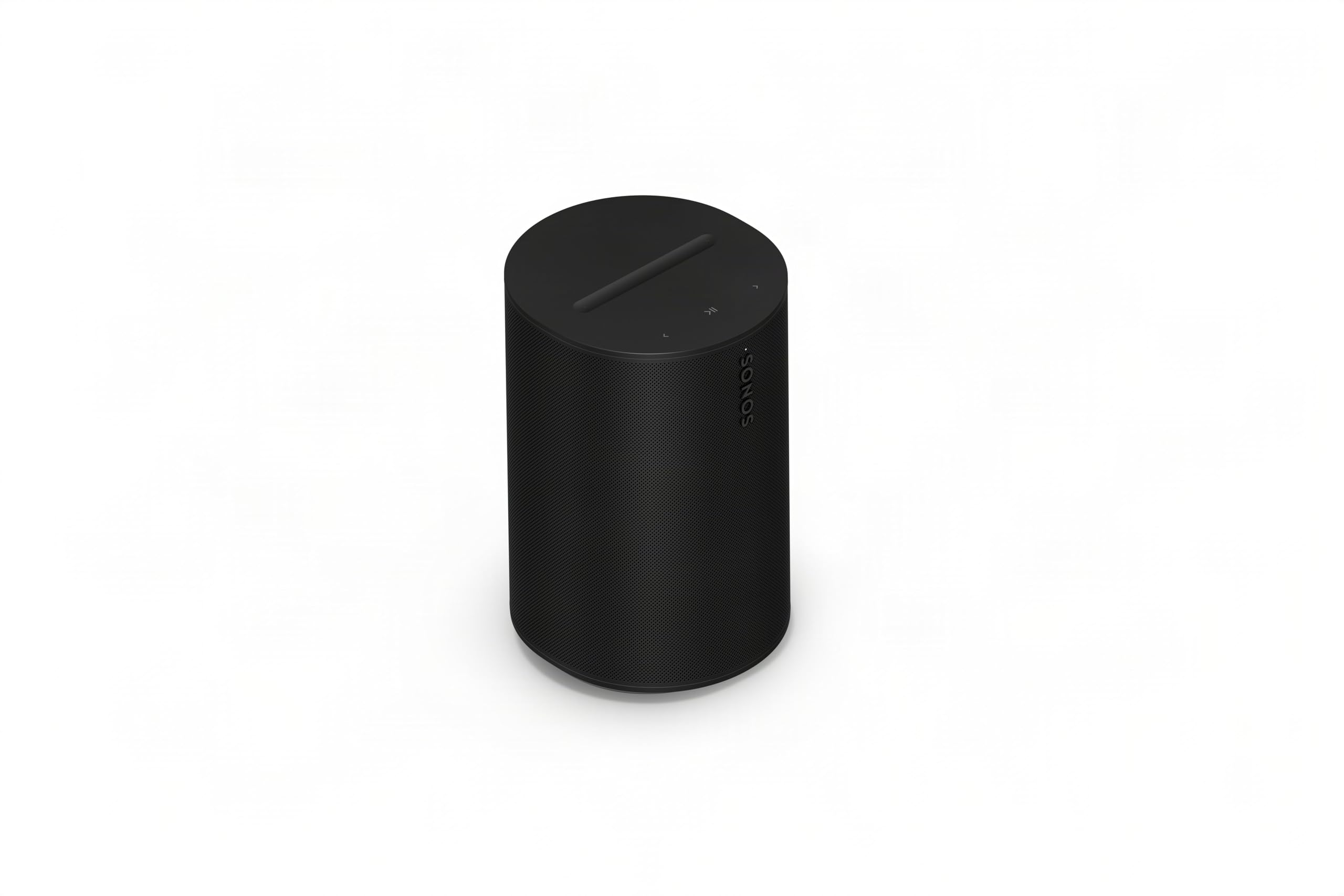
The Era 100 SL is Sonos’s microphone-free smart speaker built for pure music performance. Dual angled tweeters and a dedicated midwoofer produce balanced stereo imaging and deep bass that fill a room without distortion, making it the best-sounding device on this list by a clear margin.
This model omits built-in microphones entirely, meaning no voice assistant onboard, but it integrates seamlessly with the Sonos app for WiFi streaming, Bluetooth pairing, and line-in connectivity for a turntable. Trueplay tuning automatically adjusts the EQ to your room’s acoustics, which is a rare feature at this price point.
Setup takes minutes via the app, and the speaker supports multi-room sync with other Sonos components. If your priority is audio fidelity and you already use your phone for voice control, the Era 100 SL delivers reference-level sound in a compact, premium cabinet.
Why it’s great
- Rich, balanced stereo sound with deep bass
- Trueplay room-tuning for optimized acoustics
- WiFi, Bluetooth, and line-in connectivity
Good to know
- No built-in voice assistant
- Requires Sonos app for initial setup
- Premium price tier
2. Amazon Echo Show 8
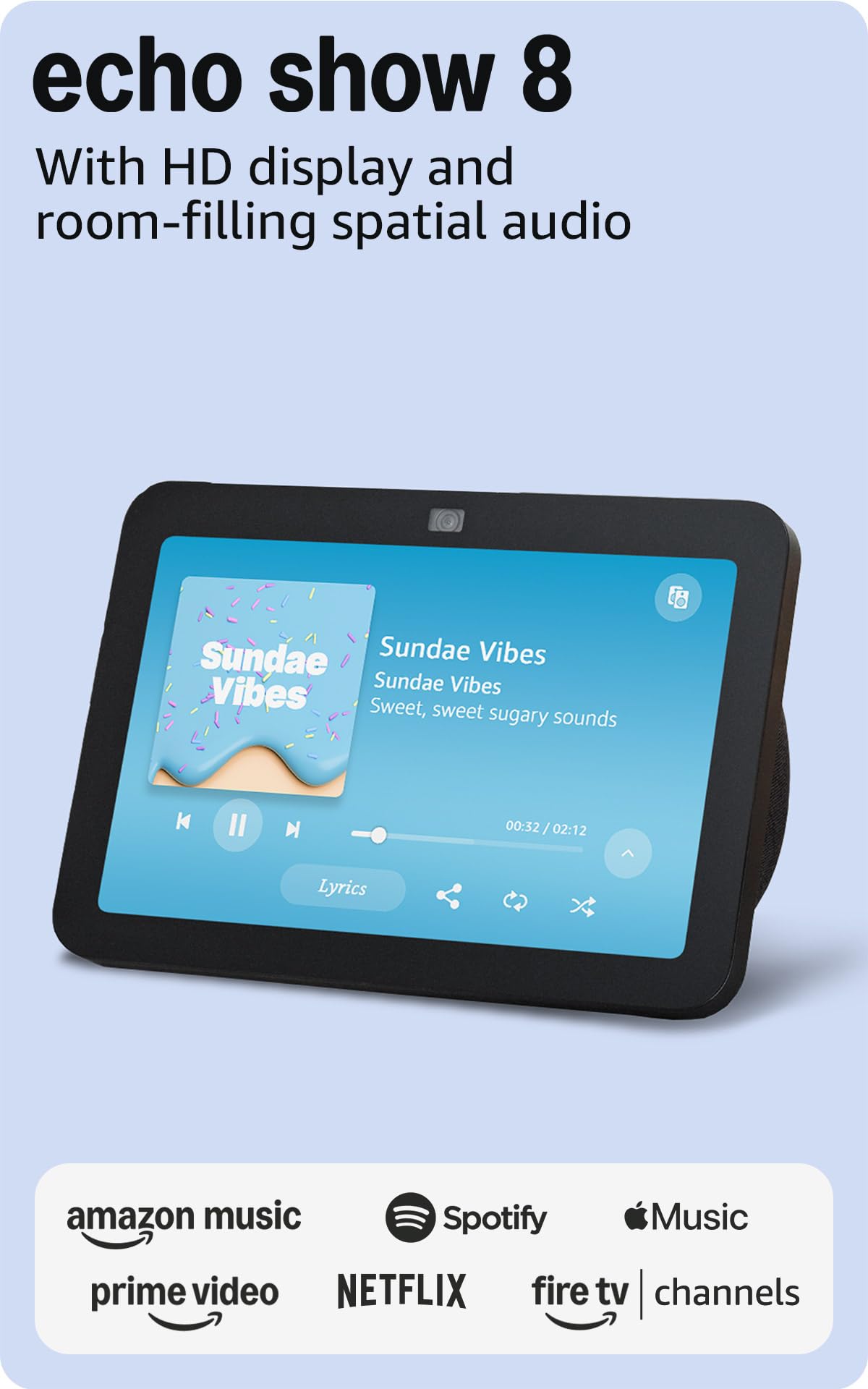
The Echo Show 8 combines an 8-inch HD touchscreen with spatial audio processing for a more immersive media experience. The 13 MP camera with auto-framing and noise reduction makes video calls feel natural, and the built-in smart home hub supports Zigbee, Matter, and Thread protocols without an extra bridge.
Adaptive Content intelligently shows calendar reminders and timers from a distance, then reveals more detail when you step closer. The display also doubles as a digital photo frame with Amazon Photos, and adaptive color keeps images looking sharp in any lighting condition.
Some users note the spatial audio can cause bass rattle at certain frequencies at low volumes, and the refurbished unit ships in generic packaging. For an open living space where you want visual controls plus room-filling sound, the Show 8 is a versatile mid-range hub.
Why it’s great
- Built-in smart home hub (Zigbee, Matter, Thread)
- Auto-framing 13 MP camera for video calls
- Adaptive Content display for glanceable info
Good to know
- Spatial audio can cause bass rattle at some frequencies
- Refurbished unit may come in generic packaging
- Large footprint for bedside use
3. Home Assistant Green

The Home Assistant Green is a dedicated local hub designed to replace cloud-dependent platforms. With Home Assistant OS pre-installed, plugging in power and Ethernet gives you a single dashboard to control lights, sensors, thermostats, and locks from dozens of brands without sending data to third-party servers.
Its quad-core ARM processor, 4 GB of RAM, and fanless design sip just a few watts of power while running complex automations—like dimming lights when a movie starts or turning off heat when everyone leaves. USB expandability lets you add Z-Wave, Zigbee, or Thread dongles for broader device support.
The learning curve is steeper than a plug-and-play voice assistant, and you may need additional USB antennas for mixed-brand environments. For anyone serious about privacy, local control, and unlimited automation possibilities, this is the most capable hub in the lineup.
Why it’s great
- Complete local control with no cloud dependency
- Pre-installed Home Assistant OS for instant setup
- Low power consumption (a few watts)
Good to know
- Steep learning curve for beginners
- May require extra USB antennas for some devices
- No built-in voice assistant or display
4. Google Nest Audio

The Nest Audio packs a 30-watt woofer and a dedicated tweeter into a compact fabric-wrapped enclosure, delivering punchy, room-filling sound that surpasses most smart speakers in its class. Voice detection works well even with loud music playing, and the speaker doubles as an intercom for broadcasting messages to other Nest devices.
Setup is quick through the Google Home app, and stereo pairing is supported if you buy a second unit. The assistant handles weather, news, sports scores, and smart home control seamlessly for users invested in the Google ecosystem.
Bluetooth connectivity can occasionally disconnect after periods of inactivity, and Apple Music and SiriusXM require Bluetooth streaming rather than native integration. For Google-centric households that want strong audio without paying for a screen they do not need, the Nest Audio is a solid mid-range pick.
Why it’s great
- Powerful 30W woofer for deep bass
- Excellent voice detection range
- Supports stereo pairing with two units
Good to know
- Bluetooth may disconnect after idle periods
- No native Apple Music or SiriusXM support
- Not waterproof for bathroom use
5. Amazon Echo Show 5
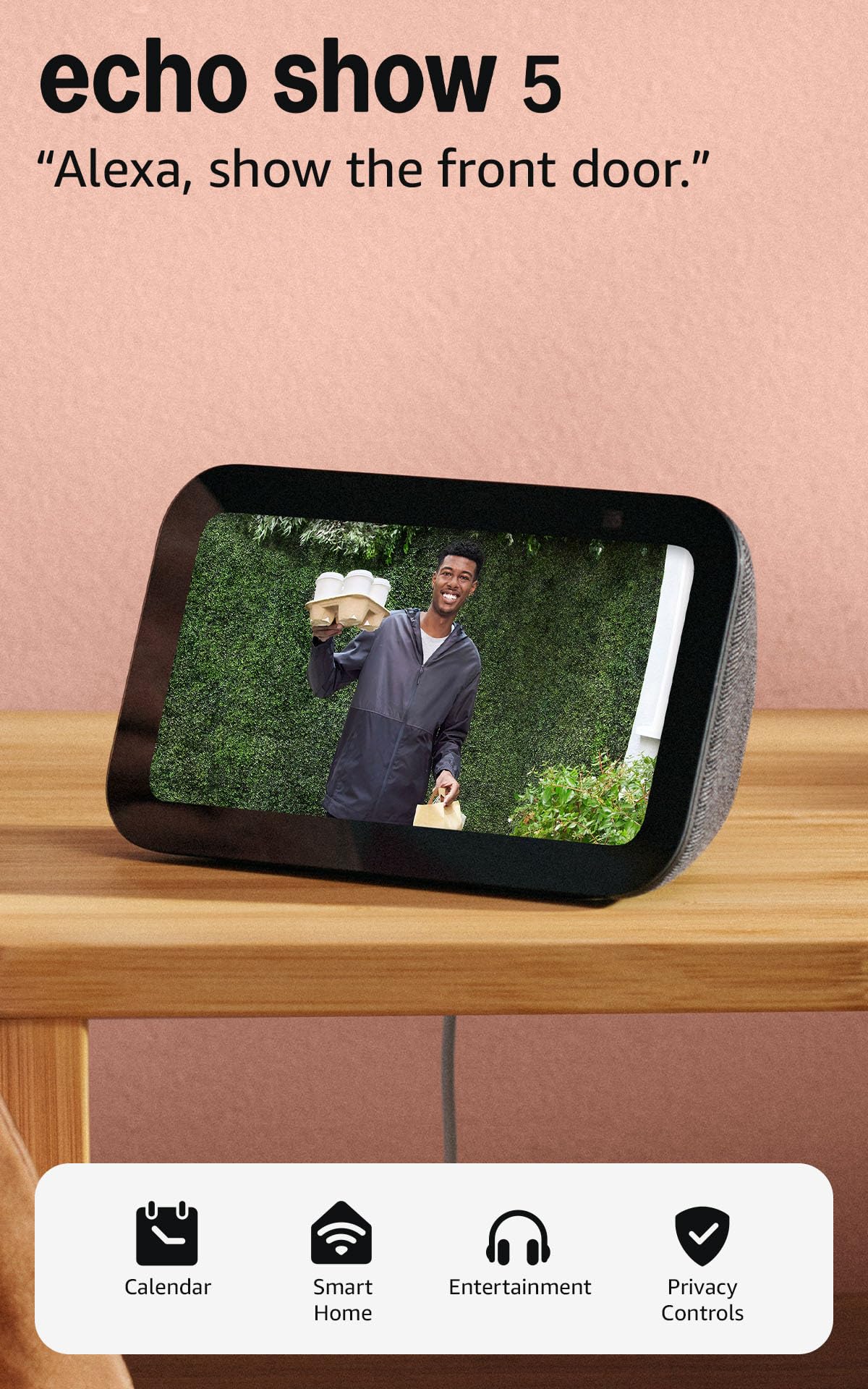
The Echo Show 5 offers a 5.5-inch display with deeper bass and clearer vocals than its predecessor, making it ideal for a nightstand or small desk. The 2 MP camera includes a physical shutter for privacy, and the compact footprint leaves minimal counter clutter while still showing weather, alarms, and song titles at a glance.
Setup is automatic through the Alexa app, and the touchscreen is bright with intuitive menus. Users can stream music from Amazon Music, Spotify, and Prime Video, and the integrated smart home hub controls compatible lights and thermostats with voice or screen taps.
The processor can feel sluggish when navigating YouTube TV or responding to Blink camera requests, and some video calling features experience lag. For a bedside smart alarm clock with visual controls and strong privacy hardware, the Show 5 delivers reliable core functionality at a reasonable price.
Why it’s great
- Physical camera shutter for privacy
- Bright, clear 5.5″ touchscreen
- Improved bass and vocal clarity
Good to know
- Slow processor for demanding apps
- Video calls may lag or skip
- Limited screen real estate for recipes
6. Amazon Echo Spot

The Echo Spot is a sleek smart alarm clock with a customizable display that shows time, weather, and song titles in fun colors and clock faces. It delivers rich sound with clear vocals and surprising bass for its compact size, making it suitable for a bedroom, office, or bathroom counter.
Alexa routines let you wake gradually to music and light, and motion detection can trigger actions like dimming lights when you leave the room. A standout feature is eero built-in, which extends your mesh WiFi network by up to 1,000 square feet if you already have an eero router.
Some users report that setup instructions omit swipe gestures for accessing display options like date and temperature, and the screen could be larger for easier readability across a room. For a no-fuss bedside companion that also boosts WiFi coverage, the Echo Spot is a creative entry-level choice.
Why it’s great
- Customizable clock faces and colors
- Built-in eero mesh WiFi extender
- Motion detection for smart home routines
Good to know
- Small screen limits visible detail
- Setup instructions omit swipe navigation
- Requires eero network for extender feature
7. Apolosign 15.6-inch Digital Family Calendar
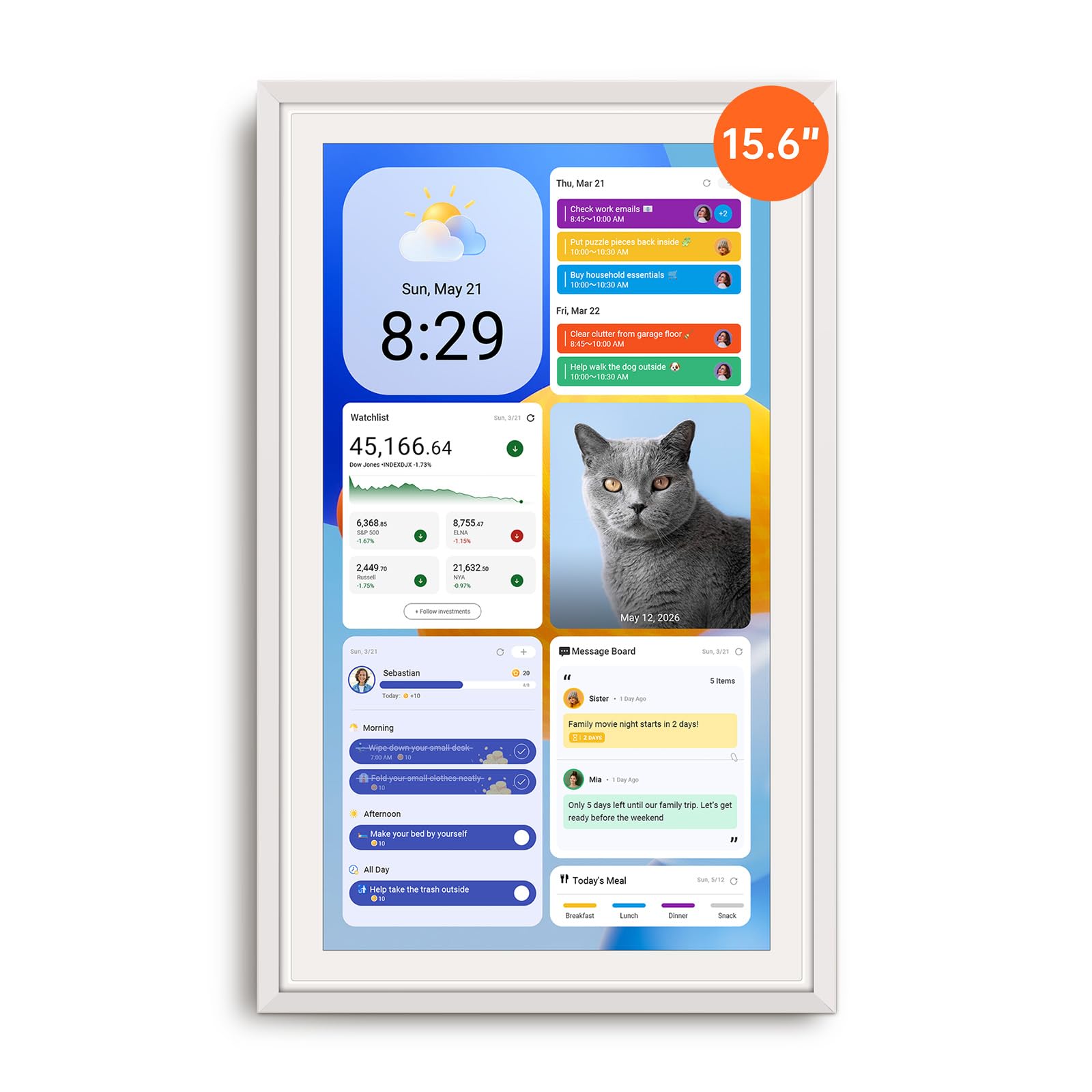
The Apolosign Digital Calendar is a 15.6-inch touchscreen smart display designed specifically for family organization. It syncs with Google Calendar, iCloud, and Outlook without any monthly subscription, and its dual mode lets you switch between a focused calendar view and a full Android tablet dashboard with widgets, apps, and Google Play access.
The built-in chore chart with reward tracking makes it easy to manage tasks for kids, and the family message board, grocery lists, and meal planning tools keep everyone on the same page. Google Gemini voice assistant adds smart home control and quick information lookups directly from the screen.
The unit must stay plugged in—there is no battery—and the bulky power adapter makes the included stand more practical than wall mounting for most setups. For busy families who want a central digital command center for schedules and routines, the Apolosign delivers robust functionality without recurring fees.
Why it’s great
- No subscription fee for calendar sync
- Interactive chore chart with reward system
- Dual mode (calendar and full Android tablet)
Good to know
- Requires constant AC power; no battery
- Bulky plug makes stand more practical than wall mount
- Google Gemini feature has limited usefulness
FAQ
Can I use a Digital Home Assistant without an internet connection?
Do smart displays work as security camera viewers?
Which assistant has the most smart home device compatibility?
Final Thoughts: The Verdict
For most users, the best digital home assistant winner is the Sonos Era 100 SL because it delivers class-leading audio quality that transforms any room into a listening space, and it integrates seamlessly into a multi-room system. If you want a versatile display with smart home hub capabilities, grab the Amazon Echo Show 8. And for privacy-focused local control and unlimited automation, nothing beats the Home Assistant Green.

Mo Maruf
I created WellFizz to bridge the gap between vague wellness advice and actionable solutions. My mission is simple: to decode the research and give you practical tools you can actually use.
Beyond the data, I am a passionate traveler. I believe that stepping away from the screen to explore new environments is essential for mental clarity and physical vitality.