Our readers keep the lights on and my smoothie glass nicely filled. As an Amazon Associate, I earn from qualifying purchases.
A 12-inch Android tablet occupies a unique space in the mobile computing world. It’s too large to be a true phone companion and too portable to replace a full workstation, yet this exact middle ground makes it the most versatile screen you can carry. The decision to buy one usually comes down to balancing display quality, processing power, and how the device handles simultaneous tasks like video streaming, note-taking, and document editing without stuttering.
I’m Mohammad Maruf — the founder and writer behind WellFizz. I’ve spent hundreds of hours analyzing spec sheets, cross-referencing real user feedback against manufacturer claims, and ranking tablets by the metrics that actually matter for everyday use. This guide focuses on the narrow class of 12-inch Android tablets, where display resolution, RAM configuration, battery capacity, and stylus support determine whether a device feels like a bargain or a bottleneck.
Whether you need a drawing slate, a study companion, or a travel media hub, the best 12-inch android tablet balances a crisp screen with responsive multitasking and enough battery life to last through your busiest day without hunting for an outlet.
How To Choose The Best 12-Inch Android Tablet
The 12-inch form factor demands careful trade-offs. A larger screen improves immersion for movies and drawing, but it also increases weight and reduces one-handed usability. You need to evaluate the panel quality, the processor’s ability to handle split-screen work, and whether the included accessories actually add value or just bulk.
Display Resolution and Refresh Rate
Not all 12-inch screens are equal. A standard 1200 x 2000 panel is sufficient for casual video and browsing, but sharp text rendering and accurate color reproduction require at least 2K resolution — around 2000 x 1200 or higher. For digital artists, a 2.5K or QHD panel with 100% sRGB gamut coverage is non-negotiable. Refresh rate also affects perceived smoothness. A 90Hz or 120Hz screen makes scrolling, pen input, and animation feel significantly more fluid than a standard 60Hz panel.
RAM and Storage Configuration
Multitasking on a 12-inch screen is more demanding than on a phone. A minimum of 6GB of physical RAM is recommended for keeping several apps open without reloading. Many mid-range tablets now offer virtual RAM expansion, which borrows storage space to simulate additional memory — useful for burst multitasking but no substitute for physical RAM. Storage capacity should be at least 128GB, with microSD expansion preferred for media libraries and large drawing files.
Stylus Support and Pressure Sensitivity
For note-taking and sketching, the stylus experience is defined by pressure levels, latency, and palm rejection. A tablet with 4096 levels of pressure sensitivity delivers fine control for shading and line variation. Laminated displays reduce parallax — the gap between the pen tip and the on-screen cursor — which is critical for precise drawing. Non-laminated screens with a hard plastic nib can feel detached and scratchy.
Battery Life and Charging Speed
A 12-inch panel consumes more power than a smaller tablet. Look for a battery capacity of at least 8000mAh to ensure all-day usage under mixed workloads. Fast charging support of 20W or higher reduces downtime. Devices that include a charger in the box are more convenient than those requiring a separate purchase.
Quick Comparison
On smaller screens, swipe sideways to see the full table.
| Model | Category | Best For | Key Spec | Amazon |
|---|---|---|---|---|
| Samsung Galaxy Tab S9+ | Premium | Creative professionals & heavy multitaskers | 12.4″ Dynamic AMOLED 2X, 2560×1600 | Amazon |
| Samsung Galaxy Tab S10 FE | Premium | Samsung ecosystem users & note-takers | Exynos 1580, 90Hz, IP68 rating | Amazon |
| OnePlus Pad Go 2 | Mid-Range | All-day streaming & productivity | 12.1″ Dolby Vision 120Hz, 10050mAh | Amazon |
| Lenovo Idea Tab Plus | Mid-Range | Students & light creative work | 12.1″ 2.5K IPS, 90Hz, 800 nits | Amazon |
| TCL TAB A1 Plus | Mid-Range | Reading & media consumption | 12.2″ 2.4K 120Hz, Snapdragon 4 Gen 2 | Amazon |
| TABWEE 2026 Upgraded | Mid-Range | Travel & video calling | 12.2″ 2.5K QHD, 10000mAh battery | Amazon |
| PicassoTab A12 | Mid-Range | Digital artists & hobbyists | 12″ laminated 2K, 4096 pressure levels | Amazon |
| Samsung Galaxy Tab S7 FE | Budget-Friendly | Budget-conscious users wanting S Pen | 12.4″ display, 10090mAh battery | Amazon |
| YLEEBG 12 Inch | Budget-Friendly | First-time tablet buyers & kids | 12″ 2K 90Hz, 24GB virtual RAM | Amazon |
In‑Depth Reviews
1. Samsung Galaxy Tab S9+ (Renewed)

The Tab S9+ sets the ceiling for what a 12-inch Android tablet can achieve. Its 12.4-inch Dynamic AMOLED 2X screen delivers inky blacks and vivid contrast that IPS panels cannot match, making HDR content and digital painting feel genuinely premium. The Snapdragon 8 Gen 2 processor provides flagship-level speed for split-screen multitasking, heavy gaming, and video editing without stutter.
The included S Pen glides smoothly on the display with low latency, and the IP68 water and dust resistance gives peace of mind for use near a pool, in a workshop, or during travel. The 10090mAh battery easily lasts a full day of mixed usage, and Super Fast Charging tops it up quickly when needed. This renewed unit offers flagship performance at a significantly lower entry point than buying new.
Refurbished models may arrive with generic charging cables and no original packaging, but the core hardware — screen, processor, and S Pen — matches the new unit identically. For artists, students, and professionals who demand uncompromised performance, this is the reference standard.
Why it’s great
- Best-in-class AMOLED display for color accuracy and contrast
- IP68 water and dust resistance adds durability
- S Pen included with zero setup latency
Good to know
- Renewed units may ship with generic accessories
- Premium tier pricing even on refurbished market
2. Samsung Galaxy Tab S10 FE

The Galaxy Tab S10 FE brings Samsung’s polished software experience and the excellent S Pen to a slightly more accessible price tier. The 90Hz refresh rate on the large display makes everyday scrolling, note-taking, and light gaming feel responsive. Handwriting Assist and Math Solver are genuinely useful AI tools that directly leverage the S Pen for students and note-takers.
The Exynos 1580 processor handles casual multitasking with ease, though it won’t match the raw GPU power of the Tab S9+ for demanding 3D titles. The IP68 rating is a standout feature at this level — few tablets at any price offer certified water resistance. The 8000mAh battery provides solid endurance, and the included S Pen charges wirelessly via the back panel.
This is a strong choice for users already embedded in the Samsung ecosystem who want seamless integration with Galaxy phones and Buds. The larger 128GB base storage with microSD expansion ensures plenty of room for apps, notes, and media.
Why it’s great
- Circle to Search and Handwriting Assist boost productivity
- IP68 water resistance is rare in this category
- S Pen attaches magnetically and charges wirelessly
Good to know
- Exynos processor lags behind Snapdragon 8 Gen 2 for gaming
- Keyboard sold separately, adding to total cost
3. OnePlus Pad Go 2
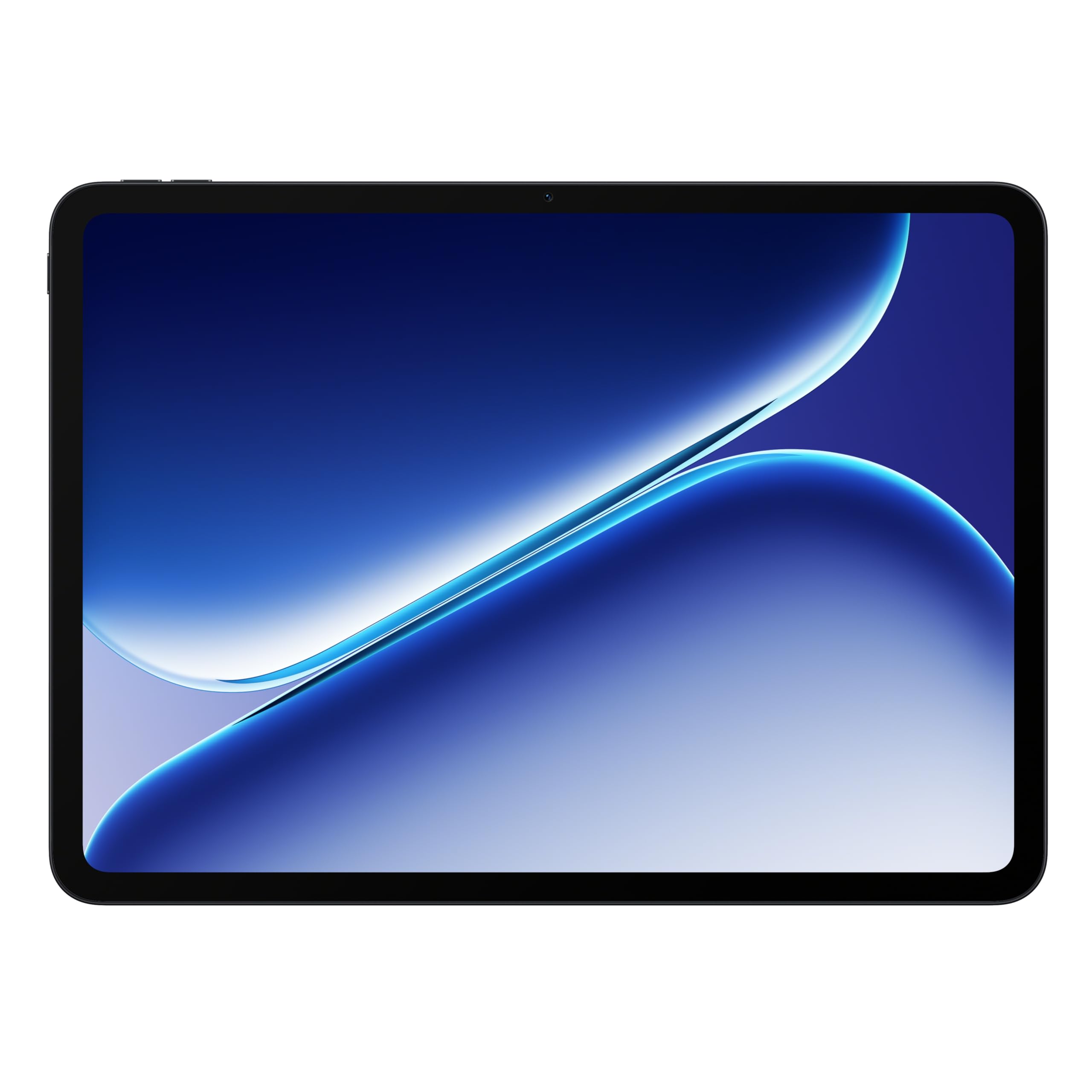
The OnePlus Pad Go 2 strikes a rare balance between high-refresh-screen fluidity and marathon battery life. The 12.1-inch Dolby Vision display with a 120Hz refresh rate makes every swipe, video, and game look exceptionally smooth. The MediaTek Dimensity 7300-Ultra processor provides ample power for multitasking without generating excessive heat or draining the 10050mAh battery quickly.
Real-world usage easily stretches across a full workday and into the evening, with the included SUPERVOOC charger refilling the battery rapidly. The slim aluminum build feels premium in the hand, and the 8GB of physical RAM — without relying heavily on virtual expansion — keeps apps loaded and ready. The clean OxygenOS-like software avoids bloatware and unnecessary preloads.
This tablet is ideal for users who want a high-refresh display for media consumption and light productivity without paying flagship prices. The lack of an included stylus or keyboard is a minor inconvenience, but the base experience is exceptionally polished for the mid-range bracket.
Why it’s great
- 120Hz Dolby Vision display provides excellent fluidity
- Massive 10050mAh battery with fast charging included
- Slim metal design with a clean software experience
Good to know
- No stylus or keyboard included in the box
- Camera sensors are adequate but not outstanding
4. Lenovo Idea Tab Plus

The Lenovo Idea Tab Plus focuses on providing a clear, bright screen for students and casual users. The 12.1-inch 2.5K IPS panel reaches 800 nits of peak brightness, making it usable outdoors under shade or near a sunny window — a real advantage over dimmer displays. The 90Hz refresh rate keeps navigation feeling snappy, and the quad Dolby Atmos-tuned speakers deliver rich audio for lectures and streaming.
The MediaTek Dimensity 6400 processor is paired with 8GB of RAM, which handles note-taking apps, web browsing, and light creative work without lag. The included Lenovo Tab Pen and folio case add immediate value, allowing you to start writing or sketching out of the box. The 13-hour battery claim holds well under mixed use, and quick charging reduces downtime.
The main trade-off is the 128GB storage with microSD support, which is adequate but not generous for heavy media libraries. This tablet is best suited for students and remote workers who need a portable second screen with pen support at a competitive price.
Why it’s great
- 800 nits peak brightness for outdoor readability
- Includes Lenovo Tab Pen and folio case
- Quad Dolby Atmos speakers with clear sound
Good to know
- MediaTek Dimensity 6400 is adequate but not for heavy gaming
- Storage starts at 128GB; plan for microSD expansion
5. TCL TAB A1 Plus
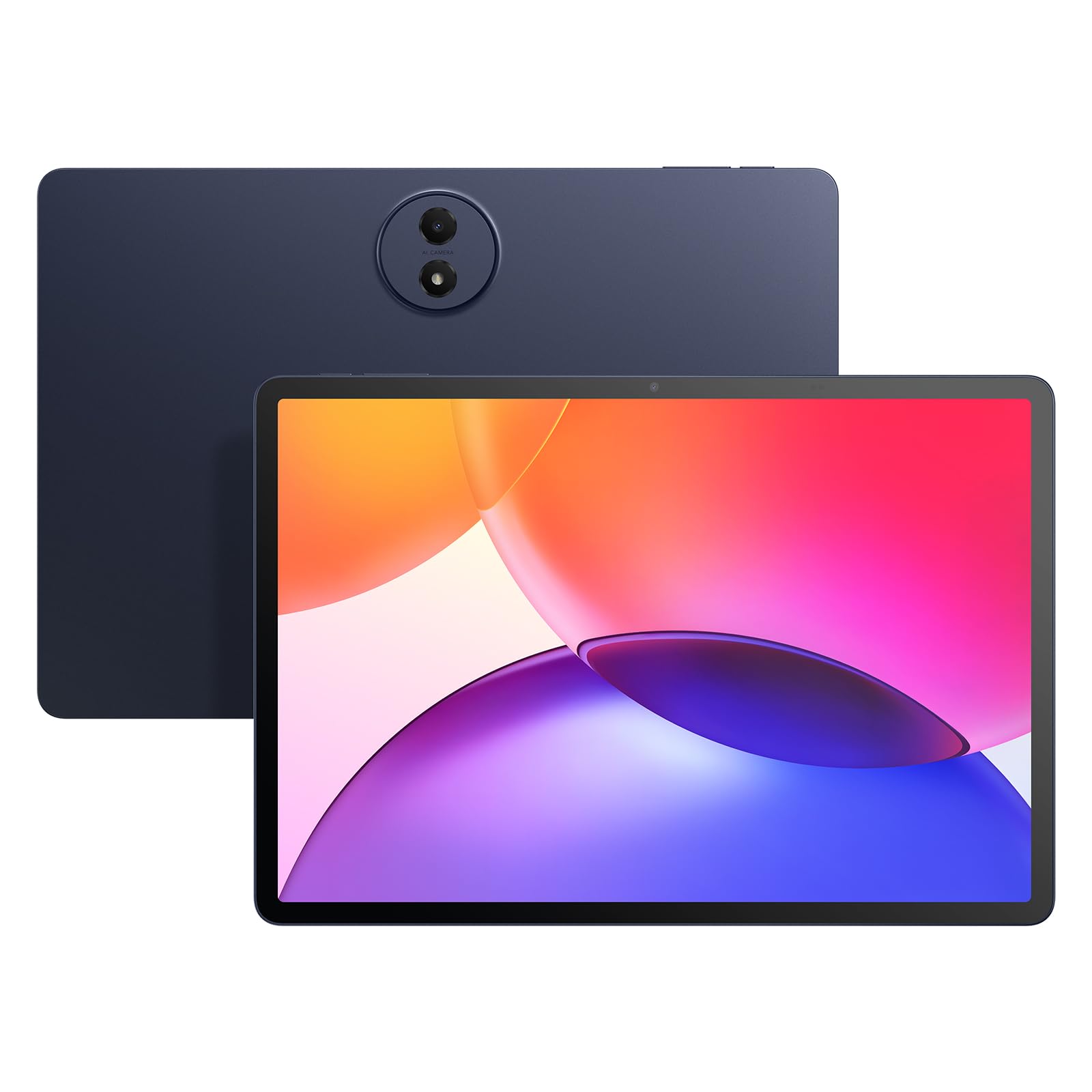
TCL’s display expertise shines in the TAB A1 Plus. The 12.2-inch 2.4K panel with a 120Hz refresh rate delivers smooth scrolling and sharp text, and the NXTVISION engine adjusts color and contrast in real time for a more comfortable reading experience. The 3:2 aspect ratio is noticeably taller than the common 16:10 displays, providing extra vertical space for documents and web pages.
The Snapdragon 4 Gen 2 processor with 6GB of physical RAM and up to 10GB of virtual expansion handles multitasking reasonably well, though it’s not built for high-end gaming. The 8000mAh battery supports 20W fast charging and provides solid all-day battery life under mixed use. The slim metal unibody design at 6.7mm thick and 1.19 pounds makes it one of the most portable 12-inch tablets available.
This tablet is a strong contender for users who read extensively, attend online classes, or watch media in bed. The included stylus and case add convenience, though the stylus itself feels basic without tilt support or replaceable nibs from TCL in North America.
Why it’s great
- 120Hz 2.4K display with 3:2 ratio for document reading
- Slim metal build at 6.7mm thick
- NXTVISION enhances reading comfort automatically
Good to know
- Stylus lacks tilt support and replacement nibs
- Processor is entry-level for gaming and heavy apps
6. TABWEE 2026 Upgraded 12.2 Inch
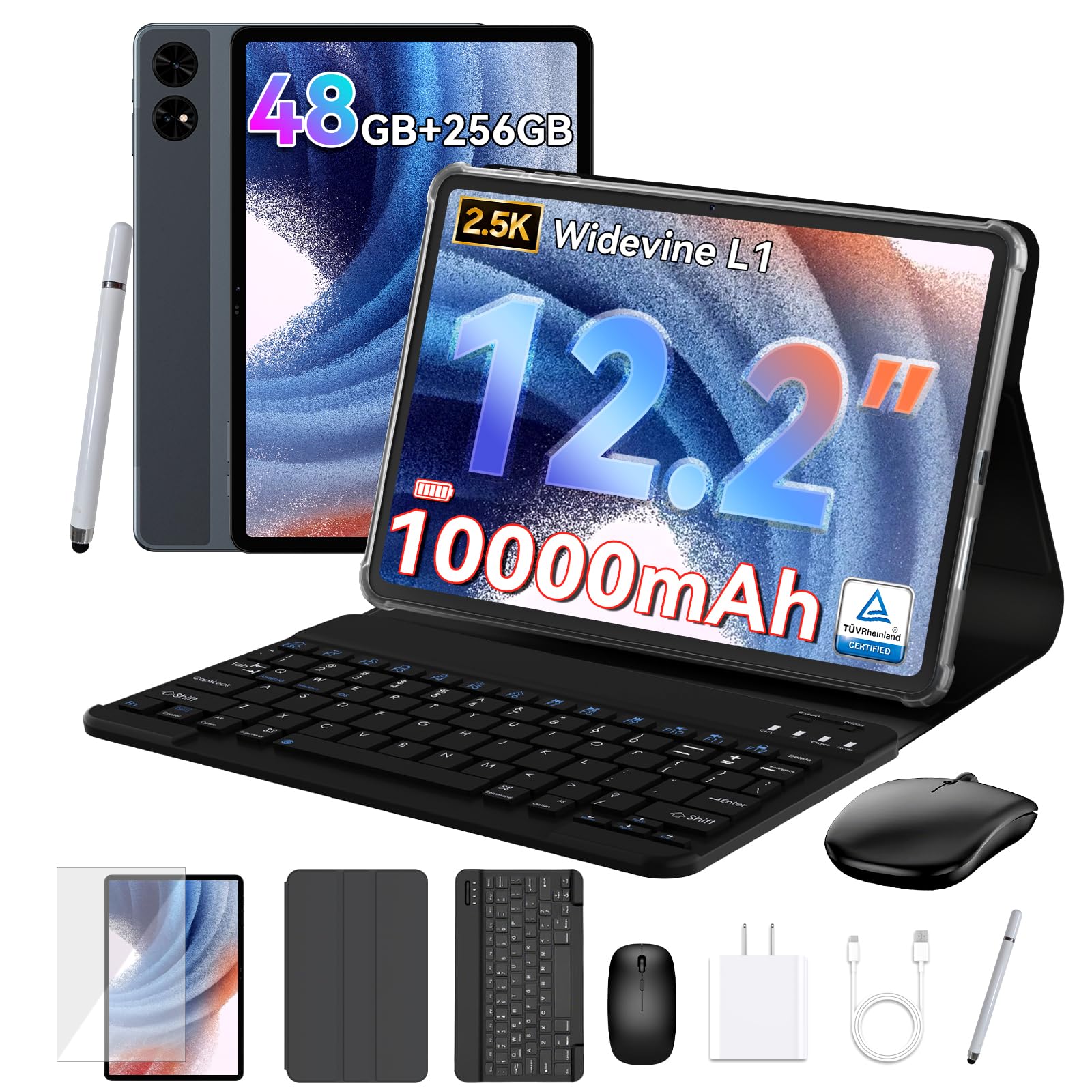
The TABWEE 2026 Upgraded tablet is designed for users who want a complete mobile office kit without breaking the mid-range ceiling. The 12.2-inch CSOT panel delivers 2.5K QHD resolution with 99% sRGB coverage, making it suitable for photo editing and graphic work. The anti-glare coating reduces reflections significantly, which helps when using the tablet outdoors or in brightly lit rooms.
The combination of 12GB physical RAM and 36GB virtual expansion — totaling 48GB — sounds impressive, but real-world multitasking is driven primarily by the physical RAM portion. The 10000mAh battery is a standout feature, easily lasting through long flights or full workdays without a recharge. The package includes a detachable keyboard, wireless mouse, and stylus, allowing instant laptop-mode conversion.
The T7280 processor is capable for everyday apps and streaming but may struggle with demanding 3D games. The 4-year warranty is an unusual and welcome commitment to longevity. This tablet is best for travelers, freelancers, and students who need a versatile device with all accessories included.
Why it’s great
- Complete accessory bundle (keyboard, mouse, stylus, case)
- 10000mAh battery with industry-leading 4-year warranty
- Anti-glare 2.5K QHD display with 99% sRGB
Good to know
- Processor is not designed for high-end gaming
- Virtual RAM expansion is less effective than physical RAM
7. PicassoTab A12
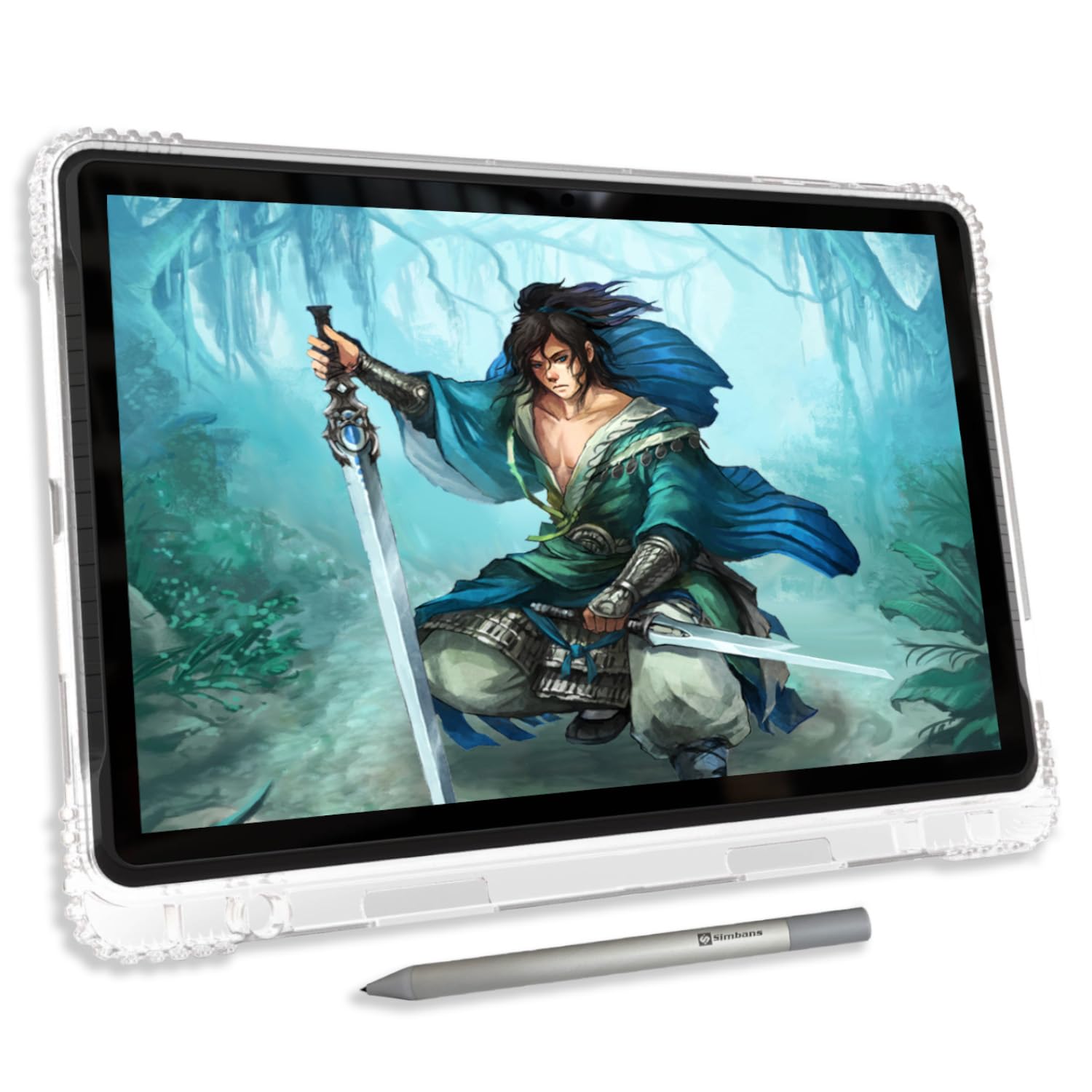
The PicassoTab A12 is built from the ground up for digital art. The 12-inch laminated display eliminates the gap between the glass and the LCD, reducing parallax so the pen tip matches the cursor position precisely. The Picasso Pen 3 offers 4096 levels of pressure sensitivity and palm rejection, giving artists fine control over line weight and shading.
The tablet runs Android 15 and includes lifetime PRO licenses for Concepts and Infinite Painter, along with Artixo VIP tutorials — a complete creative suite that works immediately without additional purchases. The octa-core processor with 6GB RAM and 128GB storage handles drawing apps smoothly, and the microSD slot supports expansion up to 1TB for large project files.
The included case, screen protector, and artist glove make this a true plug-and-play drawing solution. The stylus runs on a AAAA battery and the default nib is on the harder side, which some artists may find scratchy. For hobbyists and students who want a standalone drawing tablet without connecting to a computer, this is a focused and capable choice.
Why it’s great
- Laminated display with near-zero parallax for accurate drawing
- Lifetime PRO drawing apps and tutorials included
- Complete accessory bundle (case, pen, glove, protector)
Good to know
- Stylus requires AAAA battery, not rechargeable internally
- Default nib feels hard; may benefit from a screen protector
8. Samsung Galaxy Tab S7 FE (Renewed)

The Galaxy Tab S7 FE remains a relevant contender years after its initial release, especially in the renewed market where the price drops significantly. The 12.4-inch display provides ample real estate for note-taking, document reading, and media consumption. The included S Pen attaches magnetically to the back and requires no pairing or charging, offering a low-friction note-taking experience.
The Qualcomm SM7225 octa-core processor is a few generations old, but it still handles note-taking apps, web browsing, and streaming without major issues. The 10090mAh battery delivers excellent endurance, often exceeding 10 hours of continuous use. Samsung’s One UI remains one of the most polished Android tablet interfaces, with solid multitasking features like split-screen and pop-up windows.
Users should be aware that renewed units may include generic accessories rather than original Samsung components. The performance is sufficient for productivity and media but will show its age with demanding games or heavy multitasking. For budget-conscious users who prioritize the S Pen experience and a large screen, this is a sensible choice.
Why it’s great
- S Pen included with magnetic attachment, no charging needed
- 10090mAh battery provides excellent endurance
- Large 12.4-inch display with Samsung One UI
Good to know
- Processor is older; struggles with heavy gaming
- Renewed units may ship with generic accessories
9. YLEEBG 12 Inch Tablet with Keyboard
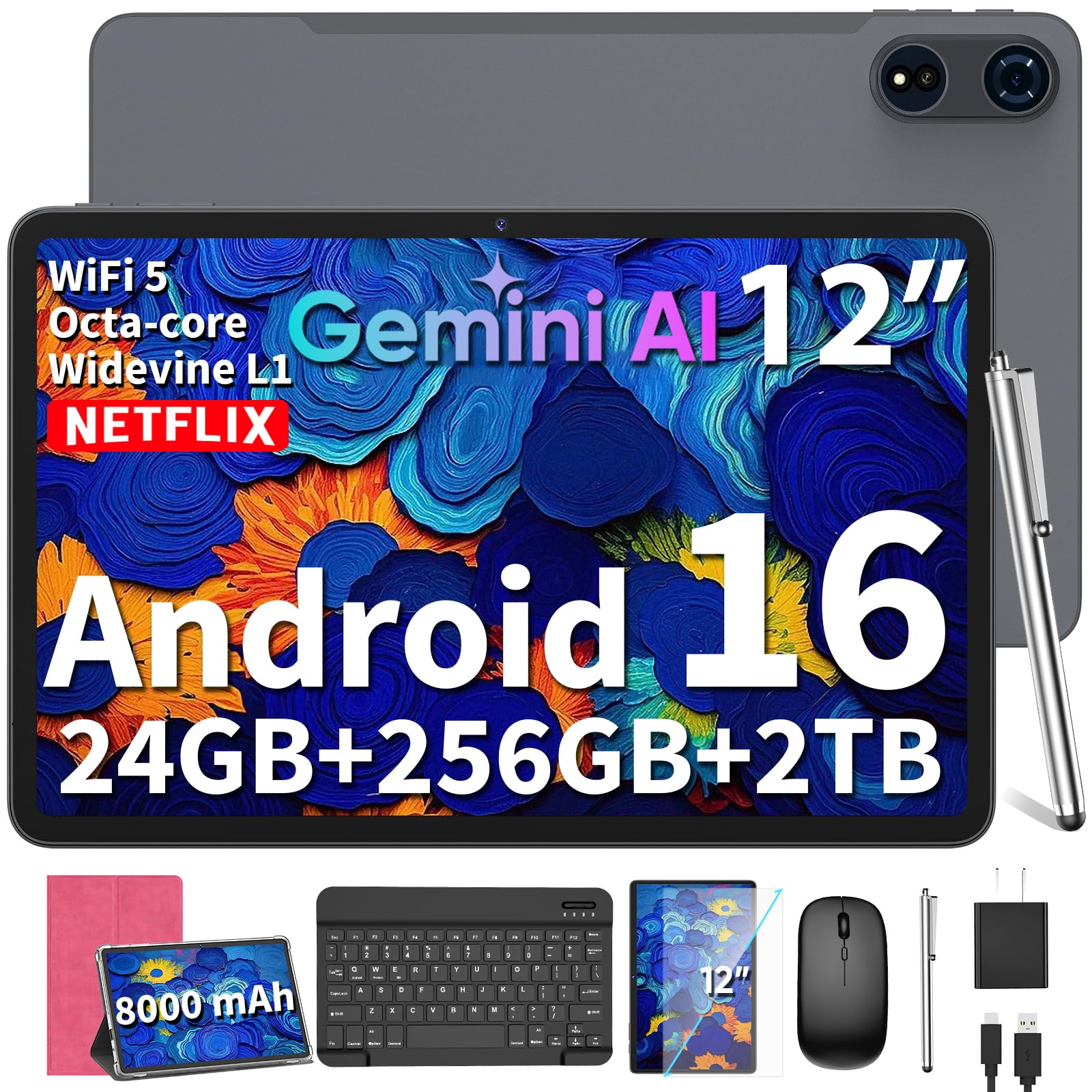
The YLEEBG 12-inch tablet targets buyers who want a complete productivity setup at the lowest possible entry cost. The package includes a Bluetooth keyboard, wireless mouse, stylus, and a protective case, allowing immediate laptop-mode usage. The 12-inch 2K display with 90Hz refresh rate offers decent clarity and smooth scrolling for the price bracket.
The Unisoc T615 octa-core processor paired with 8GB physical RAM and up to 16GB virtual expansion handles basic multitasking, web browsing, and streaming without major lag. The 8000mAh battery delivers respectable endurance, though heavy use will require a midday charge. Android 16 with Gemini AI integration provides modern software features including translation, summarization, and writing assistance.
The build quality reflects the budget positioning — the keyboard pairing process can be finicky, and the stylus is more suitable for note-taking than detailed drawing. This tablet is best for first-time tablet buyers, children, or anyone needing a functional secondary device with all accessories included at a minimal investment.
Why it’s great
- Complete accessory bundle: keyboard, mouse, stylus, case
- Runs Android 16 with Gemini AI out of the box
- 2K 90Hz display at an entry-level price point
Good to know
- Processor is entry-level; not for demanding apps or games
- Keyboard pairing process can be inconsistent
FAQ
Is a 12-inch Android tablet too large for daily carry?
Can I use a 12-inch Android tablet as a laptop replacement?
What is the difference between a laminated and non-laminated display for drawing?
Does Widevine L1 certification matter for streaming?
How does virtual RAM expansion compare to physical RAM?
Final Thoughts: The Verdict
For most users, the best 12-inch android tablet winner is the Samsung Galaxy Tab S9+ because it combines a class-leading AMOLED display, a flagship processor, IP68 durability, and the excellent S Pen into one cohesive package. If you want a dedicated digital art slate with accessories included, grab the PicassoTab A12. And for all-day media consumption and clean software at a more accessible price, nothing beats the OnePlus Pad Go 2.

Mo Maruf
I created WellFizz to bridge the gap between vague wellness advice and actionable solutions. My mission is simple: to decode the research and give you practical tools you can actually use.
Beyond the data, I am a passionate traveler. I believe that stepping away from the screen to explore new environments is essential for mental clarity and physical vitality.