Our readers keep the lights on and my smoothie glass nicely filled. As an Amazon Associate, I earn from qualifying purchases.
Stepping up to 1440p gaming means leaving behind the blur of 1080p without the punishing GPU demands of 4K. But at this price tier, the difference between a blurry, washed-out panel and a crisp, responsive beast comes down to specific specs like refresh rate ceiling, pixel response, and panel uniformity. You don’t need to spend premium cash to get a silky-smooth experience in competitive shooters and immersive RPGs.
I’m Mohammad Maruf — the founder and writer behind WellFizz. I spend my time comparing panel technologies, measuring input lag from spec sheets, and cross-referencing real buyer experiences to find the monitors that punch far above their sticker price in this crowded 1440p segment.
After analyzing nine different models across budget and premium tiers, I’ve narrowed down the list to the options that truly deliver on performance. This is your shortcut to finding the absolute best budget 1440p gaming monitor for your next rig upgrade.
How To Choose The Best Budget 1440P Gaming Monitor
Selecting a monitor in this price bracket requires a clear-eyed look at what you actually need. A higher refresh rate is useless if your GPU can’t push those frames, and a gorgeous IPS panel won’t help if the response time introduces ghosting in fast-paced scenes. Focus on the specs that directly impact your gaming experience.
Refresh Rate and Response Time Synergy
The refresh rate (measured in Hz) tells you how many frames the monitor can display per second, while the response time (measured in ms) indicates how quickly a pixel can change from one color to another. For competitive gaming, a combination of 165Hz or higher with a response time of 1ms (MPRT or GTG) is the sweet spot. A 200Hz monitor with a sluggish 4ms response will still show motion blur; a 165Hz panel with a 1ms response can look sharper in practice.
Panel Technology: IPS vs. VA vs. OLED
IPS panels are the preferred choice for most gamers in this category because they offer superior color accuracy, wide viewing angles, and consistent brightness. VA panels provide deeper blacks and higher contrast ratios, which can be great for single-player games with dark scenes, but they often suffer from slower pixel response times and narrow viewing angles. OLED (specifically QD-OLED) offers the best picture quality but is typically found at a higher price point. For a budget-focused buyer, a good IPS panel is the safest bet.
Connectivity and Compatibility
Check that your monitor has the ports required to hit its maximum refresh rate. Most monitors in this range can achieve their full 180Hz or 200Hz only through a DisplayPort 1.4 connection. HDMI 2.0 ports are often limited to 144Hz at 1440p. If you plan on using a console like the PS5 or Xbox Series X, ensure the monitor supports VRR (Variable Refresh Rate) over HDMI, often through HDMI 2.1. Also consider whether you need built-in speakers, a USB hub, or a fully adjustable stand (tilt, height, swivel).
Quick Comparison
On smaller screens, swipe sideways to see the full table.
| Model | Category | Best For | Key Spec | Amazon |
|---|---|---|---|---|
| Acer Nitro XV272U F3bmiiprx | IPS | Competitive FPS at high frames | 300Hz / 0.5ms GTG | Amazon |
| ASUS TUF Gaming VG27AQL5A | IPS | All-around gaming with ELMB Sync | 210Hz / 0.3ms GTG | Amazon |
| Samsung Odyssey G5 G53F | IPS | Budget-conscious gamers | 200Hz / 1ms MPRT | Amazon |
| LG 27G610A-B UltraGear | IPS | Multitasking and work/gaming hybrid | 200Hz / 1ms GTG | Amazon |
| Alienware AW2725DM | IPS | Trusted brand with G-Sync | 180Hz / 1ms GTG | Amazon |
| ViewSonic VX3418C-2K | VA | Ultrawide immersion for sims | 180Hz / 1ms MPRT | Amazon |
| SANSUI 34″ Ultrawide | VA | High refresh ultrawide gaming | 240Hz / 1ms MPRT | Amazon |
| Acer Nitro XZ320QU S3bmiiphx | VA | Large curved display on a budget | 180Hz / 1ms VRB | Amazon |
| AOC Q27GAZD | QD-OLED | Stunning visuals for single-player | 240Hz / 0.03ms GTG | Amazon |
In‑Depth Reviews
1. Acer Nitro 27″ WQHD 300Hz (XV272U F3bmiiprx)

The Acer Nitro XV272U is the highest refresh rate monitor on this list at 300Hz, making it a prime choice for competitive shooters where every millisecond matters. Its 0.5ms (GTG) response time ensures that fast-moving targets remain crisp without the ghosting that plagues slower panels. The 99% sRGB color coverage also makes it viable for color-critical work, though the 250-nit peak brightness is modest for HDR content.
Buyers consistently praise the picture quality and smooth motion, noting that the monitor punches well above its sticker price. However, the panel does exhibit some backlight bleed, and the stand—while offering ergonomic adjustments—feels a bit plasticky. The lack of an included DisplayPort cable capable of handling the full 300Hz at 10-bit color depth is a common complaint, so budget for a quality DP 1.4 cable.
For anyone building a mid-range to high-end PC and targeting 1440p gaming, this monitor provides a future-proof refresh rate ceiling. The 300Hz capability means you won’t be leaving performance on the table as GPUs improve over the next few years. It’s a specialist tool for the competitive gamer who refuses to compromise on smoothness.
Why it’s great
- Blazing 300Hz refresh rate is best-in-class for this budget segment.
- 0.5ms GTG response time eliminates motion blur in fast-paced titles.
- Full ergonomic stand with height, swivel, and tilt adjustments.
Good to know
- Requires DisplayPort 1.4 for full 300Hz performance; cable not included.
- 250-nit brightness is low for HDR; black levels are average.
- Some users report backlight bleed and mediocre viewing angles.
2. ASUS TUF Gaming 27″ 1440P (VG27AQL5A)

The ASUS TUF Gaming VG27AQL5A sits in a sweet spot of performance and features. Its 210Hz overclocked refresh rate is slightly slower than the Acer’s 300Hz but still buttery smooth for any genre. The standout feature here is the Extreme Low Motion Blur Sync (ELMB Sync) technology, which allows for simultaneous operation of backlight strobing and variable refresh rate—eliminating both ghosting and tearing without sacrificing brightness.
Users consistently highlight the excellent color reproduction and low input lag, with many calling it the perfect upgrade from a standard 1080p 144Hz monitor. The built-in speakers are a welcome addition for casual use, though they lack bass and volume for immersive gaming. The stand is fully adjustable, offering height, pivot, and swivel, which is rare at this price point.
The only downside is that the overdrive setting on the “Extreme” mode can introduce a slight halo effect in some scenes, so most users will stick with the “Normal” setting. The 1300:1 contrast ratio is decent for an IPS panel, but dark room scenes won’t match the depth of VA or OLED. For the price, this is a hard monitor to beat for general gaming.
Why it’s great
- ELMB Sync eliminates both ghosting and tearing simultaneously.
- 0.3ms GTG response time is incredibly fast for an IPS panel.
- Full ergonomic stand and built-in speakers add value.
Good to know
- Extreme overdrive setting can cause minor visual artifacts.
- Contrast ratio is standard IPS; not ideal for dark room gaming.
- Built-in speakers are weak for serious audio.
3. Samsung 27” Odyssey G5 G53F

The Samsung Odyssey G5 G53F is a well-balanced 27-inch QHD monitor that delivers excellent all-around performance without breaking the bank. With a 200Hz refresh rate and 1ms MPRT response time, it provides a very smooth gaming experience, even in demanding titles. The IPS panel offers vibrant colors and wide 178-degree viewing angles, and the inclusion of HDR10 support helps bring out finer details in contrast-rich scenes.
Customer feedback is overwhelmingly positive, with many praising the sharp image quality and easy setup. The Black Equalizer feature is particularly useful for spotting enemies in dark corners, and Auto Source Switch+ makes it easy to toggle between a PC and a console. The stand is a weak point—it only offers tilt adjustment and feels a bit flimsy compared to competitors—but the monitor’s performance makes it a worthwhile trade-off.
For the budget-conscious gamer who wants a no-fuss upgrade to 1440p, the G5 is a fantastic option. It lacks the extreme refresh rates of more expensive models, but 200Hz is more than enough for 95% of users. Just be prepared to buy a VESA mount or third-party stand if you value desk ergonomics.
Why it’s great
- Sharp 1440p IPS panel with vibrant colors and 200Hz refresh rate.
- Useful gaming features like Black Equalizer and Virtual Aim Point.
- Very easy setup and reliable performance for the price.
Good to know
- Stand is basic with only tilt adjustment; recommend a monitor arm.
- Cable management loop is fragile and easily broken.
- HDR performance is average; limited by 300-nit brightness.
4. LG 27G610A-B Ultragear
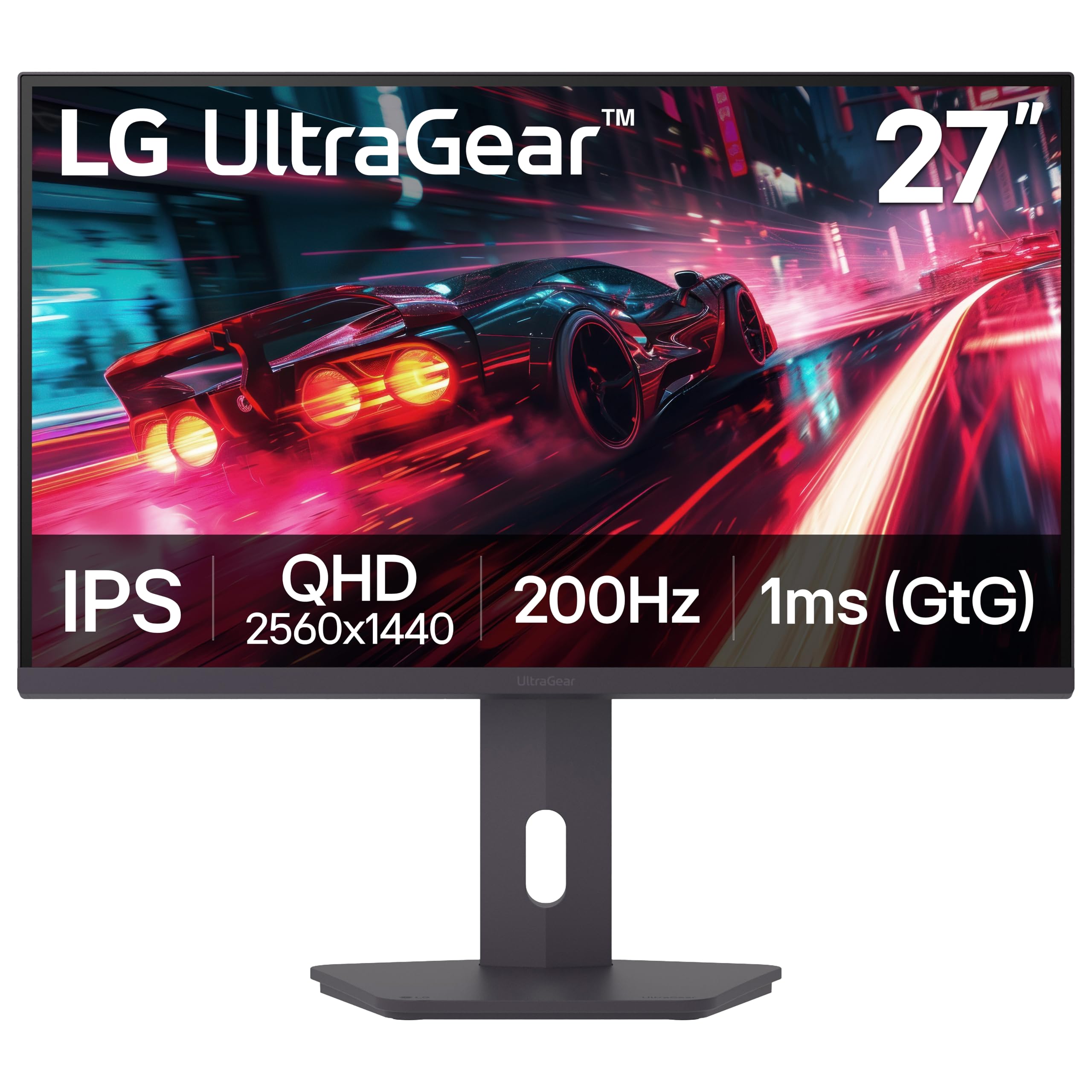
The LG UltraGear 27G610A-B is a well-rounded option that excels in both gaming and productivity. Its 200Hz native refresh rate and 1ms GTG response time deliver exceptionally smooth motion, while the VESA DisplayHDR 400 certification gives it better brightness and contrast than most monitors in this bracket. The 99% sRGB color gamut ensures accurate colors out of the box.
Owners frequently praise the fully adjustable stand, which offers height, tilt, swivel, and pivot control—a rarity at this price point. The matte anti-glare coating is effective in brightly lit rooms, and the Switch app allows for easy screen splitting for multitasking. The built-in speakers are universally described as weak, and the HDR, while improved, doesn’t rival dedicated HDR monitors.
This monitor is a strong candidate for users who want a single display for both work and play. The adjustable stand means you can get the perfect ergonomic setup without buying a third-party arm. It’s a reliable, feature-rich package that justifies its slightly higher cost over the most basic options.
Why it’s great
- Excellent fully adjustable stand with height, swivel, and pivot.
- VESA DisplayHDR 400 provides better brightness and contrast.
- 200Hz native with 1ms GTG for very smooth and responsive gameplay.
Good to know
- Built-in speakers are very poor in quality.
- HDR performance is still entry-level; don’t expect premium results.
- Plastic feel to the overall build; not premium in hand.
5. Alienware 27 AW2725DM

Alienware brings its signature quality to a more accessible price point with the AW2725DM. This monitor features a 27-inch QHD IPS panel with a 180Hz refresh rate and a 1ms GTG response time. It supports both NVIDIA G-SYNC and AMD FreeSync Premium, making it compatible with virtually any modern GPU. The 95% DCI-P3 color coverage provides vibrant, accurate colors that are excellent for both gaming and content creation.
Users frequently mention the build quality as a highlight—the stand is sturdy and fully adjustable, and the overall design feels more premium than most budget monitors. The dedicated console mode ensures smooth performance with PS5 and Xbox Series X. The lack of built-in speakers and a USB-C port are the main drawbacks, so you’ll need to factor in an external audio solution.
If you prioritize a polished, premium experience and brand reliability, the Alienware is a solid investment. The 180Hz refresh rate is a sweet spot for 1440p gaming, balancing smoothness with the ability to maintain high settings on mid-range GPUs. It’s a sensible choice for the gamer who doesn’t want to tinker with settings.
Why it’s great
- Excellent build quality and a sturdy, fully adjustable stand.
- Supports both G-Sync and FreeSync for wide GPU compatibility.
- Vibrant 95% DCI-P3 color coverage out of the box.
Good to know
- No built-in speakers or headphone jack included.
- Only 144Hz over HDMI; requires DisplayPort for 180Hz.
- Lacks USB-C connectivity for modern laptops.
6. ViewSonic VX3418C-2K 34″ Ultrawide
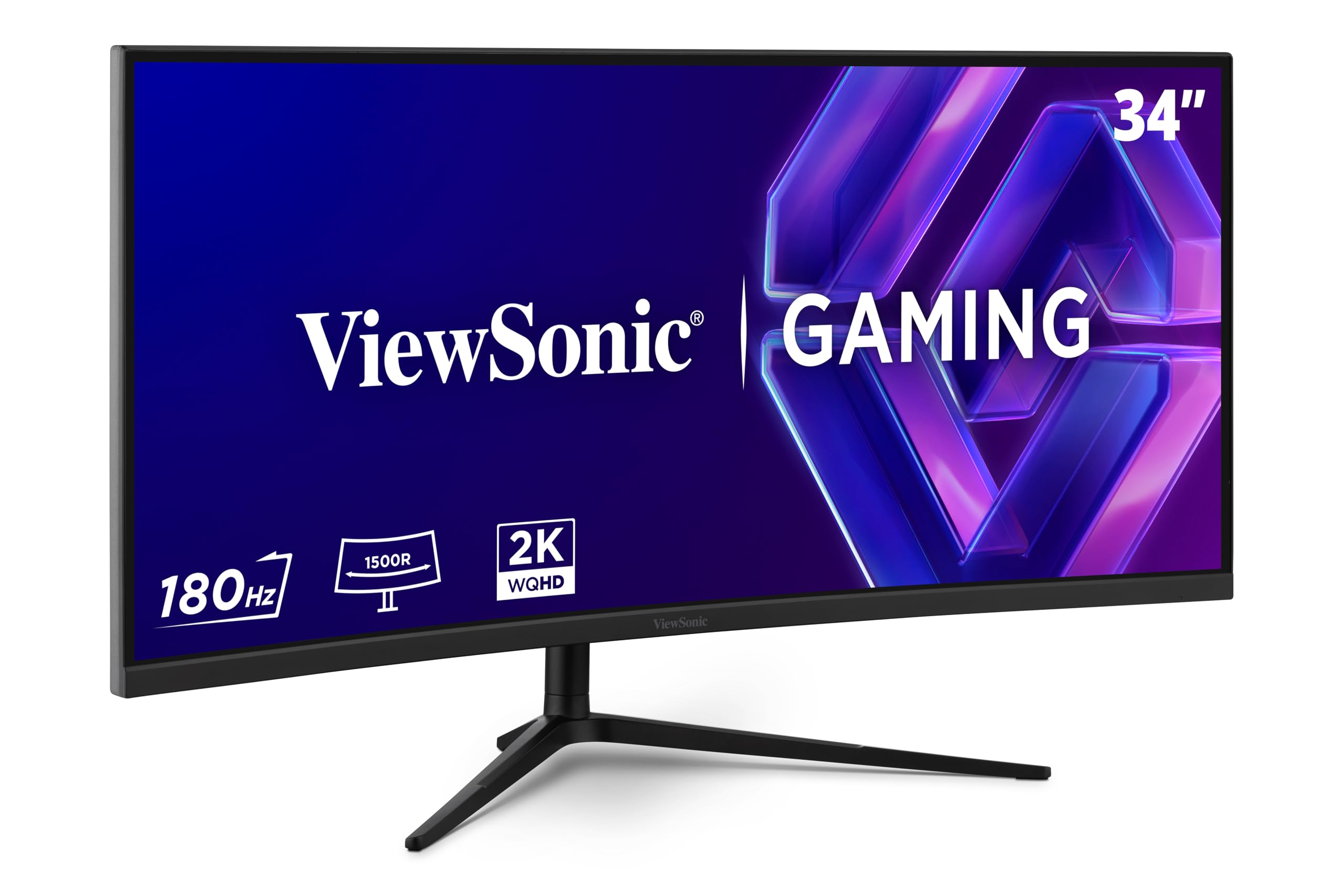
For those who crave immersion, the ViewSonic VX3418C-2K offers a 34-inch ultrawide 21:9 experience with a 1500R curve. Its WQHD (3440×1440) resolution provides a dramatic increase in horizontal screen real estate, perfect for racing sims, strategy games, and multitasking workflows. The 180Hz refresh rate and 1ms MPRT response time ensure that the gameplay remains smooth, even at this higher resolution.
Buyers are impressed with the picture quality, particularly the high contrast ratio of the VA panel, which delivers deep blacks for dark scenes. The FreeSync Premium certification ensures tear-free gameplay. The main criticism is the stand’s poor quality—it lacks ergonomic adjustments and is wobbly. The built-in speakers are also universally panned as nearly inaudible. Most owners recommend using a VESA monitor arm to get the most out of this display.
This monitor is an excellent entry point into ultrawide gaming without paying a premium. The extra 400 pixels horizontally over standard 2560×1440 are noticeable and improve immersion in supported titles. Be prepared to budget for a monitor arm and external speakers.
Why it’s great
- Immersive 34-inch ultrawide 21:9 form factor with 1500R curve.
- Good contrast ratio from VA panel for deep blacks.
- 180Hz and FreeSync Premium for smooth, tear-free gaming.
Good to know
- Stand is poor quality; recommend a VESA monitor arm.
- Built-in speakers are nearly useless for gaming.
- Brightness is capped at 250 nits, limiting HDR impact.
7. SANSUI 34 Inch 240Hz Ultrawide Curved
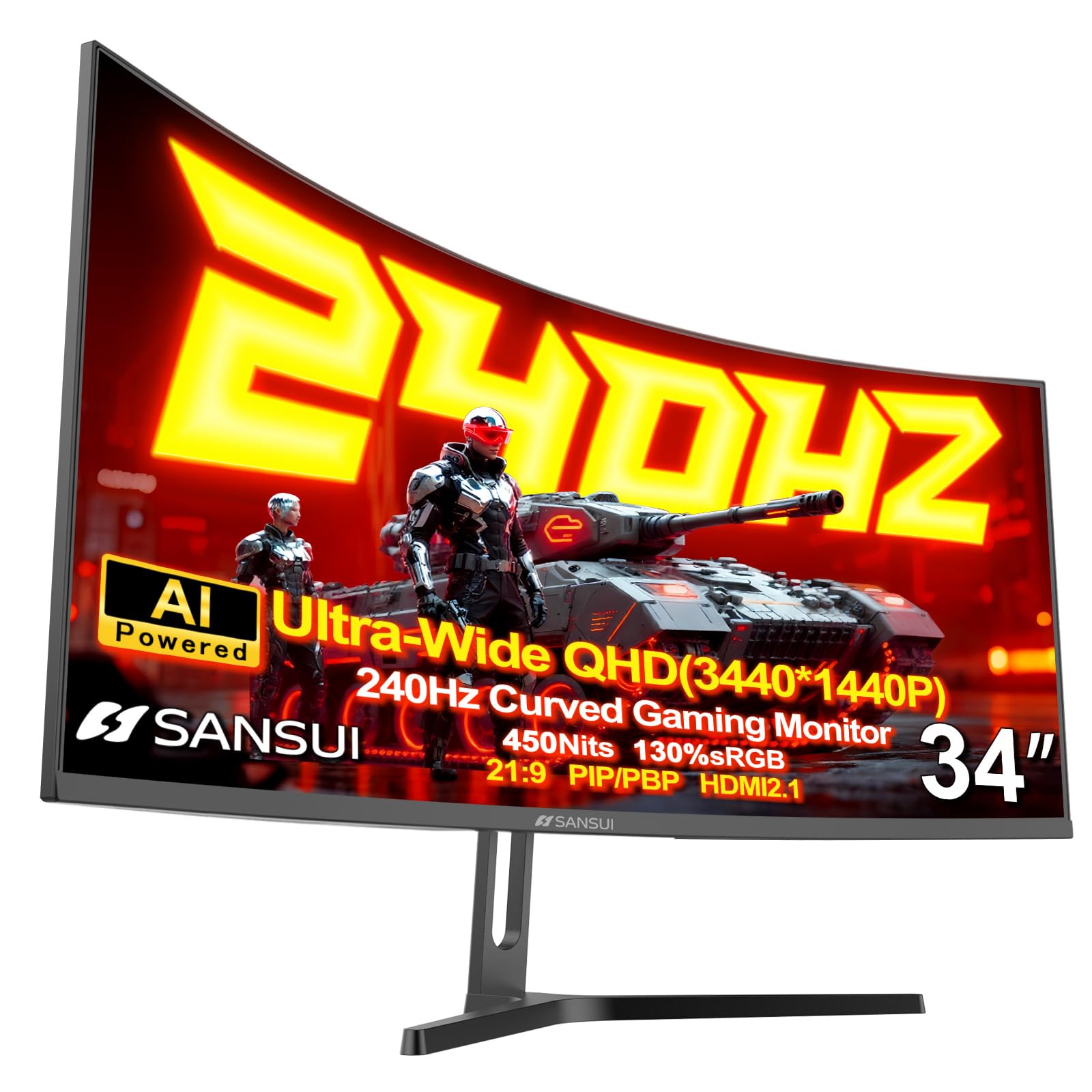
The SANSUI 34-inch ultrawide pushes the refresh rate envelope for this form factor, offering a 240Hz panel with a 1ms MPRT response time. This combination is exceptionally rare on an ultrawide at this price point, making it a dream for competitive players who also want the extra field of view. The 3440×1440 resolution on a 1500R VA panel delivers strong contrast and vibrant colors, with 130% sRGB coverage for punchy visuals.
User feedback is positive, highlighting the monitor’s build quality and smooth performance. The AI-assisted features like AI Crosshair and AI Blue Light are interesting additions. However, the included cable is reported to be underpowered for full 240Hz operation, leading some to purchase a high-quality DP 1.4 or HDMI 2.1 cable separately. The lack of built-in speakers is a minor inconvenience for some.
This is a niche but powerful option for the user who wants the immersion of a 21:9 ultrawide but refuses to drop below 240Hz. It requires a very capable GPU to push those frames, but for racing and first-person shooters, the experience is unmatched. The customer service from SANSUI is also noted as a positive, with quick replacements for any defects.
Why it’s great
- 240Hz refresh rate on a 34-inch ultrawide for buttery smooth motion.
- Strong contrast ratio of 3000:1 from VA panel for deep blacks.
- Includes useful AI enhancements and solid build quality.
Good to know
- Included cable may not support full 240Hz; may need a separate purchase.
- No built-in speakers for audio output.
- Very wide; requires ample desk space to set up properly.
8. Acer Nitro 31.5″ Curved WQHD (XZ320QU S3bmiiphx)
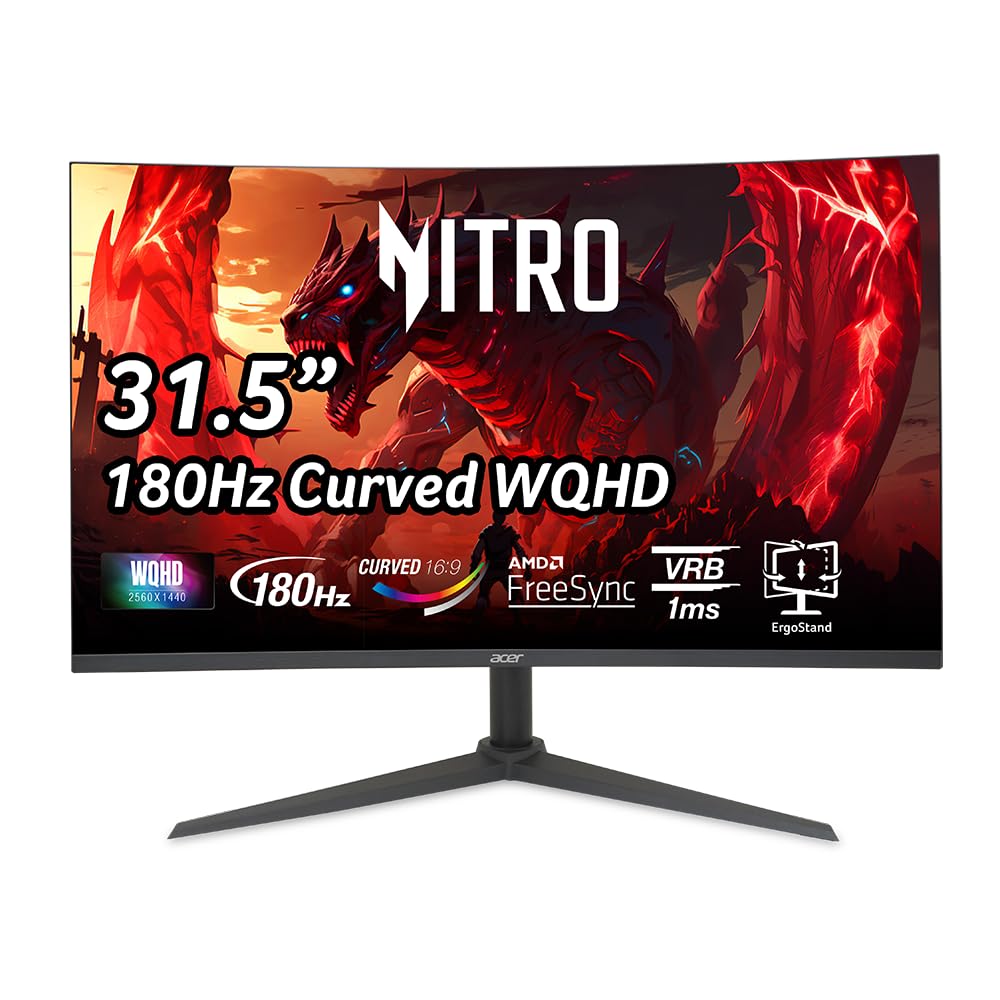
The Acer Nitro XZ320QU offers a larger 31.5-inch screen with a 1500R curve, targeting gamers who want a bigger, more immersive display on a budget. The 180Hz refresh rate and 1ms VRB (Visual Response Boost) provide solid motion clarity for most games. The VA panel delivers a high contrast ratio, which makes dark scenes in single-player games more engaging.
Owners appreciate the value for money, noting that the color quality and size are excellent for console gaming (particularly PS5) and PC use. The stand offers height, tilt, and swivel adjustments, which is a nice bonus. The most consistent complaint involves the included DisplayPort cable, which is underpowered and causes flickering or color washout at 180Hz. A separate DP 2.1 cable is recommended for optimal performance.
This monitor is best suited for gamers who prioritize screen size and immersion over raw competitive speed. The 31.5-inch size at 1440p has a good pixel density for general use, and the curve helps maintain a comfortable viewing angle. Just be prepared to swap out the stock cables for a reliable set.
Why it’s great
- Large 31.5-inch curved display for immersive gaming and movies.
- VA panel provides high contrast ratio for deep blacks.
- Fully adjustable stand with height, tilt, and swivel.
Good to know
- Included DP cable is underpowered for 180Hz; flickering reported.
- Not as sharp as a 27-inch 1440p monitor for competitive gaming.
- Built-in speakers are weak and unreliable.
9. AOC 27″ QD-OLED (Q27GAZD)

The AOC Q27GAZD is a QD-OLED panel, representing a significant leap in image quality over traditional IPS and VA screens. With a 240Hz refresh rate and a 0.03ms GTG response time, it offers near-instant pixel transitions and perfect black levels. The HDR400 True Black certification ensures that highlights are bright and shadows are deep, creating a visual experience that is simply stunning for single-player and cinematic games.
Early adopters are blown away by the picture quality, stating it easily rivals monitors costing twice as much. The color volume is exceptional, with 147.6% sRGB and 110.2% DCI-P3 coverage. The primary trade-offs are a wobbly, basic stand that feels cheap, and the need for a DisplayPort connection to achieve 240Hz (HDMI is limited to 165Hz). The glossy screen can also be reflective in very bright rooms.
This monitor is the ultimate choice for the gamer who demands the best picture quality possible. The OLED panel’s infinite contrast and fast pixel response make everything look better, from desktop use to the most demanding games. It’s a premium option within this budget-oriented list, but it justifies the extra cost with breathtaking performance.
Why it’s great
- QD-OLED panel offers perfect blacks and incredible color volume.
- 0.03ms GTG response time is the fastest available.
- HDR400 True Black provides outstanding contrast for HDR content.
Good to know
- Stand is very basic; a monitor arm is highly recommended.
- HDMI limited to 165Hz; DisplayPort required for 240Hz.
- Glossy screen can show reflections in brightly lit rooms.
FAQ
What GPU do I need for a 1440p 144Hz monitor?
Can I use a 1440p monitor for console gaming on a PS5 or Xbox Series X?
Is a 31.5-inch 1440p monitor too big for competitive gaming?
Final Thoughts: The Verdict
For most users, the best budget 1440p gaming monitor winner is the Samsung Odyssey G5 G53F because it offers a fantastic balance of image quality, refresh rate, and price with a feature set that works for all gamers. If you want the highest possible refresh rate for competitive shooters, grab the Acer Nitro XV272U. And for a truly breathtaking visual upgrade with deep blacks and incredible contrast, nothing beats the AOC Q27GAZD.

Mo Maruf
I created WellFizz to bridge the gap between vague wellness advice and actionable solutions. My mission is simple: to decode the research and give you practical tools you can actually use.
Beyond the data, I am a passionate traveler. I believe that stepping away from the screen to explore new environments is essential for mental clarity and physical vitality.