Our readers keep the lights on and my smoothie glass nicely filled. As an Amazon Associate, I earn from qualifying purchases.
Finding the right 10-inch tablet is less about the flashiest brand and more about matching the device’s true capabilities to your actual needs. The market is flooded with options, each promising the world, but many buyers end up with a device that’s either frustratingly underpowered or packed with features they’ll never use.
I’m Mohammad Maruf — the founder and writer behind WellFizz. My research involves deep market analysis, comparing specifications across hundreds of data points, and synthesizing user feedback to separate marketing hype from genuine value. I focus on the numbers and real-world performance indicators that actually determine your daily experience.
This guide cuts through the noise by reviewing only the most current models, analyzing their true performance metrics, and explaining which specifications matter most for your tasks. best 10 inch tablet for your lifestyle is one that feels effortless, not one that constantly reminds you of its limitations.
How To Choose The Best 10 Inch Tablet
A 10-inch tablet sits in a versatile sweet spot: large enough for comfortable media consumption and light work, yet portable enough for daily carry. Your choice should hinge on balancing three core pillars: processing power for responsiveness, display quality for eye comfort, and battery life for untethered use. Ignoring any one can lead to a compromised experience.
Define Your Primary Use Case
Are you streaming videos, managing email, browsing the web, or giving this to a child for games? Entry-level tablets handle basic streaming and reading well. If you plan on having multiple apps open, using a keyboard for productivity, or playing more demanding games, you need a model with a more robust processor and higher genuine RAM, not just expanded virtual memory.
Scrutinize the Memory Specifications
Pay close attention to RAM and storage. Many budget tablets advertise high RAM numbers (e.g., “18GB RAM”) but achieve this through software that uses internal storage as slow virtual memory. Look for the base physical RAM (e.g., “4GB+14GB expandable” means 4GB is physical). For storage, 32GB fills up quickly; prioritize 64GB or more, or ensure there’s a microSD card slot for expansion.
Evaluate Display and Build
A 1280×800 resolution on a 10-inch screen is standard for budget and mid-range models and is sufficient for HD video. IPS panels offer better color and viewing angles than standard LCD. Consider if the tablet will be mobile—a included protective case is a significant value-add. Also, check for features like a blue light filter for more comfortable reading.
Quick Comparison
On smaller screens, swipe sideways to see the full table.
| Model | Type | Best For | Key Feature | Amazon |
|---|---|---|---|---|
| Raemond K70 | Premium Android | Overall balanced performance | 18GB RAM, 2-year warranty | Amazon |
| URAO C107 | Performance Android | Multitasking & speed | Octa-core, 24GB RAM | Amazon |
| MENTUME K50 | Entertainment Android | HD streaming & media | Widevine L1, Dual Speakers | Amazon |
| CUPEISI CP31M | 2-in-1 Bundle | Productivity on a budget | Includes keyboard, mouse, case | Amazon |
| IWEGGO CP20 Pro | 2-in-1 Bundle | Portable work station | Full accessory bundle | Amazon |
| aiprotablet C20e | Mid-Range Android | Everyday reliable use | 12GB RAM, includes case | Amazon |
| ECOPAD THTH-K12C | Value Android | Basic tasks & streaming | 12GB RAM, 64GB storage | Amazon |
| COOPERS CP10S (Black) | Entry-Level Android | Simple media & reading | Android 15, expandable storage | Amazon |
| PRITOM M10 | Budget Android | Light web use & kids | 64GB storage, GPS & FM radio | Amazon |
| ZZB YQ10S | Budget Android | Very basic, single-use tasks | Extremely entry-level | Amazon |
| COOPERS CP10S (Navy) | Entry-Level Android | Secondary display device | Reliable for fixed functions | Amazon |
In‑Depth Reviews
1. Raemond Android 15 Tablet 10 Inch with Case
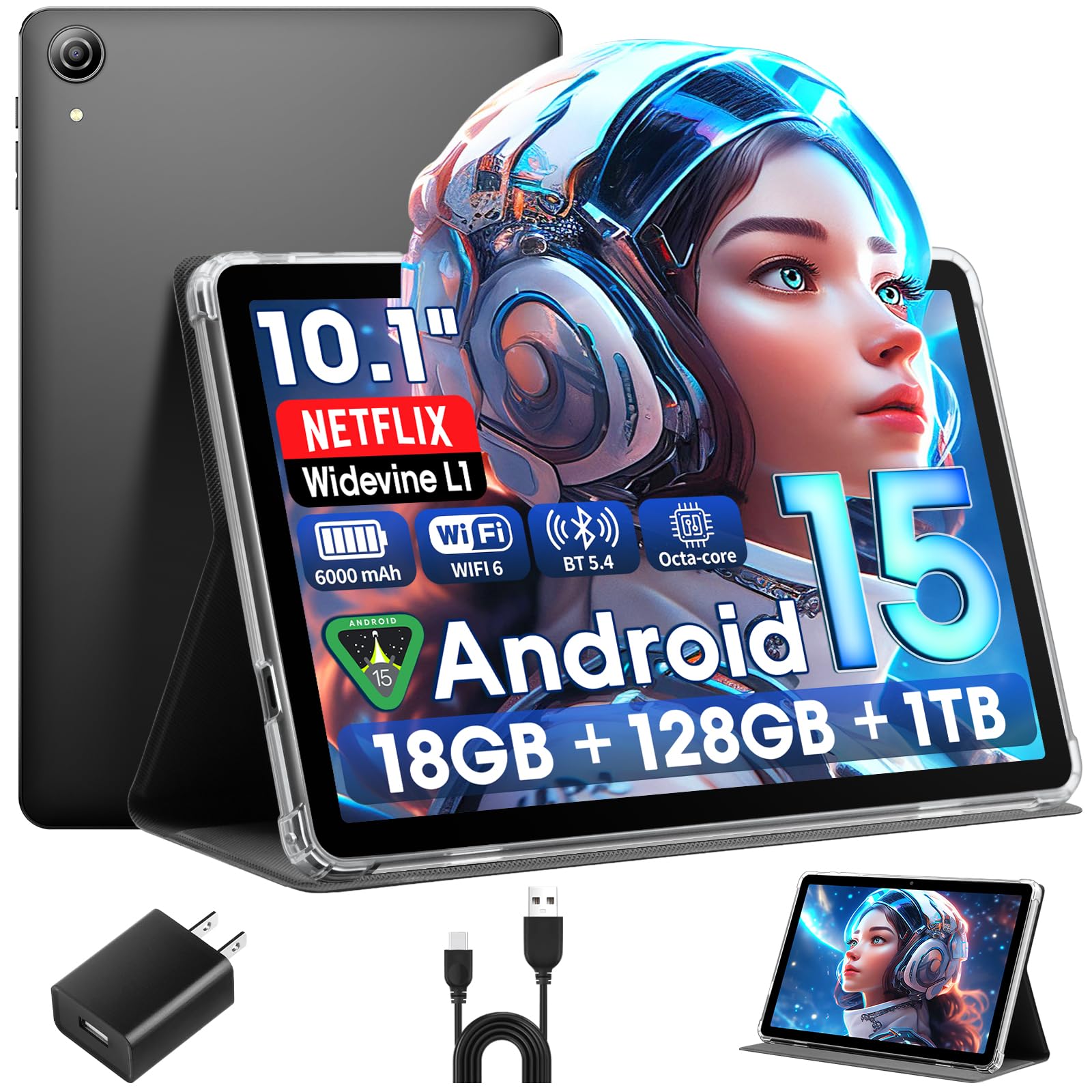
The Raemond K70 stands out as a premium option that expertly balances high-end specifications with practical reliability. It’s powered by an octa-core processor and a generous 18GB RAM configuration (with 6GB of physical memory), which translates to noticeably smooth performance when switching between apps or streaming high-definition content. The inclusion of Widevine L1 certification is a critical advantage, ensuring you get true Full HD playback on Netflix and Prime Video without frustrating downgrades.
Beyond performance, this tablet is thoughtfully packaged. The inclusion of a protective case right in the box adds immediate value and protection. The 1280×800 IPS display is bright and vibrant, supported by dual speakers that provide clear, immersive audio—a step above the tinny, single speakers found on many budget models. The 6000mAh battery is robust enough to support a full day of mixed use, and the support for Wi-Fi 6 and Bluetooth 5.4 future-proofs your connectivity.
User feedback consistently praises its solid build quality and the seamless experience it offers for media consumption and everyday tasks. The extended 2-year warranty provides exceptional peace of mind, a rarity in this segment that signals strong confidence in the product’s longevity. For those seeking a tablet that feels premium, performs reliably for both work and entertainment, and comes with excellent after-sales support, the Raemond K70 is a compelling top choice.
Why it’s great
- Excellent balance of performance specs and real-world smoothness.
- Widevine L1 certification guarantees HD streaming quality.
- Comes with a protective case and a reassuring 2-year warranty.
- Modern connectivity with Wi-Fi 6 and Bluetooth 5.4.
Good to know
- Camera quality is adequate but not for serious photography.
- As a premium model, it sits at a higher point in the market.
2. URAO Tablet,10.1″ Android 15 Tablet

The URAO tablet is built for users who prioritize raw specifications and multitasking prowess. It boasts an impressive 24GB RAM (with 4GB physical) and a 2.0 GHz octa-core processor, making it one of the most spec-heavy models available. This hardware combination is designed to handle demanding app switching, gaming, and productivity tasks without breaking a sweat. The Android 15 OS is optimized for performance, focusing on resource management to keep things running smoothly.
Its 10.1-inch IPS display features low blue light technology, which is a significant benefit for those who spend long hours reading or browsing. The 5000mAh battery supports fast charging via USB-C, promising a full charge in about 1.5 hours—a major convenience. The inclusion of Wi-Fi 6 ensures a stable and speedy internet connection, reducing buffering during streaming or downloads.
Feedback highlights its speed and value for performance-oriented tasks. It’s an ideal choice for power users on a budget who want the highest advertised specs. However, it’s important to manage expectations around the virtual RAM and note that some users found the speaker volume and battery life under intense use to be average. For sheer processing muscle on paper, the URAO tablet is a standout.
Why it’s great
- Top-tier advertised RAM and octa-core processor for heavy multitasking.
- Fast-charging capability is a major daily convenience.
- Eye-care display with low blue light filter.
- Modern Wi-Fi 6 connectivity.
Good to know
- Battery capacity is slightly lower than some competitors at 5000mAh.
- Speaker quality may require headphones for optimal audio experience.
3. Android Tablet 10 inch Android 15 Tablets by MENTUME
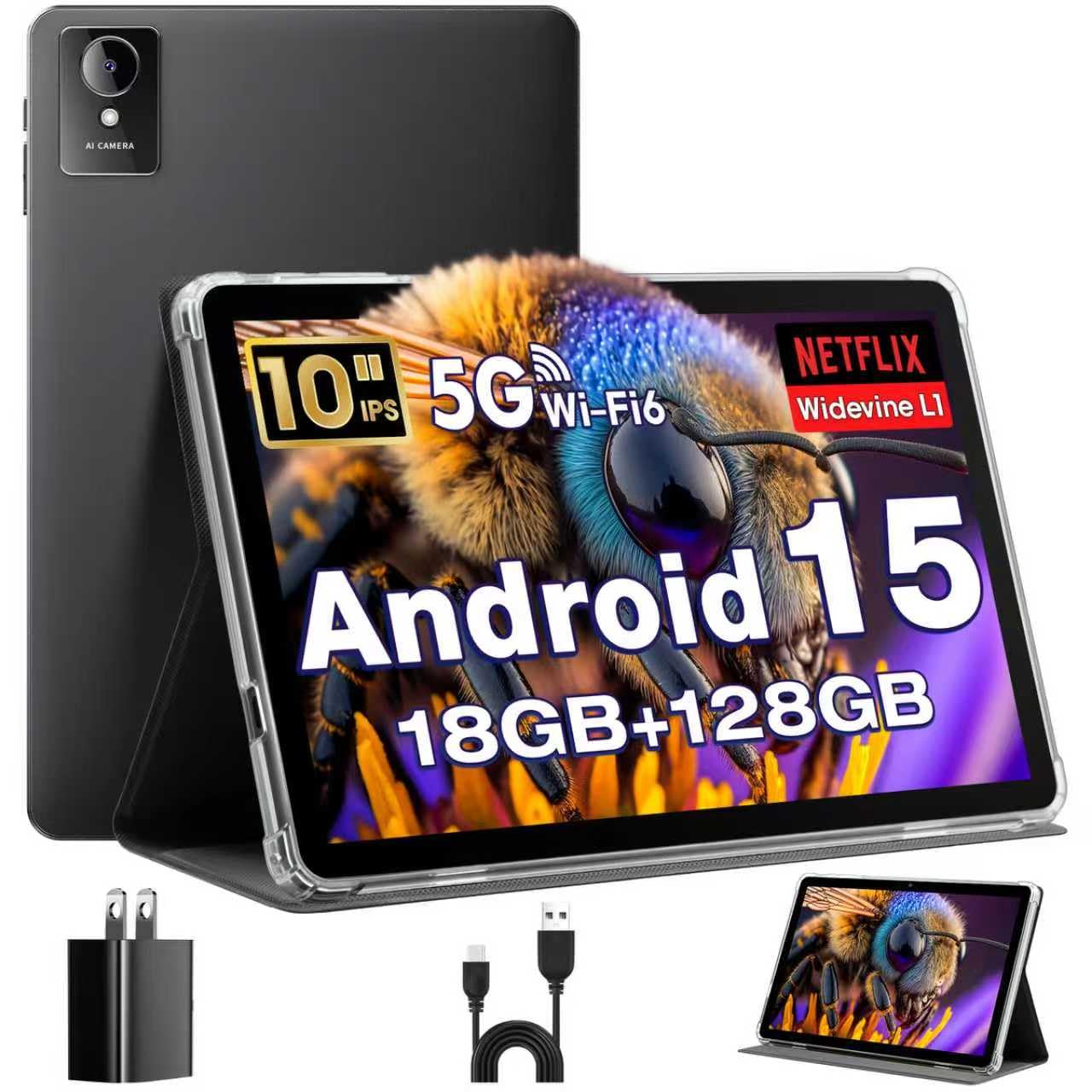
If your tablet is primarily a portal for movies, shows, and music, the MENTUME K50 is engineered for you. Its key feature is Widevine L1 certification, which is non-negotiable for enjoying Full HD content on major streaming platforms. Paired with a vivid 1280×800 IPS display and dual stereo speakers, it creates a genuinely engaging media consumption experience that surpasses many similarly priced models.
Under the hood, it doesn’t slack either. The octa-core processor and 18GB RAM (6GB physical) ensure that streaming apps run smoothly, and the 128GB of internal storage provides ample space for downloads. The 6000mAh battery is built to last through binge-watching sessions, and the inclusion of a protective case that doubles as a stand is a thoughtful touch for hands-free viewing. Additional features like face unlock and split-screen multitasking add to its versatility.
Users frequently commend its excellent screen quality and sound for the category, noting it excels as a travel or bedside entertainment hub. While it handles casual gaming well, it’s in streaming where it truly shines. For a mid-range tablet that dedicates its resources to delivering a premium viewing and listening experience, the MENTUME K50 is a top contender.
Why it’s great
- Certified for HD streaming (Widevine L1) on Netflix/Prime.
- Immersive audio from dual speakers and a bright IPS display.
- Comes with a useful case/stand and good internal storage.
- Includes handy features like face unlock and GPS.
Good to know
- Performance is geared more towards media than heavy gaming.
- Battery life under constant max brightness may vary.
4. CUPEISI Android 15 Tablet 10 Inch

The CUPEISI CP31M is the definition of a complete productivity bundle. It transforms from a standard tablet into a laptop-like device instantly, thanks to the included Bluetooth keyboard, wireless mouse, stylus, and foldable protective case. This makes it an exceptional value for students, writers, or anyone needing to type emails, take notes, or handle light document editing on the go without additional purchases.
Beyond the accessories, its core specs are strong. The 20GB RAM (with 4GB physical) and 2.0GHz processor provide enough power for office apps and multitasking. The 10.1-inch IPS display is clear, and it also supports 5G Wi-Fi for faster internet connectivity. The 6000mAh battery aims to support a full work or study session, and the pink color option offers a bit of personal style.
Customer reviews often express pleasant surprise at the quality of the complete package for the price. The ability to start working immediately is a huge advantage. Some note that the included keyboard may feel basic for heavy typists, and charging times can be lengthy. However, for its target audience seeking an all-in-one portable solution, the CUPEISI bundle is incredibly practical and cost-effective.
Why it’s great
- Incredible value with keyboard, mouse, stylus, and case included.
- Instantly transforms into a productivity-focused 2-in-1.
- Solid performance specs for everyday work and study tasks.
- Attractive design and color options.
Good to know
- Included keyboard may not suit users who type for hours daily.
- Some users report slower charging speeds.
5. IWEGGO Android 15 Tablet, 10 Inch

Similar to the CUPEISI, the IWEGGO CP20 Pro offers a comprehensive 2-in-1 package designed for mobile professionals and students. It includes a keyboard, mouse, stylus, and protective case, providing immense versatility straight out of the box. With 18GB RAM and 128GB of storage, it has the muscle to handle split-screen apps, video calls, and document editing, making it a legitimate laptop alternative for light-duty work.
The tablet runs the latest Android 15, offering a clean, ad-free interface and access to the full Google Play Store. The 6000mAh battery and support for fast 5G Wi-Fi are geared towards users who are constantly on the move. The package appeals to those who appreciate a neat, all-inclusive solution without the hassle of sourcing compatible accessories separately.
Users love the convenience and the professional look of the bundle. It’s frequently cited as a great gift or a perfect first tablet for a college student. The main considerations are common to tablets in this style: performance is good for productivity but not for high-end gaming, and some units may exhibit occasional lag. For a stylish, ready-to-work package, the IWEGGO delivers remarkable utility.
Why it’s great
- Complete accessory bundle for immediate productivity.
- Large 128GB internal storage base.
- Clean Android 15 experience without bloatware.
- Strong value as an all-inclusive package.
Good to know
- Can feel laggy during intensive multitasking.
- Battery life under constant use with accessories may require midday charging.
6. aiprotablet Tablet 10 inch Android 15 Tablets
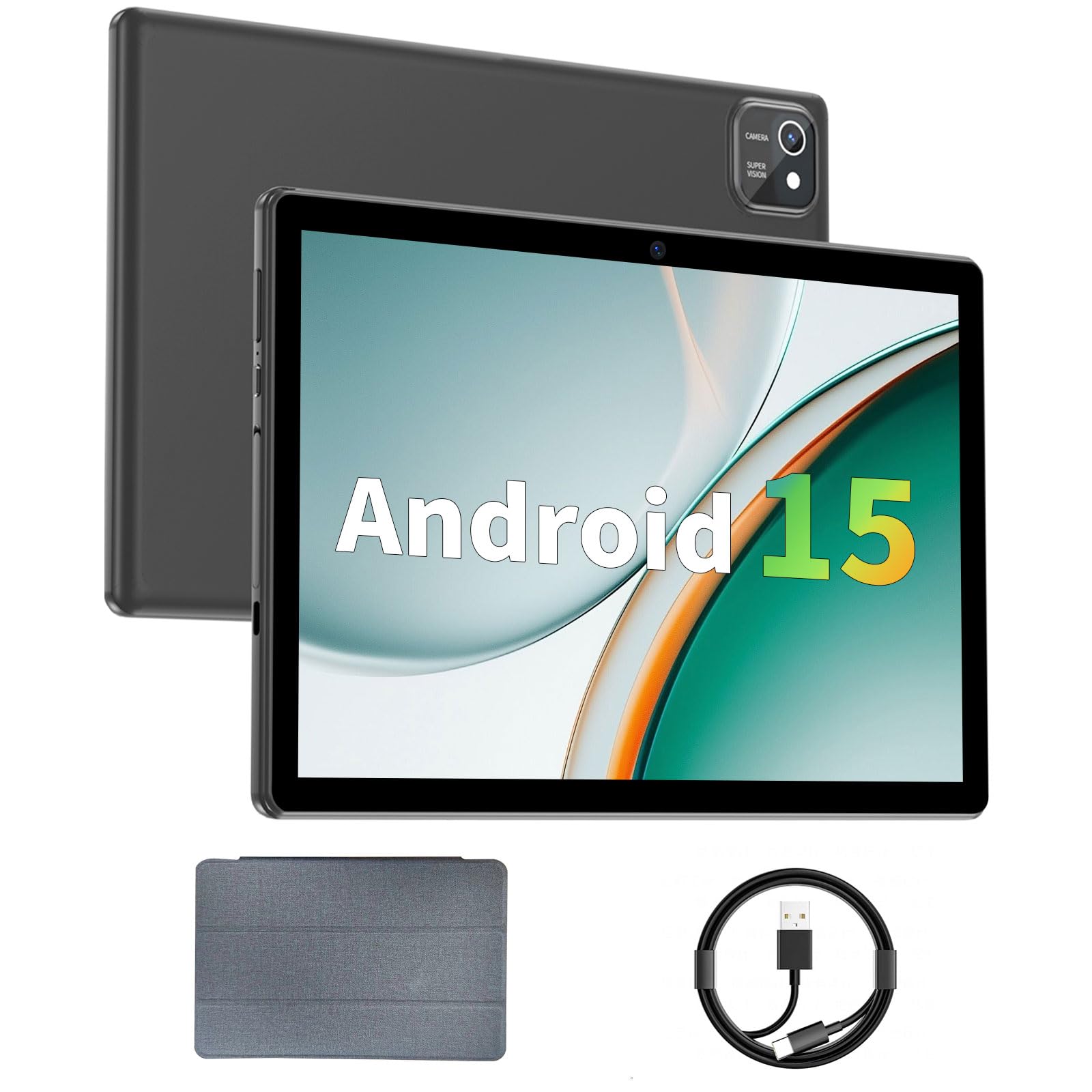
The aiprotablet C20e is a well-rounded mid-range option that emphasizes a good out-of-box experience. It comes with a protective case included, which is always a welcome addition. Its 12GB RAM (with a portion as physical memory) and quad-core processor provide dependable performance for everyday tasks like web browsing, social media, and standard-definition video streaming.
It features a low blue light LCD touchscreen to help reduce eye strain during long reading sessions. Support for dual-band Wi-Fi (2.4GHz and 5GHz) ensures a more stable and faster connection in most home environments compared to single-band models. The 6000mAh battery promises solid standby time, and the USB-C port is used for both data and charging.
Feedback indicates it’s a reliable daily driver for users with moderate needs. It’s not built for hardcore gaming or professional video editing, but it handles the fundamentals competently. The included case adds to its ready-to-use appeal, making it a sensible choice for someone who wants a straightforward, capable tablet without any fuss or extra purchases.
Why it’s great
- Great practical package with a protective case included.
- Dual-band Wi-Fi support for better connectivity.
- Low blue light screen is easier on the eyes.
- Reliable performance for core tablet functions.
Good to know
- Display is LCD, not IPS, so viewing angles may be more limited.
- Best suited for light to moderate use, not heavy multitasking.
7. ECOPAD 10.1 Inch Tablet, Android 15 Tablets
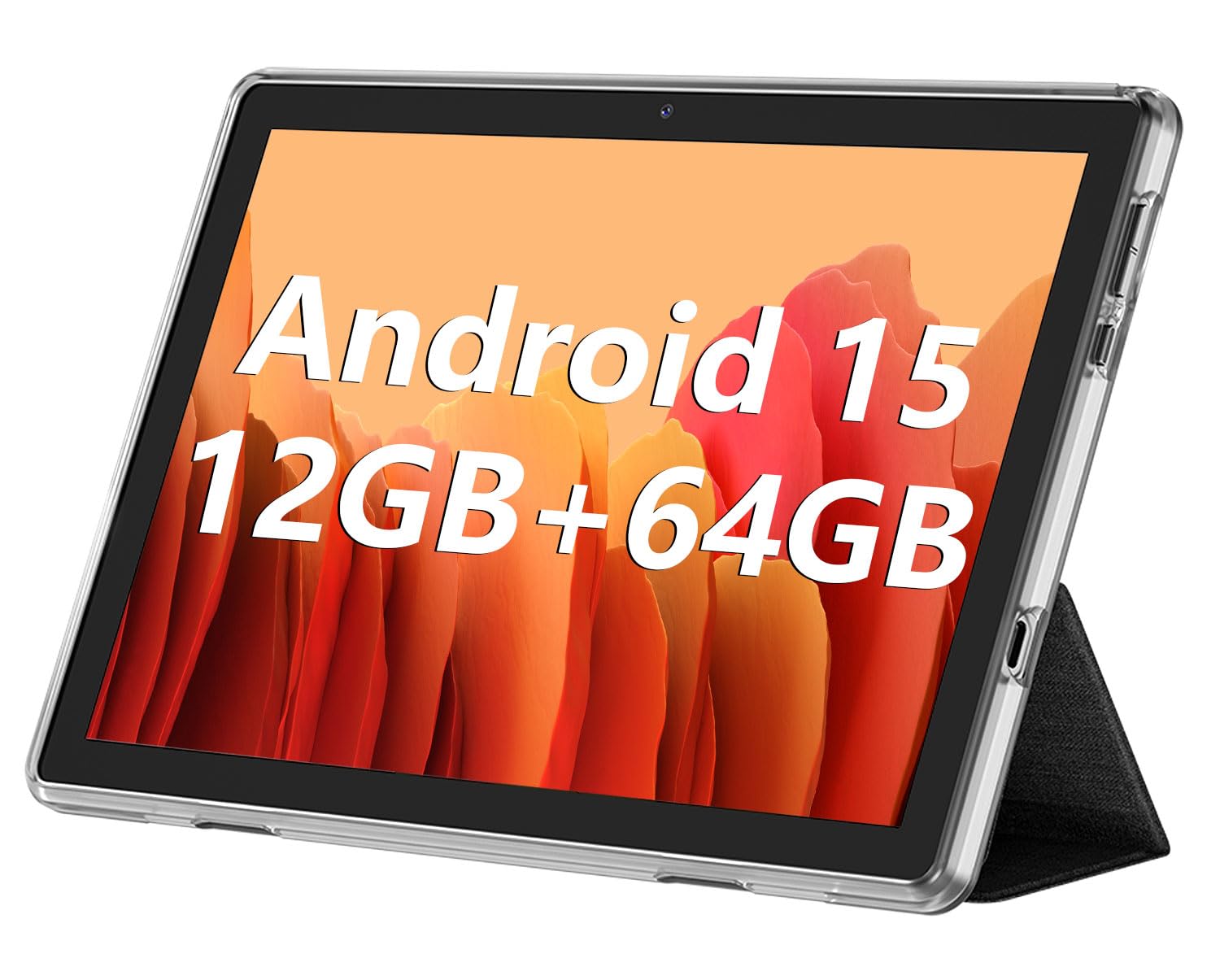
The ECOPAD tablet is a strong contender in the value segment, offering a bump in specifications over the most entry-level models. With 12GB of RAM and 64GB of internal storage, it provides more headroom for apps and files. The quad-core processor and Android 15 OS deliver a smooth enough experience for video playback, light gaming, and web browsing.
Its 10.1-inch IPS display offers decent color reproduction for the price, and the dual cameras are suitable for video calls. The 6000mAh battery is standard for the category, aiming for a full day of intermittent use. It’s positioned as a device that offers a little extra performance without a significant leap in cost, making it ideal for teens, as a secondary household tablet, or for dedicated single-use cases like a kitchen recipe viewer.
Users find it to be a competent performer for its class, particularly noting its adequacy as a portable movie player. As with many value tablets, long-term durability and occasional software quirks can be a consideration, but for its intended use, the ECOPAD represents a sensible step up from the bare minimum.
Why it’s great
- Good spec-to-value ratio with ample RAM and storage.
- IPS display provides better viewing angles.
- Solid choice for a dedicated media or reading device.
- Runs the latest Android 15 operating system.
Good to know
- Some apps, like Amazon Prime Video, may have compatibility issues.
- Build quality and long-term reliability can be variable.
8. COOPERS Tablet 10 inch, Android 15 Tablet (Black)
This COOPERS tablet in black represents a reliable entry point into the world of 10-inch Android devices. Running the latest Android 15 OS with GMS certification, it ensures access to the Google Play Store and popular apps. The quad-core processor and 8GB of RAM (with 3GB physical) provide a baseline level of performance suitable for web browsing, reading ebooks, and streaming standard definition video without major hiccups.
The 32GB of internal storage is on the lower side, but the ability to expand it up to 1TB via microSD card is a significant saving grace for media libraries. The 6000mAh battery targets 8-10 hours of mixed use, which is respectable for the category. Its minimalist, black design gives it a versatile look suitable for both personal and gift use.
User experiences highlight its role as a capable secondary device or a dedicated tool for a single purpose, like a digital photo frame or a car navigation aid. It’s not built for speed or heavy gaming, but for straightforward, undemanding tasks, it delivers acceptable performance. The one-year warranty offers a standard safety net. This model is for the buyer who wants a simple, functional tablet for basic media consumption and light apps.
Why it’s great
- Runs the latest Android 15 with full Google Play access.
- Massive storage expansion potential up to 1TB.
- Solid battery life for extended reading or video sessions.
- Clean, versatile design that works for many settings.
Good to know
- Internal storage is limited at 32GB.
- Performance is basic and best for light, single-tasking use.
9. PRITOM Android Tablet 10 inch, M10

The PRITOM M10 carves out a niche by offering specific features like built-in GPS and FM radio, which are uncommon in budget tablets. This makes it a potentially good choice for offline navigation in a car or for listening to local radio stations without using data. With 64GB of onboard storage and a quad-core processor, it provides a slightly better foundation for storing media and handling everyday tasks than the most basic models.
The 10.1-inch IPS display includes an eye-comfort mode for nighttime reading, and the 5000mAh battery aims for about 6 hours of mixed use. It’s a tablet that understands its role as a utilitarian device for specific scenarios, whether that’s as a dashboard navigator, a portable media player, or a simple web browser.
Feedback from users who set realistic expectations is generally positive. It’s praised as a “throw-around” tablet for casual, non-critical use. However, its limitations are clear: it’s not fast, the screen resolution is basic, and it struggles with high-definition video or multiple apps. For someone who needs a very inexpensive tablet with GPS for the car or a durable screen for kitchen use, the PRITOM M10 has a defined purpose.
Why it’s great
- Unique features like GPS and FM radio at a budget point.
- Higher 64GB internal storage base.
- Eye-comfort display mode for reading.
- Serves well as a dedicated device for specific tasks.
Good to know
- Performance is slow and not suitable for multitasking.
- Display resolution is low for the screen size.
- Charging port is an older micro-USB type, not USB-C.
10. Android 15 Tablet 10 Inch Tablet by ZZB
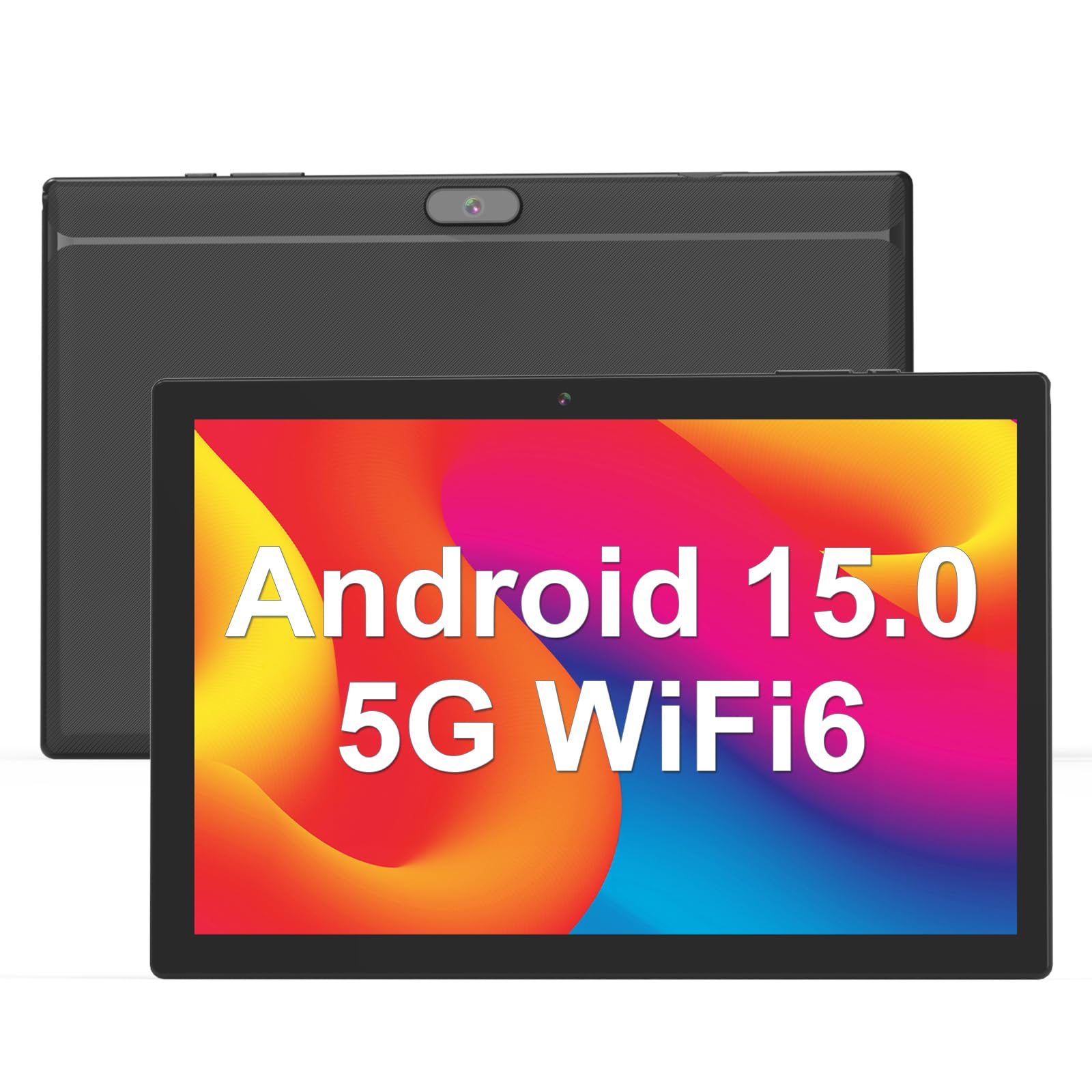
The ZZB YQ10S sits at the most affordable end of the spectrum and is a classic example of an entry-level tablet. It runs Android 15 and advertises 8GB of RAM (with only a small portion as physical memory), which allows it to perform the most rudimentary tasks. Its primary use case is as a single-purpose device: a wall clock, a digital photo frame, a terminal for home security cameras, or a very basic media player for a child under strict parental controls.
The 10.1-inch HD display and 6000mAh battery are adequate for these limited functions. It includes dual cameras and expandable storage, ticking the spec sheet boxes. However, the touch response, build quality, and overall performance are minimal. Setting it up requires patience, and it is not intended for daily, intensive use as a primary tablet.
Customer reviews are polarizing. Those who understand its severe limitations and use it for a single, simple task are often satisfied with the value. Those expecting a responsive, general-purpose tablet are invariably disappointed. This tablet is a tool for a specific job, not a versatile companion. It’s a purchase made with eyes wide open about its capabilities.
Why it’s great
- Extremely low cost for a basic 10-inch screen.
- Can serve perfectly as a dedicated device for one simple function.
- Runs Android 15 and can access the Play Store for very light apps.
- Long battery life when used for its intended limited purposes.
Good to know
- Not suitable for general use, browsing, or multitasking.
- Performance is very slow, with laggy touch response.
- Build quality and long-term durability are major concerns.
11. COOPERS Tablet 10 inch (Navy)

This navy blue variant of the COOPERS tablet is functionally identical to the black model but offers a different aesthetic. It represents the same value proposition: an affordable gateway to Android 15 with expandable storage and a focus on core media consumption. Its strengths lie in being a cost-effective solution for reading, watching videos in standard definition, and light web browsing.
The specifications are geared towards reliability in a fixed role. Users report success in using it as a permanent display for smart home dashboards, a car navigation aid, or a dedicated e-reader. The 6000mAh battery supports these always-on or long-session use cases well. The inclusion of a USB-C cable for charging and data is a modern convenience at this level.
As with its twin, the key to satisfaction is aligning expectations with reality. It is not a performance powerhouse. Reviews note it can be slow to download and may have occasional software hiccups. However, for a secondary, task-specific tablet where its limitations can be managed, it provides a functional and budget-friendly screen. It’s a sensible choice when you need an extra display, not a primary computer.
Why it’s great
- Affordable access to the latest Android 15 features.
- Excellent battery life for stationary or dedicated uses.
- USB-C connectivity for easier charging.
- Navy blue color provides a distinct look.
Good to know
- Performance is not suited for speed-intensive tasks.
- The build is lightweight and can be fragile without a case.
- Best performance is achieved when used for one thing at a time.
Understanding the Specs
RAM: Physical vs. Expanded
This is the most critical spec to decipher. Many tablets advertise high RAM (e.g., 18GB, 24GB) using “memory expansion” technology. This means only a portion (e.g., 4GB or 6GB) is physical, high-speed RAM. The rest is virtual memory, using slower internal storage. For smooth performance, prioritize the physical RAM number. For basic use, 3-4GB physical RAM is sufficient; for multitasking, look for 6GB or more.
Widevine L1 Certification
This is a license from Google that allows streaming apps like Netflix and Amazon Prime Video to play content in Full HD (1080p) quality. Without it (Widevine L3), video is limited to standard definition (540p), which looks noticeably worse on a 10-inch screen. If HD streaming is important, ensure the tablet listing explicitly mentions “Widevine L1.”
Battery Capacity & Real-World Life
Battery size is measured in milliamp-hours (mAh). A 6000mAh battery is standard for 10-inch tablets. However, real-world life depends heavily on screen brightness, processor efficiency, and usage type. Video playback drains the battery faster than reading. Look for user reviews that mention actual screen-on time, not just the advertised “up to” number.
Connectivity: Wi-Fi 5 vs. Wi-Fi 6
Wi-Fi 5 (802.11ac) supports dual-band (2.4GHz and 5GHz) connections and is perfectly adequate for most home networks. Wi-Fi 6 (802.11ax) is newer, offering better performance in crowded networks and improved power efficiency. For typical streaming and browsing, Wi-Fi 5 is sufficient. Wi-Fi 6 is a nice-to-have future-proofing feature but not essential for everyone.
FAQ
What is the most important specification to look for in a budget 10-inch tablet?
Can I use these Android tablets for video calls?
Are these tablets good for reading ebooks?
How do I know if a tablet will stream Netflix in HD?
What is the difference between the tablets that come with a keyboard and those that don’t?
Final Thoughts: The Verdict
For most people, the best 10 inch tablet winner is the Raemond K70 because it delivers a premium, balanced experience with excellent performance for streaming, a great screen, long battery life, and the added value of a case and a 2-year warranty. If you want a complete productivity setup without extra purchases, grab the CUPEISI CP31M. And for a reliable, no-frills media consumption device on a very tight budget, nothing beats the ECOPAD tablet for core functionality.

Mo Maruf
I created WellFizz to bridge the gap between vague wellness advice and actionable solutions. My mission is simple: to decode the research and give you practical tools you can actually use.
Beyond the data, I am a passionate traveler. I believe that stepping away from the screen to explore new environments is essential for mental clarity and physical vitality.