Our readers keep the lights on and my smoothie glass nicely filled. As an Amazon Associate, I earn from qualifying purchases.
Specs are compiled from manufacturer listings and verified buyer reviews and can change over time — please confirm the key details on the product page before buying.
Digital picture frames have finally become the product they were always meant to be—a simple, beautiful way to keep your family’s latest moments cycling through your living room without you touching a single button. The best models now hide all the complexity behind Wi-Fi and a free app, so anyone from a teenager to a grandparent can load a photo in under a minute.
I’m Mohammad Maruf — the founder and writer behind WellFizz. This guide is built by comparing the manufacturers’ published specifications and the patterns across verified customer reviews, so you get each pick’s real strengths and trade-offs instead of marketing spin.
The technology has matured to the point where the hard choice isn’t about finding a good one, but picking the right one for your home from a surprisingly strong field. This roundup of the best electric picture frame options focuses on what actually matters: display quality, ease of setup, and the total cost of ownership—including storage and subscriptions.
Our Picks at a Glance


How To Choose The Best Electric Picture Frame
Picking a digital frame used to mean wrestling with software that felt a decade old. Today the race is about the display itself and how you feed it photos. A few details separate a frame you’ll love from one you’ll pack back into its box.
Screen Quality and Size
The display is the whole point. Most 10.1-inch frames use a 1280×800 IPS panel, which gives you good color and wide viewing angles. A few premium models jump to a full 1920×1080 HD resolution, which makes a visible difference with detailed shots and group portraits. The trade-off is size: a 15.6-inch screen is stunning on a mantelpiece but dominates a nightstand.
The App Ecosystem
This is the single biggest deciding factor. The Aura frames use a proprietary app that the crowd overwhelmingly finds the easiest to set up—the crowd puts setup time at roughly one minute. The Frameo app is a popular open-ish standard used across many brands, which means any family member who already has it can add photos to a new Frameo-based frame instantly. Nixplay offers smart features like Alexa integration and motion sensing, but the “free” cloud storage is only 500MB, and you pay a yearly subscription for full access.
Storage: What Really Matters
Built-in memory is the main storage path for most owners, since sending photos over Wi-Fi to the cloud is how these frames are designed to be used. A 16GB frame holds thousands of photos. The key question is whether the brand charges a monthly or yearly subscription after the first year. Aura and Frameo-based frames offer unlimited free photo storage via their cloud. Nixplay limits free cloud storage to 500MB and asks for an annual fee for unlimited. That subscription cost can overshadow the lower up-front price over time.
Quick Comparison
| Model | Best For | Resolution | Storage | App Platform | Amazon |
|---|---|---|---|---|---|
| Aura HD (Limited Ed.)★ Best Overall | The best all-around experience | HD calibrated | Unlimited free cloud | Aura | Amazon |
| JIUGEDPF Smart WhiteBudget Champion | Budget entry point | 1280×800 IPS | 16GB + 32GB SD | JIUGEDPF | Amazon |
| Flyruit Frameo 10.1″Top Performer | Value with a proven app | 1280×800 IPS | 32GB + 32GB SD/USB-C | Frameo | Amazon |
| NETTIPS Frameo 10.1″ | Family sharing simplicity | 1280×800 IPS | 16GB + 32GB SD | Frameo | Amazon |
| RCA 10.1″ Uhale | Large built-in storage | 1280×800 IPS | 32GB + 64GB SD/USB | Uhale | Amazon |
| ApoloSign Nixplay 10.1″ | Smart features (Alexa) | 1280×800 IPS | 32GB + 500MB free cloud | Nixplay | Amazon |
| BIGASUO Frameo 15.6″ | Large-screen impact | 1920×1080 FHD IPS | 64GB + SD/USB | Frameo | Amazon |
| Loop Pro 10.1″ | Premium 1080p clarity | 1920×1080 IPS | 32GB | Loop | Amazon |
| Aura HD Aspen | Premium design and mat | 1080p HD | Unlimited free cloud | Aura | Amazon |
In‑Depth Reviews
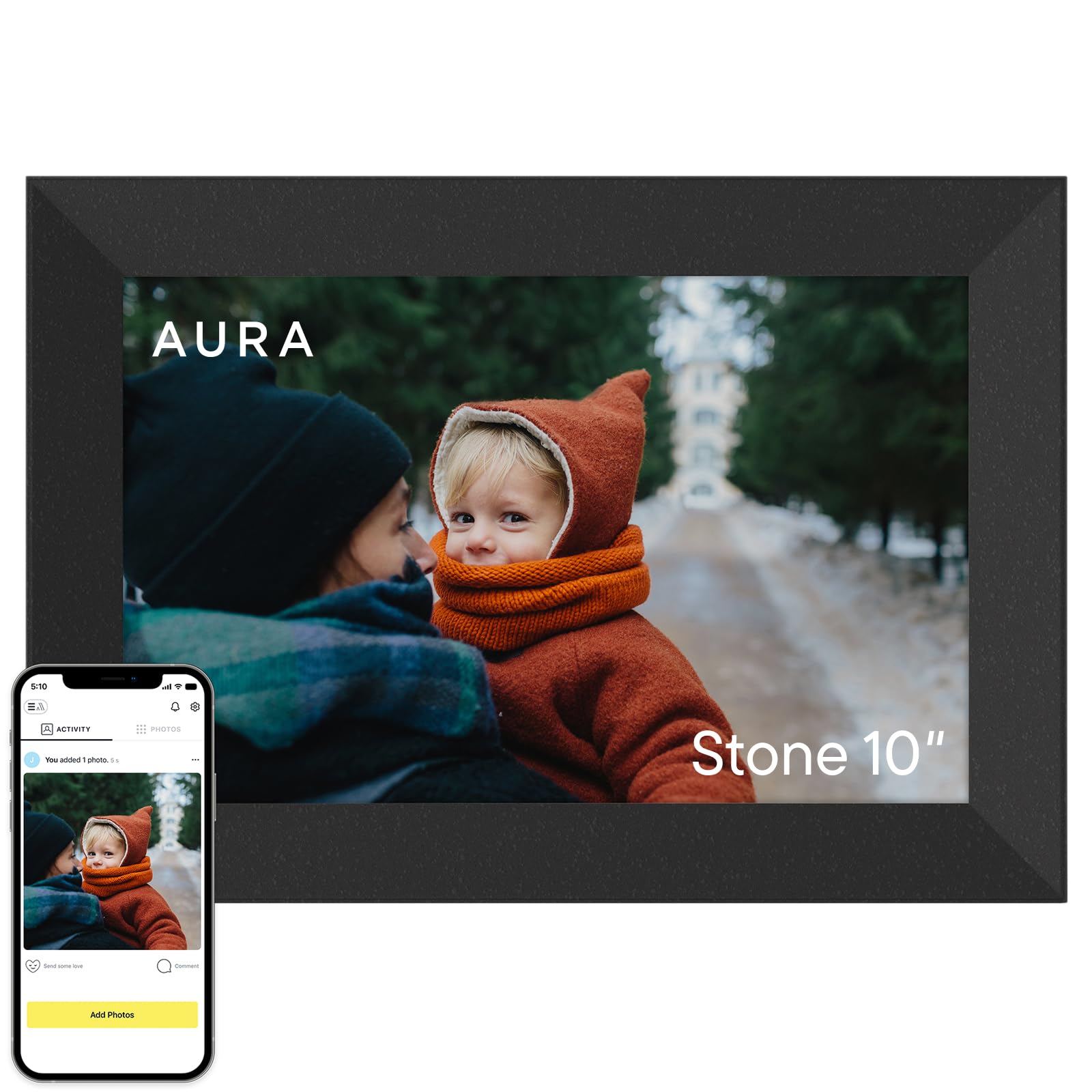
1. Aura HD Digital Picture Frame | Limited Edition (Black Stone)
Our pick — over 4.5★ from 14,500+ verified ratings; the strongest balance of quality and price.
The crowd-and-critic favorite that simply vanishes the arguments against buying a digital frame.
The Aura HD is the most awarded digital picture frame in this roundup, and the reason is simple: it treats the hardest part of ownership—loading photos onto the frame—as if it doesn’t exist. Setup is often quoted as a one-minute Wi-Fi connection, after which you add unlimited photos and video clips up to 30 seconds each through the free Aura app, email, text, iCloud, or Google Photos. Buyers report that the 10.1-inch HD display is “great for 35mm scans, prevents graininess,” which speaks directly to anyone with a box of old negatives.
The calibrated HD display automatically adjusts its brightness to the room, so your photos look natural at noon and warm at dusk. You can invite family members to send pictures from anywhere, turning the frame into a live family feed. The thing owners appreciate most deeply is the complete absence of a subscription fee—no paywall, no tiered storage, just unlimited free cloud storage. The only real constraint is a minimum slideshow interval of 15 seconds, and the frame cannot be wall-mounted, so plan for a tabletop or shelf spot.
What earns its keep
- Unlimited free cloud storage with no subscription ever
- One-minute Wi-Fi setup praised universally by all ages
- Calibrated HD display with auto-brightness for any room
- Send photos via app, email, text, iCloud, or Google Photos
The honest trade-offs
- Cannot be wall-mounted—tabletop or shelf only
- Minimum 15-second slideshow interval feels slightly long
- Premium price reflects the zero-subscription ecosystem
The one to start with: If you want the frame that requires the least fuss and zero recurring cost, this is the benchmark to beat in 2025.
Think twice if: You need a wall-mounted display or prefer a larger-than-10-inch screen without stepping to a different brand’s ecosystem.
2. JIUGEDPF Smart White Digital Picture Frame (10.1″, 16GB)
A surprisingly capable entry point that proves a low price doesn’t have to mean a bad screen.
The JIUGEDPF frame delivers the core digital frame experience—a 10.1-inch IPS touchscreen with 1280×800 resolution—at a cost that undercuts nearly every competitor. The 178-degree viewing angle means the photo on your desk is still clear to someone sitting across the room. Built-in 16GB memory stores roughly 4,000 photos, and you can expand via micro SD card up to 32GB. The frame supports video clips up to 15 seconds, so short birthday greetings and toddler giggles come through with sound.
Owners describe the app experience as easy to load and reliable, with one buyer noting it was “easy to invite others to load pictures directly remotely from their phones also 10 mi away.” The frame offers auto-rotate between portrait and landscape, wall-mountable hardware, and a customizable sleep mode. The catch is that the app ecosystem is proprietary rather than the more universal Frameo platform, which means family members who already use Frameo will need to download a separate app. The 2-year warranty is a nice safety net at this tier.
Sensible start: It covers all the basics—decent IPS display, auto-rotate, wall mounting, expandable storage—at a price that makes it a low-risk first digital frame or a secondary frame for a home office.
The hidden cost: Family and friends must download a brand-specific app rather than using the more common Frameo app, adding a step to sharing.
Grab this for: A budget entry into digital frames where the display quality and ease of use are the priority, and the ecosystem lock-in is a secondary concern.
Look elsewhere if: Your household already uses Frameo for another frame, or you want the proven convenience of the Aura app’s unlimited cloud sharing.
3. Flyruit Frameo Digital Picture Frame (10.1″, 32GB)
A 32GB-storage Frameo frame that nails the balance of price, screen quality, and smart features.
The Flyruit frame runs on the Frameo app, the most widely adopted platform in this category, which means any family member who already owns a Frameo-based frame can add photos to this one using the same app without a second download. The 10.1-inch IPS HD display at 1280×800 delivers vibrant, crisp images, and owners consistently call the screen “high-res” and “vibrant.” The 32GB built-in storage holds over 10,000 photos at 3MB each, with expansion via micro SD card or USB-C drive up to 32GB.
What wins people over is the motion sensor that conserves energy—saving power when no one is in the room and waking up as you approach. The frame also supports video with audio, and the “Greeting” and “React” features let you send themed birthday wishes or respond with emojis directly on the frame. It works on 2.4GHz Wi-Fi only, and you must use the included power adapter. The setup is widely reported to be “super easy,” and the quality earns a near-perfect consensus among owners.
Why it stands out: The 32GB storage is double the baseline, and the Frameo app network means a family already using Frameo gets smooth integration. The motion sensor adds a smart-home feel without needing a smart hub.
The honest limit: No 5GHz Wi-Fi support can make the initial connection slightly slower in crowded networks, and the power adapter must stay plugged in at all times—no battery backup.
Best for: Households where multiple family members are already in the Frameo ecosystem, or anyone who wants a feature-rich frame with lots of onboard storage.
Consider the alternative: If your Wi-Fi network is 5GHz-only, you may need to temporarily enable 2.4GHz in your router settings to set this up.
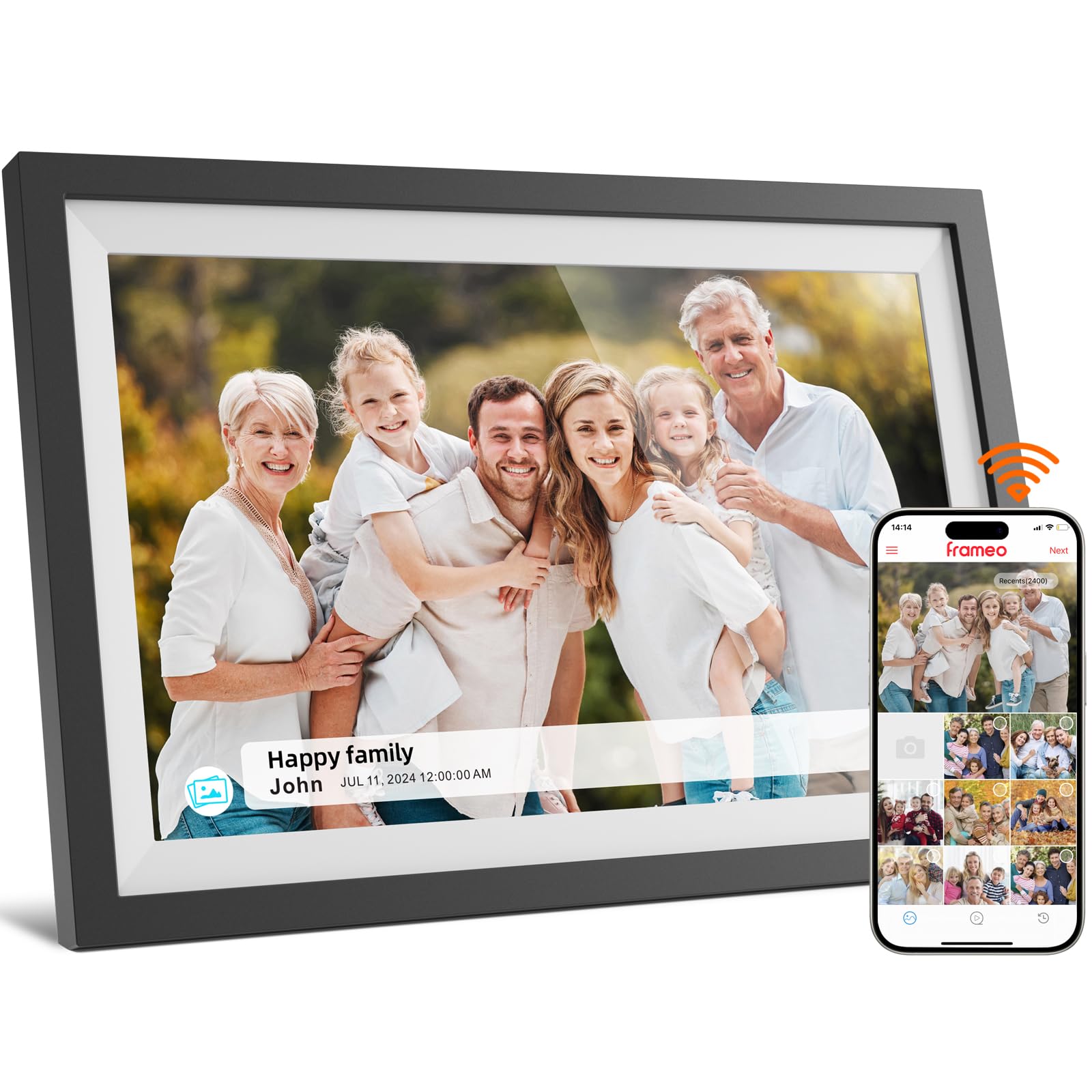
4. NETTIPS Frameo Digital Picture Frame (10.1″, 16GB)
An easy-to-recommend Frameo frame that strips the price down to essentials without stripping features.
The NETTIPS frame is built around the same Frameo app platform as the Flyruit above, giving it the same multi-user sharing, video support (up to 15 seconds), and cloud-based photo delivery. The difference is a 16GB storage floor—ample for roughly 4,000 photos at 3MB each—with expansion up to 32GB via micro SD card. The 10.1-inch IPS touchscreen with 1280×800 resolution delivers clear, vibrant images from an angle, and owners describe the picture quality as “crisp.”
Setup is a smooth few-step process: connect to Wi-Fi, download the Frameo app, and share the frame’s unique code with family members. The interface shows the time, date, and temperature alongside your photos, and you can customize the slideshow interval and set an on/off schedule. Owners love how easy it is for multiple people to add photos: “both my brother and I by our own phones can add pictures,” one reviewer noted. The 1-year full replacement warranty adds confidence at this price point.
What works well
- Frameo app is familiar and easy for multi-family sharing
- Displays time, date, temperature alongside photos
- Easy on/off scheduling for automatic display
What to note
- 16GB internal storage fills faster than 32GB alternatives
- No motion sensor to save power automatically
Perfect for: Families who want the Frameo app convenience at the lowest possible cost, or as a secondary frame for a bedroom.
Upgrade if: You expect to load tens of thousands of photos and want to avoid managing SD card expansion.
5. RCA 10.1″ WiFi Digital Picture Frame (32GB, Black/White)

A 32GB frame that stores over 60,000 photos from the start—more than most people will ever take.
The RCA runs on the Uhale app, a dedicated platform that supports photo and video sharing via smartphone or computer through the Uhale website. The key spec is the 32GB built-in memory, which the manufacturer says holds over 60,000 photos. You can also add a USB drive or SD card up to 64GB. The 10.1-inch HD IPS touchscreen at 1280×800 resolution produces bright, clear images, and the frame supports auto-rotate between portrait and landscape.
Owners praise the “vivid HD IPS touchscreen” and note that the app makes it easy to load photos for family members who are less tech-savvy. The frame can sit on a desk using the detachable stand or mount directly on the wall. The small frustrations include a QR code that can be confusing during setup—the manual advises using the 10-digit code instead—and only three slide transition effects, which feels restrictive to some owners. The RCA brand and the large storage make this a strong value.
Where it wins: 32GB internal storage is the largest in this mid-range bracket, and the expansion to 64GB SD means capacity is never a worry.
Where it slips: The Uhale app is less universal than Frameo, and the limited slide transitions feel like a software decision left incomplete.
Best for: Someone planning to load decades of family photos without worrying about cloud storage limits.
Skip if: Your family already uses Frameo or Aura, and you don’t want a fourth app on everyone’s phones.
6. ApoloSign Nixplay 10.1″ Digital Picture Frame (32GB)

The Nixplay-powered frame that integrates Alexa and motion sensing—but watch the cloud storage fine print.
This frame uses the Nixplay app ecosystem, which supports Alexa voice commands and Nixplay-SenseMe—a smart sensor that wakes the frame when you enter the room and puts it to sleep when you leave. The 10.1-inch HD IPS touchscreen delivers crisp, clear images at 1280×800, and owners consistently call the display “large, sharp, and easy to set up.” The Nixplay app allows you to log in from the web or email photos directly to the frame, and the FamilyCircles feature lets multiple users contribute to a shared playlist.
The catch, and it is a real one, is the cloud storage model. The 32GB internal storage is largely unusable for direct photo management, and the “free” cloud storage is only 500MB. To open up unlimited cloud storage, you pay per year. This subscription cost adds up over a few years and can outweigh the up-front savings compared to an Aura frame. For owners who already use Nixplay and appreciate the smart-sensor convenience, the annual subscription is simply the cost of entry. The setup is widely praised as “easy to set up, display is crisp and clear.”
The smart features
- Alexa integration for voice-controlled playlists
- SenseMe motion sensor wakes and sleeps the frame automatically
- Nixplay FamilyCircles for shared family playlists
The real cost
- Only 500MB free cloud storage; unlimited requires /year
- 32GB internal storage is not directly usable for photo storage
Right for: Smart-home households that want Alexa control and motion-activated display, or existing Nixplay users.
Think twice: If you want zero recurring costs, the Aura HD offers unlimited cloud storage with no subscription whatsoever.
7. BIGASUO Frameo 15.6″ Digital Picture Frame (64GB, FHD)

A 15.6-inch Full HD screen that fills a wall or mantelpiece like a framed art piece—with no subscription.
The BIGASUO is the largest frame in this lineup, and the jump from 10.1 inches to 15.6 inches transforms the experience. The 1920×1080 Full HD IPS display means every photo has visible detail that the smaller 1280×800 panels cannot match—individual faces in a group shot remain sharp, and landscape photos feel rich. The screen fills with no extra border around it, which one owner described as “the picture fills the full screen.”
It runs on the Frameo app, giving it the same easy multi-user sharing as the smaller Frameo frames. The 64GB internal storage holds up to 100,000 photos, and you can import media via SD card or USB drive. The touchscreen is responsive, and owners highlight the easy setup and the ability to adjust brightness and photo order directly on the frame. The trade-off for that bigger screen is a heavier frame (the weight is proportional) and the need for a larger table or wall spot. A small number of owners mention mixed reliability, so the warranty and returns policy are worth noting.
The size advantage: At 15.6 inches and 1920×1080 resolution, this frame genuinely replaces a physical framed print in visual presence.
The honest caveat: The larger screen draws more attention, and a few owners note reliability can be variable over time; check the warranty terms before buying.
Best for: A living room or family room where the frame is a centerpiece, or for grandparents who want large, easy-to-see photos.
Consider the size: Measure your space first—9.6 x 15.4 inches is substantial, and the frame needs a power outlet nearby.
8. Loop Pro WiFi Digital Picture Frame (10.1″, 32GB, FHD)

A 10.1-inch frame that packs a Full HD 1920×1080 display—sharper than the typical 1280×800 panel.
The Loop Pro leverages a bright 1920×1080 IPS screen on a 10.1-inch form factor, which gives it the highest pixel density in the standard-size bracket. Photos and videos look noticeably sharper and more detailed, with richer color than the 1280×800 competition. You send photos to the frame through the free Loop app (iOS and Android) or even by simple text message—no social media or email required. Owners call the app “incredibly easy to use” and praise the straightforward setup.
The frame supports slideshows, auto-rotate, and a night mode you toggle directly on the touchscreen. You can invite unlimited family members to share photos. The consensus is that the display is “vibrant” with “sharp detail and rich color.” The catch is that there is no USB-based PC upload option—the USB port on the frame is not functional for direct photo transfer in the current version—and some owners find the screen brightness is merely average for the price. The 32GB internal storage is solid, and the easy text-message upload makes this especially friendly for non-tech-savvy relatives.
The resolution win
- Full 1920×1080 IPS display is the sharpest in the 10.1-inch bracket
- Send photos via text message—no app required for senders
- Easy touchscreen controls for slideshow and night mode
The known gaps
- USB port is not currently functional for photo uploads
- Screen brightness described as average for premium price
Perfect for: Anyone who values image sharpness above all other specs and wants the simplest possible upload method for family members.
Skip if: You need PC-based photo transfer or maximum screen brightness for a bright room.
9. Aura HD Digital Picture Frame | Aspen (Gravel Mat)

The same award-winning Aura experience with a premium mat and design that sits naturally on a counter.
The Aura HD Aspen is the same core hardware as the Limited Edition—a 10.1-inch 1080p HD calibrated display with unlimited free cloud storage and the best-reviewed app in the category—but wrapped in a Gravel Mat finish that looks more like a traditional photo frame. The mat has an attractive texture that owners describe as “sturdy and well-made,” and the frame dimensions (10.1 x 12.7 inches) mean it sits neatly on a counter or side table without dominating the space.
The display is calibrated for color, clarity, and saturation, and it automatically adjusts brightness to match the room’s lighting. You upload photos via the Aura app, text, email, iCloud, or Google Photos, and you can invite unlimited family members to contribute. Owners consistently say the app has the “best UI” of any digital frame and that photos look “bright, colorful, and clear.” The 1080p resolution on a 10.1-inch screen makes for a very sharp image.
Design difference: The Gravel Mat finish and the physical dimensions give this frame a more furniture-like presence than the standard Aura, making it a natural fit in a styled living room.
Same trade-off: Like all Aura frames, it is tabletop-only (no wall mount) and the price reflects the premium design and zero-subscription model.
Best for: Buyers who want the best software and display experience in a package that looks like a real framed photo, not a gadget.
Choose the Limited Edition if: Design is less important and you want the same core experience at a lower cost.
Understanding the Specs
Display Resolution
The sharpness of your photos depends on how many tiny dots (pixels) the screen uses to form an image. Most 10.1-inch frames use 1280×800 resolution, which looks good for a frame sitting on a desk or shelf. Frames with 1920×1080 (Full HD) pack more detail into the same size, so a group portrait of ten people stays crisp even when you look closely. The difference matters most for high-resolution photos from modern phones and cameras.
Cloud Subscription Model
Every Wi-Fi frame stores your loaded photos somewhere. Some frames, like those using the Aura or Frameo systems, include unlimited free cloud storage—you never pay a dime to keep sending new photos. Other frames, particularly those using the Nixplay ecosystem, give you a small free storage allowance (often 500MB) and then charge a yearly subscription, usually around per year, for unlimited storage. That annual fee can add up to the cost of a new frame within a couple of years.
Built-in vs Expandable Storage
Internal memory (16GB to 64GB) determines how many photos the frame can hold locally before it needs to pull from the cloud. A 16GB frame stores roughly 4,000 to 5,000 typical photos, while a 64GB frame can hold over 100,000. Many frames also accept micro SD cards or USB drives for expansion. This matters if you travel to a location with limited internet or want to load photos without using Wi-Fi—you can pop in a card directly.
App Compatibility and Multi-User Sharing
The app determines how easy it is for you and your family to send photos to the frame. Frameo is the most universal platform—many brands use it, so if one family member already has a Frameo frame, they can add photos to any other Frameo frame with the same app. Aura’s own app is widely considered the most polished and intuitive, with features like portrait pairing and auto-brightness. Nixplay offers smart integrations like Alexa. The key is picking one ecosystem and staying in it, so everyone only needs one app.
FAQ
Can I send photos to a digital picture frame from anywhere?
What is the difference between Frameo and Nixplay and Aura?
Do I need a subscription for the cloud storage?
Can I play videos on a digital picture frame?
How many photos can a 16GB frame hold?
Can I mount a digital picture frame on the wall?
What does the auto-rotate feature do?
How long does it take to set up a digital frame?
Is the picture quality of a 1920×1080 frame much better than 1280×800?
Do electric picture frames work without Wi-Fi?
Final Thoughts: The Verdict
Across the board, the winner of the best electric picture frame category is the Aura HD Digital Picture Frame (Limited Edition) because it combines the easiest setup, the most polished app, and the complete absence of a subscription fee—a combination no other frame matches in this lineup. If you want a larger, more dramatic screen, the BIGASUO Frameo 15.6-inch delivers a Full HD display with 64GB storage. And for a family who wants the Frameo app’s multi-user convenience without spending much, the Flyruit Frameo 10.1-inch is a fantastic value with 32GB of storage and a motion sensor.
How We Picked
We do not accept paid placement. Every pick is matched to a real buyer and a real use-case; we do not hands-on test units.
Sources & Methodology
Specifications: manufacturer listings and product documentation. Review insights: verified customer reviews, as of July 2026. Pricing: not shown on this page (it changes often); check the current price via the retailer link.
As an Amazon Associate, WellFizz earns from qualifying purchases. This does not affect which products we feature.
Related Guides

Mo Maruf
I created WellFizz to bridge the gap between vague wellness advice and actionable solutions. My mission is simple: to decode the research and give you practical tools you can actually use.
Beyond the data, I am a passionate traveler. I believe that stepping away from the screen to explore new environments is essential for mental clarity and physical vitality.