Our readers keep the lights on and my smoothie glass nicely filled. As an Amazon Associate, I earn from qualifying purchases.
Specs are compiled from manufacturer listings and verified buyer reviews and can change over time — please confirm the key details on the product page before buying.
DTF (direct to film) printing has made custom apparel a realistic home project instead of a factory-only service. The catch is that many first-time buyers bring the wrong expectations — they look for a simple inkjet, when what they actually need is a system that handles white ink, adhesive powder, and a curing oven, all without clogging after a week of sitting idle.
I’m Mohammad Maruf — the founder and writer behind WellFizz. This guide is built by comparing the manufacturers’ published specifications and the patterns across verified customer reviews, so you get each pick’s real strengths and trade-offs instead of marketing spin.
The right hardware keeps you printing instead of troubleshooting. This breakdown of the best dtf printers for home use compares size, speed, ink systems, and the support you actually get after the box arrives.
Our Picks at a Glance

How To Choose The Best DTF Printer For Home Use
Picking a DTF printer for a home workspace depends on three decisions that matter more than any single spec: how wide you need to print, how the machine handles white ink, and what support you get after delivery. A printer that nails these three makes your first transfer notable; one that misses them turns a creative project into a repair saga.
Print Width — A4 vs A3
A4 printers (roughly 8.3 inches wide) handle chest prints, sleeve logos, and small-batch kidswear without issue. A3 printers (up to 13 inches wide) open up larger back-of-shirt designs and multi-up layouts that let you print several small transfers in a single pass. If your primary use is one-off shirts for family and friends, A4 is plenty. If you plan to sell or run multiple orders, the A3 width saves significant time.
White Ink System — The Real Reliability Test
White ink is the densest and heaviest ink in a DTF set — it settles and clogs faster than the four color channels. Look for a printer with a white ink circulation or mixing system that keeps the pigment moving even when the machine is idle. An automatic cleaning cycle (every few hours) also prevents the printhead from drying out. This is the single feature that separates a printer you use weekly from one you constantly unclog.
Included Supplies vs Ongoing Cost
Many bundles include a starter set of inks, powder, and film, but a few manufacturers offer a two-year ink supply program where you receive new ink every two months for the cost of shipping. That can cut your per-transfer cost significantly. For a home user who prints sporadically, the freshness of regularly delivered ink also reduces clog-related headaches.
Quick Comparison
| Model | Best For | Print Width | Max Resolution | White Ink System | Amazon |
|---|---|---|---|---|---|
| DXZ 2026 A4 XP600★ Best Overall | Best Overall Starter | 8.27″ (A4) | 2800×1400 dpi | Stirring system + semi-auto cleaning | Amazon |
| PUNEHOD A4 L800Best Value | Roll-fed efficiency | 8.3″ (A4) | 1200 dpi | Agitation + recirculation | Amazon |
| Carbcolords A4 L8058Starter Bundle | Complete starter bundle | 8.27″ (A4) | 2440×2440 dpi | White ink mixing system | Amazon |
| PLK A4 XP600 | Built-in film cutter | 8.27″ (A4) | 2880×1440 dpi | White ink stirring system | Amazon |
| KOMHOW R1390 A3 | Large A3 prints | A3 (13″) | — | Circulation + mixing + self-cleaning | Amazon |
| KOMHOW L1800 A3 | Pro color fidelity | 13″ (A3) | 2880 dpi | Auto circulation + cleaning | Amazon |
| Procolored K13 Lite | Touchscreen simplicity | 13″ (A3) | — | Auto circulation + auto cleaning | Amazon |
| SENORTIAN L1800 A3 | Reliability-focused | — (A3) | — | Circulation + agitation | Amazon |
| MZK A3 F1080 | Highest rated (5.0 stars) | 13″ (A3 Plus) | 1880×1440 dpi | Timed auto-cleaning + ink alarm | Amazon |
| WJTZXY A3+ XP600 | All-in-one with shaker dryer | 13″ (A3+) | — | Standard circulation | Amazon |
In‑Depth Reviews
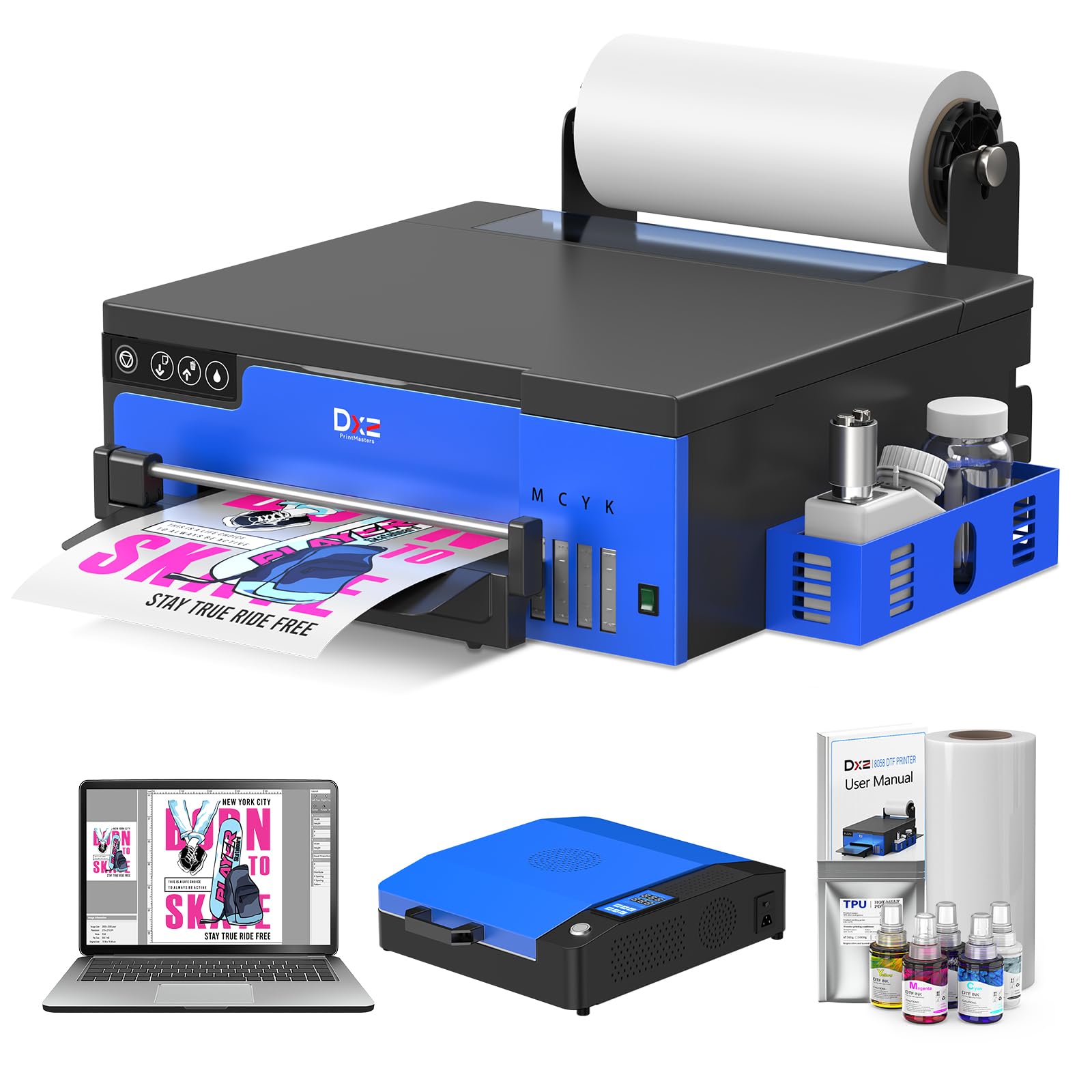
1. DXZ 2026 Upgraded A4 DTF Printer with XP600 Printhead
Our pick — 4.5★ from 50+ verified ratings; the strongest balance of quality and price.
The complete home starter that includes a two-year ink supply and a built-in film cutter.
You get sharp prints at a 2800×1400 dpi resolution (a spec that translates to crisp text and smooth gradients on both light and dark fabrics) from the XP600 printhead, which owners say delivers prints that come out “in high quality with no issues.” The white ink stirring system and semi-automatic cleaning tackle the biggest home-user frustration — clogged nozzles after a few days of idleness. At just 14.96 inches deep and 15.76 inches wide, it fits on a standard desk without dominating your workspace.
The bundle includes an A4 oven, a 100-meter roll of film, five 250ml ink bottles, DTF powder, and a flash drive with video instructions. What wins people over is the print quality — 21 buyers single it out as the top positive. The setup experience gets mixed reviews: some owners find it straightforward, while others wrestle with the software. That is where the 24-hour technical support team becomes a real safety net, helping via remote connection to sort out first-time configuration.
The standout is the two-year ink supply program. You get a fresh set of ink every two months — just pay shipping — which keeps old ink from sitting and settling. That alone makes this the most straightforward choice for someone printing a few shirts a week at home.
What owners love
- Print quality is excellent — vibrant colors and crisp detail on every transfer
- Two-year ink supply removes the recurring cost anxiety for beginners
- Compact footprint (14.96″D) leaves room for the oven and powder station on one table
- Support team provides remote setup via TeamViewer/WhatsApp
The honest trade-offs
- Setup can be confusing for absolute newcomers — expect to spend an afternoon with the software
- White ink performance is mixed; some owners need early troubleshooting to get it flowing
- A4 width (8.27″) limits you to chest prints and sleeve logos — no full back-of-shirt designs
Your first pick if: you want one box that contains everything needed to start printing — printer, oven, film, powder, two years of ink, and a support team that walks you through the first job.
Think twice if: you need to print full-back designs or large-format transfers — the A4 width caps out at chest-size graphics.
2. PUNEHOD DTF Printer A4 L800 with Roll Feeder
A roll-fed A4 machine that keeps printing while you handle other tasks.
The L800 uses a white ink agitation and recirculation system to keep the heavy white pigment from settling between jobs — a major benefit for part-time users who might go days between printing sessions. Its maximum print width is 8.3 inches, which is standard for A4 transfers, and the roll feeder with an auto-cutter trims each design to its proper length automatically, reducing film waste compared to manual sheet cutting. At 8 inches deep and 21 inches wide, it stretches horizontally across a table but sits shallow against a wall.
Buyers who get a good unit rave about the print quality, calling it “outstanding” and praising the tech support. But the 3.6-star average across 16 ratings tells a split story: some units arrive non-functional, and software setup has been a hurdle for multiple owners. The printer supports Windows only, so Mac users should look elsewhere. Despite the mixed reliability, those who succeed praise the roll-feed design — it prints continuously to pattern size and cuts precisely, making batch work more efficient than sheet-by-sheet loading.
Roll-fed advantage: The auto-cutter and continuous film feed reduce waste and manual handling, making this a good fit for someone running small batches of the same design.
Risk to weigh: A meaningful share of buyers report defective units or difficult setup — this is best suited for someone comfortable troubleshooting or with access to a tech-savvy friend.
Reach for this if: you want a roll-fed workflow and are willing to lean on the support team for initial configuration.
Look elsewhere if: you need guaranteed plug-and-play reliability or use a Mac computer.
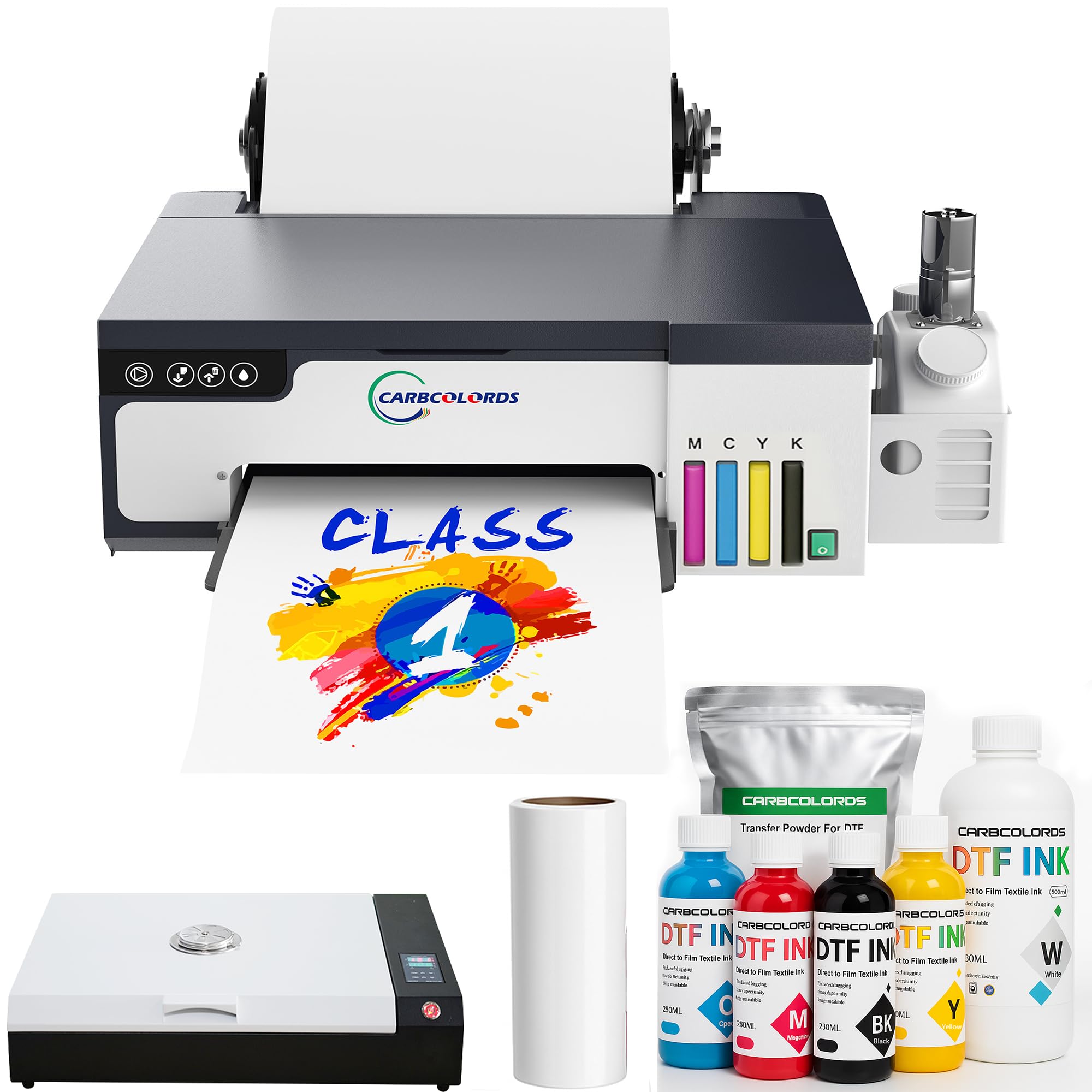
3. Carbcolords A4 DTF Printer with Oven Starter Bundle
A beginner-focused A4 bundle with a white ink mixing system and a generous warranty.
The Carbcolords L8058 starter bundle includes the printer, a curing oven, four 250ml color ink bottles, 500ml of white ink, roll film, and DTF powder — everything except a heat press. It produces prints at a 2440×2440 dpi resolution, which means fine details and smooth color transitions. The white ink mixing system reduces settling, so the white layer stays consistent across a print run. At 14.17 inches deep and 15.75 inches wide, it is nearly identical in footprint to the DXZ above and fits most small workstations.
Print quality earns the most praise — 23 owners highlight it. The setup gets mixed marks: some find it “very easy,” while others describe the software as complicated. This is where the support team, particularly a rep named Jack, earns consistent gratitude for helping owners navigate the configuration. The warranty is stronger than many: one year on non-consumable parts and six months on the printhead. That extra printhead coverage matters because a clogged head is the most likely repair for a home user who prints irregularly.
Print quality anchor: 23 positive mentions confirm this delivers vivid, well-saturated transfers that hold up on dark fabrics.
Software hurdle: The RIP software is the main friction point — plan for a guided setup session with the support team.
Choose this for: the strongest printhead warranty in the A4 category and a complete bundle that gets you from box to first print with minimal extra purchases.
Be aware: A small number of owners mention print quality degrading after extended use — consistent maintenance is essential.
4. PLK A4 DTF Printer with XP600 Printhead
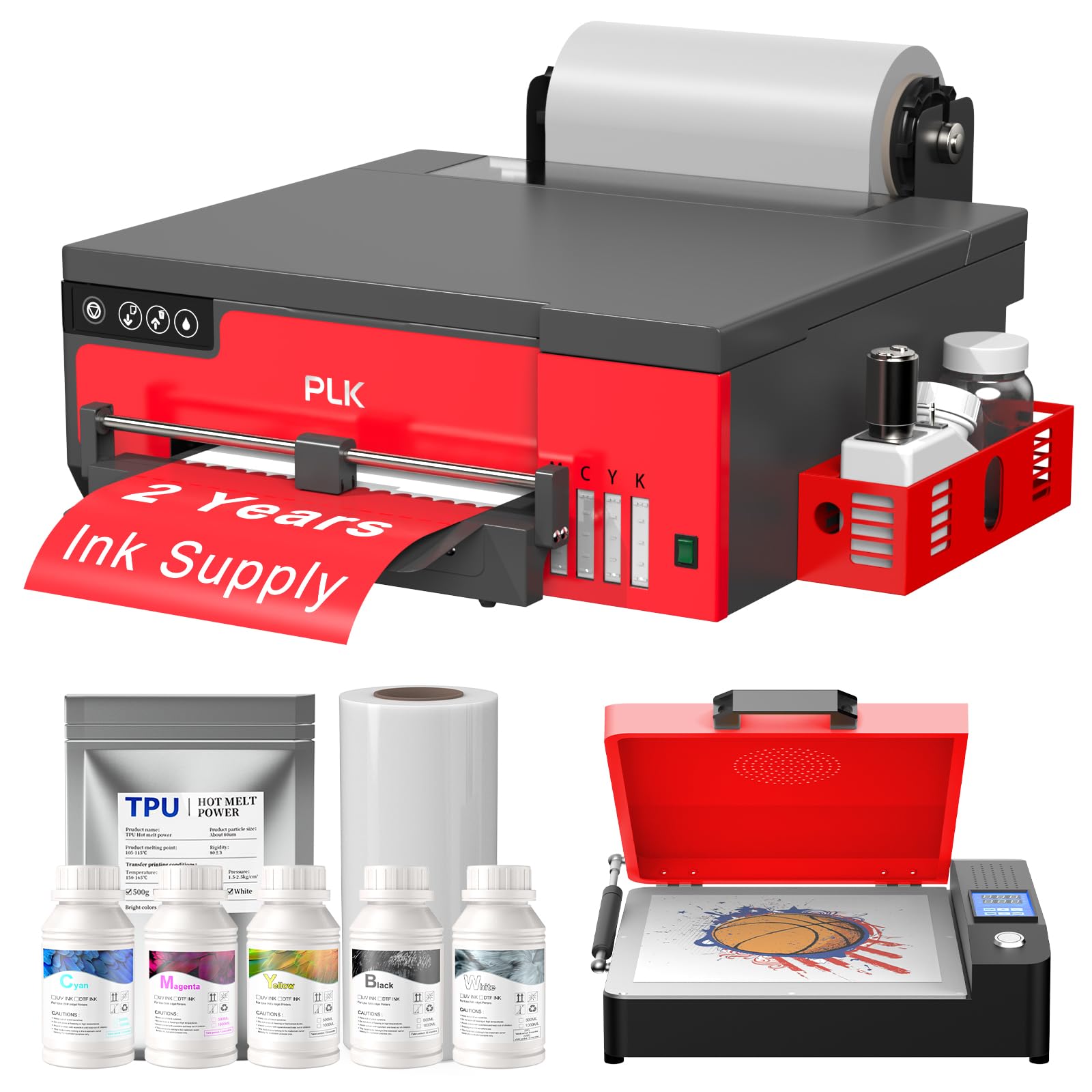
An A4 model that cuts film automatically and prints an A4 transfer in about 3 minutes.
The PLK pairs an XP600 printhead with a 2880×1440 dpi resolution, delivering sharp detail and vibrant gradients. It prints a full A4 sheet in 3 minutes, which adds up when you are running multiple orders. The integrated film cutter trims each design after printing, saving film and eliminating the extra step of manual cutting. It also includes a two-year ink supply program similar to the DXZ above: five 250ml bottles and 500g of powder every two months (shipping only).
A few customers note late deliveries and non-functional USB drives for software, but those who get it running praise the print speed and color accuracy. The printer supports Windows 7/10/11 only; Mac users are out of luck. The 4.3-star average across 18 ratings reflects a product that performs well when everything arrives intact. If you want the fastest A4 throughput in this list and do not mind relying on support for initial setup, this is the one to beat.
Speed edge: 3-minute A4 prints and a built-in cutter make this the most efficient A4 option for batch work.
Setup friction: Late deliveries and dead USB drives are recurring complaints — budget time for troubleshooting.
Grab this if: speed per print is your priority and you want the cutter to reduce manual trimming.
skip it if: you expect a low-maintenance unboxing and immediate software installation.
5. KOMHOW R1390 DTF Printer (A3)
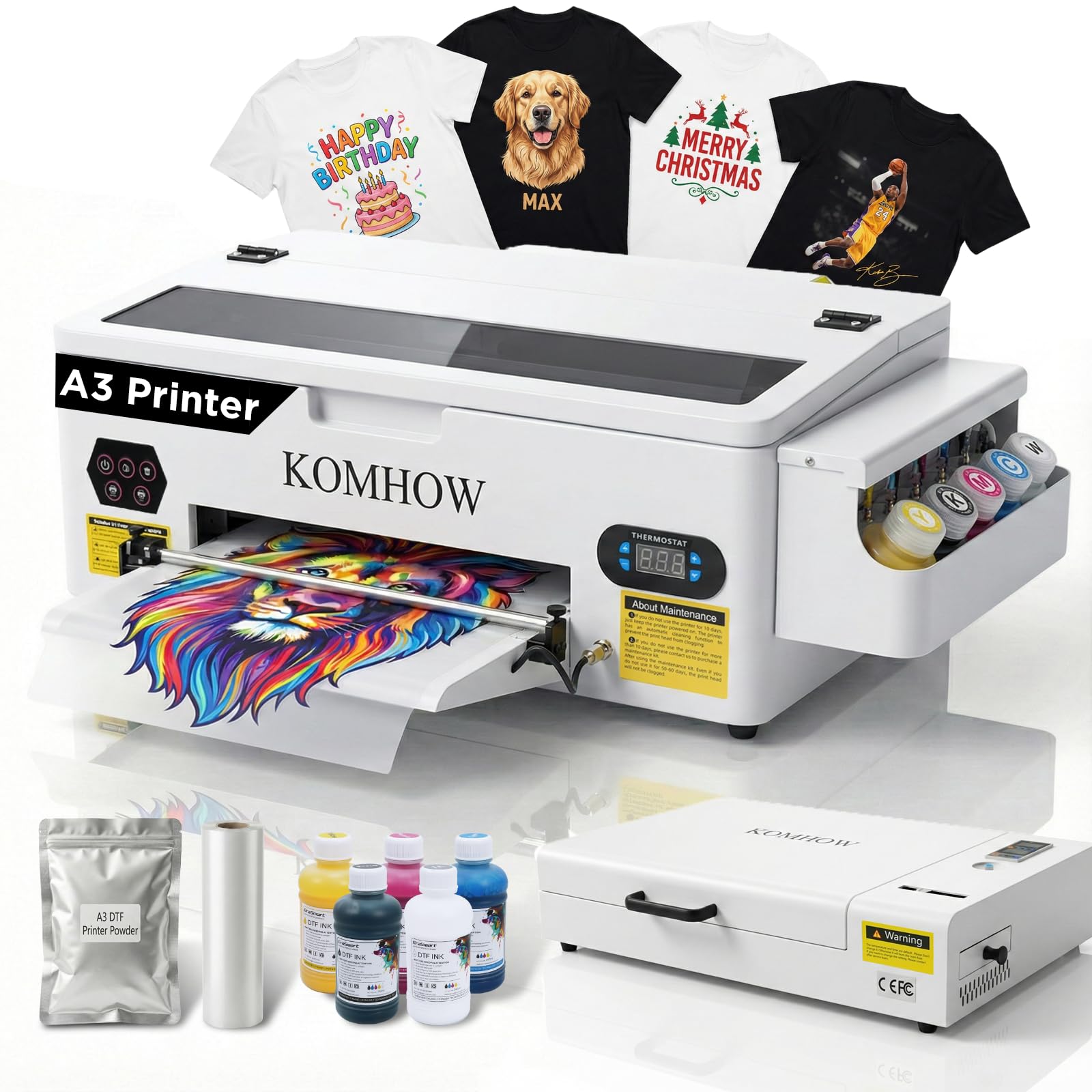
An A3 machine built for small apparel shops that need larger back-of-shirt designs.
The R1390 gives you a 13-inch print width, which open up full back prints and multi-up layouts. Its white ink circulation, mixing, and self-cleaning functions aim to keep the heavy white ink flowing without daily manual intervention. The printer is large — 22.8 inches deep and 29.4 inches wide — so you need dedicated floor or counter space.
Buyers who get a working unit describe the colors as “so vibrant” and praise the support rep Sam for walking them through setup. But the 3.7-star average across 15 ratings and multiple reports of defective units arriving suggest quality control is inconsistent. A notable number of owners say the printer stopped working shortly after arrival. The R1390 is for someone who needs A3 capability, understands the risk of a lower reliability track record, and can lean on support for replacement or troubleshooting.
A3 advantage: The 13-inch width handles full back designs and larger graphics that A4 printers cannot touch.
Reliability watch: A higher-than-comfortable rate of early failures reported — consider extended return protection if available.
Best suited for: a small apparel business that needs A3 prints and has some technical experience to handle potential early issues.
Not for: a beginner who needs a reliable first printer with minimal risk.
6. KOMHOW L1800 A3 DTF Transfer Printing Machine
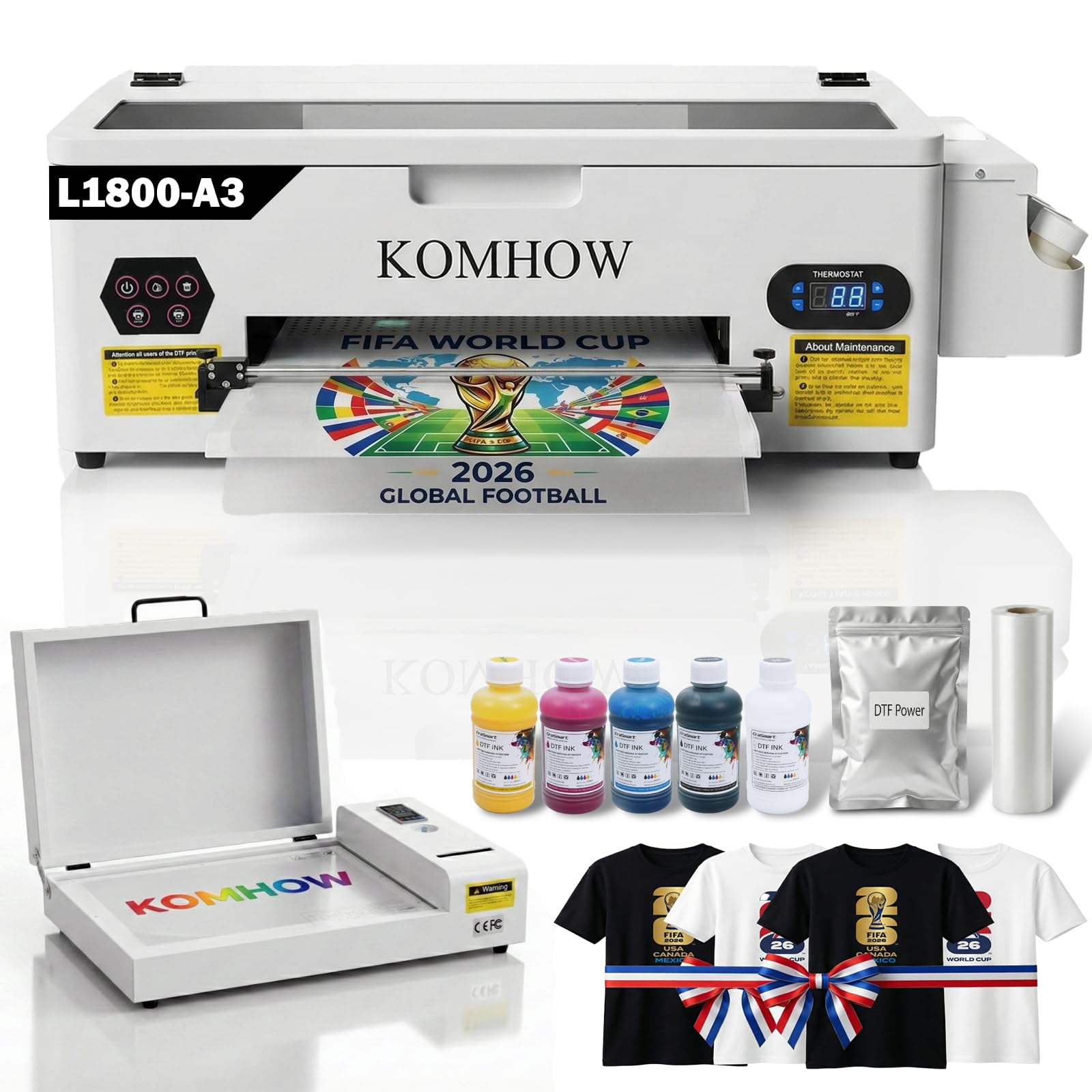
An A3 printer with a professional-grade six-channel printhead and automated 10-hour cleaning cycle.
The L1800 printhead and advanced RIP software deliver 2880 dpi resolution, producing photo-realistic prints with precise color fidelity. The printer’s automated white ink circulation, printhead cleaning, and ink agitation work together to prevent clogs — an automatic cleaning cycle runs every 10 hours, using just 1ml of ink daily, so you can leave the machine idle without waking up to a blocked nozzle. It prints up to 13 inches wide, fitting large custom jobs from T-shirts to hoodies to denim jackets.
Owners consistently praise the quality and vibrancy of the ink, with several describing the machine as a “WINNER” after the initial setup hump. The support team (especially Sam) earns repeated thanks for remote configuration via Deskin, even across different time zones. A few buyers hit early defects and return issues, but the overall 4.4-star average across 18 ratings suggests most units perform well. If you want professional-grade color output and do not mind a moderate learning curve during setup, the L1800 delivers.
Strengths that stand out
- 2880 dpi resolution produces photo-realistic transfers with excellent color fidelity
- Automated 10-hour cleaning cycle keeps the printhead healthy during idle periods
- Air suction system keeps film flat, preventing wrinkles and printhead damage
- Support team provides remote setup assistance across time zones
Honest friction points
- Initial setup can be challenging — plan for a guided remote session
- A small number of reviewers point out defective units and difficulty with returns
- Requires more desk space due to the larger A3 footprint
Choose this for: vivid, photo-quality color on larger A3 transfers and a maintenance system that handles itself during downtime.
Consider alternatives if: you want a truly plug-and-play experience without any remote troubleshooting sessions.
7. Procolored K13 Lite DTF Printer
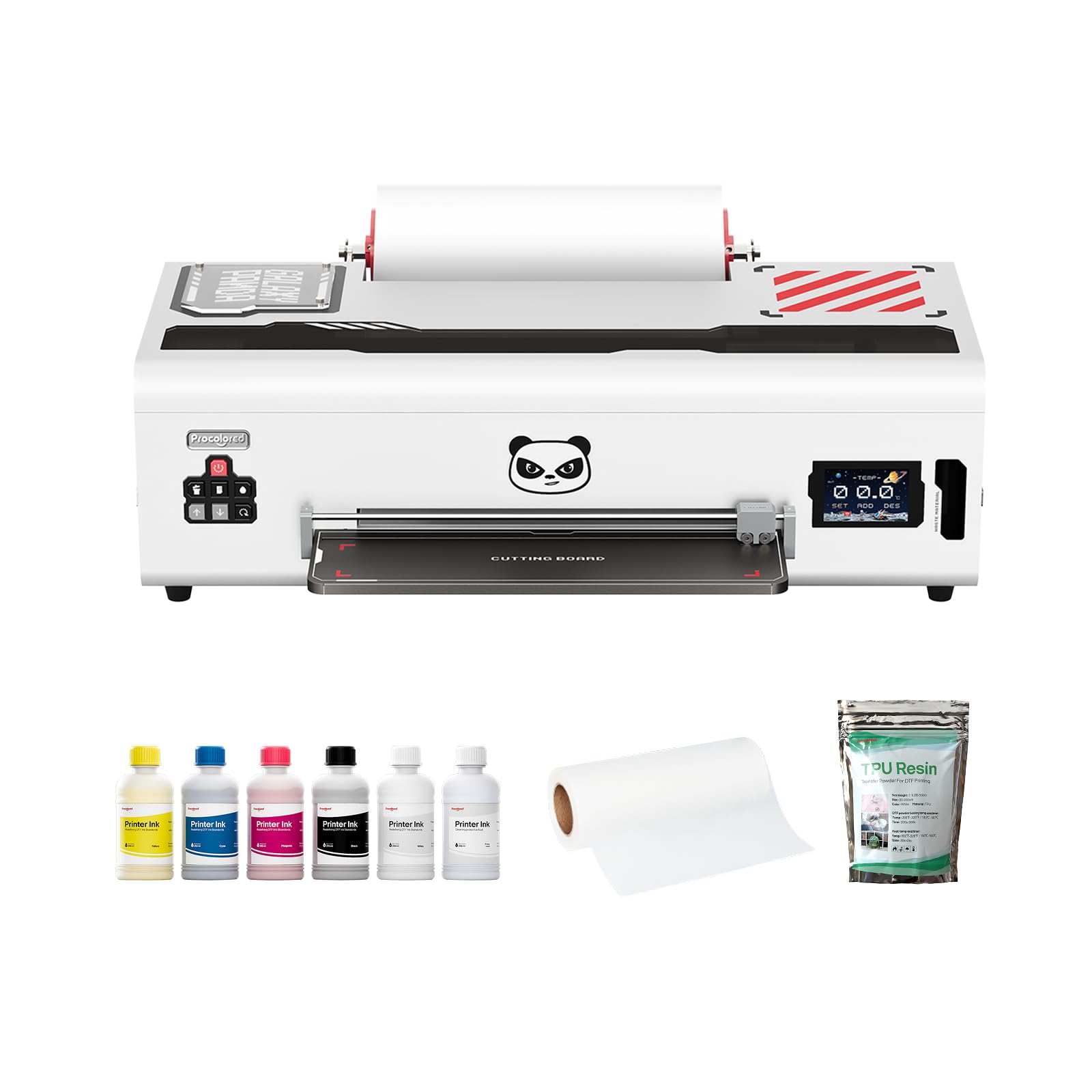
A smart A3 printer with a visual touchscreen and G7-certified color accuracy.
The K13 Lite stands out for its ease of use: an intuitive touchscreen interface with one-touch ink pumping and three customizable themes simplifies daily operation. It uses LiteHead Technology for stable performance and automatic cleaning that reduces clogs. The White Ink Circulation System runs regularly to prevent sedimentation. G7 certification means the color output is calibrated to a recognized standard — your prints should match what you see on screen more closely than with uncertified machines. The Infrared Printhead SafeGuard System detects film warping or particles as small as 2mm, protecting the printhead from damage.
Buyers praise the vibrant colors and ease of use — color quality and ease of use both earn 6 positive mentions each. A few shoppers say the printer failing after a few months, and there are complaints about white ink being too light. The printer is on the wider side at 29.1 inches, but only 12.6 inches deep, which helps with desk placement. For someone who values a polished user interface and color accuracy over raw speed, the K13 Lite is a compelling choice.
Interface win: The visual touchscreen and one-touch ink pumping make daily operation nearly tool-free.
Durability question: A small number of owners experienced failures after a few months — the warranty response is a key factor here.
Choose this for: a modern touchscreen interface and G7-certified color that reduces screen-to-shirt guesswork.
Be aware: A few buyers report the white ink underperforms — test on dark fabric early in your ownership period.
8. SENORTIAN L1800 A3 DTF Printer with Oven Bundle
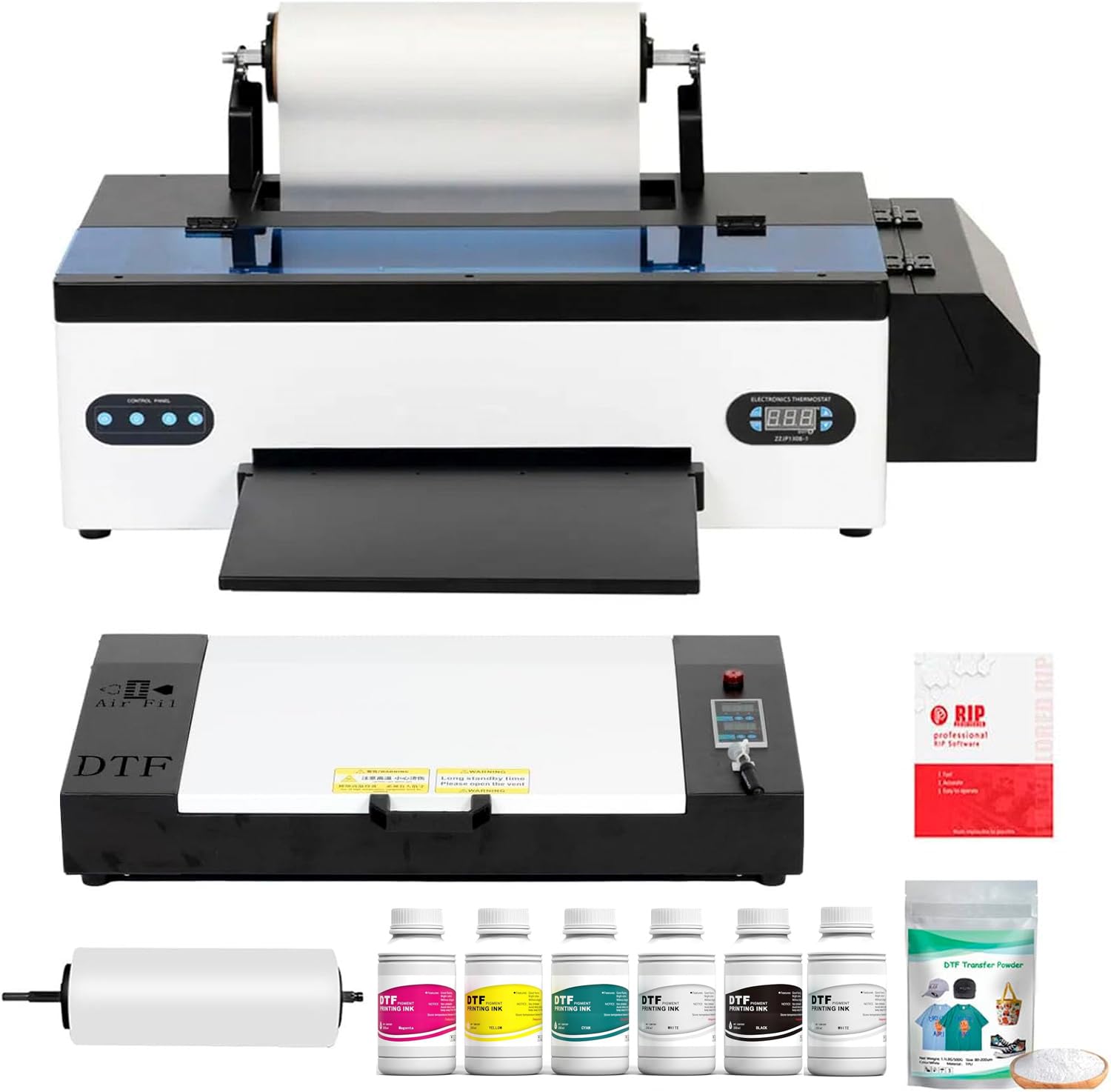
An A3 system where the support team is as reliable as the hardware.
The SENORTIAN L1800 uses dual white ink circulation and agitation to prevent sedimentation and maintain consistent white base output on dark fabrics. It prints on cotton, polyester, leather, and blends — which covers almost everything a home user would throw at it. The system runs on Windows only and does not support Bluetooth or Mac. At 33 inches deep and 15 inches wide, it demands a dedicated table.
What sets this printer apart is the after-sales experience. Multiple owners describe the support rep Cindy and the engineering team resolving issues quickly — one owner received a free replacement printhead in two days after a 7-month-old clog. The overall 4.4-star average across 62 ratings (the highest review count in this list) gives this the strongest statistical vote of confidence. Print quality earns 21 positive mentions, and setup is called easy by 11 owners. A few reliability complaints exist (pump failures, poor ICC profiles), but the majority of owners have a smooth experience.
Why it stands out
- 62 ratings and a 4.4-star average — the largest and most consistent review base in this list
- Support team regularly praised for fast responses and free part replacements
- User-friendly RIP software that owners describe as simple to navigate
- Quiet operation compared to many A3 machines
Potential issues
- Waste ink pump failures reported by a small number of owners
- Windows-only compatibility — no Mac or Bluetooth support
- Large 33-inch depth requires a permanent workstation
Pick this if: you want the most-reviewed A3 printer in this list with a proven track record of support that replaces parts quickly.
Consider something else if: you work on a Mac or need a compact machine that fits in a small space.
9. MZK A3 DTF Printer with F1080 Printhead
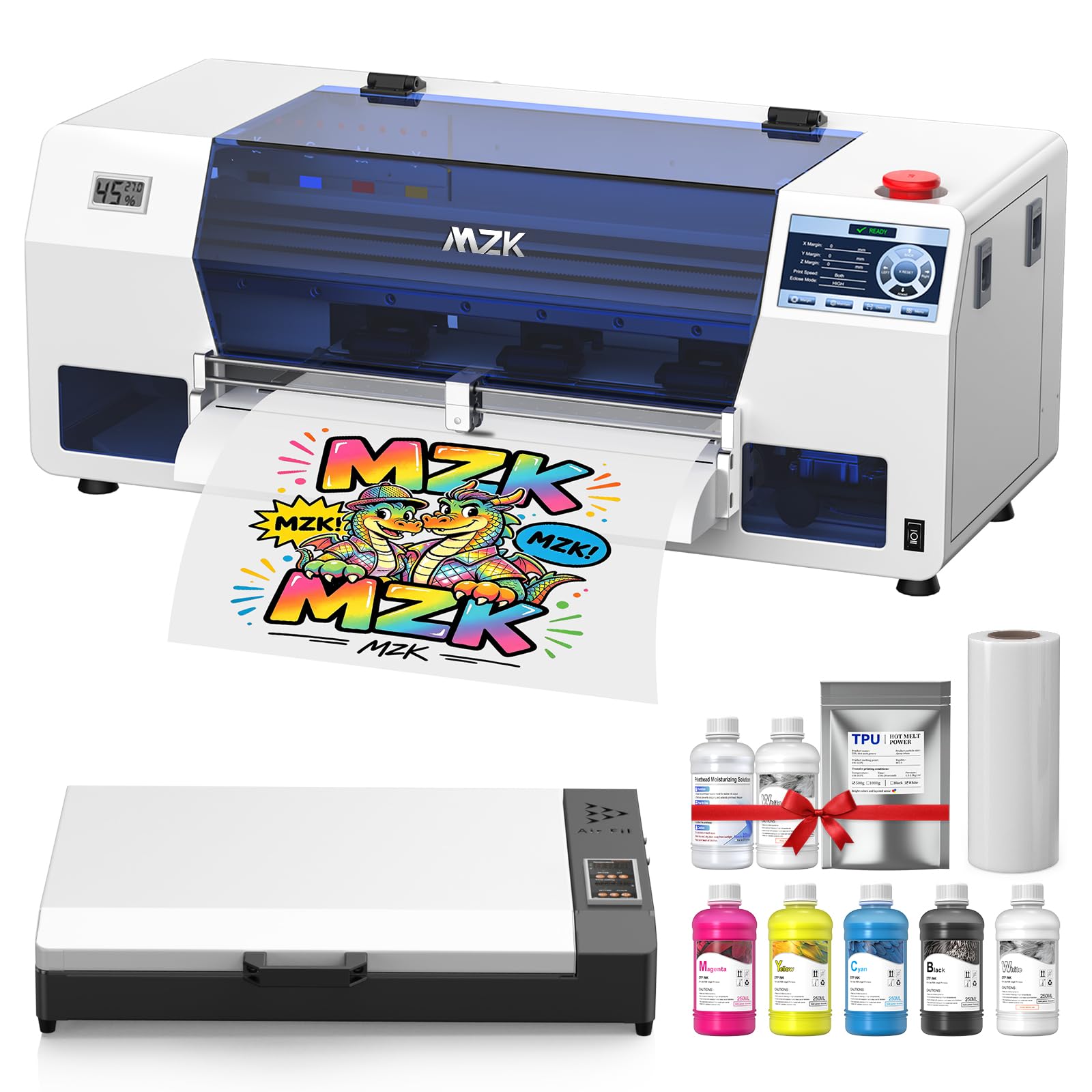
The crowd favorite — a perfect 5.0-star average across 51 ratings with a 5-inch touch panel.
The MZK A3 uses an F1080 printhead (an upgraded XP600) with a 1880×1440 dpi resolution and Variable Sized Droplet Technology, which controls individual ink droplet volume for smoother gradients. It prints an A3 film in 3 minutes and includes a Holiday Mode that auto-cleans the nozzles during downtime — essential for home users who might go weeks between jobs. The 5-inch LED touch panel lets you check nozzles, clean heads, and adjust layouts without touching your computer.
Every single buyer review rates this 5 out of 5 stars, with 24 owners highlighting print quality as the top positive. Owners describe the colors as “vivid” and the setup as “super easy.” The two-year ink supply program (five 250ml bottles plus 500g powder every two months) removes the biggest recurring cost concern. The ink shortage alarm tells you exactly which cartridge is low, and the waste ink alarm prevents overflow. For a home user who wants the highest-rated machine with the least friction, this is the one.
5.0-star reality: Every single reviewer gave this printer a perfect score — an unusual consistency that speaks to both hardware and support reliability.
Touch panel convenience: Checking nozzles and initiating cleaning cycles from the 5-inch display eliminates the need to keep a laptop connected to the printer.
The standout choice if: you want the highest-rated DTF printer on this list with a touch panel that reduces computer dependency and a two-year ink program that cuts supply costs.
Only hesitation: It is one of the more expensive options here — the upfront investment is higher than the A4 starters, but the 5.0-star track record suggests it delivers.
10. WJTZXY A3+ Plus XP600 DTF Printer with Shaking Dryer Machine
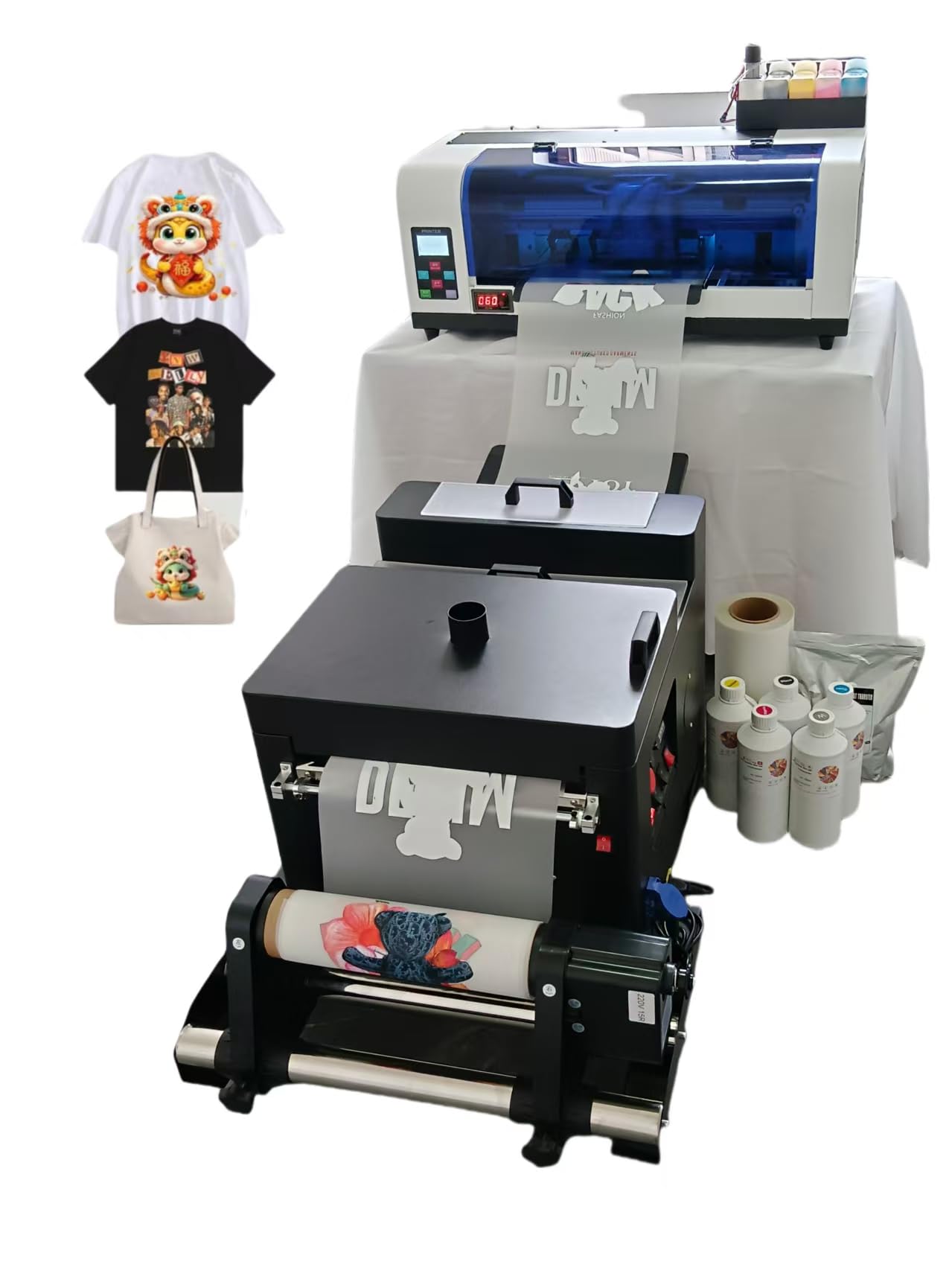
An all-in-one A3+ system that integrates the shaker dryer into the workflow.
The WJTZXY includes an XP600 single-head DTF printer plus a shaking dryer machine that automates the powder application and curing step. The package contains five 500ml ink bottles (double the ink volume of most A4 starter kits), 1kg of hot melt powder, and a 30cm x 100m roll of double-sided DTF film — enough supplies to run dozens of shirts from the start. The max printing width is 13 inches (12.5 inches usable), and the RIIN Hosonsoft software is described by the manufacturer as safer than RIP or Cadlink alternatives because it avoids common antivirus conflicts.
Buyers praise the print quality (30 mentions — the highest count in this list) and say the setup was easy with video support via WhatsApp. However, reliability earns mixed marks: some owners mention the printer stops working, and the software interface comes in a foreign language (kanji) with no English option available. The shaker dryer is a genuine time-saver — it eliminates the manual powder shaking and oven curing steps into one automated pass. At 110 kg and 13.4 inches deep by 31 inches wide, this is a heavy machine that needs permanent floor space and two-person delivery.
The big advantages
- Shaking dryer automates powder application — saves 5-10 minutes per shirt compared to manual curing
- Large ink volume (5x 500ml) reduces refill frequency significantly
- 30 positive mentions for print quality — the strongest in this list
- Factory-direct parts availability means future repairs do not require a whole new printer
The clear trade-offs
- Software interface is in kanji with no English option — non-trivial barrier for English-only users
- Reliability is mixed; a meaningful number of customers note the printer stops working
- 110 kg weight requires a permanent location and two people to move
Pick this if: you want the most complete all-in-one setup (printer plus shaking dryer) and are comfortable with a foreign-language software interface.
Avoid this if: you need an English-only interface or cannot accommodate the 110 kg weight and large footprint.
Understanding the Specs
Printhead Type — XP600 vs L1800 vs F1080
The printhead is the part that actually sprays the ink onto the film. The XP600 is a popular workhorse that balances speed (prints an A4 in roughly 3 minutes) and resolution for most home users. The L1800 is a six-channel (six ink lines) professional-grade head that delivers higher color fidelity — it excels when you need photo-realistic results on dark garments. The F1080, found on the MZK A3, is an upgraded version of the XP600 that adds Variable Sized Droplet Technology, meaning it can vary each droplet’s size for smoother gradients and finer detail. For home use, any of these three will produce sharp transfers; the choice mainly affects speed and complexity of maintenance.
White Ink Circulation — Why Settling Matters
White ink is made of heavy titanium dioxide particles that sink to the bottom of the ink line when the printer sits idle. A printer without circulation requires you to manually shake the cartridge or run cleaning cycles before each session — a chore that often gets skipped, leading to clogs. Printers with an automatic white ink circulation system (or “agitation” / “mixing” system) periodically cycle the white ink through the lines, even when the printer is off, keeping the pigment suspended. This is the single spec that determines whether your DTF printer is a “low-maintenance” tool or a weekly maintenance project. Look for “white ink circulation,” “mixing,” or “agitation” in the product description — skip it at your own risk.
FAQ
Can I use a DTF printer at home without a dedicated workshop?
Do DTF printers work on dark T-shirts?
How often does the white ink clog if I only print on weekends?
What is the difference between A4 and A3 DTF printers for home use?
What supplies do I need to buy after the starter kit runs out?
Does a DTF printer require a special computer or software?
How long does a DTF printer last before needing major repairs?
Do I need a heat press with a DTF printer, or can I use a regular iron?
Is the software that comes with DTF printers safe to install?
Can a DTF printer print on polyester, cotton, and leather with the same settings?
Final Thoughts: The VerdictFor most people, the best dtf printer for home use is the DXZ 2026 A4 XP600 because it bundles a two-year ink supply, a white ink stirring system, and a support team that walks you through your first print — making the transition from curious beginner to confident shirt printer as painless as possible. If you need A3 width for full back designs and want the highest-rated machine on this list, the MZK A3 F1080 delivers a perfect 5.0-star track record with a touch panel that reduces computer dependency. And for the owner who wants the most automated workflow, the WJTZXY A3+ with shaking dryer combines printing, powder application, and curing into one pass — just be prepared for the weight and the non-English software interface.
How We Picked
We do not accept paid placement. Every pick is matched to a real buyer and a real use-case; we do not hands-on test units.
Sources & Methodology
Specifications: manufacturer listings and product documentation. Review insights: verified customer reviews, as of July 2026. Pricing: not shown on this page (it changes often); check the current price via the retailer link.
As an Amazon Associate, WellFizz earns from qualifying purchases. This does not affect which products we feature.
Related Guides

Mo Maruf
I created WellFizz to bridge the gap between vague wellness advice and actionable solutions. My mission is simple: to decode the research and give you practical tools you can actually use.
Beyond the data, I am a passionate traveler. I believe that stepping away from the screen to explore new environments is essential for mental clarity and physical vitality.