Our readers keep the lights on and my smoothie glass nicely filled. As an Amazon Associate, I earn from qualifying purchases.
Wandering into a coffee shop, pulling out a portable canvas, and sketching in full color without hauling a laptop is the promise of a standalone drawing tablet. These all-in-one art pads run their own operating system, freeing you from ever connecting to a computer—just power on, grab the pen, and create.
I’m Mohammad Maruf — the founder and writer behind WellFizz. After spending countless hours analyzing processor specs, pressure sensitivity levels, screen lamination techniques, and real-world user feedback on these devices, I’ve sorted through the noise to find the models that actually deliver a seamless, computer-free drawing experience.
This guide isolates the best drawing tablet with no computer needed by focusing on what matters most for untethered creativity—display quality, pen performance, battery endurance, and the raw processing power to handle professional art apps without stuttering.
How To Choose The Best Drawing Tablet With No Computer Needed
Unlike a traditional pen display that tethers to a desktop, a standalone drawing tablet packs the screen, processor, storage, and operating system into one slab. The buying criteria shift entirely toward onboard performance, pen feel, and screen quality because there is no external computer to compensate for weaknesses.
Pressure Sensitivity and Stylus Technology
The pen is your primary tool, so its responsiveness dictates your entire experience. Entry-level models offer 2048 pressure levels, which work for basic sketching, but professional-grade work demands 4096 or higher. The latest 16384-level pens from XPPen capture micro-variations in stroke weight that mimic traditional media. Battery-free pens (used by Wacom and most premium models) eliminate charging anxiety, while active pens require occasional battery swaps or internal charging.
Display Quality and Lamination
A standalone tablet’s screen must serve double duty as canvas and interface. Full HD resolution (1920×1200) is the baseline for sharp linework, but 2K and 3K panels deliver noticeably crisper detail for high-res illustration. Full lamination bonds the glass to the LCD panel, removing the air gap that causes a floating cursor effect (parallax). Anti-glare etched glass reduces reflections and adds a paper-like texture that artists consistently report as more natural for long sessions.
Processor and RAM for Art Apps
Running heavy creative apps like Clip Studio Paint, Krita, or Infinite Painter requires real processing muscle. Quad-core processors suffice for basic sketching with small canvases, but octa-core CPUs paired with 6GB or 8GB of RAM handle multi-layer compositions and high-resolution brushes without lag. Expandable storage via microSD gives you room for brushes, templates, and exported work without compromising onboard space.
Quick Comparison
On smaller screens, swipe sideways to see the full table.
| Model | Category | Best For | Key Spec | Amazon |
|---|---|---|---|---|
| RubensTab T12 | Mid-Range | Large Canvas Work | 12-inch 2K Display | Amazon |
| HUION Kamvas Slate 11 | Mid-Range | 90Hz Smooth Drawing | 90Hz Refresh Rate | Amazon |
| XPPen Magic Drawing Pad | Premium | Ultra-Fine Pressure Detail | 16384 Pressure Levels | Amazon |
| XPPen Magic Drawing Pad (V2) | Premium | High-Resolution Canvas | 2160×1440 Resolution | Amazon |
| Wacom MovinkPad 11 | Premium | Best-in-Class Pen Feel | 8192 Pressure Levels | Amazon |
| Wacom MovinkPad Pro 14 | Premium | Professional Studio Work | 14″ OLED 3K Display | Amazon |
| PicassoTab A10 | Mid-Range | Entry-Level Value Kit | 6GB+128GB Storage | Amazon |
| RubensTab T11 Pro | Budget-Friendly | Portable Learning Tool | 10.1″ FHD Display | Amazon |
| Frunsi T8 | Entry-Level | Absolute Beginners | 8-inch Display | Amazon |
In‑Depth Reviews
1. RubensTab T12 Standalone Drawing Tablet
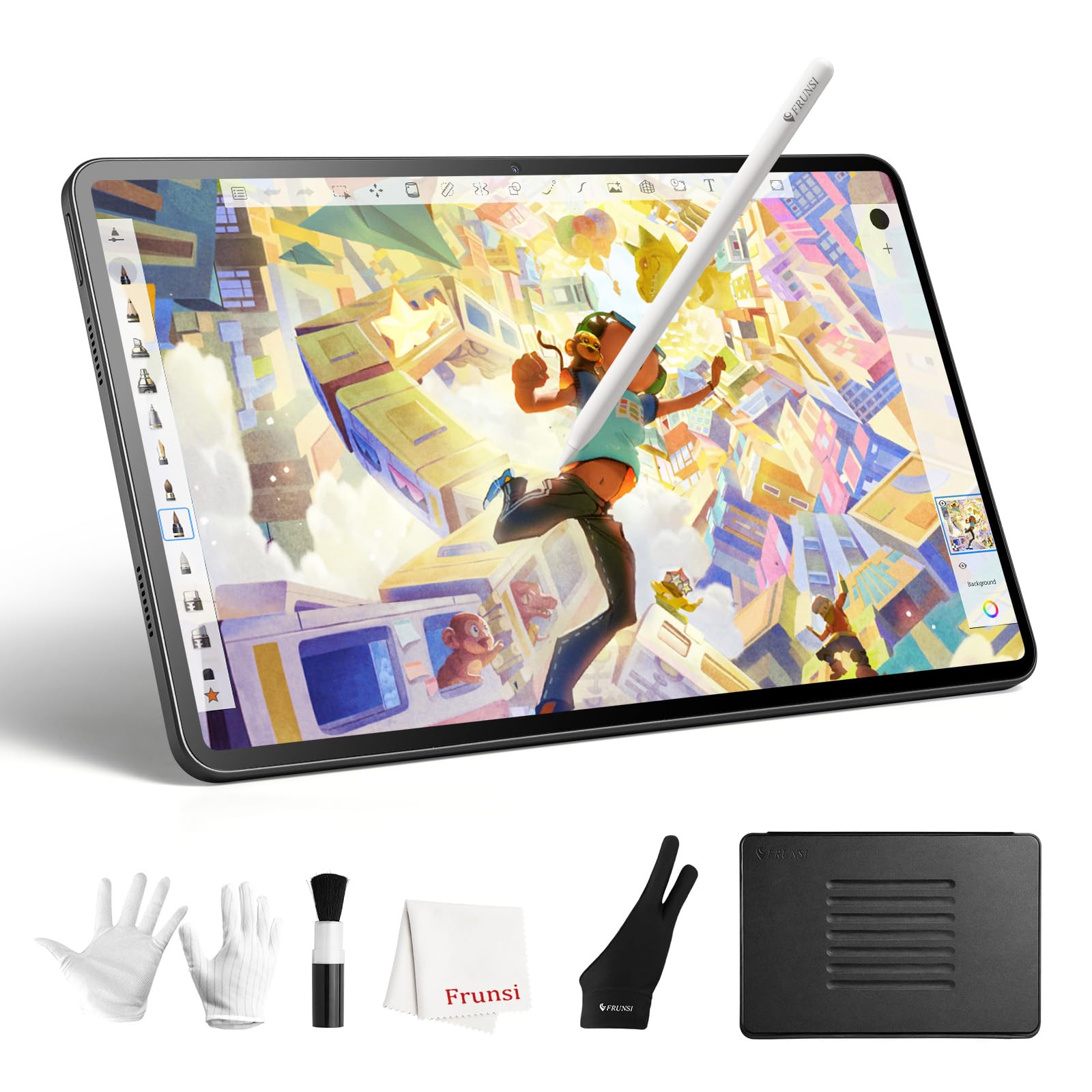
The RubensTab T12 earns its spot near the top because it solves the two biggest frustrations with standalone art tablets: cramped screens and sluggish performance. Its 12-inch Full HD display uses full lamination to eliminate parallax, meaning the cursor sits exactly where the pen tip touches the glass. The anti-glare coating scatters overhead light, so sketching in a bright room or near a window doesn’t wash out your canvas with reflections.
Under the hood, the octa-core CPU and 6GB of RAM handle multi-layer projects in Krita and Infinite Painter without the freezing that plagues cheaper models. The 4096-level pressure pen includes 60-degree tilt support, which translates to natural shading when you angle the stylus like a graphite pencil. The 8000mAh battery delivers full-day endurance—real users report 8 to 10 hours of continuous drawing before hunting for a charger.
The included suite of pre-installed apps (Sketchbook, Flipaclip, Infinite Painter) means you don’t need to download anything before the first stroke. The bundled case, glove, and screen protector add roughly fifty dollars of value, making this a complete out-of-box solution for students and intermediate artists who need screen real estate without the premium price.
Why it’s great
- Fully laminated 12-inch 2K display with negligible parallax
- Octa-core processor and 6GB RAM keep complex canvases responsive
- 8000mAh battery supports all-day creative sessions
Good to know
- Palm rejection can occasionally register rests as input until you adjust the sensitivity
- Android app ecosystem lacks certain desktop-grade tools like advanced filter plugins
2. HUION KAMVAS Slate 11 Standalone Drawing Tablet

Huion brings its monitor-making expertise to the standalone market with the Kamvas Slate 11, and the headline feature here is the 90Hz refresh rate. At this refresh rate, every brush stroke appears on screen with less latency than the standard 60Hz panels found on most budget tablets—your lines keep pace with your hand instead of trailing behind. The 10.95-inch FHD+ screen hits 99% sRGB coverage, so color-critical work like character rendering or product illustration looks accurate straight out of the box.
The H-Pencil stylus offers 4096 pressure levels and 60-degree tilt recognition. More important than the spec sheet number is Huion’s line-smoothing algorithm, which reduces the jittery wobble on slow diagonal strokes—a common complaint with lesser pen engines. The nano-etched matte surface feels distinctly paper-like; your pen tip drags with a subtle resistance rather than skating across slick glass. Combined with full lamination, the cursor follows the nib without any floating gap.
On the software side, Huion pre-installs Clip Studio Paint and ibisPaint X, including free trial memberships that let you test advanced features before committing. The 8GB of RAM and octa-core CPU handle multitasking between art apps and web browsing without reloading your canvas. The 8000mAh battery matches the RubensTab T12 for endurance, meaning you can work through a full day of classes or studio sessions.
Why it’s great
- 90Hz refresh rate reduces visible pen lag during fast sketching
- Full-laminated anti-glare screen eliminates parallax and cuts reflections
- Pre-installed Clip Studio Paint and ibisPaint X with free trials
Good to know
- Some users report palm rejection glitches that require wearing a glove
- The included case offers basic protection but lacks a sturdy stand angle
3. XPPen Magic Drawing Pad (16K Stylus)

The XPPen Magic Drawing Pad introduces the industry’s first 16384-level pressure sensitivity, which is double the resolution of most premium competitors. In practical terms, this means the pen registers extremely subtle force changes—feathering a soft brush from nearly invisible to opaque requires a more nuanced finger movement than 4096-level sensors can capture. For watercolor simulation and pencil shading where pressure gradients define the entire look, this granularity translates into noticeably richer, more natural artwork.
The 12.2-inch screen runs at 2160×1440 resolution with a 3:2 aspect ratio that mirrors standard paper proportions, so compositions don’t feel stretched or cramped. The AG-etched glass surface is TÜV Rheinland certified for eye comfort, and the ten-step soft light adjustment lets you drop brightness to a level that reduces eye fatigue during late-night sessions. The X3 Pro Slim Stylus requires no charging and supports 60-degree tilt, and its barrel includes two customizable shortcut buttons for undoing strokes or switching brush sizes.
Performance-wise, the 8GB of RAM and 256GB of internal storage provide generous room for brushes, templates, and exported files. The 8000mAh battery delivers up to 13 hours of drawing, which outlasts most single-day studio marathons. The Android 14 operating system grants access to Google Play, so you can install Clip Studio Paint, ibisPaint X, or any other app. The included three-month memberships for CSP and ibisPaint X help offset the initial investment.
Why it’s great
- 16384 pressure levels capture micro-variations for realistic brush response
- 12.2-inch 2K display with paper-like AG-etched anti-glare glass
- Battery-free stylus with customizable shortcut buttons
Good to know
- The keyboard case accessory has a poor trackpad and slides on smooth surfaces
- Android version cannot be upgraded beyond 14, limiting future app compatibility
4. XPPen Magic Drawing Pad (V2)
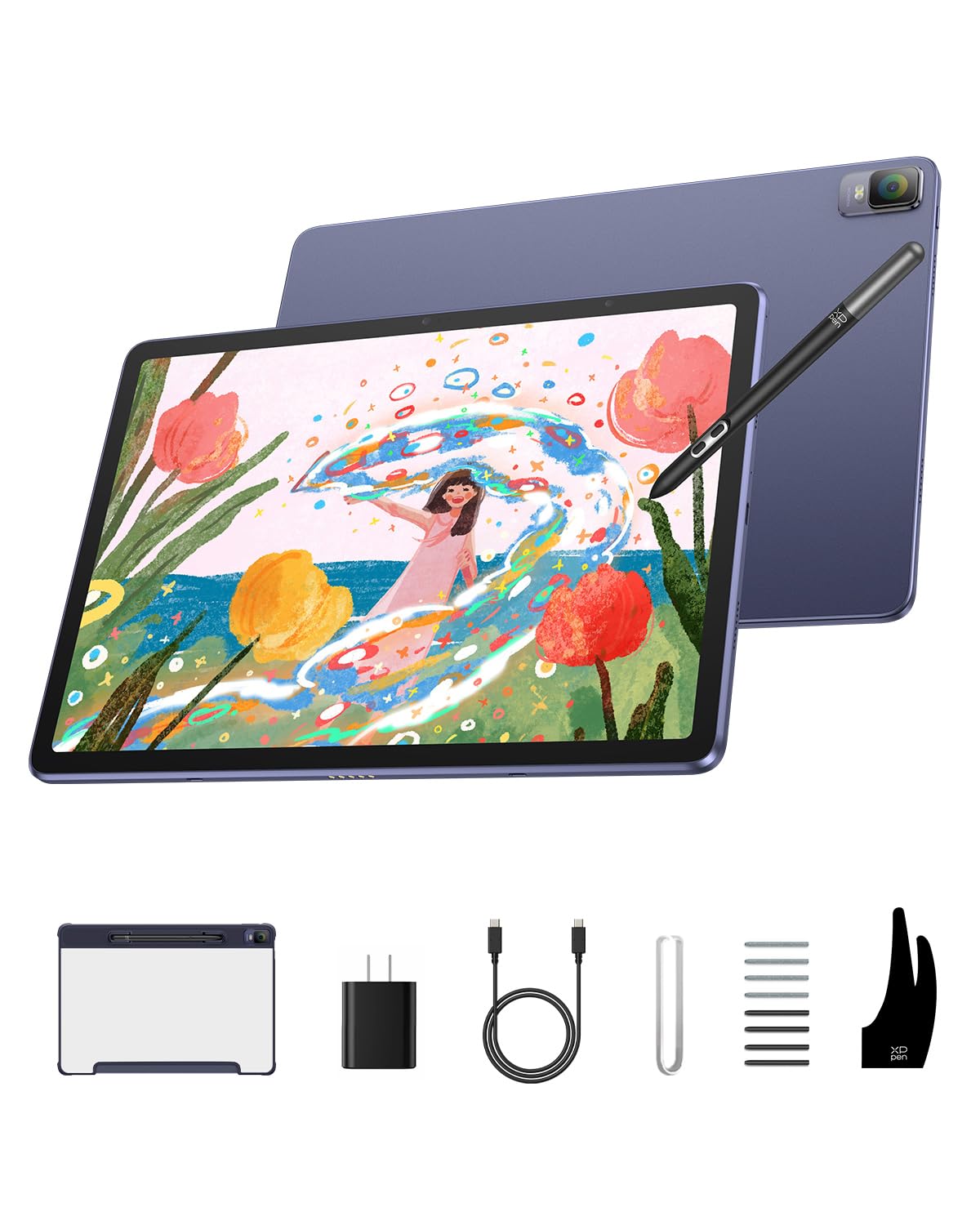
This second variant of the XPPen Magic Drawing Pad shares the same chassis and 12.2-inch 2160×1440 display as the model above, but with the X3 Pro Pencil instead of the newer X3 Pro Slim. In practice, the pen feel is nearly identical—still battery-free, still 16384 pressure levels, still 60-degree tilt. The key difference is the barrel shape: the Pencil is slightly thicker, which some artists with larger hands actually prefer for extended grip comfort.
The screen quality remains a highlight. The 109% sRGB color gamut produces vivid, punchy colors that make illustration pop, and the AG-etched anti-glare surface scatters overhead light effectively. The 3:2 aspect ratio feels natural for portrait-oriented artwork and note-taking. The 8000mAh battery holds up to 13 hours of continuous use, and the TÜV Rheinland certification assures reduced blue light emission for long-duration work.
Storage comes in at 256GB with the 8GB RAM configuration, giving you headroom for large brush packs and high-resolution files. The Android 14 operating system runs all major creative apps smoothly, and the dual-window mode lets you reference a photo on one half while drawing on the other. At 599 grams, this is one of the lighter 12-inch options, making it a strong candidate for artists who commute or work in multiple locations.
Why it’s great
- High 2160×1440 resolution delivers crisp linework on a 12.2-inch canvas
- Battery-free X3 Pro Pencil eliminates charging interruptions
- Lightweight 599g build for easy portability
Good to know
- The included charger cable may be lower quality—some users report failure after a few weeks
- Android app ecosystem still lacks a direct ProCreate equivalent
5. Wacom MovinkPad 11

Wacom has dominated the pen display market for decades, and the MovinkPad 11 is their first true standalone tablet designed from the ground up for drawing. The 11.45-inch anti-glare etched glass screen uses Wacom’s proprietary electromagnetic resonance technology, which means the Pro Pen 3 requires no battery and no pairing—it simply works the instant you touch the glass. The 8192 pressure levels and three programmable buttons on the pen barrel give you professional-grade control without fiddling with software menus.
The Quick Draw feature is a thoughtful inclusion: tap and hold the pen against the screen while the device is asleep, and it launches Wacom Canvas instantly, treating the tablet like a sketchbook you crack open on impulse. The Android 14 OS includes 8GB of RAM and 128GB of storage, along with a two-year license for Clip Studio Paint Debut. The Wacom Shelf organizes all your sketches and reference images in a gallery view, making it easier to browse your portfolio without digging through file folders.
At just 588 grams and 1.3 pounds, the MovinkPad 11 is lighter than most laptops and comparable to a hardcover sketchbook. The matte screen texture provides a subtle drag that mimics drawing on quality paper, and the zero-parallax design ensures your cursor aligns perfectly with the nib. Users consistently praise the organic, natural feel—this is as close to an analog sketchbook as a digital display currently gets.
Why it’s great
- Battery-free Pro Pen 3 with industry-leading 8192 pressure sensitivity
- Quick Draw feature captures spontaneous sketches instantly
- Lightweight build (588g) with premium etched glass surface
Good to know
- No headphone jack—you’ll need USB-C or Bluetooth audio
- Storage is limited to 128GB without microSD expansion
6. Wacom MovinkPad Pro 14

The MovinkPad Pro 14 is the most powerful standalone drawing tablet currently available, built for artists who need desktop-class performance without a desktop. The 14-inch OLED display is the standout feature: 3K resolution (2880×1800 pixels), 100% sRGB and DCI-P3 coverage, and true blacks that make digital painting look like it belongs in a gallery. The Premium Texture etched glass provides the same paper-like feel as the smaller MovinkPad but on a substantially larger canvas that accommodates sweeping arm movements.
Under the hood, the Snapdragon 8s Gen 3 processor paired with 12GB of RAM sets a new performance bar for standalone tablets. This chipset handles memory-intensive tasks like running 50-layer Clip Studio Paint files or rendering complex filter effects without the slowdown that plagues mid-range hardware. The 256GB internal storage is expandable via microSD, giving you room for extensive brush collections and reference libraries. The battery-free Pro Pen 3 delivers the same 8192 pressure levels and tilt support that professionals expect from Wacom’s desktop line.
The Android 15 operating system runs all Google Play creative apps smoothly, and the included two-year Clip Studio Paint Debut license provides a robust foundation for serious illustration work. The anti-reflection and anti-fingerprint coatings on the glass keep the screen clean and readable in varied lighting conditions. This is the closest a portable device gets to a full desktop studio setup—the price reflects that capability, but for working artists who need uncompromised performance, it justifies the investment.
Why it’s great
- 14-inch OLED 3K display with true blacks and wide color gamut
- Snapdragon 8s Gen 3 and 12GB RAM deliver desktop-level performance
- Premium etched glass feels like high-quality drawing paper
Good to know
- No included protective case—third party case is necessary
- Some users report occasional finicky touch screen behavior when not using the pen
7. PicassoTab A10 Drawing Tablet
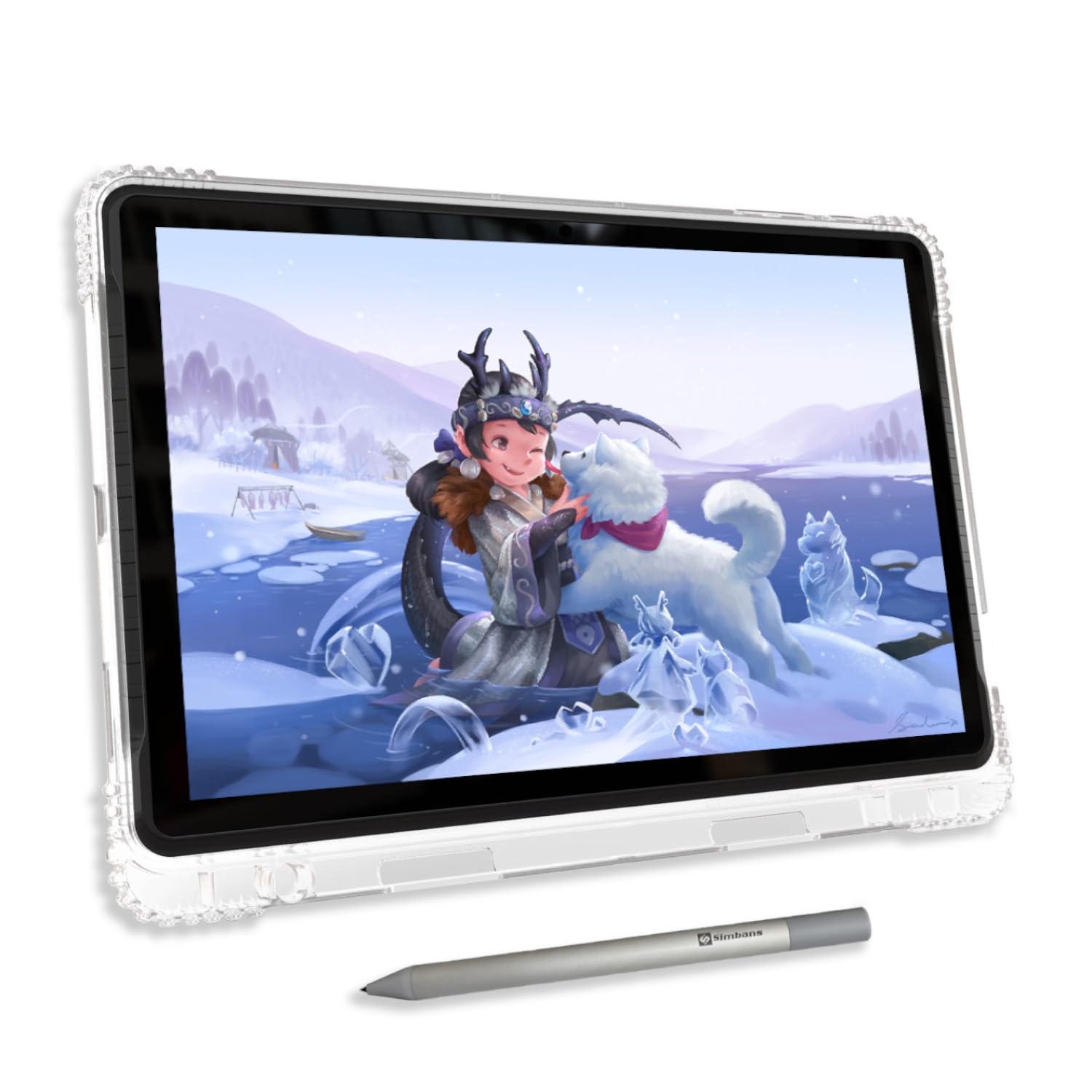
The PicassoTab A10 targets beginners and students who want a complete creative ecosystem without piecemeal purchases. The 10-inch fully laminated IPS HD display uses an anti-glare finish to reduce reflections, and the 2000×1200 resolution provides sharp linework for a screen this size. The Picasso Pen 3 includes 4096 pressure levels and palm rejection, giving you the foundational control needed for learning digital painting techniques.
What sets the A10 apart from other entry-level options is the included software. The Lifetime PRO Upgrade for Concepts gives you an infinite canvas vector-based drawing app with no subscription fees. Alongside that, Infinite Painter and FlipaClip are pre-installed, covering raster painting and 2D animation. The Artixo Lifetime VIP Upgrade provides step-by-step drawing tutorials, which is a genuine help for artists who are self-teaching and need structured guidance rather than hunting for random YouTube videos.
The octa-core CPU, 6GB of RAM, and 128GB of storage (expandable to 1TB) provide enough headroom for multi-layer projects and general app usage. The bundled accessories include a case, screen protector, glove, and stylus, making this a true out-of-box solution. For parents buying for a young artist or for students transitioning from paper to digital, the A10 removes every barrier to starting—no extra app purchases, no missing accessories, no confusing setup.
Why it’s great
- Lifetime PRO upgrade for Concepts drawing app saves recurring subscription costs
- Includes structured VIP drawing tutorials for beginners
- Complete accessory kit with case, screen protector, and glove
Good to know
- The default stylus nib is hard and may scratch the screen protector over time
- Limited third-party case options available for this specific model
8. RubensTab T11 Pro Standalone Drawing Tablet
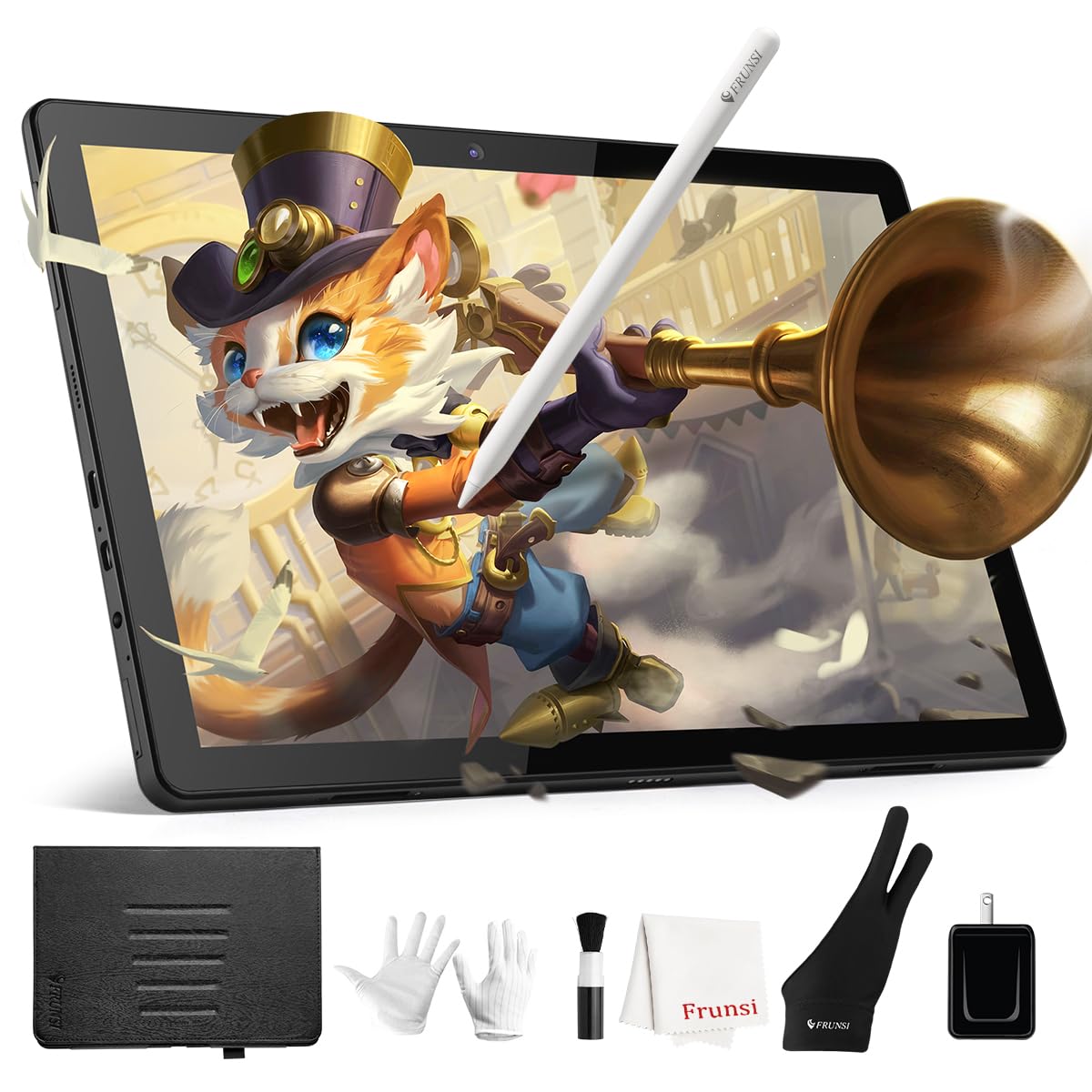
The RubensTab T11 Pro is a 10.1-inch standalone tablet that balances affordability with a full HD (1920×1200) IPS display. The 1024-level pressure sensitivity is lower than the 4096 standard found on mid-range tablets, but for beginners sketching simple lines and shading, it responds well enough to learn the fundamentals. The battery-free stylus works reliably without charging, and the included adjustable stand case makes desktop and travel use practical.
The 5800mAh battery delivers roughly 5 hours of continuous drawing, which is adequate for a day of classroom notes or commuting. The pre-installed Krita and Sketchbook apps cover the basics of digital painting and photo editing, and customers consistently praise the responsive customer support from Frunsi. The Android ecosystem gives you access to Google Play for additional apps, tutorials, and cloud storage integration.
Where the T11 Pro shows its budget nature is in the occasional lag with heavy brush engines and the lack of advanced palm rejection. Many users find that wearing the included drawing glove resolves accidental touches. For a young student getting their first digital art tablet or for a beginner who wants a low-commitment entry point, the T11 Pro delivers genuine standalone functionality at a price that doesn’t hurt if the hobby doesn’t stick.
Why it’s great
- Full HD IPS display with wide viewing angles for the price
- Battery-free stylus eliminates charging and pairing hassles
- Responsive customer service reported by multiple users
Good to know
- Only 1024 pressure levels limit nuanced brush control
- Lacks robust palm rejection—glove use is recommended
9. Frunsi T8 Drawing Tablet
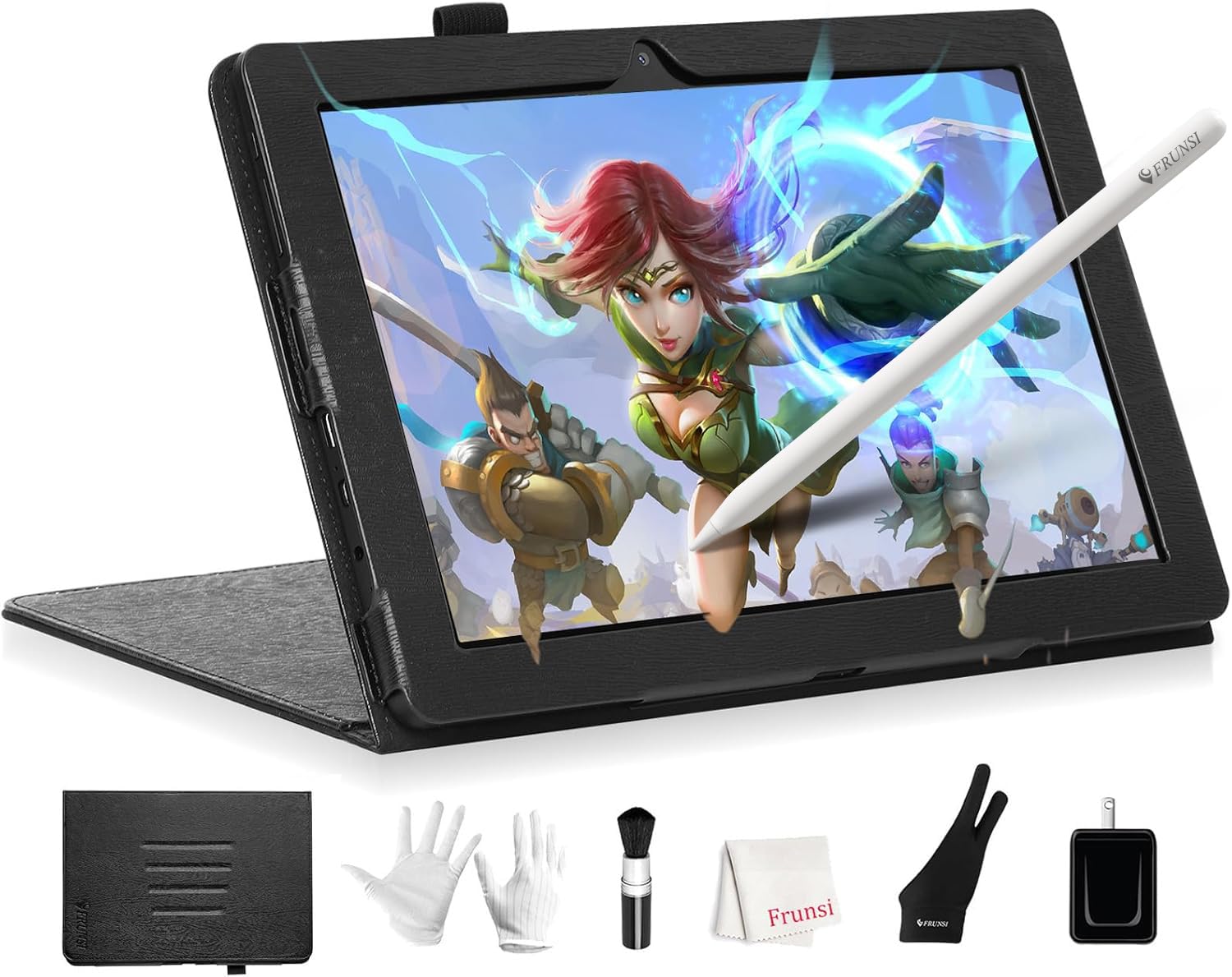
The Frunsi T8 is the most affordable standalone drawing tablet in this lineup, built for absolute beginners—specifically children or hobbyists who want to test digital art without a significant financial outlay. The 8-inch display with 1200×800 resolution is small enough to slip into a bag but limits the working area for detailed artwork. The 2048-level pressure sensitivity is adequate for simple lines and basic shading but lacks the nuance needed for professional rendering.
The MTK quad-core CPU with 4GB of RAM handles lightweight apps like ibisPaint X and ArtFlow, but users report noticeable lag with heavy brush settings and when the battery drops below 50%. The 4000mAh battery provides up to 20 hours of idle time, but real-world drawing sessions drain it faster—roughly 3 to 4 hours of active sketching. The pre-installed tutorials are genuinely helpful for first-time users who have never held a digital stylus before.
The bundled accessories include a detachable keyboard, a screen protector, and a cleaning cloth, which is generous at this price point. The Android 13 operating system is current enough to support most app store downloads. For a young child or someone who wants to see if digital drawing suits them before investing in a premium tablet, the T8 removes the barrier of a large upfront cost while still delivering a true computer-free experience.
Why it’s great
- Lowest price entry point for standalone drawing functionality
- Includes detachable keyboard for note-taking and light productivity
- Pre-installed tutorials help absolute beginners get started
Good to know
- 8-inch screen feels cramped for detailed illustration work
- Lag becomes noticeable with heavy brush presets and at low battery
FAQ
Can I use a standalone drawing tablet without any computer at all?
Why does pressure sensitivity matter for a drawing tablet with no computer needed?
Can I install my own drawing apps on these standalone tablets?
What does anti-glare etched glass do for digital drawing?
Final Thoughts: The Verdict
For most users, the best drawing tablet with no computer needed winner is the RubensTab T12 because it offers a large fully laminated display, smooth octa-core performance, and all-day battery life at a mid-range price that doesn’t compromise on canvas size. If you want the highest pressure sensitivity available, grab the XPPen Magic Drawing Pad with its 16384-level stylus. And for the absolute best pen feel and portable form factor, nothing beats the Wacom MovinkPad 11.

Mo Maruf
I created WellFizz to bridge the gap between vague wellness advice and actionable solutions. My mission is simple: to decode the research and give you practical tools you can actually use.
Beyond the data, I am a passionate traveler. I believe that stepping away from the screen to explore new environments is essential for mental clarity and physical vitality.