Our readers keep the lights on and my smoothie glass nicely filled. As an Amazon Associate, I earn from qualifying purchases.
Dorm rooms are compact, shared spaces where a bulky TV eats up precious square footage and creates a permanent focal point that not everyone in the room may agree on. A smart, lightweight projector solves this by giving you a cinematic image up to 150 inches that disappears into a drawer when not in use, leaving your desk and floor space free for studying and hanging out.
I’m Mohammad Maruf — the founder and writer behind WellFizz. I’ve spent hundreds of hours analyzing the hardware specifications, brightness ratings, operating systems, and audio capabilities of dozens of portable projectors to find the ones that actually hold up in a dorm environment with shared Wi-Fi, varied lighting, and limited setup space.
Whether you are squeezing a movie night between study sessions or streaming a game with friends, finding the right dorm room projector comes down to balancing brightness, built-in smart features, and compact size for the tightest of budgets.
How To Choose The Best Dorm Room Projector
Dorm projectors live in a specific sweet spot: they must be bright enough for a room with some ambient light, small enough to fit on a nightstand or shelf, and smart enough to stream without a tangle of extra boxes. The wrong pick means blurry text during study sessions or a washed-out picture when your roommate opens the blinds.
Native Resolution vs. “4K Support”
Native 1080p is the baseline for a dorm — it delivers crisp text and sharp video from a few feet away. Many budget projectors claim “4K support,” which means they accept a 4K signal but display it at native 1080p or lower. Ignore the marketing and look for “Native 1080p” explicitly in the tech specs. If you are projecting lecture slides, this makes the difference between readable text and a smudgy blur.
Brightness — ANSI Lumens Are The Truth
Dorm lighting is rarely perfect. A projector rated at 300 ANSI lumens or higher will produce a visible and enjoyable picture with a lamp on or curtains partially open. Lower-rated units (under 200 LED lumens) require near-total darkness, which is impractical for a shared living space. Always check whether the brightness is listed in ANSI lumens or in vague “LED lumens” — the former is an industry standard you can trust.
Built-in Smart Platform
A dorm projector with a built-in streaming OS — Google TV, Roku TV, or a pre-loaded Android system — eliminates the need for a Fire Stick or Chromecast hanging off the HDMI port. This saves desk space and keeps the setup clutter-free. Look for official licensing (Roku TV or Google TV) rather than “compatible with Netflix” claims that may require extra steps to sideload apps.
Auto Focus and Keystone Correction
Manual focus and keystone sliders are a hassle when you are repositioning the projector between movie night and gaming. Auto focus and auto vertical keystone correction, now common on mid-range models, lock in a sharp rectangular image in under a second. In a cramped dorm where the projector may sit on a low shelf or a tilted stack of books, this feature is not a luxury — it is a necessity.
Connectivity and Network Performance
Dorm Wi-Fi networks are notoriously congested. A projector with Wi-Fi 6 handles multiple devices on the same channel better than older spec models. Dual-band support (2.4GHz and 5GHz) is essential for avoiding interference. Bluetooth 5.2 or higher allows you to pair wireless headphones for late-night viewing without disturbing a sleeping roommate.
Quick Comparison
On smaller screens, swipe sideways to see the full table.
| Model | Category | Best For | Key Spec | Amazon |
|---|---|---|---|---|
| Aurzen BOOM Air | Google TV | Portable campus movie nights | 300 ANSI Lumens, ToF Auto Focus | Amazon |
| Aurzen Roku TV Projector | Roku TV | Streaming without a dongle | 1080p, 3-Level Brightness | Amazon |
| iWIMIUS S29 | Smart 4K | Higher brightness & audio quality | 300 ANSI Lumens, 18000:1 Contrast | Amazon |
| HAPPRUN Google TV | Google TV | Bright rooms and large screens | 400 ANSI Lumens, Wi-Fi 6 | Amazon |
| TMY 1080P Mini Projector | Value Smart | Budget with built-in apps | 200 Lumens, Wi-Fi 6 | Amazon |
| GOODEE Mini Projector | Compact Value | First-time dorm buyer | 300 Lumens, Short Throw | Amazon |
| XuanPad Li White | Entry-Level | Lowest entry price | Electric Focus, Wi-Fi 6 | Amazon |
In‑Depth Reviews
1. Aurzen BOOM Air Google TV Portable Projector
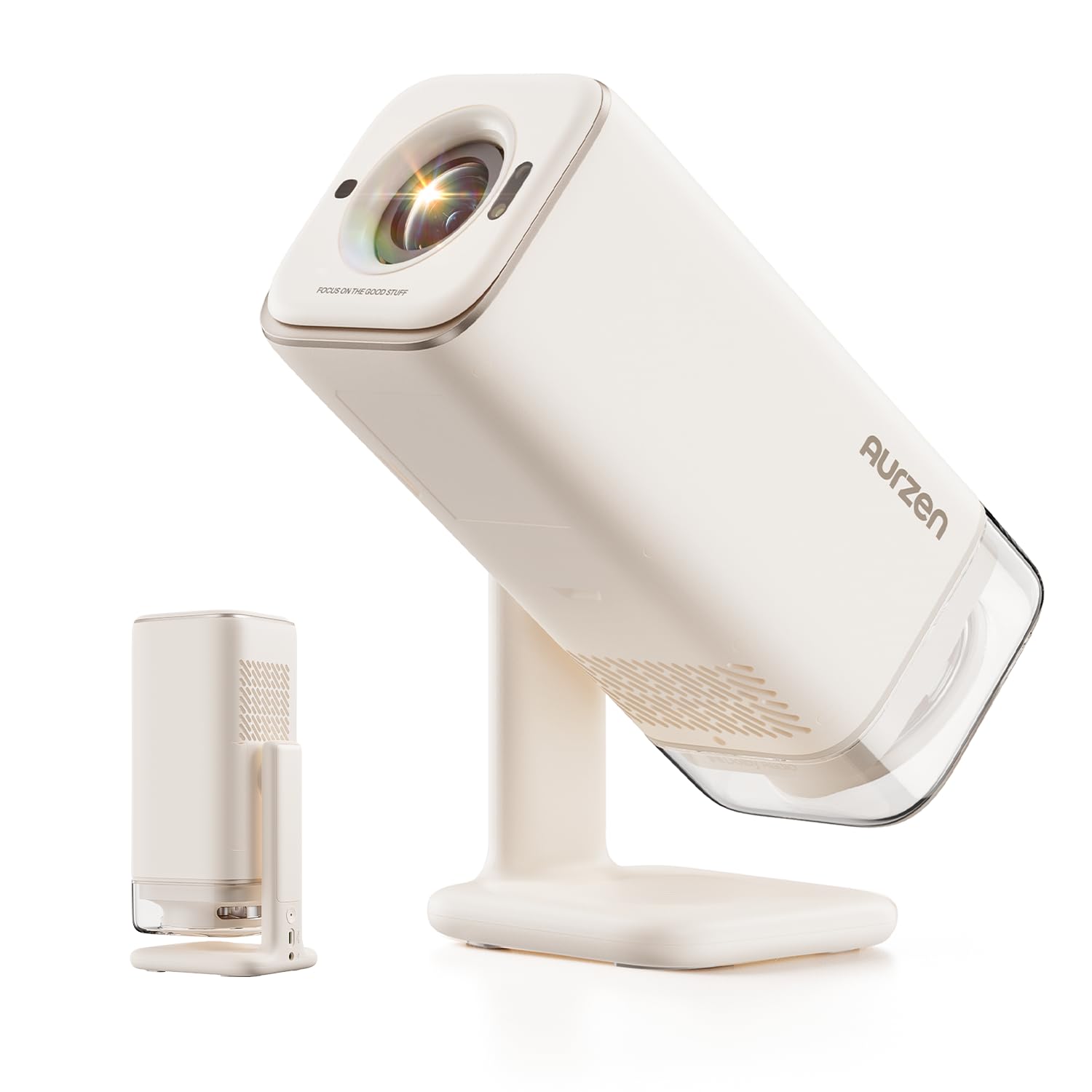
The BOOM Air is the projector we recommend to any dorm resident who values portability, picture quality, and a full smart-TV experience. It runs on official Google TV with access to Netflix, YouTube, Prime Video, Hulu, and hundreds more apps right out of the box — no dongle or extra setup required. The native 1080p resolution with HDR10 delivers crisp, vibrant images even when some ambient light is present.
What sets this unit apart in a dorm context is its USB-C power design. It runs off a 65W+ power bank, meaning you can set up a movie night in the common room, on the lawn, or in a friend’s dorm without hunting for an outlet. The ToF (Time-of-Flight) real-time autofocus and auto keystone keep the image sharp even as you tilt or move the projector, so you never need to fuss with manual rings.
The built-in 360-degree Dolby Audio through a visible 10W speaker fills a small room easily. While the contrast ratio of 500:1 is lower than some competitors, the overall package — portability, OS, autofocus, and connectivity — makes this the most versatile choice for campus life.
Why it’s great
- Official Google TV with full app store — no sideloading
- USB-C powered, works with a portable power bank
- ToF real-time autofocus eliminates manual adjustment
- Compact water-bottle size fits any backpack
Good to know
- Best performance in dim or dark environments
- HDMI cable not included in the box
- Contrast ratio is modest compared to premium home models
2. Aurzen Roku TV Smart Projector
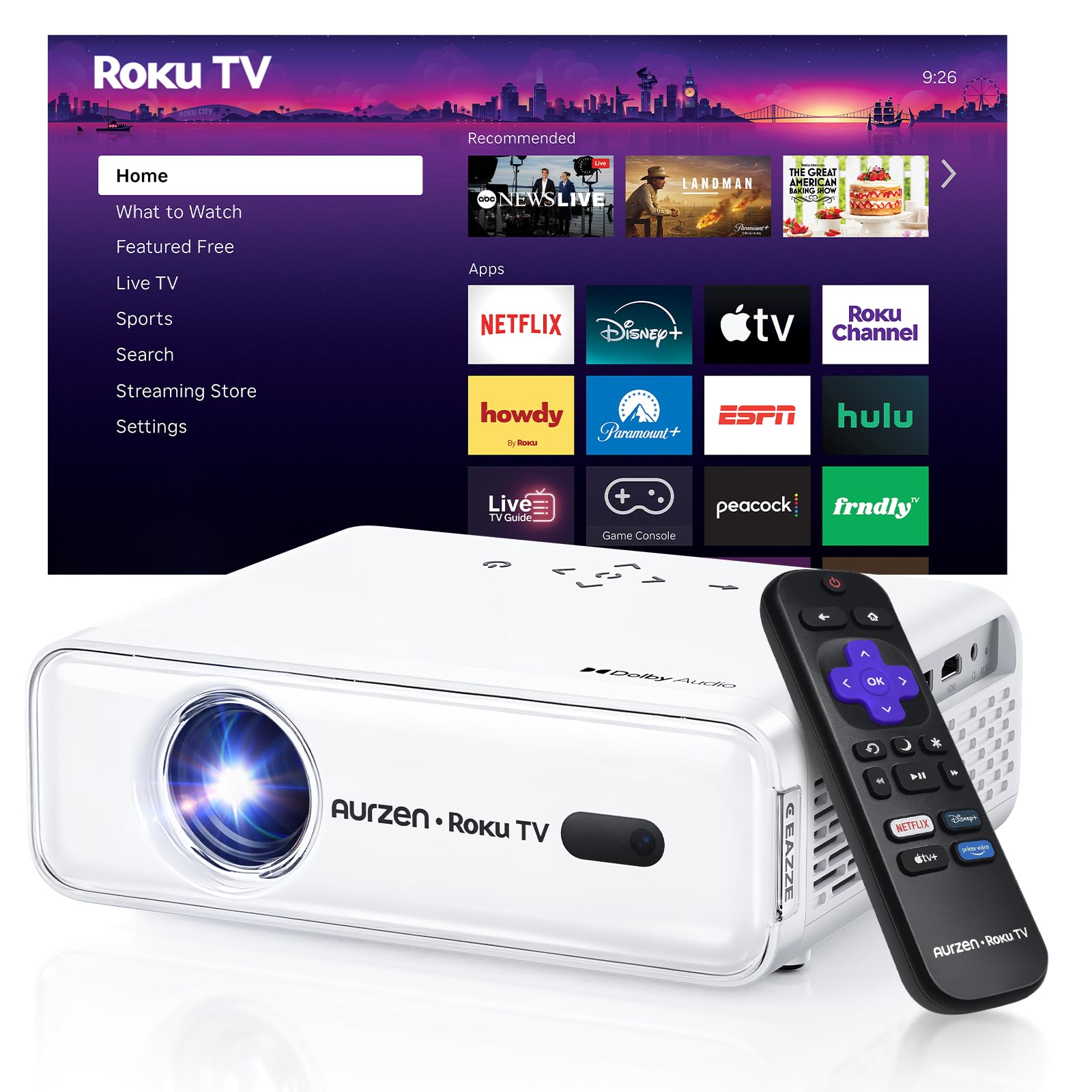
If your priority is the simplest, most familiar streaming interface, the Aurzen Roku TV projector is the obvious choice. It comes with official Roku TV built in — the same platform found on millions of TVs — so you can watch Netflix, Hulu, Prime Video, Disney+, Apple TV, and hundreds of free channels without extra hardware. Setup is fast: plug in, connect to Wi-Fi, sign into your Roku account, and start watching in under five minutes.
The projector features three brightness levels — Low, Standard, and Vivid — which is a rare and useful feature for a dorm. Use Eco mode for late-night solo viewing to save bulb life and reduce fan noise, then switch to Vivid for group watch parties when the room lights are on. The auto focus and auto keystone correction work instantly, so you never waste time squinting at a tilted picture.
Dolby Audio combined with dual 5W speakers produces room-filling sound that outperforms most single-speaker projectors in this class. The wide compatibility with Apple HomeKit, Siri, Alexa, and Google Assistant also means you can turn it on or adjust volume with voice commands — handy when your hands are full of popcorn.
Why it’s great
- Official Roku TV interface — most intuitive and app-rich
- Three brightness levels for different room conditions
- Dual 5W speakers with solid Dolby Audio
- Auto focus and keystone save setup time every use
Good to know
- No HDMI cable included in the box
- Requires a free Roku account for activation
- Fan noise is noticeable but not loud
3. iWIMIUS S29 Smart Projector
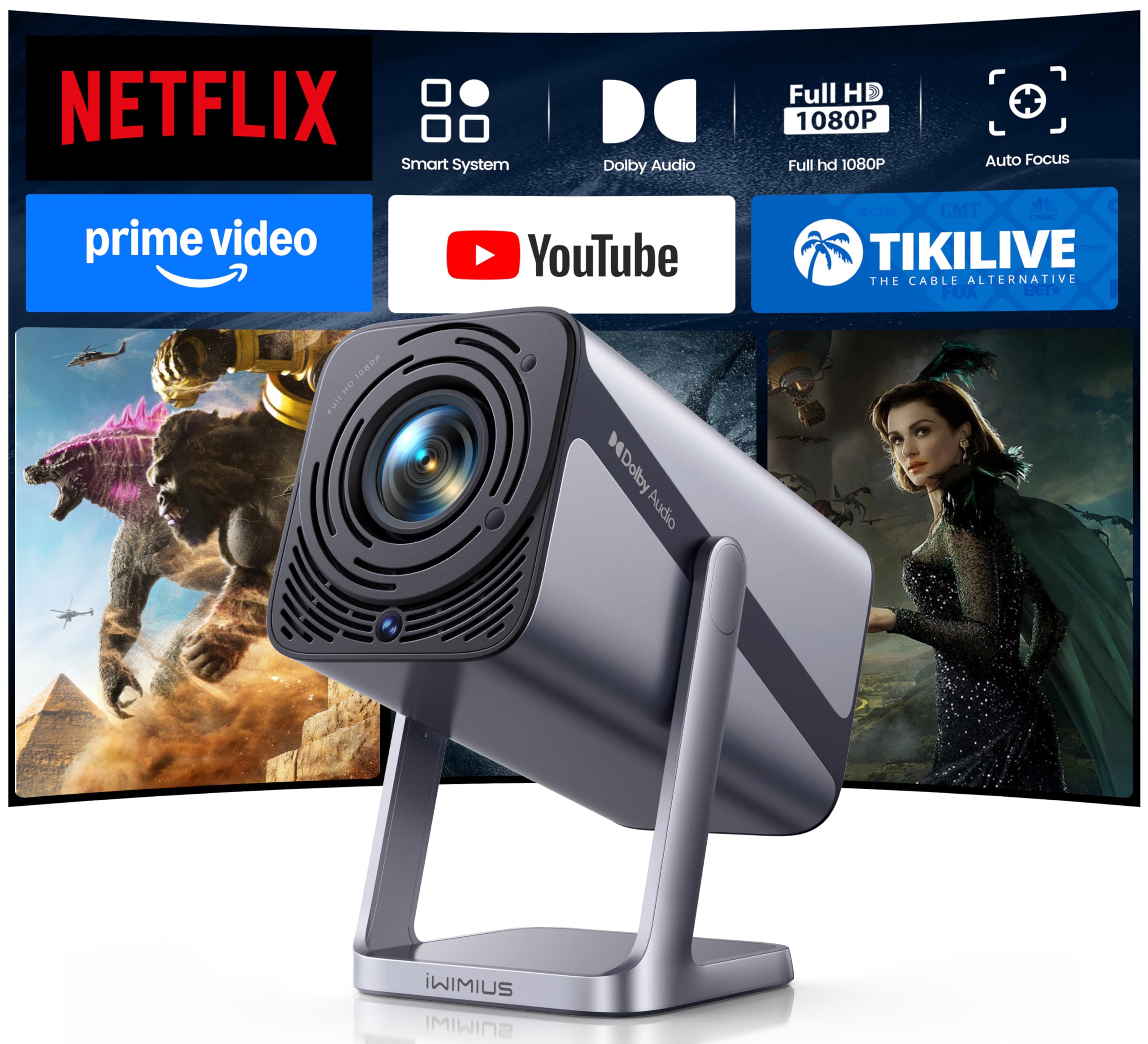
For the dorm resident who wants a premium-looking device that doubles as a conversation piece, the iWIMIUS S29 delivers with its metallic gray chassis and a 360-degree rotatable stand. The stand alone is a major advantage in a dorm — you can angle the image onto any wall or ceiling without needing a separate tripod. The native 1080p resolution with 300 ANSI lumens and an 18,000:1 contrast ratio produces deep blacks and vivid colors that make movies and games pop.
Audio is a standout here: dual 10W speakers with TDS-HD technology and SRS sound processing fill a dorm room with rich, immersive audio. The two-way Bluetooth 5.2 lets you either stream audio to an external speaker or use the projector itself as a standalone Bluetooth speaker. The auto focus and auto 4D/4P keystone correction are triggered with a single remote button, making adjustments effortless when repositioning between study and entertainment modes.
The sealed optical engine with dual-fan cooling prevents dust spots from forming on the lens over time — a common failure point in cheaper projectors. With support for 4K input via HDMI ARC and Wi-Fi 6 for smooth streaming, this is a future-proof choice for a student who will keep it through multiple semesters.
Why it’s great
- Premium metal design with 360° rotatable stand
- Dual 10W speakers — best audio in this list
- Sealed optical engine resists dust and black spots
- 18000:1 contrast ratio for deep, rich blacks
Good to know
- Remote requires AAA batteries (not included)
- Built-in streaming limited to YouTube and Prime Video; Netflix via browser
- Slightly heavier than ultra-portable alternatives
4. HAPPRUN Native 1080P Google TV Projector

Brightness is the defining strength of the HAPPRUN projector. At 400 ANSI lumens, it is the highest-output unit on this list, making it the best choice for a dorm room that gets a lot of daylight or for students who want to watch with a lamp on. The native 1080p resolution with 4K support ensures sharp, detailed images even when projecting onto a 300-inch screen — though in a dorm you will likely stay under 120 inches.
The official Google TV system with built-in Google Voice Assistant gives you hands-free control over streaming, volume, and search. You can press the voice button and say “Open Netflix” or “Find action movies” without navigating menus. Wi-Fi 6 and Bluetooth 5.2 handle dorm network congestion smoothly, and the wide compatibility with HDMI, USB, and wireless screen mirroring means it works with laptops, game consoles, and phones immediately.
The built-in 5W speaker delivers clear audio, though it is best paired with external Bluetooth speakers for a fuller sound. The compact form factor with desktop, tripod, and ceiling mounting options gives you flexibility to tuck it onto a shelf or hang it above your desk. At this brightness level and OS quality, it is a serious long-term investment for any student.
Why it’s great
- 400 ANSI lumens — brightest in the list, works with ambient light
- Official Google TV with voice assistant and full app store
- Wi-Fi 6 for stable streaming on congested networks
- Native 1080p with 4K input support
Good to know
- Built-in speaker is adequate but not impressive
- Larger footprint than ultra-portable competitors
- Best picture quality achieved with blackout curtains
5. TMY 1080P Full HD Portable Mini Projector
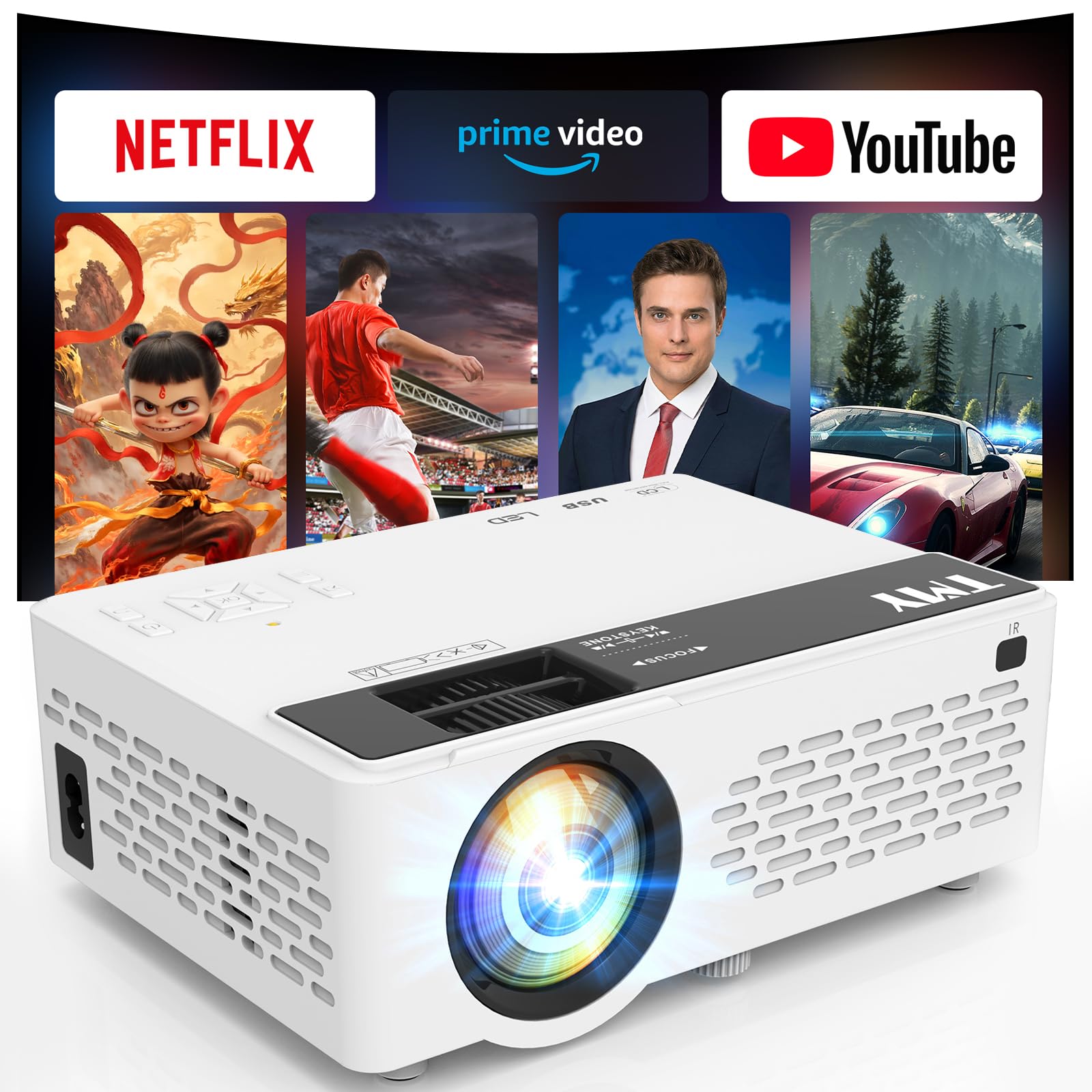
The TMY projector earns its place as the best value pick for dorm students who want built-in apps and modern connectivity without stretching their budget. It comes pre-loaded with Prime Video, YouTube, and is compatible with Netflix — no sideloading required. The 1080p native resolution produces a clean, detailed image, and the 200-lumen brightness performs well in a fully darkened room.
The Wi-Fi 6 connectivity ensures smooth streaming even when your dorm Wi-Fi is crowded, and the Bluetooth 5.2 dual-symphony feature lets you either wirelessly connect external speakers or use the projector itself as a standalone Bluetooth speaker. This flexibility is a nice bonus for listening to music or podcasts when the projector is not in use.
The manual focus ring gives you precise control over sharpness, though it requires a few seconds of adjustment each time you move the unit. The compact size fits easily in a backpack, and the 10,000-hour lamp life means it will last through four years of college without a replacement bulb. For the cost, this is a remarkably well-rounded entry into the smart projector space.
Why it’s great
- Pre-loaded Prime Video and YouTube, compatible with Netflix
- Wi-Fi 6 for stable dorm network streaming
- Can double as a standalone Bluetooth speaker
- 10,000-hour lamp life covers years of use
Good to know
- Manual focus requires adjustment when repositioning
- 200-lumen brightness requires a dark room for best results
- Fan noise is present but not distracting
6. GOODEE Mini Projector with WiFi and Bluetooth
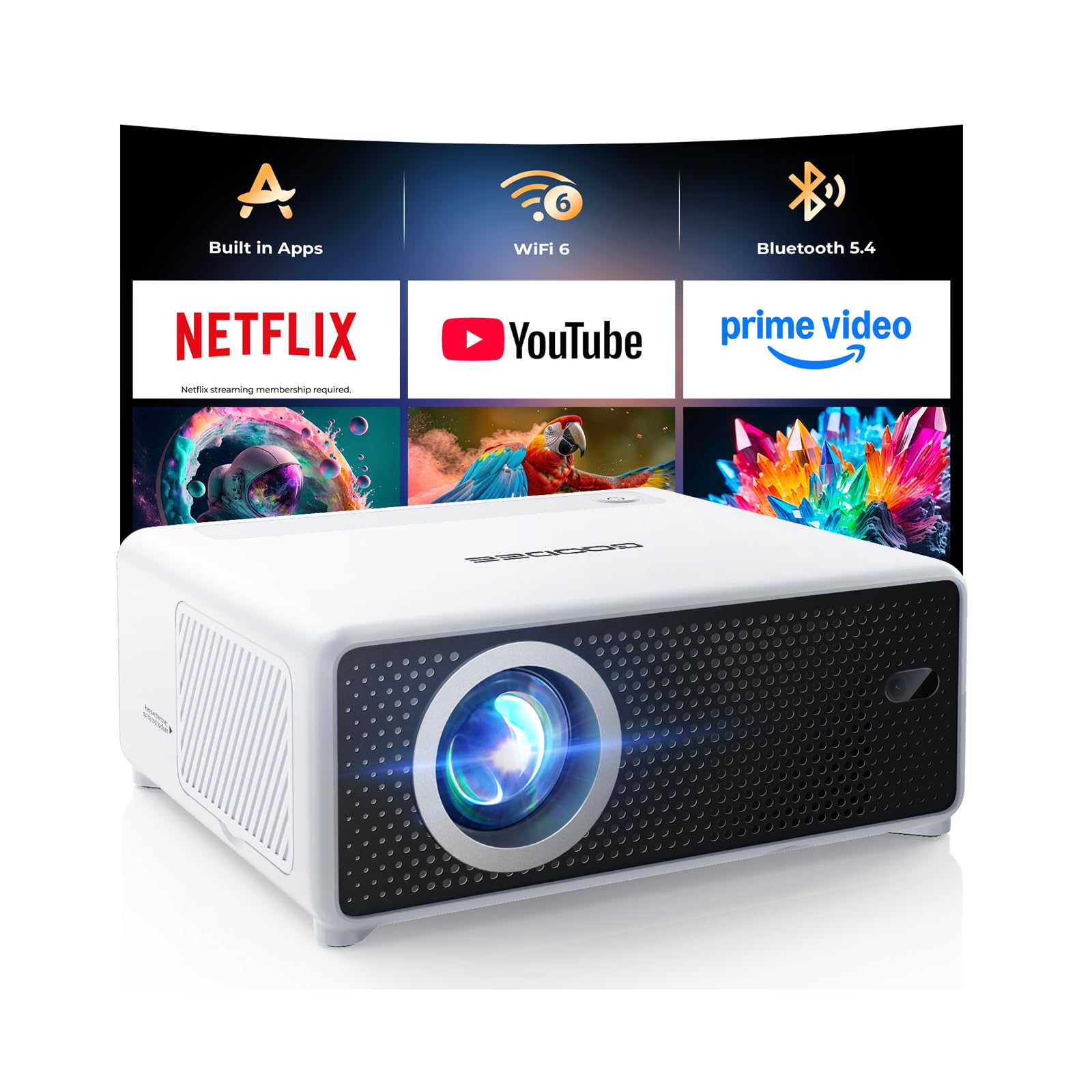
For students with extremely limited desk or shelf space, the GOODEE projector offers a short-throw ratio of 0.98:1, meaning you can get a 100-inch image from just about four feet away. This is a game-changer in a cramped dorm where you cannot set the projector far from the wall. It also eliminates the chance of someone walking in front of the beam and casting a shadow on the screen.
The built-in apps — Netflix, YouTube, Prime Video — are ready to use immediately after connecting to Wi-Fi. The 1080p HD resolution and 300-lumen brightness produce a watchable picture even with a light on, though it truly shines in a dim environment. The electric focus and auto keystone correction ensure you get a sharp, aligned image within seconds of powering on.
Wi-Fi 6 and Bluetooth 5.4 provide fast, stable connections for wireless mirroring from a phone or laptop, and the compact footprint means it fits on a nightstand or even a stack of textbooks. The 200-inch maximum image size is overkill for a dorm, but the flexibility to scale up or down is a nice bonus for outdoor campus movie nights.
Why it’s great
- Short throw works great in tight dorm spaces
- Electric focus and auto keystone for instant setup
- Wi-Fi 6 and Bluetooth 5.4 for modern connectivity
- Compact size fits on a nightstand
Good to know
- Built-in speaker is adequate but best paired with external audio
- Best picture in a fully dark or dim room
- Maximum brightness is 300 lumens — not suitable for sunlit rooms
7. XuanPad Li White Mini Projector
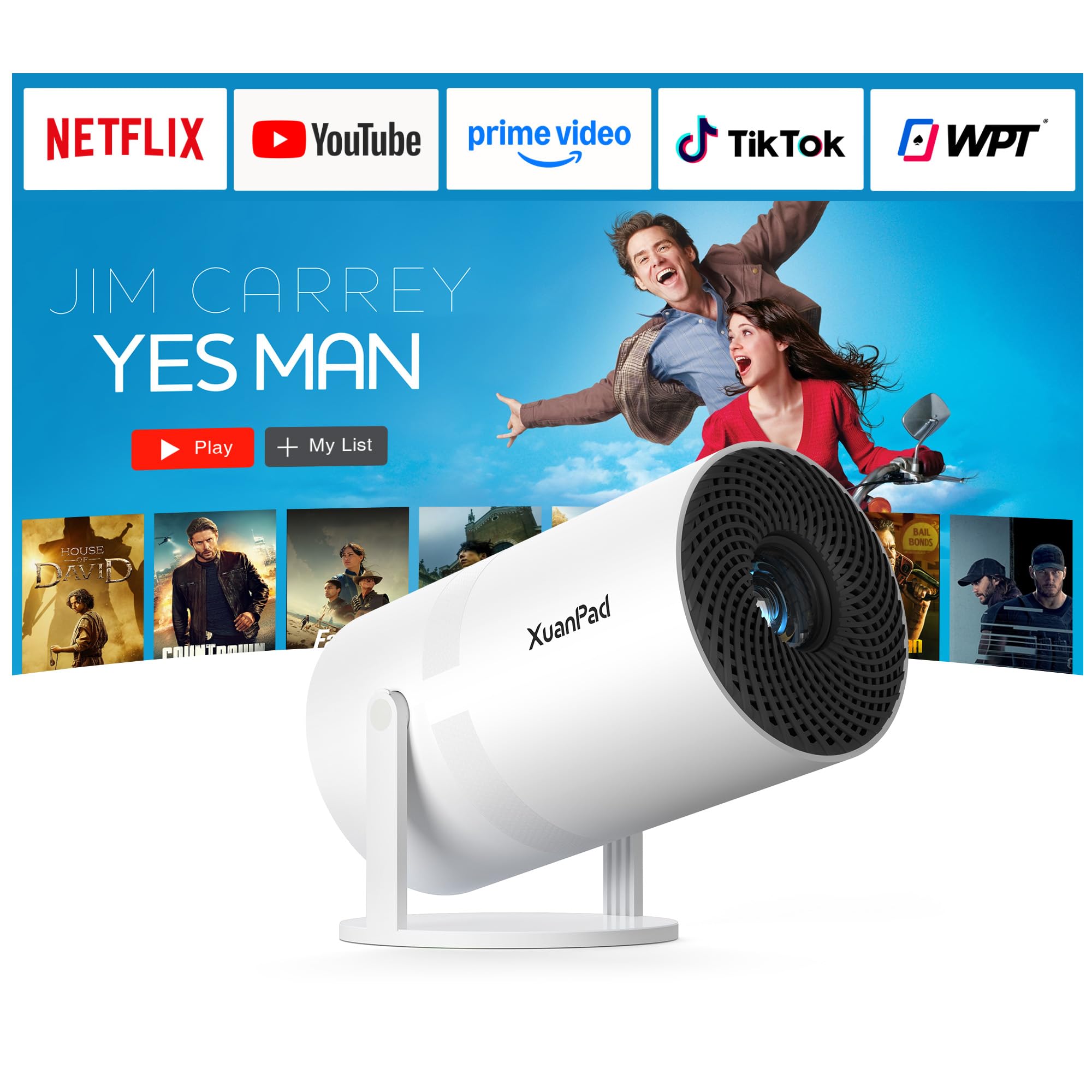
The XuanPad Li White is the entry-level ticket to the big-screen dorm experience, offering surprising convenience features at a price point that fits the tightest student budgets. Its electric focus system locks onto a clear image in less than one second via the remote — a feature typically reserved for much more expensive units. The auto vertical keystone correction ensures a rectangular image even when the projector is placed off-center.
The built-in Smart OS gives you access to over a million videos from certified apps, and the Wi-Fi 6 support keeps streaming smooth even when multiple devices are on the same dorm network. The dustproof multi-layer mesh and removable side panels are a thoughtful addition that prevents black spots from accumulating on the lens over months of use — a common complaint with budget projectors.
The 210-degree rotatable stand is more flexible than standard 180-degree designs, allowing you to angle the image onto a ceiling for lying-down viewing or onto a high wall from a low table. Brightness is modest, so plan to use it with the lights off or with blackout curtains for the best experience. The all-glass lens with optical coatings delivers up to 98% light transmission, resulting in a sharp and vibrant picture in ideal conditions.
Why it’s great
- Electric focus via remote — rare at this price level
- 210° rotatable stand for flexible angling
- Dustproof mesh design prevents black spots on lens
- Wi-Fi 6 for stable dorm Wi-Fi performance
Good to know
- Brightness is modest — best in dark or dim rooms
- Manual focus override not available if auto-focus fails
- Built-in speaker is adequate only for small rooms
FAQ
Can I use a dorm room projector with a white wall or do I need a screen?
Will a dorm projector work during the day with sunlight coming in?
How do I connect my dorm projector to the campus Wi-Fi network?
Final Thoughts: The Verdict
For most users, the dorm room projector winner is the Aurzen BOOM Air because it combines official Google TV, ToF autofocus, USB-C portability, and 300 ANSI lumens in a package small enough to carry across campus. If you want the simplest streaming interface with three brightness levels, grab the Aurzen Roku TV Projector. And for a bright room where you need every lumen you can get, nothing beats the HAPPRUN Google TV Projector.

Mo Maruf
I created WellFizz to bridge the gap between vague wellness advice and actionable solutions. My mission is simple: to decode the research and give you practical tools you can actually use.
Beyond the data, I am a passionate traveler. I believe that stepping away from the screen to explore new environments is essential for mental clarity and physical vitality.