Our readers keep the lights on and my smoothie glass nicely filled. As an Amazon Associate, I earn from qualifying purchases.
You are probably paying monthly rental fees for a router that caps your internet speed and drops your video calls at the worst moment. Most people never realize their ISP’s gateway is the bottleneck, not their plan. Replacing it with your own hardware fixes that leak in minutes.
I’m Mohammad Maruf — the founder and writer behind WellFizz. I pull spec sheets, customer reviews, and real-world performance data to find which routers actually deliver the speeds they promise for domestic use.
This guide covers the seven strongest options currently available, from budget-friendly WiFi 6 upgrades to premium multi-gigabit hardware. Use it to find the best domestic wi-fi router that matches your home layout, device count, and internet plan.
How To Choose The Best Domestic Wi-Fi Router
Selecting the right router for your home involves more than just looking at the number on the box. You need to match the hardware to your home’s square footage, the number of devices you connect, and the speed your internet service provider delivers to your modem.
WiFi Standard: 6, 6E, or 7?
WiFi 6 (802.11ax) is the current sweet spot for domestic use. It handles dozens of devices efficiently using OFDMA and MU-MIMO. WiFi 6E adds a 6 GHz band for less interference, but 6 GHz range is shorter indoors. WiFi 7 is still early — it offers multi-gigabit speeds but requires compatible client devices and a very fast internet plan to see any benefit.
Dual-Band vs. Tri-Band
Dual-band routers broadcast on 2.4 GHz and 5 GHz. That’s enough for most homes with light gaming or streaming. Tri-band adds a second 5 GHz band (or a 6 GHz band on 6E routers) to reduce congestion when many devices stream simultaneously. Tri-band only helps if you have a high device count — a dual-band router with good QoS may be simpler and cheaper.
Ports: Gigabit vs. Multi-Gigabit
Most domestic routers include four 1 Gbps Ethernet LAN ports. If your internet plan exceeds 1 Gbps, you need a router with at least one 2.5 Gbps WAN port to avoid bottlenecking your wired speed. For most homes on 300–500 Mbps plans, standard Gigabit Ethernet is sufficient.
Quick Comparison
On smaller screens, swipe sideways to see the full table.
| Model | Category | Best For | Key Spec | Amazon |
|---|---|---|---|---|
| ASUS RT-BE82U | WiFi 7 | Future-proof home network | 5x 2.5GbE ports | Amazon |
| GL.iNet Flint 2 | WiFi 6 | Gaming & VPN power users | Dual 2.5G ports, OpenWRT | Amazon |
| TP-Link Archer AX80 | WiFi 6 | Large homes with many devices | AX6000 speed, 2.5G port | Amazon |
| NETGEAR Nighthawk RAX36 | WiFi 6 | Reliable mid-range upgrade | AX3000 up to 3 Gbps | Amazon |
| NETGEAR R6700AX | WiFi 6 | Small homes, simple setup | AX1800, 1,500 sq ft | Amazon |
| TP-Link Archer AX21 | WiFi 6 | Budget-friendly, solid value | AX1800, 4 antennas | Amazon |
| Starlink Gen 3 | WiFi 6 | Starlink satellite users | IP56 water resistant | Amazon |
In‑Depth Reviews
1. ASUS RT-BE82U
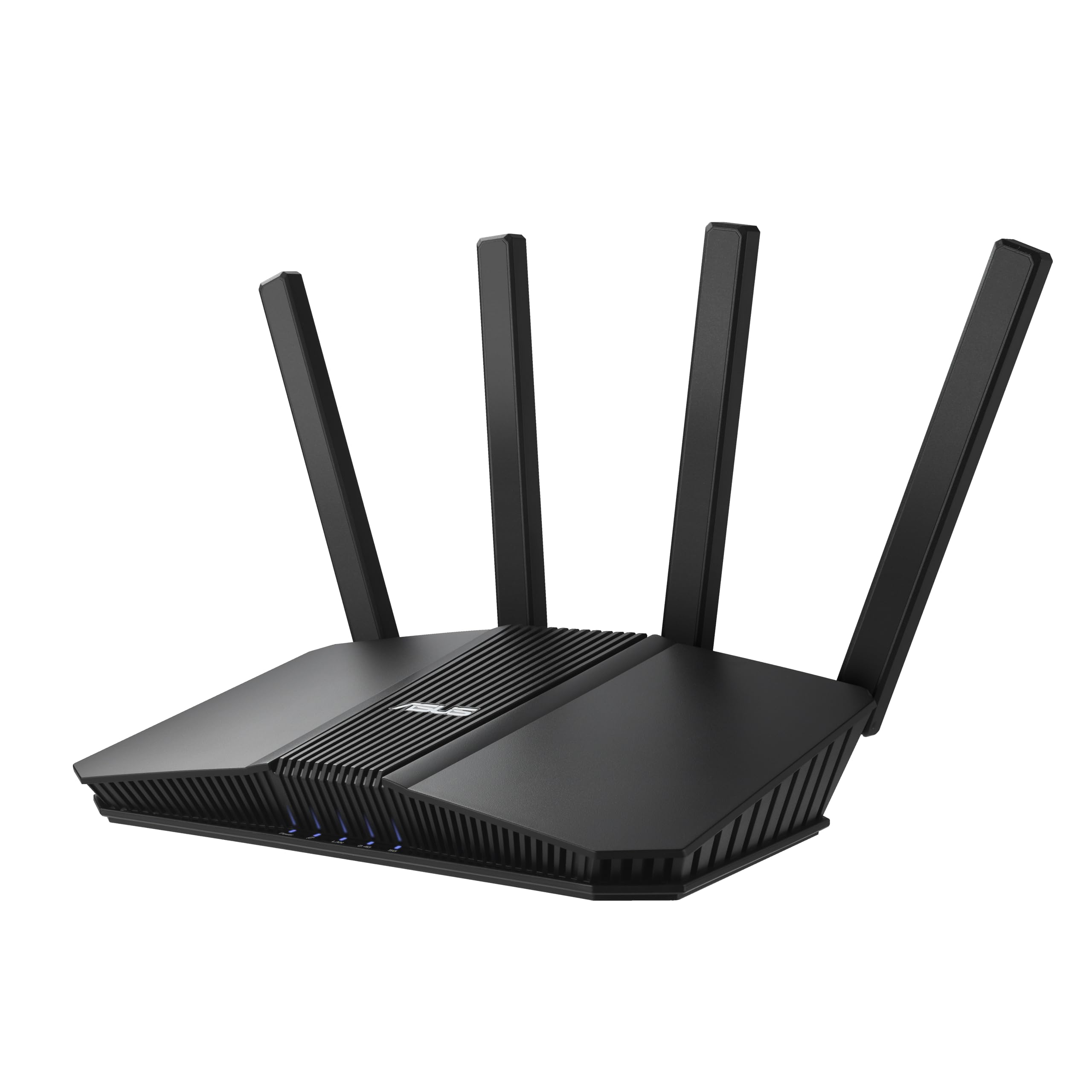
The ASUS RT-BE82U is the only WiFi 7 router in this roundup, offering up to 6.5 Gbps aggregate speed. Its five 2.5 GbE ports are overkill for most domestic setups, but they eliminate any chance of wired bottleneck as ISP speeds climb. The dual-band design keeps things simple compared to tri-band competitors.
AiProtection Pro powered by Trend Micro adds commercial-grade network security without a subscription. AiMesh compatibility lets you expand coverage with other ASUS routers later, making this a solid foundation for a scalable home mesh network.
Real-world tests show near 870 Mbps wireless throughput on a gigabit plan. Some users report that the IoT band cannot fully disable 5 GHz, which may complicate setup for older 2.4 GHz-only smart home devices. The router’s build quality and warranty coverage are excellent.
Why it’s great
- Five 2.5 GbE ports for wired performance
- AiProtection Pro security suite included
- WiFi 7 ready for next-gen devices
Good to know
- IoT band cannot fully disable 5 GHz
- No tri-band frequency flexibility
2. GL.iNet GL-MT6000 (Flint 2)

The Flint 2 is the top choice for users who need VPN speeds that match their internet plan. WireGuard reaches 900 Mbps and OpenVPN hits 880 Mbps — figures most routers cannot touch. Dual 2.5 GbE ports enable true multi-gigabit wired connections, and the 1 GB DDR4 RAM handles over 100 connected devices without slowdown.
Built on OpenWRT with GL.iNet’s custom interface, the Flint 2 gives advanced users granular control over traffic shaping, DNS filtering via AdGuard Home, and guest network isolation. The 8-stream WiFi 6 radio delivers strong coverage across a typical home with no obvious dead zones.
Setup documentation is sparse, and the initial firmware update is mandatory to unlock full performance. Users comfortable with tinkering will find this router extremely capable and reliable for gaming and streaming simultaneously.
Why it’s great
- WireGuard and OpenVPN at near-gigabit speeds
- Dual 2.5 GbE ports for multi-gig routing
- AdGuard Home integration built-in
Good to know
- Initial setup requires firmware update
- Documentation can be sparse for beginners
3. TP-Link Archer AX80

The Archer AX80 delivers AX6000-class WiFi 6 with a dedicated 2.5 Gbps WAN/LAN port, making it one of the fastest domestic routers that still stays within a reasonable mid-range budget. Eight high-gain antennas with Beamforming push usable signal into every corner of a large house — many users report eliminating dead zones that previously required a mesh system.
OFDMA and MU-MIMO handle simultaneous streaming, gaming, and video calls on dozens of devices without noticeable latency. The TP-Link HomeShield suite provides basic parental controls, network scans, and IoT device identification.
Some users note that the quick-start scan tries to redirect to Xfinity activation, but the web interface is straightforward. The VPN client feature is useful for securing the whole network without per-device software installation. This model is a strong candidate for homes with multiple heavy internet users.
Why it’s great
- Powerful signal reaches large homes without mesh
- AX6000 speed with 2.5 Gbps WAN port
- HomeShield security and parental controls
Good to know
- Quick-start wizard may redirect to ISP page
- QoS feature caused dropouts for some users
4. NETGEAR Nighthawk RAX36

A solid mid-range WiFi 6 router with AX3000 speeds, the RAX36 covers up to 2,000 square feet and handles 25 devices comfortably. It lacks a multi-gig port, but for plans up to 1 Gbps the four Gigabit Ethernet ports are sufficient. The built-in VPN server is a nice feature for remote access to the home network.
Setup via the Nighthawk app is straightforward and fast. Users report strong, stable signals through two-story homes and even into backyards. Performance under load stays consistent — no stuttering during 4K streaming or video conferencing.
The lack of a USB 3.0 port may disappoint users who want to share a network drive, but for pure routing duties the RAX36 is reliable and affordable. It is a direct upgrade from older Nighthawk models and is compatible with fiber, cable, and DSL ISPs without issue.
Why it’s great
- Stable performance under heavy household load
- Easy setup via Nighthawk app
- Built-in VPN server for remote access
Good to know
- No multi-gig or USB 3.0 port
- App sometimes struggles to list all connected devices
5. NETGEAR R6700AX

The R6700AX is an entry-level WiFi 6 router that performs well beyond its price point. Covering up to 1,500 square feet and supporting 20 devices, it is ideal for apartments or smaller homes. The 4-stream AX1800 design delivers enough bandwidth for HD streaming, online gaming, and video calls without buffering.
Setup takes about ten minutes through the Nighthawk app. Users consistently report stronger signal than their ISP-provided gateway and note that the monthly rental fee savings often pay for the router within a year. WPA3 security and automatic firmware updates are included at no extra cost.
The router is compact and quiet, with four Gigabit Ethernet ports for wired devices. It lacks a multi-gig port and USB share capabilities, but for the majority of domestic connections under 1 Gbps, this is a practical and reliable workhorse that covers the basics perfectly.
Why it’s great
- Very affordable entry point to WiFi 6
- Quick app-based setup with guided troubleshooting
- Stronger signal than ISP rental equipment
Good to know
- Limited to 1,500 sq ft coverage
- No USB or multi-gig wired ports
6. TP-Link Archer AX21

The Archer AX21 is the most budget-friendly WiFi 6 router that still delivers genuine improvements over WiFi 5 hardware. With AX1800 speeds spread across dual bands and four high-gain antennas, it covers a typical 1,500-square-foot home reliably. Users upgrading from older WiFi 4 or 5 routers see immediate improvements in speed and reduced congestion.
A key feature for many is the ability to split the 2.4 GHz and 5 GHz bands independently — something ISP gateways often disable. This lets users keep smart home devices on the slower band while dedicating 5 GHz to streaming and gaming. The Tether app offers remote management and easy setup.
The router includes VPN server support and works with all major ISPs. Some users note that the Smart Connect feature can drop 5 GHz devices to 2.4 GHz, but disabling it solves the issue. After a year of use, the AX21 remains stable with no hardware failures reported.
Why it’s great
- Independent band splitting for IoT control
- Stable long-term performance with no failures
- Very low entry price for real WiFi 6
Good to know
- Smart Connect may misroute 5 GHz devices
- Limited customization in basic interface
7. Starlink Gen 3
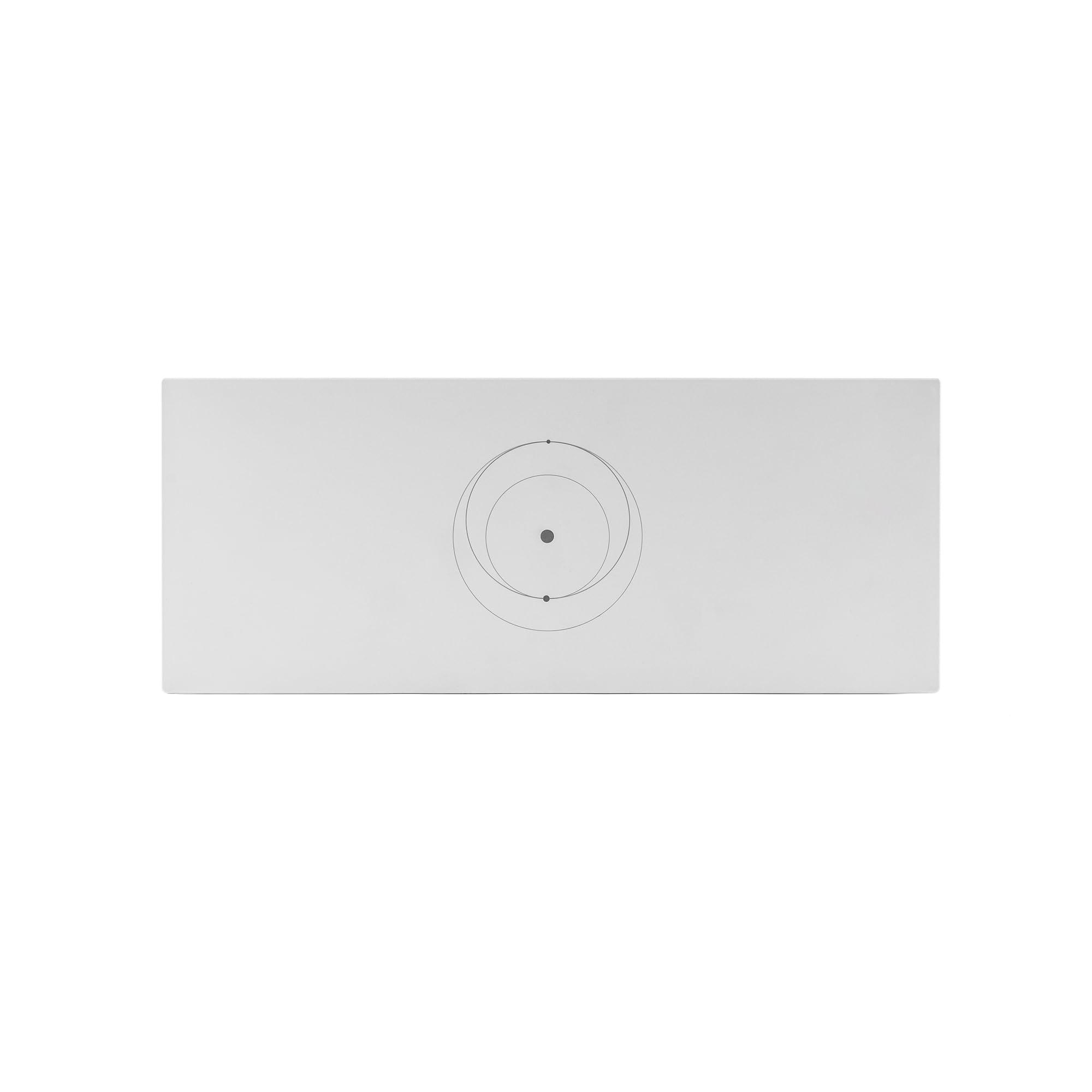
The Starlink Gen 3 router is designed specifically for Starlink satellite kits — Gen 2, Gen 3, and Mini. It features an IP56 water-resistant rating, making it suitable for outdoor or semi-outdoor installation. Two latching Ethernet LAN ports provide wired connectivity, and the tri-band WiFi 6 radio covers up to 2,000 square feet.
Setup is trivial for existing Starlink users: plug the router into the Starlink power supply and it immediately extends the network with no configuration required. Users report full-strength signals across three-story homes when paired with the Starlink Mini dish.
The router is not compatible with third-party mesh systems, and using it for a wired connection to a Gen 2 router requires a separate Starlink Ethernet Adapter. For Starlink subscribers, this is the most seamless way to extend coverage. For everyone else, the limited compatibility makes it a niche purchase.
Why it’s great
- Zero-config setup with Starlink kits
- IP56 rated for outdoor installation
- Strong signal across multi-story homes
Good to know
- Only works with Starlink satellite hardware
- Ethernet adapter needed for Gen 2 wired connection
FAQ
Can I use a WiFi 6 router with my existing modem?
How do I know if I need a router with a 2.5 GbE port?
What is the difference between a dual-band and a tri-band router?
Final Thoughts: The Verdict
For most users, the best domestic wi-fi router winner is the TP-Link Archer AX80 because it balances AX6000 speed, a 2.5 GbE port, and whole-home coverage without requiring a mesh system. If you want advanced VPN performance and open-source flexibility, grab the GL.iNet Flint 2. And for the best value at a lower budget, nothing beats the TP-Link Archer AX21.

Mo Maruf
I created WellFizz to bridge the gap between vague wellness advice and actionable solutions. My mission is simple: to decode the research and give you practical tools you can actually use.
Beyond the data, I am a passionate traveler. I believe that stepping away from the screen to explore new environments is essential for mental clarity and physical vitality.