Our readers keep the lights on and my smoothie glass nicely filled. As an Amazon Associate, I earn from qualifying purchases.
Choosing a digital photo frame with internal storage means you no longer rely solely on cloud subscriptions or a constant Wi-Fi connection to display your favorite memories. The built-in memory allows you to load hundreds or even thousands of photos directly onto the device, ensuring your slideshow plays smoothly whether the internet is on or off. This guide breaks down the best models based on screen quality, storage capacity, and ease of use for the whole family.
I’m Mohammad Maruf — the founder and writer behind WellFizz. My research focuses on comparing the internal storage specs, display resolutions, and real-world usability of digital frames to help you find the model that fits your home and lifestyle without overspending on features you don’t need.
After comparing screen sizes from 8 to 27 inches and storage capacities from 16GB to 64GB, I’ve narrowed down the top contenders to help you find the best digital photo frame with internal storage for your specific needs.
How To Choose The Best Digital Photo Frame With Internal Storage
Selecting the right frame means balancing how many photos you want to store locally versus how large you want the display to be. Internal storage eliminates the worry of losing access to your images if a cloud service shuts down or your Wi-Fi goes out, but not all frames handle photo imports the same way.
Screen Size and Resolution
Smaller 8-inch to 10.1-inch frames fit well on nightstands or desks, while 15.6-inch and 27-inch models become statement pieces in living rooms or kitchens. For sharp image quality, look for at least 1280×800 resolution on frames under 12 inches. Larger screens demand 1920×1080 (Full HD) to avoid pixelation when viewed from close distances.
Storage Capacity and Expandability
On-board storage ranges from 16GB to 64GB, with 32GB being the sweet spot for most families—it holds roughly 80,000 JPEG photos at average file sizes. If you plan to store videos or higher-resolution images, prioritize 64GB models. Also check whether the frame supports SD cards or USB drives for expanding storage without relying solely on the cloud.
Wi-Fi and App Ecosystem
Wi-Fi connectivity lets family members send photos from anywhere using a companion app. The Frameo app is widely praised for its simplicity, while proprietary apps (KODAK, Arzopa, Cozyla) offer their own feature sets like voice notes or AI photo restoration. If the recipient is less tech-savvy, choose a frame that allows pre-loading photos before gifting.
Display Features and Controls
Touchscreen frames make navigation intuitive, but non-touch models still work well with included remote controls—ideal for wall-mounted setups. Additional features like auto-rotation, ambient light sensors, sleep scheduling, and anti-glare coatings improve daily viewing comfort and energy efficiency.
Quick Comparison
On smaller screens, swipe sideways to see the full table.
| Model | Category | Best For | Key Spec | Amazon |
|---|---|---|---|---|
| BIGASUO 15.6″ Frameo | Large Frame | Families needing max storage | 64GB built-in storage | Amazon |
| Flyruit 15.6″ Frameo | Large Frame | Full HD viewing from sofa | 15.6″ FHD 1080p screen | Amazon |
| Arzopa 15.6″ | Premium Frame | Anti-glare & cloud storage | Anti-glare touchscreen | Amazon |
| Cozyla 10.1″ | Compact Frame | AI restoration & voice notes | 100GB cloud storage | Amazon |
| KODAK 10.1″ | Mid-Range | Multiple file transfer options | 32GB + wood frame | Amazon |
| Arktronic 8″ Frameo | Entry-Level | Budget-friendly gift | 16GB built-in storage | Amazon |
| Arktronic 27″ | Commercial Frame | Large wall-mounted display | 27″ anti-glare FHD | Amazon |
In‑Depth Reviews
1. BIGASUO 15.6″ WiFi Digital Photo Frame

The BIGASUO stands out with a massive 64GB of internal storage, capable of holding over 100,000 photos before you ever need an SD card. That capacity alone makes it the best choice for large families who want to load decades of pictures without constantly managing memory. The 15.6-inch 1920×1080 IPS touchscreen delivers crisp, vibrant images that look great from across the room.
Powered by the Frameo app, sharing photos is straightforward for anyone with a smartphone. Family members can send pictures with captions directly to the frame from anywhere, and the interface is simple enough for grandparents to navigate. The frame also supports SD card and USB imports for offline transfers, giving you flexibility whether you are connected to Wi-Fi or not.
One detail worth noting is that the SD card or USB drive must be formatted to FAT32, and 64GB or 128GB cards may not work reliably—sticking to a 32GB card is recommended if you want external expansion. The power cord is standard, and the frame feels sturdy on a tabletop or mounted on a wall.
Why it’s great
- Massive 64GB internal storage holds 100,000+ photos
- Full HD 1080p IPS touchscreen with wide viewing angles
- Frameo app makes multi-user sharing effortless and secure
- Sleep mode and brightness adjustment for night comfort
Good to know
- Larger SD cards above 32GB may not be compatible
- Some users report a short power cord limiting placement
2. Flyruit 15.6″ Frameo Digital Picture Frame

The Flyruit delivers a premium viewing experience at a mid-range price point, featuring a 15.6-inch Full HD 1080p IPS display with exceptionally vivid color reproduction. The 32GB internal storage holds roughly 10,000 photos at 3MB each, giving you plenty of room for a comprehensive family album without needing external drives. Touchscreen responsiveness is excellent, making navigation through albums and settings feel fluid.
Using the Frameo app, you can invite unlimited family members to upload photos and videos from anywhere, and the frame supports offline transfers via SD card, USB, or USB-C cable. The Greeting feature lets you send themed picture messages for birthdays, and the React function adds emoji responses to photos—a fun touch that keeps interactions lively. It auto-rotates between portrait and landscape modes based on the photo orientation.
The power cord is on the shorter side, which can be a minor annoyance when wall-mounting. The black stripe bezel is sleek but may show fingerprints if handled frequently. Overall, this frame is an outstanding balance of screen quality and feature depth.
Why it’s great
- 15.6-inch Full HD IPS display with true-to-life colors
- 32GB storage plus SD, USB, and USB-C transfer options
- Frameo app supports unlimited family members
- Greeting and React features add interactive fun
Good to know
- Short power cord limits mounting height
- 10-photo upload limit per send in the free app tier
3. ARZOPA 15.6″ Digital Picture Frame
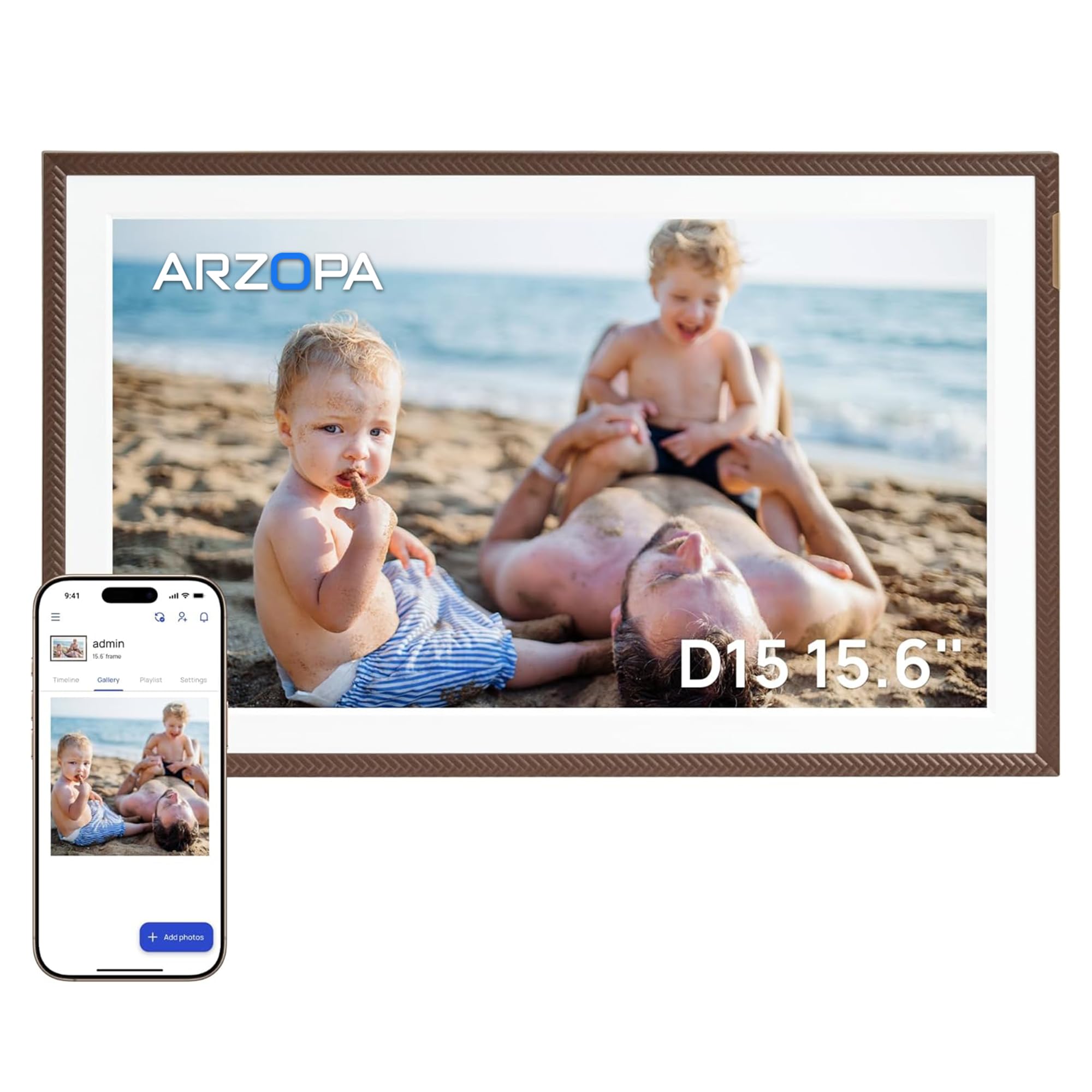
The ARZOPA frame distinguishes itself with an anti-glare touchscreen and free unlimited cloud storage—a rare combination at this price tier. The 15.6-inch 1920×1080 IPS panel remains clear even in sunlit rooms, making it ideal for kitchens or living rooms with large windows. The 32GB built-in memory ensures smooth offline playback, plus it supports TF cards up to 128GB for further expansion.
Setup is notably hassle-free: you can preload photos before gifting by using the ARZOPA app, and the recipient simply plugs in and connects to Wi-Fi to start receiving new images. The app allows 2-minute wireless HD video transfers and supports 32 languages, which is helpful for multilingual families. The elegant brown frame design adds a touch of sophistication to any room.
Some users report that the app can occasionally require a phone reboot to sync properly. The frame lacks a built-in remote control, so all navigation is through the touchscreen. Still, the anti-glare quality and free cloud storage make it a standout for daily use in bright environments.
Why it’s great
- Anti-glare screen excellent for bright rooms
- Free unlimited cloud storage plus 32GB local memory
- Pre-load photos before gifting for a personal surprise
- 2-minute HD video transfer support
Good to know
- App may need occasional phone reboot to sync
- No remote control included
4. Cozyla 10.1″ WiFi Digital Picture Frame
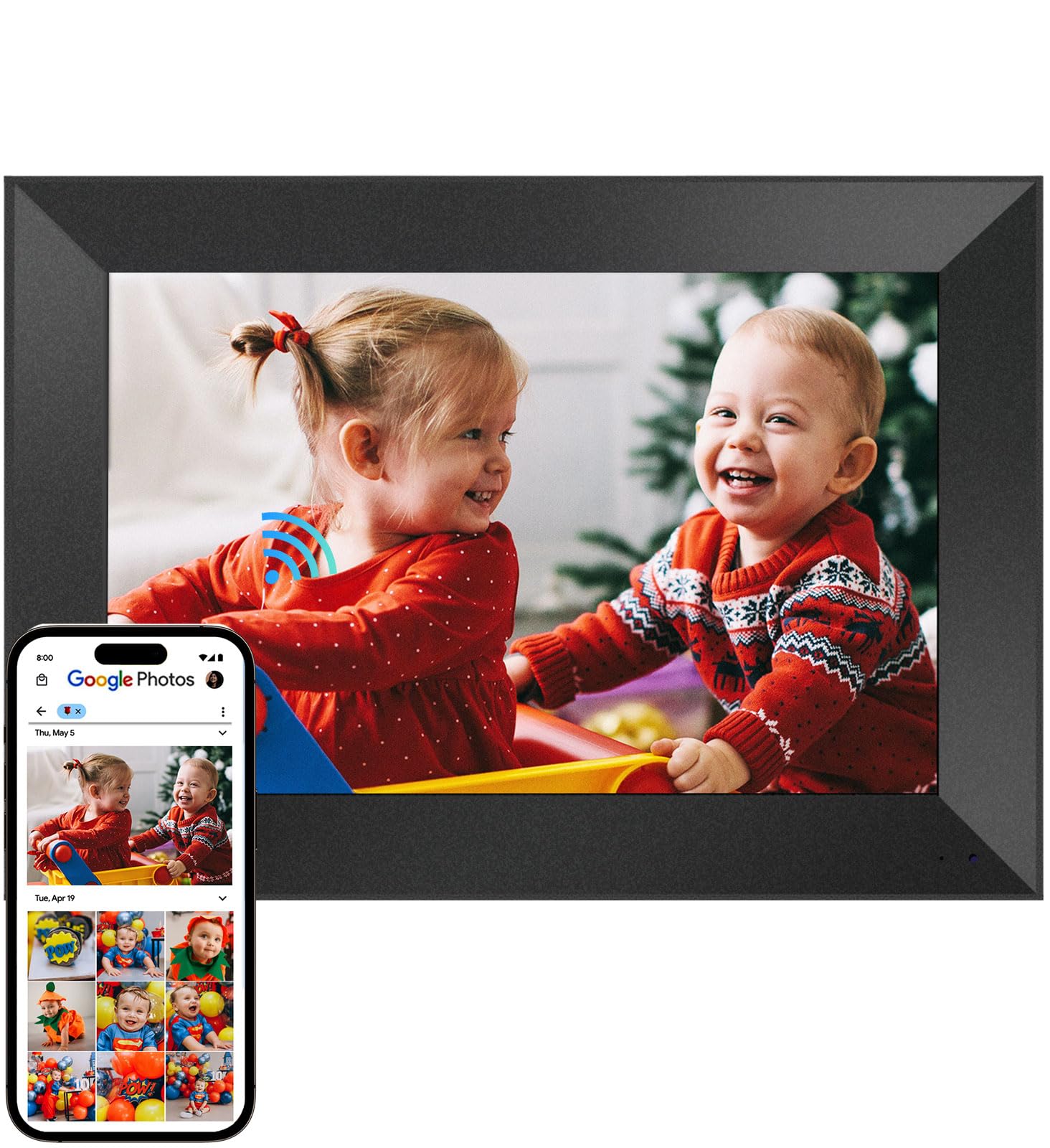
Cozyla takes a different approach by pairing a 10.1-inch display with unlimited cloud storage and advanced AI features. The 100GB cloud allocation means you never deal with “storage full” messages, and the AI can restore blurry or damaged old photos—a truly useful feature for digitizing printed family archives. The WXGA resolution (roughly 1280×800) is appropriate for the screen size, producing sharp images in typical viewing scenarios.
Setup is among the easiest: you can preload photos and even a birthday greeting video before gifting, so the recipient experiences a personalized slideshow right out of the box. Sharing works via the Cozyla app, email, or web upload, and you can attach voice notes to photos, adding a layer of emotional connection. The frame auto-adjusts brightness based on ambient light and enters sleep mode at night.
The stand can feel wobbly, especially in portrait orientation, which may require careful placement. Cozyla previously supported Google Photos uploads, but as of spring 2025 that integration is no longer active—uploads now require email or the app. The customer support team is praised for responsiveness, with quick replacements for defects.
Why it’s great
- Unlimited cloud storage with no subscription fees
- AI photo restoration brings old images back to life
- Voice notes add personal messages to each photo
- Easy pre-loading before gifting
Good to know
- Stand can be unstable in portrait mode
- Google Photos integration discontinued
5. KODAK 10.1″ WiFi Digital Picture Frame

KODAK brings brand trust and a distinct wood-frame design to the 10.1-inch segment, offering 32GB of built-in storage and support for SD/MMC cards and USB memory sticks. The 1280×800 IPS touchscreen offers 178-degree viewing angles, making it easy for multiple people to view simultaneously from different spots in the room. The frame includes useful daily functions like calendar, alarm, and weather forecast displayed alongside your slideshow.
The KODAK Digital Frame app enables real-time sharing from both iOS and Android devices, and the frame accepts uploads via USB and SD card even without Wi-Fi—a critical advantage for users in areas with spotty internet. The auto-rotate feature works well, switching between portrait and landscape based on the photo orientation. It comes packaged as a ready-to-gift item with a simple setup process.
A few units have been reported with screen defects like white dots, and customer support can be slow since it relies on email communication. The frame requires a 20W USB power supply, which is not always clearly stated in the packaging. For the price, the KODAK delivers solid performance and a classic aesthetic that blends into home decor.
Why it’s great
- 32GB storage plus SD, USB, and MMC card slots
- Wood frame design fits traditional decor
- Works offline with direct media imports
- Built-in calendar, weather, and alarm functions
Good to know
- Occasional screen quality control issues
- Requires a 20W USB power supply for reliable boot
6. Arktronic 8″ Frameo Digital Photo Frame
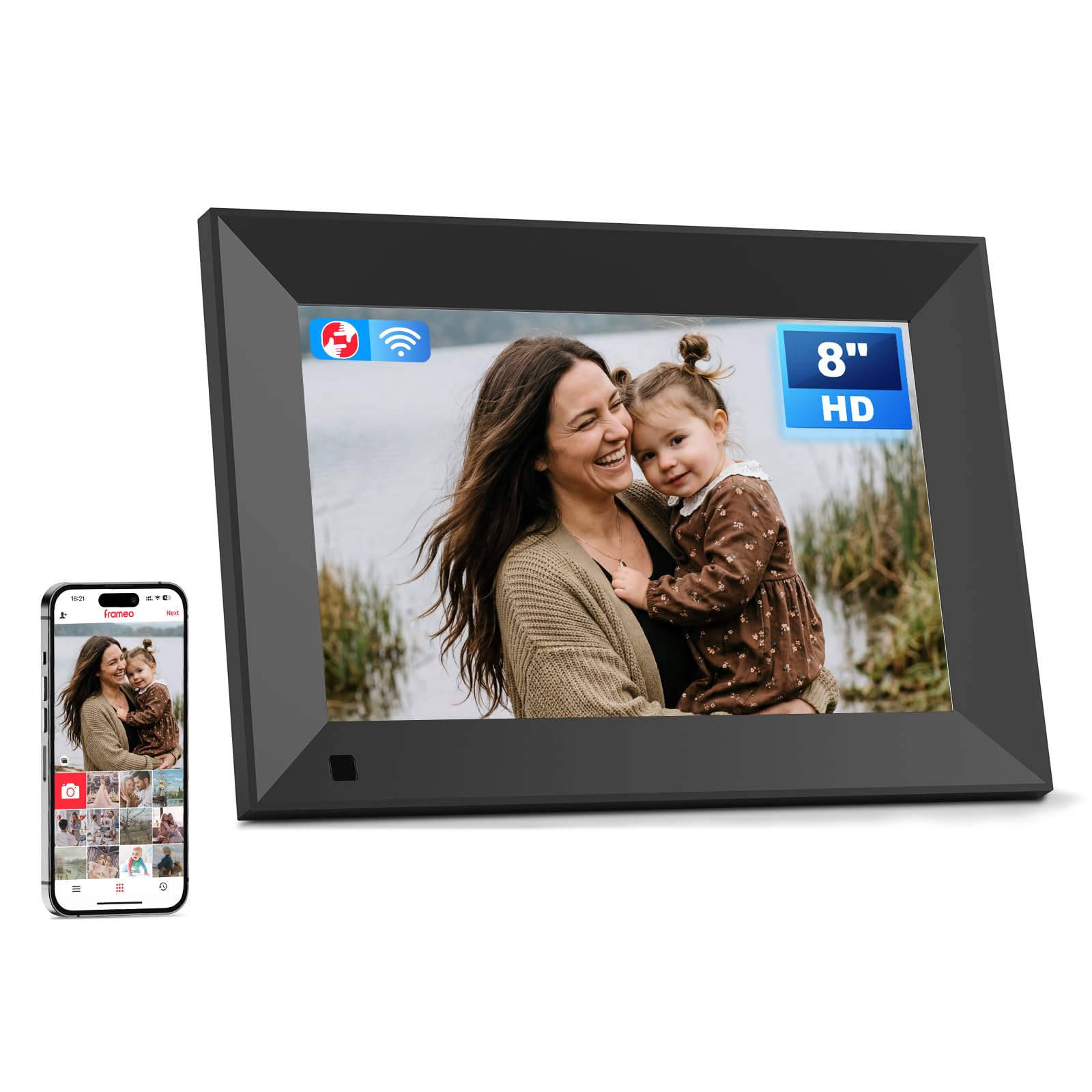
The Arktronic 8-inch frame is the most affordable entry point into the Frameo ecosystem, packing 16GB of internal storage that holds up to 160,000 photos at standard resolution. The 1280×800 HD IPS touchscreen provides clear, bright images, though the smaller screen means it works best on nightstands, desks, or kitchen counters where you view it from close range. The compact size makes it easy to gift or move between rooms.
Setup is quick via the Frameo app, and family members can upload photos and videos from anywhere. The frame supports Micro SD expansion up to 64GB if you need more space, and it can play multiple video formats including MPEG4, AVI, and MOV. Features like caption display, background music, light sensor, and adjustable slideshow modes give you solid control over the viewing experience.
The plastic build feels sturdy enough for daily use, and the two-way wall mounting bracket adds flexibility. Some users note that the 16GB fills up faster if you load many videos or high-resolution images. Overall, this is a strong budget option that retains the core Frameo experience without breaking the bank.
Why it’s great
- Very affordable entry to Frameo app ecosystem
- 16GB storage holds up to 160,000 photos
- Micro SD expansion up to 64GB
- Two-way wall mount included
Good to know
- Smaller 8-inch screen limits viewing distance
- 16GB fills faster with videos included
7. Arktronic 27″ Large Digital Picture Frame
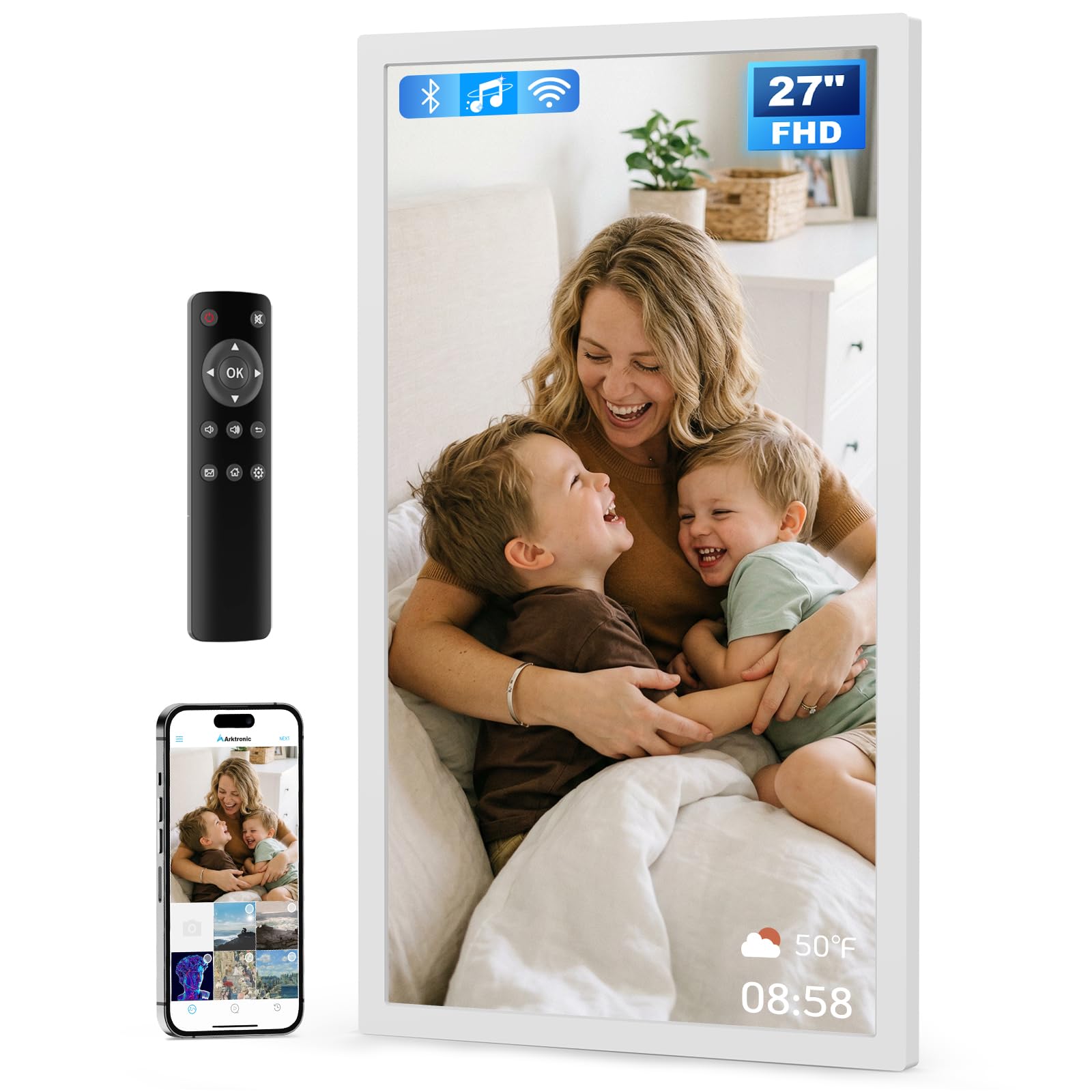
The 27-inch Arktronic frame is designed for wall-mounted display in living rooms, offices, or commercial spaces where a large visual impact is desired. The 1920×1080 FHD anti-glare IPS screen delivers vibrant images from any angle, and the 32GB built-in storage can hold approximately 80,000 photos. Dual-orientation mounting lets you display vertically or horizontally to fit your wall layout.
Photo sharing is handled through the VPhoto app or email, making it easy for family members to contribute from anywhere using their smartphones. The included remote control simplifies navigation for users who prefer not to touch the screen—especially useful when the frame is mounted high on a wall. It supports USB and Micro SD expansion for importing large albums directly without Wi-Fi.
At 14.3 pounds, mounting requires a sturdy wall anchor. Some users have reported occasional freezing that requires a reboot, though the support team typically works through troubleshooting steps before offering a replacement. The non-touch design means all controls are through the remote, so keep the remote in a convenient spot.
Why it’s great
- Massive 27-inch anti-glare screen for wall display
- 32GB storage plus USB and Micro SD expansion
- Remote control for easy navigation from a distance
- Dual-orientation wall mounting included
Good to know
- Heavy unit requires secure wall mounting
- Some units experience freezing issues requiring reboot
FAQ
How do I transfer existing photos to a frame with internal storage?
Can I use a digital photo frame without connecting it to Wi-Fi?
How many photos can a typical 32GB frame hold?
What is the difference between Frameo and proprietary apps like KODAK Digital Frame?
Do all digital photo frames with internal storage support video playback?
Final Thoughts: The Verdict
For most users, the best digital photo frame with internal storage winner is the BIGASUO 15.6″ Frameo because its 64GB internal storage eliminates the need to constantly manage memory while providing a gorgeous Full HD touchscreen and the simple Frameo sharing app. If you want the best anti-glare screen for bright kitchens, grab the ARZOPA 15.6″. And for a compact, gift-ready package with AI photo restoration, nothing beats the Cozyla 10.1″.

Mo Maruf
I created WellFizz to bridge the gap between vague wellness advice and actionable solutions. My mission is simple: to decode the research and give you practical tools you can actually use.
Beyond the data, I am a passionate traveler. I believe that stepping away from the screen to explore new environments is essential for mental clarity and physical vitality.