Our readers keep the lights on and my smoothie glass nicely filled. As an Amazon Associate, I earn from qualifying purchases.
The difference between a productive workday and a frustrating one often comes down to one thing: your computer’s ability to keep up without grinding to a halt. A home office desktop needs to handle endless browser tabs, video conferencing, and heavy document processing, all while staying whisper-quiet and reliable for years.
I’m Mohammad Maruf — the founder and writer behind WellFizz. I’ve spent countless hours analyzing processor benchmarks, memory configurations, and real-world user feedback to identify which desktop configurations deliver genuine value for the home office professional.
Whether you need a compact machine to tuck under your monitor or a powerhouse tower for intensive multitasking, this guide methodically compares the top contenders for the best desktop for home office setup available right now.
How To Choose The Best Desktop For Home Office
Finding the right computer for your home office requires balancing processing power, memory, storage speed, and physical footprint. You don’t need a gaming graphics card, but you do need a system that won’t stutter when you switch between a spreadsheet, a video call, and a dozen browser tabs.
Prioritize RAM and Storage Type Over Raw Processor Speed
An Intel Core i5 or i7 paired with 16GB of DDR4 or DDR5 RAM will handle most office tasks with ease. However, a system with only 8GB of RAM will struggle under heavy multitasking. Equally important is the storage drive: a 1TB NVMe SSD provides boot times under 15 seconds and instant application loading, whereas a traditional SATA SSD is noticeably slower for large file transfers.
Choose the Right Form Factor for Your Workspace
A standard tower offers easy upgrade paths and better cooling, but takes up significant desk or floor space. A mini PC (like those from ACEMAGIC or HP Elite Mini) tucks discreetly behind a monitor using a VESA mount, saving valuable real estate. An all-in-one combines screen and computer into one unit, reducing cable clutter. Consider your space constraints and whether you need future expandability before deciding.
Check Connectivity and Display Support
Home office users often run dual monitors. Ensure the desktop has at least two video outputs (HDMI, DisplayPort, or USB-C with DP Alt Mode) that can support your resolution needs. Also confirm it includes built-in Wi-Fi and Bluetooth if you prefer a wireless keyboard and mouse setup, as some business-grade towers omit these to cut costs.
Quick Comparison
On smaller screens, swipe sideways to see the full table.
| Model | Category | Best For | Key Spec | Amazon |
|---|---|---|---|---|
| HP Elite Mini 800 G9 | Mini PC | Space-Saving Power | i9-14900T / 32GB DDR5 | Amazon |
| HP OmniDesk M03 | Business Tower | Quad 4K Monitors | Core Ultra 7 / 2TB SSD | Amazon |
| Dell Pro Tower Plus QBT1250 | Business Tower | AI-Ready Workstation | Ultra 5 / 64GB DDR5 | Amazon |
| Dell Pro Tower Plus Desktop | Business Tower | Durable Office PC | Ultra 5 / 32GB DDR5 | Amazon |
| Dell Pro Tower i7-14700 | Pro Tower | Heavy Multitasking | i7-14700 / 64GB RAM | Amazon |
| HP Envy Desktop i9-14900K | Pro Tower | Ultimate Performance | i9-14900K / RTX 3050 | Amazon |
| ACEMAGIC M5 Mini PC | Mini PC | Compact Daily Driver | i5-14450HX / 32GB DDR4 | Amazon |
| HP Desktop Tower i5-12500 | Mid-Range Tower | Balanced Value | i5-12500 / 32GB RAM | Amazon |
| HP Business Tower 290 G9 | Entry Tower | Basic Office Tasks | 13th Gen i3 / 16GB RAM | Amazon |
| Lenovo IdeaCentre AIO 24″ | All-in-One | Simple All-In-One | Intel N100 / 8GB RAM | Amazon |
| Dell OptiPlex 7070 SFF | Refurbished SFF | Budget-Friendly Workhorse | i7-9700 / 32GB DDR4 | Amazon |
In‑Depth Reviews
1. HP Elite Mini 800 G9

The HP Elite Mini 800 G9 is a compact powerhouse that fits nearly anywhere. Its 14th Gen Intel Core i9-14900T processor provides 24 cores with a max turbo of 5.8GHz, delivering workstation-grade performance in a chassis that can be VESA-mounted behind a monitor. The 32GB of DDR5 RAM ensures smooth multitasking across dozens of applications.
Storage is handled by a 1TB PCIe SSD, giving you fast boot times and responsive file access. The mini PC includes Wi-Fi 6 and Bluetooth, plus front and rear USB-C and USB-A ports. Dual DisplayPort 1.4 and HDMI 2.1 outputs support up to three 4K displays, making it ideal for traders or analysts who need lots of screen real estate.
Some users report that the vendor may use non-original memory or storage modules, so check the seller’s reputation. The lack of a dedicated mouse in the box is a minor inconvenience. Overall, this is the best choice if you need maximum power in a minimal footprint.
Why it’s great
- 24-core i9 in a tiny chassis
- Supports triple 4K displays
- Quiet operation under office load
Good to know
- Some units may use non-OEM parts
- Mouse not included in the box
2. HP OmniDesk M03 Business AI Desktop
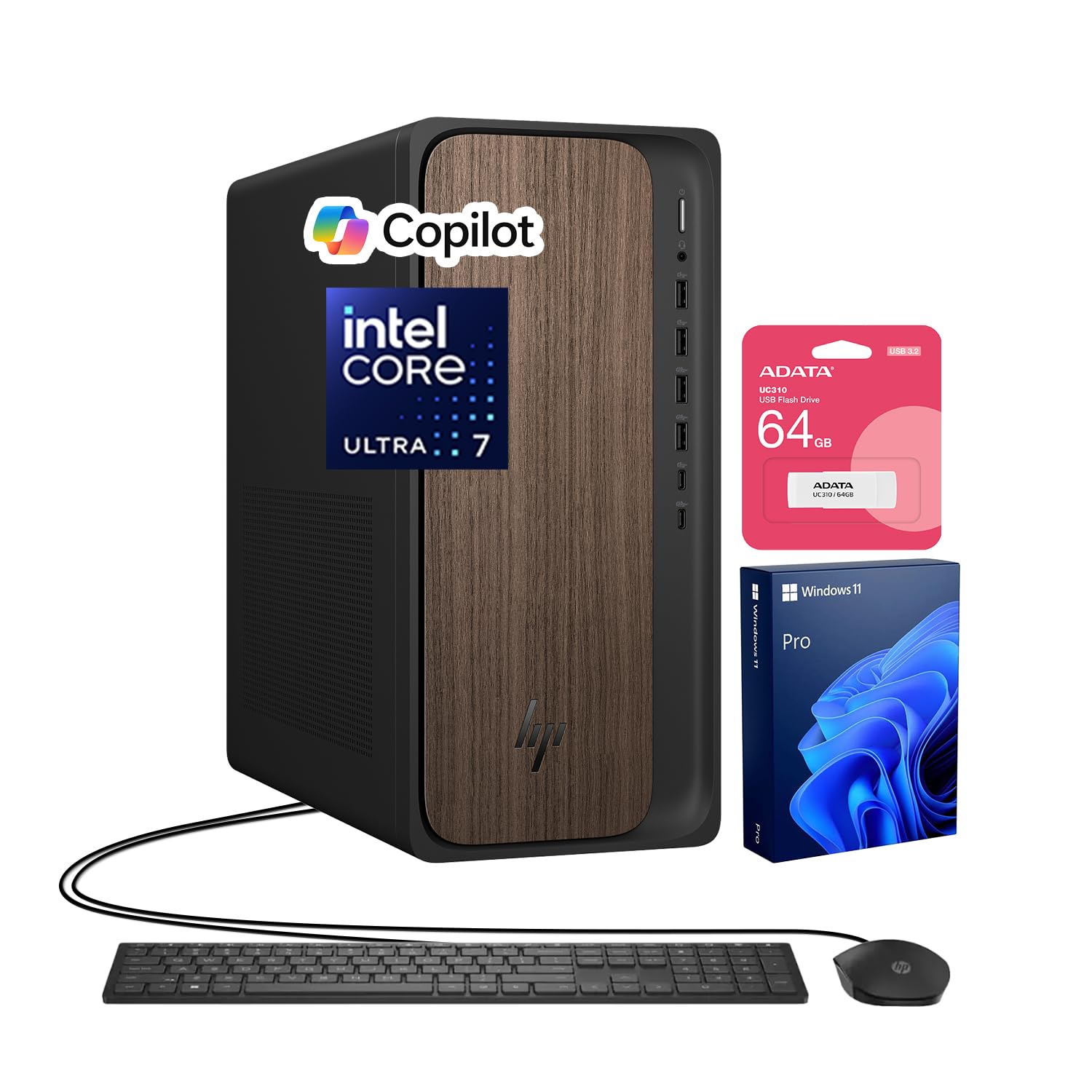
The HP OmniDesk M03 is built for professionals who need to drive four monitors simultaneously. Powered by an Intel Core Ultra 7 265 processor with 20 cores reaching up to 5.3GHz, this business desktop handles data analysis, financial modeling, and content creation with ease. The 32GB of DDR5 RAM keeps everything flowing smoothly.
Storage is generous with a 2TB SSD, providing ample room for large project files and archives. The OmniDesk also includes a 64GB USB flash drive for quick file transfers. Connectivity includes multiple USB-C ports, Wi-Fi 6, and Bluetooth, plus three DisplayPort outputs and one HDMI port, enabling native 4K support on up to four displays.
The power button is a recessed slot that some users find awkward to press. The system is very quiet during normal operation. This desktop is ideal for power users who need massive screen real estate and won’t tolerate lag.
Why it’s great
- Native quad 4K display support
- Massive 2TB NVMe SSD
- Whisper-quiet during office tasks
Good to know
- Multi-monitor setup guide could be clearer
- Power button design is recessed
3. Dell Pro Tower Plus QBT1250
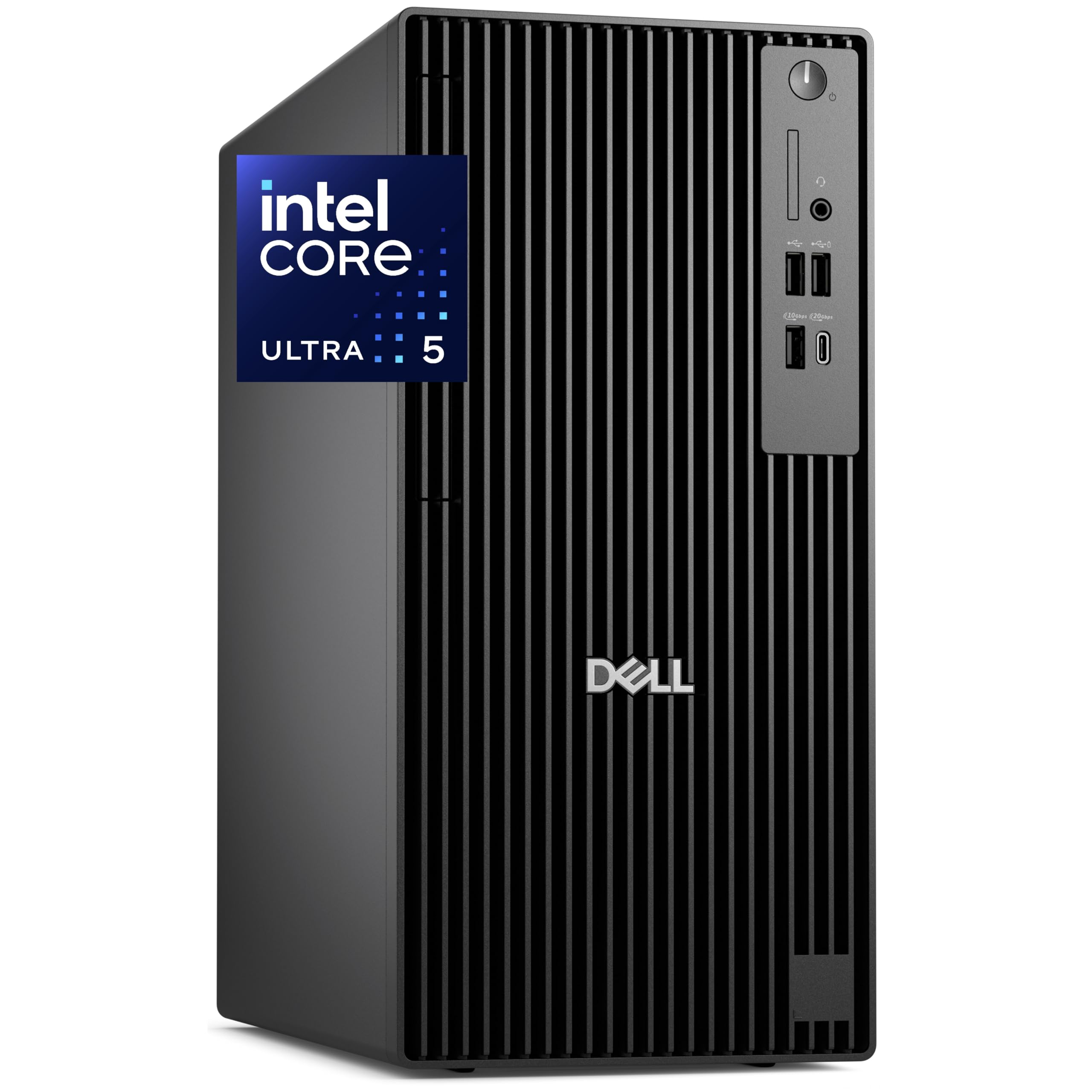
The Dell Pro Tower Plus QBT1250 is a forward-looking desktop designed for AI-assisted workflows. Its Intel Core Ultra 5 235 processor includes a dedicated NPU for accelerating real-time tasks like background blurring in video calls and AI-assisted content creation. The massive 64GB of DDR5 RAM and 2TB PCIe SSD ensure zero lag, even with virtual machines or large datasets.
The tower supports native triple 4K display output via DisplayPort, making it perfect for programmers, analysts, and creative professionals. It includes TPM 2.0 for enterprise-grade security and Windows 11 Pro for remote desktop and domain integration. A built-in DVDRW drive is included for legacy software access.
The Wi-Fi is provided via a USB adapter rather than built-in, which some users find disappointing. The system’s real value is in its AI-readiness and massive memory configuration, which future-proofs your investment for the next five years of software evolution.
Why it’s great
- 64GB DDR5 RAM for heavy workloads
- Dedicated NPU for AI acceleration
- Native triple 4K display support
Good to know
- Wi-Fi is via USB dongle, not internal
- Overkill for basic office tasks
4. Dell Pro Tower Plus Desktop (Ultra 5)

The Dell Pro Tower Plus strikes a strong balance between performance and price. It features an Intel 14-Core Ultra 5 235 processor, 32GB of DDR5 RAM, and a 1TB PCIe SSD. This configuration handles video conferencing, document editing, and spreadsheet work without any hiccups.
The tower includes a DVD-RW drive, which is becoming rare but still useful for accessing archival media. Users report that the system is very quiet and easy to set up. The form factor is a traditional mid-tower, allowing for easy upgrades and good airflow.
Some users have noted that the USB-C port is data-only and does not support video output, which may require a workaround for some monitor setups. The build quality is solid, and Windows 11 Pro provides excellent security and management features for a home office environment.
Why it’s great
- Quiet and reliable operation
- Includes DVD-RW drive
- Good upgrade potential
Good to know
- USB-C is data-only, not video
- Only one HDMI output included
5. Dell Pro Tower (i7-14700, 64GB)

The Dell Pro Tower with an Intel Core i7-14700 processor is built for demanding professional workflows. With 20 cores reaching up to 5.4GHz, 64GB of DDR5 RAM, and a 2TB PCIe SSD, this system handles 4K video editing, 3D rendering, financial modeling, and running multiple virtual machines simultaneously without breaking a sweat.
It supports dual 4K displays via HDMI and DisplayPort. The tower is designed with business continuity in mind, including TPM 2.0 and Windows 11 Pro for advanced security. Users have noted it is remarkably quiet even under load, and the DVD-RW drive is a nice bonus for accessing legacy media.
Keep in mind that this model does not include built-in Wi-Fi, so you will need a wired Ethernet connection or a USB Wi-Fi adapter. Some users found the build quality slightly less robust than older Dell XPS models. This desktop is best for professionals who need uncompromising performance for complex tasks.
Why it’s great
- 20-core i7 for extreme multitasking
- 64GB RAM and 2TB SSD
- Very quiet during demanding use
Good to know
- No built-in Wi-Fi
- Build quality feels less premium than older models
6. HP Envy Desktop (i9-14900K, RTX 3050)

The HP Envy Desktop is the most powerful system in this roundup, featuring an Intel Core i9-14900K processor that can turbo boost to 6.0GHz. With 64GB of RAM, a 2TB SSD, and a dedicated NVIDIA GeForce RTX 3050 GPU with 8GB of GDDR6 memory, this machine is capable of both demanding office work and creative tasks like video editing and 3D modeling.
The RTX 3050 enables smooth multi-monitor workflows and can handle up to four 4K displays. The system includes Wi-Fi 6 and Bluetooth 5.3 for wireless connectivity. Users in stock trading report that the processor rarely exceeds 20% load even with multiple complex data streams running simultaneously.
This desktop is overkill for basic email and document editing, but it provides headroom for years to come. The price point places it firmly in the premium tier, and the dedicated graphics card is unnecessary if you never edit video or use GPU-accelerated applications.
Why it’s great
- 6.0GHz turbo boost extreme processor
- Dedicated RTX 3050 GPU
- Handles 4K multi-monitor with ease
Good to know
- Overkill for typical office work
- Premium price point
7. ACEMAGIC M5 Mini PC
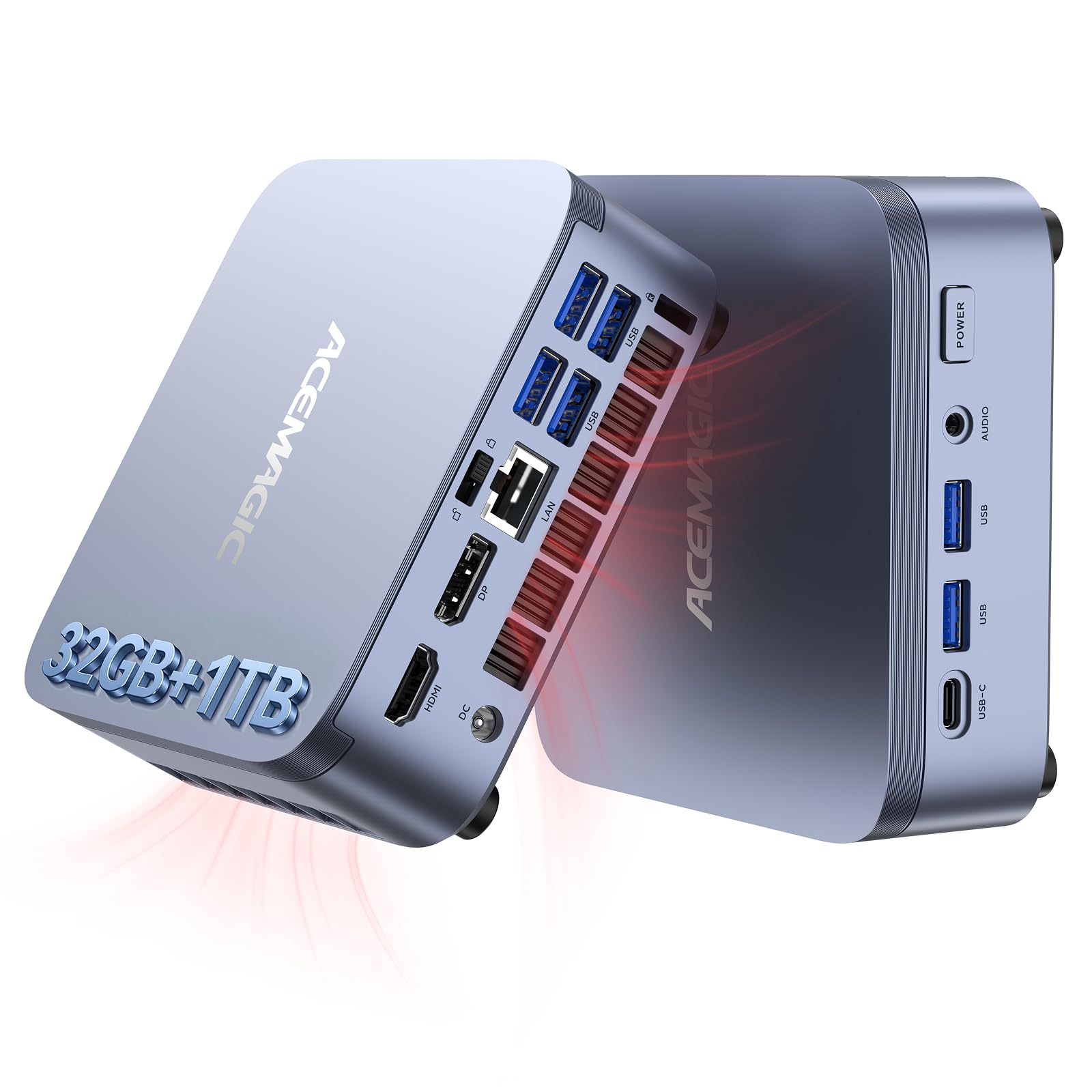
The ACEMAGIC M5 Mini PC proves you don’t need a massive tower to get serious work done. Its Intel Core i5-14450HX processor (10 cores, 16 threads) performs on par with or better than a desktop i9-11900H, while the 32GB of DDR4 RAM and 1TB NVMe PCIe 4.0 SSD provide snappy responsiveness for daily office tasks, coding, and even light AI model testing.
The compact chassis measures just 5 x 5 x 1.6 inches and can be VESA-mounted behind a monitor. It supports triple 4K display output via HDMI, DisplayPort, and USB-C. The cooling system uses vapor chamber technology and keeps noise levels around 35 dB during normal use. Six USB 3.2 ports provide ample connectivity for peripherals.
Some users experienced a black screen issue resolved by customer support. The i5-14450HX is a mobile processor, though it handles desktop workloads capably. This mini PC is an excellent mid-range choice for users who want a clean, clutter-free workspace without sacrificing performance.
Why it’s great
- Ultra-compact and quiet design
- Triple 4K display support
- Excellent performance-to-size ratio
Good to know
- Uses mobile processor platform
- Some users needed support for black screen
8. HP Desktop Tower (i5-12500, 32GB)

The HP Desktop Tower with an Intel Core i5-12500 processor offers a strong sweet spot for home office buyers. Its 6 performance cores and 12 threads reach up to 4.6GHz, providing more than enough power for Microsoft Office, CRM software, video conferencing, and dozens of browser tabs. The 32GB of DDR4 RAM ensures smooth multitasking without needing to close applications.
Storage is handled by a 1TB PCIe SSD, giving you fast boot times and ample space for files. The tower supports dual monitors via HDMI and VGA outputs, and includes Wi-Fi and Bluetooth for wireless connectivity. The included wired keyboard and mouse make it ready to use out of the box.
The integrated Intel UHD Graphics 770 is sufficient for office work but not for gaming or 3D modeling. The case is a standard tower that takes up desk space. This desktop is ideal for users who want a reliable, powerful workhorse without paying for features they don’t need.
Why it’s great
- Excellent balance of RAM and storage
- Dual monitor support included
- Comes with keyboard and mouse
Good to know
- Integrated graphics only
- Standard tower takes desk space
9. HP Business Tower 290 G9
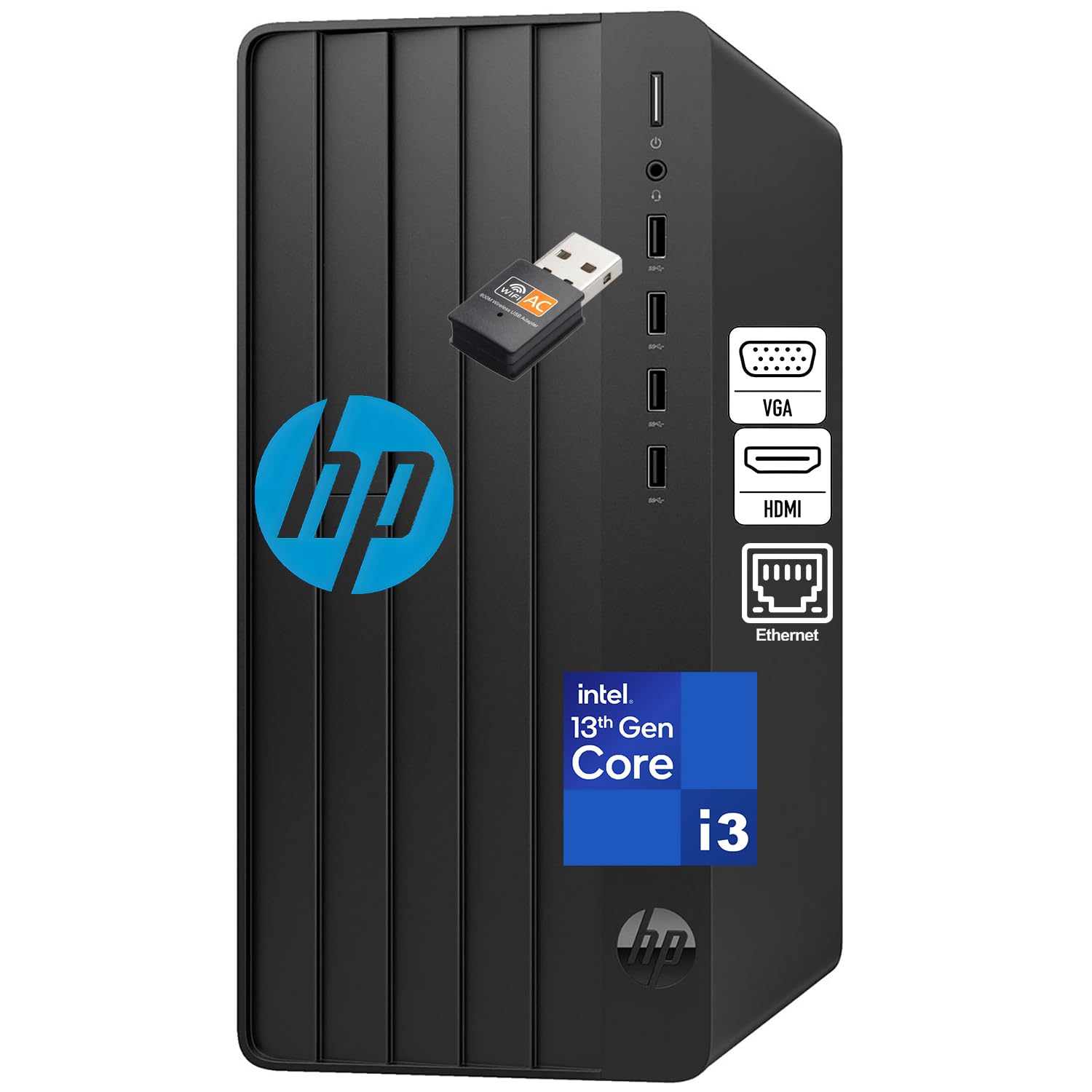
The HP Business Tower 290 G9 is a straightforward entry-level desktop designed for basic office tasks. Powered by a 13th Gen Intel Core i3 processor with 4 cores, 16GB of DDR4 RAM, and a 256GB SSD, it handles email, web browsing, Microsoft Office for the web, and light multitasking without issues. The 256GB SSD boots in under 15 seconds.
It includes a Wi-Fi adapter for wireless connectivity, plus HDMI and VGA ports for connecting older monitors. The tower design allows for easy upgrades and includes a wired keyboard and mouse. It comes with Windows 11 Home and Office 365 for the web, so you can start working immediately.
The 256GB storage will fill up quickly if you store large files locally. The Core i3 processor lacks the headroom for heavy multitasking. This is a solid budget-friendly choice for a dedicated workstation focused on a single task at a time.
Why it’s great
- Affordable and reliable for basic tasks
- Includes Wi-Fi and legacy VGA port
- Easy to upgrade RAM and storage later
Good to know
- 256GB SSD is limited for large files
- i3 processor struggles with heavy multitasking
10. Lenovo IdeaCentre AIO 24″

The Lenovo IdeaCentre AIO 24″ is an all-in-one desktop that eliminates cable clutter by integrating the computer into the monitor. It features an Intel N100 processor, 8GB of RAM, and a 256GB SSD. The 24-inch Full HD display with low blue light technology is easy on the eyes during long work sessions, and the Harman audio-enhanced speakers provide clear sound for video calls.
The 5MP webcam with AI noise cancellation ensures you look and sound professional on video conferences. The system includes Office 365 for the web and Windows 11. Setup is simple: plug in the power cord and mouse/keyboard, and you are ready to go. Users with visual impairments appreciate the large, clear screen.
The Intel N100 is a low-power processor adequate for basic browsing and document editing but will struggle with heavy multitasking or large spreadsheets. The 8GB of RAM is the minimum for Windows 11, and the 256GB SSD fills up fast. This is best for users who prioritize simplicity and a clean desk over raw performance.
Why it’s great
- Clutter-free all-in-one design
- Great 24-inch display with low blue light
- Excellent webcam and microphone for calls
Good to know
- Low-power processor limits multitasking
- 8GB RAM and 256GB SSD are minimal
11. Dell OptiPlex 7070 SFF (Renewed)

The Dell OptiPlex 7070 SFF is a refurbished business desktop that delivers exceptional value. It packs an Intel Core i7-9700 processor (8 cores, up to 4.7GHz), 32GB of DDR4 RAM, and a 1TB NVMe SSD — specs that easily outperform many new budget systems. The small form factor is compact enough to sit on a desk without dominating it.
It includes a wireless keyboard and mouse, plus Windows 11 Pro. Port selection is generous with 9 USB ports and dual DisplayPort outputs for dual 1080p monitors. Users report fast boot times and smooth performance for multitasking. The 1TB NVMe SSD provides plenty of fast storage for documents and applications.
As a refurbished unit, quality control can vary. Some users reported receiving units without a power cord or with a USB Wi-Fi dongle instead of built-in Wi-Fi. A few experienced freezing issues after months of use. If you buy from a reputable seller, this is an unbeatable budget choice for a high-spec home office workstation.
Why it’s great
- i7-9700 with 32GB RAM and 1TB SSD
- Compact small form factor
- Exceptional value for performance
Good to know
- Refurbished quality varies by seller
- Wi-Fi may require USB dongle
- Some units had reliability issues
FAQ
How much RAM do I need for a home office desktop?
Is an Intel Core i3 sufficient for home office work?
Should I buy a desktop with a dedicated graphics card?
What is the advantage of a mini PC over a tower?
Can I use a desktop without built-in Wi-Fi?
Final Thoughts: The Verdict
For most users, the best desktop for home office winner is the HP Elite Mini 800 G9 because it delivers workstation-grade power in a tiny footprint, supports triple 4K displays, and remains whisper-quiet during daily use. If you want massive storage and quad 4K monitor support, grab the HP OmniDesk M03. And for AI-ready performance with 64GB of DDR5 RAM, nothing beats the Dell Pro Tower Plus QBT1250.

Mo Maruf
I created WellFizz to bridge the gap between vague wellness advice and actionable solutions. My mission is simple: to decode the research and give you practical tools you can actually use.
Beyond the data, I am a passionate traveler. I believe that stepping away from the screen to explore new environments is essential for mental clarity and physical vitality.