Our readers keep the lights on and my smoothie glass nicely filled. As an Amazon Associate, I earn from qualifying purchases.
There is a specific, quiet panic when your trusty desktop starts stuttering on basic multitasking, yet the idea of replacing the entire motherboard, RAM, and CPU feels absurdly wasteful. The socket is obsolete, the chips are no longer front-page news, but the machine still has life in it. The fix isn’t a new build; it’s finding the right drop-in processor that wrings every last bit of throughput out of the DDR3 memory already in your tray.
I’m Mohammad Maruf — the founder and writer behind WellFizz. I’ve spent hundreds of hours combing through legacy hardware benchmarks, cross-referencing LGA socket compatibility charts, and analyzing the real-world performance ceilings of older memory controllers to identify which CPUs still deliver a meaningful upgrade path.
Whether you are resurrecting a media server, building a budget Linux box, or squeezing another year out of a home office rig, knowing the best ddr3 cpu for your specific workload is the difference between a frustrating bottleneck and a genuinely responsive daily driver.
How To Choose The Best DDR3 CPU
Choosing a DDR3-era CPU is a delicate balance between the performance ceiling of your existing motherboard and the thermal limits of your case. Unlike shopping for modern sockets, you are locked into a specific chipset generation. The key is identifying which Ivy Bridge or Haswell-era chip provides the most IPC uplift without requiring a full platform swap.
Socket & Chipset Compatibility
Your motherboard dictates which CPU you can install. An LGA 1155 board with a B75 or H77 chipset will natively support Ivy Bridge chips like the Core i5-3470, while an older H61 board might require a BIOS update. Always check your motherboard manufacturer’s CPU support list before buying — a mismatch means the system simply will not post.
Core Count vs. Clock Speed
For DDR3 platforms, a faster quad-core chip with a lower base clock (but higher turbo) almost always beats a higher-clocked dual-core for real-world multitasking. More cores allow the memory controller to distribute load better, reducing the felt impact of the 1333MHz or 1600MHz memory ceiling.
Hyper-Threading Considerations
An i7 from this generation offers 8 logical threads versus the i5’s 4 physical cores. In virtualization, video encoding, or heavy spreadsheet work, that extra thread count provides a visible boost. For straight gaming or office tasks, the i5 architecture often matches the i7 clock-for-clock, making the premium for the i7 purely workload-dependent.
Quick Comparison
On smaller screens, swipe sideways to see the full table.
| Model | Category | Best For | Key Spec | Amazon |
|---|---|---|---|---|
| Intel Core i7-3770 | Premium | Multitasking & Virtualization | 8MB L3 Cache / 3.90GHz Turbo | Amazon |
| Intel Core i5-3470 | Mid-Range | General Work & Gaming (Pre-2021) | 4 Cores / 6MB L3 Cache | Amazon |
| TEAMGROUP Elite 16GB Kit | RAM Kit | Memory Upgrade for CPU | DDR3-1600 / CL11 | Amazon |
| Wlizedle 16GB Kit (2x8GB) | RAM Kit | Heatsink-Aware Budget Builds | Aluminum Heatsink / Dual Rank | Amazon |
| Motoeagle 16GB Kit (2x8GB) | RAM Kit | Pure Budget & Media Box | 2Rx8 Dual Rank / 240-Pin | Amazon |
In‑Depth Reviews
1. Intel Core i7-3770

The Intel i7-3770 represents the pinnacle of the LGA 1155 Ivy Bridge generation. With a 3.40GHz base clock that turbos to 3.90GHz, its four cores are augmented by hyper-threading, giving the operating system eight logical processors to schedule work. This makes it a formidable chip for running multiple virtual machines, encoding video, or managing heavy spreadsheet loads on a DDR3 platform.
Thermals are the main consideration — owners report idle temperatures between 35-45°C and load temperatures reaching 80°C under sustained stress when using the stock cooler. A modest aftermarket cooler resolves this completely, dropping load temps by 10-15°C. The 77W TDP is manageable even in smaller cases, though the included fan is minimal.
For someone upgrading from an i3 or a Core 2 Duo, the jump to hyper-threading and 8MB of L3 cache is transformative. System responsiveness during multitasking increases dramatically, and the chip remains viable for all but the heaviest modern titles when paired with a discrete GPU. It is the definitive drop-in upgrade for a DDR3 board.
Why it’s great
- Hyper-threading makes a real difference in multi-threaded workloads like virtualization and encoding
- Large 8MB L3 cache reduces memory latency on DDR3-1600
- Plug-and-play compatible with most LGA 1155 boards after a BIOS update
Good to know
- Runs warm under load — plan for a better cooler than the stock one
- Locked multiplier limits any overclocking headroom
- Price premium over an i5-3470 is only justified for threaded workloads
2. Intel Core i5-3470
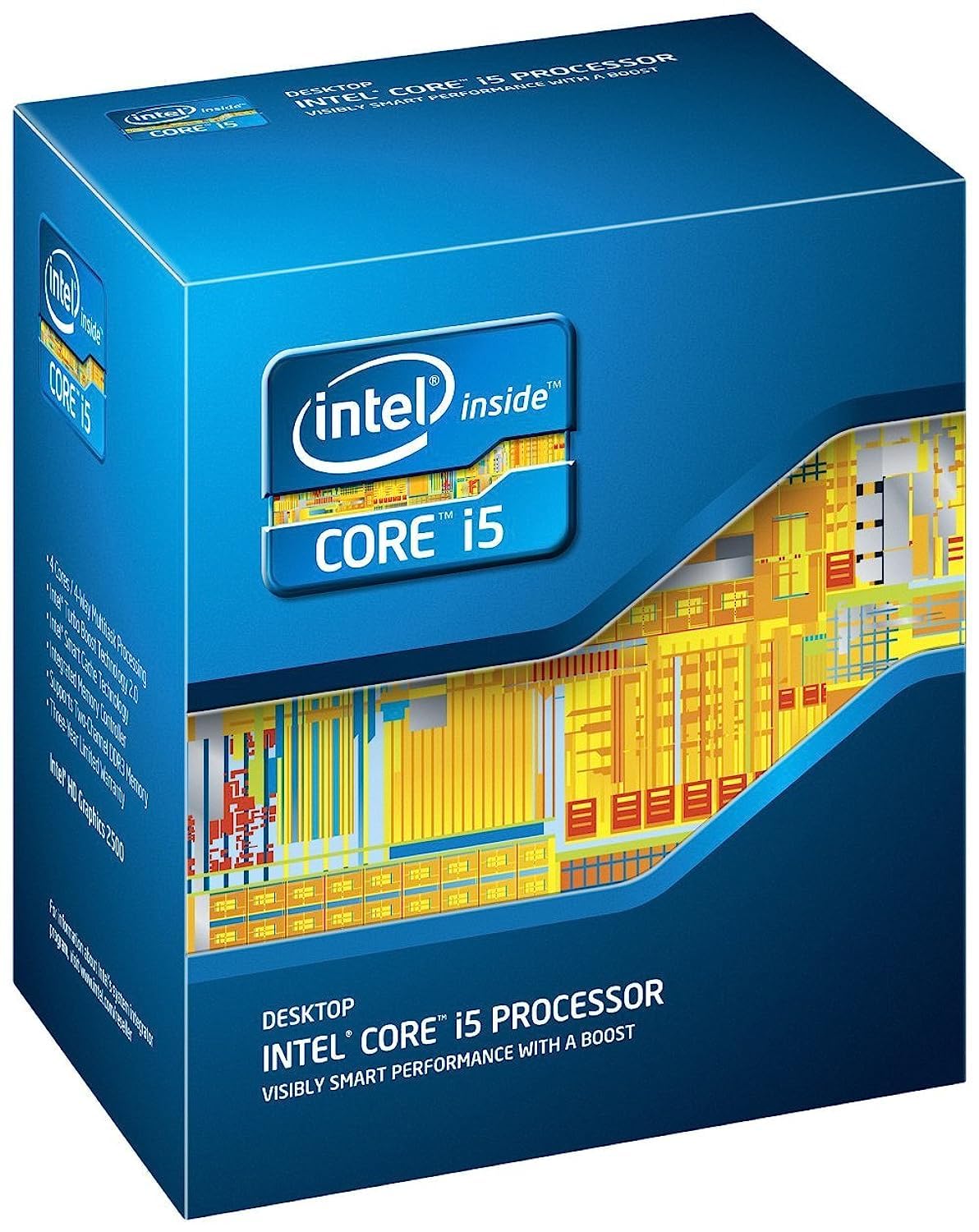
The Core i5-3470 is the sweet spot for the majority of DDR3 platform users. It offers four physical cores running at 3.20GHz, with a turbo boost to 3.60GHz, and 6MB of shared L3 cache. For office work, web browsing, 1080p video playback, and even lighter gaming titles from the 2015-2021 era, this CPU delivers a responsive experience without the heat or cost of the i7 line.
Thermal behavior is excellent right out of the box — users report idle temperatures around 28°C and gaming loads staying under 60°C with the stock cooler. The 77W TDP is the same as the i7, but the lack of hyper-threading means the die runs cooler under sustained heavy load. It is a direct drop-in replacement for any LGA 1155 board that previously housed an i3 or Pentium, often requiring no BIOS update.
For a media server, a home office PC, or a dedicated Linux machine, the i5-3470 provides the best balance of single-threaded IPC and affordable price. You lose hyper-threading, but for pure gaming performance (pre-2021 titles) it trades blows with the i7 due to its similar clock speeds on a 100% physical core architecture.
Why it’s great
- Runs exceptionally cool — idle at 28°C and gaming loads under 60°C
- Four physical cores provide smooth daily multitasking without the heat of an i7
- Excellent entry-level gaming CPU for pre-2021 titles at 1080p
Good to know
- No hyper-threading — heavy multitaskers should consider the i7
- Integrated graphics are basic; a discrete GPU is needed for any gaming
- Locked multiplier prevents any meaningful overclocking
3. TEAMGROUP Elite 16GB Kit (2x8GB) DDR3-1600

When upgrading a DDR3 system, matching the memory to the CPU’s memory controller is critical. The TEAMGROUP Elite 16GB kit runs at the JEDEC-standard DDR3-1600 speed with CL11 latencies on 1.5V. This is the exact spec that Intel’s Ivy Bridge memory controllers are optimized for, ensuring dual-channel operation without any BIOS tweaking.
Owners report flawless compatibility with AMD FX-series builds as well, running dual-channel at 1600MHz instantly. The kit is unbuffered, non-ECC, and uses standard 240-pin UDIMMs, meaning it fits any consumer desktop motherboard from the DDR3 era. The lifetime warranty from TEAMGROUP adds long-term confidence for a legacy platform investment.
For a build centered on the i5-3470 or i7-3770, this 16GB kit provides the exact memory footprint those chips need to handle multitasking without resorting to disk swap. The 1.5V voltage is within spec for all LGA 1155 boards, and the CL11 timing is a safe, stable choice that prioritizes reliability over aggressive speed tuning.
Why it’s great
- JEDEC standard timings ensure instant compatibility with Ivy Bridge memory controllers
- Lifetime warranty provides peace of mind for a legacy platform
- Rock-solid dual-channel performance in both Intel and AMD builds
Good to know
- Not the fastest possible DDR3 — CL11 is average for the 1600MHz class
- No heatsink — fine for standard builds, but not for aggressive cases
4. Wlizedle 16GB Kit (2x8GB) DDR3-1600
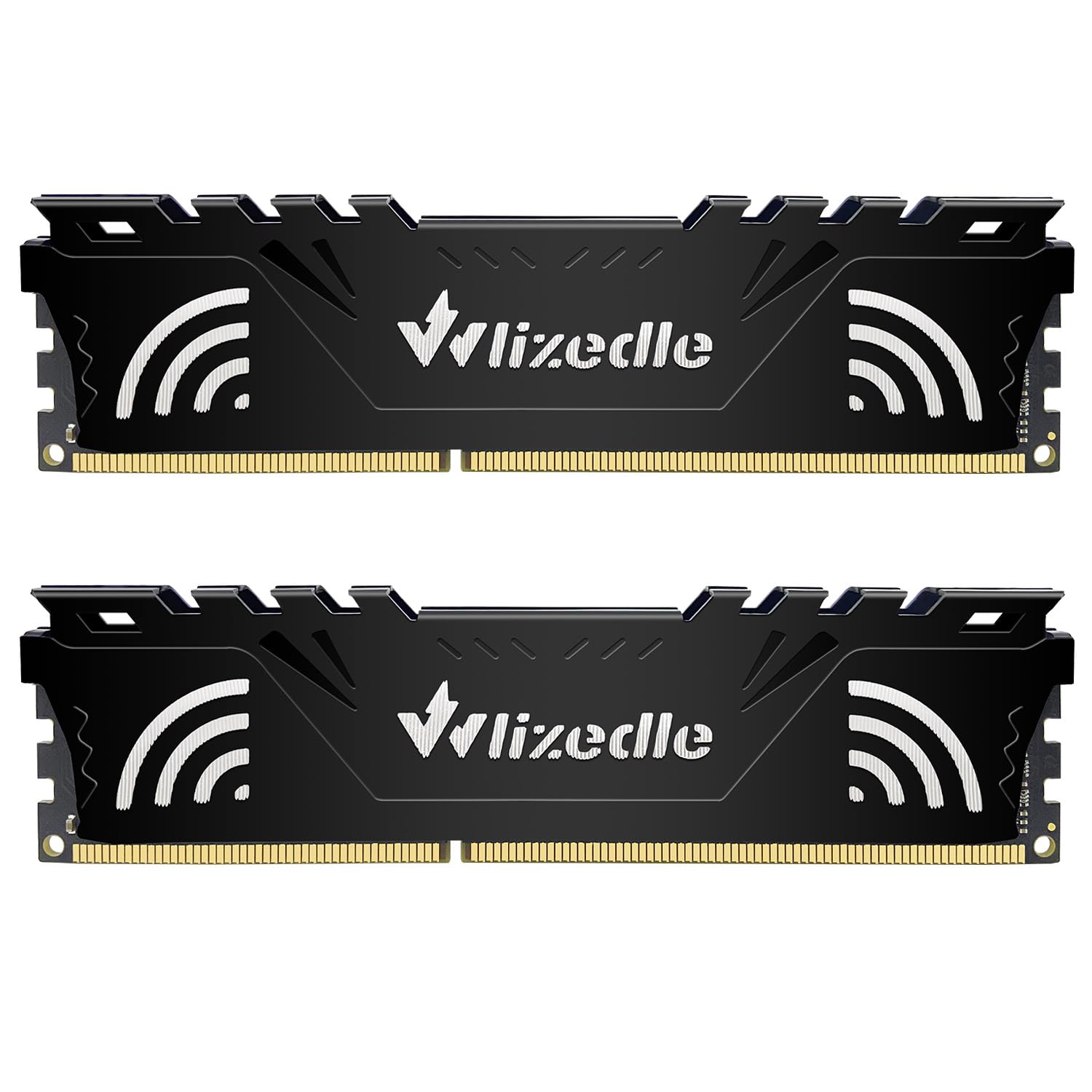
The Wlizedle 16GB kit brings a feature that matters more than one might think: an aluminum heat spreader. On a DDR3 platform, many original value sticks were bare PCB. This kit’s integrated heatsink helps dissipate heat in cramped cases, particularly in small-form-factor (SFF) Dell or HP workstations where airflow is restricted and memory slots are packed tightly.
At 2Rx8 dual-rank configuration, this kit presents two physical ranks per module, which can offer a slight performance edge in memory-bandwidth-intensive tasks compared to single-rank modules. The 1600MHz CL11 timings are standard, and the kit downclocks gracefully to 1333MHz or 1066MHz if the motherboard’s chipset doesn’t support the full speed.
One practical consideration: the heatsink adds a few millimeters of width. Some SFF builders have noted that the modules can interfere with large CPU coolers or tight slot spacing. For standard ATX or mid-tower cases, the clearance is fine. The 1-year warranty is shorter than TEAMGROUP’s lifetime coverage, but the build quality of the modules is solid.
Why it’s great
- Aluminum heatsink helps manage thermals in compact or poorly ventilated cases
- Dual-rank (2Rx8) construction can boost memory bandwidth in some workloads
- Downclocks automatically for older chipset compatibility
Good to know
- Heatsink thickness may cause clearance issues in very tight SFF builds
- Standard 1-year warranty is shorter than some competitors
5. Motoeagle 16GB Kit (2x8GB) DDR3-1600

The Motoeagle 16GB kit is the entry-level option for reviving a truly budget DDR3 system. It is a 2x8GB dual-rank set running at 1600MHz with CL11 latency on 1.5V. For a Pure Linux media box, a secondary office PC, or a children’s computer, this kit provides the capacity needed to avoid swap thrashing at a cost that makes the upgrade a no-brainer.
User feedback is positive for compatibility with older motherboards like the Gigabyte GA-78LMT-USB3 (AMD chipset) and various Intel LGA 1155 boards. The modules use original IC chips that are JEDEC-compliant, and the seller advises gently wiping the gold connecting fingers with an eraser before installation — a practical tip that reduces initial no-post issues from oxide buildup on legacy contacts.
One limitation: the kit may not play well with existing memory modules when trying to populate all four slots for 32GB. Several users report that installing the Motoeagle kit in a system with other RAM sticks only recognized the new modules unless the old ones were removed. For dual-channel (2x8GB) use, it works flawlessly, making it a straightforward capacity upgrade.
Why it’s great
- Extremely affordable entry point for upgrading a DDR3 system to 16GB
- Compatible with a wide range of legacy motherboards (AMD and Intel)
- Dual-rank configuration provides solid memory bandwidth for daily tasks
Good to know
- May not mix well with existing RAM — best used as a standalone 2x8GB kit
- No heatsink — bare PCB design relies on case airflow for cooling
FAQ
Will an i7-3770 work in any LGA 1155 motherboard?
Is it worth upgrading from an i5 to an i7 on a DDR3 platform?
Final Thoughts: The Verdict
For most users, the best ddr3 cpu winner is the Intel Core i5-3470 because it provides four efficient cores, low thermals, and a price point that makes sense for breathing life into a legacy machine. If you need hyper-threading for virtualization or encoding duties, grab the Intel Core i7-3770. And for a pure memory upgrade that pairs perfectly with either CPU, the TEAMGROUP Elite 16GB Kit offers lifetime reliability and JEDEC-standard stability.

Mo Maruf
I created WellFizz to bridge the gap between vague wellness advice and actionable solutions. My mission is simple: to decode the research and give you practical tools you can actually use.
Beyond the data, I am a passionate traveler. I believe that stepping away from the screen to explore new environments is essential for mental clarity and physical vitality.