Our readers keep the lights on and my smoothie glass nicely filled. As an Amazon Associate, I earn from qualifying purchases.
A racing game feels hollow on a flat screen. A flight sim loses the sense of wingtip-to-wingtip depth. The curved ultrawide gaming monitor solves this by wrapping your peripheral vision into the action, delivering a field of view that a standard 16:9 panel simply cannot match. The choice now is between panel technology, curvature radius, and the raw refresh rate that matches your graphics hardware.
I’m Mohammad Maruf — the founder and writer behind WellFizz. I’ve spent many hours analyzing panel types, input latency specs, and adaptive sync implementations to identify the monitors that actually deliver on their immersion promises without compromise.
After evaluating the brightest and fastest options in the market, this guide will help you find the best curved ultrawide gaming monitor for your specific setup, budget, and performance expectations.
How To Choose The Best Curved Ultrawide Gaming Monitor
The right ultrawide gaming monitor hinges on three variables: panel technology, curvature steepness, and refresh rate capability. Ignore marketing fluff about “extreme immersion” and focus on the measurable attributes that directly impact your gaming experience.
Panel Technology: OLED vs VA vs IPS
OLED panels (QD-OLED and WOLED) deliver per-pixel lighting, near-infinite contrast ratios, and response times under 0.1ms — ideal for competitive and story-driven games alike. VA panels offer deep blacks and good contrast at a fraction of the cost, but suffer from slower pixel response in dark transitions. IPS panels provide accurate colors and wide viewing angles, but their native contrast ratio rarely exceeds 1200:1, making dark scenes look grayish on a curved screen.
Curvature Radius: 1500R vs 1800R vs 800R
The lower the number, the steeper the curve. An 800R radius (found on premium OLED monitors) pulls the edges aggressively toward your face, creating a wraparound effect best for single-player immersion. A 1500R or 1800R curve is gentler and works across more desk depths — you will sit roughly arm’s length away, and a tighter curve can cause geometric distortion in productivity apps. Match curve to your typical viewing distance.
Refresh Rate and Adaptive Sync
Higher refresh rates (144Hz, 165Hz, 240Hz) reduce motion blur and give you a tangible advantage in fast-twitch shooters. G-Sync Compatible and FreeSync Premium Pro ensure tear-free frame delivery, but be aware that HDMI 2.0 ports may cap refresh rate at lower resolutions. Always verify that your graphics card can drive the monitor’s native resolution at your target frame rate — a 5120×1440 panel at 240Hz demands serious GPU power.
Aspect Ratio: 21:9 vs 32:9
21:9 (3440×1440) is the sweet spot for most gamers — wider than 16:9 without requiring a massive desk. 32:9 (3840×1080 or 5120×1440) effectively replaces two monitors side by side, offering a panoramic FOV that benefits flight sims and racing titles but can reduce competitive visibility in some first-person shooters where HUD elements are stretched to the edges.
Quick Comparison
On smaller screens, swipe sideways to see the full table.
| Model | Category | Best For | Key Spec | Amazon |
|---|---|---|---|---|
| Alienware 34 QD-OLED | Premium | Competitive + cinematic gaming | 240Hz / 0.03ms response | Amazon |
| LG 39GX90SA-W OLED | Premium | Immersive single-player RPGs | 800R curve / 240Hz OLED | Amazon |
| INNOCN 49C1S (240Hz) | Mid-Range | High-refresh 32:9 gaming | 240Hz / 5120×1440 VA | Amazon |
| CRUA 49″ DQHD | Mid-Range | Budget-friendly 32:9 experience | 165Hz / 5120×1440 VA | Amazon |
| Deco Gear 49″ Ultrawide | Mid-Range | GPU-friendly 3840×1080 gaming | 144Hz / 3840×1080 | Amazon |
| INNOCN 49″ 5K2K 120Hz | Mid-Range | Productivity + occasional gaming | 120Hz / 5120×1440 VA | Amazon |
| INNOCN 49″ 3840×1080 144Hz | Mid-Range | Panoramic multitasking | 144Hz / 3840×1080 | Amazon |
| INNOCN 40C1R | Mid-Range | Color-critical work + 144Hz gaming | 144Hz / 3440×1440 IPS | Amazon |
| LG 34SR63QA-W Smart Monitor | Budget | Casual gaming + streaming | 100Hz / 3440×1440 VA | Amazon |
| Secretlab Magnus Monitor Arm | Accessory | Supporting heavy 49″+ monitors | 18-35lb capacity | Amazon |
In‑Depth Reviews
1. Alienware 34 240Hz QD-OLED Curved Gaming Monitor – AW3425DW

The Alienware AW3425DW combines a 34-inch QD-OLED panel with a 240Hz refresh rate and 0.03ms response time, making it one of the fastest ultrawide monitors available. The 1800R curve is gentle enough for daily productivity yet immersive enough for competitive shooters and open-world exploration.
Color coverage reaches 99.3% DCI-P3 with a Delta E under 2, so out-of-box accuracy is ready for photo editing if you dual-purpose the display. VESA DisplayHDR TrueBlack 400 delivers 1000 nits peak brightness, ensuring specular highlights in HDR games pop without washing out shadow detail.
Adaptive sync support spans G-Sync Compatible, FreeSync Premium Pro, and VESA AdaptiveSync, meaning the monitor will match frame delivery cleanly regardless of whether you use an NVIDIA or AMD GPU. The matte screen finish reduces glare in bright rooms without sacrificing the deep blacks that QD-OLED is known for.
Why it’s great
- QD-OLED panel delivers infinite contrast and rich colors
- 240Hz refresh rate with 0.03ms response for ultra-smooth motion
- Triple adaptive sync compatibility for any GPU setup
Good to know
- Brightness in SDR mode is lower than premium VA panels
- Text clarity on OLED subpixel layout is not as sharp as IPS
2. LG 39GX90SA-W 39-inch Ultragear OLED Curved Gaming Monitor

The LG 39GX90SA-W uses a WOLED panel with an aggressive 800R curve — the steepest in this lineup — to pull the edges of the 39-inch screen around your peripheral vision. The 21:9 aspect ratio at 3440×1440 resolution keeps pixel density high enough for crisp text while delivering a 240Hz refresh rate and 0.03ms response time.
DisplayHDR True Black 400 certification combined with a 1.5M:1 contrast ratio means shadow detail in dark game scenes remains visible without crushing blacks. LG’s webOS 24 is built directly into the monitor, allowing streaming via Netflix, Prime Video, and cloud gaming services like GeForce NOW without connecting a PC.
The white chassis and slim profile make it a statement piece on any desk, but the real draw is the curve — first-person RPGs and racing sims feel genuinely wraparound. FreeSync Premium and G-Sync Compatible ensure tear-free frame delivery at high frame rates.
Why it’s great
- 800R curve is the most immersive of any ultrawide tested
- Built-in webOS eliminates the need for a separate streaming device
- OLED blacks with 240Hz speed creates stunning motion clarity
Good to know
- Requires a deep desk — the 800R curve needs distance to feel natural
- HDR flickering can occur over HDMI; USB-C connection is more stable
3. INNOCN 49C1S 49″ 240Hz Curved Ultrawide Gaming Monitor
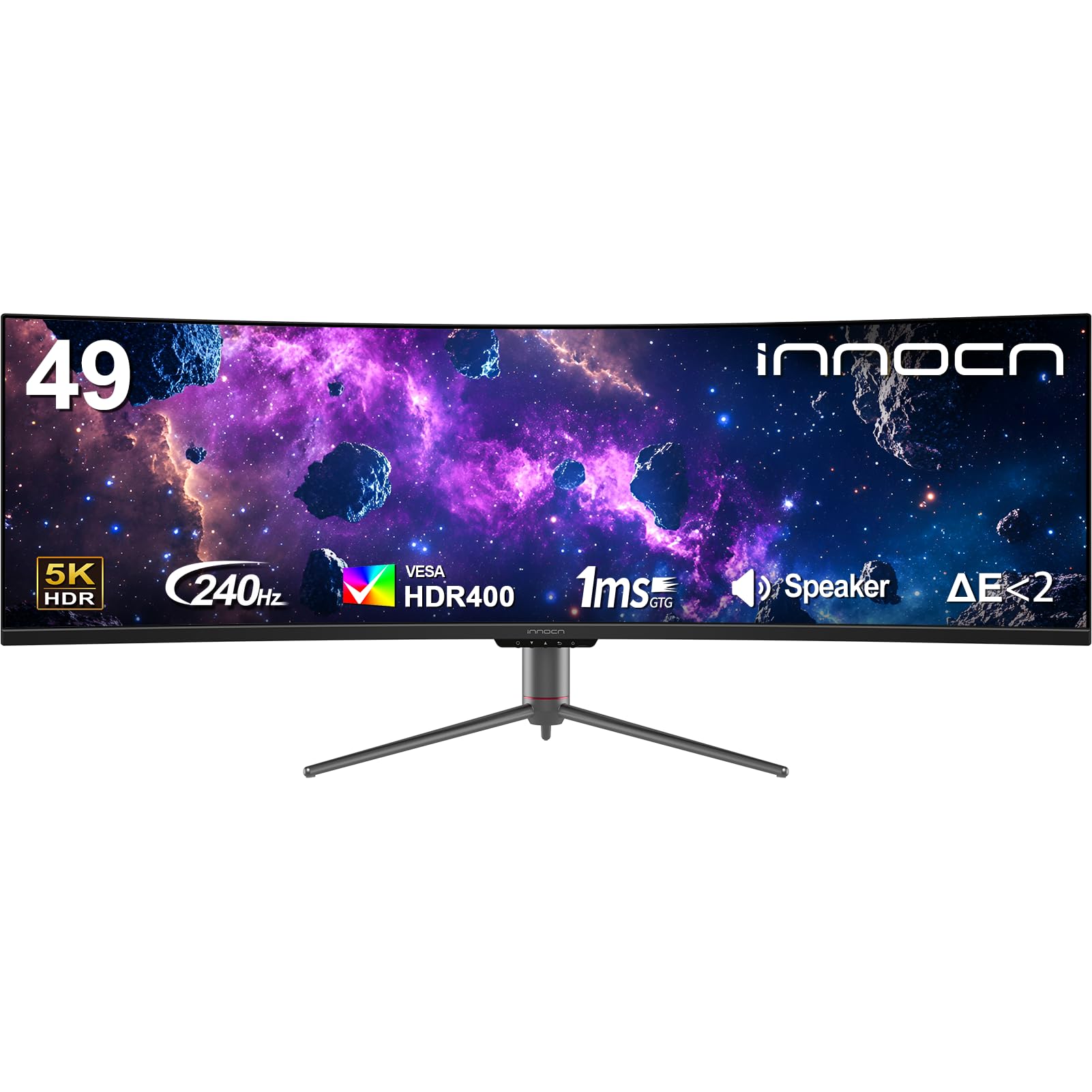
The INNOCN 49C1S brings a 240Hz refresh rate to the 32:9 format at 5120×1440 resolution, making it one of the fastest super-ultrawide monitors on the market. The VA panel delivers a 3000:1 contrast ratio with 99% sRGB coverage, and the 1800R curve keeps both edges within your central vision without distortion.
Connectivity is robust with dual DP 1.4 ports, HDMI 2.1, and a USB-C port delivering 65W power delivery — enough to charge a laptop while driving the display. The stand offers height, tilt, and swivel adjustment, and built-in speakers are usable for system sounds if you don’t have external audio.
PIP/PBP split-screen technology works across two input sources, letting you game on one half while monitoring a stream or Discord on the other. The 240Hz ceiling is best paired with a high-end GPU to maintain frame rates at this resolution.
Why it’s great
- 240Hz at 5120×1440 is rare in the mid-range price tier
- USB-C 65W PD simplifies cable management with a single cable
- Fully ergonomic stand with height, tilt, and swivel adjustments
Good to know
- OSD menu is cumbersome — changing PBP requires multiple steps
- Some units report pixel anomalies; check return policy before buying
4. CRUA 49″ DQHD Curved Gaming Monitor
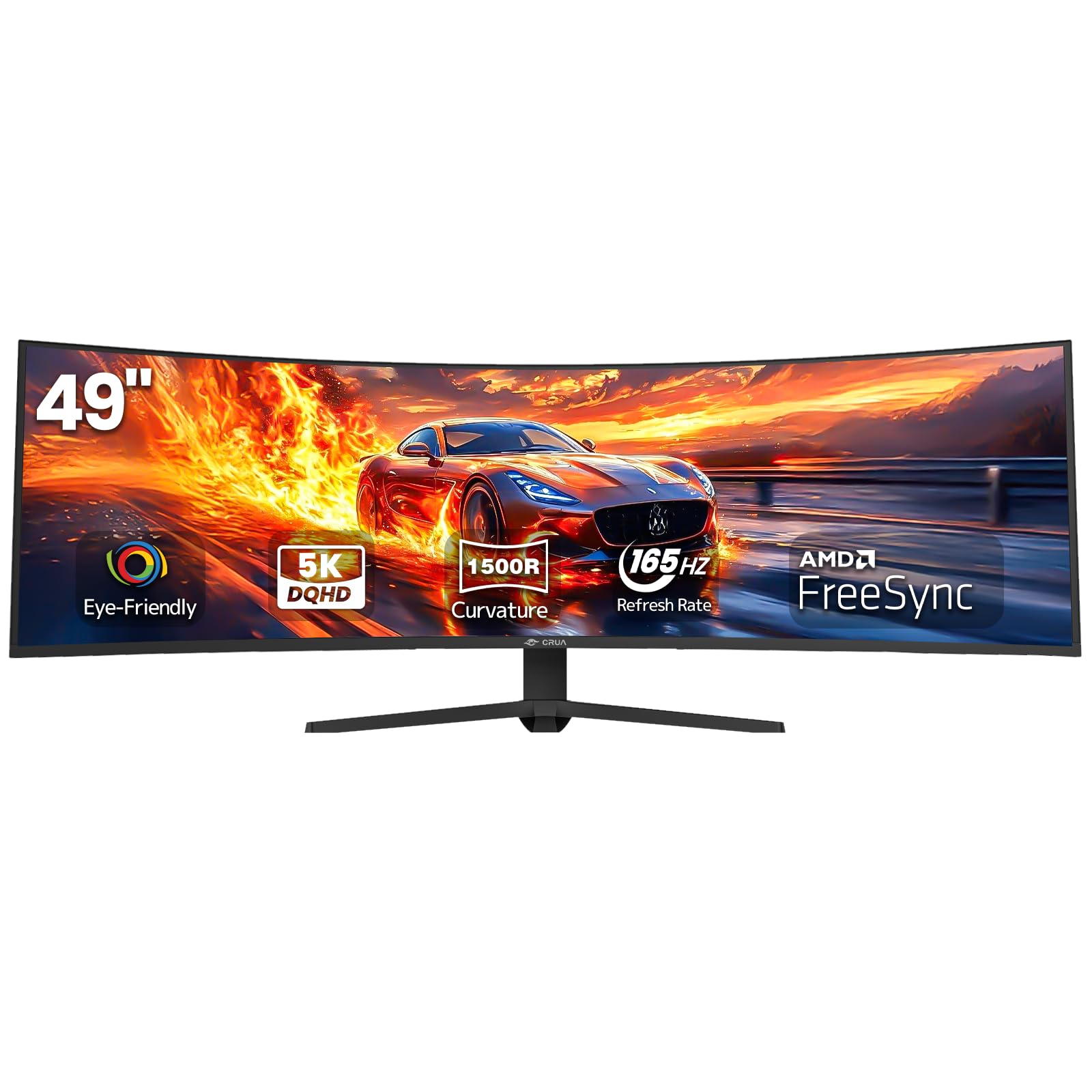
The CRUA 49″ DQHD monitor offers 5120×1440 resolution at 165Hz (overclockable from 144Hz) with a 1500R curve, making it one of the most affordable entry points into true DQHD gaming. The VA panel provides a 3000:1 contrast ratio and 120% sRGB color gamut for vibrant colors across a wide viewing angle.
Input ports include HDMI 2.1 and DP 1.4, so consoles and modern GPUs can both achieve high frame rates. The matte screen finish reduces reflections, and the height-adjustable stand allows basic ergonomic tuning. AMD FreeSync is supported to minimize screen tearing during variable frame rate gameplay.
User feedback highlights effective 3D modeling workspace usage and clear brightness levels for the price, though the stand is not adjustable for swivel and the VESA mount uses an 80mm pattern rather than the standard 100mm.
Why it’s great
- DQHD resolution at a price point typically reserved for 3840×1080 monitors
- 1500R curve is tighter than 1800R for better wraparound feel
- Lightweight build suitable for motorized standing desks
Good to know
- No built-in USB ports or audio output
- Stand is height-adjustable but lacks tilt and swivel range
5. Deco Gear 49″ Ultrawide Curved Monitor
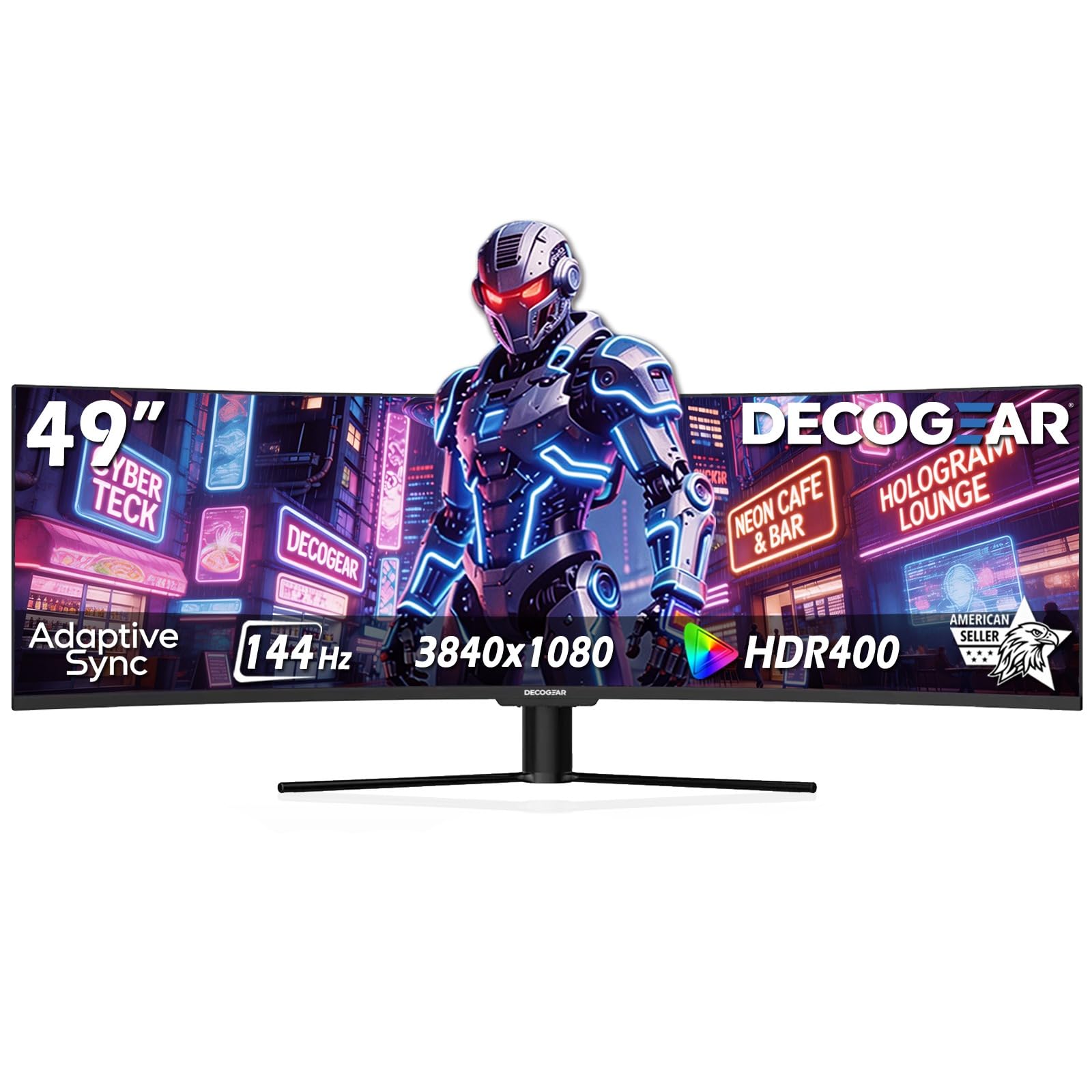
The Deco Gear 49” monitor uses a 3840×1080 resolution panel in a 32:9 aspect ratio with a 1800R curve and 144Hz refresh rate. This resolution places about 40% less demand on your GPU compared to 5120×1440, allowing mid-range graphics cards to maintain higher frame rates without sacrificing the super-ultrawide field of view.
The VA panel delivers a 3000:1 contrast ratio and HDR400 certification, with 100% sRGB and 95% DCI-P3 color gamut coverage. Connectivity includes HDMI, DisplayPort, and a USB-C port with 65W power delivery, plus dual USB-A ports and a USB-B upstream for KVM functionality.
PIP/PBP and KVM support let you control two connected devices from one keyboard and mouse, switching between work and gaming setups seamlessly. The stand is tilt-only, so you may want a VESA arm for height adjustment.
Why it’s great
- Lower resolution demands less GPU power for high refresh gaming
- Built-in KVM simplifies switching between work and gaming PCs
- Wide color gamut with HDR400 support at a mid-range price
Good to know
- Tilt-only stand lacks height and swivel adjustment
- Long-term reliability reports are mixed — some units fail after a few months
6. INNOCN 49″ 5K2K 120Hz Curved Monitor – 49C1R

The INNOCN 49C1R offers a 5120×1440 VA panel with a 120Hz refresh rate, striking a middle ground between high-resolution productivity and smooth gaming. The 1800R curve and 32:9 aspect ratio replace a dual-monitor setup without the bezel gap, and the 3000:1 contrast ratio ensures deep blacks during cinematic scenes.
Connectivity is a highlight with DP 1.4, HDMI 2.1, and USB-C with 65W power delivery, plus a USB-B upstream and two USB-A ports. The monitor also includes an RJ45 Ethernet port for wired network connectivity — a rare feature that benefits users who dock a single laptop.
PIP/PBP mode allows simultaneous input from two sources, and the built-in speakers handle basic audio needs. The 120Hz refresh rate is enough for most single-player titles, though competitive players may want higher frame rates.
Why it’s great
- RJ45 Ethernet port and USB-C 65W PD make it a true docking monitor
- 5120×1440 at 120Hz provides sharp text and smooth motion
- Excellent value compared to Samsung or Dell equivalents
Good to know
- Sleep/wake disconnection issue — disable Auto Power in settings to resolve
- Stand is stable but lacks swivel adjustment
7. INNOCN 49″ Curved WFHD 3840×1080 144Hz Monitor
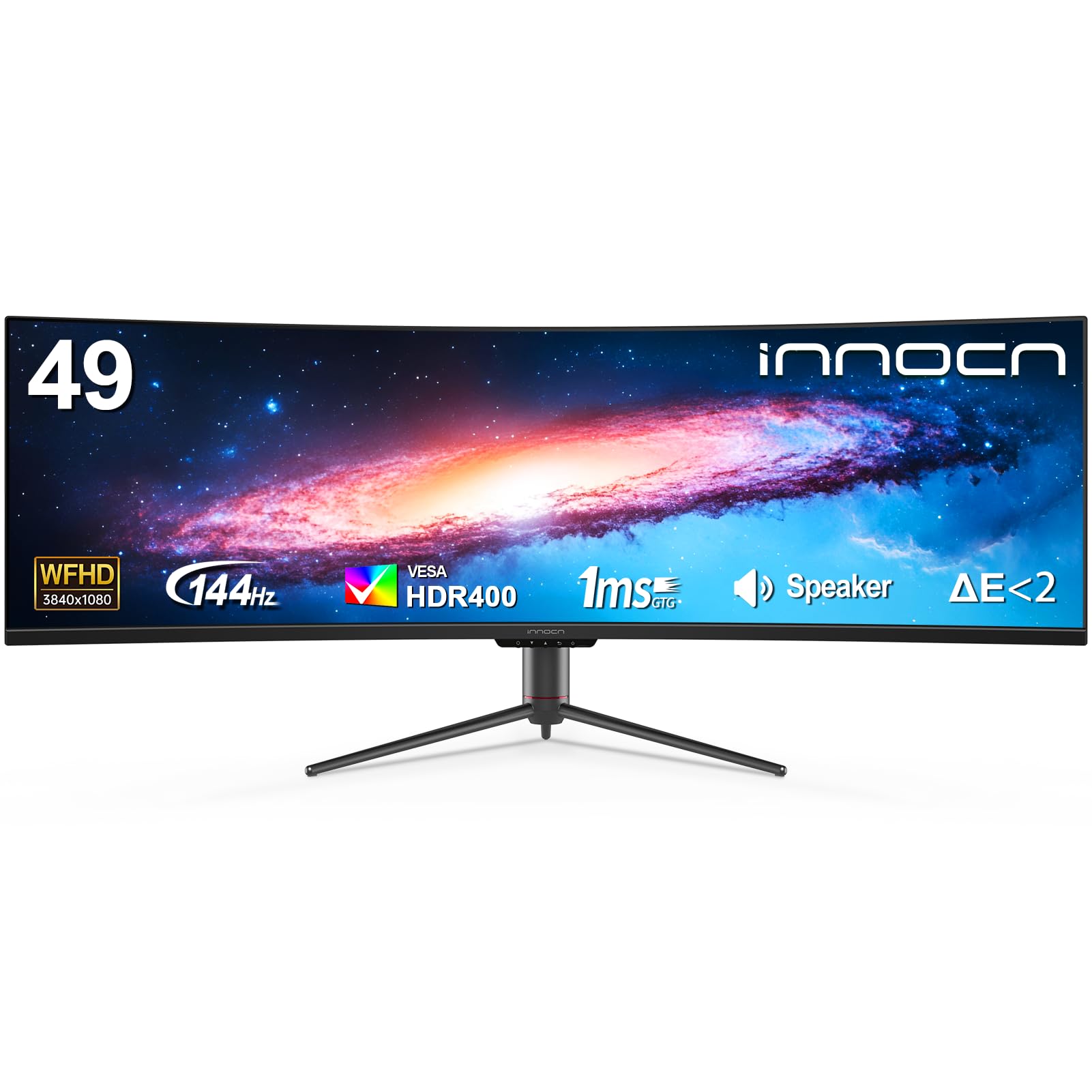
This INNOCN 49-inch model uses a 3840×1080 VA panel with a 1800R curve and 144Hz refresh rate, making it an accessible entry into super-ultrawide gaming. The 32:9 aspect ratio mimics two 1920×1080 monitors side by side, which is ideal for players who want panoramic FOV without the GPU demand of higher resolutions.
HDR400 certification and 99% sRGB coverage ensure colors are vibrant, while AMD FreeSync Premium and G-Sync Compatible support smooth frame delivery. The stand provides height and tilt adjustment, and built-in speakers are included for convenience.
The 1800R curve is comfortable at a standard desk depth, and the PIP/PBP feature allows split-screen use with two different source devices. The lower vertical resolution (1080p) means pixel density is lower than 1440p panels, so users who value sharp text should set expectations accordingly.
Why it’s great
- Low GPU demand enables high frame rates on mid-range hardware
- Height and tilt adjustable stand included
- PIP/PBP works well for dual-source productivity
Good to know
- 3840×1080 at 49” results in lower pixel density — text is less sharp
- Menu buttons are overly sensitive and can activate accidentally
8. INNOCN 40C1R 40″ WQHD 3440×1440 144Hz Monitor

The INNOCN 40C1R stands out with a 40-inch ADS (IPS-type) panel at 3440×1440 resolution, offering 500 nits brightness and 95% DCI-P3 color coverage. This makes it the best choice for users who need color accuracy for photo or video editing alongside 144Hz gaming.
Each unit ships with a factory calibration report showing Delta E under 2, confirming out-of-box accuracy. The monitor is TÜV Rheinland certified for low blue light, reducing eye strain during long editing or gaming sessions. HDR400 support adds decent dynamic range, though the 1200:1 contrast ratio is typical of IPS panels rather than exceptional.
Connectivity includes DP, HDMI, and USB-C, plus a 3.5mm audio jack. The ergonomic stand allows tilt, swivel, and height adjustment. AMD FreeSync Premium ensures smooth variable refresh rate operation.
Why it’s great
- Factory-calibrated Delta E <2 for accurate color work
- 500 nits peak brightness makes HDR content more impactful
- Adjustable stand in all axes for comfortable ergonomics
Good to know
- HDMI 2.0 limits to 60Hz at 1440p; use DisplayPort for 144Hz
- Some users report quality control issues with dead pixels
9. LG 34SR63QA-W 34″ Smart Curved Monitor
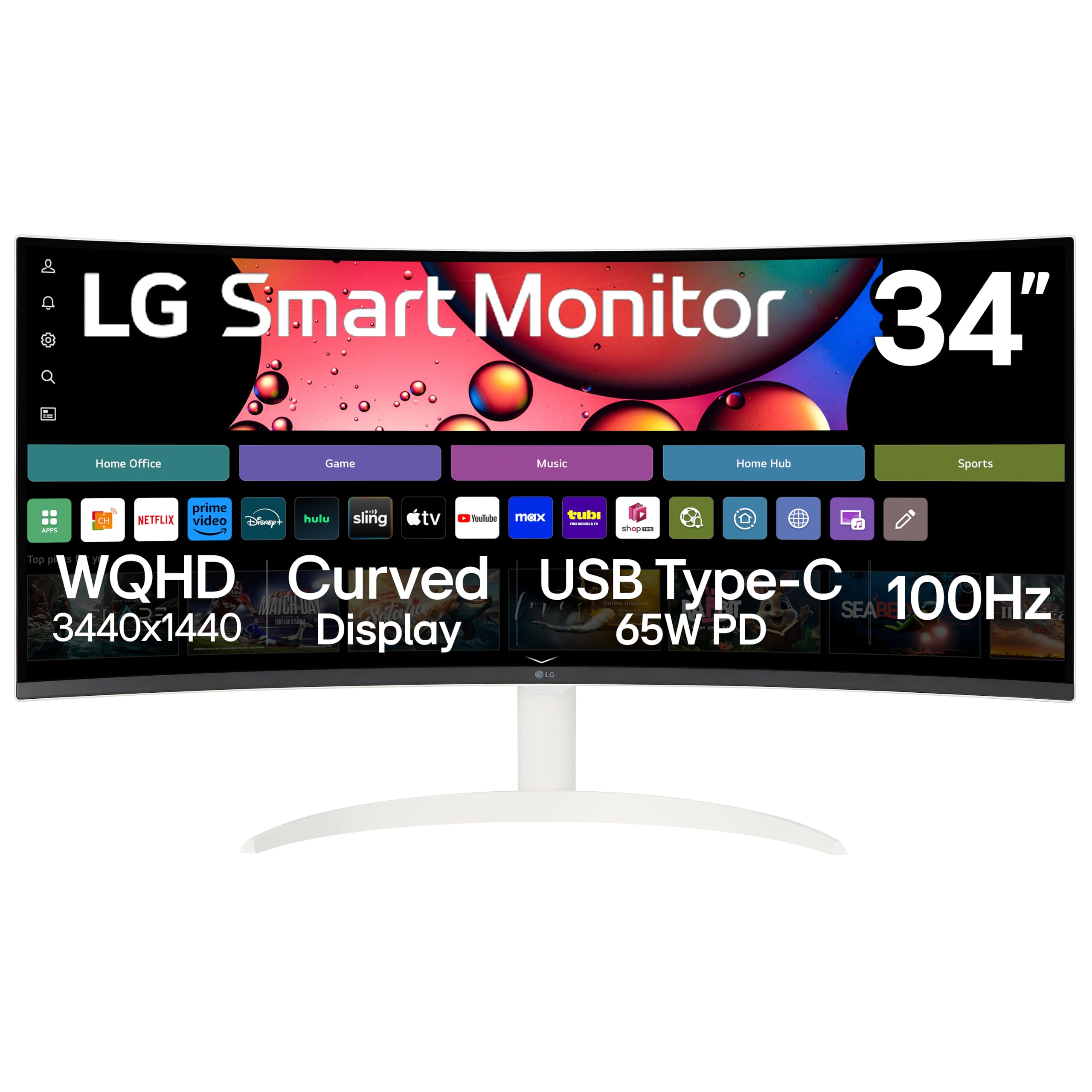
The LG 34SR63QA-W is a 34-inch VA panel with a 1800R curve and 3440×1440 resolution, but its defining feature is the built-in webOS 23. This allows streaming from Netflix, Prime Video, Disney+, and Apple TV without a connected PC, making it a hybrid work-monitor-plus-smart-TV for casual gaming setups.
The 100Hz refresh rate and FreeSync support are suitable for light gaming — esports titles and older single-player games run smoothly, but competitive players will want higher rates. USB-C with 65W power delivery and AirPlay 2 for Apple device mirroring add modern connectivity ease.
The 99% sRGB color gamut and HDR10 support provide decent color for media consumption. The virtually frameless design and white chassis make it visually clean on a desk.
Why it’s great
- Built-in smart TV functionality eliminates the need for a separate streaming device
- USB-C 65W PD charges a laptop over a single cable
- 34-inch 21:9 format offers a 34% wider view than 16:9
Good to know
- 100Hz refresh rate is not ideal for competitive or fast-twitch gaming
- Smart TV apps may display black bars on some streaming services
10. Secretlab Magnus Monitor Arm (Heavy Duty Edition)

The Secretlab Magnus Monitor Arm Heavy Duty Edition is designed specifically to support the weight and size of ultrawide monitors up to 57 inches and 35 pounds. It features a detachable dual VESA-mounted handle system and a premium tensile spring mechanism for smooth, tool-free articulation.
The extra-secure VESA plate uses a double lock mechanism to prevent heavy monitors from sagging, and the 2-step hook-and-lock design simplifies mounting. Magnetic cable sheaths snap on to hide cables, and the arm routes wiring through built-in channels for a clean desk appearance.
Compatible with desks between 10mm and 50mm thick, the top-screw C-clamp mount allows quick clamping adjustments. Users report stable performance with the Samsung Odyssey Neo G9 57-inch, maintaining position without droop over extended use.
Why it’s great
- Support for monitors up to 57 inches and 35 pounds — rare in monitor arms
- Magnetic cable sheaths provide clean cable management
- Dual handle system makes positioning heavy monitors straightforward
Good to know
- High price point — consider this a premium accessory
- Only available in black finish
FAQ
Can a mid-range GPU run a 5120×1440 ultrawide at 144Hz?
Does a 21:9 monitor support console gaming without letterboxing?
Is OLED burn-in a real concern for ultrawide gaming monitors?
Final Thoughts: The Verdict
For most users, the best curved ultrawide gaming monitor winner is the Alienware 34 QD-OLED AW3425DW because it combines a 21:9 aspect ratio with 240Hz speed and OLED contrast in a package that fits standard desk depths. If you want the most immersive single-player experience with the steepest curve, grab the LG 39GX90SA-W OLED. And for a budget-friendly super-ultrawide that won’t burden your GPU, nothing beats the Deco Gear 49″ 3840×1080.

Mo Maruf
I created WellFizz to bridge the gap between vague wellness advice and actionable solutions. My mission is simple: to decode the research and give you practical tools you can actually use.
Beyond the data, I am a passionate traveler. I believe that stepping away from the screen to explore new environments is essential for mental clarity and physical vitality.