Our readers keep the lights on and my smoothie glass nicely filled. As an Amazon Associate, I earn from qualifying purchases.
The jump to a 34-inch curved ultrawide isn’t just about more pixels—it’s a fundamental shift in how you interact with your screen. The gentle arc wraps the workspace around your peripheral vision, reducing the need to turn your head and pulling you deeper into whatever you’re doing, whether that’s editing timelines, managing spreadsheets, or exploring virtual worlds.
I’m Mohammad Maruf — the founder and writer behind WellFizz. I’ve spent countless hours dissecting panel technologies, refresh rate curves, and color gamut specs to help you find the monitor that actually fits your workflow.
This guide breaks down the real-world tradeoffs between VA, IPS, and QD-OLED panels at this specific size, so you can confidently choose the best curved 34 inch monitor for your desk and your budget.
How To Choose The Best Curved 34 Inch Monitor
Not every 34-inch curved panel delivers the same experience. The decisions come down to panel technology, refresh rate, connectivity, and the curvature itself. Here’s what actually matters when you’re comparing models in this crowded category.
Panel Technology: VA vs OLED vs LCD
VA panels dominate the mid-range because they offer strong native contrast ratios around 3000:1, which means deeper blacks and better shadow detail than IPS or basic LCD. OLED, found in premium options like the Alienware AW3425DW, delivers infinite contrast and per-pixel lighting, but at a higher cost and with potential burn-in risk if used for static productivity. Standard LCD panels are rarer at 34-inch curved and usually sacrifice contrast for lower entry prices.
Refresh Rate and Response Time
A 100Hz to 120Hz refresh rate is perfectly adequate for office work, content creation, and casual gaming—it makes cursor movement and scrolling feel fluid. Competitive gamers should target 180Hz or 240Hz models, and pair that with a 1ms MPRT or GtG response time to minimize ghosting. Remember: higher refresh rates require a graphics card capable of driving 3440×1440 at those frame rates.
Connectivity and Ergonomics
Look for DisplayPort 1.4 and HDMI 2.1 if you want to run full bandwidth at high refresh rates. USB-C with power delivery (65W or higher) lets you charge a laptop with a single cable, reducing desk clutter. An adjustable stand with height, tilt, and swivel is a major ergonomic advantage over fixed stands, and VESA mount compatibility allows for third-party arms if the stock stand feels wobbly.
Quick Comparison
On smaller screens, swipe sideways to see the full table.
| Model | Category | Best For | Key Spec | Amazon |
|---|---|---|---|---|
| Alienware AW3425DW | QD-OLED | Elite gaming & HDR | 240Hz, 0.03ms, 1800R | Amazon |
| LG 34G630A-B | VA Gaming | High-refresh gaming | 240Hz, 1ms, 95% DCI-P3 | Amazon |
| ASUS TUF VG34VQ3B | Gaming VA | Competitive FPS | 180Hz, 1ms, 4000:1 contrast | Amazon |
| SANSUI 34-Inch 240Hz | Fast VA | Budget high-refresh | 240Hz, HDR400, 450 nits | Amazon |
| Alienware AW3425DWM | VA Gaming | Versatile gaming & work | 180Hz, 95% DCI-P3, 1800R | Amazon |
| Dell S3425DW | Productivity VA | Office & content creation | 120Hz, 99% sRGB, USB-C 65W | Amazon |
| LG 34SR60QC-W | Smart VA | Work + streaming hub | 100Hz, webOS23, 99% sRGB | Amazon |
| Samsung ViewFinity S50GC | Office VA | Multi-tasking productivity | 100Hz, 3000:1 contrast, HDR10 | Amazon |
| MSI Modern MD342CQPW | VA Productivity | White aesthetic setup | 120Hz, USB-C 98W PD, KVM | Amazon |
| ViewSonic VX3418C-2K | VA Gaming | Budget gaming | 180Hz, 1ms, 4000:1 | Amazon |
| Deco Gear DGLUX340 | VA Business | Value office ultrawide | 100Hz, 100% sRGB, PIP/PBP | Amazon |
In‑Depth Reviews
1. Alienware AW3425DW

The Alienware AW3425DW sits at the summit of what a 34-inch curved monitor can deliver. Its QD-OLED panel produces an infinite contrast ratio and per-pixel lighting that makes HDR content genuinely pop, with 99.3% DCI-P3 coverage and Delta E<2 color accuracy out of the box. The 240Hz refresh rate and 0.03ms response time eliminate ghosting entirely, making it the go-to choice for competitive gamers who also demand single-player immersion.
The 1800R curvature wraps the 3440×1440 resolution in a natural arc that feels wider than the 1500R competitors, though the glossy screen can be reflective in bright rooms. The stand offers full height, tilt, and swivel adjustment, and the build quality feels premium with a sturdy metal base. It includes both DisplayPort and HDMI cables, plus a microfiber cloth for the delicate OLED surface.
At this tier, the main tradeoff is text clarity—the subpixel layout of QD-OLED can produce slight fringing on sharp fonts, which may bother users who split their time 50/50 between coding and gaming. OLED burn-in is also a long-term consideration for static productivity use, but for pure media consumption and gaming, no other curved 34-inch monitor comes close in visual fidelity.
Why it’s great
- Infinite contrast ratio makes HDR games and movies look stunning
- 240Hz with 0.03ms response is buttery smooth for competitive play
- Exceptional color accuracy right out of the box
Good to know
- Glossy screen can show reflections in brightly lit rooms
- Text clarity is slightly softer than a high-end IPS panel
- OLED burn-in risk if used for static daily productivity
2. LG 34G630A-B

The LG 34G630A-B is a pure gaming-focused VA panel that hits 240Hz without the OLED price premium. The 3440×1440 resolution on a VA panel delivers a 3000:1 contrast ratio that gives dark scenes solid depth, and the 1ms GtG response keeps fast motion clean. The matte screen finish helps control reflections in lit rooms, and the 178-degree viewing angle is wide enough for shared viewing.
USB-C connectivity supports 15W power delivery, which is enough to maintain a laptop charge during light use but not enough for heavy workloads. The stand provides height, tilt, and swivel adjustments, making it easy to dial in the ideal position. Built-in speakers are functional but lack bass, so external speakers or a headset are recommended for gaming.
One standout feature is the Dynamic Action Sync, which reduces input lag for real-time response, and the Black Stabilizer that brightens dark shadows without washing out the overall image. For the price, this is one of the few 34-inch curved monitors that offers genuine 240Hz performance on a VA panel, making it a strong pick for competitive players who want a larger canvas.
Why it’s great
- Genuine 240Hz refresh rate at this size is rare in the mid-range
- VA panel delivers strong contrast for immersive dark scenes
- Fully adjustable stand with height, tilt, and swivel
Good to know
- USB-C power delivery limited to 15W
- Built-in speakers are mediocre at best
- Requires a powerful GPU to drive 240Hz at 3440×1440
3. ASUS TUF VG34VQ3B

ASUS packs a lot of gaming-focused technology into a 34-inch curved package with the VG34VQ3B. The VA panel offers a 4000:1 static contrast ratio, one of the highest in this roundup, which creates deep blacks and excellent shadow detail for horror games and dark fantasy titles. The 180Hz refresh rate paired with 1ms MPRT response delivers smooth motion, and the Extreme Low Motion Blur Sync further reduces ghosting.
The color gamut covers 90% DCI-P3, which is good but not exceptional for creative professionals who need full Adobe RGB coverage. The stand is tilt-adjustable only, which is a notable omission at this price—most users will want to factor in the cost of a VESA mount arm. The on-screen display is intuitive and includes a crosshair overlay and FPS counter.
Connectivity includes two HDMI ports, a DisplayPort, and a USB hub with four downstream ports for peripherals. The built-in speakers are weak, but the overall image quality and responsiveness make this a solid choice for gamers who prioritize contrast ratio and motion clarity over desk space savings from a non-adjustable stand.
Why it’s great
- Excellent 4000:1 contrast ratio for deep blacks
- 180Hz with ELMB Sync keeps motion clean
- USB hub with four ports for peripherals
Good to know
- Stand only offers tilt adjustment
- Color accuracy is good but not professional-grade
- Speakers are nearly useless for immersive audio
4. SANSUI 34-Inch 240Hz
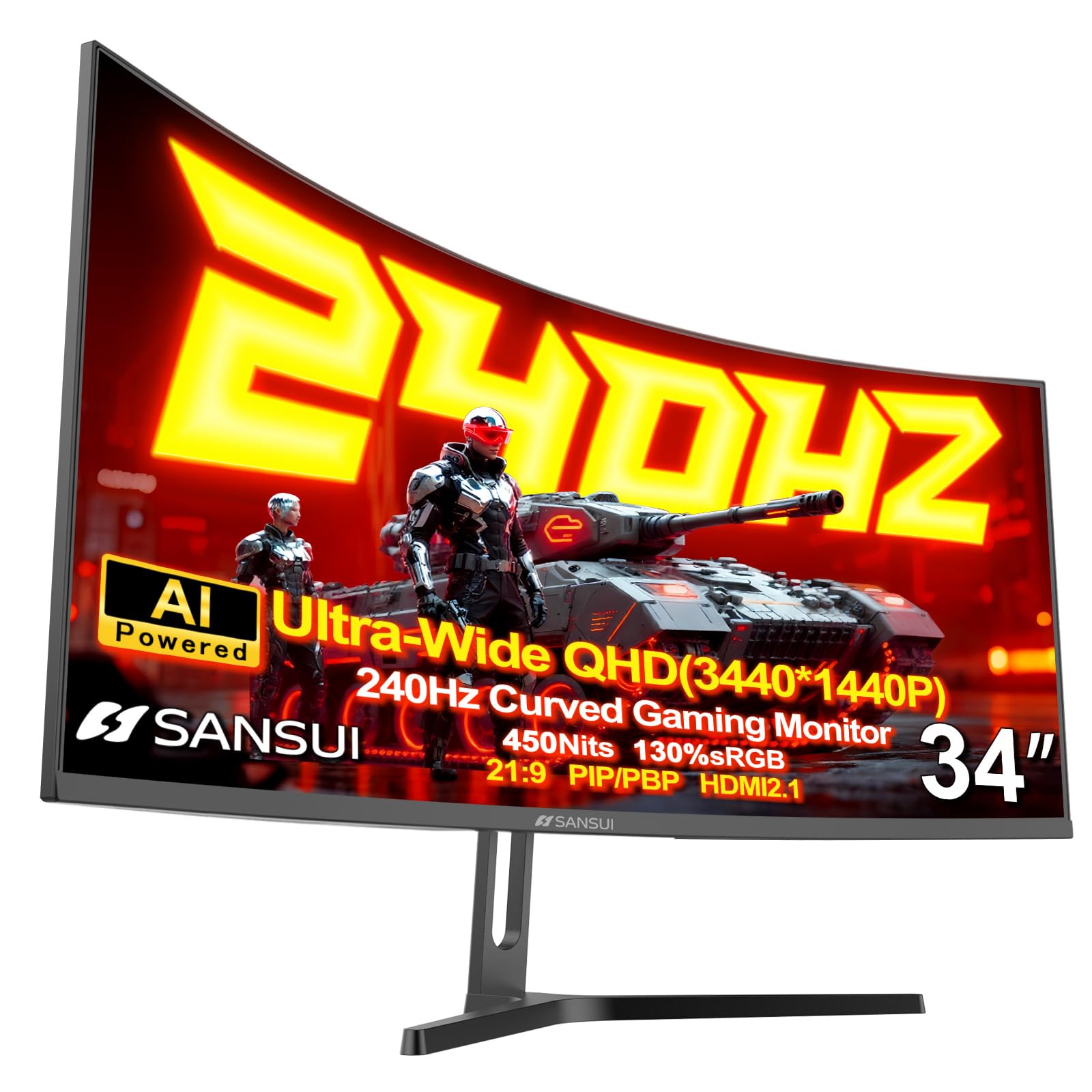
SANSUI brings a rare combination to the budget segment: a 34-inch 3440×1440 panel with a true 240Hz refresh rate and HDR400 certification. The fast VA panel delivers 450 nits of peak brightness, making it one of the brightest options in this list, which helps HDR content stand out even in well-lit rooms. The 1500R curvature matches the typical gaming curve, and the 3000:1 contrast ratio is solid for the price tier.
The stand is tilt-adjustable only and feels less premium than competitors, but the inclusion of two HDMI 2.1 ports and two DisplayPort 1.4 inputs is an unusual perk at this price point. The AI Crosshair and AI Blue Light features are gimmicky but can be ignored in favor of the raw specs. There are no built-in speakers, so you’ll need external audio from the start.
Early units have shown some QA variability, particularly around corner clouding on dark backgrounds, but customer service has been proactive about replacements. For gamers on a tight budget who absolutely need 240Hz at ultrawide resolution, this monitor delivers the core specs where it counts, even if the build quality and extras are scaled back.
Why it’s great
- Rare 240Hz refresh at a budget-friendly entry point
- 450 nits peak brightness for punchy HDR highlights
- Includes dual HDMI 2.1 ports for console use
Good to know
- No built-in speakers require external audio
- Stand is basic with tilt-only adjustment
- QA can be inconsistent on early units
5. Alienware AW3425DWM

The Alienware AW3425DWM bridges the gap between hardcore gaming and daily productivity better than most 34-inch curved monitors. The VA panel delivers a 3000:1 contrast ratio with 95% DCI-P3 color coverage, and VESA DisplayHDR 400 certification ensures specular highlights have real punch. The 180Hz refresh rate with 1ms GtG response is fast enough for competitive gaming without the extreme GPU demands of 240Hz.
The build quality is excellent—the stand offers height, tilt, and swivel, and the cable management channel keeps the desk clean. It includes both HDMI 2.1 and DP 1.4 cables, plus a USB-A to B cable for the built-in hub with two downstream ports. The hardware-based low blue light solution reduces eye strain without washing out colors, which is a real advantage for long work sessions.
Blacks are good for a VA panel but won’t match OLED inky depth, and there is some backlight bloom in dark scenes that can be adjusted via the Dark Stabilizer setting. For users who want a premium-feeling curved 34-inch that handles both spreadsheets and shooters equally well, this is a balanced, thoughtfully designed option.
Why it’s great
- Excellent build quality with full ergonomic adjustability
- Great color accuracy for a VA panel
- Hardware low blue light preserves color accuracy
Good to know
- Blacks are good but not OLED-level
- Only two USB-A ports on the hub
- No built-in speakers
6. Dell S3425DW

The Dell S3425DW is built from the ground up for the modern workstation. Its VA panel covers 99% sRGB and 95% DCI-P3, making it suitable for photo editing and design work that doesn’t require full Adobe RGB coverage. The 3000:1 contrast ratio provides solid depth for UI elements, and the anti-glare coating keeps reflections at bay in bright offices.
The killer feature here is the USB-C port with 65W power delivery—it charges a laptop while carrying video and data in a single cable, freeing up desk space and simplifying cable management. The stand is fully adjustable with height, tilt, and swivel, and the integrated speakers are noticeably better than most monitor audio, with deeper frequency response and higher output than the previous generation.
At 120Hz, it’s not a gaming monitor, though FreeSync Premium does reduce tearing in casual titles. The VESA mount is recessed about a quarter inch, which adds a small complication for arm mounting. For office workers and creative professionals who value single-cable convenience and all-day comfort, this is one of the most thoughtfully designed curved 34-inch monitors available.
Why it’s great
- USB-C with 65W PD simplifies desk setup to one cable
- Excellent color coverage for design work
- Better-than-average built-in speakers
Good to know
- Recessed VESA mount complicates arm installation
- Limited to 120Hz, not for competitive gaming
- No DisplayPort—only HDMI and USB-C
7. LG 34SR60QC-W

The LG 34SR60QC-W stands apart by stacking an entire smart TV platform on top of a 34-inch curved monitor. The 1800R VA panel covers 99% sRGB and supports HDR10, making it a capable productivity display, but the real draw is webOS23 with built-in Netflix, Prime Video, Apple TV, and over 300 free LG Channels. It includes a remote control and supports Apple AirPlay 2 for wireless casting from iOS devices.
The 100Hz refresh rate is adequate for office work and casual gaming, and the 3000:1 contrast ratio ensures good black levels for movie watching. The stand is tilt-adjustable only, and the white aesthetic is a refreshing departure from the black slabs that dominate the category. It includes two HDMI ports and three USB ports, plus a headphone jack.
Cloud PC access via Microsoft 365 and Google apps works without a connected computer, turning the monitor into a standalone workstation for basic tasks. The smart features do introduce some lag when switching inputs, and the Bluetooth audio connection can be unreliable with earbuds. For users who want one screen that does double duty as a monitor and a bedroom TV, this is a uniquely versatile option.
Why it’s great
- Built-in webOS23 with all major streaming apps included
- White design stands out from typical black monitors
- Cloud PC access without a connected computer
Good to know
- Smart features can lag when switching inputs
- Stand is tilt-only with no height adjustment
- Bluetooth earbuds may have intermittent audio cutouts
8. Samsung ViewFinity S50GC

Samsung’s ViewFinity S50GC is a productivity-focused ultrawide that prioritizes comfort and multitasking over raw speed. The VA panel with 3000:1 contrast ratio delivers strong text readability and enough depth for spreadsheets and documents to feel three-dimensional. The ambient light sensor automatically adjusts brightness to match the room, reducing eye fatigue during long workdays.
The 100Hz refresh rate is smooth enough for office applications and light media consumption, and FreeSync support keeps video playback clean. Picture-by-Picture and Picture-in-Picture modes let you view two sources simultaneously at native resolution, which is genuinely useful for referencing a document while writing or monitoring a secondary device. The bezels are minimal, making it suitable for multi-monitor setups.
The stand has some wobble at the default position, and the built-in speakers are weak enough that most users will want external audio. Setup with MacBooks can require third-party tools like BetterDisplay to get full HiDPI resolution, but for Windows users it’s a straightforward plug-and-play experience. For pure productivity on a budget, this is a reliable, comfortable option that won’t break the bank.
Why it’s great
- Ambient light sensor auto-adjusts brightness for comfort
- PIP and PBP support for dual-source multitasking
- Thin bezels for clean multi-monitor arrays
Good to know
- Stand feels slightly wobbly on the desk
- Built-in speakers are very basic
- MacOS users may need extra configuration tools
9. MSI Modern MD342CQPW

The MSI Modern MD342CQPW stands out visually with its all-white chassis, but it backs up the looks with specs that make it a legitimate productivity contender. The VA panel runs at 120Hz with a 3440×1440 resolution, and the 1800R curvature is slightly gentler on the eyes compared to the 1500R alternatives. The standout feature is the USB-C port with an impressive 98W power delivery, which can fast-charge even demanding laptops.
The stand includes height adjustment and cable management, and the built-in KVM switch lets you control two devices with a single keyboard and mouse. The EyesErgo technology combines anti-flicker and less blue light modes that reduce eye fatigue without the yellow tint that plagues many blue light filters. The matte display finish handles glare well in bright offices.
Connectivity includes HDMI, DisplayPort, and USB-C, and the monitor weighs under 18 pounds, making it manageable for desk mounting. The recessed VESA mount area can be tricky with some arm brackets, and the built-in speakers are quiet, but the overall package is well-suited for users who want a clean, modern workspace with strong single-cable laptop integration.
Why it’s great
- USB-C with 98W PD charges even large laptops quickly
- Built-in KVM simplifies multi-device control
- White design creates a clean, modern aesthetic
Good to know
- Recessed VESA area may not fit all monitor arms
- Built-in speakers are underpowered
- Auto-switch between inputs can be inconsistent
10. ViewSonic VX3418C-2K
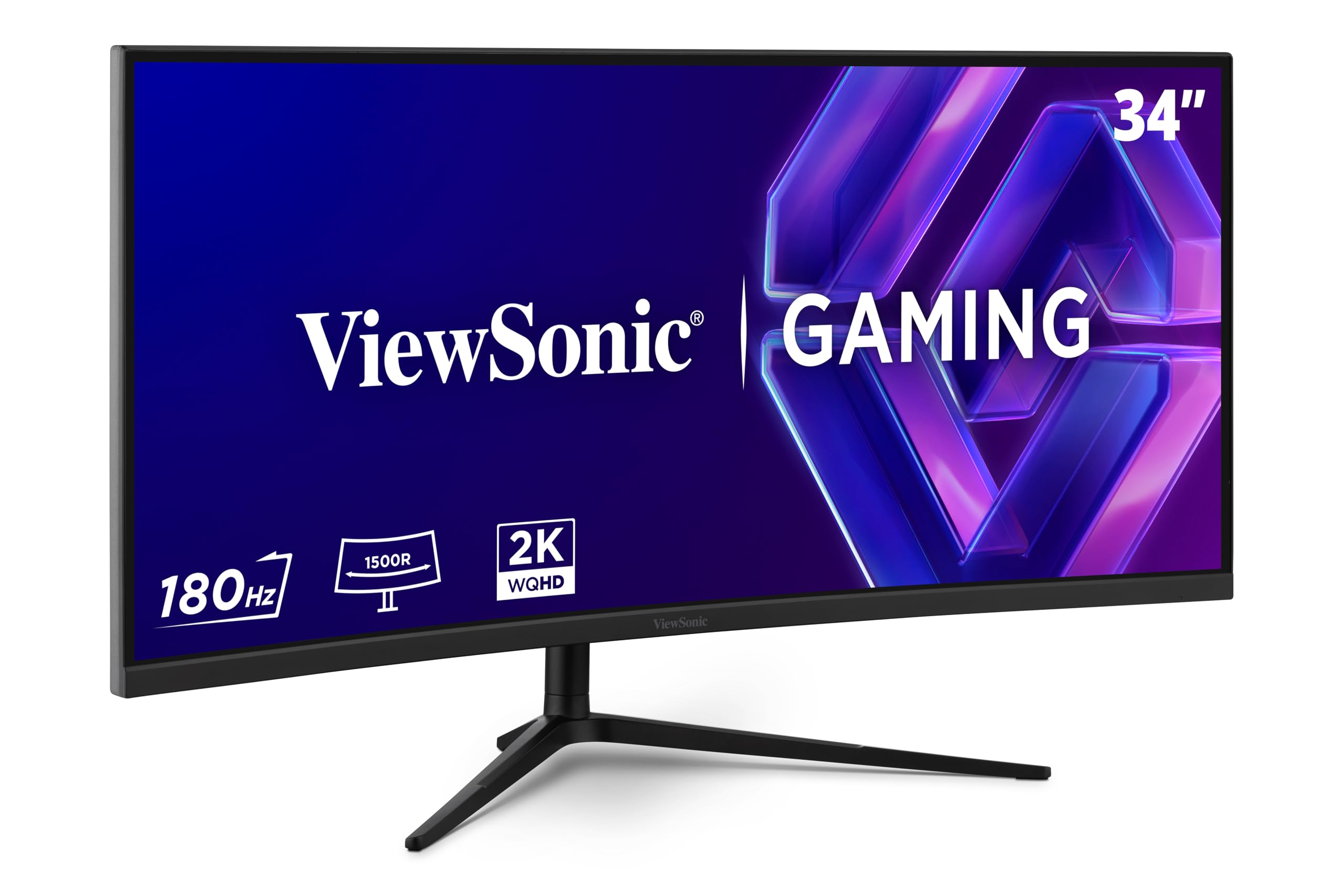
ViewSonic’s VX3418C-2K delivers the core gaming specs at a price that leaves room for a quality monitor arm. The VA panel boasts a 4000:1 native contrast ratio that provides deeper blacks than most budget competitors, and the 180Hz refresh rate with 1ms MPRT response keeps fast-paced action smooth. FreeSync Premium technology handles frame sync with compatible graphics cards.
The stock stand is the weakest link—it’s a basic tilt-only design that feels wobbly, and most users will want to budget for a VESA mount arm to get proper ergonomic positioning. The color accuracy out of the box is solid for the price, and the 3440×1440 resolution provides ample real estate for both gaming and multitasking. The OSD is intuitive and includes customizable gaming modes.
The built-in speakers are borderline unusable, with thin, quiet audio that won’t satisfy any use case beyond system beeps. There’s no USB-C input, so laptop users will need HDMI or DisplayPort. For gamers who already own a monitor arm and external speakers, the ViewSonic offers exceptional value on the core metrics that matter most.
Why it’s great
- Excellent 4000:1 contrast ratio for the price
- 180Hz with 1ms MPRT provides smooth gaming
- FreeSync Premium works well with compatible GPUs
Good to know
- Stock stand is wobbly and tilt-only
- Built-in speakers are nearly useless
- No USB-C input for modern laptops
11. Deco Gear DGLUX340
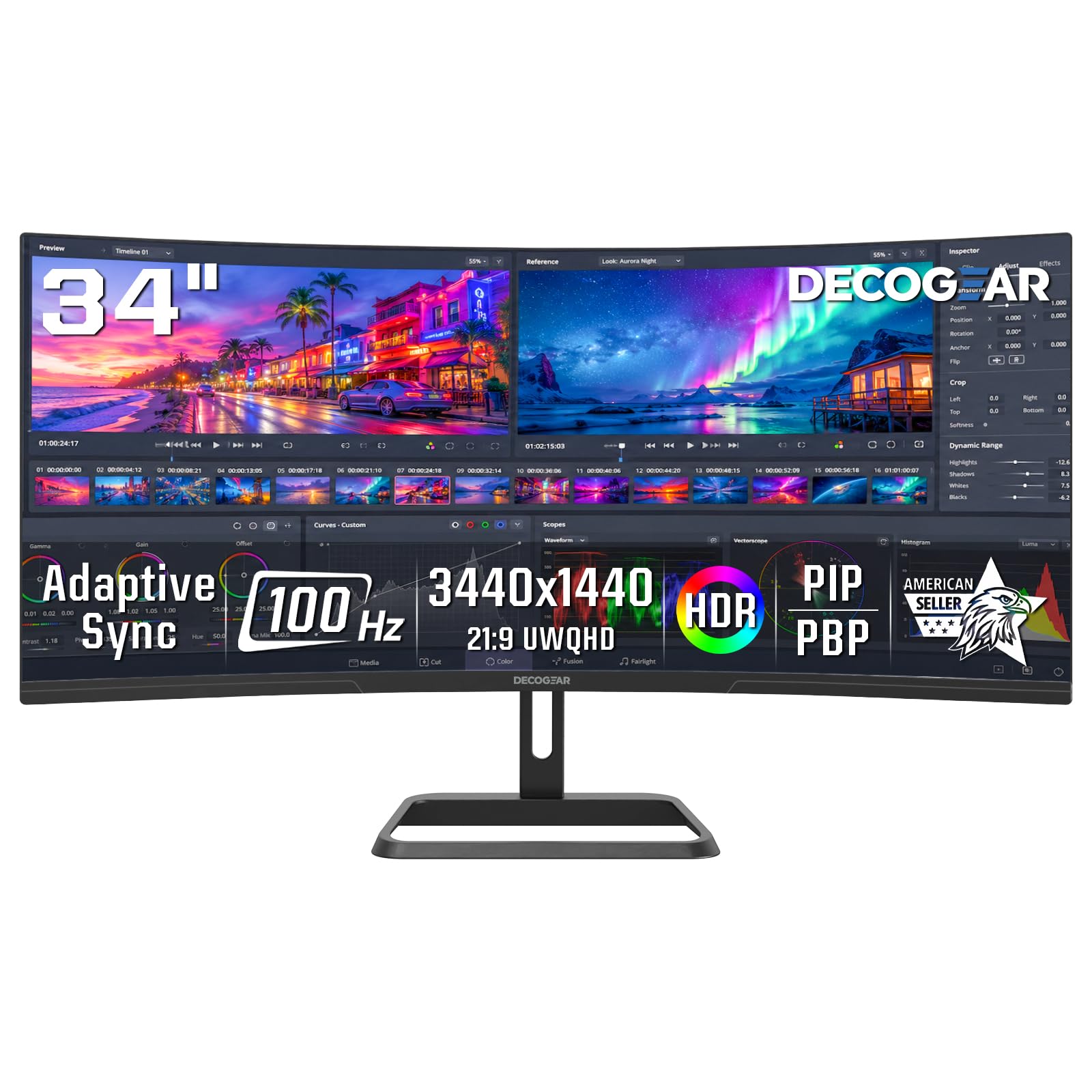
The Deco Gear DGLUX340 is the entry point into 34-inch curved territory, and it delivers exactly what budget buyers need: a functional ultrawide workspace with no gaming frills. The VA panel covers 100% sRGB and offers a 4000:1 contrast ratio, which translates to solid text clarity and comfortable reading for spreadsheets and documents. The 100Hz refresh rate is a step up from standard 60Hz office panels, making cursor movement and window snapping feel noticeably smoother.
The stand includes tilt adjustment and the build quality feels sturdy, with a metal desk mount that doesn’t wobble. PIP and PBP modes let you view two input sources side by side or in a corner overlay, which is genuinely useful for monitoring a secondary machine while working on your main setup. It includes two HDMI 2.0 ports and two DisplayPort 1.4 inputs, plus a headphone jack.
The lack of USB-C connectivity is the main limitation for modern laptop users who prefer a single-cable setup. The back panel features a decorative circular design that some buyers mistake for an LED light, which doesn’t illuminate. For users who need a large curved workspace on a tight budget and don’t need high refresh rates or USB-C charging, this is a dependable, no-surprises choice that does exactly what it advertises.
Why it’s great
- 100% sRGB coverage for accurate color in office apps
- PIP/PBP allows dual-source viewing without extra software
- Sturdy metal stand with tilt adjustment
Good to know
- No USB-C input for single-cable laptop connection
- Decorative back ring is not an LED light
- Not suitable for competitive gaming above 100Hz
FAQ
What curvature is best for a 34-inch ultrawide monitor?
Can a 34-inch curved monitor replace two separate monitors?
Do I need a powerful graphics card for a 34-inch curved monitor?
Are VA panels good for gaming on a 34-inch curved monitor?
What is the difference between 3440×1440 and 2560×1080 in a 34-inch monitor?
Final Thoughts: The Verdict
For most users, the best curved 34 inch monitor winner is the Alienware AW3425DW because its QD-OLED panel delivers unmatched contrast, color depth, and motion clarity that transforms both gaming and HDR content. If you want a high-refresh VA panel with 240Hz performance at a more accessible price, grab the LG 34G630A-B. And for productivity-focused users who need single-cable laptop charging and excellent color accuracy, nothing beats the Dell S3425DW.

Mo Maruf
I created WellFizz to bridge the gap between vague wellness advice and actionable solutions. My mission is simple: to decode the research and give you practical tools you can actually use.
Beyond the data, I am a passionate traveler. I believe that stepping away from the screen to explore new environments is essential for mental clarity and physical vitality.