Our readers keep the lights on and my smoothie glass nicely filled. As an Amazon Associate, I earn from qualifying purchases.
For anyone building or upgrading a PC using an Intel 400 or 500 series motherboard, the LGA 1200 socket is a fixed battlefield: your chipset determines your ceiling. Whether you are chasing high frame rates in competitive shooters, compressing video renders, or running a quiet home server, the difference between a 6-core i5 and a 10-core i9 means real-world seconds and smoothness you cannot fake with software.
I’m Mohammad Maruf — the founder and writer behind WellFizz. I’ve spent countless hours combing through benchmark data, customer performance reports, real-world thermal behaviors, and compatibility notes to sort the best options for this mature platform.
From the 6.0 GHz flagship to the quiet 65W workhorses, this guide breaks down the best cpu for lga 1200 based on core count, clock speed, thermal design, and real workload performance.
How To Choose The Best CPU For LGA 1200
Selecting the right chip for the LGA 1200 platform means matching the processor’s core count, clock speed, and thermal characteristics to your specific motherboard chipset and workload. The socket supports 10th and 11th generation Intel Core processors, but not all chips work identically across the B460, H470, Z490, and Z590 chipsets. Understanding these differences prevents a frustrating build or upgrade.
Core Count and Thread Count
For the LGA 1200 platform, core counts range from 6 cores on the Core i5 lineup to 10 cores on the Core i9-10900. Gamers benefit most from high single-core clock speeds, while content creators, streamers, and multitaskers need the extra cores and threads for rendering, encoding, and virtual machines. A 6-core/12-thread processor handles modern games well, but an 8-core or 10-core chip provides headroom for background tasks and future titles.
K, KF, and Non-K Variants
Intel’s K-series chips feature unlocked multipliers for overclocking on Z490 and Z590 boards. KF variants remove the integrated graphics, lowering the price slightly — ideal if you plan to use a dedicated GPU anyway. Non-K chips (like the i7-10700F) lock the multiplier but often have a lower TDP and include a stock cooler, making them better suited for prebuilt systems or silent, low-power builds where overclocking is not a priority.
Chipset Compatibility
Not every LGA 1200 processor works on every motherboard. 10th Gen CPUs (10600KF, 10700F, 10900) are native to 400-series chipsets but also run on 500-series boards with a BIOS update. 11th Gen processors (11600K, 11900K) require a 500-series chipset. If you are upgrading an existing system, check your motherboard’s support page before purchasing a newer chip. Overclocking, memory speed support, and PCIe 4.0 availability also vary by chipset.
Thermal Design Power and Cooling
TDP ratings on LGA 1200 processors range from 65W on the non-K chips to 125W or higher on the unlocked K-series under load. A 65W chip like the i7-10700F can run quietly on the included stock cooler or a low-profile air cooler. A 125W+ chip like the i9-14900K demands a high-end dual-tower air cooler or a 240mm+ liquid cooler to maintain boost clocks under sustained loads without thermal throttling. Budget for proper cooling based on the chip you choose.
Quick Comparison
On smaller screens, swipe sideways to see the full table.
| Model | Category | Best For | Key Spec | Amazon |
|---|---|---|---|---|
| Intel Core i9-14900K | Flagship | Maximum gaming & creation | 24 Cores / 32 Threads | Amazon |
| Intel Core i9-14900KF | High-End Gaming | Pure gaming performance | 6.0 GHz Boost Clock | Amazon |
| Intel Core i7-10700F | Mid-Range Workhorse | Streaming & multitasking | 8 Cores / 16 Threads | Amazon |
| Intel Core i5-14600KF | Value Performance | High FPS gaming | 14 Cores (6P+8E) | Amazon |
| Intel Core i5-11600K | 11th Gen Balanced | Single-core workloads | 3.9 GHz / 4.9 GHz Turbo | Amazon |
| Intel Core i5-10600KF | Overclockable i5 | Overclocking on a budget | 6 Cores / 12 Threads | Amazon |
| Intel Core i5-10600KF (Alt) | 10th Gen Gaming | Budget gaming rig | 4.8 GHz Turbo Unlocked | Amazon |
| Intel Core i5-14400F | Entry-Level | Light productivity & gaming | 10 Cores (6P+4E) | Amazon |
| Intel Core i9-10900 | 10-Core Workstation | Multi-threaded tasks | 10 Cores / 20 Threads | Amazon |
In‑Depth Reviews
1. Intel Core i9-14900K

The top-tier LGA 1200 processor features 24 cores — 8 Performance-cores and 16 Efficient-cores — with a peak turbo frequency of 6.0 GHz. This 14th Gen i9 supports DDR5 and DDR4 memory, PCIe 5.0 and 4.0, and is compatible with 600 and 700 series motherboards. It is unlocked for overclocking and includes Intel Thermal Velocity Boost and Turbo Boost Max Technology 3.0 for pushing single-core performance to the absolute limit on the platform.
Real-world benchmarks from users show this chip handles everything from heavy video encoding to high-refresh-rate gaming without breaking a sweat. In a home lab environment running 24/7, owners report rock-solid stability with proper cooling. The processor base power consumption sits at 125W, but peak draws can exceed 250W under full load, making a high-end AIO or custom loop a necessity for sustained workloads.
Some users have reported issues with stability on certain motherboard brands, particularly Asus Z790 boards, which caused latency spikes and crashes with multiple USB devices. Switching to a Gigabyte board resolved the problems for one user. The Intel RMA process has been criticized for being slow and requiring a full upfront payment for cross-ship replacements — a factor to consider for long-term reliability concerns on the 13th and 14th gen architecture.
Why it’s great
- Industry-leading single-core speed at 6.0 GHz
- Massive 24-core count for extreme multitasking
- Supports both DDR4 and DDR5 memory
Good to know
- Requires premium cooling (360mm AIO or better)
- Motherboard-specific stability issues reported
- Higher power draw than 65W non-K chips
2. Intel Core i9-14900KF

The 14900KF is the same 24-core processor as the 14900K but without integrated graphics, making it slightly cheaper for builders who already own a discrete GPU. It uses the same hybrid architecture with 8 P-cores and 16 E-cores, hitting the same 6.0 GHz maximum turbo frequency. This chip is optimized for the 700-series chipsets but also works with 600-series boards after a BIOS update, giving LGA 1200 users the highest possible ceiling for frame rates and responsiveness.
Gamers report delivering a stable 240 FPS in Fortnite endgame scenarios without overclocking, and the chip stays cool enough with a 240mm AIO even when pushed. The 14900KF runs at idle temperatures around 35°C and under load reaches 70-80°C with a quality cooler. One reviewer noted that while gaming performance is excellent, the AMD Ryzen 7800X3D still edges it out in pure gaming productivity, so this chip is best for those who mix heavy multitasking or content creation with gaming.
A significant caveat: some users have experienced CPU failure within months, with blue screens and system instability attributed to a known defect in the 13th/14th gen architecture. The Intel RMA process requires an expensive cross-ship deposit and has been called “horrible” by affected users. For mission-critical systems, consider extended warranty coverage or a different platform.
Why it’s great
- Exact same performance as 14900K for less money
- Exceptional for eSports titles at high refresh rates
- Handles multitasking without breaking stride
Good to know
- No integrated graphics for troubleshooting
- Potential reliability issues in 13th/14th gen runs
- RMA process is costly and time-consuming
3. Intel Core i7-10700F

The 10700F is an 8-core, 16-thread processor with a 65W TDP and a maximum turbo frequency of 4.8 GHz. It is a non-K chip, meaning the multiplier is locked, but it includes a stock cooler in the box. This combination makes it one of the most power-efficient and thermally manageable high-core-count options for the LGA 1200 socket. It supports Intel Turbo Boost Max Technology 3.0 and Intel Optane Memory, and is compatible with 400-series chipsets.
Users upgrading from a quad-core i3-10100 report that the 10700F feels 150% faster in basic system tasks and eliminates stuttering and freezing in games. One owner gained 20 FPS in their titles, going from 70-80 FPS to 90-100 FPS with the same GPU. The 65W TDP means it runs cool and quiet with a modest air cooler — one user recorded idle temperatures of 29°C and gaming temperatures around 60°C with a Noctua NH-U9S.
Under sustained all-core loads, power draw can peak at 183W before dropping back to 95W, depending on the motherboard’s power delivery and BIOS settings. Some users noted that performance varies significantly by motherboard — higher-end boards like the AsRock W480 Creator sustain higher boost clocks longer. The included stock cooler is adequate for basic tasks but may be noisy under heavy load, so consider an aftermarket cooler for a quieter build.
Why it’s great
- Excellent power efficiency with 65W TDP
- Significant upgrade from older quad-cores
- Includes stock cooler for low cost builds
Good to know
- Locked multiplier — no overclocking
- Performance depends heavily on motherboard quality
- Stock cooler can be audible under load
4. Intel Core i5-14600KF

The 14600KF packs 14 cores — 6 Performance-cores and 8 Efficient-cores — with a max turbo frequency of 5.3 GHz. It supports PCIe 5.0 and 4.0, DDR5 and DDR4 memory, and is compatible with Intel 600 and 700 series motherboards. This 14th Gen i5 is unlocked and requires a discrete graphics card, but it delivers exceptional gaming and productivity performance at a mid-range price point that punches well above its class.
Users consistently praise this chip for its price-to-performance ratio. One reviewer reported achieving 60+ FPS at 8K ultra settings in demanding titles, while another noted smooth performance in games like Path of Exile, Far Cry 5, and 7 Days to Die with an Arc B570 GPU and 32GB of DDR5. The hybrid architecture handles multitasking smoothly — gaming while streaming or running background applications shows minimal CPU overhead.
Thermal performance is solid with a good cooler; one owner using a standard air cooler reported stable operation with no crashes or overheating issues during months of use. The chip lacks integrated graphics, so troubleshooting a faulty GPU requires a spare display adapter. It also needs a 600-series board with a BIOS update for compatibility, so check your motherboard support page before purchasing.
Why it’s great
- Excellent value with 14 cores at this price tier
- Strong single-core and multi-core performance
- Stable thermals with standard cooling
Good to know
- No integrated graphics — dedicated GPU required
- Compatibility requires BIOS update on 600-series boards
- Not as fast as i9 in heavily threaded workloads
5. Intel Core i5-11600K

The 11600K is a 6-core, 12-thread 11th Gen processor with a base clock of 3.9 GHz and a turbo boost frequency of 4.9 GHz. It features Intel UHD Graphics 750, so you can run a display without a dedicated GPU for basic tasks. The 12 MB of L3 cache and 14nm manufacturing process offer a good balance of cost, performance, and power for general computing and light gaming on the LGA 1200 platform.
Users find this chip performs well for everyday tasks and light gaming, but note that it runs hot under load. One reviewer specifically warned that this processor “runs a bit hot” and recommends investing in a decent aftermarket cooler to maintain boost clocks and keep fan noise under control. In gaming scenarios, it pairs adequately with mid-range GPUs for 1080p and 1440p gaming.
Compatibility is limited to 500-series chipsets — it will not work on B460 or H470 boards without a BIOS update that most 400-series boards do not support. Some users have reported boot issues, with one reviewer unable to get the system to POST at all. While most buyers are satisfied, the mixed reviews suggest careful motherboard selection is critical for a trouble-free build.
Why it’s great
- Integrated graphics for basic display output
- Good single-core performance for everyday tasks
- Hyper-threading for light multitasking
Good to know
- Runs hot — requires aftermarket cooler
- Only works with 500-series chipsets
- Some users report boot issues
6. Intel Core i5-10600KF

The 10600KF is a 10th Gen 6-core, 12-thread processor unlocked for overclocking with a turbo frequency of up to 4.8 GHz. It has no integrated graphics, requiring a discrete GPU, and is compatible with Intel 400-series chipsets. The 12 MB L3 cache and 125W TDP make it a solid foundation for overclocking experiments and mid-range gaming builds.
Enthusiasts report that with a good Z490 motherboard and proper cooling, this chip can reach stable all-core overclocks of 5.0 GHz. One user paired it with an MSI Z490 Gaming Edge WiFi and 2x8GB RAM, achieving stability at 5.0 GHz with max temperatures around 80°C on air cooling with push-pull 120mm fans. Another user pushed it to 5.1 GHz all-core using a 360mm AIO, staying at 62°C under load.
Some buyers received the chip in non-retail, generic packaging, suggesting a tray or OEM unit rather than a boxed retail product. While the chips themselves worked fine for most, one user reported a failure after 10 months, and another noted that the chip appeared used with old thermal paste residue. For long-term reliability, buying from a reputable seller with a clear return policy is advisable.
Why it’s great
- Easily overclocks to 5.0+ GHz on good cooling
- Strong gaming performance with modern GPUs
- Affordable entry to overclocked performance
Good to know
- No integrated graphics or stock cooler
- Risk of receiving used/Tray unit
- Some units have reported early failure
7. Intel Core i5-10600KF (Alt)
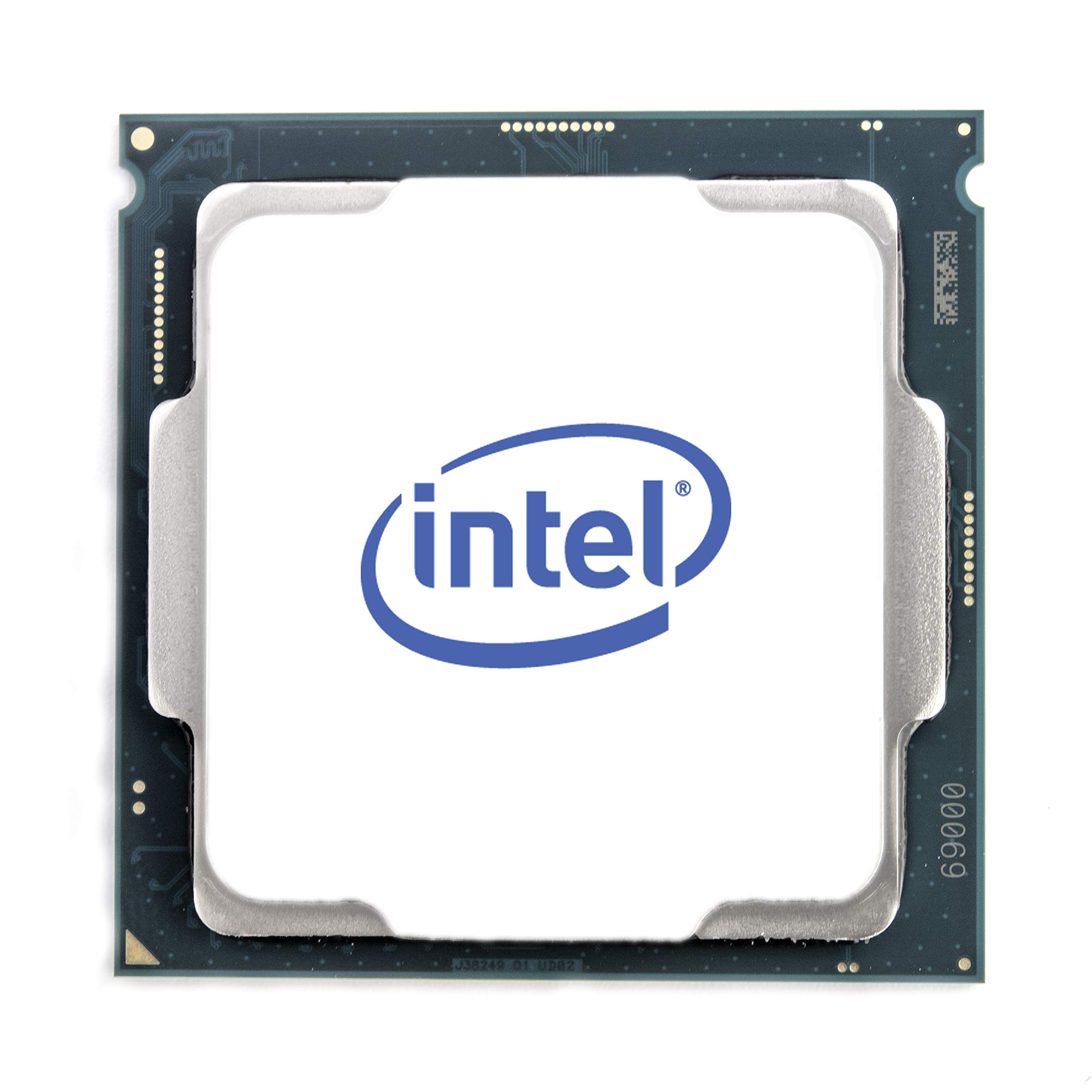
This listing of the 10600KF shares the same 6-core, 12-thread architecture and 4.8 GHz turbo boost as the previous entry, with a base clock of 4.1 GHz. It is an unlocked 10th Gen processor without integrated graphics, requiring a discrete GPU and aftermarket cooler (not included). It is only compatible with 400-series chipset motherboards, not 500-series.
Gamers consistently rate this chip highly as a budget-friendly option that can handle modern titles without bottlenecking mid-range GPUs. One reviewer noted that it outperforms the Ryzen 3600 and matches the Ryzen 5600X in gaming benchmarks when properly configured. Even in 2023, users found it entirely sufficient for gaming at 3440×1440 with an RTX 2080 Ti, reporting no bottlenecks in titles like Battlefield 2042 at 128 players.
Like the other 10600KF listing, buyers have reported receiving chips in non-retail packaging or with signs of prior use. One user specifically noted old thermal paste residue on their unit. The chip runs hot under overclocking loads, requiring robust cooling to maintain stability — case airflow is just as important as the cooler itself for consistent performance.
Why it’s great
- Proven gaming performance across multiple generations
- Overclockable to 5.0+ GHz with good cooling
- Excellent value for 1080p and 1440p gaming builds
Good to know
- Potential for used or non-retail packaging
- Requires aftermarket cooler and GPU
- Only compatible with 400-series boards
8. Intel Core i5-14400F

The 14400F is a 14th Gen processor with 10 cores — 6 Performance-cores and 4 Efficient-cores — and 16 threads, with a maximum turbo frequency of 4.7 GHz. It uses Intel’s performance hybrid architecture to optimize workload distribution. This chip includes an RM1 thermal solution in the box, supports PCIe 5.0 and 4.0, and is compatible with Intel 600 and 700-series motherboards with a BIOS update. DDR4 and DDR5 memory support makes it flexible for budget builds.
Users upgrading from older platforms like the i7-9700F report 25+ FPS higher in games with smoother overall performance. One user running a hybrid server noted the chip stays cool and powerful, expecting it to remain viable for years. Gaming temperatures hover around 60°C with a cheap air cooler, and heavy video editing workloads push temps to 75°C — well within safe limits. The chip was described as “stable, quiet, fast, and affordable.”
This processor lacks integrated graphics, so a discrete GPU is mandatory. Some users received the CPU packed securely but without the original retail box, suggesting tray unit fulfillment from certain sellers. The 14400F is not the fastest LGA 1200 option, but its efficiency and hybrid core design provide a solid foundation for entry-level to mid-range builds without thermal headaches.
Why it’s great
- Excellent thermal performance for a budget chip
- Hybrid architecture improves multitasking efficiency
- Includes RM1 cooler for immediate use
Good to know
- No integrated graphics — requires discrete GPU
- Not as fast in games as the 14600KF or i7 chips
- May ship in non-retail packaging
9. Intel Core i9-10900
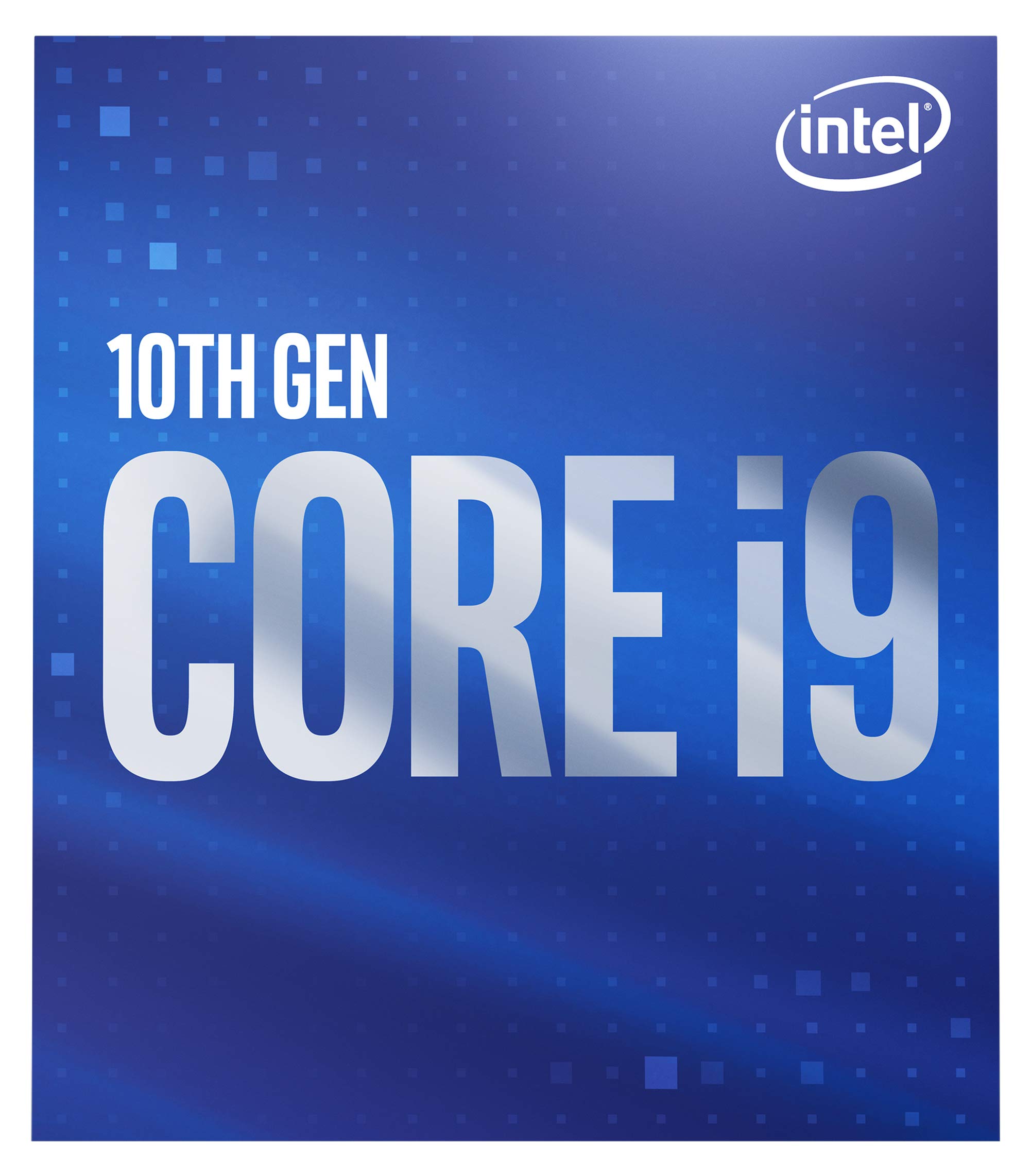
The 10900 is a 10th Gen 10-core, 20-thread processor with a max turbo frequency of 5.2 GHz and a remarkably low 65W TDP. It supports Intel Turbo Boost Max Technology 3.0 and Intel Optane Memory, and includes a cooler in the box. This non-K chip is compatible with 400-series chipsets and offers workstation-level core count without the power draw or cooling demands of the K-series variants.
Users in specialized workflows report dramatic performance gains. One owner paired it with an Asrock Deskmini H470W and found it cut Abaqus finite element analysis time by 50% compared to an i5-1035G7, all while keeping temperatures at 86°C under sustained load with a Noctua NH-L9i. Another user praised it as an “absolute beast,” noting that it uses roughly half the wattage of the K version while delivering nearly the same performance at 5.1 GHz versus 5.3 GHz.
This chip is ideal for compact builds where power efficiency and low heat output are priorities. It destroys multi-threaded workloads like video editing and CAD single-core tasks, and the 65W TDP means it can run in small form factor cases that cannot accommodate large coolers. However, the locked multiplier means no overclocking, and for pure gaming performance, a higher-clocked i5 may offer better value per dollar.
Why it’s great
- 10-core workstation power with 65W efficiency
- Included cooler works in compact builds
- Significant upgrade for multi-threaded applications
Good to know
- Locked multiplier — no overclocking
- Higher price point for the platform
- Not the fastest gaming option available
FAQ
Can I use an 11th Gen processor on a B460 motherboard?
What is the difference between K and KF processors?
Do I need a BIOS update for a 14th Gen chip on a 600-series board?
Which LGA 1200 chip is best for a quiet home server?
Can the Intel Core i9-14900K be underclocked to reduce power draw?
Final Thoughts: The Verdict
For most users, the cpu for lga 1200 winner is the Intel Core i9-14900K because it delivers the absolute highest single-core and multi-core performance the platform supports, with 24 cores and a 6.0 GHz boost that handles any game or productivity task you throw at it. If you want a power-efficient workstation core count, grab the Intel Core i9-10900. And for a value-centric gaming build that does not break the bank, nothing beats the Intel Core i5-14600KF.

Mo Maruf
I created WellFizz to bridge the gap between vague wellness advice and actionable solutions. My mission is simple: to decode the research and give you practical tools you can actually use.
Beyond the data, I am a passionate traveler. I believe that stepping away from the screen to explore new environments is essential for mental clarity and physical vitality.