Our readers keep the lights on and my smoothie glass nicely filled. As an Amazon Associate, I earn from qualifying purchases.
Maxing out an LGA 1155 motherboard means choosing between the legendary overclocking headroom of the i5-3570K and the eight-thread muscle of a Core i7-3770. The socket supports Intel’s second and third-generation Core processors, and the best upgrades breathe new life into older Z68, Z77, and H77 boards without requiring a platform overhaul. Each chip offers a different balance of clock speed, thermal output, and thread count for specific workloads.
I’m Mohammad Maruf — the founder and writer behind WellFizz. This guide is built on deep market research and hundreds of hours analyzing benchmark data, customer feedback, and specification sheets for every relevant LGA 1155 processor still available.
After evaluating raw performance numbers, thermal characteristics, and real-world user experiences, I have assembled the definitive list of the best cpu for lga 1155 to help you choose the perfect upgrade for your aging but capable platform.
How To Choose The Best CPU For LGA 1155
LGA 1155 supports both Sandy Bridge (2nd Gen) and Ivy Bridge (3rd Gen) processors socketed in the same physical package. The decision goes beyond core count — you must consider motherboard chipset support, power delivery, and whether your bios is updated for Ivy Bridge chips. A Z77 board unlocks overclocking on K-series CPUs, while H61 boards limit you to stock speeds.
Locked vs. Unlocked Multiplier (K-Series)
Processors ending in “K” have an unlocked multiplier, allowing you to push clock speeds beyond stock turbo limits. The i5-3570K and i7-3770K are the two overclocking champions on this socket. A locked chip like the i7-3770 or i5-3470 runs at factory speeds and cannot be overclocked via multiplier, though you can still adjust BCLK within a narrow range. Budget buyers should prioritize a K-series chip if their motherboard is a Z68 or Z77 model.
Hyper-Threading: i5 vs. i7
Core i5 processors on LGA 1155 have four cores and four threads, while Core i7 chips add Hyper-Threading for eight concurrent threads. For pure gaming, the i5-3570K often matches or beats the i7-3770K due to higher single-core overclocks. For video editing, compilation, or heavy multitasking, the i7’s extra threads deliver measurable gains. Consider your primary workload before spending the premium on an i7.
Thermal Design Power (TDP) and Cooling
Ivy Bridge chips run cooler than Sandy Bridge equivalents due to the 22nm process. The 65W TDP of the i7-3770S makes it ideal for small form factor or silent builds where heat dissipation is limited. The 77W standard chips (i7-3770, i5-3570K) require decent airflow. Overclocking a K-series chip demands an aftermarket cooler; the stock cooler is barely adequate at stock speeds and noisy under load.
Quick Comparison
On smaller screens, swipe sideways to see the full table.
| Model | Category | Best For | Key Spec | Amazon |
|---|---|---|---|---|
| Intel Core i5-3570K | Mid-Range | Overclocking gaming builds | 3.4GHz, 4C/4T, 6MB Cache | Amazon |
| Intel Core i7-3770K | Premium | Overclocked multitasking | 3.5GHz, 4C/8T, 8MB Cache | Amazon |
| Intel Core i7-3770 | Premium | High-thread productivity | 3.4GHz, 4C/8T, 8MB Cache | Amazon |
| Intel Core i7-2600 | Mid-Range | Sandy Bridge i7 upgrade | 3.4GHz, 4C/8T, 8MB Cache | Amazon |
| Intel Core i7-3770S | Premium | Low-power silent builds | 3.1GHz, 4C/8T, 65W TDP | Amazon |
| Intel Core i5-3470 | Budget | Entry-level office PC | 3.2GHz, 4C/4T, 6MB Cache | Amazon |
In‑Depth Reviews
1. Intel Core i5-3570K

The i5-3570K is the sweet spot for LGA 1155 gaming builds. Its 22nm Ivy Bridge architecture delivers four cores at 3.4GHz with a factory turbo up to 3.8GHz. The unlocked multiplier lets you push past 4.5GHz with proper cooling, often matching or exceeding the per-core performance of the i7-3770K in games that rarely use more than four threads.
Real-world benchmarks show this chip running GTA V at 1080p 60fps on a GTX 660, and overclockers regularly hit 4.6GHz on air with a Corsair H100. The 6MB smart cache keeps latency low, and the 22nm process helps idle thermals hover in the low 30s Celsius with water cooling. The integrated HD 4000 graphics can drive a 2560×1600 display without a discrete GPU.
Stock cooler thermal paste is poor — plan to replace it immediately. At 4.5GHz, load temperatures climb into the high 70s or low 80s Celsius, requiring a robust aftermarket cooler. For pure gaming, this chip often offers better value than any i7 on the platform because the extra threads go unused.
Why it’s great
- Unmatched overclocking headroom for a mid-range LGA 1155 chip
- Per-core performance beats the i7-3770K in most games
- Runs cool at stock with potential for 4.6GHz on decent air cooling
Good to know
- Stock thermal paste is poor and should be replaced immediately
- No Hyper-Threading — limited to 4 threads
- Requires Z77 or Z68 chipset for full overclocking support
2. Intel Core i7-3770K

The i7-3770K is the last unlocked LGA 1155 CPU in the Ivy Bridge family. With four cores and eight threads at a stock 3.5GHz and turbo up to 3.9GHz, it delivers the highest potential throughput available on this socket. The unlocked multiplier lets overclockers push past 4.3GHz, though heat becomes a limiting factor without delidding.
Users report stable 24-hour operation at 4.3GHz with aftermarket cooling, and max load temperatures staying around 55°C under moderate stress. The 8MB L3 cache helps with memory bandwidth-hungry workloads like video encoding and heavy multitasking. This chip is a direct drop-in upgrade for Z68, Z77, and some H77 motherboards with a BIOS update.
Many units on the market are used pulls — inspect the contact pads for double seating marks. The stock cooler is adequate for stock speeds but loud under load. For users who need both overclocking flexibility and eight threads for productivity, this remains the definitive LGA 1155 flagship.
Why it’s great
- Only unlocked eight-thread Ivy Bridge option for LGA 1155
- Overclocks reliably to 4.3GHz with aftermarket cooling
- 8MB cache helps with memory-intensive productivity tasks
Good to know
- Used market condition varies — inspect pads before installation
- Stock cooler is noisy under sustained load
- Delidding often required for aggressive 4.5GHz+ overclocks
3. Intel Core i7-3770

The locked i7-3770 gives you full Ivy Bridge eight-thread performance at 3.4GHz turbo without paying the K-series premium. It is the ideal upgrade for H77, B75, or Q77 motherboards that lack overclocking features. Users upgrading from an i3-2100 report massive gains in photo editing and virtualization work.
Thermal behavior is well-documented — idle temperatures sit between 35°C and 45°C with the stock fan, and load temps can hit 80°C to 95°C under stress testing with poor case airflow. The stock cooler is sufficient for standard workloads but struggles in hot climates or cramped cases. Pairing with an H60 or similar liquid cooler drops load temps significantly.
This chip works with older P67 and H67 boards after a BIOS flash, but not all motherboards support Ivy Bridge — check compatibility before purchase. The 8MB cache and hyper-threading make it a strong choice for running multiple virtual machines or folding at home, all without needing a Z-series motherboard.
Why it’s great
- Eight threads at a lower cost than the K-series variant
- Works with budget H77 and B75 chipsets without overclocking support
- Excellent for virtualization and multitasking workloads
Good to know
- Stock cooler runs hot under stress — aftermarket cooling recommended
- Locked multiplier means no overclocking potential
- BIOS update may be required for older Sandy Bridge boards
4. Intel Core i7-2600
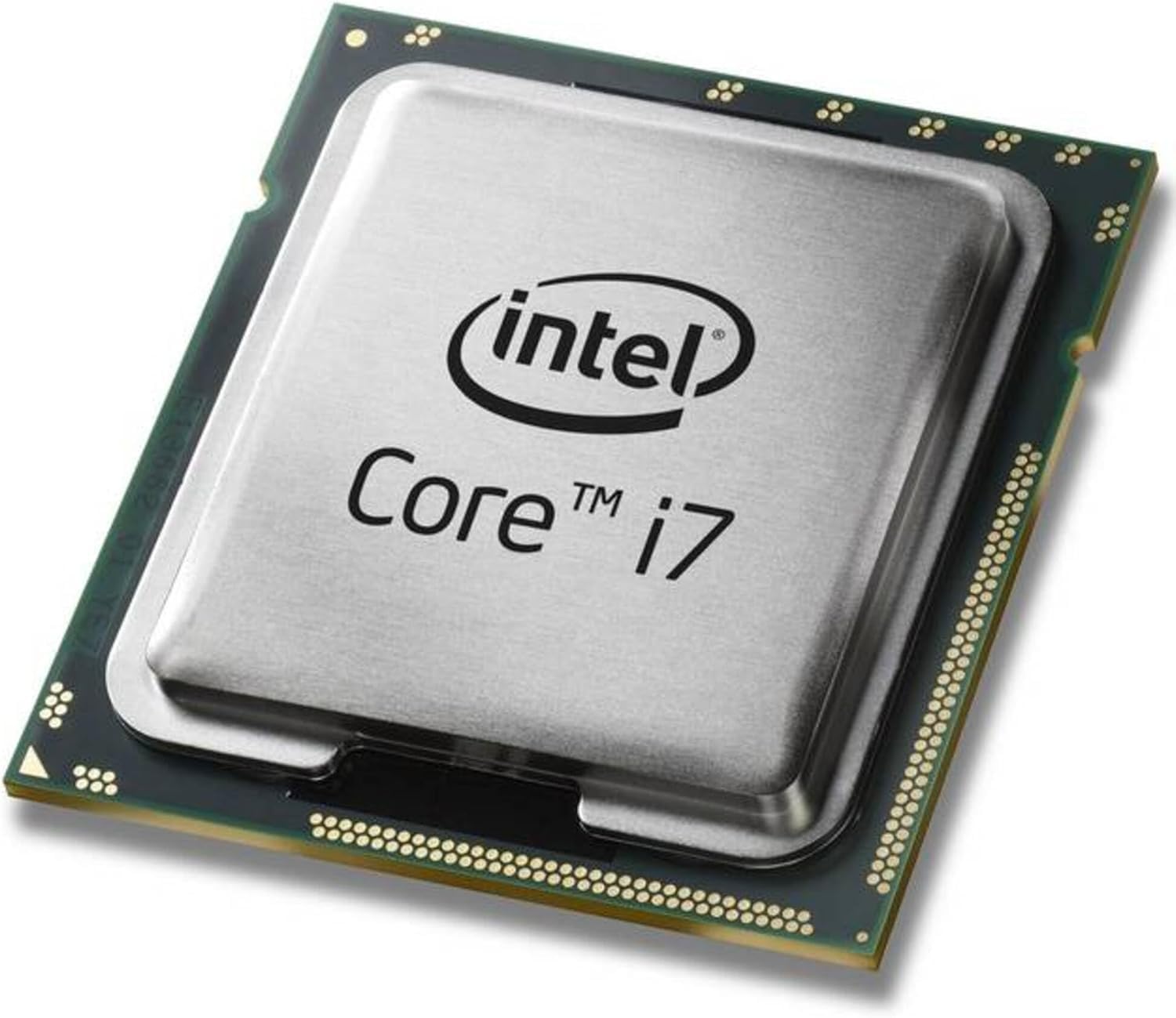
The i7-2600 is a Sandy Bridge processor that fits the same LGA 1155 socket as Ivy Bridge chips. It runs at 3.4GHz with a 3.8GHz turbo across four cores and eight threads. The 8MB L3 cache and 5.0 GT/s DMI bus make it a strong contender for users whose motherboards lack Ivy Bridge BIOS support.
This chip performs well in gaming and general productivity. A user report shows it idling at 28°C and reaching 58°C under gaming load with an aftermarket cooler. The 95W TDP runs hotter than Ivy Bridge equivalents, but the platform is well-documented and reliable. Some units arrive with damaged packaging but functional silicon.
Compatibility is broad — this chip works with almost every LGA 1155 motherboard without a BIOS update because it is from the same generation as the socket’s launch. The lack of PCIe 3.0 support and slightly lower IPC compared to Ivy Bridge are the main trade-offs for the lower price point.
Why it’s great
- No BIOS update needed for most LGA 1155 boards
- Eight threads at a very accessible price point
- Broadest motherboard compatibility of any LGA 1155 i7
Good to know
- 95W TDP runs hotter than Ivy Bridge alternatives
- No PCIe 3.0 — limited to PCIe 2.0 lanes
- Slightly lower IPC than Ivy Bridge chips
5. Intel Core i7-3770S

The i7-3770S is the low-power sibling of the i7-3770, rated at just 65W TDP. Its base clock drops to 3.1GHz, but the turbo can reach 3.9GHz on a single core. This makes it ideal for small form factor builds, NAS systems, or any scenario where heat dissipation and fan noise are primary concerns.
Users report excellent results in TrueNAS and home server configurations, where the extra eight threads handle ZFS compression and VM duties without breaking a sweat. The integrated HD 4000 graphics drive 2560×1600 displays smoothly. A single user found that raw photo processing dropped from hours to around 20 minutes compared to an older AMD chip.
BIOS compatibility is a potential trap — the 3770S is not always a drop-in replacement for a 2600S in some OEM systems. Always check your motherboard’s supported processor list before purchasing. The stock cooler remains quiet at this lower TDP, making it one of the most pleasant LGA 1155 chips for daily use.
Why it’s great
- 65W TDP for silent and low-heat builds
- Eight-thread Ivy Bridge performance in a compact thermal envelope
- Stock cooler runs quietly at this power level
Good to know
- Not a guaranteed drop-in replacement for all 2600S systems
- Base clock lower than standard i7-3770
- Locked multiplier — no overclocking potential
6. Intel Core i5-3470
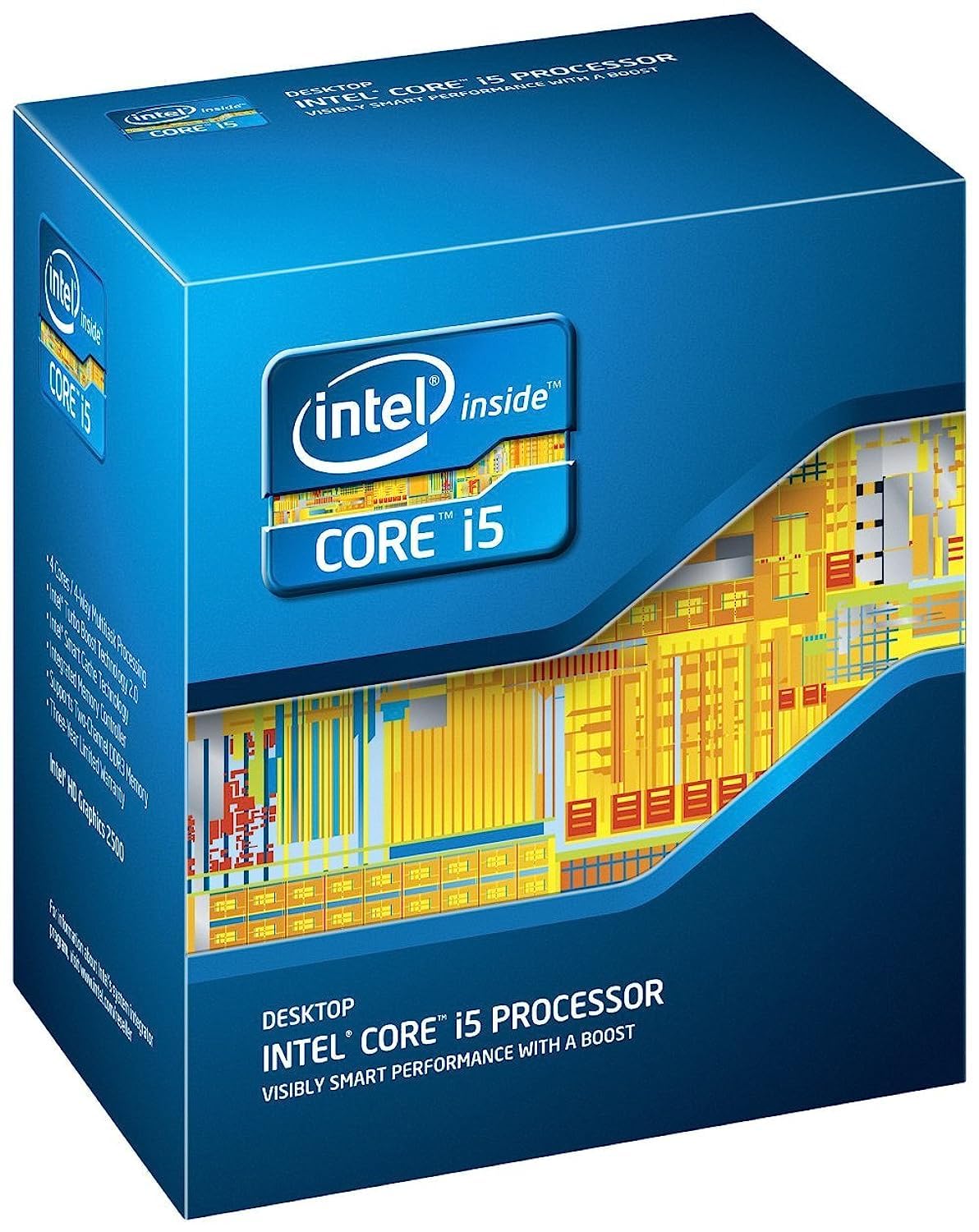
The i5-3470 is the sensible entry point for LGA 1155. It runs four physical cores at 3.2GHz with a turbo up to 3.6GHz, and the 6MB smart cache keeps gaming responsiveness snappy. Users report direct swap upgrades from i3 processors without any BIOS intervention, making it the easiest upgrade for budget builders.
Thermal performance is excellent — idle temperatures hover around 28°C, and gaming loads stay in the high 50s Celsius with the included stock cooler and a good thermal paste application. This chip handles games released before 2021 comfortably at 1080p, and it breezes through office work, web browsing, and video playback without stutter.
The locked multiplier means no overclocking, but the default speeds are high enough for most users. The included thermal paste packet should be mixed before application. For a basic office PC or a light gaming rig on a tight budget, this processor provides reliable Ivy Bridge performance at the lowest barrier to entry.
Why it’s great
- Direct swap from i3 without BIOS update in most cases
- Runs cool — idles around 28°C with stock cooling
- Smooth 1080p gaming for titles released before 2021
Good to know
- Locked multiplier — no overclocking potential
- Only four threads for multitasking
- Entry-level gaming performance for modern AAA titles
FAQ
Can I use an Ivy Bridge CPU on a Sandy Bridge motherboard?
Does the i5-3570K support PCIe 3.0?
Why does my i7-3770S run hotter than expected?
Final Thoughts: The Verdict
For most users, the best cpu for lga 1155 winner is the Intel Core i5-3570K because it delivers the highest gaming performance per dollar on this platform and overclocks to rival the i7-3770K in single-threaded tasks. If you need eight threads for video editing or virtualization, grab the Intel Core i7-3770K. And for a low-power silent NAS or server build, nothing beats the Intel Core i7-3770S.

Mo Maruf
I created WellFizz to bridge the gap between vague wellness advice and actionable solutions. My mission is simple: to decode the research and give you practical tools you can actually use.
Beyond the data, I am a passionate traveler. I believe that stepping away from the screen to explore new environments is essential for mental clarity and physical vitality.