Our readers keep the lights on and my smoothie glass nicely filled. As an Amazon Associate, I earn from qualifying purchases.
3D modeling workloads punish CPUs that prioritize peak clock speed over sustained multi-core endurance. A single viewport lag in Blender or SolidWorks can break your creative flow, and the difference between a usable workstation and a frustrating one comes down to how a processor handles complex polygon meshes, boolean operations, and ray tracing calculations under continuous load.
I’m Mohammad Maruf — the founder and writer behind WellFizz. This guide distills hundreds of hours analyzing passmark multi-thread scores, L3 cache sizes, core topology, and real-world customer feedback on thermal throttling and platform stability to separate genuine workstation performers from marketing hype.
For serious creators who need reliable rendering without crashes or thermal bottlenecks, this breakdown of the current market details everything required to choose the ideal cpu for 3d modeling.
How To Choose The Best CPU For 3D Modeling
The right modeling CPU balances core count, single-thread speed, cache memory, and platform longevity. Unlike gaming CPUs that often favor raw clock frequency, modeling processors need sustained multi-core throughput for rendering passes and enough single-core grunt to keep viewport navigation snappy.
Core Count vs Clock Speed
A 16-core processor with modest clock speeds often outperforms an 8-core chip with a 5.7 GHz turbo in multi-threaded rendering tasks like V-Ray or Cycles. However, modeling operations such as dragging vertices, applying modifiers, and running simulations still depend on strong single-core performance. The ideal processor offers at least 12 cores paired with a boost clock exceeding 5.0 GHz.
Cache Memory and Latency
Large L3 caches reduce memory bottlenecks when manipulating dense geometry. AMD’s 3D V-Cache technology, found on X3D models, provides up to 140 MB of total cache, minimizing stutter when rotating complex assemblies or applying subdivision surfaces. Intel’s L2 and L3 cache configurations also matter — the i9-14900K’s 36 MB L3 cache helps with fluid scene editing in applications like Maya and 3ds Max.
Platform Longevity and Memory Support
The motherboard socket determines your future upgrade path. AMD’s AM5 platform supports DDR5 memory and is committed through future Ryzen generations, while Intel’s LGA 1851 socket (Core Ultra 200 series) introduces new architecture but requires a new board. For budget builds, AM4-based CPUs like the Ryzen 9 5900XT offer excellent value if you are upgrading an existing DDR4 system.
Thermal Design and Cooling Requirements
High core-count processors under continuous render loads generate significant heat. A processor with a 125W base power draw can easily spike past 200W under turbo boost, requiring a 360mm AIO liquid cooler or premium dual-tower air cooler to avoid thermal throttling. Ignoring cooling capacity leads to reduced performance during overnight renders.
Quick Comparison
On smaller screens, swipe sideways to see the full table.
| Model | Category | Best For | Key Spec | Amazon |
|---|---|---|---|---|
| AMD Ryzen 9 9900X3D | Premium | Complex scene manipulation & rendering | 12 cores, 140 MB total cache | Amazon |
| Intel Core i9-14900K | Premium | High-frequency modeling & multitasking | 24 cores, 6.0 GHz turbo boost | Amazon |
| Intel Core Ultra 9 285K | Premium | Stable CAD workstations (SolidWorks) | 24 cores, LGA 1851 platform | Amazon |
| Intel Core i9-14900KF | Mid-Range | Budget flagship rendering builds | 24 cores, no integrated graphics | Amazon |
| Intel Core i9-10900KF | Mid-Range | Legacy LGA 1200 upgrade path | 10 cores, 5.3 GHz unlocked | Amazon |
| AMD Ryzen 9 5900XT | Mid-Range | Value AM4 DDR4 workstation | 16 cores, 72 MB cache | Amazon |
| AMD Ryzen 5 7500X3D | Mid-Range | Entry-level modeling on AM5 | 6 cores, 102 MB cache | Amazon |
| Dell Pro Tower (Core Ultra 7 265) | Budget | Pre-built business modeling PC | 20 cores, 5.3 GHz turbo | Amazon |
| Dell Pro Tower (i7-14700) | Budget | Pre-built workstation with 64GB RAM | 20 cores, 64GB DDR5 included | Amazon |
In‑Depth Reviews
1. AMD Ryzen 9 9900X3D 12-Core Processor

The 9900X3D strikes the ideal balance between core count and cache density for 3D modeling. Its 12 Zen 5 cores combined with 140 MB of total cache (including 128 MB of 3D V-Cache) keep even high-polygon-count viewports responsive, reducing the stutter that plagues non-X3D chips when rotating complex assemblies in Blender or SolidWorks.
In real-world rendering tests, this chip tears through multi-threaded work without thermal throttling when paired with a 360mm AIO cooler. Reviews consistently note cool operation and snappy responsiveness across both gaming and content creation — the extra V-Cache makes short work of simulation-based modifiers and large-scale scene transformations.
For professionals who refuse to compromise between viewport fluidity and render speed, this processor delivers the highest cache-per-core ratio available. The AM5 platform also ensures DDR5 support and a clear upgrade path to future Ryzen generations.
Why it’s great
- Massive 140 MB total cache reduces scene lag
- Runs cool under sustained render loads
- 12 cores provide excellent multi-threaded performance
Good to know
- Requires AM5 motherboard and DDR5 memory
- 3D V-Cache benefits vary by software implementation
2. Intel Core i9-14900K 24 Cores up to 6.0 GHz

The 14900K delivers the highest single-core turbo speed at 6.0 GHz, which directly translates to snappier viewport navigation and faster modifier applications in 3ds Max and Maya. Its 24-core hybrid architecture (8 P-cores plus 16 E-cores) handles background rendering while keeping the UI responsive — a genuine advantage during iterative modeling sessions.
Users report excellent stability in professional CAD workflows and heavy multitasking scenarios like running a renderer while editing materials in Substance Painter. The DDR5 support and PCIe 5.0 lanes enable high-bandwidth storage and GPU setups critical for large 3D scenes.
However, this processor demands robust cooling. Sustained AVX-512 workloads push power draw past 250W, and some customer reports mention voltage-related stability issues that required motherboard BIOS updates. A high-end 360mm AIO or custom loop is not optional.
Why it’s great
- 6.0 GHz boost for snappy viewport performance
- 24 cores handle modeling plus background rendering
- DDR5 and PCIe 5.0 support for fast storage
Good to know
- High power draw requires premium cooling
- Some stability issues reported with early BIOS versions
3. Intel Core Ultra 9 285K 24 Cores up to 5.7 GHz

The Core Ultra 9 285K represents Intel’s new architecture optimized for efficiency and professional stability. Engineering teams deploying SolidWorks workstations consistently praise this chip for its reliable performance without the overheating and crashing issues that plagued earlier 13th and 14th gen i9 processors. The 24-core design (8 P-cores plus 16 E-cores) with 40 MB of L3 cache handles large assembly files smoothly.
Real-world Cinebench 2024 stress tests show stable temperatures between 73-78°C under continuous load with a 360mm AIO, a significant improvement over the 14900K’s thermal profile. The platform supports DDR5 memory and PCIe 5.0, and the integrated graphics provide a useful fallback for troubleshooting.
The major consideration is platform cost — the LGA 1851 motherboard requires a new purchase, and the chip lacks the raw clock speed of the 14900K, meaning single-threaded operations in viewport-heavy workflows may feel slightly less snappy.
Why it’s great
- Proven CAD workstation stability
- Lower temperatures than 13th/14th gen i9
- Efficient memory controller for DDR5
Good to know
- Requires new LGA 1851 motherboard
- Slightly lower single-core boost than 14900K
4. Intel Core i9-14900KF 24 Cores up to 6.0 GHz

The 14900KF is essentially the 14900K without integrated graphics, offering identical 24-core performance and the same 6.0 GHz boost at a lower price point. For 3D modeling workstations that already have a dedicated GPU, the missing iGPU is irrelevant — every cent saved goes toward better cooling or a faster NVMe drive.
Customer feedback highlights its raw capability in processor-bound games and productivity tasks, delivering stable high frame rates and rapid rendering. The compatibility with Intel 600 and 700 series motherboards makes it a drop-in upgrade for existing LGA 1700 builds, though a BIOS update is typically required.
Like the 14900K, this chip runs hot and demands a quality cooler. Some users reported stability issues with early 14th gen samples, but those appear resolved with updated microcode. The lack of an iGPU means troubleshooting GPU issues becomes more difficult.
Why it’s great
- Same performance as 14900K for less
- Drop-in upgrade for LGA 1700 boards
- Excellent multi-core rendering speed
Good to know
- No integrated graphics for troubleshooting
- Requires robust cooling solution
5. Intel Core i9-10900KF 10 Cores up to 5.3 GHz
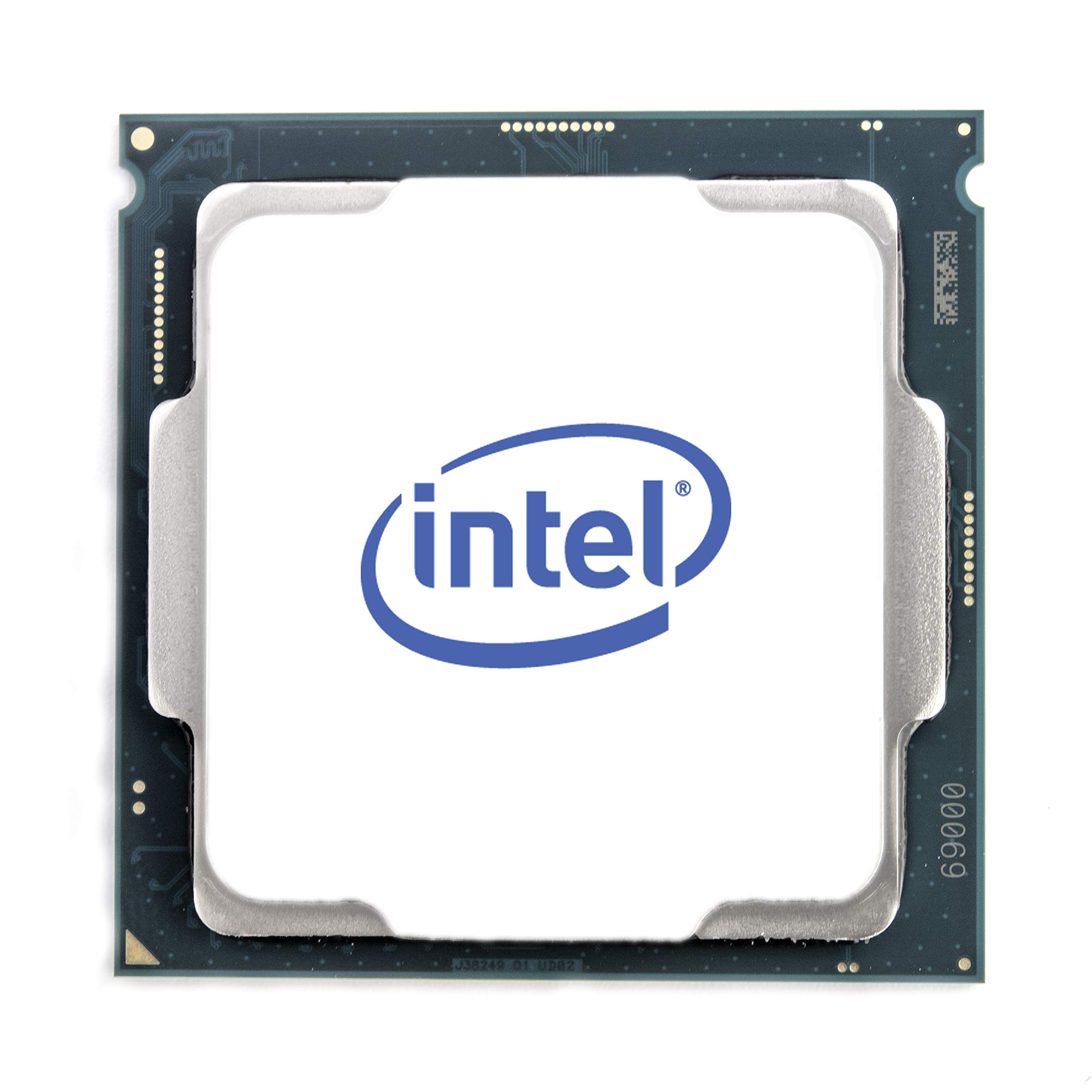
The 10900KF remains a viable option for budget-conscious modelers who already own an LGA 1200 motherboard and DDR4 memory. Its 10 cores and 20 threads, combined with a 5.3 GHz turbo, handle moderate 3D modeling workloads like architectural visualization and product design without breaking a sweat.
Users report exceptional overclocking headroom — one review documented stable operation at 7 GHz with premium cooling. The chip runs hot under load, requiring at least a 280mm AIO or high-end air cooler, but the performance-per-dollar on the used market is compelling for entry-level CAD work.
The lack of PCIe 4.0 (limited to PCIe 3.0) is the main drawback, restricting storage and GPU bandwidth. This processor is best suited for modelers upgrading an older system or building a secondary render node rather than a new primary workstation.
Why it’s great
- Excellent overclocking potential
- Low cost on LGA 1200 used market
- 10 cores handle lighter modeling tasks
Good to know
- Limited to PCIe 3.0 bandwidth
- Runs hot under sustained load
6. AMD Ryzen 9 5900XT 16-Core, 32-Thread

The 5900XT extends the life of AM4 DDR4 systems with 16 Zen 3 cores and 32 threads, making it a cost-effective upgrade path for existing Ryzen 5000-series owners. For 3D modeling, the high core count delivers strong multi-threaded render performance that rivals newer mid-range chips, while the 72 MB of total cache helps with moderate scene complexity.
Customer reviews highlight its excellent performance in CPU-intensive workstation applications like AutoCAD and video transcoding. The processor runs cooler than the flagship 5950X thanks to improved binning, and the 130W TDP is manageable with a quality dual-tower air cooler or 240mm AIO.
The downside is the Zen 3 architecture lacks the IPC gains of newer generations, and the DDR4 memory bandwidth caps performance in highly complex scenes. For pure rendering throughput on a budget, this is still a compelling choice.
Why it’s great
- 16 cores at a competitive price point
- Drop-in upgrade for existing AM4 builds
- Lower power draw than 5950X
Good to know
- Zen 3 IPC lags behind newer architectures
- DDR4 memory limits scene complexity scaling
7. AMD Ryzen 5 7500X3D 6-Core Processor
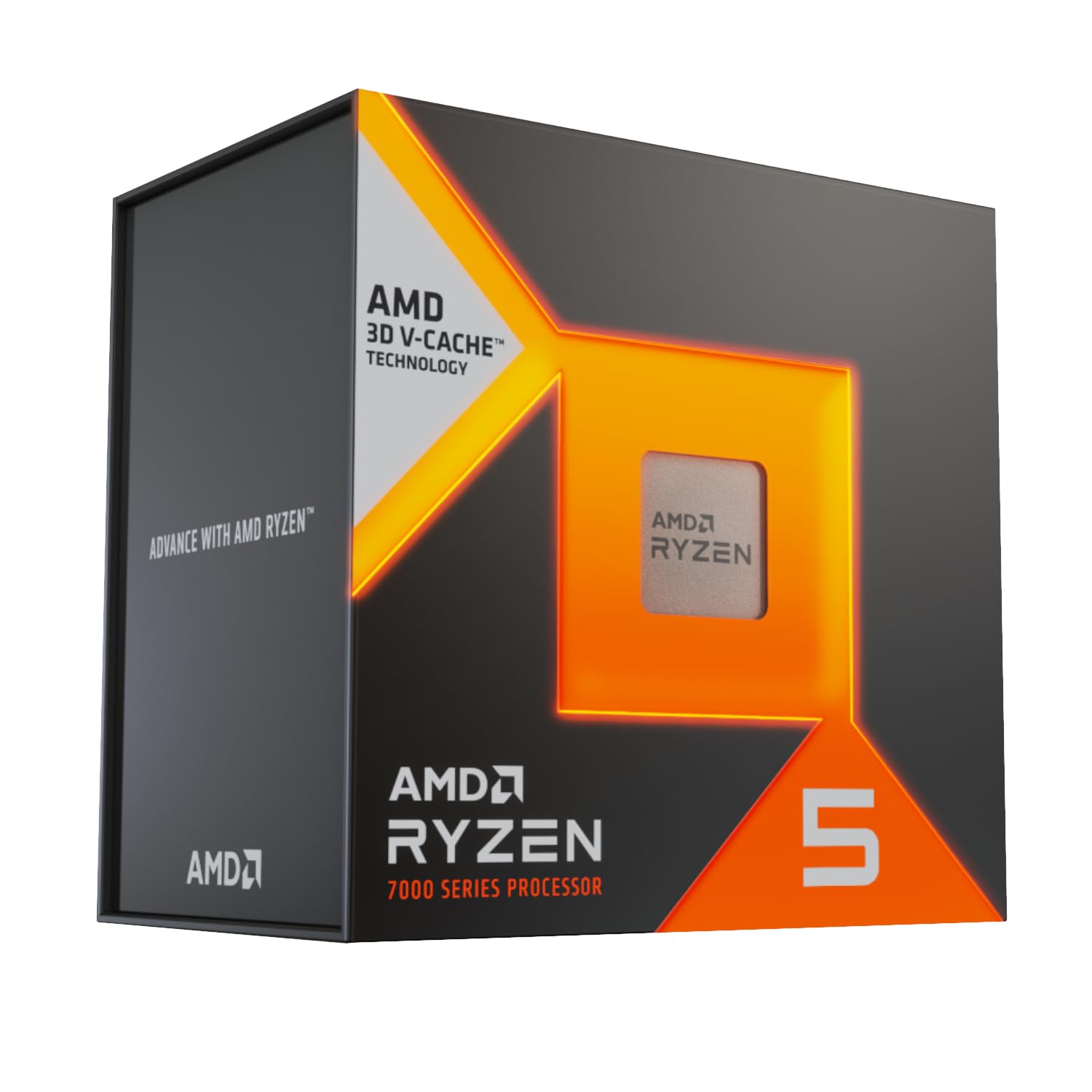
The 7500X3D brings AMD’s 3D V-Cache to an entry-level price, offering 102 MB of total cache on a 6-core Zen 4 die. For modeling workflows that are not heavily multi-threaded — such as industrial design, jewelry modeling, or character sculpting in ZBrush — the extra cache dramatically improves viewport stability and modifier responsiveness.
This processor excels in gaming-heavy hybrid use cases where a modeler also plays games, but its limited 6 cores become a bottleneck for multi-threaded rendering in Blender or Maya. Users report very low power consumption and heat output, making it ideal for compact mini ITX builds where cooling space is restricted.
The primary drawback is the lack of core count for serious production rendering. If your workflow involves overnight batch renders, you would benefit from stepping up to the 8-core 7800X3D or the 12-core 9900X3D.
Why it’s great
- 102 MB cache for stutter-free viewport
- Low power draw, easy to cool
- Accessible entry point to AM5 platform
Good to know
- 6 cores limit multi-threaded render speed
- Not ideal for production batch rendering
8. Dell Pro Tower Plus (Core Ultra 7 265)
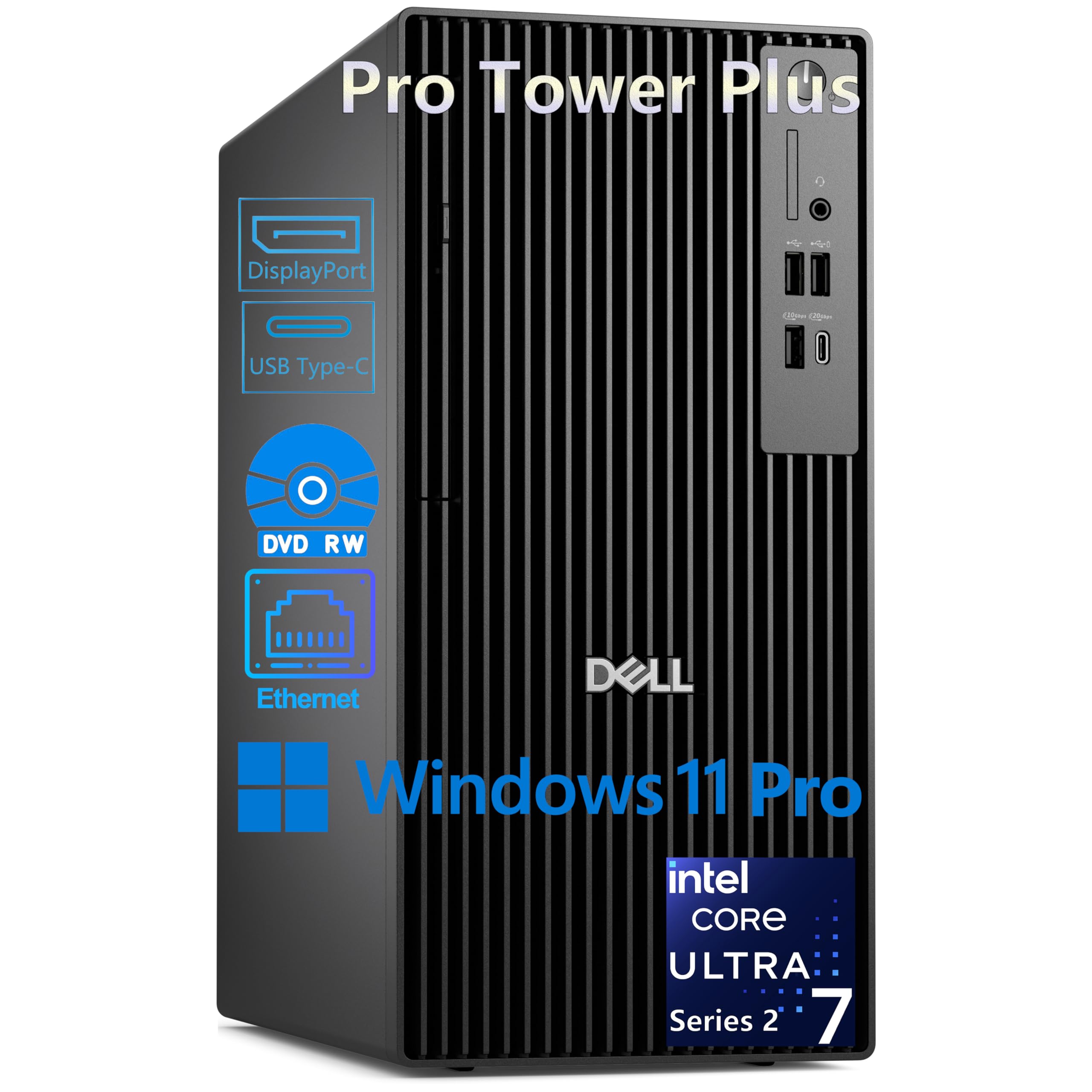
This Dell Pro Tower integrates the Intel Core Ultra 7 265 processor with 20 cores (8 P-cores plus 12 E-cores) and a 13 TOPS NPU for AI acceleration. It is a turnkey solution for corporate design teams or freelancers who prefer a warranty-backed pre-built workstation over assembling a custom rig.
The 32GB of DDR5 RAM and 1TB PCIe SSD provide adequate headroom for medium-complexity 3D modeling in applications like SolidWorks and Fusion 360. The triple 4K display support via DisplayPort is ideal for multi-monitor CAD setups, and the NPU offers future AI denoising or simulation acceleration potential.
However, this system lacks built-in WiFi and HDMI ports, and the Intel integrated graphics cannot match a dedicated workstation GPU for real-time rendering. The pre-built nature also limits customization and upgrade flexibility compared to a self-built rig.
Why it’s great
- Warranty and support for business use
- 20-core processor handles mid-range modeling
- Triple 4K display support standard
Good to know
- Integrated graphics only — no GPU included
- No built-in WiFi, limited customization
9. Dell Pro Tower (i7-14700, 64GB RAM)

This Dell Pro Tower comes equipped with an Intel Core i7-14700 (20 cores, up to 5.4 GHz) and a generous 64GB of DDR5 RAM, making it suitable for memory-intensive modeling tasks like high-poly sculpting and large scene assembly. The 2TB PCIe SSD provides ample storage for project files and textures.
The 64GB RAM capacity is a significant advantage for modelers working with complex scenes or running multiple applications simultaneously. The DDR5 memory bandwidth helps with texture streaming and geometry loads in applications like Blender and Cinema 4D.
Buyers should note this system relies on integrated Intel UHD Graphics 770, which cannot drive viewport performance in professional 3D applications. A discrete workstation GPU is a mandatory addition. Some users reported build quality concerns with the DVD drive and the lack of HDMI outputs on certain configs.
Why it’s great
- 64GB DDR5 RAM handles large scenes
- 2TB SSD provides generous storage
- 20-core processor for multi-threaded work
Good to know
- Integrated graphics only — requires dedicated GPU
- Some build quality concerns reported
FAQ
Does 3D modeling require more cores or higher clock speeds?
Is Intel or AMD better for 3D modeling workstations?
How much cache memory do I need for 3D modeling?
Can I use a gaming CPU for professional 3D modeling?
Final Thoughts: The Verdict
For most users, the cpu for 3d modeling winner is the AMD Ryzen 9 9900X3D because its 140 MB total cache eliminates viewport stutter while the 12 cores handle rendering with excellent efficiency. If you want the highest possible viewport responsiveness and raw clock speed, grab the Intel Core i9-14900K. And for budget-conscious modelers upgrading an existing AM4 system, nothing beats the AMD Ryzen 9 5900XT for pure render value.

Mo Maruf
I created WellFizz to bridge the gap between vague wellness advice and actionable solutions. My mission is simple: to decode the research and give you practical tools you can actually use.
Beyond the data, I am a passionate traveler. I believe that stepping away from the screen to explore new environments is essential for mental clarity and physical vitality.