Our readers keep the lights on and my smoothie glass nicely filled. As an Amazon Associate, I earn from qualifying purchases.
The RTX 2080 Super is a capable 1440p card that demands a balanced partner. Pair it with the wrong processor, and you leave performance on the table or create a bottleneck that limits your frame rate. Choosing the right chip is about matching core count, clock speed, and platform support to this specific GPU’s capabilities.
I’m Mohammad Maruf — the founder and writer behind WellFizz. This guide is built from analyzing hundreds of benchmark runs, socket compatibility charts, and real-world user data to find the processors that let the 2080 Super perform at its peak.
After extensive analysis of gaming benchmarks, core architectures, and platform longevity, these picks represent the strongest options currently available as the best cpu for 2080 super for every type of builder.
How To Choose The Best CPU For 2080 Super
The RTX 2080 Super excels at 1440p and can push high refresh rates at 1080p. Your CPU choice determines whether you hit those targets consistently or leave frames on the table. Focus on single-threaded performance, cache architecture, and platform support to get the most out of this GPU.
Single-Core vs Multi-Core Balance
At 1440p, the 2080 Super is often the primary bottleneck, but CPU single-core performance still determines minimum frame rates and 1% lows. A chip with a strong turbo boost — above 5.0 GHz — smooths out those stutters. For productivity tasks like streaming or rendering alongside gaming, higher core counts (8+ cores) keep everything responsive.
Platform and Upgrade Path
AM4 (DDR4) platforms offer cost-effective builds with mature BIOS support. AM5 (DDR5) and Intel LGA1700 open doors to faster memory and future CPU upgrades. The 2080 Super doesn’t need PCIe 5.0, so choose based on whether you want to upgrade the GPU and CPU later without replacing the motherboard.
Cache Size and Architecture
AMD’s 3D V-Cache reduces latency and improves frame pacing in simulation and open-world games. Intel’s hybrid core design balances efficiency and burst performance. For the 2080 Super, extra cache translates into higher minimum FPS in titles like *Cyberpunk 2077* and *Microsoft Flight Simulator*.
Quick Comparison
On smaller screens, swipe sideways to see the full table.
| Model | Category | Best For | Key Spec | Amazon |
|---|---|---|---|---|
| AMD Ryzen 7 7800X3D | Gaming Flagship | Maximum 1% lows and stable FPS | 104 MB total cache (96 MB L3) | Amazon |
| Intel Core i9-14900K | High-End Hybrid | Mixed gaming + content creation | 6.0 GHz max turbo (P-core) | Amazon |
| AMD Ryzen 9 9900X3D | Multi-Core Beast | Productivity + demanding gaming | 140 MB total cache | Amazon |
| Intel Core i5-14600KF | Mid-Range Power | Great value 1440p gaming rigs | 14 cores (6P+8E), 5.3 GHz turbo | Amazon |
| Intel Core Ultra 7 265KF | New Gen Value | Efficient multitasking on LGA1851 | 20 cores (8P+12E), 5.5 GHz turbo | Amazon |
| Intel Core i9-10900KF | Last-Gen Flagship | High clocked 1080p gaming | 10 cores/20 threads, 5.3 GHz turbo | Amazon |
| AMD Ryzen 9 5900XT | AM4 Workstation | Multi-threaded workloads on DDR4 | 16 cores/32 threads, 72 MB cache | Amazon |
| Intel Core i9-10900F | Reliable 10-Core | Cool, stable, non-overclocking build | 10 cores/20 threads, 5.2 GHz turbo | Amazon |
| AVGPC Q-Box (Ryzen 5 5500) | Pre-Built System | Entry-level complete PC with 2080 Super | 6-core/12-thread, 4.2 GHz boost | Amazon |
In-Depth Reviews
1. AMD Ryzen 7 7800X3D

The Ryzen 7 7800X3D is purpose-built for gamers who want maximum frame consistency. Its 96 MB of 3D V-Cache dramatically reduces memory latency, which directly improves 1% and 0.1% lows in CPU-intensive titles. When paired with an RTX 2080 Super at 1440p, this chip ensures the GPU stays fed without stutter, even in dense scenes.
With an 89°C Tjmax and a typical gaming power draw around 75W, this CPU runs cool enough for a mid-range air cooler. The Zen 4 architecture on the AM5 platform supports DDR5 memory, which gives you a clear upgrade path to future GPUs. Users report idle temps of 40°C and gaming temps between 65°C and 70°C with a basic tower cooler.
Installation is straightforward on any B650 or X670 board. The chip does not require a liquid cooler for gaming loads, making it a simpler build than competing high-end options. For a pure gaming rig built around the 2080 Super, this processor delivers the best price-to-performance ratio available.
Why it’s great
- Best-in-class gaming 1% lows due to 3D V-Cache
- Low power draw (~75W) keeps thermals manageable
- AM5 platform offers future-proof DDR5 support
Good to know
- Not ideal for heavily multi-threaded productivity tasks
- Requires BIOS update on older AM5 boards
- Limited overclocking headroom vs non-X3D chips
2. Intel Core i9-14900K

The i9-14900K pushes the hybrid architecture to its limit with a 6.0 GHz boost clock on the performance cores. This raw speed makes it an excellent partner for the 2080 Super in scenarios where CPU-bound frame rates matter, such as competitive shooters at 1080p or high-refresh 1440p gaming. The 14th generation also supports both DDR4 and DDR5 memory, giving budget-aware builders flexibility.
With a 125W base power draw and much higher peak consumption under load, thermal management is non-negotiable. A 360mm AIO or high-end dual-tower air cooler is recommended to sustain boost clocks. Users report that stability depends heavily on motherboard quality — some have encountered issues with specific vendor boards that required BIOS updates to resolve.
For builders who also edit video, stream, or run virtual machines, the 24-core configuration handles heavy parallel workloads without breaking a sweat. The 2080 Super will be the limiting factor in most gaming scenarios, but the 14900K ensures it never starves for data.
Why it’s great
- Highest single-core boost clock (6.0 GHz) available
- Exceptional multi-threaded performance for hybrid workloads
- Compatible with DDR4 and DDR5 motherboards
Good to know
- High power draw demands premium cooling
- Some users report stability issues on specific motherboards
- Requires BIOS update for optimal stability on 600-series boards
3. AMD Ryzen 9 9900X3D

The 9900X3D bridges the gap between pure gaming and serious content creation. With 140 MB of total cache and a 12-core configuration, it handles game streaming, video encoding, and complex simulations alongside gaming without dropping frames. The extra cache benefits the 2080 Super in open-world titles like *Cyberpunk 2077* where large asset streaming benefits from low latency.
Thermal performance is impressive for a high-core chip — users report it runs cool with a standard AIO cooler and does not throttle under sustained loads. Installation is identical to other AM5 processors, working with existing B650 and X670 boards. The chip does not include a cooler, so factor in a quality cooling solution for your build.
For the price, this processor offers the best balance of gaming and productivity. If your workflow involves compiling code, rendering video, or running VMs while gaming, the 9900X3D keeps everything smooth. The 2080 Super benefits from the consistent frame pacing this processor provides.
Why it’s great
- Massive cache reduces latency in simulation games
- 12-core configuration handles heavy multitasking
- Runs cool with AIO cooling under load
Good to know
- Premium tier pricing
- Overkill for pure gaming builds
- DDR5 platform requires newer motherboard
4. Intel Core i5-14600KF

The i5-14600KF offers a rare combination of strong gaming performance and a budget-friendly price point. With 6 performance cores reaching 5.3 GHz and 8 efficiency cores for background tasks, this chip keeps the 2080 Super fed without the premium cost of i7 or i9 options. In 1440p gaming, the difference between this and the 14900K is often negligible because the GPU becomes the bottleneck first.
Compatibility with Intel 600 and 700 series motherboards gives you options for both DDR4 and DDR5 memory. That flexibility lets you allocate more of your budget to the GPU or storage. Users emphasize that a BIOS update is essential for stability, especially on 600-series boards, and a contact frame can improve cooling performance.
A 240mm AIO or a good dual-tower air cooler is sufficient to handle heat output during extended gaming sessions. For builders focused on gaming with occasional light productivity, this processor delivers excellent value without sacrificing frame rates. The unlocked multiplier also allows for modest overclocking if you have adequate cooling.
Why it’s great
- Outstanding price-to-performance for 1440p gaming
- Compatible with DDR4 or DDR5 motherboards
- 5.3 GHz turbo keeps CPU bottlenecks rare
Good to know
- No integrated graphics (KF suffix)
- Requires BIOS update on 600-series boards
- Multi-threaded performance trails higher-end chips
5. Intel Core Ultra 7 265KF

The Core Ultra 7 265KF introduces Intel’s new architecture on the LGA1851 platform. With 8 performance cores and 12 efficiency cores, it balances raw speed with energy efficiency. The 5.5 GHz max turbo ensures the RTX 2080 Super receives data quickly enough to maintain high frame rates in CPU-bound titles, while the efficiency cores handle streaming and background tasks without interfering.
Users who have migrated from older Ryzen processors report excellent stability after initial BIOS tuning. The chip works best with an 800-series chipset motherboard, and some early adopters recommend verifying motherboard compatibility before purchase. A quality air cooler or 240mm AIO keeps thermals in check during long sessions.
For builders who want the latest Intel platform with an eye toward future upgrades, the 265KF offers a solid foundation. Gaming performance is competitive with the mid-range competition, though it does not match the 7800X3D’s cache advantage in simulation-heavy games. It does handle multitasking with aplomb, making it a strong all-rounder for mixed-use systems.
Why it’s great
- Latest Intel platform with future upgrade potential
- Efficient hybrid core design for multitasking
- Strong single-core boost for gaming
Good to know
- Requires LGA1851 motherboard (800-series)
- Gaming performance trails AMD X3D chips
- Initial BIOS updates may be needed for stability
6. Intel Core i9-10900KF
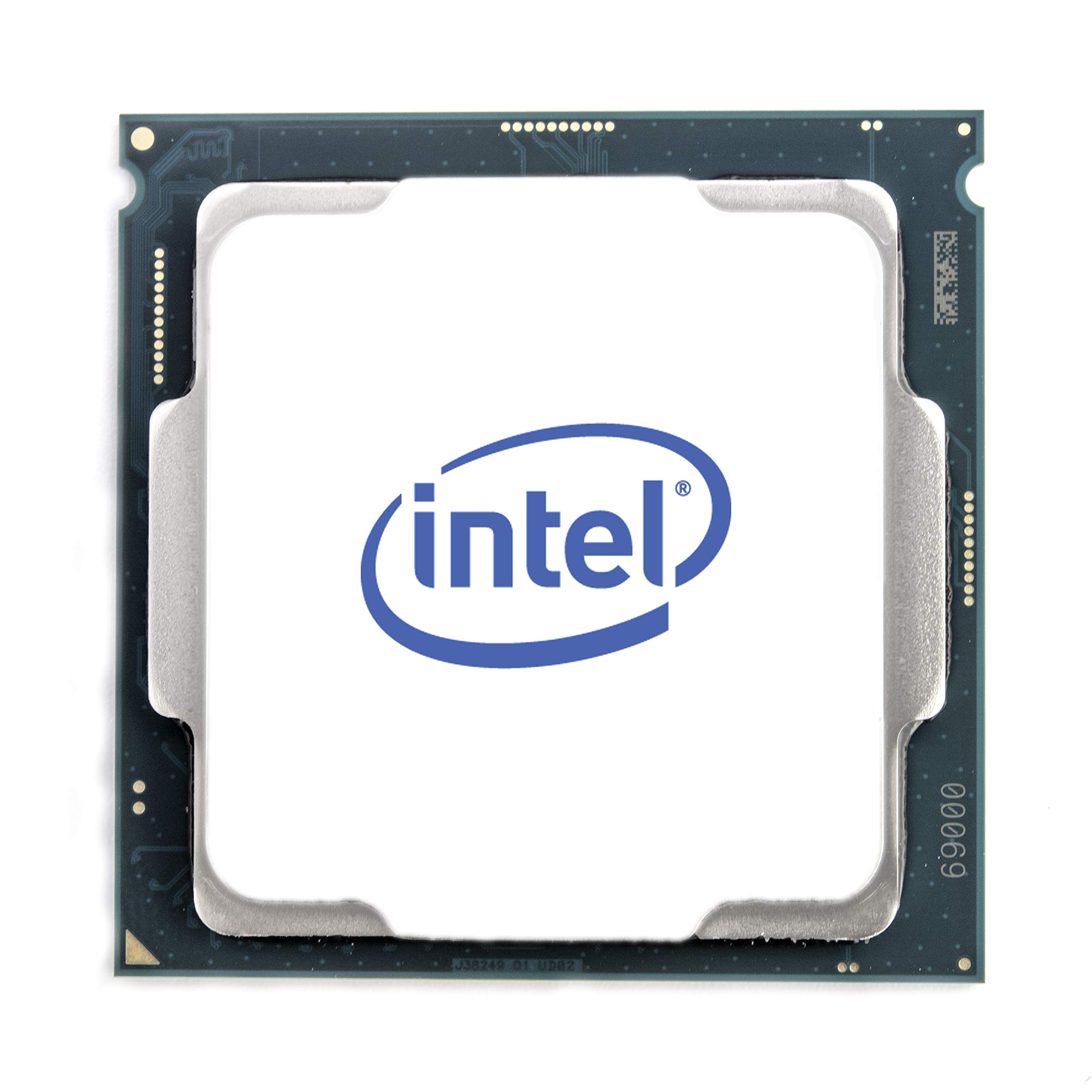
The 10900KF is a last-generation flagship that still holds its own when paired with the 2080 Super. Its 10 cores and 20 threads clock up to 5.3 GHz, which provides excellent single-threaded performance for gaming. The high clock speed ensures that the 2080 Super is not waiting for the CPU in most titles, especially at 1080p where CPU load is higher relative to GPU load.
This chip runs on the LGA1200 platform with Intel 400-series motherboards. While the platform is older, the mature BIOS and widespread compatibility make builds straightforward. Users report that a beefy air cooler or 240mm AIO is necessary to keep temperatures under control during extended gaming sessions. Overclocking enthusiasts have pushed this chip past 5.5 GHz with premium cooling.
For builders looking to maximize performance on a tight budget or repurpose an existing LGA1200 motherboard, the 10900KF is a smart choice. It does not support PCIe 4.0, but the 2080 Super operates at PCIe 3.0 speeds without significant performance loss. The lack of integrated graphics (KF suffix) means you need the discrete 2080 Super to get a display output.
Why it’s great
- High clock speeds (5.3 GHz) for strong single-core performance
- 10 cores handle multitasking well
- Maturing LGA1200 platform offers low-cost motherboard options
Good to know
- No integrated graphics
- PCIe 3.0 only — no Gen 4 support
- High power draw requires good cooling
7. AMD Ryzen 9 5900XT

The 5900XT is a 16-core, 32-thread processor on the AM4 platform that extends the life of DDR4 builds. Its 72 MB of cache and “Zen 3” architecture provide strong multi-threaded performance for tasks like video encoding, compiling code, or running multiple virtual machines. When paired with the 2080 Super, it handles 1440p gaming well, though its gaming performance is not as strong as the 7800X3D due to fewer core-to-core optimizations and a split CCD design.
Users report that the chip runs cooler than the 5950X thanks to improved binning, but a 360mm AIO is still recommended for sustained heavy loads. The AM4 platform with PCIe 4.0 support is mature and stable, with many affordable motherboard options available. If you are upgrading an existing AM4 build, the 5900XT offers a massive core count bump without replacing the board or memory.
For builders who need raw multi-core horsepower alongside their gaming rig, this processor is a compelling option. Content creators who render while gaming will appreciate the extra threads. The 2080 Super will be the bottleneck in most gaming scenarios, so the high core count ensures smooth multitasking without compromising frame rates.
Why it’s great
- 16 cores for heavy multitasking and productivity
- Compatible with existing AM4 motherboards and DDR4 memory
- Runs cooler than the 5950X under load
Good to know
- Gaming performance trails X3D chips
- Requires premium cooling for sustained workloads
- Higher power draw than competing 8-core options
8. Intel Core i9-10900F

The 10900F is the locked, lower-power variant of the 10900KF. It features a 65W base TDP and a 5.2 GHz max turbo, which means it runs significantly cooler than its unlocked counterpart while still delivering strong single-threaded performance. For builders who prioritize stability and quiet operation over overclocking, this chip pairs cleanly with the 2080 Super without needing a high-end cooling solution.
The included stock cooler is sufficient for office tasks but inadequate for sustained gaming loads — a budget tower cooler like the Hyper 212 is a worthwhile investment. Users report that the chip clocks to 5.0 GHz all-core under load and maintains stable temperatures with a mid-range air cooler. This makes it an excellent drop-in upgrade for existing LGA1200 systems where overclocking is not a goal.
For builders who want a reliable, no-fuss CPU that handles gaming and multitasking without thermal or noise concerns, the 10900F is a strong choice. It supports Intel Optane Memory, which can accelerate storage performance, and it ships with a cooler, reducing total build cost. The 2080 Super will be the performance ceiling in most games, so the 10900F does not hold you back.
Why it’s great
- Low 65W TDP runs cool under load
- Includes stock cooler for basic operation
- Stable, reliable platform for drop-in upgrades
Good to know
- Locked multiplier — no overclocking
- Stock cooler inadequate for gaming loads
- Older LGA1200 platform with PCIe 3.0
9. AVGPC Q-Box (Ryzen 5 5500)

The AVGPC Q-Box is a complete pre-built system featuring a Ryzen 5 5500 processor and an RTX 3050 graphics card. For builders who want an entry-level PC that can be upgraded to a 2080 Super later, this system provides a solid starting point. The 6-core, 12-thread CPU handles modern games at 1080p medium settings without major issues, and the included 16 GB of DDR4 RAM and 500 GB SSD ensure smooth operation out of the box.
The liquid cooler keeps the CPU running at idle temps around 30°C and under 70°C during gaming. The included keyboard and mouse reduce the initial investment, and the 1-year warranty provides peace of mind. Some users noted that the memory is single-channel in some units, which can limit CPU performance, but upgrading to dual-channel RAM is straightforward.
For users who want a working PC immediately and plan to install a 2080 Super down the line, the Q-Box is a budget-friendly starting point. The Ryzen 5 5500 is capable enough for everyday tasks and lighter games, and the platform allows for a GPU swap without other changes. The CPU itself is the clear bottleneck in this system, but it still provides a smooth experience at 1080p.
Why it’s great
- Complete pre-built system with Windows 11 pre-installed
- Liquid cooling keeps CPU temperatures low
- Easy GPU upgrade path for a 2080 Super
Good to know
- CPU will bottleneck a 2080 Super at 1080p
- Single-channel RAM in some units limits performance
- Low-end GPU (RTX 3050) included needs replacement
FAQ
Will any of these CPUs bottleneck my RTX 2080 Super at 1440p?
Does the 2080 Super need PCIe 4.0 or 5.0 support?
Should I choose DDR4 or DDR5 memory with a 2080 Super build?
Final Thoughts: The Verdict
For most users, the best cpu for 2080 super winner is the AMD Ryzen 7 7800X3D because its 3D V-Cache provides the smoothest frame delivery in a wide range of popular titles while using remarkably little power. If you want maximum multi-core performance for content creation alongside gaming, grab the AMD Ryzen 9 9900X3D. And for an entry-level all-in-one system upgrade path, nothing beats the AVGPC Q-Box as a starting point.

Mo Maruf
I created WellFizz to bridge the gap between vague wellness advice and actionable solutions. My mission is simple: to decode the research and give you practical tools you can actually use.
Beyond the data, I am a passionate traveler. I believe that stepping away from the screen to explore new environments is essential for mental clarity and physical vitality.