Our readers keep the lights on and my smoothie glass nicely filled. As an Amazon Associate, I earn from qualifying purchases.
A conference room TV must survive the brutal trifecta of fluorescent office lighting, wide viewing angles, and hours of static slide displays that can burn an image into a cheap panel. Picking the wrong screen means attendees craning their necks to read blurry text from the far end of the table, or presenters fighting a reflective glare that washes out every chart and graph. This guide focuses on the specs that matter most for professional meeting spaces — input lag for smooth HDMI switching, panel uniformity for text clarity, and anti-glare coatings that actually work under overhead lights.
I’m Mohammad Maruf — the founder and writer behind WellFizz. I’ve spent hundreds of hours cross-referencing technical specifications, reading through thousands of verified buyer experiences, and analyzing the real-world performance of displays in commercial meeting environments to separate marketing claims from actual usability.
Whether you’re outfitting a small huddle room or a large executive boardroom, understanding the difference between a home theater panel and a business-ready display is critical for a smooth presentation experience. This guide breaks down the top contenders for the best conference room tv based on real-world performance data, connectivity options, and panel durability.
How To Choose The Best Conference Room TV
Selecting a display for a professional meeting environment involves more than picking the largest screen within budget. Panel technology, connectivity, and durability under continuous operation are the three pillars that determine whether a TV enhances your presentations or becomes a daily frustration.
Anti-Glare and Matte Finishes
Overhead ceiling lights and large windows create harsh reflections on glossy home-theater panels. A matte or anti-glare coating diffuses ambient light, preserving contrast and readability for everyone around the table. The TCL NXTVISION and Hisense CanvasTV series use specialized hi-matte screens that keep text sharp even in rooms with uncontrolled lighting.
Connectivity and Control
A conference room TV should support multiple HDMI inputs for laptops, wireless presentation systems, and video bars. Commercial models like the Samsung BE55T-H add RS-232 control for centralized AV system integration. For smaller rooms, a TV with at least three HDMI ports and a low-latency mode ensures seamless switching between presenters without awkward blackouts.
Panel Uniformity and Burn-In Resistance
Static content like agenda slides or branded logos displayed for hours can cause temporary image retention on some OLED panels. High-end LED-lit TVs with mini-LED backlighting, such as the LG QNED evo, offer exceptional uniformity and zero burn-in risk, making them ideal for all-day meeting schedules.
Quick Comparison
On smaller screens, swipe sideways to see the full table.
| Model | Category | Best For | Key Spec | Amazon |
|---|---|---|---|---|
| LG QNED evo 100″ | Premium | Large Boardroom Cinema | 100″ / Mini-LED / 120Hz | Amazon |
| Samsung BE55T-H Pro | Commercial | Professional Signage & 16/7 Use | 55″ / 4K / 250 nits | Amazon |
| Sony BRAVIA 2 II 65″ | Mid-Range | Hybrid Meeting & PS5 Demo | 65″ / 4K / X1 Processor | Amazon |
| Hisense CanvasTV 55″ | Lifestyle | Glare-Free Executive Offices | 55″ / QLED / 144Hz | Amazon |
| Amazon Ember 55″ | Mid-Range | Bright Room Presentations | 55″ / QLED Mini-LED / 144Hz | Amazon |
| Samsung M70H 65″ | Mid-Range | Color-Accurate Data Viz | 65″ / Mini-LED / 60Hz | Amazon |
| TCL NXTVISION 55″ | Lifestyle | Wall-Integrated Lobby Art | 55″ / QLED / 120Hz | Amazon |
| Sony BRAVIA 2 II 55″ | Mid-Range | Small Huddle Room | 55″ / 4K / Motionflow XR | Amazon |
| TCL T7 Series 55″ | Budget | Cost-Effective Large Display | 55″ / QLED / 120Hz | Amazon |
| Roku Plus 65″ | Budget | Simple Laptop Casting | 65″ / QLED Mini-LED | Amazon |
| ApoloSign 32″ | Portable | Mobile Office Stand | 32″ / 4K Touch / Battery | Amazon |
In‑Depth Reviews
1. LG QNED evo AI 100″
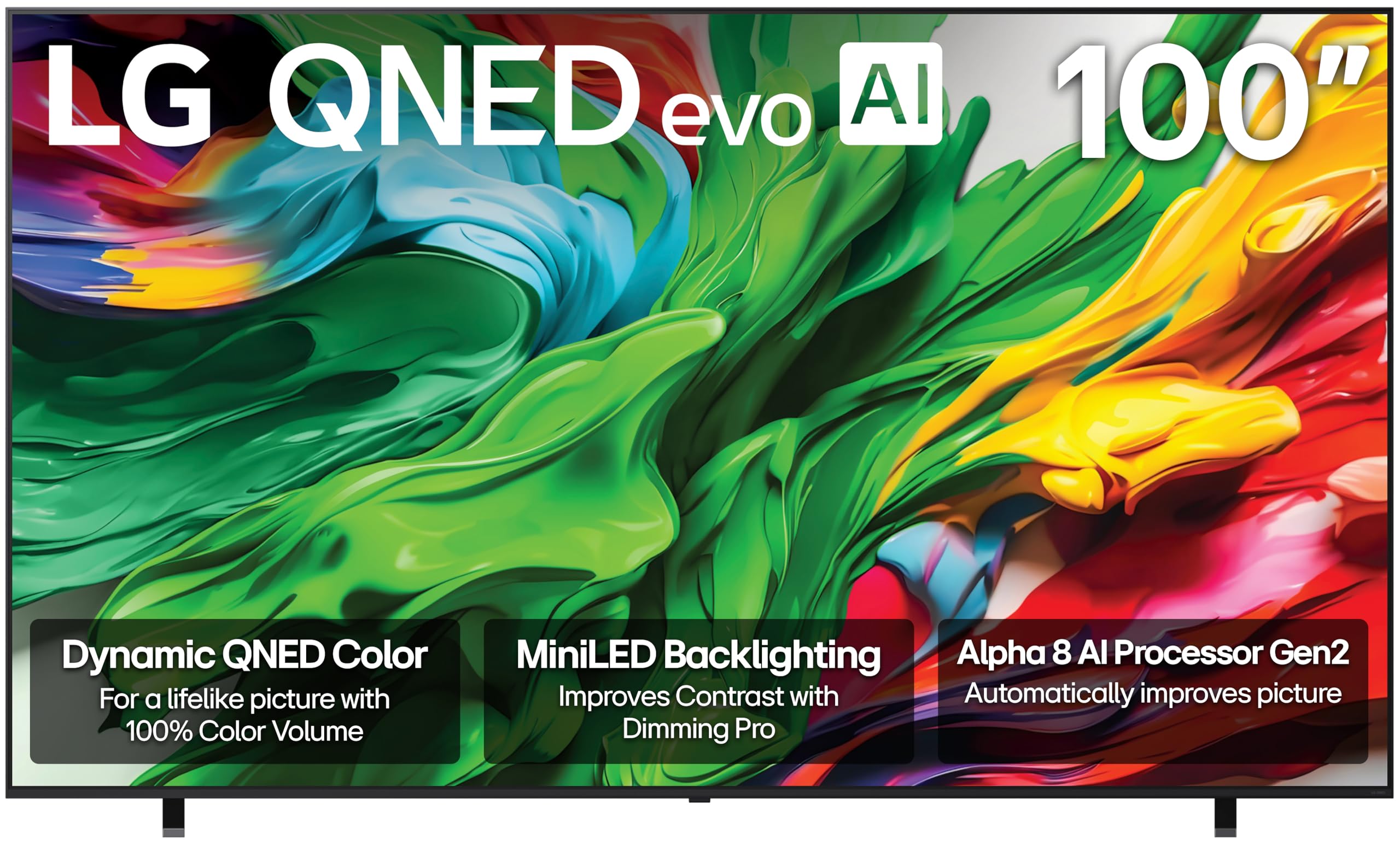
For large boardrooms that demand a true cinematic presence, the LG 100-inch QNED evo delivers unmatched scale with the precision of mini-LED backlighting. The Alpha 8 AI Processor Gen2 intelligently adjusts brightness and contrast in real time, ensuring every slide and spreadsheet remains crisp even when the room is fully lit. The 120Hz native refresh rate eliminates motion blur during fast-paced video presentations or live product demonstrations.
Precision Dimming controls individual mini-LED zones to produce deep blacks for video content while maintaining high peak brightness for readable text. Filmmaker Mode preserves the director’s original color accuracy, which is particularly useful when reviewing high-fidelity video work. With four HDMI inputs and a 100-inch canvas, this screen anchors a conference room without compromise.
The remote lacks a dedicated mute button and number pad — a minor inconvenience that is easily solved by pairing an external control system. The display weighs over 100 pounds, so professional installation and a sturdy wall mount rated for the weight are non-negotiable. For offices that prioritize visual impact and long-term reliability, this is the definitive choice.
Why it’s great
- 100-inch mini-LED panel delivers superb brightness and contrast for lit rooms
- Alpha 8 AI Processor auto-optimizes for presentations and video
- 120Hz native refresh rate eliminates stutter in fast motion
Good to know
- Requires professional install due to weight and size
- Remote lacks number pad and mute button
- Premium price point targets large-scale installations only
2. Samsung BE55T-H Pro TV

The Samsung BE55T-H is a true commercial display built for extended operating hours, running 16 hours a day, 7 days a week without panel degradation. Its Crystal Processor 4K upscales lower-resolution content from laptops and wireless presentation systems to near-4K clarity, which is a common scenario in conference rooms where PowerPoint slides vary in source quality. The 4700:1 contrast ratio ensures dark text stands out against white backgrounds.
Unlike consumer TVs, this model is designed for easy integration with digital signage software via the Samsung Pro TV app. IT admins can deploy content, adjust settings, and monitor multiple units across the office from a single dashboard. The included remote is simple and unlit, but the RS-232 control port allows connection to central AV control systems.
Some users note that the Samsung Business TV app has had reliability issues with content management, so verify your workflow before committing to a full deployment. The panel has a matte finish that handles ambient office light better than glossy consumer displays. For organizations needing a reliable, dumb-TV solution with commercial-grade durability, this is the sensible pick.
Why it’s great
- Rated for 16/7 continuous commercial operation
- Crystal Processor 4K upscales laptop content effectively
- RS-232 port for centralized AV system control
Good to know
- Pro TV app may have content management glitches
- Remote is small and lacks backlighting
- 250 nits brightness is adequate but not the brightest available
3. Sony BRAVIA 2 II 65″

The Sony BRAVIA 2 II in the 65-inch size strikes an excellent balance between professional features and price. The 4K Processor X1 delivers natural, lifelike colors with minimal processing artifacts, which is critical when displaying detailed charts or high-resolution images. Motionflow XR technology keeps scrolling content smooth during live data feeds or video conferencing screen shares.
Google TV provides a familiar interface for loading streaming apps or casting from a laptop via Google Cast. Exclusive PlayStation 5 integration makes this a dual-purpose display for offices that also host gaming events or need to demo console-based software. The included remote is responsive and well-designed, and the Ethernet port ensures a stable wired connection.
A small number of users have reported freezing issues requiring a power cycle, though this appears to be isolated. The 65-inch size fits medium to large conference rooms comfortably without overwhelming the space. For teams that want Sony’s renowned color science without the commercial markup, this is a smart investment.
Why it’s great
- 4K Processor X1 delivers accurate, natural colors for presentations
- Motionflow XR keeps scrolling content smooth
- Google TV interface with reliable casting support
Good to know
- Rare reports of freezing requiring a power cycle
- Not rated for 24/7 commercial operation
- Sound quality adequate but benefits from external speakers
4. Hisense CanvasTV 55″
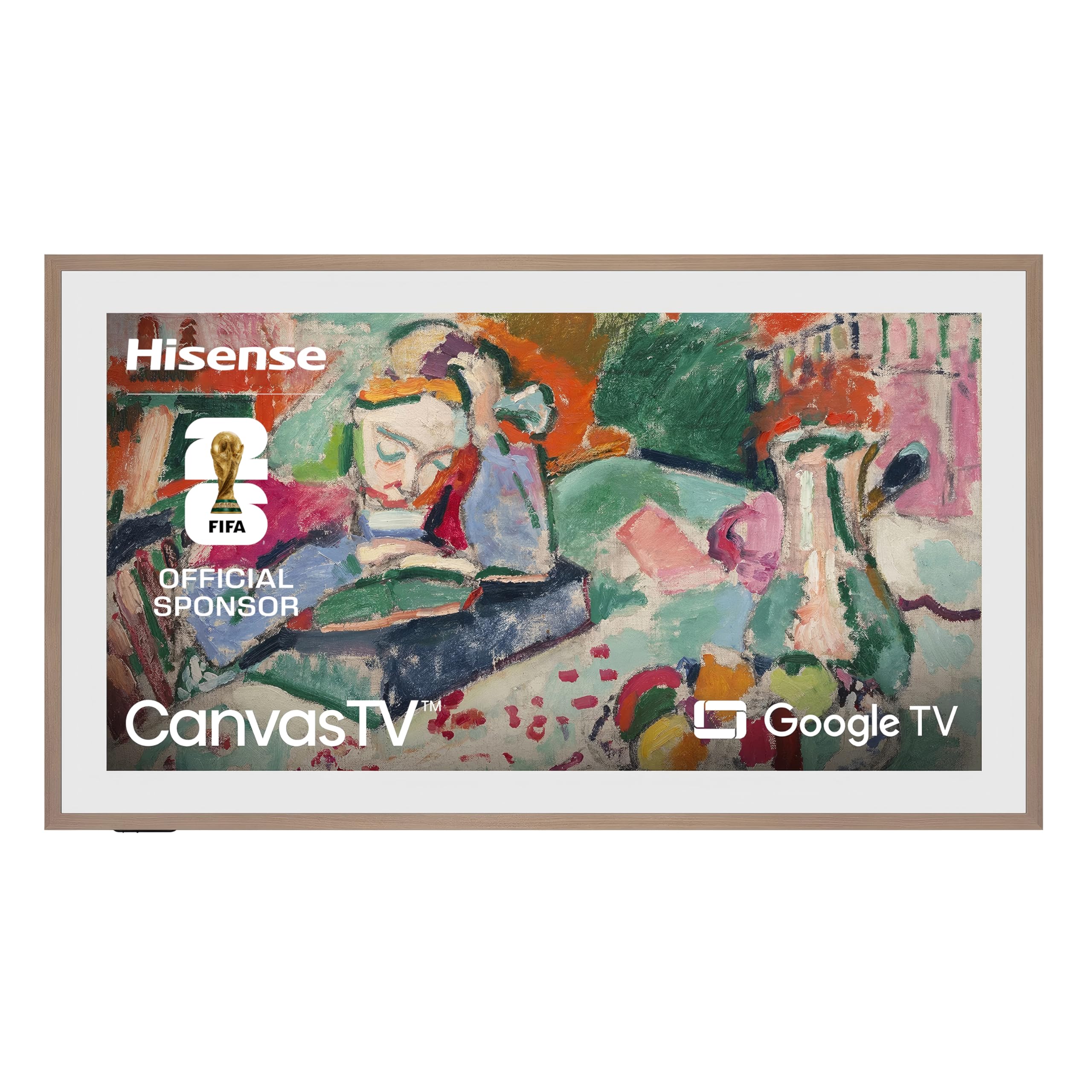
The Hisense CanvasTV is purpose-built for spaces where aesthetics matter as much as function. Its Hi-Matte display uses a low-reflection coating that gives the screen the appearance of a canvas painting, virtually eliminating glare from overhead lights. This makes it an excellent choice for executive offices or glass-walled conference rooms where reflections are a constant battle.
Art Mode transforms the screen into a digital gallery when not in use, and the included magnetic teak frame blends into upscale office decor. Behind the aesthetic layer, the 4K QLED panel with Quantum Dot technology produces over a billion color combinations for vivid presentations. The 144Hz refresh rate also handles fast-moving video with zero judder.
The included wall mount sits flush with zero gap, but it has no tilt or swivel adjustment, so exact placement must be planned in advance. The teak frame is magnetic and easy to swap, but the TV is heavy and requires a helper for installation. For companies that want a TV that looks like a piece of art when idle, this is a standout option.
Why it’s great
- Hi-Matte display eliminates glare in bright rooms
- Art Mode doubles as decor when not in use
- 144Hz refresh rate for fluid video playback
Good to know
- Flush wall mount has no tilt or swivel adjustment
- Heavy panel requires two-person install
- Art Mode needs brightness tuning for realistic canvas look
5. Amazon Ember 55″ Mini-LED

The Amazon Ember 55-inch Mini-LED series brings 512 dimming zones to the conference room, delivering exceptional contrast even when displaying spreadsheets with light backgrounds. With Dolby Vision IQ and up to 1,400 nits of peak brightness, this TV punches through aggressive ambient light better than most panels in its tier. The 144Hz refresh rate and AMD FreeSync Premium Pro certification make it a dual-purpose display for both presentations and gaming events.
Fire TV Intelligent Picture uses a processor to adjust the picture scene-by-scene, which is useful when switching between a bright PDF and a dark video clip during a single meeting. The built-in 2.1 Dolby Atmos audio has a dedicated subwoofer, eliminating the need for external speakers in small to mid-sized rooms. Alexa voice control allows hands-free operation for starting presentations or adjusting volume.
The Fire TV interface includes advertising on the home screen, which can be distracting in a professional setting. Some users have reported UI lag after software updates, though using an external Fire Stick 4K Max resolves this. For rooms that need high brightness and deep contrast at a reasonable cost, this is a powerful contender.
Why it’s great
- 1,400 nits peak brightness overpowers bright room lights
- 512 mini-LED dimming zones for deep contrast
- Built-in 2.1 audio with subwoofer saves desk space
Good to know
- Fire TV home screen includes ads
- UI can become laggy after software updates
- May benefit from external streaming device
6. Samsung M70H 65″ Mini-LED

Samsung’s M70H series leverages Pure Color Spectrum to produce one billion true-to-life colors, making it an ideal display for design studios, marketing agencies, or any conference room where color accuracy in client presentations is non-negotiable. The Mini-LED backlight ensures bright highlights and deep blacks, giving data visualizations and product images a dimensional quality that standard LED panels cannot match.
The Motion Xcelerator with DLG 120Hz analyzes fast-moving content to keep sports broadcasts and video footage fluid, while Gaming Hub consolidates cloud gaming services for after-hours team building. The SolarCell remote is a thoughtful touch for reducing battery waste in an office environment.
The remote has frustrated some users due to its lack of an input switching button and no input memory, requiring the phone app or separate remote for HDMI control. The 60Hz native panel is fine for presentations but not ideal for high-speed gaming. For color-critical work in a well-lit room, the M70H delivers professional-grade vibrancy.
Why it’s great
- Pure Color Spectrum covers one billion colors for accurate imagery
- Mini-LED HDR with bright highlights and deep blacks
- SolarCell remote reduces office battery waste
Good to know
- Remote lacks direct HDMI input switching
- 60Hz native panel limits high-speed gaming potential
- Interface can default to Pluto TV instead of last input
7. TCL NXTVISION 55″
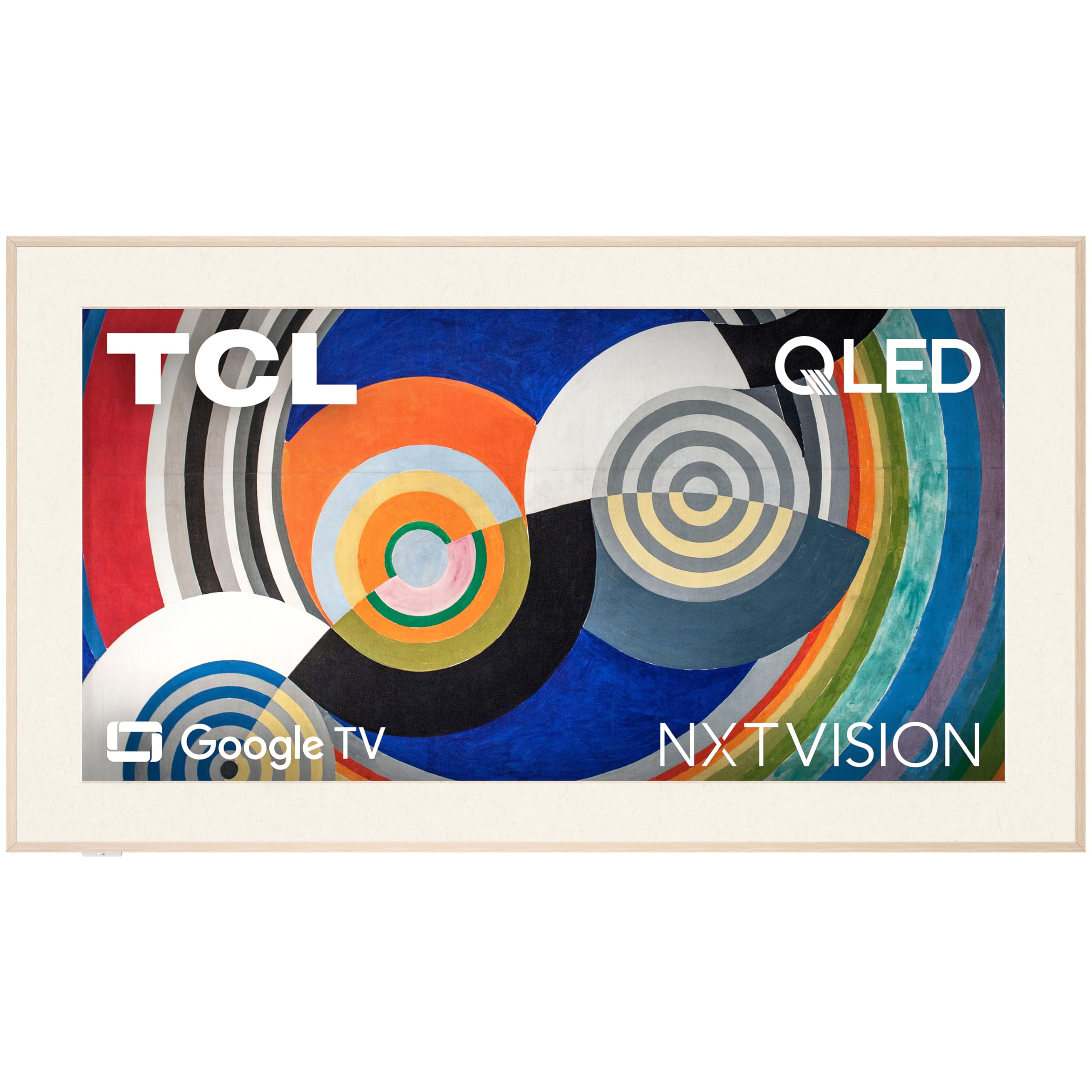
The TCL NXTVISION reimagines the conference room TV as a decorative element with its ultra-slim 1.1-inch chassis and off-white bezel. The ultra-matte anti-glare screen is the star feature — it eliminates reflections so effectively that the display can be placed directly opposite sunlit windows without washing out content. The included flush wall mount holds the TV tight to the wall with zero gap, creating a clean, built-in look.
The curated Art Library allows the screen to display high-resolution paintings when not in meetings, and the AI Art capability generates custom artwork based on room color palettes. Under the aesthetic surface, the QLED 4K panel with HDR10+ delivers vibrant colors and sharp text. The 120Hz refresh rate keeps motion smooth during video presentations.
Achieving the flush wall aesthetic requires a recessed power outlet placed precisely behind the panel, which may involve hiring an electrician. The free art selection is somewhat limited, and a soundbar is recommended for larger rooms. For executive lobbies and glass-walled meeting spaces where design is paramount, this is the most elegant option available.
Why it’s great
- Ultra-matte screen eliminates glare from any angle
- 1.1-inch chassis mounts flush with zero gap
- AI Art and curated gallery for decorative use
Good to know
- Recessed outlet needed for true flush installation
- Free art library is limited in selection
- Soundbar recommended for rooms larger than 10×10 feet
8. Sony BRAVIA 2 II 55″
The 55-inch Sony BRAVIA 2 II is the ideal size for small huddle rooms and breakout spaces where a large panel would overwhelm the room. The 4K Processor X1 delivers the same natural color reproduction as its larger sibling, ensuring that text and graphics appear sharp and lifelike. 4K XR-Reality PRO upscales standard 1080p laptop output to near-4K resolution, which is critical when presenters use older projectors or low-resolution laptops.
Google TV integration provides easy casting from any device, and the included Sony Pictures CORE app offers free movies for after-hours team events. Exclusive PlayStation 5 features like Auto HDR Tone Mapping make this a flexible display for offices that also want gaming capability. The remote is responsive and ergonomically designed.
Some units have experienced freezing that requires unplugging the TV, though this appears to be an isolated quality control issue rather than a widespread flaw. The 55-inch size is a practical fit for rooms seating four to eight people. For budget-conscious teams that prioritize processing power and color accuracy, this is a reliable mid-range choice.
Why it’s great
- 4K XR-Reality PRO upscales laptop content effectively
- Google TV for easy casting in small rooms
- PS5 Auto HDR Tone Mapping for gaming demos
Good to know
- Occasional freezing reported by some users
- 55-inch size fits huddle rooms but not large boardrooms
- Sound quality sufficient but not room-filling
9. TCL T7 Series 55″

The TCL T7 Series delivers an impressive 4K QLED panel with 120Hz native refresh rate at a price that undercuts most competitors, making it a strong candidate for offices with tight first-fit budgets. Quantum Dot technology covers nearly the entire DCI-P3 color space, producing vibrant colors that make product images and videos pop. The TCL AIPQ Pro Processor optimizes color, contrast, and clarity for each scene without introducing visible artifacts.
Four HDMI inputs including one with eARC provide ample connectivity for laptops, wireless presentation systems, and soundbars. The Google TV interface is responsive and supports wireless casting from both Android and Apple devices. The 55-inch size works well in mid-sized conference rooms seating six to ten people.
Some users have noted that PC wake-up from power save requires unplugging and reconnecting the HDMI cable, which could be disruptive in a meeting environment. Initial internet setup is required for Google TV activation before any HDMI port becomes usable. For teams that need capable performance at a minimal upfront investment, this is a solid entry-level choice.
Why it’s great
- 120Hz QLED panel at a budget-friendly price point
- Four HDMI inputs with eARC for flexible connectivity
- Google TV with Chromecast built-in for easy wireless presentation
Good to know
- PC HDMI wake-up requires unplugging and reconnecting
- Internet setup required before HDMI ports work
- Speakers adequate but soundbar recommended
10. Roku Plus 65″

The Roku Plus Series offers 65 inches of Mini-LED backlit 4K QLED screen at a value that is hard to beat for large-format needs. Dolby Vision and Dolby Atmos provide respectable picture and sound quality out of the box, while the Roku Smart Picture Max feature uses AI to optimize incoming signals in real time. The metal feet add a premium feel despite the low price point.
Roku OS is widely praised for its intuitive interface and fast app launching, making it simple for every team member to cast or stream content without training. The enhanced voice remote includes a lost remote finder button, a small but thoughtful feature for shared office spaces. Bluetooth Headphone Mode allows late-night workers to watch content privately.
The 65-inch panel offers excellent size for the price, but the picture quality cannot match the contrast and black levels of premium mini-LED TVs with more dimming zones. The menus limit fine-tuning options compared to advanced systems. For open-plan offices or casual meeting spaces where simplicity and screen real estate are the priorities, this is a wise budget choice.
Why it’s great
- 65-inch Mini-LED QLED at a budget-friendly price
- Roku OS is intuitive with fast app launching
- Lost remote finder useful in shared office spaces
Good to know
- Limited dimming zones compared to premium models
- Basic settings menu limits fine-tuning options
- AI upscaling is good but not class-leading
11. ApoloSign 32″ Portable UHD 4K
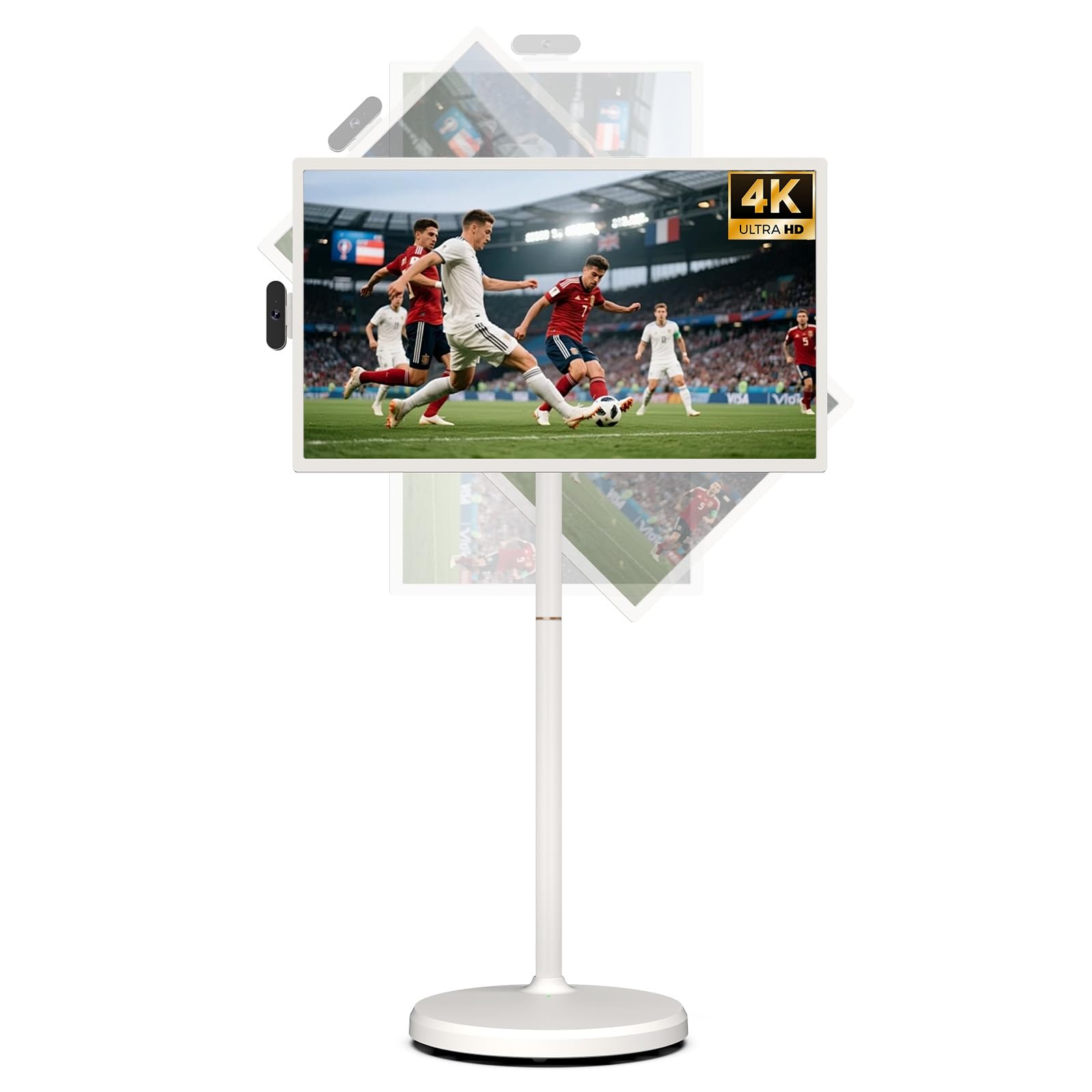
The ApoloSign Gen2 is a unique mobile display solution that brings true 4K UHD resolution to a portable, battery-powered platform. The 32-inch touchscreen with 3840×2160 resolution delivers crisp text and detailed imagery, while the rolling stand with full swivel rotation allows the screen to be repositioned between meeting rooms or moved to a cubicle for ad-hoc presentations. The built-in 15000mAh battery provides up to six hours of runtime.
The Android 16 OS with Google Play Store allows native app installation, and the 16GB RAM plus 256GB storage ensures smooth multitasking. A detachable charging base and included 8MP camera make it suitable for video calls and telehealth or training scenarios. The voice remote and touchscreen input offer flexible control options.
The speakers are located on the back of the unit, which muffles sound when the TV is mounted against a wall or used with the stand facing away. Performance is adequate for productivity but not built for cinephile-level video quality. For agile teams that need a display on wheels that can serve as a collaboration screen, training tool, or patient-facing monitor, this is a versatile specialist tool.
Why it’s great
- 4K touchscreen on a portable, battery-powered rolling stand
- Android 16 OS with Google Play for native app installs
- Six-hour battery life for all-day mobile use
Good to know
- Rear-facing speakers reduce audio clarity
- Average performance for high-end video playback
- Premium price for a niche product category
FAQ
Can I use a regular home TV as a conference room display?
What screen size is ideal for a conference room?
Do I need a 120Hz refresh rate for presentations?
Final Thoughts: The Verdict
For most organizations, the best conference room tv winner is the Sony BRAVIA 2 II 65″ because it combines professional-grade color accuracy, excellent upscaling, and a reliable smart platform at a accessible price. If you need commercial durability and 16/7 operation, grab the Samsung BE55T-H Pro. And for large boardrooms that demand a jaw-dropping visual scale, nothing beats the LG QNED evo 100″.

Mo Maruf
I created WellFizz to bridge the gap between vague wellness advice and actionable solutions. My mission is simple: to decode the research and give you practical tools you can actually use.
Beyond the data, I am a passionate traveler. I believe that stepping away from the screen to explore new environments is essential for mental clarity and physical vitality.