Our readers keep the lights on and my smoothie glass nicely filled. As an Amazon Associate, I earn from qualifying purchases.
Choosing the right hardware for a home lab, media server, or small business server means balancing raw processing power, energy efficiency, storage scalability, and noise levels. The wrong pick leaves you with a machine that’s either too loud, too power-hungry, or too weak to handle virtualization and multiple concurrent services.
I’m Mohammad Maruf — the founder and writer behind WellFizz. I’ve spent months diving into server hardware specs, comparing chassis types, networking capabilities, and expansion options to help you make an informed decision.
Whether you’re running Plex, Docker, a firewall, or a full virtualization stack, this guide breaks down the top contenders to help you find the best computer for server workloads tailored to your needs and budget.
How To Choose The Best Computer For Server
Selecting a machine for server duty requires a different mindset than building a gaming rig. Reliability, remote management, and sustained throughput matter more than peak clock speeds. Before you buy, understand how your workload maps to these core considerations.
Processor Cores vs. Clock Speed
A home media server running Plex benefits from Intel Quick Sync for transcoding, but a virtualization host running multiple VMs needs raw core count. Entry-level mini PCs with quad-core processors handle lightweight file sharing and Docker containers, while a dual-processor setup with 28 cores is built for heavy virtualization and compute tasks. Match the core count to the concurrent services you plan to run.
RAM Capacity and ECC Support
Server workloads consume RAM fast, especially when running VMs, databases, or container clusters. Prioritize machines with expandable memory slots. ECC (Error-Correcting Code) RAM, typically found in enterprise platforms, detects and corrects data corruption — a critical feature for 24/7 operations where data integrity is non-negotiable.
Storage Options and Network Bandwidth
Look for multiple storage bays (SATA, SAS, or NVMe) to set up RAID arrays for redundancy. Network throughput is equally important: a 2.5GbE port is a significant upgrade for media streaming and backups, and 10GbE-ready options future-proof your setup for high-speed file transfers.
Quick Comparison
On smaller screens, swipe sideways to see the full table.
| Model | Category | Best For | Key Spec | Amazon |
|---|---|---|---|---|
| PowerEdge Dell R630 | Enterprise Rack | Heavy Virtualization | 2x Xeon E5-2690 v4 (28 Cores) | Amazon |
| GMKtec K8 Plus | High-Perf Mini | Plex & Light Gaming | AMD Radeon 780M GPU | Amazon |
| Synology DS1525+ | NAS System | Content Editing Server | 1,181 MB/s Transfer Rate | Amazon |
| GEEKOM IT12 | Business Mini | Plex & Office Server | 2.5GbE + Dual USB4 | Amazon |
| HP ProLiant DL360 G7 | Enterprise Rack | Learning ESXi/Lab | 2x X5650 (12 Cores Total) | Amazon |
| SilverStone RM44 | Rack Chassis | Custom Server Build | Supports 360mm Radiator | Amazon |
| Dell Optiplex 7050 SFF | SFF Refurb | Church/Business Use | Intel i7-7700 (4 Cores) | Amazon |
| HP Desktop Tower 290 G9 | Business Tower | General Office Server | 13th Gen Intel Core i3 | Amazon |
| GMKtec Nucbox G10 | Budget Mini | Firewall/Router | 2.5GbE NIC | Amazon |
| BOSGAME E5 | Budget Mini | Home NAS | Ryzen 3 5300U | Amazon |
| Dell EC24250 | All-in-One | Office Desktop | 23.8″ FHD Display | Amazon |
In‑Depth Reviews
1. PowerEdge Dell R630 Server (Renewed)

The Dell PowerEdge R630 is a 1U rack server that delivers enterprise-grade performance for serious home labs and production environments. With two 14-core Xeon E5-2690 v4 processors, you get 28 cores and 56 threads for heavy virtualization workloads, running multiple VMs and containers simultaneously without breaking a sweat.
The 128GB of PC4-2133 DDR4 RAM provides ample headroom for memory-intensive applications like databases and virtual desktop infrastructure. The inclusion of dual 1TB SATA SSDs and a PERC 730-mini controller offers both speed and RAID flexibility, while the iDRAC 8 Enterprise module enables full remote management, a must-have for headless server operation.
One year of continuous 24/7 operation in real-world use has shown zero hardware failures, proving its reliability. The VGA ports had minor issues, but the virtual console feature easily solved that. If you need raw compute power and don’t mind the fan noise and heat output, this is the ultimate value in a used server.
Why it’s great
- 28 cores handle massive virtualization loads
- 128GB ECC RAM for data integrity
- iDRAC 8 Enterprise for remote management
Good to know
- Can be noisy under load
- Power consumption is high
2. GMKtec Gaming Mini PC K8 Plus
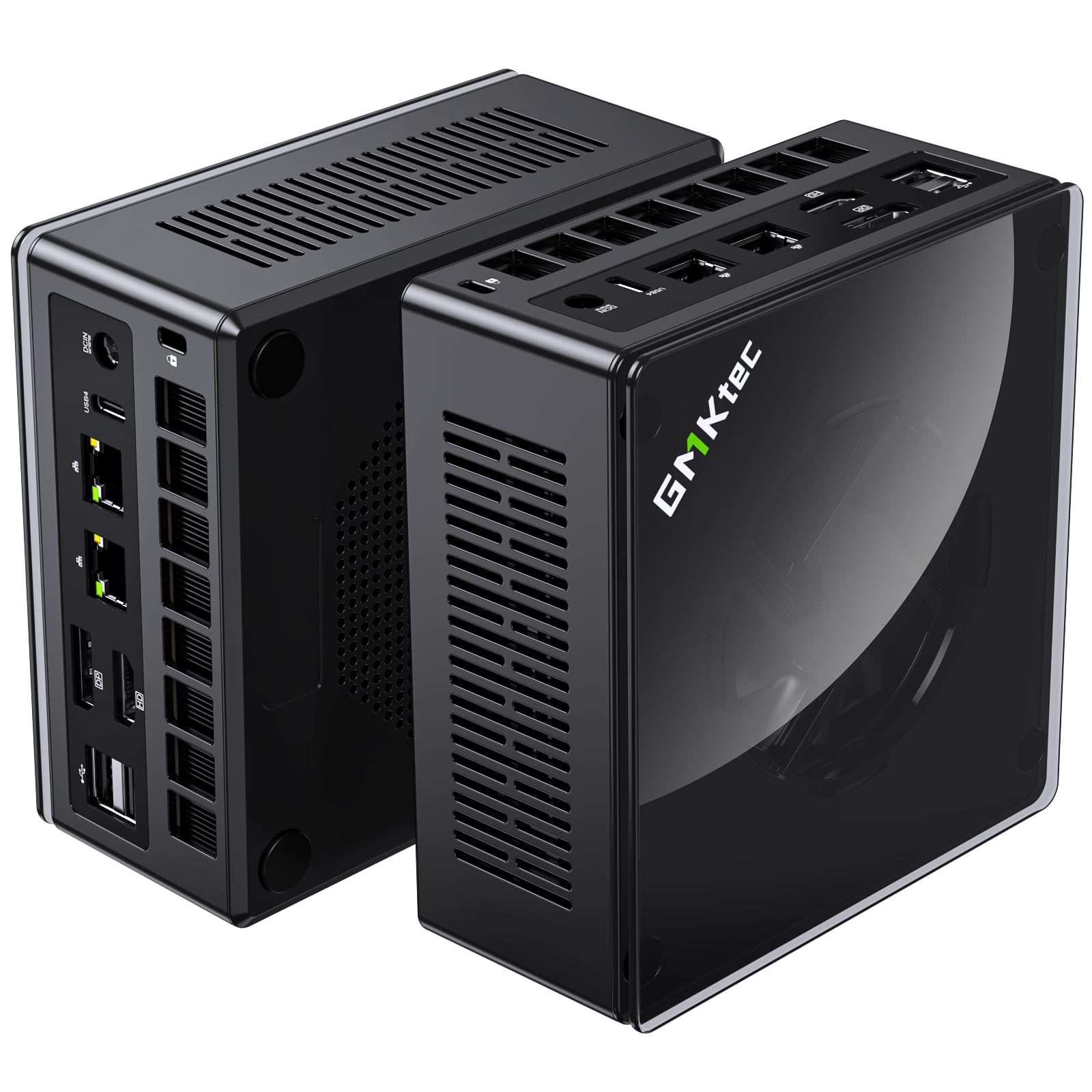
The GMKtec K8 Plus mini PC packs a serious punch with its AMD Ryzen 7 8845HS processor, boasting 8 cores with a boost clock up to 5.1 GHz. This machine transforms DVD and Blu-Ray ripping into a breeze — a 2.5-hour movie converts to mp4 in just 10 minutes, making it a stellar front-end for a Plex server.
With 32GB of DDR5 RAM (expandable to 96GB) and a 2TB PCIe 4.0 SSD, there’s plenty of speed and space for demanding workloads. The dual Intel i226V 2.5GbE NICs provide fast, stable networking, and the OCuLink interface allows for an external GPU if you ever need extra graphics horsepower for rendering or transcoding.
The triple performance modes (Silent, Balanced, and Performance) let you tune the system for noise or speed, and the dual-fan cooling keeps temperatures stable even during sustained loads. If you need a compact yet ferociously capable server that can double as a gaming machine, this is your pick.
Why it’s great
- Blazing CPU for transcoding and VMs
- Dual 2.5GbE NICs for network flexibility
- OCuLink port for external GPU
Good to know
- No ECC RAM support
- Upgraded cooling can still run warm
3. Synology DS1525+ NAS
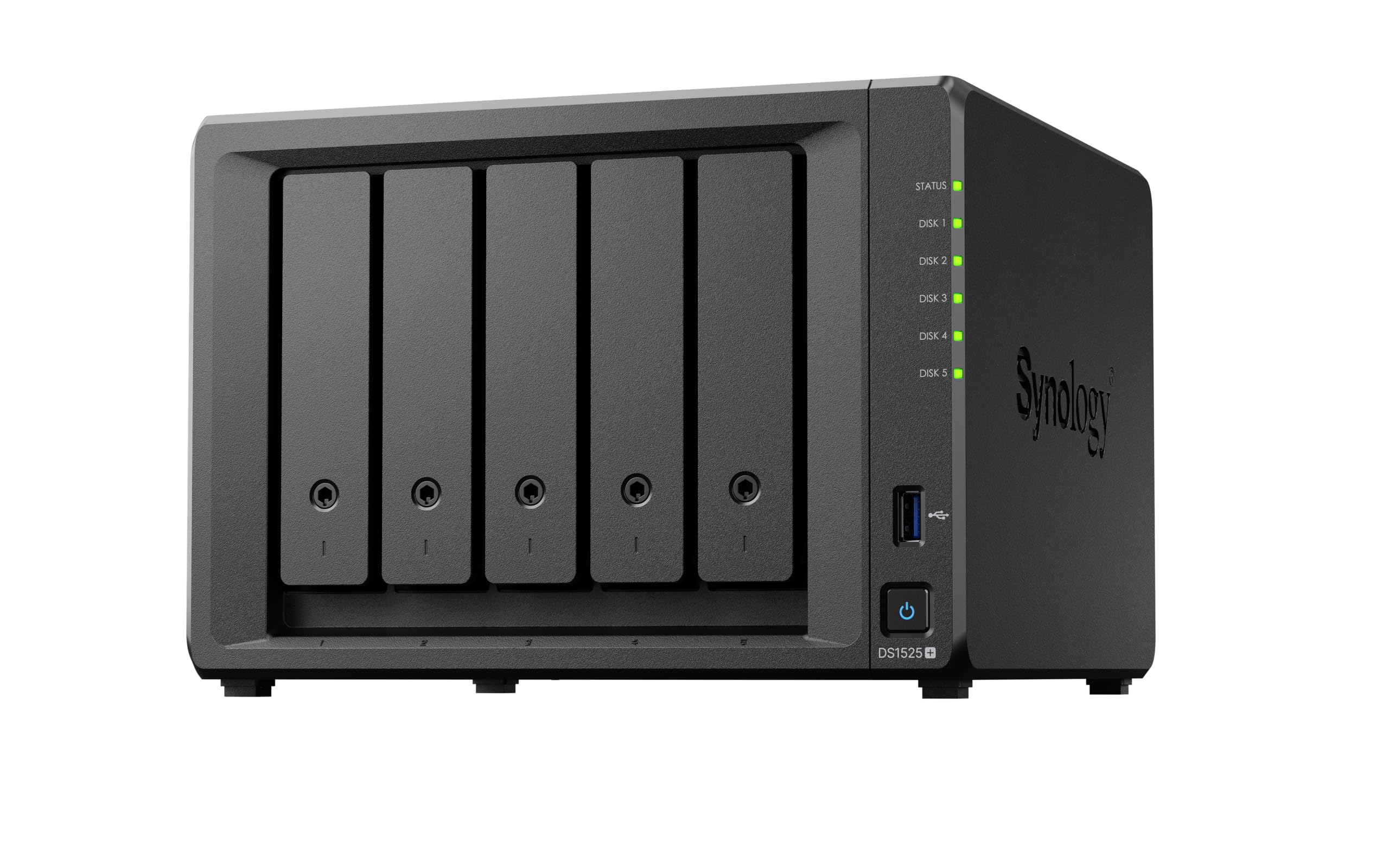
The Synology DS1525+ is a dedicated NAS appliance designed for professional video editing teams and heavy media management. It delivers blistering transfer speeds of up to 1,181 MB/s, allowing multiple editors to work on 4K and 8K footage directly over the network without local storage bottlenecks.
Starting with up to 100TB of raw storage and expandable to 300TB using DX525 expansion units, this system handles massive media libraries with ease. Its AI-powered tagging organizes thousands of assets, and the built-in media streaming tools make client review sessions seamless.
While it lacks the raw CPU power for general virtualization, the DS1525+ excels at its specific role: shared high-resolution storage. The 3-year warranty and enterprise support add confidence for business-critical environments. This is not a general-purpose server — it’s a purpose-built media production hub.
Why it’s great
- 1,181 MB/s for multi-editor workflows
- Expandable to 300TB
- AI tagging for media management
Good to know
- No integrated virtualization
- Limited macOS AFP support
4. GEEKOM IT12 Business Mini PC
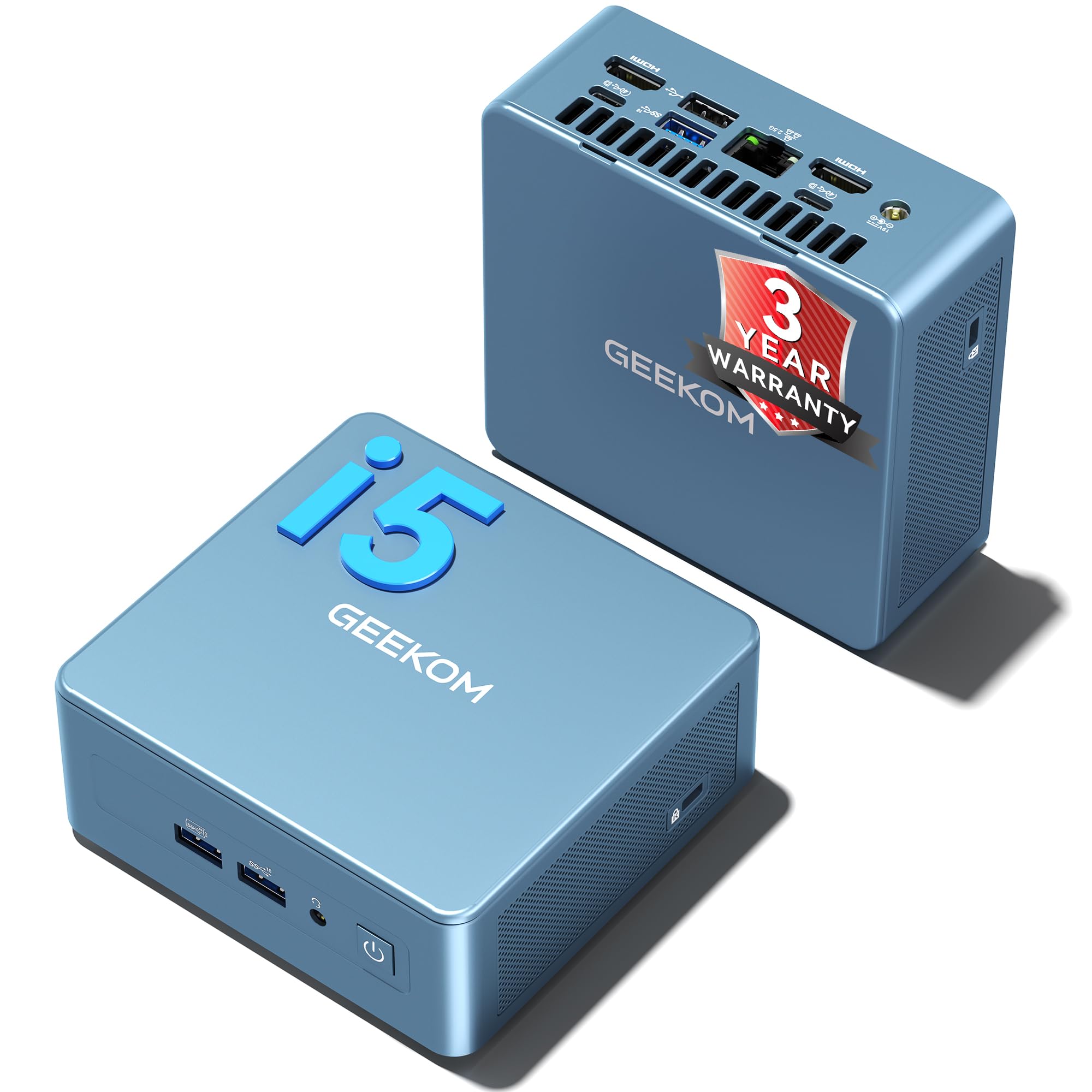
The GEEKOM IT12 is purpose-built for 24/7 deployment as a Plex server, home office hub, or enterprise workstation. Its Intel Core i5-12450H processor features Quick Sync for accelerated 4K transcoding, delivering a 30% performance boost over previous-gen U-series chips.
Energy efficiency is a core focus: the proprietary IceBlast cooling system cuts noise by 40% and extends hardware lifespan, making it ideal for always-on operation. The dual USB4 ports (40Gbps) support 8K displays and fast file transfers, and the 2.5GbE port combined with WiFi 6E ensures lag-free connectivity.
With RAM expandable to 96GB and storage up to 4TB, the IT12 handles multiple VMs and large datasets without choking. The 3-year warranty and remote management support through SCCM or Zoho Assist make it a strong choice for IT teams deploying fleet devices.
Why it’s great
- Intel Quick Sync for 4K transcoding
- IceBlast cooling for 24/7 use
- Dual USB4 with 40Gbps
Good to know
- No dedicated GPU
- RAM is not LPDDR
5. HP ProLiant DL360 G7 (Renewed)

The HP ProLiant DL360 G7 is a classic enterprise 1U rack server that provides an excellent platform for learning virtualization with ESXi or Hyper-V. Its two Xeon X5650 processors deliver 12 cores of compute power, enough to run a handful of VMs for testing and development.
With 32GB of PC3-10600R ECC RAM and eight 146GB 10K SAS hard drives backed by a P410i RAID controller, the storage subsystem is robust and ready for RAID configurations. The 4 Gigabit NICs offer ample network bandwidth for lab networking experiments.
This machine is about a decade old, so it lacks modern features like DDR4 or NVMe, but for the price, it’s an incredible tool for learning server administration. Be prepared for higher power draw and fan noise compared to modern mini PCs — it’s a trade-off for true enterprise hardware.
Why it’s great
- 12 cores for virtual learning labs
- ECC RAM and SAS storage included
- Affordable entry to enterprise hardware
Good to know
- Noisy and power-hungry
- No modern DDR4 or NVMe
6. SilverStone Technology RM44 Chassis

The SilverStone RM44 is a 4U rackmount chassis designed for custom server builders who want rack compatibility without sacrificing desktop-grade hardware. It supports up to SSI-EEB motherboards and full-size ATX power supplies, giving you the freedom to choose your own components.
Liquid cooling is a standout feature: the chassis supports up to a 360mm radiator, dramatically improving thermal performance. Users have reported a 20°C drop in CPU temperatures when switching from a 2U case to the RM44 with Noctua fans. The 8 PCIe slots can accommodate multiple GPUs for rendering or compute workloads.
Magnetic dust filters on the front and sliding rail mounting holes make maintenance straightforward. Some build notes: the hotswap fan connectors may not lock securely, and the included instructions lack detail on standoff placement. If you enjoy building your hardware, this chassis offers tremendous flexibility.
Why it’s great
- Supports full ATX and SSI-EEB boards
- 360mm radiator for quiet cooling
- 8 PCIe slots for multiple GPUs
Good to know
- No front drive carriers included
- Mediocre build instructions
7. Dell Optiplex 7050 SFF (Renewed)
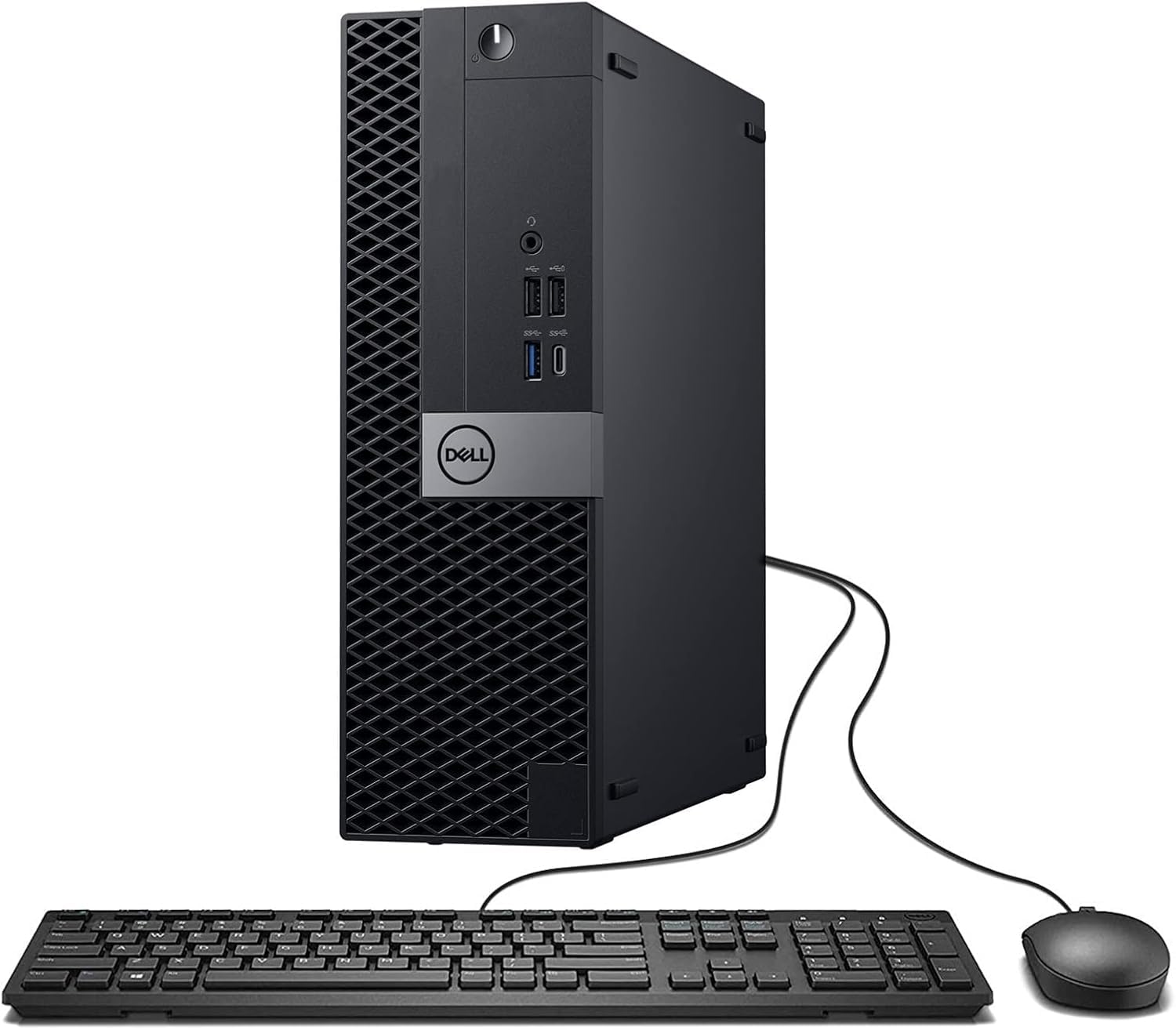
The Dell Optiplex 7050 SFF is a refurbished business desktop that punches above its weight for server roles like media streaming and presentation management. The Intel i7-7700 with 32GB of DDR4 RAM is enough for light Proxmox setups, Plex without heavy transcoding, and multiple Docker containers.
Its small form factor fits discreetly in an office or AV rack, and the integrated Intel UHD Graphics 630 can drive three to four monitors for digital signage or church presentation software. The array of ten USB ports (2.0 and 3.0) provides ample connectivity for peripherals and backup drives.
Be aware that the renewed unit may arrive with missing components like a DVD drive, and you’ll likely need to install a WiFi card and Bluetooth antenna yourself. The seller also offers a 90-day warranty, which is standard for this category. For the price, it’s a solid entry into small-scale server hosting.
Why it’s great
- 32GB RAM handles multiple VMs
- Many USB ports for peripherals
- Quiet, compact office footprint
Good to know
- May arrive with missing components
- No ECC RAM support
8. HP Business Desktop Tower 290 G9
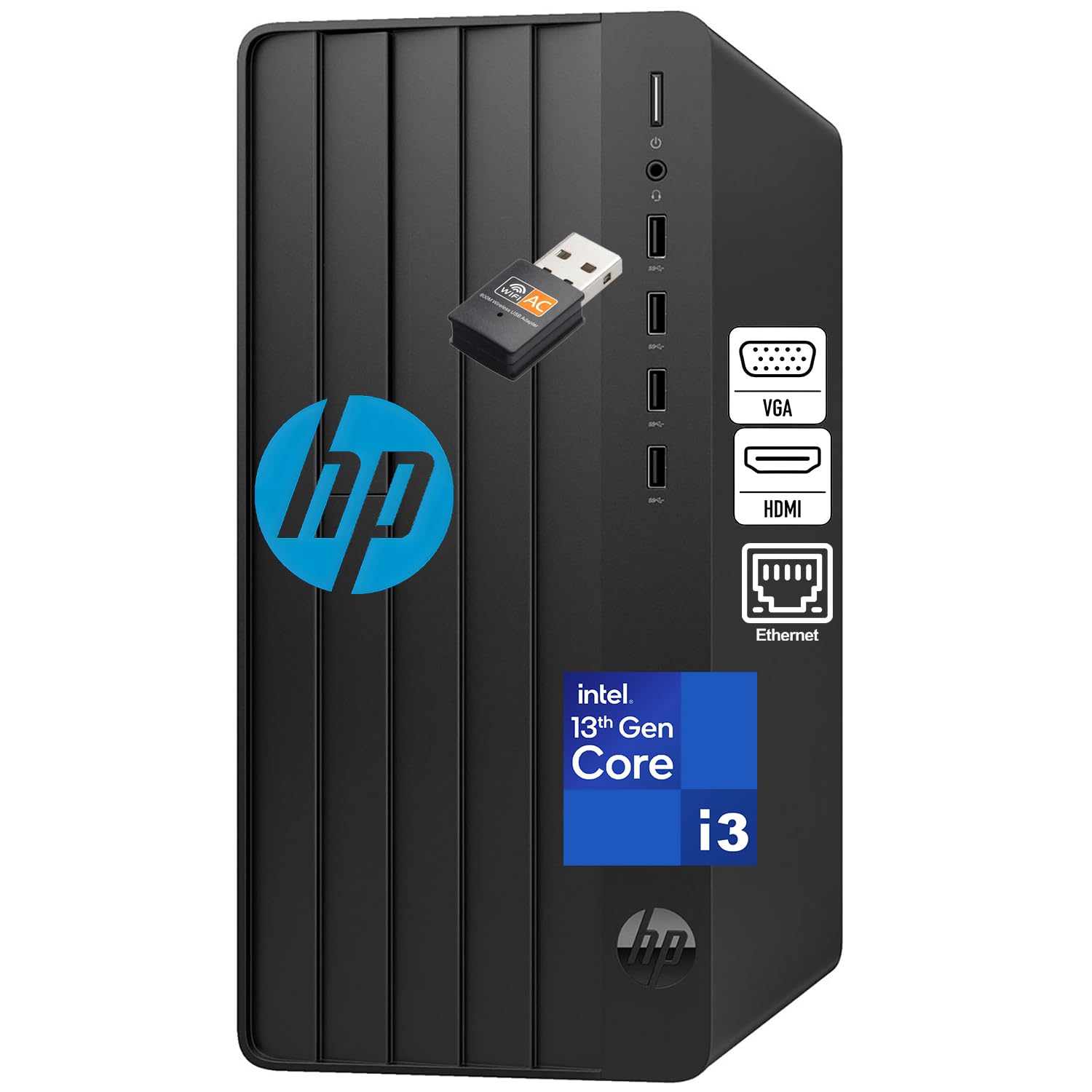
The HP 290 G9 is a modern business tower that serves as a capable file server, domain controller, or remote desktop host for small offices. Its 13th Gen Intel Quad-Core processor provides snappy responsiveness for office applications and light server roles.
With 16GB of DDR4 RAM and a 256GB SSD, boot times stay under 15 seconds, and the bundled Office 365 for web gets you productive immediately. The tower design offers good internal airflow for 24/7 operation and easy access for RAM or storage upgrades.
Connectivity includes HDMI for modern displays, VGA for legacy monitors, and Gigabit Ethernet. The package arrives with keyboard and mouse, making it truly ready to work out of the box. It’s not built for heavy virtualization or transcoding, but for a dedicated office server, it’s a reliable, no-fuss choice.
Why it’s great
- 13th Gen Intel for efficiency
- Includes keyboard, mouse, and WiFi
- Easy tower upgrade access
Good to know
- Only 8GB RAM standard
- No dedicated server features
9. GMKtec Mini PC Ryzen 5 3500U Nucbox G10
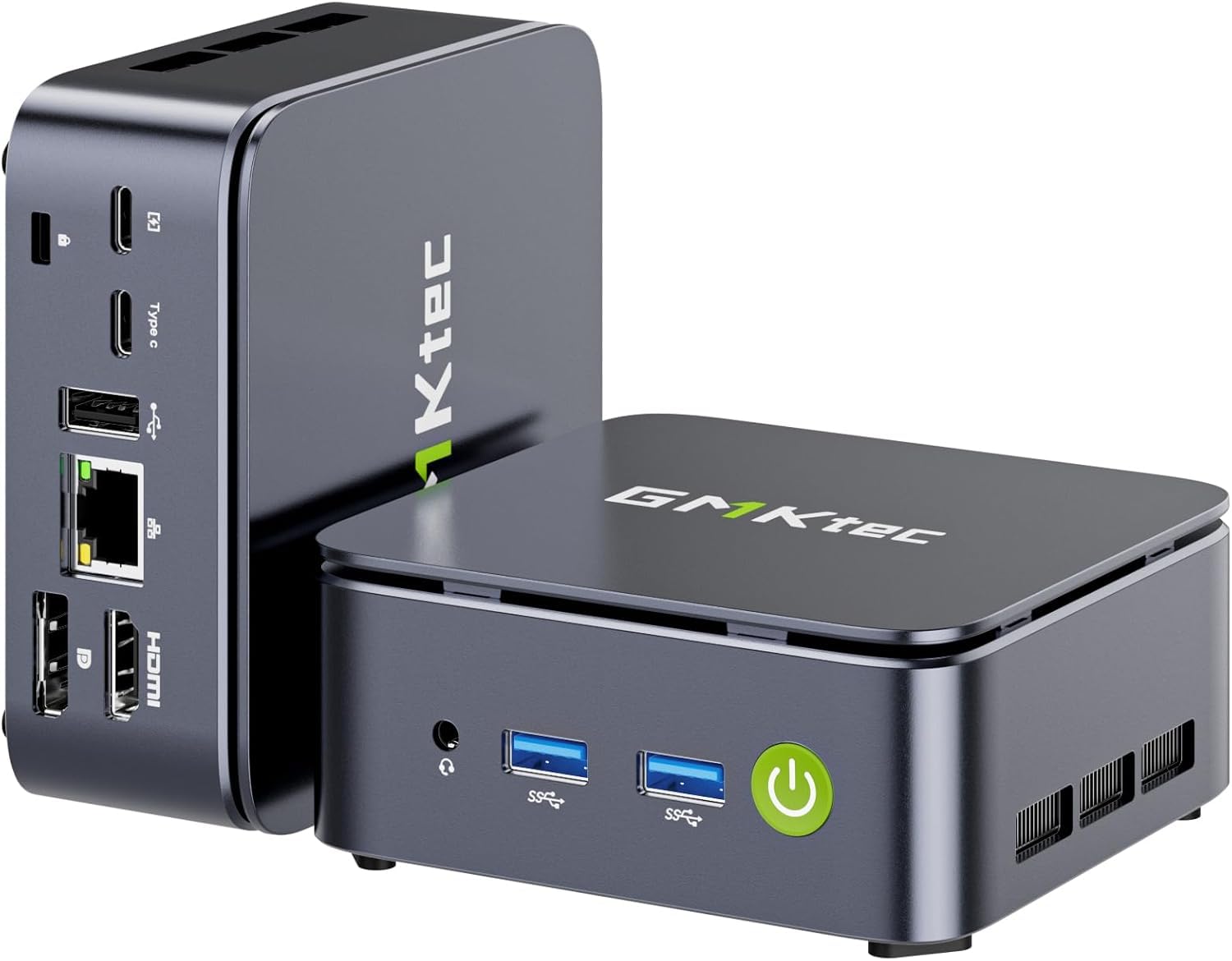
The GMKtec Nucbox G10 offers excellent value for specific server roles, particularly as a firewall, VPN gateway, or Pfsense appliance. Its Ryzen 5 3500U processor provides a 35% performance improvement over Intel N100 chipsets, while the 2.5GbE NIC ensures high-speed network routing.
With 16GB of dual-channel DDR4 RAM (expandable to 64GB) and dual M.2 slots for up to 16TB of storage, this mini PC has room for lightweight virtualization. The triple display support via HDMI 2.1, DP, and USB-C makes it versatile for multi-monitor workstation setups as well.
BIOS features include RTC Wake, Auto Power On, Wake on LAN, and PXE Boot, which are essential for headless server operation. The dual cooling fans keep thermals in check during network-intensive tasks. If you need a low-cost, low-power server for routing and basic file sharing, this is a strong contender.
Why it’s great
- 2.5GbE for fast routing
- Dual M.2 slots for storage
- Full BIOS server features
Good to know
- WiFi 5 (not WiFi 6)
- No ECC support
10. BOSGAME E5 Multi-Functional Mini PC

The BOSGAME E5 is an entry-level mini PC that works well as a home NAS, lightweight Docker host, or always-on media server. The Ryzen 3 5300U processor with Radeon graphics delivers enough power for file sharing, Plex direct play, and basic virtualization.
Equipped with 16GB of DDR4 RAM and a 1TB PCIe SSD, the E5 handles everyday server tasks without frustration. Dual Gigabit Ethernet ports allow for link aggregation or dedicated network segments, and the triple 4K display output via HDMI 2.0, DP, and USB-C adds workstation versatility.
The unit is whisper-quiet during normal operation and sips power, making it a great candidate for a low-cost, always-on server. The lifetime after-sales support and 3-year parts warranty provide peace of mind for a budget purchase. For the price, it’s a fantastic entry point into home server ownership.
Why it’s great
- Dual Gigabit Ethernet for NAS
- 1TB SSD included
- Very low power consumption
Good to know
- Limited CPU for virtualization
- No ECC RAM or IPMI
11. Dell 24 All-in-One Desktop EC24250

The Dell EC24250 is an all-in-one desktop that can serve as a lightweight administrative terminal for managing your server infrastructure. Its 23.8-inch FHD IPS display with 99% sRGB coverage and 5MP+IR camera makes it suitable for reception desks, monitoring stations, or remote meeting hubs.
Powered by an Intel Core 3 processor (100U) with 8GB of DDR5 RAM and a 512GB SSD, this machine handles web-based management consoles, email, and document editing smoothly. The built-in dual speakers with Dolby Atmos provide clear audio for video conferencing.
It’s not built to be a server itself, but as a client for server management or a thin client for RDP, it excels. The integrated Dell ComfortView Plus reduces eye strain during long monitoring sessions. If your server setup needs a clean, cable-free workstation, this all-in-one fits the bill.
Why it’s great
- Integrated 23.8″ FHD display
- DDR5 RAM for smooth multitasking
- Clean, cable-free desk setup
Good to know
- 8GB RAM limits multitasking
- Not upgradeable like a tower
FAQ
Do I need ECC RAM for a home server?
Can I use a regular desktop PC as a server?
Final Thoughts: The Verdict
For most users, the best computer for server winner is the PowerEdge Dell R630 because 28 cores and 128GB of ECC RAM provide unmatched virtualization headroom. If you want a compact, energy-efficient server with powerful transcoding, grab the GMKtec K8 Plus. And for a purpose-built media storage system, nothing beats the Synology DS1525+.

Mo Maruf
I created WellFizz to bridge the gap between vague wellness advice and actionable solutions. My mission is simple: to decode the research and give you practical tools you can actually use.
Beyond the data, I am a passionate traveler. I believe that stepping away from the screen to explore new environments is essential for mental clarity and physical vitality.