Our readers keep the lights on and my smoothie glass nicely filled. As an Amazon Associate, I earn from qualifying purchases.
Navigating the world of desktop computers can feel overwhelming, especially when the priority is simplicity, reliability, and a clear, comfortable experience. For those who want to connect with family, manage finances, explore hobbies, or simply browse the web without frustration, a machine that prioritizes ease-of-use is paramount — not raw power or complex features.
I’m Mohammad Maruf — the founder and writer behind WellFizz. I’ve spent hundreds of hours analyzing hardware specifications, user feedback, and real-world performance data to isolate the single most important factor for this specific audience: a computer that gets out of the way and lets you do what matters most.
This guide breaks down the top contenders based on screen clarity, startup speed, simple setup, and overall value to help you find the ideal computer for seniors that matches your needs and budget.
How To Choose The Best Computer For Seniors
Choosing the right desktop computer involves focusing on a few key areas that directly affect daily use. Forget about benchmark scores and focus on what makes the experience pleasant and straightforward.
Screen Clarity and Size
A 23.8-inch Full HD (1920×1080) display is the sweet spot for comfortable reading and clear images. IPS panels offer wider viewing angles, meaning the screen looks good even when you’re not sitting dead center. An anti-glare coating is a huge plus, reducing reflections from windows or lamps.
All-in-One vs. Traditional Tower
An all-in-one computer combines the monitor and the computer components into a single unit. This means just one power cord and no bulky tower taking up floor space. The trade-off is often less internal space for future upgrades, but for typical tasks, an AIO offers a much cleaner and simpler setup.
Memory and Storage That Matter
An SSD (Solid State Drive) is the single most impactful upgrade for speed. A 256GB or 512GB SSD allows the computer to boot in seconds and open programs instantly. Paired with 8GB of RAM, this setup handles browsing, video calls, and document editing without slowdowns.
Quick Comparison
On smaller screens, swipe sideways to see the full table.
| Model | Category | Best For | Key Spec | Amazon |
|---|---|---|---|---|
| HP 24 Touchscreen AIO | Premium Touch | Touchscreen ease & spacious 1TB storage | 16GB RAM / 1TB SSD / Touch | Amazon |
| Lenovo 24 AIO 32GB | Premium | Heavy multitasking with 32GB RAM | 32GB RAM / 1TB SSD | Amazon |
| Dell Tower ECT1250 | Premium Tower | Raw power & future expandability | Intel Core Ultra 7 / 16GB RAM | Amazon |
| Lenovo ThinkCentre M90a | Business AIO | Business-grade security & reliability | Intel Core i5-14500 / 16GB RAM | Amazon |
| HP 24 AMD Ryzen 7 AIO | Power AIO | Smooth multitasking with a pop-up camera | AMD Ryzen 7 / 16GB RAM | Amazon |
| Dell 24 AIO EC24250 | Trusted Brand | Dell reliability & excellent eye comfort | Intel Core 3 / 8GB RAM | Amazon |
| MECHAZER Curved AIO | Curved Display | Immersive & wide viewing angles | Intel Core i7 / 16GB RAM | Amazon |
| STGSivir Core i7 AIO | Value i7 | Budget-friendly with a powerful i7 chip | Intel Core i7 / 16GB RAM | Amazon |
| JSHIX AIO 23.8 | Entry AIO | Simple tasks & a large 23.8″ screen | Intel Celeron N5095 / 8GB RAM | Amazon |
| STGSivir Core i5 AIO | Value i5 | Dependable performance at a friendly price | Intel Core i5 / 16GB RAM | Amazon |
| Core Innovations 24″ AIO | Budget Pick | Lowest cost for basic web use | Intel Celeron N5095 / 4GB RAM | Amazon |
In‑Depth Reviews
1. HP 24 Touchscreen All-in-One Desktop

The HP 24 Touchscreen AIO is the gold standard for ease-of-use. The 23.8-inch IPS Full HD touchscreen is incredibly responsive, allowing users to tap, swipe, and scroll directly — a natural interaction method that eliminates the need to master a mouse. It boots up fast thanks to the 1TB PCIe SSD and runs smoothly with 16GB of DDR4 RAM.
The all-in-one design is sleek and white, fitting unobtrusively into any room. It includes a 720p privacy camera with temporal noise reduction for clear video calls, plus Wi-Fi 6 and Bluetooth 5.3 for wireless reliability. The included wired keyboard and mouse mean everything needed is in the box.
While the Intel N100 processor is modest, it is perfectly tuned for the essential tasks this machine is meant for: web browsing, email, video calls, and light document work. The touchscreen truly transforms the experience, making it the most intuitive option available.
Why it’s great
- Responsive touchscreen makes navigation effortless
- Generous 1TB SSD provides ample storage for photos and documents
- Quiet operation and easy plug-and-play setup
Good to know
- Processor is not designed for demanding video editing or gaming
- Front-facing USB ports are limited on this model
2. Lenovo 24 All-in-One Desktop (32GB RAM)
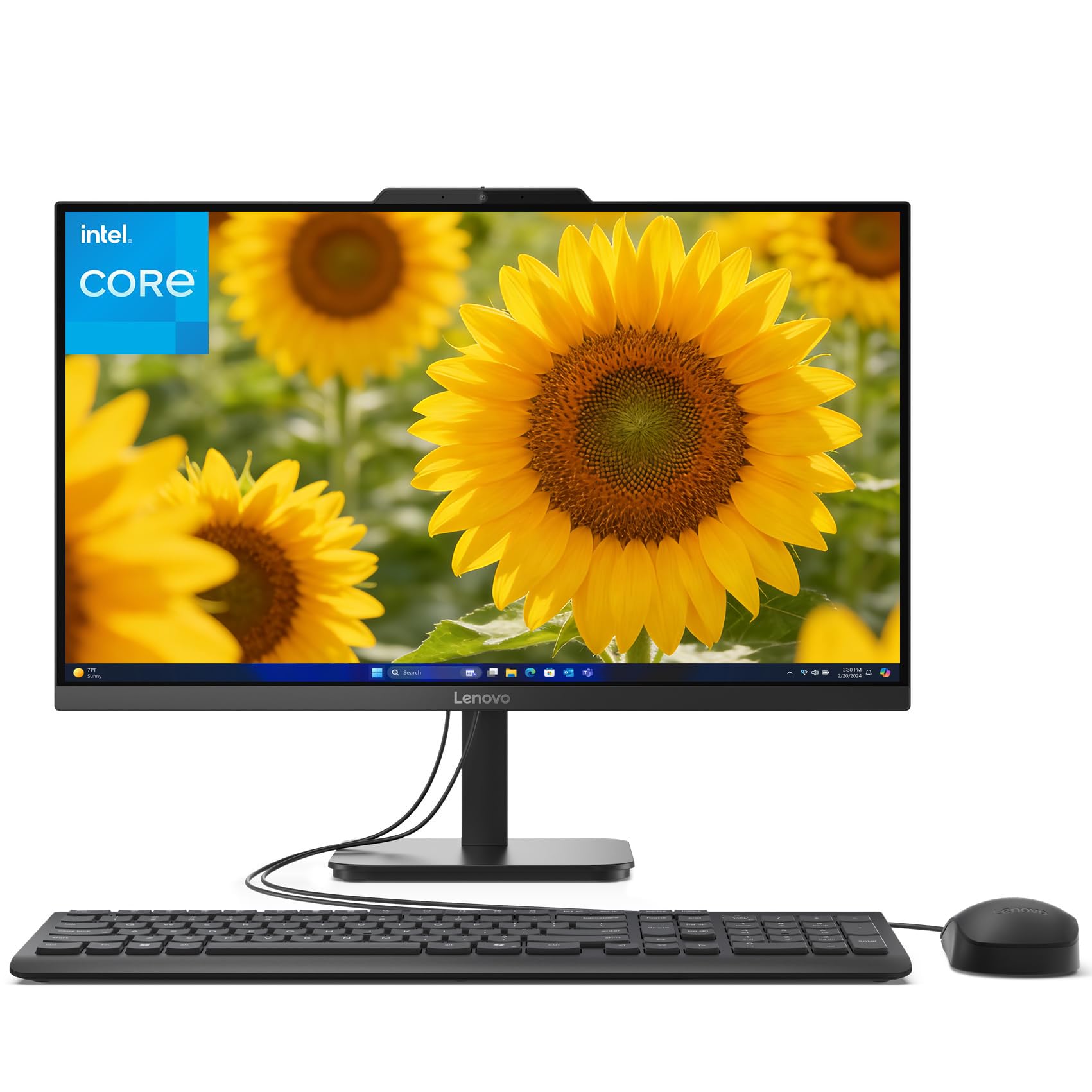
The Lenovo 24 AIO stands out for its generous 32GB of DDR4 RAM, which is double what most users need. This headroom ensures that even if you have many browser tabs open, a video call running, and a document being edited, the system will not stutter. The 1TB PCIe SSD offers lightning-fast boot times and plenty of space for a large photo library.
The 23.8-inch Full HD display offers crisp text and good color. The included keyboard and mouse are functional, and the dark gray finish makes it a professional addition to any desk. The machine supports Wi-Fi and Bluetooth for connecting to printers and wireless peripherals.
While the Intel i3-N305 processor is an 8-core chip and handles daily tasks well, the standout feature here is the sheer amount of RAM, future-proofing the machine for years. The build quality feels sturdy, and the stand includes a small tray for stashing a pen or phone.
Why it’s great
- Massive 32GB RAM for ultra-smooth multitasking
- Fast 1TB SSD offers excellent storage capacity
- Sturdy build with a well-designed stand
Good to know
- Processor is not designed for heavy 4K video editing
- Screen resolution is standard Full HD, not 4K
3. Dell Tower Desktop ECT1250

The Dell Tower Desktop is a different form factor entirely — a traditional tower — but it offers the most upgrade potential and raw power. With the latest Intel Core Ultra 7 processor with built-in AI, 16GB of memory, and a 1TB M.2 SSD, this machine handles everything from web browsing to light creative work with ease.
Its tool-less entry allows you to easily open the side panel to add more RAM or storage later, making it a future-proof investment. The Dell ECT1250 supports up to four FHD monitors or two 4K displays via DisplayPort and HDMI 2.1, which is fantastic for users who want a large, multi-screen setup.
The system is whisper-quiet during normal use and comes with Dell’s 1-year onsite service, providing peace of mind. The included wired keyboard and mouse are standard, but the machine itself is a robust platform. The main consideration is the physical tower footprint next to the desk.
Why it’s great
- Extremely powerful Intel Core Ultra 7 processor
- Tool-less chassis for easy future upgrades
- Supports multiple 4K monitors for a large desktop space
Good to know
- Requires purchasing a separate monitor (not an All-in-One)
- More complex for a user who prefers a simple, single-cable setup
4. Lenovo ThinkCentre M90a All-in-One
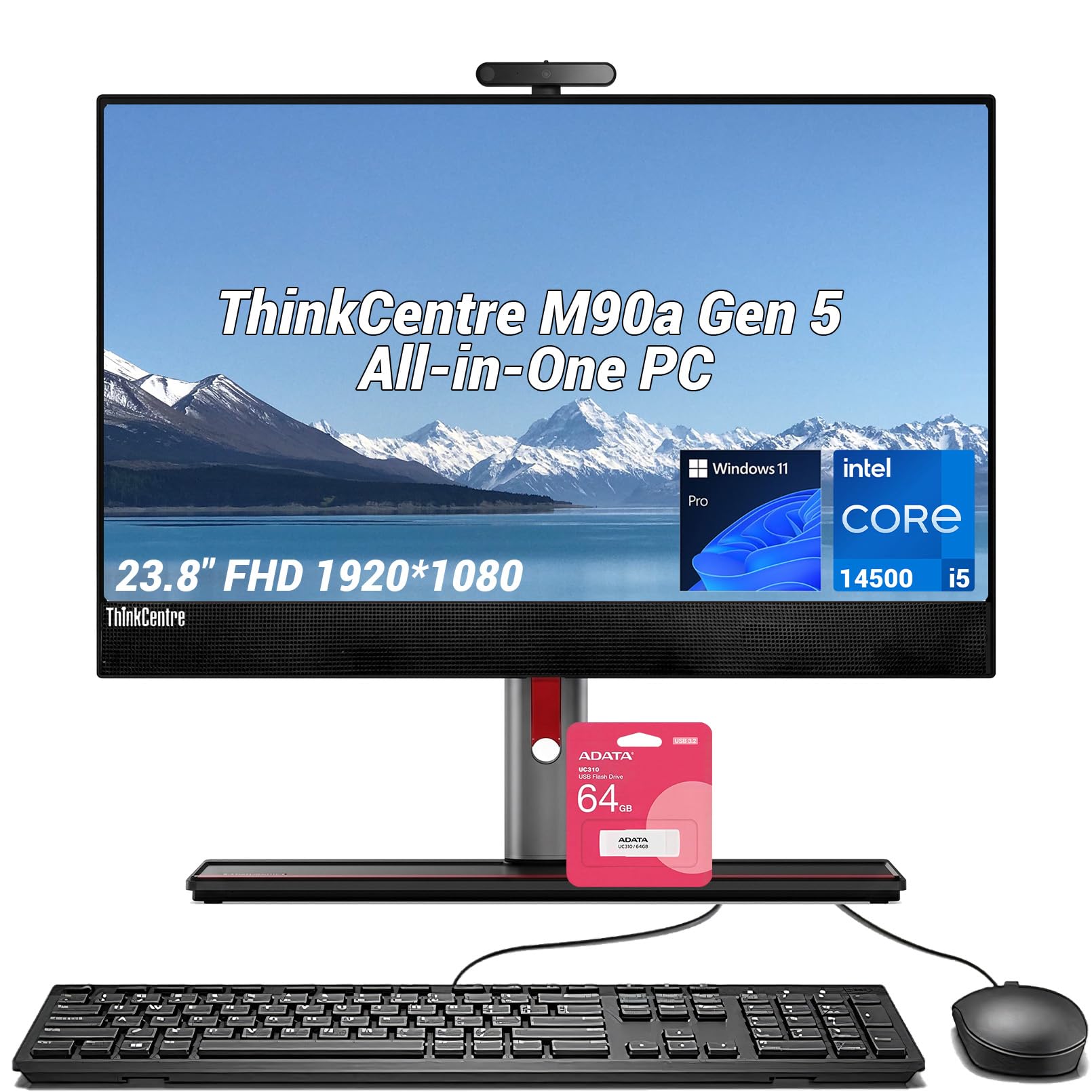
The Lenovo ThinkCentre M90a is built for reliability and security. Powered by the Intel Core i5-14500 with 14 cores, 16GB of DDR5 memory, and a 512GB PCIe M.2 SSD, it delivers snappy performance for any daily task. The 23.8-inch FHD IPS display offers excellent color accuracy with a 99% sRGB gamut and a smooth 100Hz refresh rate.
Lenovo’s ThinkShield security suite provides hardware-level protection for sensitive data, which is a nice extra layer of safety. The connectivity is outstanding with USB-C, multiple USB-A ports, HDMI, DisplayPort, and Wi-Fi 6. It also includes a 64GB flash drive bundle.
The machine runs Windows 11 Pro, which includes security and remote management features beyond standard Home editions. The build quality is exceptionally solid, and the keyboard included has a satisfying tactile feel. For a user who values security and a premium business-class build, this is a top-tier choice.
Why it’s great
- Enterprise-grade security with ThinkShield
- High-quality 100Hz IPS display with vivid colors
- Robust port selection including USB-C and DisplayPort
Good to know
- Premium price point compared to other AIOs
- No optical drive included
5. HP 24 All-in-One Desktop, AMD Ryzen 7

The HP 24-cr0032 is powered by the highly capable AMD Ryzen 7 7730U processor and Radeon graphics, offering a noticeable step up in performance for multitasking. The 23.8-inch micro-edge display has an 89% screen-to-body ratio, providing a modern, immersive look. The 16GB of RAM and 512GB SSD handle demanding tasks with ease.
One of its best features for privacy-conscious users is the tiltable pop-up privacy camera. Combined with dual array microphones and advanced noise reduction, it ensures you look and sound great on video calls. The all-in-one design is sleek, white, and takes up minimal desk space.
The AMD Ryzen 7 chip provides more than enough power for heavy web browsing, streaming HD video, and light photo editing. The main trade-off is the stand, which is not adjustable for height, but the overall package of speed, a great camera, and a beautiful screen makes it a fantastic mid-range premium choice.
Why it’s great
- Excellent performance from the AMD Ryzen 7 processor
- Physical pop-up camera provides true privacy
- Very thin bezel for a modern look
Good to know
- Stand does not adjust for height or tilt
- Only 512GB of storage, which may fill up for heavy photo collectors
6. Dell 24 All-in-One Desktop EC24250

The Dell EC24250 prioritizes eye comfort above all else. It features Dell ComfortView Plus, a hardware solution that reduces harmful blue light emissions without washing out the colors. The 23.8-inch FHD IPS display is bright and clear, with a fast refresh rate that makes scrolling feel smooth. The 8GB of DDR5 RAM and 512GB SSD provide a responsive experience for daily tasks.
Dell includes a 5MP+IR camera that supports HDR, ensuring you look your best on video calls even in dim lighting. The tilt-adjustable screen and dual Bluetooth speakers with Dolby Atmos spatial sound make it a pleasure to use for long sessions. The included keyboard, mouse, and 1-year onsite service add immense value.
The Intel Core 3 100U processor is efficient and handles web browsing, email, and streaming without any lag. This is a fantastic choice for someone who spends hours reading and video chatting, as the eye-care features truly make a difference over long periods.
Why it’s great
- Dell ComfortView Plus reduces eye strain effectively
- High-quality 5MP camera with HDR for video calls
- Onsite service provided by Dell for peace of mind
Good to know
- 8GB RAM is sufficient now, but not future-proof for heavy multitasking
- Uses the older 16:9 aspect ratio (standard for this category)
7. MECHAZER All-in-One Desktop 23.8″ Curved

The MECHAZER AIO brings a unique curved 23.8-inch display to the table. This curvature helps reduce edge distortion and provides a slightly more immersive viewing experience, which is excellent for reading text across the full width of the screen. It is powered by the Intel Core i7 7700HQ, a proven quad-core processor that handles daily tasks swiftly.
With 16GB of RAM and a 512GB SSD, this machine boots fast and stays responsive. The port selection is generous, featuring 6 USB ports, HDMI, VGA, and dual audio jacks. It includes a wired keyboard and mouse, and the system runs on Windows 11 Pro.
The curved screen truly stands out in this category, making it feel less like a standard office machine and more like a personal console for browsing. The main consideration is that the i7 7700HQ is an older generation chip, but for the price and the screen real estate, it offers excellent value for a mid-range user.
Why it’s great
- Immersive 23.8-inch curved display for comfortable viewing
- Strong Core i7 performance for daily tasks
- Excellent port variety including multiple USB ports
Good to know
- Curved screen may not appeal to all users
- Processor is a previous generation (older)
8. STGSivir All in One Desktop 21.5″, Intel Core i7
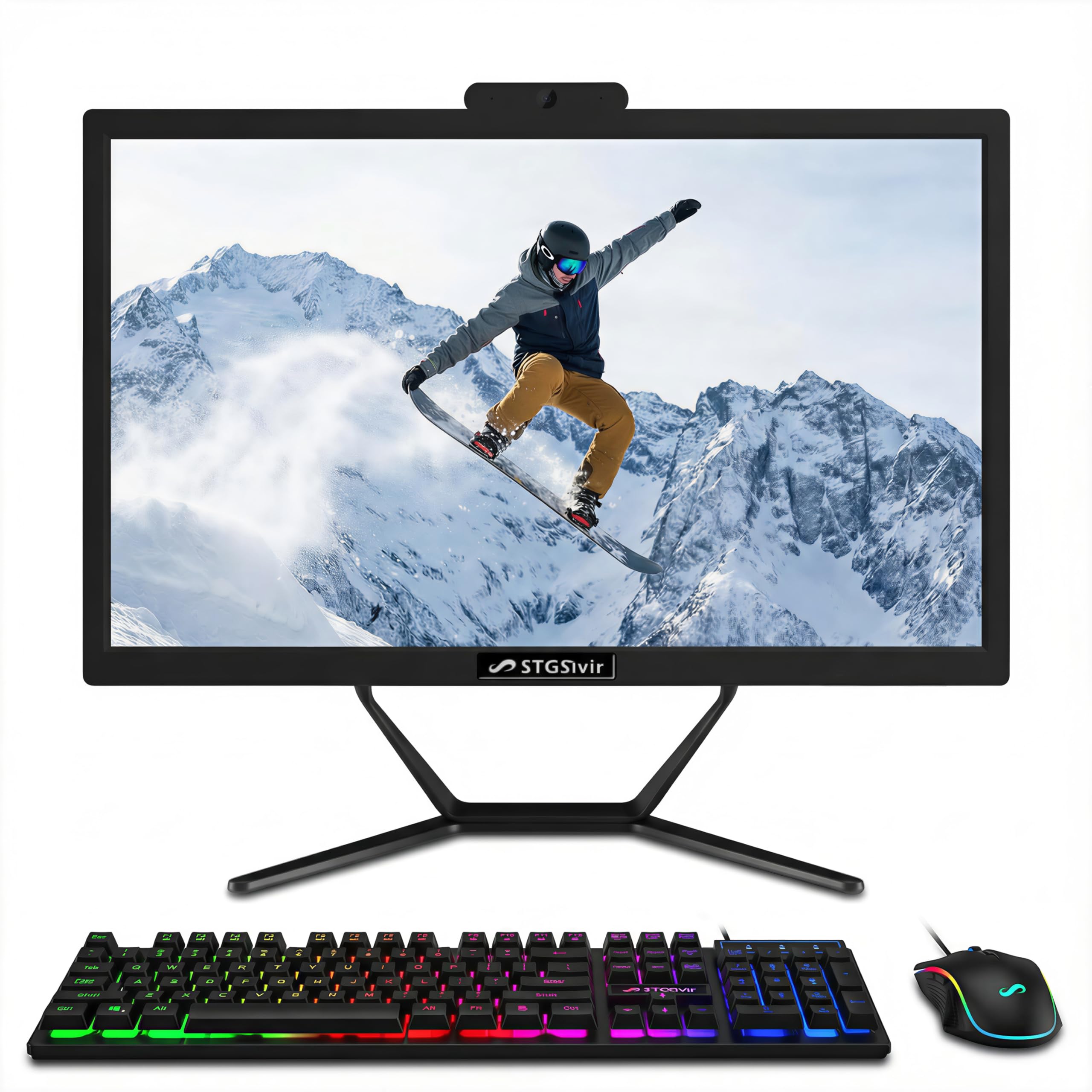
The STGSivir Core i7 model offers powerful processor performance at a value price point. It features an Intel Core i7 4th Gen processor (up to 3.9GHz), which, while older, provides excellent single-core speed for responsive application use. The 21.5-inch Full HD LED display is clear and suitable for a smaller desk space.
The package includes 16GB of RAM and a 512GB SSD, ensuring fast boot-ups and smooth multitasking. It comes with a full set of peripherals including a wired keyboard and mouse. It also includes a built-in webcam for video calls and built-in speakers. The connectivity includes USB 3.0, HDMI, VGA, and Wi-Fi.
This is a great option for a user who wants the power of an i7 chip without the premium price tag. The integrated design keeps it clean, and the included peripherals mean it is ready to go out of the box. The smaller 21.5-inch screen is a trade-off for the more compact footprint.
Why it’s great
- Intel Core i7 provides strong processing power
- Very good value for a fully equipped all-in-one
- Compact 21.5-inch design fits small desks
Good to know
- Screen size is smaller than most 23.8-inch models
- Processor is a 4th generation (older architecture)
9. JSHIX All-in-One Desktop 23.8″, Intel Celeron
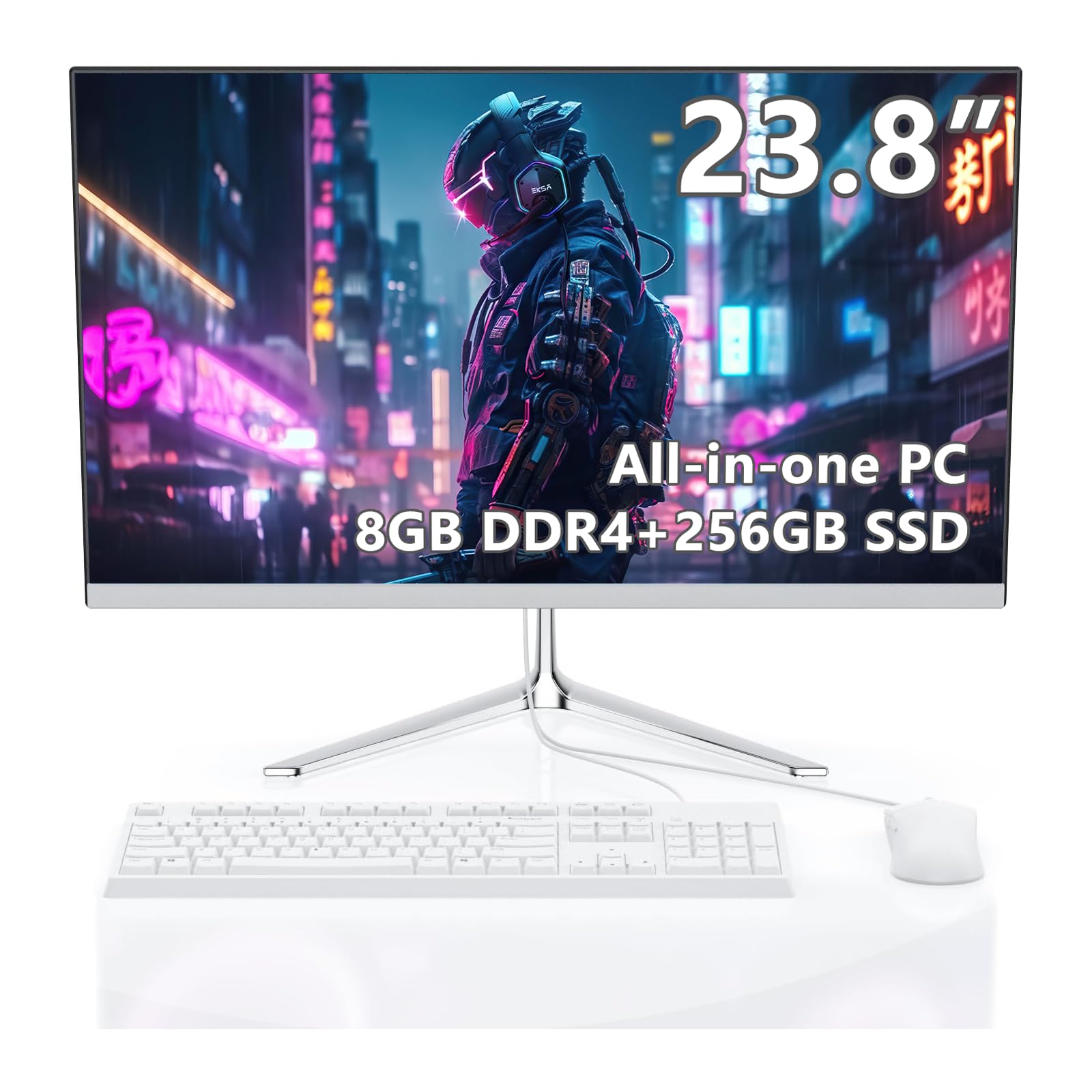
The JSHIX AIO is a reliable entry-level machine centered around a large 23.8-inch Full HD anti-glare display. This is the sweet spot for comfortable reading. It is powered by the Intel Celeron N5095 processor, which is perfectly sufficient for web browsing, email, and light office work.
The machine comes with 8GB of DDR4 RAM and a 256GB SSD, providing a responsive boot-up experience and enough storage for documents and a moderate amount of photos. It includes a built-in HD webcam and dual stereo speakers. The all-in-one design is sleek in white and eliminates cable clutter.
One reviewer noted the speakers could be better, but for the price and the large screen, this is a fantastic option for someone who only needs a simple, large-screen machine for connecting with family and checking the news. The included keyboard and mouse are functional.
Why it’s great
- Large 23.8-inch anti-glare display is easy on the eyes
- Quiet, simple design that is easy to set up
- Good value for basic web and email use
Good to know
- Intel Celeron is a basic processor, not for heavy multitasking
- Speakers are adequate but not room-filling
10. STGSivir All in One Desktop, 22″ FHD, Intel Core i5
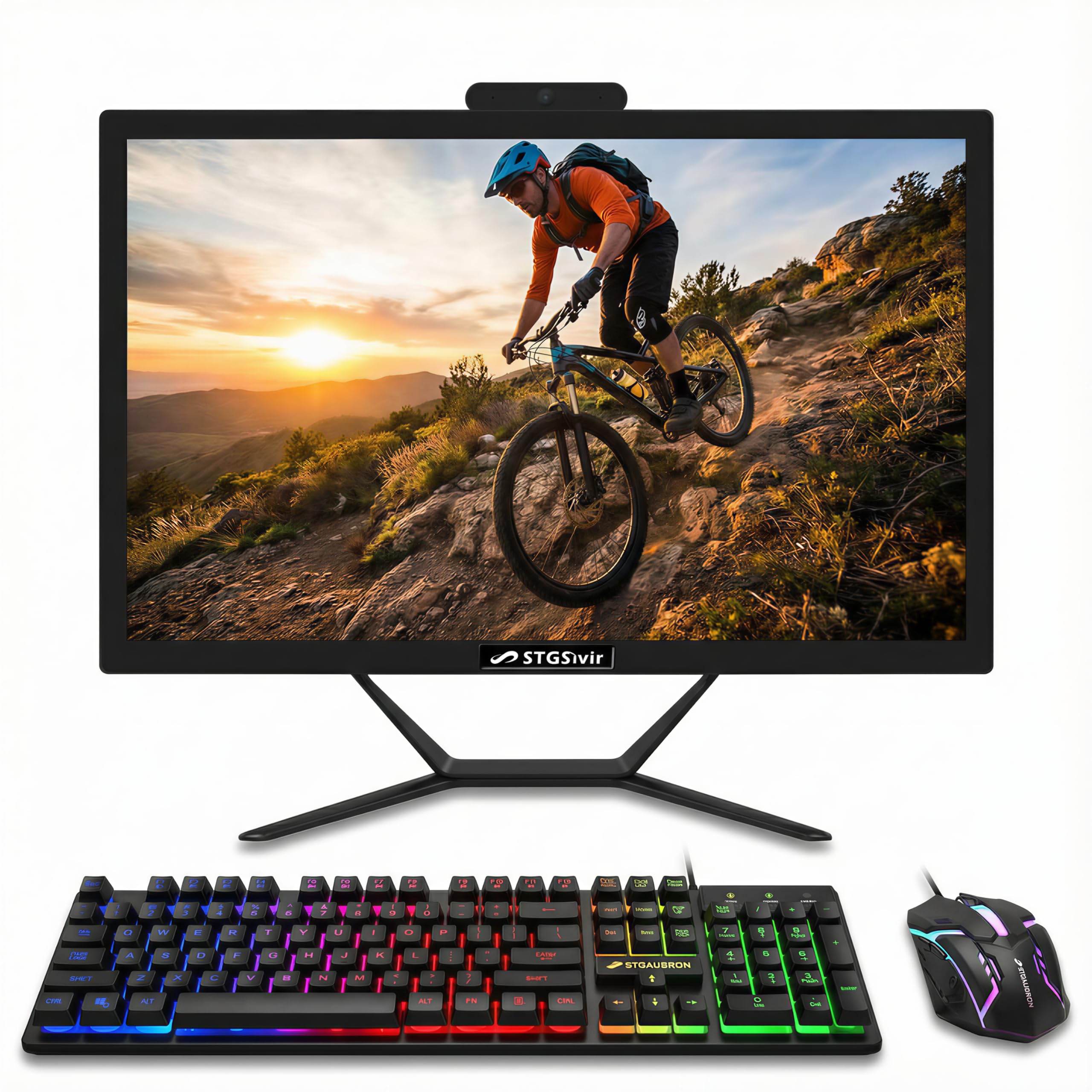
The STGSivir 22-inch Core i5 model provides a strong balance of price and performance with an Intel Core i5 processor (up to 3.6GHz), 16GB of memory, and a 512GB solid state drive. This combination ensures that the system feels quick for daily tasks like opening programs and browsing the internet.
The 22-inch Full HD LED display is clear and has a built-in webcam for video calls. The computer includes Wi-Fi, Bluetooth, Ethernet, and multiple USB ports. A unique feature of this package is the inclusion of a colorful RGB keyboard and mouse, which adds a touch of personality to the setup.
For the money, this unit offers a very powerful internal spec sheet. The larger 16GB RAM capacity is a big plus for smoother multitasking. The main feedback from users is that the camera quality is not the best, and some have reported a dim or blurry screen, so quality control may vary.
Why it’s great
- Strong price-to-performance ratio with Core i5 and 16GB RAM
- Includes unique RGB keyboard and mouse
- Free lifetime tech support is a nice bonus
Good to know
- User reports indicate potential quality control issues with screen dimness
- Camera quality is reported as below average
11. Core Innovations 24″ All-in-One Desktop PC

The Core Innovations 24″ AIO is the most budget-friendly entry point in this guide. It features a large 24-inch Full HD IPS display, which is its strongest asset. The Intel Celeron N5095 processor handles basic web browsing, email, and streaming video without major issues for a single user.
The main compromise is the memory and storage: 4GB of RAM and 128GB of storage are very tight. You can only keep a few programs open at a time, and the storage will fill up quickly with photos. It also comes with Windows 11, a keyboard, and a mouse.
This machine is strictly for the most basic use cases. The reviews are very mixed, with some praising the value for the screen size, and others reporting build quality issues or the need for more RAM. It is a viable option if the budget is extremely tight and the use is limited to a few websites.
Why it’s great
- Largest 24-inch Full HD IPS screen at the lowest price point
- Simple plug-and-play setup
Good to know
- 4GB RAM is too low for comfortable modern multitasking (many browser tabs)
- 128GB storage is very limited; you will need external storage
FAQ
What is an All-in-One computer and why is it better for seniors?
How much storage space do I actually need for photos and documents?
Final Thoughts: The Verdict
For most users, the computer for seniors winner is the HP 24 Touchscreen All-in-One because the touchscreen interface removes the abstraction of the mouse, making navigation intuitive and direct. If you want the absolute best eye comfort for long reading sessions, grab the Dell 24 All-in-One EC24250 with its ComfortView Plus display. And for a powerful and secure workhorse that will last for years, nothing beats the Lenovo ThinkCentre M90a.

Mo Maruf
I created WellFizz to bridge the gap between vague wellness advice and actionable solutions. My mission is simple: to decode the research and give you practical tools you can actually use.
Beyond the data, I am a passionate traveler. I believe that stepping away from the screen to explore new environments is essential for mental clarity and physical vitality.