Our readers keep the lights on and my smoothie glass nicely filled. As an Amazon Associate, I earn from qualifying purchases.
Specs are compiled from manufacturer listings and verified buyer reviews and can change over time — please confirm the key details on the product page before buying.
A biology major runs on data — genomic sequences, protein fold simulations, statistical models in R or Python, and a cascade of research papers always open in tabs. A slow laptop turns every analysis into a waiting game and every lab write-up into a fight with a spinning beach ball. You need a machine that keeps up with your brain, not one that forces you to work around its limits.
I’m Mohammad Maruf — the founder and writer behind WellFizz. This guide is built by comparing the manufacturers’ published specifications and the patterns across verified customer reviews, so you get each pick’s real strengths and trade-offs instead of marketing spin.
Whether you are running BLAST searches, managing massive spreadsheets, or writing your thesis, the right computer for biology major balances a fast multi-core processor, enough RAM to keep dozens of apps fluid, and a screen that does not strain your eyes during all-nighters.
Our Picks at a Glance

How To Choose The Best Computer For Biology Major
Most undergrads walk in thinking a cheap Chromebook will do. Then they hit their first bioinformatics assignment and watch it choke on a 200MB dataset. The core specs that separate a usable machine from a constant headache are straightforward once you know what to look for.
Focus on the processor, not the brand
The CPU powers every statistical calculation, sequence alignment, and virtual lab simulation. A processor with more cores — like an Intel Core i7 or an AMD Ryzen 7 — lets you run heavy analysis software without freezing when you also have a browser and a PDF reader open. A Core i5 or Ryzen 5 can work for introductory coursework, but expect to feel the lag in upper-level computational biology classes.
16GB of RAM is the real starting point
Biology software is memory-hungry. A single genome browser tab can eat several gigabytes, and running R, Python, or MATLAB on top of that pushes 8GB systems into constant swapping. 16GB is the minimum for a smooth experience through a four-year program. If your budget allows, 32GB future-proofs you for graduate-level work or heavy modeling.
Screen quality matters more than size
You will stare at this screen for hours reading research papers, annotating diagrams, and entering data. A Full HD (1920×1080) or higher resolution display keeps text crisp and reduces eye fatigue. An IPS panel gives you consistent color and viewing angles when you are sharing your screen in a study group. An anti-glare or matte finish is a huge plus if you work near windows or under harsh library lighting.
Storage speed over sheer capacity
An SSD (solid state drive) is non-negotiable — it determines how fast your laptop wakes from sleep, loads software, and opens large files. A 512GB SSD holds plenty of room for coursework, and many models let you upgrade later. Avoid hard-drive-only machines entirely; the speed difference is night and day the first time you boot up.
Quick Comparison
| Model | Best For | CPU | RAM | Battery Life | Amazon |
|---|---|---|---|---|---|
| HP 15 Touchscreen Business Laptop★ Best Overall | Maximum RAM for heavy multitasking | Intel Core i7-1355U (up to 5.0 GHz) | 64GB | 7 Hours | Amazon |
| NIMO Gaming LaptopBest Battery Life | Best battery life in a portable package | AMD Ryzen 7 7735HS (up to 4.75 GHz) | 16GB | 9 Hours | Amazon |
| Lenovo IdeaPad 3 Student LaptopBest Value | Best value student workhorse | Intel Core i5-13420H (up to 4.6 GHz) | 16GB | — | Amazon |
| NIMO 15.6″ FHD-IPS Laptop | Big storage and RAM for the price | Intel Core i5-12450H (up to 4.4 GHz) | 32GB | 9 Hours | Amazon |
| HP 17.3 inch Laptop | Large display for reading and data entry | AMD Ryzen 5 7520U | 16GB | 7.15 Hours | Amazon |
| Acer Aspire Go 15 AI Ready Laptop | AI-ready performance on a budget | AMD Ryzen 7 7730U (up to 4.5 GHz) | 16GB | — | Amazon |
| Dell 16 Laptop | Premium metal build with onsite service | Intel Core 7 150U | 16GB | — | Amazon |
| Lenovo IdeaPad 16″ Laptop | Large screen with fast charging | Intel Core i7-13620H | 16GB | — | Amazon |
| HP 17.3″ Business Laptop Computer | Generous storage with a bundled dock | Intel Core i5 (up to 4.6 GHz) | 32GB | — | Amazon |
| Dell Inspiron 15.6″ Laptop | 120Hz display for smooth visuals | Intel Core i7-1255U (up to 4.7 GHz) | 32GB | — | Amazon |
In‑Depth Reviews
1. HP 15 Touchscreen Business Laptop
Our pick — over 4.5★ from 800+ verified ratings; the strongest balance of quality and price.
The overachiever that never asks you to close a window.
Biology coursework throws everything at you — running statistical software, keeping a reference manager open, switching between a genetics database and a word processor, all while a dozen research PDFs sit in the background. This HP handles that torrent with 64GB of RAM, a figure that dwarfs what most laptops in this category carry. You simply do not hit memory limits, even when running memory-heavy bioinformatics tools alongside everyday apps.
The Intel Core i7-1355U processor (up to 5.0 GHz) powers through single-threaded tasks like data export or boot-up with serious speed — it is 5.0 GHz versus the NIMO Intel i5-12450H’s 4.4 GHz peak, according to the specs. The 15.6-inch Full HD (1920×1080) IPS touchscreen gives you the option to tap, swipe, and zoom through diagrams or lab results directly on the display, which is genuinely handy when you are scrolling through a dense cellular pathway chart. Buyers report the battery reaches about 50% in 45 minutes via HP Fast Charge, so a quick library pit stop keeps you running all afternoon.
At 3.52 lbs and 0.73 inches thin, it is light enough to carry between lecture halls without shoulder strain. The trade-off? The 7-hour battery life is noticeably shorter than the NIMO Gaming Laptop’s 9 hours — meaning you will want the charger in your bag for a full day on campus.
Touchscreen versatility
- Massive 64GB RAM handles every biology app and browser tab simultaneously without slowdown.
- Touchscreen display makes navigating complex diagrams and research papers intuitive and fast.
- Fast Charge hits 50% in 45 minutes, so a short break restores hours of work time.
Average battery life
- Battery life comes in at 7 hours, which trails the top competitors by a couple of hours.
- Integrated Intel Iris Xe graphics is not meant for heavy gaming or 3D modeling.
Best for power user: If your workflow involves running multiple heavy applications at once — like RStudio, a genome browser, and a statistical package — 64GB of RAM makes this the only laptop on the list that will not blink.
Consider trade-off: You trade battery runtime for that immense memory capacity, so plan on carrying the charger for a full day of back-to-back classes and library study.
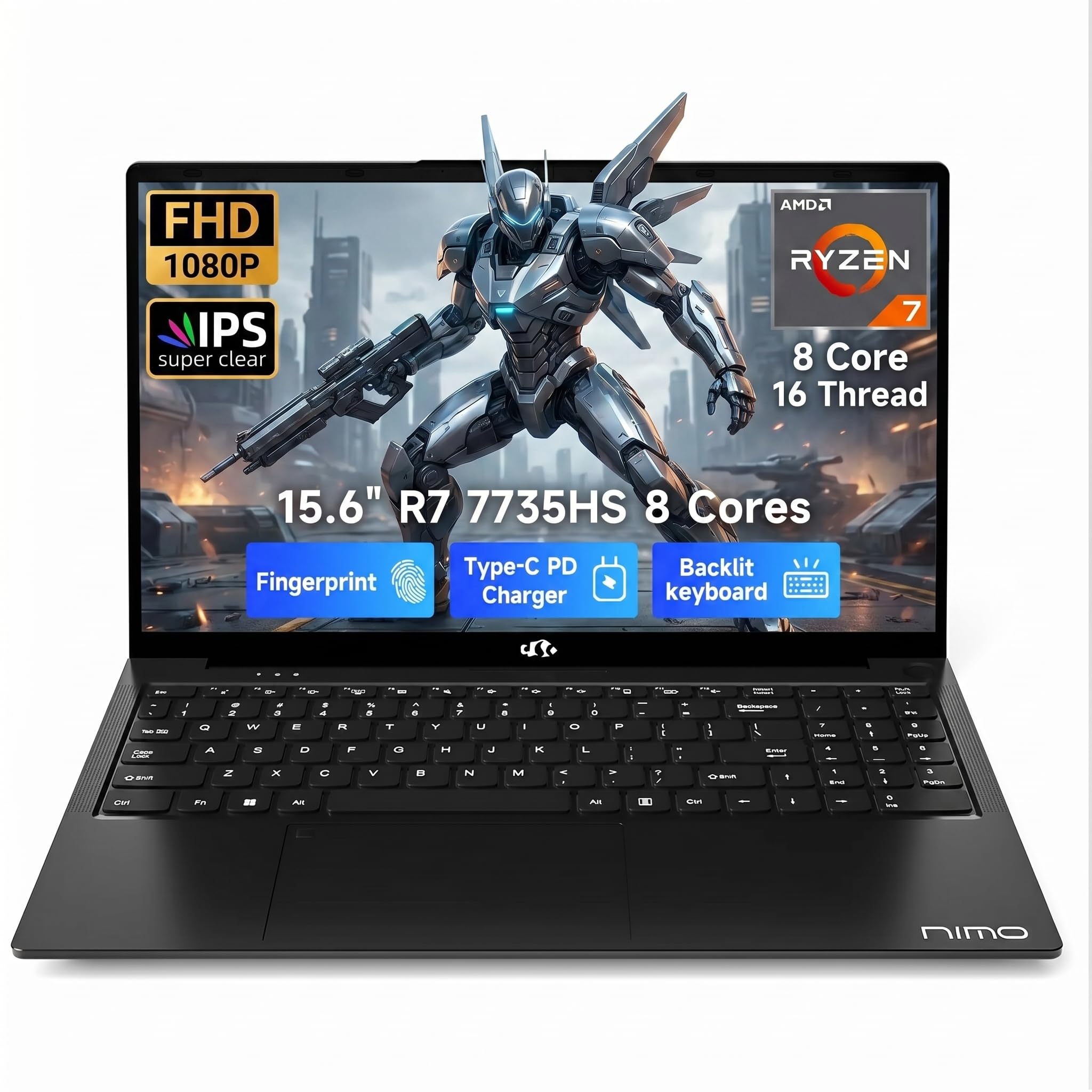
2. NIMO Gaming Laptop 15.6″, AMD Ryzen 7 7735HS
The all-day runner that keeps up with back-to-back lectures and labs.
Nothing kills study momentum like hunting for an outlet between classes. The NIMO delivers a legit 9 hours of battery life — that is a full extra afternoon of work without plugging in compared to the HP 15’s 7 hours. The AMD Ryzen 7 7735HS (up to 4.75GHz) is no slouch either, handling multi-threaded tasks like sequence alignment or running Python scripts with the kind of smoothness you want from a mid-range performer.
It also keeps weight low at 3.7 lbs, which is heavier at 3.7 lbs than the Lenovo IdeaPad 3 at 3.51 lbs — a negligible difference you will not feel in your backpack. The two Full-Function USB-C ports support 100W Power Delivery, meaning one cable can charge the laptop and connect an external monitor simultaneously, a neat trick for a cramped dorm desk. Owners mention the 180° lay-flat hinge makes sharing your screen in a study group easy, and the backlit keyboard helps when the library lights dim.
The integrated AMD Radeon Graphics are fine for light gaming or rendering diagrams, but do not expect to run simulation-heavy 3D software at high settings. If your coursework leans more toward data analysis and writing than gaming, this is the most practical portable companion on the list.
AMD Ryzen 7 power
- 9-hour battery life outlasts every other laptop here, giving you a full day of classes and study.
- Weighs just 3.7 lbs, making it easy to carry across campus without fatigue.
- Dual USB-C with 100W PD charging means one cable handles power and display.
Gaming battery drain
- 16GB of RAM is adequate now, but may feel tight for heavy multi-app bioinformatics work later.
- Integrated graphics limit you to light gaming and basic visualizations, not serious 3D rendering.
Reach if roam all day: Between the 9-hour battery and the 3.7-pound chassis, this is the laptop that frees you from outlet anxiety during a packed schedule.
Know the limit: The 16GB RAM will serve you well through undergrad, but if your program includes graduate-level computational modeling, you may wish you had more headroom.
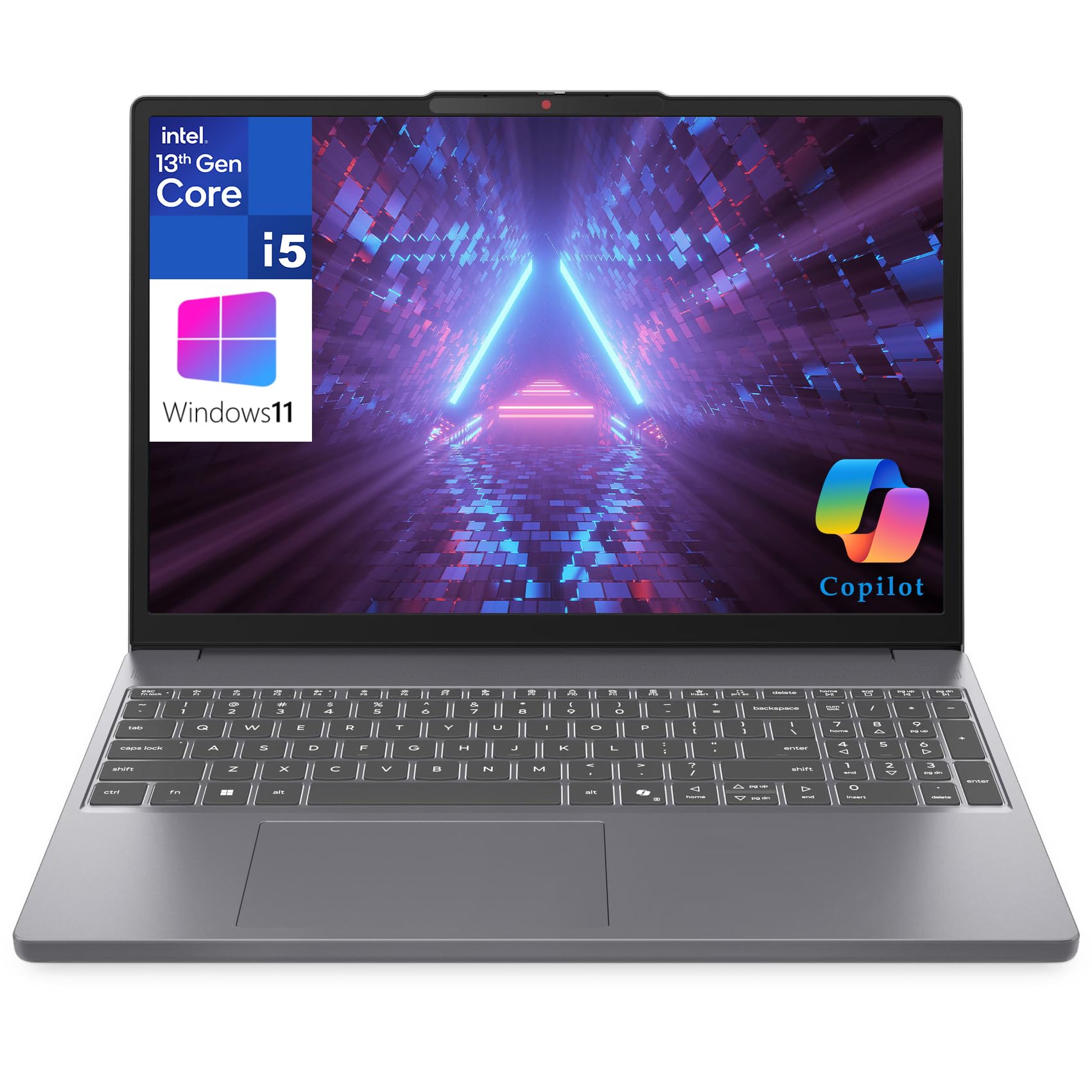
3. Lenovo IdeaPad 3 Student Laptop
The lightweight student workhorse that respects your budget.
The Lenovo IdeaPad 3 is tuned specifically for the student routine: lots of browser tabs, video lectures, word processing, and the occasional stats package. The Intel Core i5-13420H processor (up to 4.6GHz) with 8 cores handles multitasking without drama, and the 16GB of DDR5 RAM keeps things snappy when you have a citation manager, a PDF reader, and R all running at once. At 3.51 lbs, it is the lightest in this comparison — lighter at 3.51 lbs than the 3.7 lb NIMO Gaming Laptop — so it disappears into your backpack.
The 15.3-inch WUXGA (1920×1200) IPS display offers slightly more vertical pixels than a standard 1080p screen, which means you see more of a research paper or spreadsheet without scrolling. It also runs at 300 nits brightness, which is bright enough to use near a window without glare. The inclusion of Windows 11 Home with Copilot AI and Office 365 for the web means you get a productivity suite ready to go on day one.
The main trade-off is the 256GB SSD — it fills up fast if you download large genomic datasets or keep a lot of media files. An external drive or cloud storage will be necessary by sophomore year. Still, for the price, this is the smartest balance of weight, performance, and cost for a biology undergrad.
Student-friendly price
- At 3.51 lbs, it is the lightest machine in this roundup, perfect for a backpack-heavy student life.
- WUXGA display (1920×1200) offers more vertical screen space for reading papers and spreadsheets.
- 16GB DDR5 RAM and a modern i5 processor handle multitasking smoothly for the core coursework.
Limited upgradeability
- The 256GB SSD is tight for storing large bioinformatics datasets — plan on cloud storage or an external drive.
- Battery life is not specified, so you may need to test real-world runtime in your own schedule.
Best for budget student: If you want a light, capable machine for everyday coursework without overspending, the IdeaPad 3 delivers exactly what you need.
The catch to watch: Storage fills up quickly. You will manage by year two, but plan ahead with a USB drive or cloud subscription from the start.
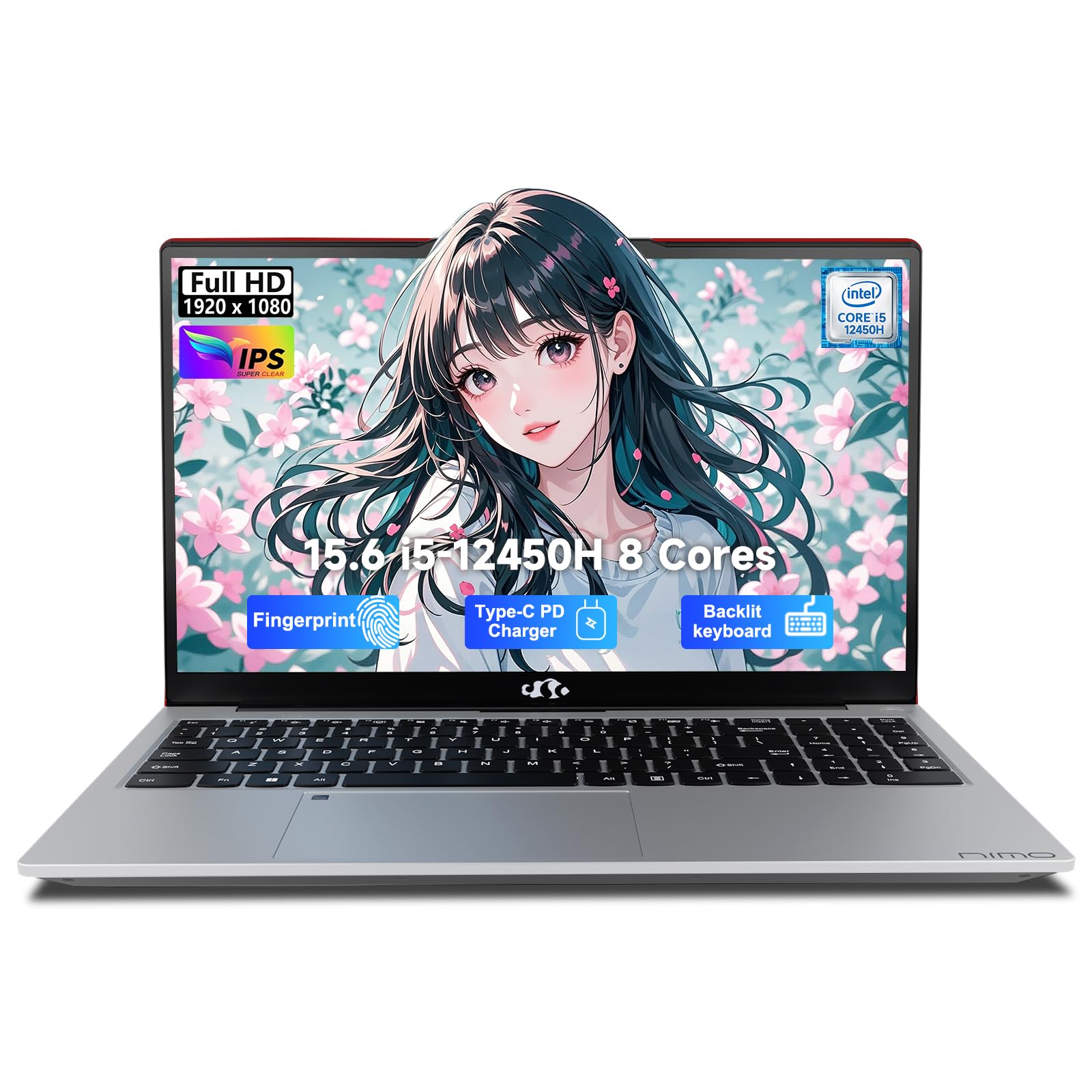
4. NIMO 15.6″ FHD-IPS-Laptop, Intel i5-12450H
32GB of RAM and a 1TB SSD at a price that feels like a steal.
Most laptops in this price bracket give you 16GB of RAM and a 512GB drive. The NIMO doubles both — 32GB of RAM and a 1TB SSD — which means you can keep a full bioinformatics software stack, a reference manager, and mountains of data files all on the same machine without ever thinking about space. The Intel Core i5-12450H (up to 4.4GHz) is no slouch, though the HP 15’s Core i7-1355U peaks at 5.0 GHz — at 5.0 GHz versus the i5-12450H’s 4.4 GHz peak for the CPU-intensive tasks.
Battery life comes in at 9 hours, matching the NIMO Gaming Laptop and beating the HP 15 by a comfortable margin. The 15.6-inch Full HD IPS display with a 178° viewing angle and anti-glare coating makes it comfortable for long reading sessions, and the backlit keyboard is a welcome feature for late-night study marathons in the dorm. Customers note the 100W PD fast charger refuels quickly, so a short break between classes tops you up.
At this price, you get a fingerprint reader for quick, secure login and Windows 11 Home pre-installed. The only real question is if you need the raw CPU speed of a Core i7 — if your work is more about RAM-heavy multitasking than processor-crunching simulations, this NIMO is the smarter buy.
Large storage capacity
- 32GB RAM and a 1TB SSD provide exceptional capacity for storing datasets and running multiple apps.
- 9-hour battery life keeps you going through a full day of classes and study.
- Backlit keyboard and fingerprint reader add real convenience for late-night work and security.
CPU not top-tier
- The Core i5-12450H peaks at 4.4 GHz, so CPU-heavy single-threaded tasks are slower than on the HP 15’s Core i7.
- Integrated graphics limit any gaming or 3D visualization to basic levels.
Grab for storage advantage: If you download large datasets, run virtual environments, or just hate managing drive space, the 1TB SSD plus 32GB RAM is a massive quality-of-life upgrade at a mid-range price.
Not for CPU chaser: If your biology work involves heavy single-threaded computation, consider stepping up to a Core i7 model for the extra clock speed.
5. HP 17.3 inch Laptop, AMD Ryzen 5 7520U

More screen real estate for reading papers and managing data without scrolling.
The 17.3-inch display is the obvious reason to pick this HP — you get more room to have a research paper open on one side and a data spreadsheet on the other, without resorting to an external monitor. The HD+ anti-glare panel (1600×900) keeps reflections down in bright environments, though the resolution is lower than the Full HD panels on most competitors, so individual pixels are more visible up close.
The AMD Ryzen 5 7520U processor is a solid mid-range performer for everyday tasks like word processing, web browsing, and light statistical work, but it will not match the multi-core grunt of the Ryzen 7 or Core i7 options when you start running more demanding bioinformatics pipelines. The 16GB of LPDDR5 RAM is responsive and power-efficient, and the 512GB PCIe NVMe SSD is fast for boot-ups and file transfers. AI noise reduction in the microphones is a thoughtful touch for online classes and group meetings.
Battery life is rated at 7 hours and 15 minutes, which is average for this group. The lift-hinge design tilts the keyboard for a more comfortable typing angle, which helps during long writing sessions. If you value a large screen above all else and your coursework stays within standard applications, this is a comfortable choice.
Big 17-inch display
- The 17.3-inch display gives you the largest workspace here for multitasking with research papers and data.
- AI noise reduction improves audio clarity during virtual classes and study group calls.
- Lift-hinge design creates a comfortable typing angle for long essay-writing sessions.
Low pixel density
- The HD+ resolution (1600×900) is noticeably less sharp than the Full HD screens on smaller competitors.
- The Ryzen 5 processor is adequate for general use but will struggle with intensive bioinformatics software.
Choose for screen size: If you prefer to see more content at once without an external monitor, the 17.3-inch panel is tough to top in this price range.
Pass if need pixel density: The lower resolution means text and images are less crisp, which may bother you during long reading sessions.
6. Acer Aspire Go 15 AI Ready Laptop

An AMD Ryzen 7 processor at a price that undercuts most rivals.
The Acer Aspire Go 15 packs a Ryzen 7 7730U (up to 4.5 GHz), which is unusual at this price point — you typically see Ryzen 5 or Core i5 chips in this range. That extra CPU power makes a real difference when you are running statistical analyses or compiling code for a computational biology project. The 16GB of DDR4 RAM and 512GB PCIe Gen4 SSD provide a balanced spec sheet for everyday coursework.
The 15.6-inch Full HD (1920×1080) IPS display with Acer BluelightShield reduces blue light exposure, which is a practical benefit for the late-night study sessions that define a biology major’s schedule. The Copilot key gives you one-touch access to Microsoft’s AI assistant, which some students find useful for drafting outlines or summarizing research. Buyers mention the AcerSense software makes it easy to monitor battery health and storage.
The main compromises are the lack of a backlit keyboard — a bummer if you often work in dim library corners — and the battery life is not stated, so real-world endurance is an open question. For the price, though, you are getting a Ryzen 7 chip that outperforms many similarly priced Intel alternatives for multi-threaded tasks.
AI-ready CPU bargain
- AMD Ryzen 7 processor delivers excellent multi-core performance for the price, beating many Intel Core i5 rivals.
- Full HD IPS display with BluelightShield reduces eye strain during long study sessions.
- Copilot key provides quick AI assistance for research and writing tasks.
Dim screen brightness
- No backlit keyboard, which makes typing in low-light environments harder.
- Battery life is not specified, so you may need to test real-world runtime on your own.
Go for CPU bargain: If your biology work involves multi-threaded analysis or coding, the Ryzen 7 at this price is a standout deal among mid-range laptops.
Skip if work in dark: The missing backlit keyboard is a real drawback if you frequently study in dim places.
7. Dell 16 Laptop DC16251

A metal chassis and a taller screen for serious work without the plastic feel.
The Dell 16 immediately stands out with its platinum silver metal chassis — it feels substantially more premium in the hand than the plastic builds common at lower prices. The 16-inch FHD+ display uses a 16:10 aspect ratio, which gives you extra vertical space compared to the standard 16:9 screens. That means you see more rows in a spreadsheet or more lines in a research paper without scrolling, a subtle but real productivity win for data-heavy biology work.
Performance comes from the Intel Core 7 150U processor and 16GB of DDR5 RAM, paired with a 1TB SSD. The processor is not the fastest in this lineup, but it handles the typical student workload — writing, browsing, light analysis — without complaint. Dell ComfortView Plus reduces blue light emissions while keeping colors accurate, which helps during long reading sessions. The front-facing FHD camera with wide dynamic range and temporal noise reduction delivers clear video for online classes.
One standout feature is the 1-year onsite service. If something goes wrong, Dell sends a technician to your home or dorm — a rare level of support that gives confidence during a critical semester. The trade-off is the higher price for a spec sheet that is not dramatically ahead of cheaper options.
Reliable Dell build
- Metal chassis gives a premium feel and better durability than plastic competitors.
- 16:10 display ratio offers more vertical workspace for documents and spreadsheets.
- 1-year onsite service means a technician comes to you if hardware fails — rare at this level.
Generic design
- The price premium does not bring a major performance leap over mid-range options.
- Battery life is not specified, so real-world endurance is uncertain.
Solid daily driver If you want a laptop that feels solid and comes with on-site service, the Dell 16 is a reliable investment for your college years.
Consider cheaper alternatives for raw specs: The processor and RAM are similar to much more affordable laptops — you are paying for chassis and warranty, not peak performance.
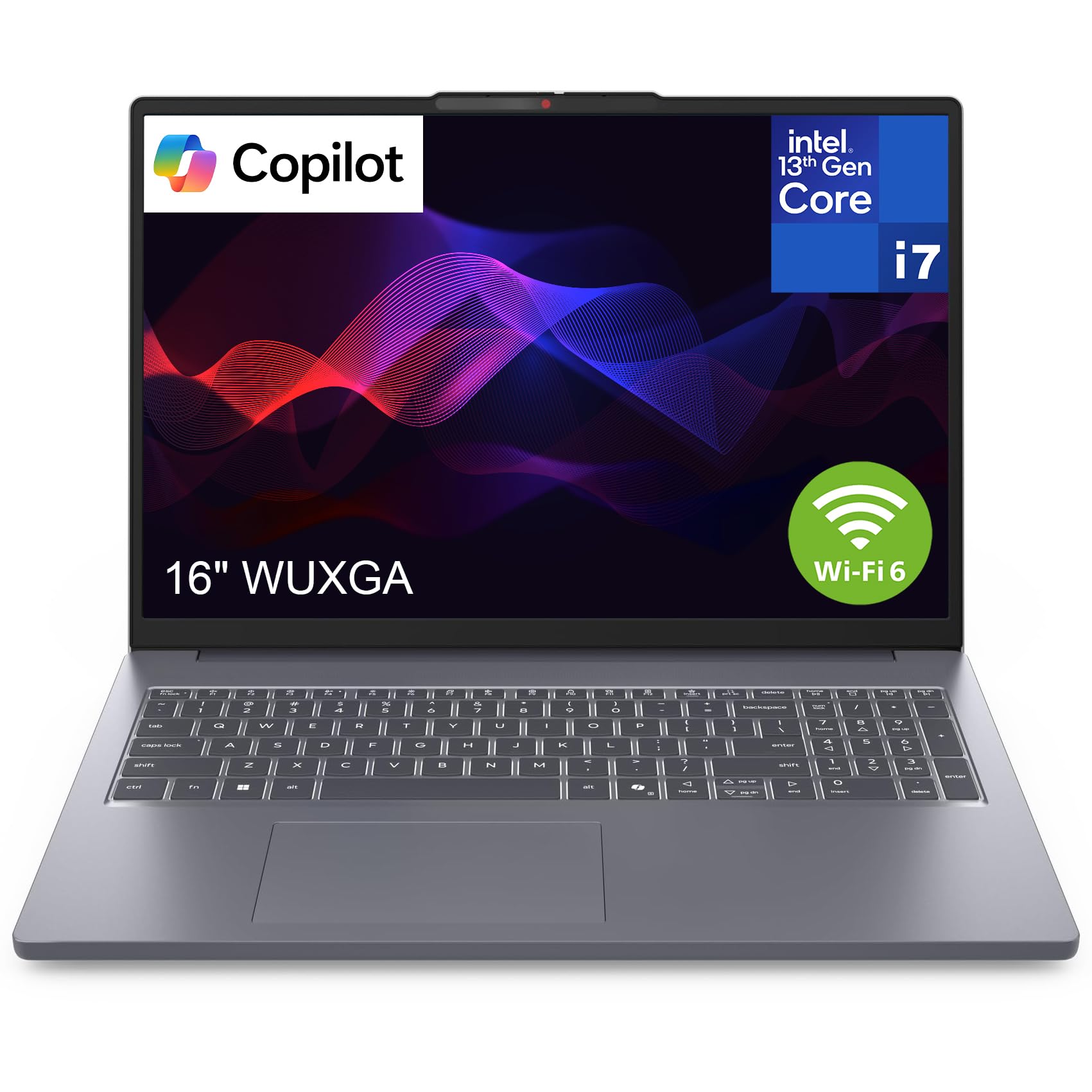
8. Lenovo IdeaPad 16″ Laptop Computer
A powerful Intel i7 in a slim chassis with a spacious anti-glare screen.
The Lenovo IdeaPad 16 combines a 13th Gen Intel Core i7-13620H processor with 16GB of DDR5 RAM, making it one of the more powerful options on this list for CPU-intensive tasks like running simulations or compiling large datasets. The 16-inch anti-glare display (1920×1200) gives you a generous canvas for side-by-side windows without the reflections that plague glossy screens in bright rooms.
At 1.68 kg (about 3.7 lbs) with a slim profile, it remains portable despite the large screen. The array of I/O ports — including USB-C, USB-A, HDMI, and an SD card reader — means you can connect lab equipment, external drives, and a second monitor without a dongle. Reviewers point out the fast charging via the included 65W USB-C adapter refuels the battery quickly, so a short break between classes can top you up.
The main limitation is the storage: a 512GB SSD is fine for early coursework but will require external storage for larger genomic datasets or multiple virtual environments. Integrated Intel UHD Graphics handle display tasks fine but are not meant for any serious gaming or 3D work.
Strong processor performance
- Intel Core i7-13620H delivers strong CPU performance for computational biology tasks.
- 16-inch anti-glare display with 1920×1200 resolution offers a large, comfortable workspace.
- Versatile port selection includes USB-C, HDMI, and SD card reader without needing adapters.
Modest storage size
- 512GB SSD fills up quickly with large datasets and software — plan for external storage.
- Integrated graphics limit visual performance to basic tasks only.
Get for processor power: If your biology coursework involves significant computation or data analysis, the Core i7-13620H gives you the headroom you need without moving to a workstation-class laptop.
Keep eye on storage: 512GB is workable for now, but you will likely need a USB drive or cloud storage before you graduate.
9. HP 17.3″ Business Laptop Computer, 32GB RAM

A huge 17.3-inch screen backed by a massive storage bundle and bundled earphones.
The HP 17.3-inch Business Laptop comes with a total of 1.2TB of storage — a 1TB SSD plus a 256GB docking station — plus a pair of PLUSERA earphones in the box. For a biology major who deals with large datasets, that is a significant convenience: you can keep your operating system and software on the SSD and use the dock for file archives or backups. The 32GB of DDR4 RAM provides solid headroom for running multiple heavy applications simultaneously.
Performance comes from a 10-core Intel Core i5 (up to 4.6 GHz) with Intel Iris Xe Graphics. The processor is capable for most coursework, though it is not as fast as the Core i7 options elsewhere in this list. The 17.3-inch display runs at 1600×900 resolution, which is lower than the Full HD panels on smaller machines — fine for general use, but text and images are less sharp, which may bother you during detailed work on cell diagrams or microscopy images.
The design is described as ultra-thin, and it runs Windows 11 Pro with Microsoft Office included. The lower-resolution screen and older 10th Gen processor (the data labels it as 10th Gen, though the i5 model number suggests a more modern chip) mean this is a generous storage play rather than a pure performance pick.
Massive 32GB RAM
- 1.2TB total storage (1TB SSD + 256GB dock) gives you room for extensive datasets and backups.
- 32GB of RAM handles heavy multitasking without breaking a sweat.
- 17.3-inch screen provides a large workspace for reading and data entry.
Poor screen quality
- 1600×900 resolution is less sharp than the Full HD panels found on smaller, cheaper laptops.
- Processor performance is mid-range — not the fastest for heavy computational tasks.
Ideal for data hoarder: If you need tons of storage for genomic databases, project files, and backups, the 1.2TB setup is the most generous in this comparison.
Look elsewhere for pixel quali: The lower-resolution screen and modest CPU make this a storage-first choice, not a performance-first one.
10. Dell Inspiron 15.6″ Laptop Computer

A 120Hz anti-glare screen that makes scrolling through data feel fluid.
The Dell Inspiron 15.6 stands apart with a 120Hz refresh rate on its Full HD (1920×1080) IPS display. Most laptops in this category run at 60Hz, so the extra smoothness becomes immediately noticeable when you scroll through long documents, spreadsheets, or research papers — the text stays readable rather than blurring into a smear. The anti-glare coating and 250 nits brightness make it usable near windows, though it is not the brightest screen in this group.
The Intel Core i7-1255U processor (up to 4.7 GHz) and 32GB of RAM provide excellent performance for the demands of a biology major. You can run R, a genome browser, a word processor, and a dozen Chrome tabs simultaneously without feeling the system slow down. The numeric keypad is a practical addition if you enter data frequently. The laptop comes with a Microsoft Office Lifetime License, which saves you the subscription cost over four years.
The main downside is the Wi-Fi 5 connectivity — most laptops at this price have moved to Wi-Fi 6, so you may see slower network speeds on modern campus Wi-Fi, especially when transferring large files. For the display smoothness and RAM capacity, though, this Dell is a compelling premium pick.
Trusted Dell brand
- 120Hz refresh rate makes scrolling through research papers and spreadsheets noticeably smoother and easier on the eyes.
- 32GB of RAM provides ample headroom for heavy multitasking and data analysis.
- Microsoft Office Lifetime License included eliminates subscription costs through your degree.
Average connectivity
- Wi-Fi 5 is an older standard — you may experience slower transfer speeds on modern campus networks.
- 250 nits brightness is adequate indoors but struggles in very bright environments.
Choose this for the screen experience: If you spend hours scrolling through data and reading on-screen, the 120Hz display provides a noticeably more fluid and comfortable visual experience.
Consider network needs: The older Wi-Fi 5 is a real limitation if your campus infrastructure or file transfers rely on fast wireless speeds.
Understanding the Specs
Processor (CPU)
The processor is the brain of your laptop, handling every calculation your software throws at it. For a biology major, more cores (the individual processing units inside the chip) matter because bioinformatics tools, statistical software like R, and data analysis scripts can spread their work across multiple cores, finishing faster. A Core i7 or Ryzen 7 with 8 or more cores is ideal for demanding work; a Core i5 or Ryzen 5 handles standard coursework but will show its limits with heavy computation. The clock speed, measured in GHz, dictates how fast each core works — higher numbers (like 5.0 GHz on the HP 15) mean snappier single-threaded tasks like booting or opening files.
RAM (Memory)
RAM is your laptop’s short-term memory — it holds everything you are actively working on so the processor can reach it instantly. When you run out of RAM, the system starts using your SSD as temporary storage, which is dramatically slower and causes stuttering and freezing. For a biology major, 16GB is the real minimum because a single genome browser can use 2-4GB, and running a statistical package plus a browser on top pushes past 8GB quickly. 32GB gives you comfortable headroom for the entire degree, and 64GB (as on the HP 15) means you never think about it again.
FAQ
Is a MacBook or a Windows laptop better for a biology major?
How much storage do I really need as a biology major?
Can I use a Chromebook for a biology degree?
Do I need a dedicated graphics card for biology work?
Is a 15.6-inch screen enough for a biology major, or should I get 17 inches?
How important is battery life for a biology student?
What is the difference between DDR4 and DDR5 RAM, and does it matter?
Do I need Windows 11 Pro, or is Windows 11 Home enough?
Can I upgrade the RAM and storage later on most laptops?
Final Thoughts: The Verdict
Across the board, the computer for biology major winner is the HP 15 Touchscreen Business Laptop because its 64GB of RAM gives you class-leading headroom for running multiple heavy applications — ideal for the multitasking reality of a biology student. If you want the best battery life and portability, grab the NIMO Gaming Laptop with its 9-hour runtime and 3.7-pound frame. And for the best value in a lightweight student package, the Lenovo IdeaPad 3 at 3.51 pounds offers everything you need for everyday coursework without the premium price.
How We Picked
We do not accept paid placement. Every pick is matched to a real buyer and a real use-case; we do not hands-on test units.
Sources & Methodology
Specifications: manufacturer listings and product documentation. Review insights: verified customer reviews, as of July 2026. Pricing: not shown on this page (it changes often); check the current price via the retailer link.
As an Amazon Associate, WellFizz earns from qualifying purchases. This does not affect which products we feature.
Related Guides

Mo Maruf
I created WellFizz to bridge the gap between vague wellness advice and actionable solutions. My mission is simple: to decode the research and give you practical tools you can actually use.
Beyond the data, I am a passionate traveler. I believe that stepping away from the screen to explore new environments is essential for mental clarity and physical vitality.