Our readers keep the lights on and my smoothie glass nicely filled. As an Amazon Associate, I earn from qualifying purchases.
An uncalibrated monitor is a liability. The photo you edited with warm skin tones ships green, the shadow detail you carefully recovered becomes a black crush, and the client email asking for a reshoot lands before lunch. This guide isolates the hardware that eliminates that risk — the colorimeters that measure real luminance and chromaticity values from your screen’s panel and write an accurate ICC profile so what you see is what the file actually contains.
I’m Mohammad Maruf — the founder and writer behind WellFizz. This guide is built from cross-referencing specifications across the current pool of available colorimeters, analyzing measurement technology types, luminance range limits, software ecosystem depth, and multi-monitor profiling ability.
Here we examine the top contenders from entry-level lenses to professional-grade units to help you choose the right colorimeter for monitor calibration for your specific display type and workflow.
How To Choose The Best Colorimeter For Monitor Calibration
A colorimeter measures the light output from your monitor through filtered photodiodes and compares it against a known standard. The goal is to produce an ICC profile that corrects the display’s output to match a target color space like sRGB, Adobe RGB, or DCI-P3. The choice comes down to your panel type, brightness ceiling, and software needs.
Sensor Type and Luminance Ceiling
Standard colorimeters top out around 600-800 nits, which is fine for typical LCD and older OLED panels. Newer mini-LED and ultra-bright HDR monitors can hit 1000, 3000, or even 10000 nits. If you work with HDR video or own a high-brightness reference monitor, you need a high-luminance (HL) sensor that stays accurate at those levels. Without an HL sensor, highlights will be clipped in the profile and your HDR grade will be a guess.
Display Technology Compatibility
OLED, mini-LED, and standard IPS panels each emit differently. Self-emissive OLED pixels produce pure black but shift color slightly as they age. Mini-LED uses local dimming zones that can confuse a standard sensor. The latest generation colorimeters include correction matrices specifically for these panel types. If you use a MacBook Pro with Liquid Retina XDR, look for units that explicitly list Apple XDR compatibility.
Software Ecosystem and Validation Tools
Proprietary software from Datacolor or Calibrite offers simplicity and automatic updates, but third-party applications like DisplayCAL can extend the life of a colorimeter far beyond official support. Validation tools — quick check, profile validation, uniformity check — let you confirm that the calibration actually took effect. Without validation, you are trusting the software blindly. If you work across multiple workstations, shared presets and multi-monitor support become mandatory.
Quick Comparison
On smaller screens, swipe sideways to see the full table.
| Model | Category | Best For | Key Spec | Amazon |
|---|---|---|---|---|
| Datacolor Spyder X2 | Mid-Range | OLED & Mini-LED | 2nd-gen sensor, 90 sec cal | Amazon |
| Datacolor Spyder4Pro | Budget | Legacy LCD panels | Double-shielded filters | Amazon |
| ViewSonic VP1656 | Monitor | Portable color work | Pantone Validated, 1920×1200 | Amazon |
| Calibrite Display Pro HL | Mid-Range | High-brightness LCD | 3000 nit max luminance | Amazon |
| Datacolor Spyder Photo/Video Kit | Mid-Range | Hybrid photo/video | Includes Checkr & Cube | Amazon |
| Calibrite Display Plus HL | Premium | HDR video grading | 10000 nit max luminance | Amazon |
| ASUS ProArt PA279CRV | Monitor | Factory-calibrated 4K | ΔE < 2, 99% DCI-P3 | Amazon |
| UPERFECT 24.5″ QLED | Monitor | Gaming with high refresh | 500Hz, 0.1ms response | Amazon |
| Nix Spectro L | Specialty | Paint & print matching | 31-channel spectro | Amazon |
In‑Depth Reviews
1. Datacolor Spyder X2
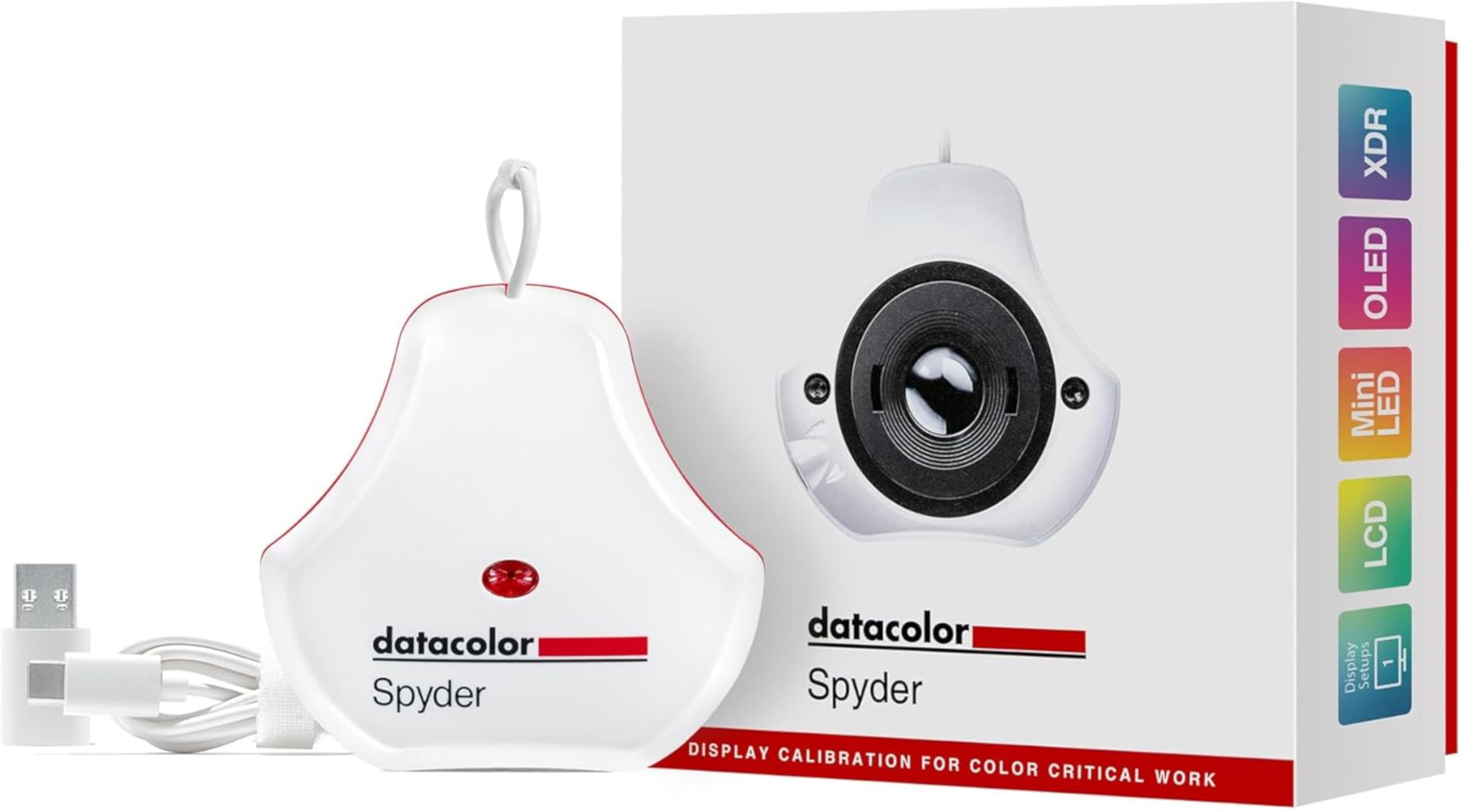
The Spyder X2 uses Datacolor’s second-generation color engine that completes a full calibration in roughly 90 seconds. That speed matters when you recalibrate every two weeks. The unit explicitly supports OLED, mini-LED, and Apple Liquid Retina XDR panels, which makes it one of the few mid-range options that doesn’t force you to upgrade later if you switch to a modern display.
Its ambient light sensor tracks room brightness and adjusts your monitor’s luminance target accordingly, which prevents the profile from looking dim in a bright office. The included DevicePreview Beta feature simulates how your photos will appear on other devices — useful if you deliver to clients who view on uncalibrated screens. The intuitive software walks you through the process without overwhelming novices, while still offering custom gamma, white point, and luminance targets for advanced users.
One caution: the QR code in the packaging leads to a generic Datacolor page, not the specific software download. A few users reported needing to find the correct installer manually. Once set up, the unit produces side-by-side monitor matches that are visually indistinguishable. If you need color matching across multiple displays, the Pro version unlocks the Color Match feature, which is worth the upgrade.
Why it’s great
- Fast 90-second calibration cycle
- Works with OLED, mini-LED, and Apple XDR panels
- Ambient light sensor for adaptive brightness
Good to know
- Initial software download isn’t clearly linked from packaging
- Multi-monitor color matching requires Pro version upgrade
2. Datacolor Spyder4Pro

The Spyder4Pro is a fourth-generation colorimeter that introduced double-shielded color filters for a 26% improvement in average accuracy and 19% better consistency between units compared to the Spyder3. For photographers working on a single monitor with standard LCD panels, this unit remains a capable entry point. The full-spectrum color sensor and automated calibration process handle brightness and gamma correction without manual intervention.
The ReCAL Assistant monitors how your display drifts over time and prompts recalibration, which is a practical feature because monitors don’t stay accurate indefinitely. Setup is straightforward on Windows 7, 8.1, and 10, though the packaging lists German as the interface language for some units — the software itself can be set to English after installation. Users report a seven-minute calibration cycle that produces neutral grayscale results on IPS panels.
The limitation is panel support. This generation was built before OLED and mini-LED became mainstream. If you have a modern display with those technologies, the Spyder4Pro lacks the correction matrices needed for accurate profiling. It also tops out at standard luminance levels, making it unsuitable for HDR workflows. For a legacy LCD or a secondary display on a budget, it still delivers.
Why it’s great
- Improved accuracy over prior generations with dual shielding
- ReCAL feature automates periodic recalibration reminders
- Works well on standard IPS and LCD panels
Good to know
- No OLED or mini-LED correction support
- Limited to standard luminance ranges
3. ViewSonic VP1656 ColorPro Monitor
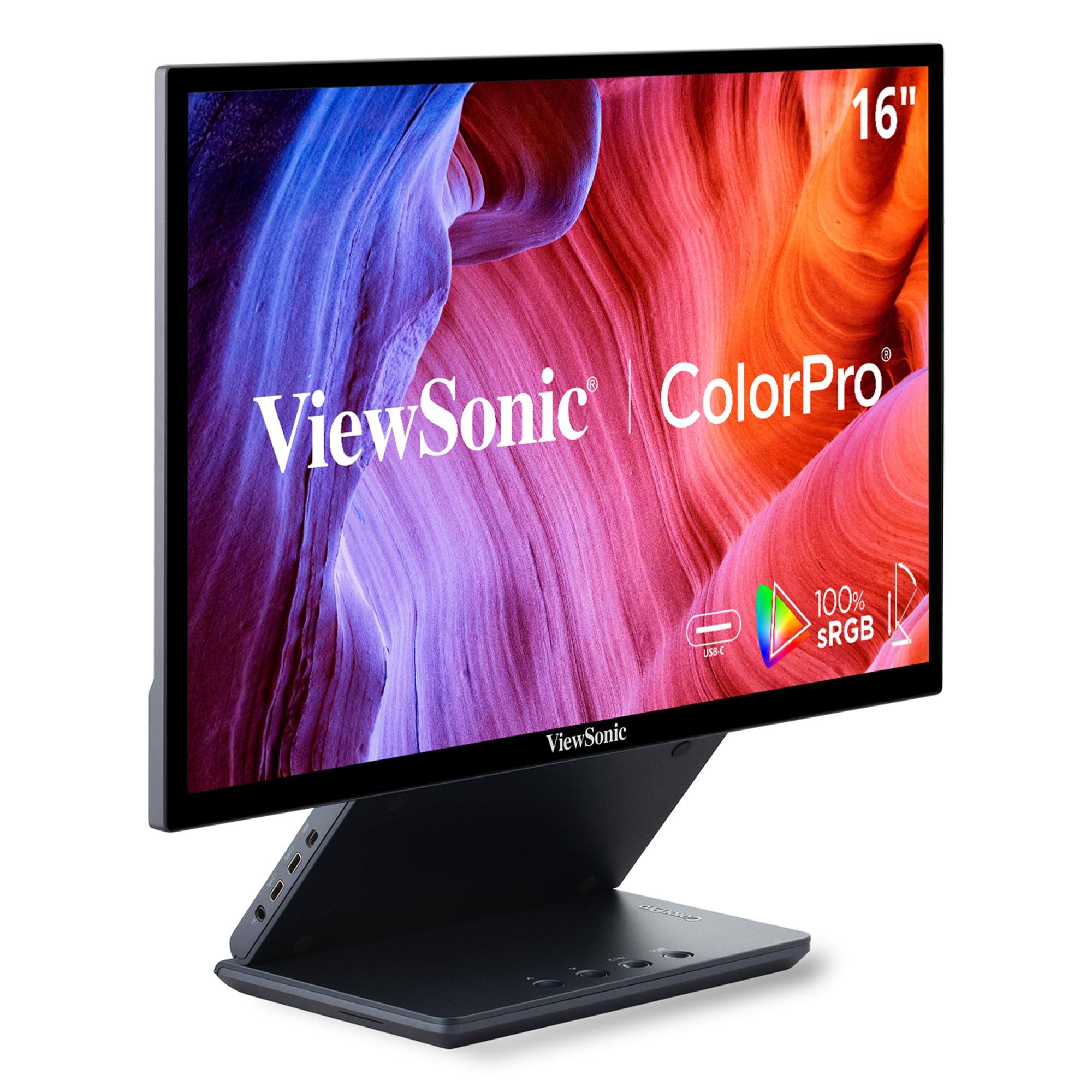
The VP1656 is a 15.6-inch WUXGA portable monitor that ships Pantone Validated, which means it can reproduce Pantone Matching System colors out of the box. For photographers who need a calibrated reference screen on location or a tethered shooting monitor, this removes the variable of a laptop’s uncalibrated display. The 16:10 aspect ratio and 1200p resolution provide extra vertical space for tool panels in Lightroom or Capture One.
Connectivity is clean — single USB-C carries video, data, and 40W charging to your laptop. The included height-adjustable stand and tripod mount make it easy to set up in unconventional workspaces. The IPS panel delivers 300 nits of brightness and a 1200:1 contrast ratio, which is adequate for indoor editing but not for HDR preview. Some users noted that the threaded tripod mount feels fragile, so careful handling is advised if you mount it frequently.
This is not a colorimeter itself, but a Pantone-validated display that reduces the need for frequent external calibration. If you pair it with a hardware calibrator, you can fine-tune it even further. The built-in speakers are weak, and there is a slight delay when used as an extended display for video, so it is best reserved for still photography and productivity workflows.
Why it’s great
- Pantone factory validation for color accuracy
- Single USB-C cable for video, data, and charging
- Ultra-portable at 3 lbs with protective case
Good to know
- Tripod mount threading is delicate
- Not suitable for video editing due to input lag
4. Calibrite Display Pro HL
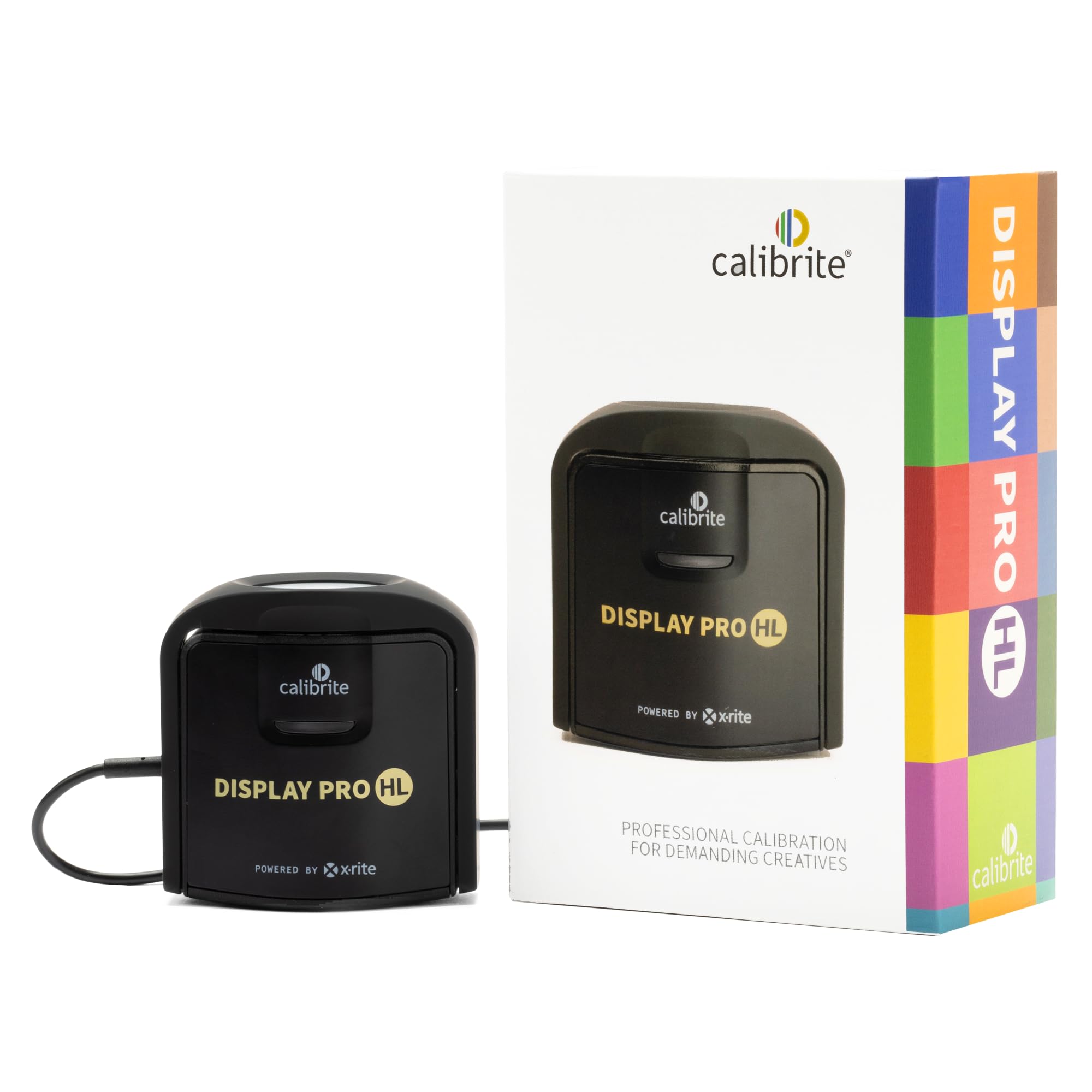
The Calibrite Display Pro HL is built for the current generation of high-brightness LCD monitors. Its HL sensor measures luminance up to 3000 nits, which covers most mini-LED and Apple XDR displays. The unit includes Calibrite’s PROFILER software with Basic and Advanced modes — Basic guides beginners through a simple workflow, while Advanced exposes full control over white point, gamma, contrast ratio, and luminance targets.
Validation tools are a standout feature here. Quick Check verifies the profile without a full recalibration, Profile Validation measures how closely the calibrated display matches the target, and Uniformity Check flags panel variance across the screen. Flare correction reduces errors caused by ambient screen glow. The device itself is compact, with a built-in 1/4-inch mount thread for attaching to a tripod or monitor arm, and comes with a travel storage pouch.
A few users reported that the PROFILER software applied the calibration to the wrong monitor in multi-display setups, resulting in an orange tint on the intended screen. Restarting the application resolved the issue in most cases, but it is a quirk to be aware of if you run two or more monitors. The Display Pro HL also works with third-party software like DisplayCAL, extending its usefulness beyond Calibrite’s own ecosystem.
Why it’s great
- HL sensor handles displays up to 3000 nits
- Full validation suite for profile verification
- Compact design with 1/4-inch mount thread
Good to know
- Some users experienced multi-monitor profile targeting issues
- No built-in ambient light sensor for adaptive brightness
5. Datacolor Spyder Photo/Video Kit

This bundle combines the SpyderPro monitor calibrator with the Spyder Checkr Video, Spyder Checkr Photo Card Set, and Spyder Cube in one package. The idea is to cover the entire color pipeline from capture to screen. The SpyderPro calibrates your monitor using the same 90-second engine found in the standalone unit, while the Checkr targets allow you to match the color in your editing software to physical reference cards you photographed on set.
The Spyder Cube goes beyond a traditional grey card — its three-dimensional shape captures black point, white point, and contrast ratio simultaneously, which gives you a more reliable exposure reference in challenging lighting. The Checkr Video card is designed specifically for video workflows, providing color bar information that integrates with your NLE for consistent skin tones and neutral grays across shots.
Setup is more involved than a standalone calibrator because you have to learn each component. The physical targets are small and portable, which is fine for location work but easy to misplace. The kit is overkill for someone who only needs monitor profiling, but for hybrid shooters who grade their own footage, the end-to-end consistency is a genuine time saver.
Why it’s great
- Complete from capture card to monitor calibration
- Spyder Cube provides superior white balance reference
- Checkr Video card integrates with video grading workflows
Good to know
- Learning curve for multiple component setup
- Small physical targets are easy to lose
6. Calibrite Display Plus HL
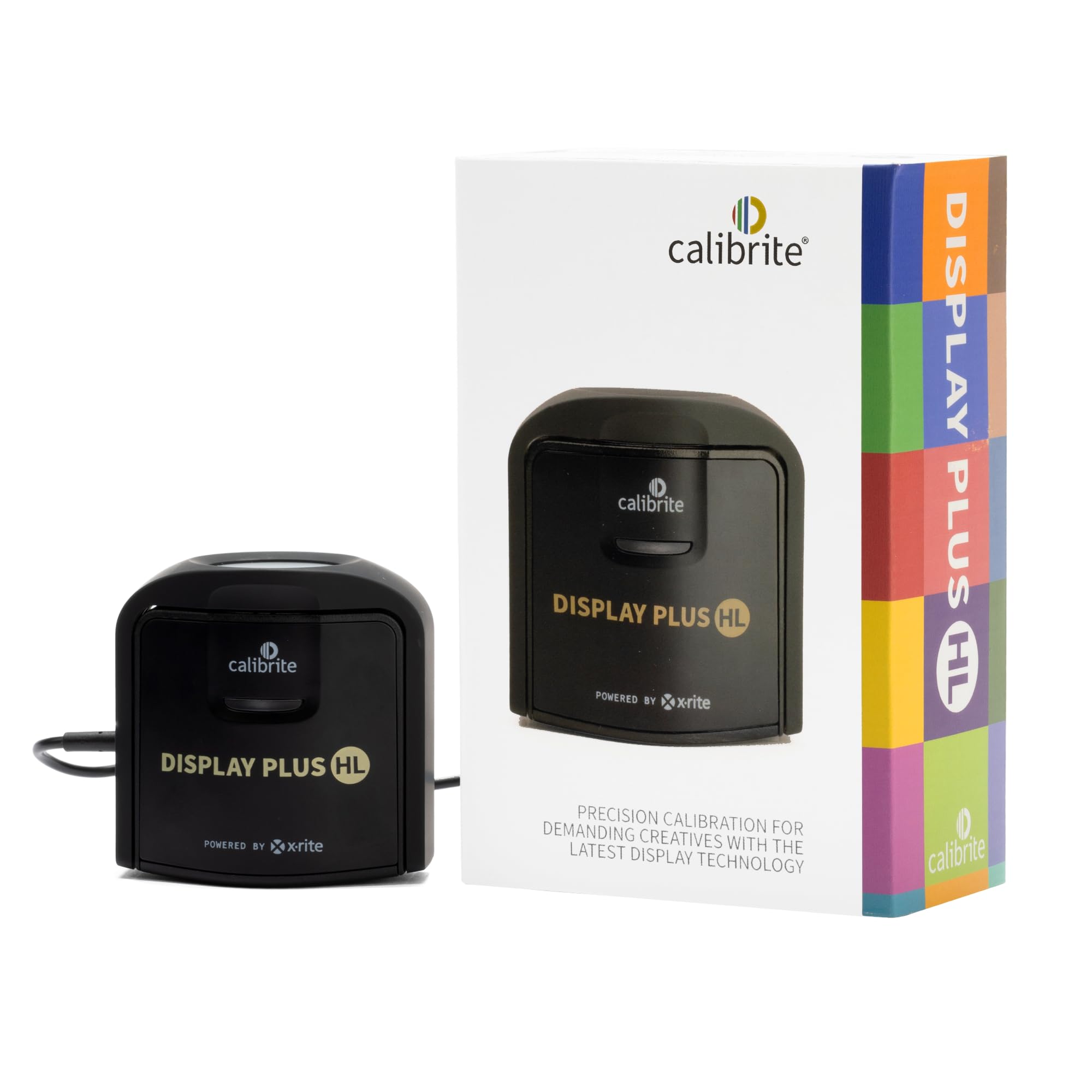
The Display Plus HL is one of the few consumer-accessible colorimeters that can handle the 10000-nit ceiling of professional HDR reference monitors. If you grade HDR video or color for Dolby Vision deliverables, the standard 1000-nit sensor will clip highlights and force you to guess the roll-off. This unit measures every step of the way up to the brightest highlights, which is the difference between a profile that preserves specular detail and one that whitewashes it.
Video-specific features include support for broadcast standards like Rec.709 and the BT.1886 tone curve for Rec.2020 workflows. The PROFILER software includes manual white point adjustment, though one review noted the D65 preset actually output around 4470K instead of 6500K — so relying on native white point settings rather than presets is necessary. The unit works with Colourspace and HCFR for users who want even tighter control.
Build quality is mixed — the plastic housing feels less expensive than the optics inside. The actual measurement performance, however, is excellent. Users report accurate profiling of both OLED and mini-LED panels, with verified peak brightness readings close to 3300 nits on mini-LED displays. If you are calibrating a high-end HDR monitor used for client delivery, this is the correct tool.
Why it’s great
- Measures luminance up to 10000 nits for HDR grading
- Supports Rec.709 and BT.1886 broadcast standards
- Compatible with Colourspace and HCFR for advanced workflows
Good to know
- D65 preset may output incorrect color temperature
- Plastic build feels less premium than sensor performance suggests
7. ASUS ProArt PA279CRV

The ASUS ProArt PA279CRV is a 27-inch 4K IPS monitor that ships with a factory calibration report guaranteeing Delta E < 2 and 99% coverage of both Adobe RGB and DCI-P3. For editors who do not own a colorimeter, this monitor reduces the risk of working on a wildly inaccurate display from day one. The USB-C port delivers 96 watts of Power Delivery, which charges a MacBook Pro while driving the panel with a single cable.
Color uniformity across the panel is strong — measurements on review units show luminance variance under 8% and average Delta E around 0.4, which is excellent for this price tier. The matte finish cuts reflections in brightly lit rooms without diffusing fine detail. The ergonomic stand offers tilt, swivel, pivot, and height adjustment, and the on-screen menu is easy to navigate via a joystick control.
The 60Hz refresh rate and 5ms response time make this a poor choice for gaming, but for still photography and video editing it is more than adequate. Some units show a slight red-green cast on uniform gray, though calibration resolves that. You should still run a hardware calibrator every month to compensate for panel drift, but starting from a pre-calibrated baseline makes those subsequent calibrations faster and more consistent.
Why it’s great
- Factory calibrated to Delta E < 2 with wide gamut coverage
- Single USB-C cable with 96W power delivery
- High uniformity across panel in luminance and color
Good to know
- 60Hz refresh rate not suitable for gaming
- Occasional slight red-green cast on gray fields
8. UPERFECT 24.5″ QLED
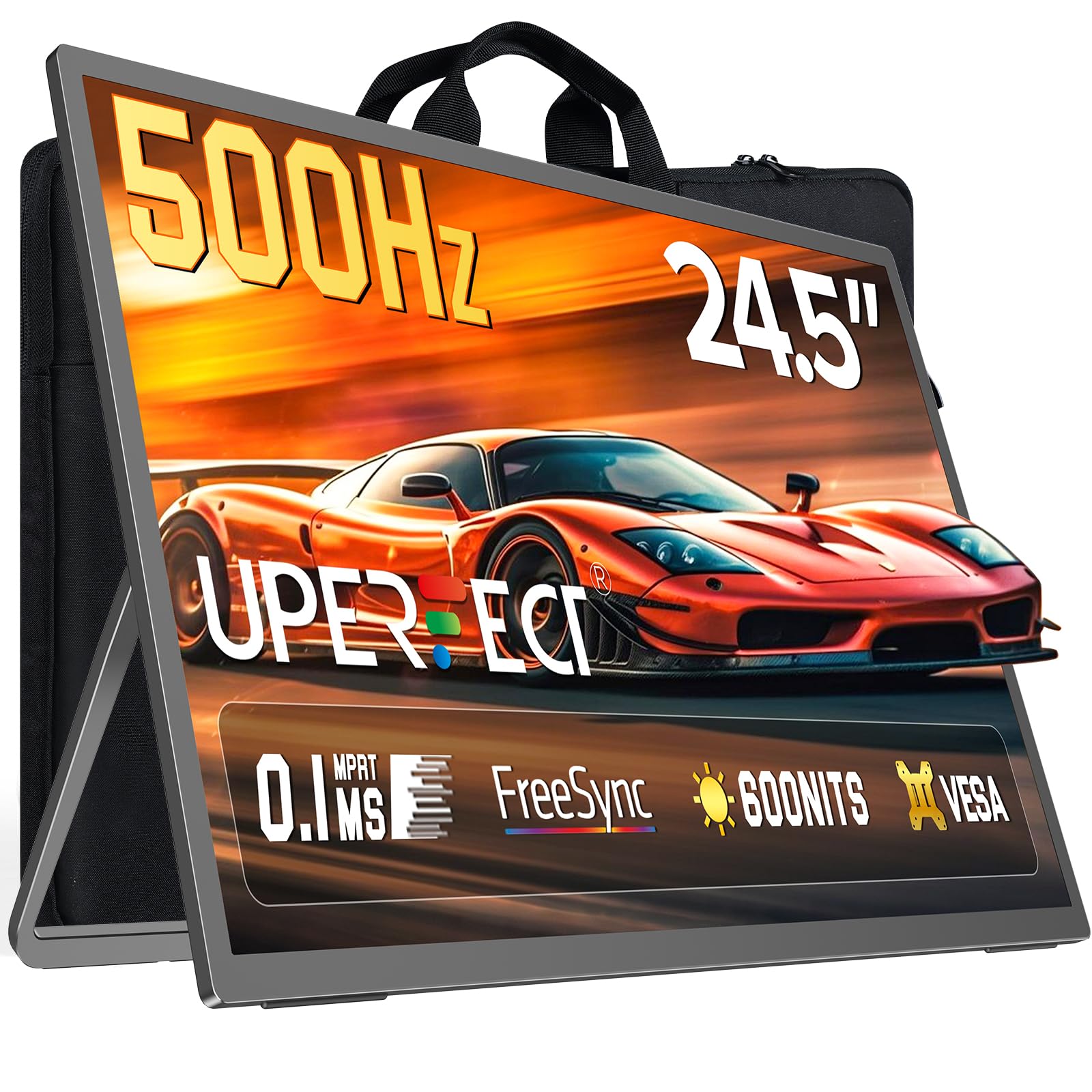
The UPERFECT 24.5-inch QLED portable monitor prioritizes motion clarity with a 500Hz refresh rate and 0.1ms response time, making it primarily a gaming tool. The color coverage of 125% sRGB and 2000:1 contrast ratio from the QLED panel provide more vibrant color than typical gaming monitors, but that does not substitute for a hardware calibrator. The panel type determines the starting point, and this starts punchy but not necessarily accurate.
Connectivity includes DisplayPort 1.4, HDMI 2.1, and USB-C, which accommodates everything from a desktop PC to a handheld console. The built-in 180-degree adjustable stand supports both landscape and portrait orientations, and VESA mounting lets you attach it to an arm. The unit is marketed as portable, but at 24.5 inches and weighing several pounds, it is more of a secondary gaming display than something you toss in a backpack.
If you need a monitor for competitive gaming where frame rate matters more than color-critical accuracy, the UPERFECT delivers excellent motion handling at a reasonable price. The QLED backlight produces deeper blacks and brighter highlights than standard IPS. But for photo or video editing, you would incur a separate cost for a colorimeter and still be limited by the 1080p resolution.
Why it’s great
- Ultra-high 500Hz refresh rate with 0.1ms response
- QLED panel provides vibrant color and high contrast ratio
- Multiple connectivity options including DP 1.4 and HDMI 2.1
Good to know
- 1080p resolution limits photo editing utility
- Not a color-accurate display out of the box
9. Nix Spectro L

The Nix Spectro L is a spectrophotometer, not a traditional monitor colorimeter. It reads physical printed targets and compares measured spectral data against reference values using Delta E calculations. This makes it useful for print professionals, packaging designers, and quality control in graphic arts — anywhere the goal is matching a printed Pantone swatch or verifying ink density. Its 9-channel sensor expands to 31 channels for refined accuracy across M0, M1, and M2 measurement modes.
The Nix Toolkit app accesses a growing library of over 200,000 paint shades, and the cloud library lets you build custom color standards for repeat jobs. The device supports Pantone, RAL, and NCS libraries through a premium subscription, which adds ongoing cost. The unit charges via USB-C, and the included diagnostics tile ensures consistent calibration between sessions. Build quality is solid, with a metal body that withstands fieldwork.
This is not a substitute for a monitor colorimeter. If you need to profile a display, you need a different device. But if your workflow involves matching a printed proof to a digital file, the Spectro L provides the density and spectral data to close that loop. The free app is functional but clunky for batch scanning — users report having to manually enter names and codes for each patch, which slows down high-volume work.
Why it’s great
- 31-channel spectral engine for precise color measurement
- Supports M0, M1, and M2 measurement modes
- Built-in cloud library with 200,000+ paint references
Good to know
- Cannot calibrate or profile a monitor display
- Free app is cumbersome for batch scanning without auto-naming
FAQ
How often should I recalibrate my monitor with a colorimeter?
Can a monitor colorimeter calibrate a laptop screen and an external monitor?
Does a Pantone-validated monitor still need a colorimeter?
Final Thoughts: The Verdict
For most users, the colorimeter for monitor calibration winner is the Datacolor Spyder X2 because it combines fast calibration speed, broad panel support including OLED and mini-LED, and an intuitive software workflow at a price accessible to serious enthusiasts and professionals alike. If you need to measure high-brightness HDR displays up to 10000 nits, grab the Calibrite Display Plus HL. And for a complete capture-to-screen color pipeline, nothing beats the Datacolor Spyder Photo/Video Kit.

Mo Maruf
I created WellFizz to bridge the gap between vague wellness advice and actionable solutions. My mission is simple: to decode the research and give you practical tools you can actually use.
Beyond the data, I am a passionate traveler. I believe that stepping away from the screen to explore new environments is essential for mental clarity and physical vitality.