Our readers keep the lights on and my smoothie glass nicely filled. As an Amazon Associate, I earn from qualifying purchases.
Specs are compiled from manufacturer listings and verified buyer reviews and can change over time — please confirm the key details on the product page before buying.
Color labels change how you organize. Instead of squinting at black-on-white tape, you get a red folder tag, a blue product sticker, or a glossy photo label that actually looks good. The right color label maker gives your home office, small business, or craft station a professional look in minutes.
I’m Mohammad Maruf — the founder and writer behind WellFizz. This guide is built by comparing the manufacturers’ published specifications and the patterns across verified customer reviews, so you get each pick’s real strengths and trade-offs instead of marketing spin.
You need a label maker that prints in full color, not just black on white. These machines handle everything from food-safe kitchen labels to durable warehouse tags and photo-quality journaling stickers. They range from pocket-sized Bluetooth printers to all-in-one desktop workhorses — this guide helps you pick the right one for your job.
Our Picks at a Glance

How To Choose The Best Color Label Maker
Color label printers fall into two broad camps — those that print in a limited palette (red and black, or solid spot colors via ribbon) and those that deliver the full CMYK spectrum for photos and multi-color graphics. Your choice depends on how much color variety you need.
Print Technology: Thermal, ZINK, or Inkjet
Direct thermal label printers are common for black-only labels, but color requires a different approach. For two-tone labels (red plus black), a thermal transfer printer with a color ribbon is your cheapest route. For full photo-quality color, you need a ZINK (Zero Ink) printer — the color crystals are inside the paper itself — or a dedicated inkjet tank system like Epson’s EcoTank, which uses refillable ink bottles instead of cartridges. Dye-sublimation printers, like the Liene PixCut S1, fuse dyes into the paper for waterproof, scratch-resistant color stickers.
Resolution and Print Width
Resolution is measured in DPI (dots per inch). A 300 DPI printer — the standard for most mid-range color label makers — produces crisp small text, sharp barcodes, and detailed images. Print width matters too; if you want labels wider than 12mm (about half an inch), look for support up to 50mm (2 inches). The Brother P-Touch PTD220 is capped at 12mm, while the NIIMBOT M2 handles up to 50mm.
Connectivity and App Features
Bluetooth label makers let you design and print directly from your phone, which is the easiest setup for most people. Some offer PC connection via USB for more advanced editing. A good companion app includes templates, barcode generators, and batch-printing for multiple labels. The NIIMBOT app offers 1600+ templates across several models, making it easy to create professional labels without design experience.
Quick Comparison
| Model | Best For | Print Technology | Max Print Width | Resolution | Amazon |
|---|---|---|---|---|---|
| Brother P-Touch PTD220★ Best Overall | Simple Home Organization | Thermal (Black Only) | 12mm (0.5 inch) | 180 DPI | Amazon |
| NIIMBOT M2Also Great | Durable / Industrial Labels | Thermal Transfer (Color Ribbon) | 50mm (2 inch) | 300 DPI | Amazon |
| NIIMBOT B21 ProBudget Champion | Photo & Red/Black Labels | Thermal (Red/Black) | — | 300 DPI | Amazon |
| NIIMBOT B2 Pro | Portable Photo Labels | Thermal (Red/Black) | 50mm (2 inch) | 300 DPI | Amazon |
| Brother ColAura VC500W | Full-Color Photo Labels | ZINK (Full Color) | 50mm (2 inch) | — | Amazon |
| DYMO LabelManager 500TS | Office Touch-Screen Labeling | Thermal (Black) | 25mm (1 inch) | — | Amazon |
| Liene PixCut S1 | Custom Sticker Printing | Dye-Sublimation (Full Color) | — | 300 DPI | Amazon |
| Epson EcoTank ET-3760 | High-Volume Full-Color Office | Inkjet (Full Color) | Full Page | — | Amazon |
| HP Sprocket Panorama | Portable Photo Stickers | ZINK (Full Color) | 50mm (2 inch) | — | Amazon |
In‑Depth Reviews
1. Brother P-Touch PTD220
Our pick — over 4.5★ from 5,000+ verified ratings; the strongest balance of quality and price.
The gold-standard home label maker that prints crisp 12mm labels with 14 fonts, 99 frames, and over 600 symbols.
The PTD220 is a standalone label maker with a full QWERTY keyboard, so you do not need a phone or computer. It stores up to 30 frequently used labels in memory for quick reprints. The 180 DPI resolution is fine for general-purpose home labeling — filing folders, pantry jars, power strips — though it lags behind the 300 DPI clarity of the NIIMBOT machines when printing tiny barcodes or QR codes. Owners consistently praise the intuitive operation: “prints and cuts easily, simple font/settings changes, reliable.”
The PTD220 runs on 6 AAA batteries (long life, according to owners) or a separate 9V adapter. The screen can be hard to read in bright light, a fixable issue by adjusting contrast. The tape produces plastic cassette waste — about 70-90% of the ink in the cassette goes unused. The unit ships with only a sample tape, so factor in the cost of additional TZe tapes and a power adapter. The PTD220 lacks color printing — it prints black on a white laminated label — so if you need red or blue labels, look at the NIIMBOT options instead.
What wins people over: Reliable, straightforward QWERTY operation and crisp black-on-white prints that stick to multiple surfaces and stay readable.
Be aware: It is black-and-white only, and the 12mm max tape width is narrow compared to the 50mm of the NIIMBOT printers.
Grab it for: simple home organization — filing, pantry, cables, and labeling items where you don’t need color.
Upgrade to the NIIMBOT B21 Pro if: you want color labels, a rechargeable battery, and Bluetooth smartphone control.
2. NIIMBOT M2 Label Maker
The only color-label printer on our list that prints labels that can survive a splash of oil or a wipe with alcohol.
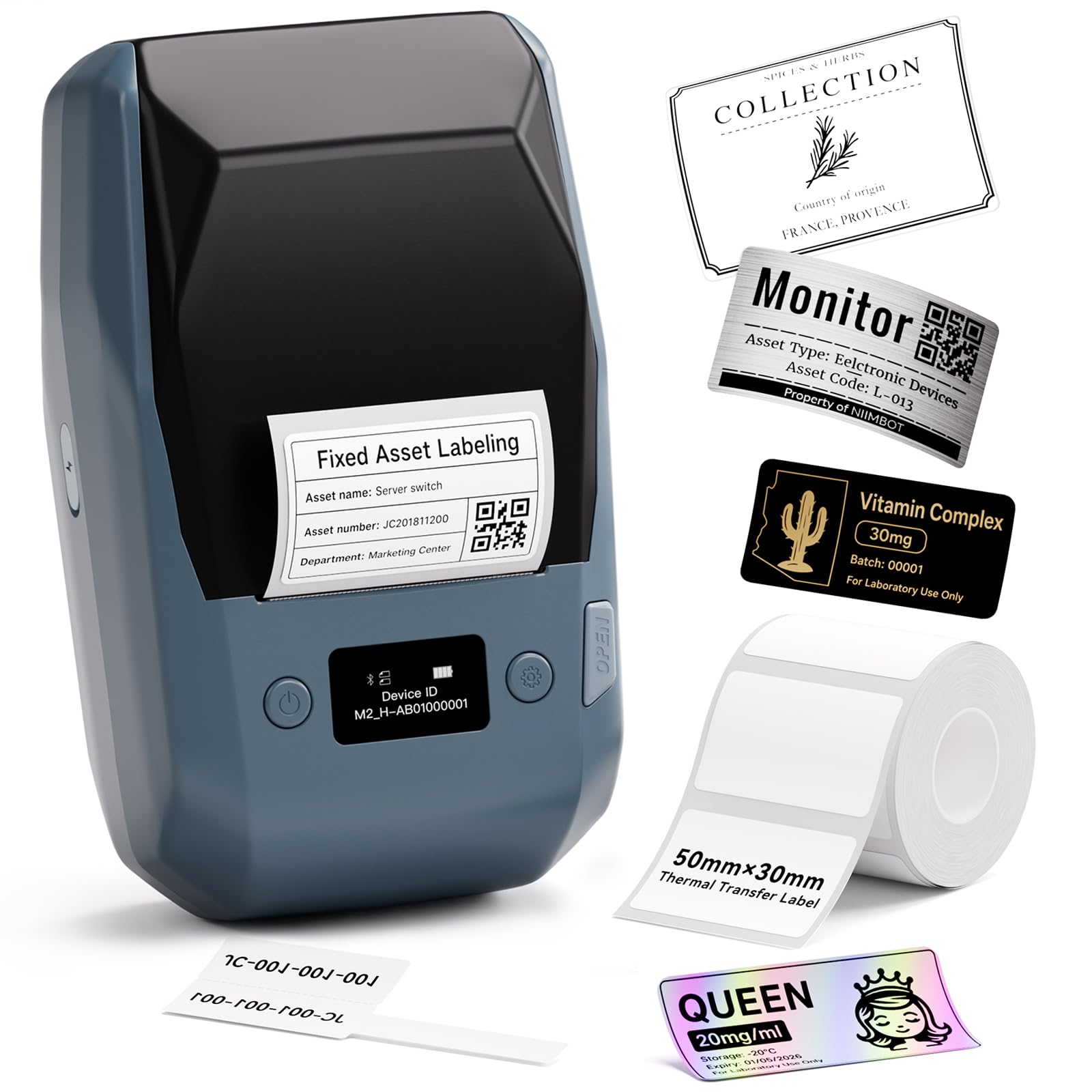
The NIIMBOT M2 uses thermal transfer technology, which bonds a color ribbon to the label paper. That process means the label you print today won’t fade in sunlight or smear if you spill coffee on it tomorrow. The M2 supports a print width up to 50mm (2 inches), a 4.2x advantage over the 12mm Brother P-Touch PTD220, so you can create large, readable inventory tags, cable wraps, or shelf labels.
It is a crowd favorite — the ease of use, label quality, and reliability all earn strong and repeated praise. The app has a slight learning curve when you design custom labels from scratch, but the built-in batch-printing feature eliminates repetitive work fast. Labels stick to plastic, glass, cardboard, and metal without peeling. The catch is the M2 uses its own M2-series label rolls — standard NIIMBOT B1/B2/B21 rolls will not work with this machine, so you have to buy the right consumables.
What Owners Celebrate
- Ribbon-fed color lasts far longer than direct thermal — waterproof, oil-proof, and scratch-resistant
- Prints crisp text, barcodes, and QR codes at 300 DPI
- One ribbon roll prints through three full rolls of label paper, saving on consumables
The Fine Print
- Only works with M2-series thermal transfer labels — standard thermal NIIMBOT rolls are incompatible
- Slightly larger than pocket thermal printers at 7 x 4.3 x 3 inches
Grab it if: you need durable color labels that resist water, oil, alcohol, heat, and cold for inventory, lab work, or outdoor storage.
Look elsewhere if: you only need black-and-white labels for simple home filing — the PTD220 is cheaper and just as capable.
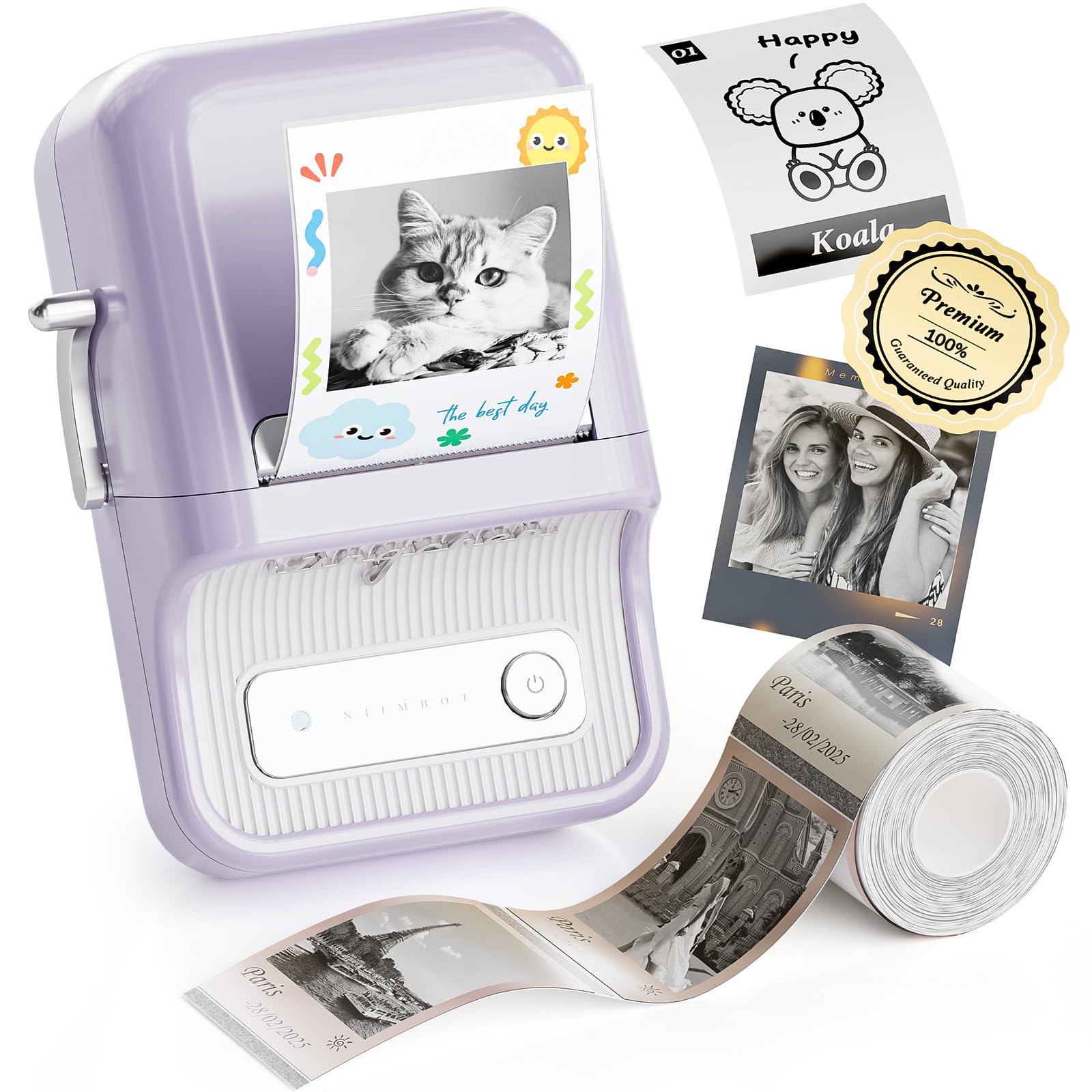
3. NIIMBOT B21 Pro Label Maker
A compact Bluetooth label maker that packs a 1500mAh rechargeable battery and true photo-quality red-and-black printing.
At 11.2 ounces and roughly the footprint of a smartphone, the B21 Pro is designed to follow you around the house or workshop. The 300 DPI resolution is a sharp upgrade from the 180 DPI on the Brother PTD220 — that extra 67% of detail means small text and barcodes stay readable even on tiny labels. Owners use it for inventory, storage bins, notes, and photo labels, with one describing the print quality as “sharp” and “the app easy to use.”
The machine prints in both red and black simultaneously, but you need special label paper for that function. It also handles photo printing from your phone. The 1500mAh internal battery takes about 4 hours to charge fully and can last up to two weeks of regular use. The trade-off is that the B21 Pro does not support iPad. A few owners note that VIP support is not recognized by the app initially, though customer service has resolved the issue after contact.
Smart Design Choices
- Built-in 1500mAh battery charges via USB-C and lasts up to two weeks
- Print width supports labels up to 50mm for larger tags
- Photo printing works from iPhone right from the start
Heads Up
- Printing full-color photos requires red/black special label paper (not included)
- App does not support iPad — phone or PC only
Best for: crafters and home organizers who want a portable machine that does photo stickers and two-color labels.
Consider the M2 if: you need waterproof, industrial-grade labels that thermal printing cannot provide.
4. NIIMBOT B2 Pro Label Maker
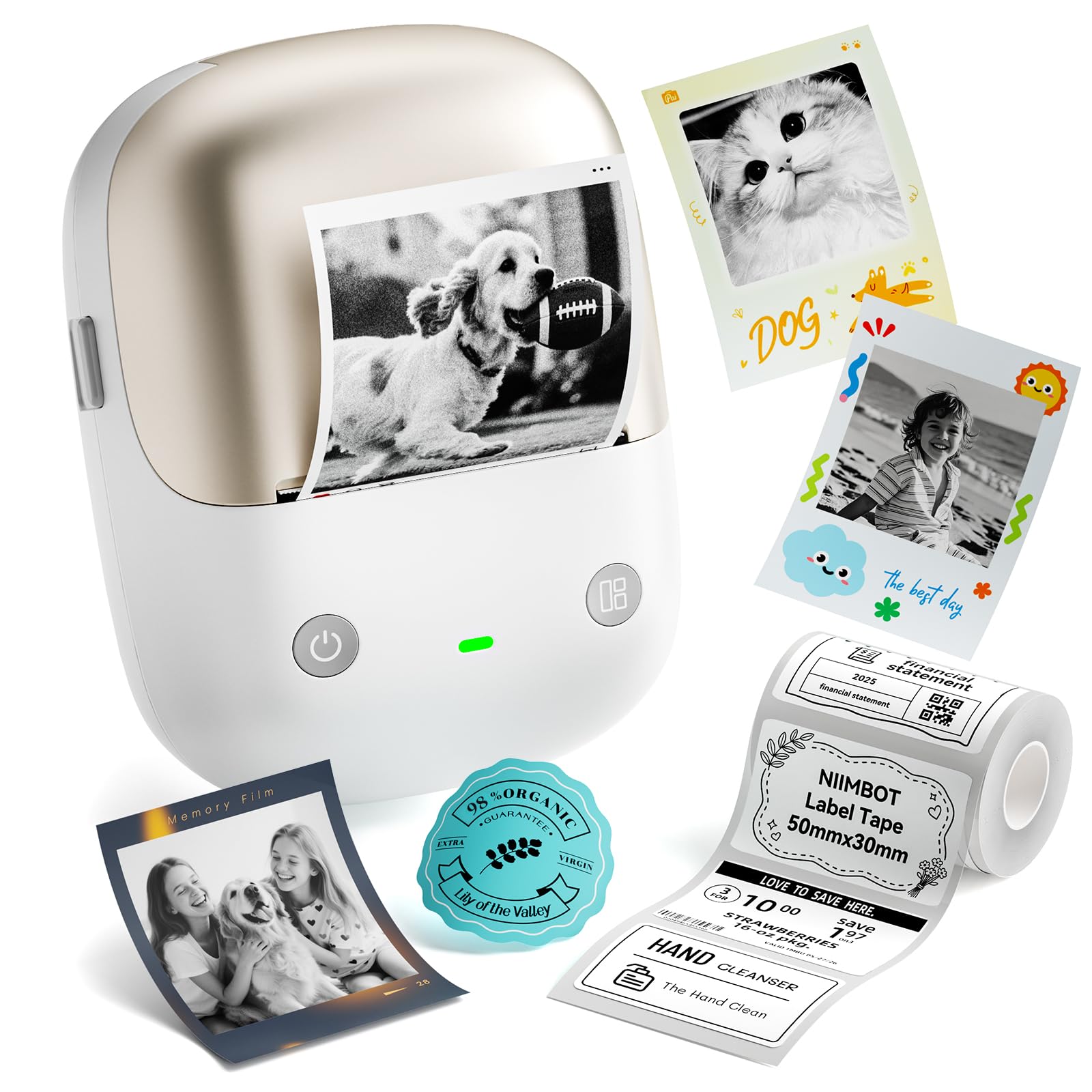
The first label maker per verified buyer reviews that prints photos and red-and-black two-color labels — from your phone, without wires.
The B2 Pro is a 2026 model that weighs just 352 grams (about 12.4 ounces). It features a one-touch offline printing button: you click the custom button on the device itself, and it auto-prints the latest historical record or a specified template without needing to connect to the app. The print width goes up to 50mm (2 inches), matching the B21 Pro, and the 300 DPI resolution handles small text, barcodes, and QR codes clearly.
The machine supports Bluetooth connectivity and can be linked with up to 10 phones simultaneously (3 iOS, 7 Android). It also works with a PC via USB cable. The NIIMBOT app provides 1600+ templates for quick label creation. The recurring gripe from a few users is poor graphic alignment and print quality on certain Windows systems, with one buyer advising to “recommend B21 instead” for better alignment. Overall, though, the compact size and print quality earn solid marks.
Standout feature: Offline one-touch printing — long-press the button to print the current date or the last printed label without touching your phone.
One limitation: The Windows PC driver support is patchy; buyers report alignment issues on systems newer than Windows 7.
Reach for this if: you want the convenience of Bluetooth photo labels and offline one-touch printing for expiration dates or price tags.
skip it if: your workflow depends on Windows PC printing — the B21 Pro has better PC compatibility.
5. Brother ColAura VC500W

The only full-color, no-ink label printer that prints photo quality up to 18 inches long on a single adhesive-backed label.
The ColAura VC500W uses ZINK (Zero Ink) technology — color crystals embedded in the paper itself activate during printing, producing rich, vivid full-color labels without any ink cartridges, ribbons, or toner. It prints labels up to 2 inches wide and up to 18 inches long, which makes it uniquely suited for shelf talkers, table tents, or professional signage. The adhesive backing is pre-scored for easy peeling.
The printer connects via WiFi and works with Apple AirPrint, plus Windows and Mac. The app is intuitive for designing labels on the fly. The honest downside is connectivity: it is the thing owners mention most as a headache. The printer can be temperamental, refusing to connect or insisting there is “no media” when the roll is loaded. Colors also get mixed reviews — one owner noted a white logo printed as “neon blue on a black background.” The ColAura is brilliant when it works, but it demands patience during setup.
What wins people over: Brilliant, smudge-proof full-color output on adhesive-backed ZINK paper. No ink, no ribbon — just the paper roll.
The trade-off: WiFi connectivity is the most-discussed headache. Plan for a finicky first setup.
Best for: crafters, scrapbookers, and small businesses who need vivid long-format photo labels and have patience for wireless setup.
Not ideal for: anyone who wants a turnkey label maker from the start — the VC500W can be stubborn.
6. DYMO LabelManager 500TS

A full-color touch-screen label maker with a physical QWERTY keyboard and storage for 500 of your most-used labels.
The LabelManager 500TS is a standalone portable label maker — no phone or computer required. The color touch screen lets you tap to change fonts, add graphics, and format text. It stores up to 500 frequently used labels for up to 5 different users, making it a strong choice for shared office environments. The lithium-ion battery charges quickly and lasts a long time between charges, according to owners.
The unit connects to a PC or Mac via USB, and you can use DYMO Label Software for more advanced customization. It accepts DYMO D1 labels in widths from 1/4 inch up to 1 inch. The major frustration, however, is reliability. Some owners mention constant tape jamming, ink separating from the tape, and a cutting head that misaligns over time. One review sums it up: “tape jams constantly; ink separates from tape; uneven quality with missing spots.” The touch screen itself also draws mixed feedback for being unresponsive at times.
The big advantage: No smartphone needed — the entire label design and print workflow is self-contained in the device.
Where it stumbles: Reliability is the loudest complaint. Tape jams and misaligned cutting heads are reported by multiple owners over multiple units.
Consider it for: an office setting where a standalone device that doesn’t need a phone or PC is a real advantage.
Look at the M2 instead if: you need consistent, jam-free label printing day after day — the NIIMBOT M2 has far fewer reliability complaints.
7. Liene PixCut S1
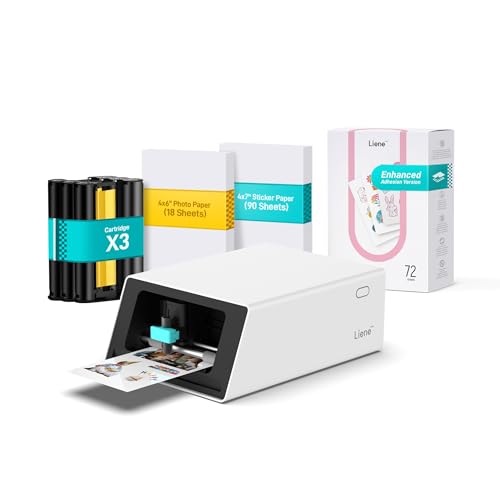
An all-in-one sticker machine that prints full-color 300 DPI images and die-cuts around them automatically using AI.
The PixCut S1 earns its spot because it prints and cuts custom stickers in about two minutes — no separate scissors or trimmer needed. It uses thermal dye-sublimation (a process that heats solid dye into a gas that bonds with the material) to print at 300 DPI (dots per inch, meaning sharp detail) with 16.7 million colors. Then an AI-driven cutter follows the exact edge of your design and cuts it out. The four-layer lamination applied during printing makes the finished stickers waterproof, fade-resistant, and scratch-resistant — so a label on a water bottle survives the dishwasher.
The AI Lab feature in the Liene Photo App can turn a selfie into an anime character, a fantasy hero, or a holiday illustration, then print it as a custom sticker. The dye-sublimation process also means the ink fuses into the paper rather than sitting on top — no smudging, no peeling. The trade-off is that output is gloss-only, and refill costs run roughly for a bundle of 70 pages plus cartridges. A couple of owners had a frustrating setup experience with paper-size recognition, though most found it “easy to set up” with “vibrant, accurate colors.”
Why It Stands Out
- AI-powered auto-cut traces complex sticker shapes perfectly every time
- Dye-sublimation produces waterproof, fade-proof, scratch-proof stickers
- App includes AI image extraction and a style transfer feature for creative projects
Limitations
- Stickers come out in gloss finish only — no matte option
- Minor learning curve with initial calibration and contrast adjustment for darker prints
Perfect for: crafters, journaling enthusiasts, and small businesses who want professional die-cut stickers without cutting by hand.
Not for: large-volume labeling (inventory, cable marking) — the PixCut is designed for one-at-a-time custom stickers.
8. Epson EcoTank ET-3760
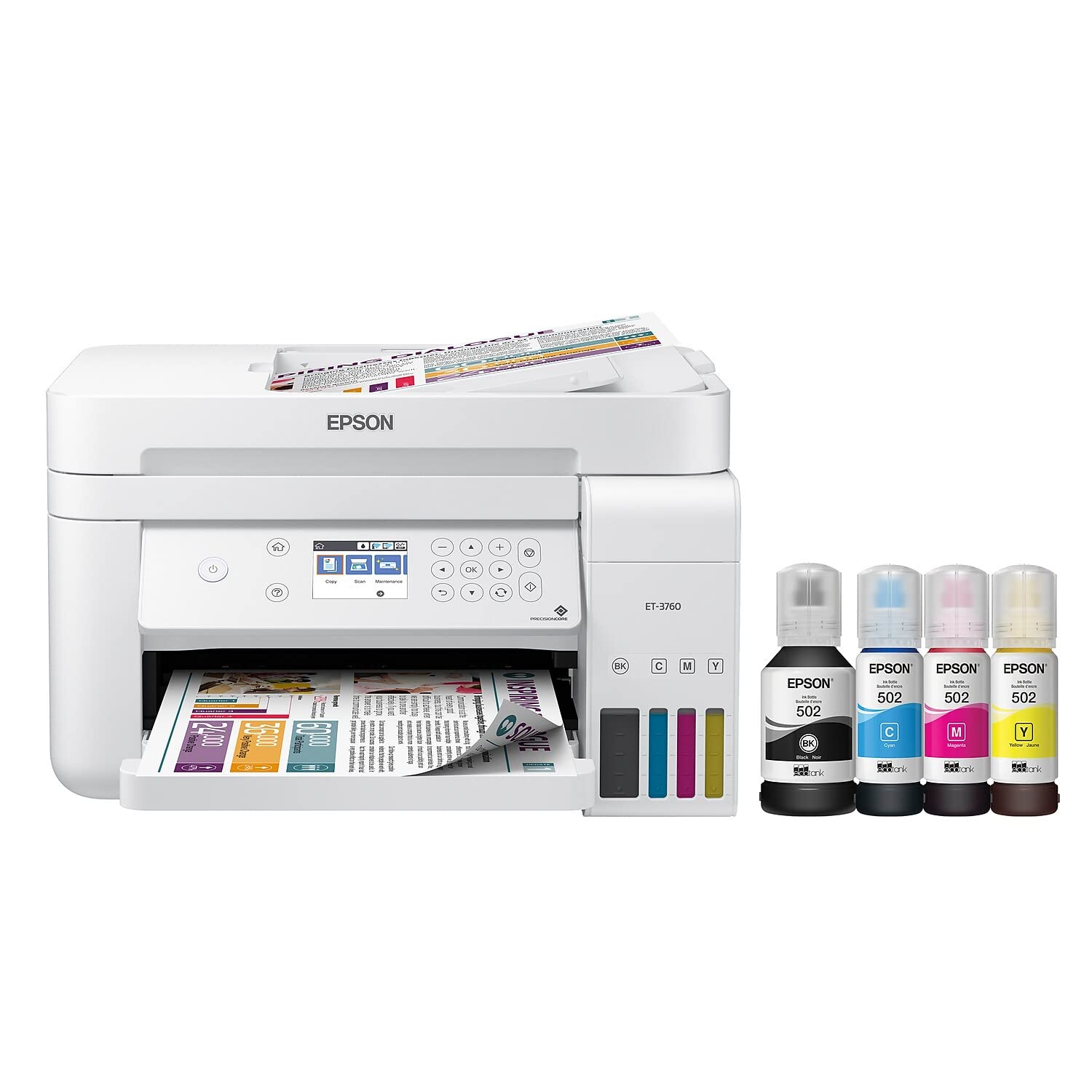
The cartridge-free office workhorse that prints full-color documents and labels for years without refilling ink.
The ET-3760 is a full-featured all-in-one (printer, scanner, copier) with an Auto Document Feeder, automatic duplex (two-sided) printing, and a 250-sheet paper tray. It uses Epson’s EcoTank system — big refillable ink bottles instead of small disposable cartridges — and comes with enough ink in the box to print up to 7,500 pages in black and 6,000 in color. That is roughly two years of typical home office use before you need to buy more ink.
Customers note the print quality for color graphics and sharp text is excellent, with one owner noting “ink levels barely moved despite heavy color use.” That comes from PrecisionCore Heat-Free Technology (a printhead that fires ink without heat, reducing wear) and Claria ET pigment black ink (a smudge-resistant ink for crisp text). The honest trade-off: the non-touch screen navigation is confusing at first, the document feeder works only about 90-95% of the time, and photo color accuracy is not perfect from the start. This is not a dedicated label printer — it is a general-purpose color printer that handles labels on standard paper or cardstock. If you need a machine that prints only labels and does it faster, the dedicated label printers in this guide are a better fit. But if you also need a regular printer for documents and want professional color labels at a lower per-page cost than cartridge printers, this is your pick.
The biggest selling point: Save up to 90% on replacement ink versus cartridges. Two years of printing right from the start.
The compromise: It is a full office printer, not a pocket label maker. Not ideal for adhesive label rolls — use it for sheet labels instead.
Best for: home offices that print lots of color documents, spreadsheets, and sheet-based labels and want to eliminate cartridge costs.
Stick with the M2 if: you specifically need industrial-strength adhesive labels for bins, cables, and jars.
9. HP Sprocket Panorama

A palm-sized full-color printer that turns your phone photos into vivid sticker labels — no ink cartridges needed.
The HP Sprocket Panorama uses ZINK Zero Ink technology to print up to 9 inches long on 2-inch-wide sticky-backed paper. It connects via Bluetooth to the free HP Sprocket Panorama App, where you can add filters, custom text, frames, and sticker designs. The prints are glossy, smudge-proof, and fade-resistant. The Starter Bundle includes a carrying case and a ZINK roll to get started.
The honest reality is mixed. The print resolution and color are decent — “better than expected” — but the paper cost is high, and the machine can be finicky. A notable number of reviewers point out the printer jams constantly, overheating after a short burst of printing, or refusing to recognize that paper is loaded. One review sums it up: “constantly jams which wastes paper and leads to frustration.” The Sprocket Panorama is best suited for fun, occasional use — party favors, scrapbook stickers, journal embellishments — not for high-volume business labeling.
Fun factor: Full-color photo stickers from your phone in seconds. No ink. No mess. Just a Bluetooth connection.
The honest downer: The build quality is fragile for the price. Paper jams and overheating are the most common complaints.
Grab it for: casual sticker-making, party photobooth strips, and creative projects where each print feels like a treat.
pass on it if: you need a reliable label maker for work or inventory — the M2 or B21 Pro will be far less frustrating.
Understanding the Specs
Print Technology: ZINK vs. Thermal Transfer vs. Dye-Sublimation
ZINK (Zero Ink) printers like the Brother ColAura VC500W and HP Sprocket Panorama have color crystals built into the paper itself. Heat activates those crystals, producing a full-color print without ink cartridges. Thermal transfer printers like the NIIMBOT M2 use a color ribbon that gets melted onto the label paper — this makes the label waterproof, oil-proof, and scratch-resistant. Dye-sublimation printers like the Liene PixCut S1 vaporize dye and bond it into the paper layer by layer, creating vivid, durable stickers that are also waterproof and fade-resistant. Your choice depends on whether you prioritize color range (ZINK and dye-sublimation win) or label durability (thermal transfer wins).
Resolution and Print Width
Resolution is measured in DPI (dots per inch). A 300 DPI printer produces 300 dots horizontally per inch, which is sharp enough to read small fonts, barcodes, and QR codes clearly. Budget models often use 180 DPI — fine for simple text labels but noticeably blurrier for images and small print. Print width determines how wide a label you can create. Narrow printers like the Brother PTD220 are limited to 12mm (about half an inch). Wider printers like the NIIMBOT M2 handle up to 50mm (2 inches), which is necessary for shelf-talkers, cable wraps, and large bin labels.
FAQ
What is the difference between a color label maker and a regular black-and-white label maker?
Can a color label maker print photos?
Does a color label maker need special paper or ink?
Are color labels waterproof?
Which is better for small business inventory — ZINK or thermal transfer?
Can I print color labels from my phone without a computer?
How long do color labels last before fading?
Is a color label maker worth it for just organizing my home?
Will all color label makers work with standard shipping labels?
How many labels can I print before replacing ink or supplies?
Final Thoughts: The Verdict
For the majority of shoppers, the color label maker winner is the NIIMBOT M2 because it delivers durable, waterproof color labels at a mid-range investment with the strongest owner satisfaction across ease of use and label quality. If you want a portable printer for creative photo stickers and two-color labels, the NIIMBOT B21 Pro is the compact Bluetooth champion. And for full-color professional sticker printing with AI-powered die-cutting, the Liene PixCut S1 is the one to reach for.
How We Picked
We do not accept paid placement. Every pick is matched to a real buyer and a real use-case; we do not hands-on test units.
Sources & Methodology
Specifications: manufacturer listings and product documentation. Review insights: verified customer reviews, as of July 2026. Pricing: not shown on this page (it changes often); check the current price via the retailer link.
As an Amazon Associate, WellFizz earns from qualifying purchases. This does not affect which products we feature.
Related Guides

Mo Maruf
I created WellFizz to bridge the gap between vague wellness advice and actionable solutions. My mission is simple: to decode the research and give you practical tools you can actually use.
Beyond the data, I am a passionate traveler. I believe that stepping away from the screen to explore new environments is essential for mental clarity and physical vitality.