Our readers keep the lights on and my smoothie glass nicely filled. As an Amazon Associate, I earn from qualifying purchases.
Color E Ink tablets have bridged the gap between the focused simplicity of monochrome e-readers and the full-featured versatility of LCD tablets. These devices deliver the power of color for maps, charts, textbooks, and sketches while preserving the paper-like feel and long battery life that make E Ink a unique category.
I’m Mohammad Maruf — the founder and writer behind WellFizz. I’ve spent countless hours analyzing the specs, real-world performance data, and user experiences of color E Ink tablets to help you make a confident, informed buying decision.
This guide covers the most important features to consider when comparing the top models available today. Whether you prioritize note-taking feel, Android app support, color accuracy, or battery life, these reviews will help you find the best color e ink tablet for your specific needs.
How To Choose The Best Color E Ink Tablet
Color E Ink tablets are a specialized purchase. Unlike standard tablets, they prioritize writing feel, eye comfort, and battery endurance over raw processing power. Knowing which features align with your use case is critical.
Screen Technology and Color Quality
Most current color E Ink tablets use Kaleido 3 technology, which produces 4,096 colors at a native resolution of 150 PPI in color mode (300 PPI in black and white). This is adequate for highlighting, charts, and simple graphics but offers lower saturation than an LCD. The screen also has a slightly darker base layer, so an adjustable front light is essential for comfortable use in dim environments.
Operating System and App Ecosystem
The two main camps are open Android-based devices (like Boox, iFLYTEK, and TCL) and locked-down platforms (like reMarkable and Kindle Scribe). Open Android tablets let you install note-taking apps, browsers, and reading apps, but they can introduce performance and battery trade-offs. Locked systems offer a distraction-free writing experience and excellent battery optimization at the cost of app flexibility.
Writing Feel and Stylus Quality
Pressure sensitivity levels (most models offer 4,096 levels, some go to 8,192), surface texture, and latency determine how natural the writing experience feels. Look for a device with a textured screen film or a pen tip that provides realistic drag. Palm rejection is also critical — it should work reliably across the entire screen without causing accidental marks.
Quick Comparison
On smaller screens, swipe sideways to see the full table.
| Model | Category | Best For | Key Spec | Amazon |
|---|---|---|---|---|
| Kindle Scribe Colorsoft | Premium | Color notes & Kindle books | 11″ Colorsoft display | Amazon |
| reMarkable Paper Pro | Premium | Paper-like writing & sketching | 11.8″ Canvas Color display | Amazon |
| Penstar eNote Pro | Premium | Color note-taking with AI voice | 10.3″ Kaleido 3 / 128GB | Amazon |
| BOOX Note Air 5 C | Mid-Range | Android apps & color ePaper | 10.3″ Kaleido 3 / 6GB RAM | Amazon |
| TCL Note A1 NXTPAPER | Mid-Range | Full-color Android tablet | 11.5″ 2.2K 120Hz LCD | Amazon |
| iFLYTEK AINOTE 2 | Mid-Range | Meeting transcription & notes | 10.65″ 300 PPI / 5G | Amazon |
| Penstar eNote 2 | Mid-Range | Pen-only focused writing | 10.3″ 300 PPI / 128GB | Amazon |
| VIWOODS AiPaper Bundle | Mid-Range | Long-form reading & annotations | 10.65″ Carta 1300 / 128GB | Amazon |
| PocketBook InkPad Eo | Mid-Range | Audiobooks & color notes | 10.3″ Kaleido 3 / 16GB | Amazon |
| iFLYTEK AINOTE Air 2 | Budget | Compact note-taking & transcription | 8.2″ E Ink / 2600mAh | Amazon |
| BOOX Go 10.3 Gen II | Budget | Black & white reading & notes | 10.3″ 300 PPI ePaper | Amazon |
In‑Depth Reviews
1. Amazon Kindle Scribe Colorsoft 64GB
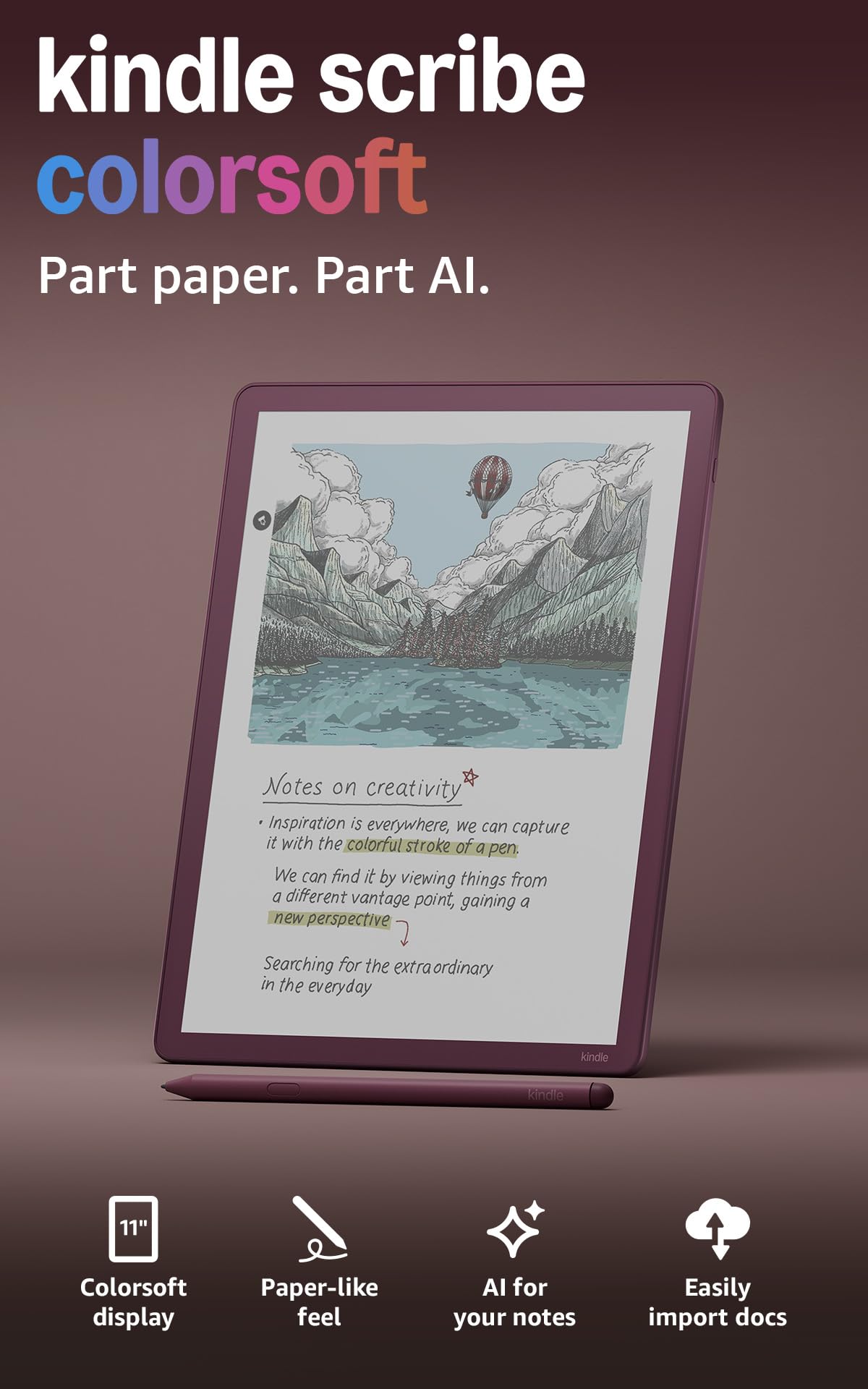
The Kindle Scribe Colorsoft marks Amazon’s entry into color E Ink, and it’s a strong debut. The 11-inch Colorsoft display delivers high-contrast, paper-like color that is easy on the eyes. The oxide-based display technology minimizes distracting flashes when writing, a common complaint with earlier color E Ink panels. The textured surface and ultra-fast responsiveness create a natural writing feel that rivals dedicated note-taking devices.
Beyond note-taking, this device shines as a reading tool. You can write directly in books using Active Canvas, which creates space for your notes. The AI-powered tools, including handwriting refinement and note summarization, add real value for organizing thoughts. The ability to import documents from Google Drive and OneDrive directly to the device makes it a practical tool for professionals.
The build is thin at 5.4mm and light at 400 grams, making it easy to hold for extended reading sessions. Battery life measures in weeks, not days, a hallmark of the Kindle ecosystem. The Premium Pen requires no charging, which eliminates a common point of failure. This is the most complete color E Ink package for anyone already in the Amazon ecosystem.
Why it’s great
- Excellent color display with minimal ghosting.
- Seamless integration with Kindle Store, Google Drive, and OneDrive.
- Lightweight and thin with exceptional battery life.
Good to know
- Not a full Android tablet; limited to Amazon’s curated app selection.
- Screen is slightly darker than the monochrome Scribe.
2. reMarkable Paper Pro Bundle – Mosaic Weave

The reMarkable Paper Pro is the first color device from a brand synonymous with paper-like writing. The 11.8-inch Canvas Color display is the largest color E Ink screen on this list, making it ideal for sketching, mind mapping, and reading large-format PDFs. The writing feel, with realistic friction and the responsive Marker Plus pen, remains the gold standard in the industry.
This device runs a purpose-built OS that is intentionally distraction-free. There are no social media notifications, no app store, and no web browser. Your reward is an unmatched focus on writing and reading. The adjustable reading light allows comfortable use in any lighting condition, and the low-glare display reflects natural light, reducing eye strain even outdoors.
Organizational tools like folders, tags, and handwriting-to-text conversion are effective and intuitive. The premium Mosaic Weave Book Folio adds a tactile, professional feel. However, the closed ecosystem means you cannot install third-party note-taking apps or sync to services like Google Drive without workarounds. This is the best choice for anyone who prioritizes writing feel over app flexibility.
Why it’s great
- Best-in-class paper-like writing feel with realistic friction.
- Large 11.8-inch color display perfect for annotations and sketching.
- Zero distractions; no notifications or app store.
Good to know
- Limited cloud sync options; no direct Google Drive integration.
- Premium price, especially with the Marker Plus and Folio bundle.
3. Penstar eNote Pro
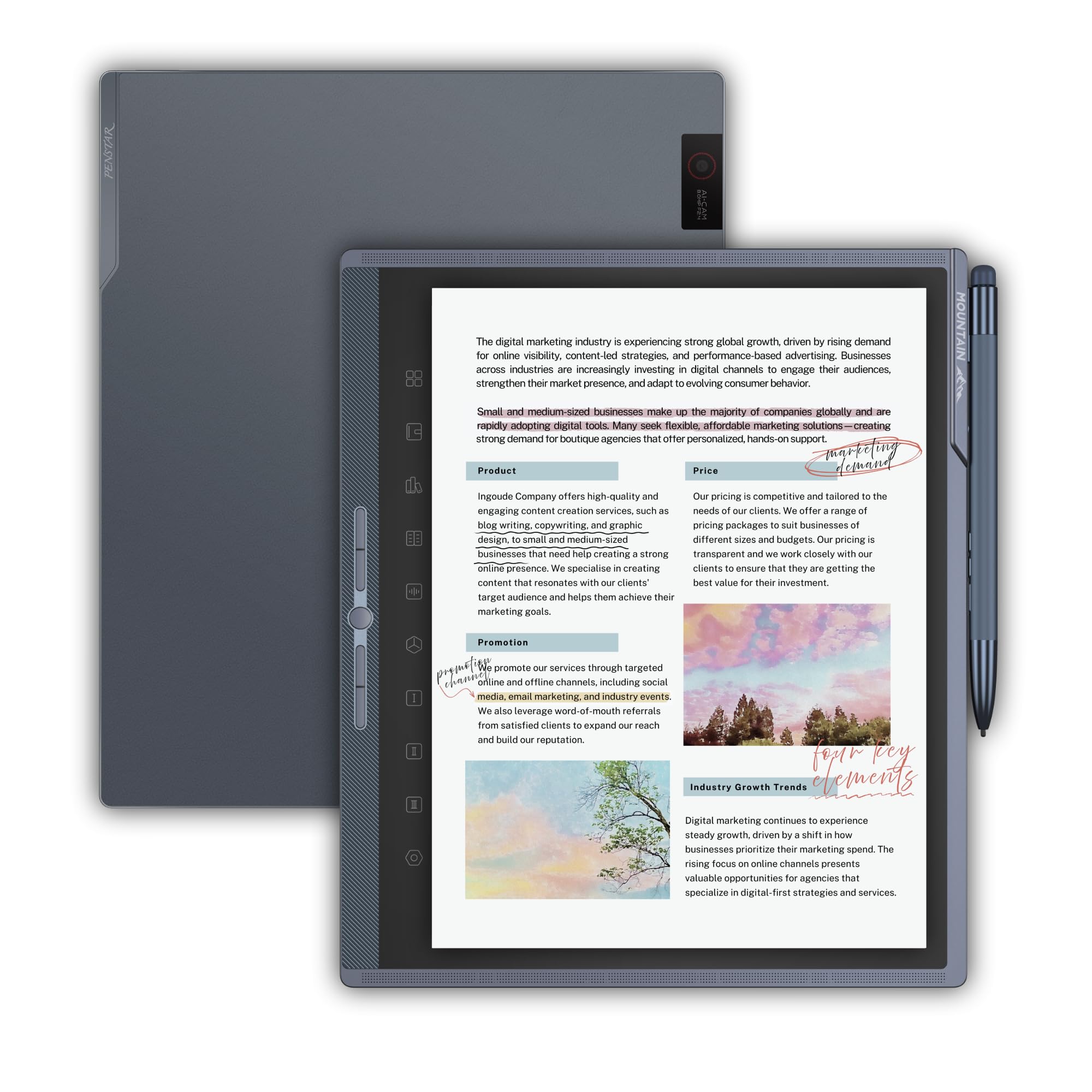
The Penstar eNote Pro delivers a color E Ink experience at a price that undercuts most competitors. The 10.3-inch Kaleido 3 display provides acceptable color for highlighting and annotations, and the 300 PPI black-and-white resolution ensures crisp text for reading. The aluminum-alloy B6 stylus feels substantial and precise, with 4,096 pressure levels.
One of the standout features is the AI-powered real-time voice-to-text functionality, which supports over 52 languages. This makes the eNote Pro a strong contender for students and professionals who attend lectures or meetings. The five customizable physical shortcut buttons accelerate workflows by allowing instant access to favorite tools.
The device runs Android 14, but it is important to note that it lacks Google Play certification, which limits third-party app installation. Cloud sync via Google Drive, OneDrive, and Dropbox is well-implemented. The build quality is excellent, with a sleek aluminum chassis. For those who primarily need a color note-taking device and can live without a full Android app store, this is a compelling option.
Why it’s great
- Excellent value for a color E Ink note-taking tablet.
- Robust AI voice-to-text with 52-language support.
- Sturdy aluminum build with five shortcut buttons.
Good to know
- No Google Play Store; app selection is limited.
- Writing feel is slightly slick compared to textured screens.
4. BOOX Tablet 10.3″ Note Air 5 C

The BOOX Note Air 5 C combines a 10.3-inch Kaleido 3 color display with the openness of Android 15. The 6GB of RAM and octa-core processor ensure smooth navigation within native apps. The 300 PPI black-and-white resolution makes reading text documents comfortable, while the 150 PPI color resolution is adequate for simple graphics and highlighted text.
This tablet offers the most extensive app flexibility of any color E Ink device, with full access to the Google Play Store. You can install Kindle, Kobo, Evernote, Google Docs, and many other apps. The front light with warm and cold temperature control allows fine-tuning for comfortable reading in any light. The device also includes a microSD card slot for storage expansion.
However, the color E Ink screen inherits the limitations of Kaleido 3 technology — it is darker than an LCD and relies heavily on the front light in dim settings. The stylus feel is scratchy, resembling a pencil on rough paper, which some users prefer. Battery life is shorter than dedicated e-readers, lasting about a day with heavy use. This is the best option for users who need Android apps on a color E Ink device.
Why it’s great
- Full Android 15 with Google Play Store access.
- MicroSD card slot for expandable storage.
- Adjustable warm and cold front light.
Good to know
- Screen is darker than LCD and requires front light.
- Battery life is shorter than closed-system e-readers.
5. TCL Note A1 NXTPAPER
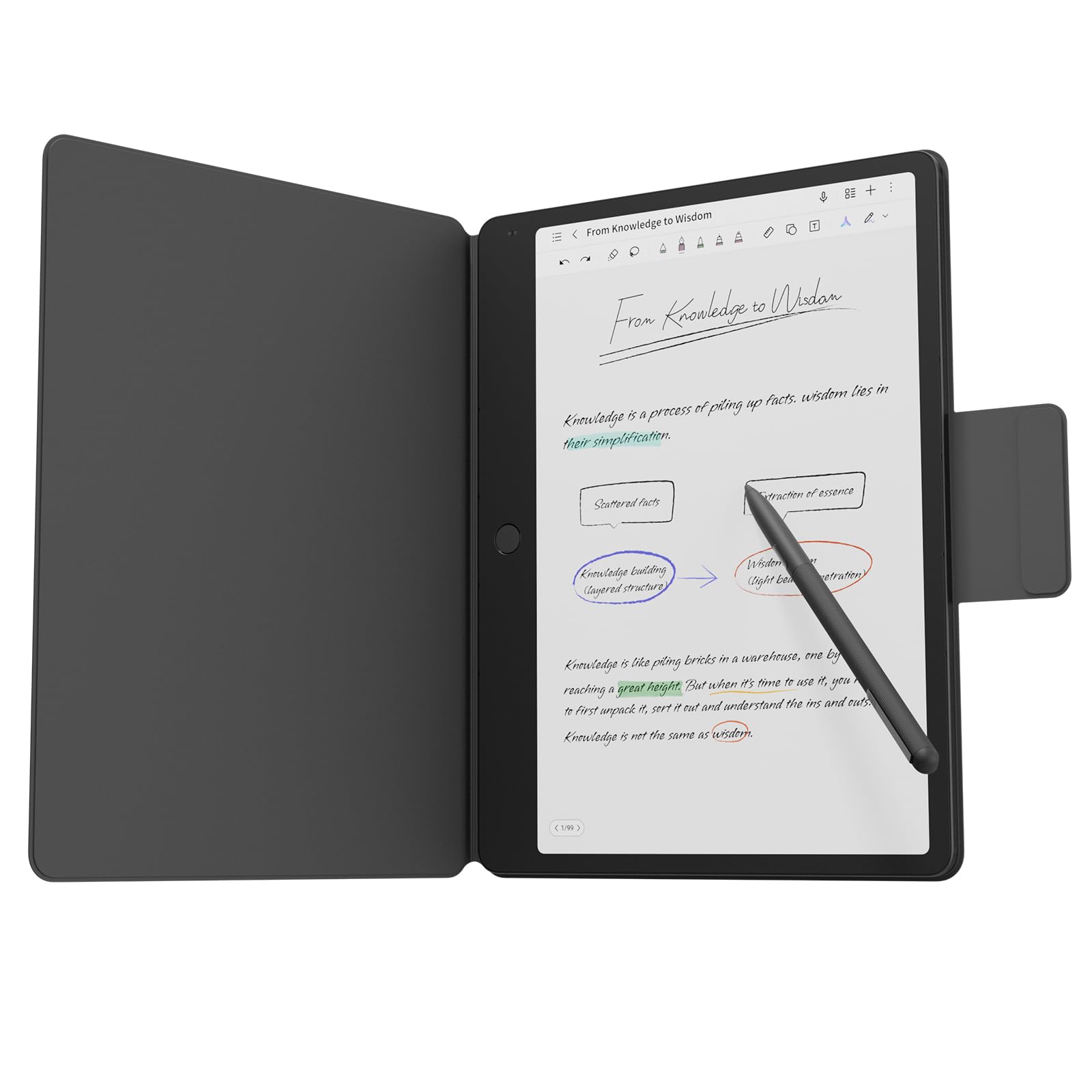
The TCL Note A1 NXTPAPER is a unique entry because it uses a paper-like LCD rather than true E Ink. The 11.5-inch 2.2K display with a 120Hz refresh rate delivers full 16.7 million colors with zero ghosting or latency. The NXTPAPER PURE technology reduces glare and blue light while maintaining the vibrant color output of an LCD, making it TÜV-certified for eye comfort.
The included T-Pen Pro offers 8,192 levels of pressure sensitivity with less than 5ms latency, making it excellent for detailed sketching and handwriting. The 8-microphone array with 360-degree audio capture is ideal for meetings and lectures. With 8GB of RAM, 256GB of storage, and an 8000mAh battery, this is a capable Android tablet for productivity and creativity.
The trade-off is that it does not offer the battery endurance of true E Ink — expect 1 to 2 days of use between charges. The backlight, while very comfortable, is still a direct light source. This device is best for users who want paper-like writing and reading comfort but refuse to compromise on color accuracy, app performance, and video capability.
Why it’s great
- True full-color 120Hz display with no ghosting.
- Excellent pressure sensitivity and low latency pen.
- Powerful specs with 8GB RAM and 256GB storage.
Good to know
- Not true E Ink; battery life is far shorter.
- Backlight, while eye-friendly, is still an LCD backlight.
6. iFLYTEK AINOTE 2
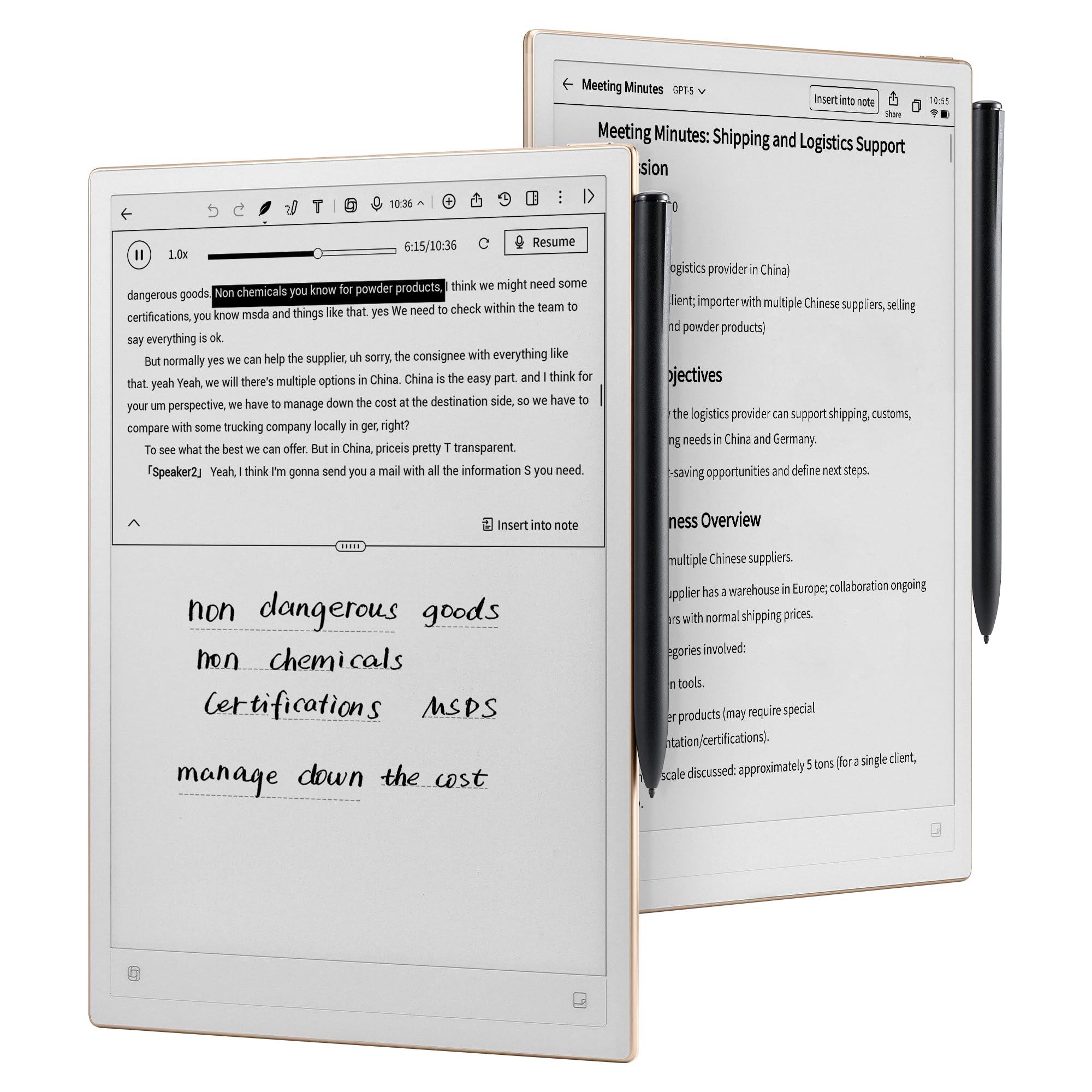
The iFLYTEK AINOTE 2 is engineered for professional note-taking with a heavy emphasis on AI-driven transcription. The 10.65-inch frontlight-free E Ink display offers a crisp 300 PPI resolution and a natural writing feel with low latency. The device is remarkably thin at 4.2mm and lightweight, making it highly portable for meetings and travel.
AI assistance is the core differentiator. The device supports real-time voice-to-text transcription in 16 languages, AI-powered meeting summaries, and intelligent note organization. Integration with Google Calendar for schedule management is seamless. The device also runs Android with Google Play Store access, allowing installation of various apps.
There are some notable limitations. The frontlight-free display means it is not comfortable for writing in low-light conditions without external lighting. Some users report that the AI transcription and handwriting recognition, while good, do not always work as marketed. The locked screen displaying a handwritten signature indefinitely is a legitimate security concern. This device excels for users who prioritize AI transcription over pure reading or app flexibility.
Why it’s great
- Excellent AI-powered voice-to-text and meeting summaries.
- Ultra-thin and lightweight design for portability.
- Full Google Play Store access with Android OS.
Good to know
- Frontlight-free screen is not usable in low light.
- AI features require stable internet connection.
7. Penstar eNote 2

The Penstar eNote 2 focuses on providing the purest writing experience possible. The 10.3-inch pen-only display uses PureView screen technology to deliver a bright white surface with no touch distractions. The 300 PPI resolution ensures sharp text, and the absence of a touch layer and backlight results in a very paper-like, glare-free experience.
Writing feel is excellent, with the included B5 stylus providing responsive and accurate tracking. The 9 fully customizable physical shortcut keys allow for ultra-fast navigation without touching the screen. The AI-powered voice-to-text conversion with 52-language support is a bonus. The device works fully offline for sensitive work environments.
The main limitation is the pen-only interface, which requires using the shortcut keys for navigation. There is no touchscreen functionality, which can feel limiting if you are used to tapping and swiping. The screen is also made of a thin, potentially fragile material that requires careful handling with the included folio cover. This is the best option for users who dislike accidental touch inputs and want a dedicated writing slate.
Why it’s great
- Bright white, paper-like pen-only display with no glare.
- 9 customizable shortcut keys for efficient navigation.
- Full offline functionality for private workflows.
Good to know
- No touchscreen; navigation requires shortcut keys.
- Screen is thin and requires careful handling with the folio.
8. VIWOODS AiPaper Bundle
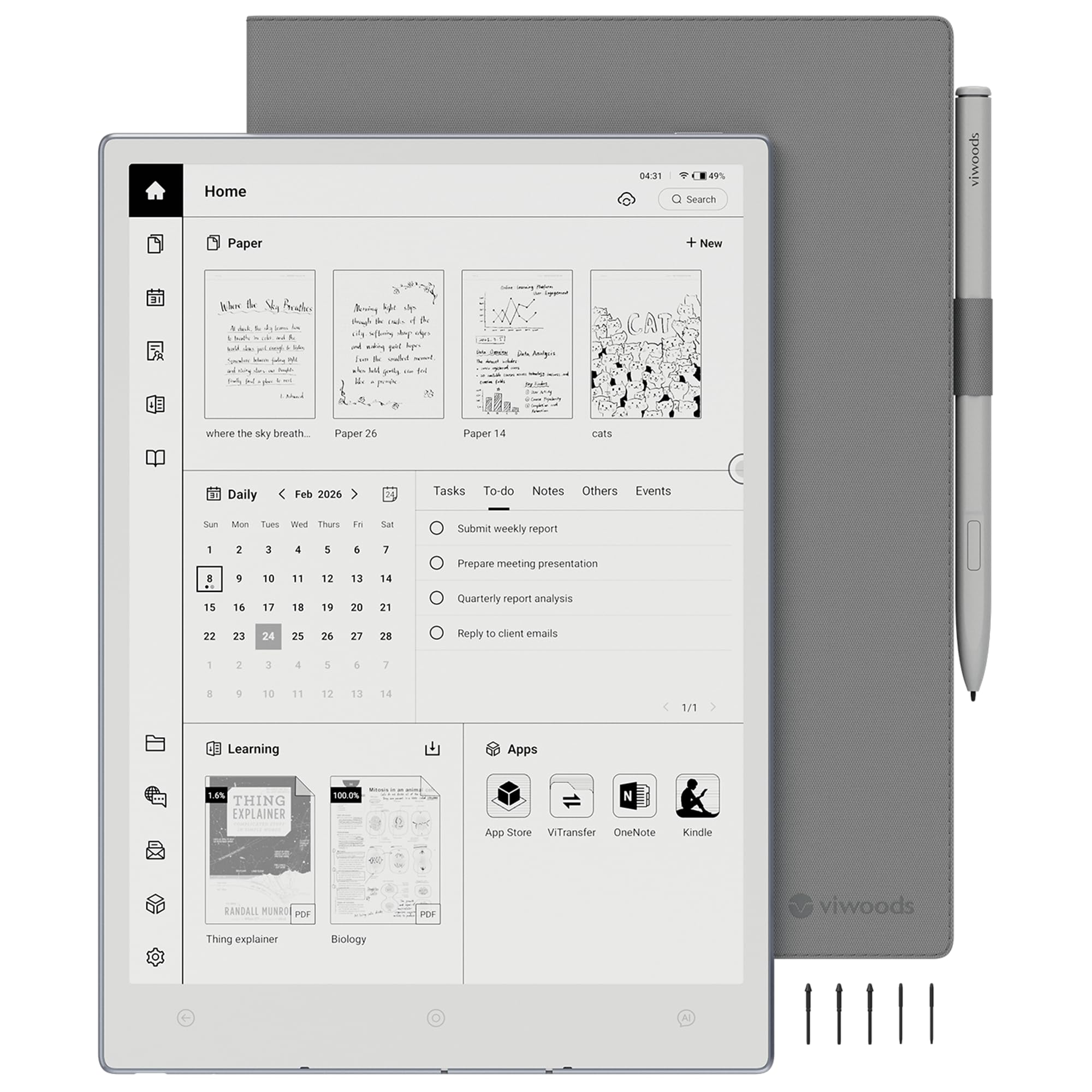
The VIWOODS AiPaper is designed for readers who spend long hours on PDFs, research papers, and ebooks. The 10.65-inch Carta 1300 E Ink display at 2560 x 1920 resolution delivers exceptional clarity and contrast, with a comfortable paper-like reading experience. The screen is anti-glare and designed for reduced eye strain during extended sessions.
The W2 Stylus Pro provides 4,096 levels of pressure sensitivity with a 750-micron pen gap, resulting in smooth and precise writing. The device runs Android 13 and includes AI-assisted tools for summarizing content and converting handwritten notes. The ultra-thin design at 4.5mm and light weight at 370 grams make it easy to hold for long periods.
The software can be buggy, with some users reporting issues like text loss and intermittent AI feature functionality. The customer support experience has also been mixed. This device offers excellent hardware and reading capabilities, but potential buyers should be aware of the software maturity risks. It is best suited for users who prioritize a high-resolution reading display above all else.
Why it’s great
- High-resolution Carta 1300 display for sharp reading.
- Ultra-thin and lightweight for comfortable holding.
- Included W2 Stylus Pro with precise writing feel.
Good to know
- Software has reported bugs and stability issues.
- Customer support experience has been inconsistent.
9. PocketBook InkPad Eo
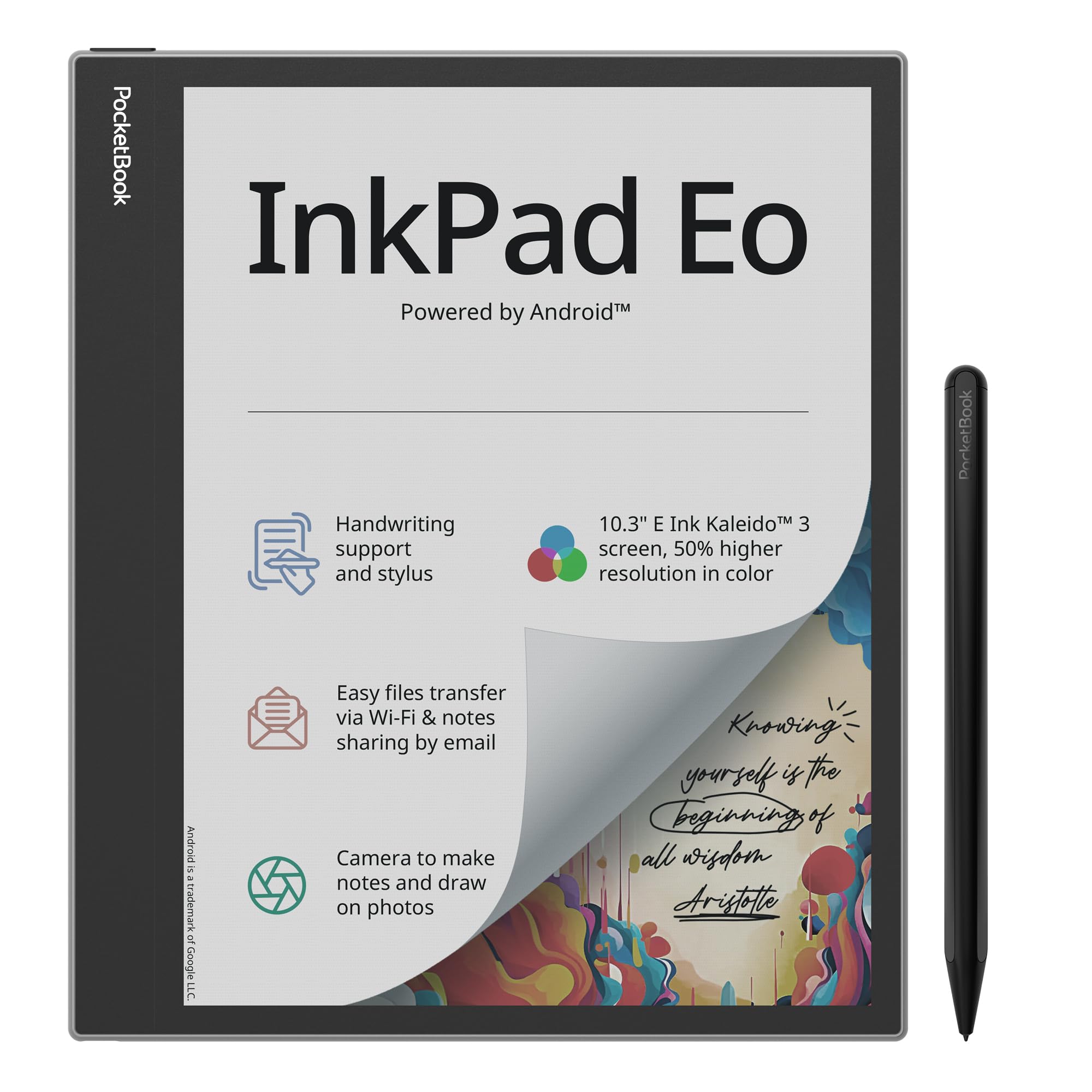
The PocketBook InkPad Eo offers a versatile color E Ink experience with an emphasis on multimedia. The 10.3-inch Kaleido 3 display is paired with stereo speakers, Bluetooth 5.0, and a built-in camera, making it one of the most feature-rich E Ink tablets available. The adjustable SMARTlight allows personalization of brightness and color tone.
The device runs Android 11, granting access to the Google Play Store and a wide range of third-party apps. The included stylus allows for handwriting, note-taking, and direct annotation on photos captured with the camera. The Send-by-Email feature makes sharing notes straightforward. The build quality is solid, and the Mist Grey finish looks professional.
The main drawback is the operating system version — Android 11 is outdated and may not support future apps. The color display, while impressive for E Ink, shows washed-out colors and noticeable ghosting, especially when browsing the web. The speakers are weak, and the overall performance struggles with demanding third-party apps. This device is best suited for users who want a Jack-of-all-trades color E Ink tablet for reading, notes, and audiobooks.
Why it’s great
- Includes stereo speakers, Bluetooth, and a camera.
- Open Android 11 with Google Play Store access.
- Adjustable SMARTlight for personalized reading.
Good to know
- Runs an outdated Android 11 version.
- Color display has notable ghosting and washed-out colors.
10. iFLYTEK AINOTE Air 2 Bundle

The iFLYTEK AINOTE Air 2 is a compact and focused note-taking device designed for on-the-go productivity. The 8.2-inch E Ink screen with 4,096 pressure levels offers a natural writing feel. The device excels at real-time voice-to-text transcription in 17 languages and handwritten text conversion in 83 languages, making it a powerful tool for multilingual users.
AI-powered schedule management is a standout feature, allowing you to mark up notes with symbols to automatically create to-do items. The device is slim at 5mm and lightweight, making it easy to slip into a bag. The dual-color reading light with 24 adjustable brightness levels ensures comfortable reading in various conditions.
However, the device is locked down in ways that limit its potential. It lacks full Google Play certification, and features like ADB and file transfer are restricted. The 4G cellular connectivity is useful, but the firmware has been reported as unstable by some users. This is a good entry-level option for those who want AI note-taking features in a portable form factor, provided they can work within the closed system.
Why it’s great
- Compact and highly portable 8.2-inch design.
- Excellent voice-to-text and handwriting conversion.
- AI-powered schedule management from handwritten notes.
Good to know
- Restricted software with no full Play Store access.
- Some users report firmware instability.
11. BOOX Tablet Go 10.3 Gen II Lumi
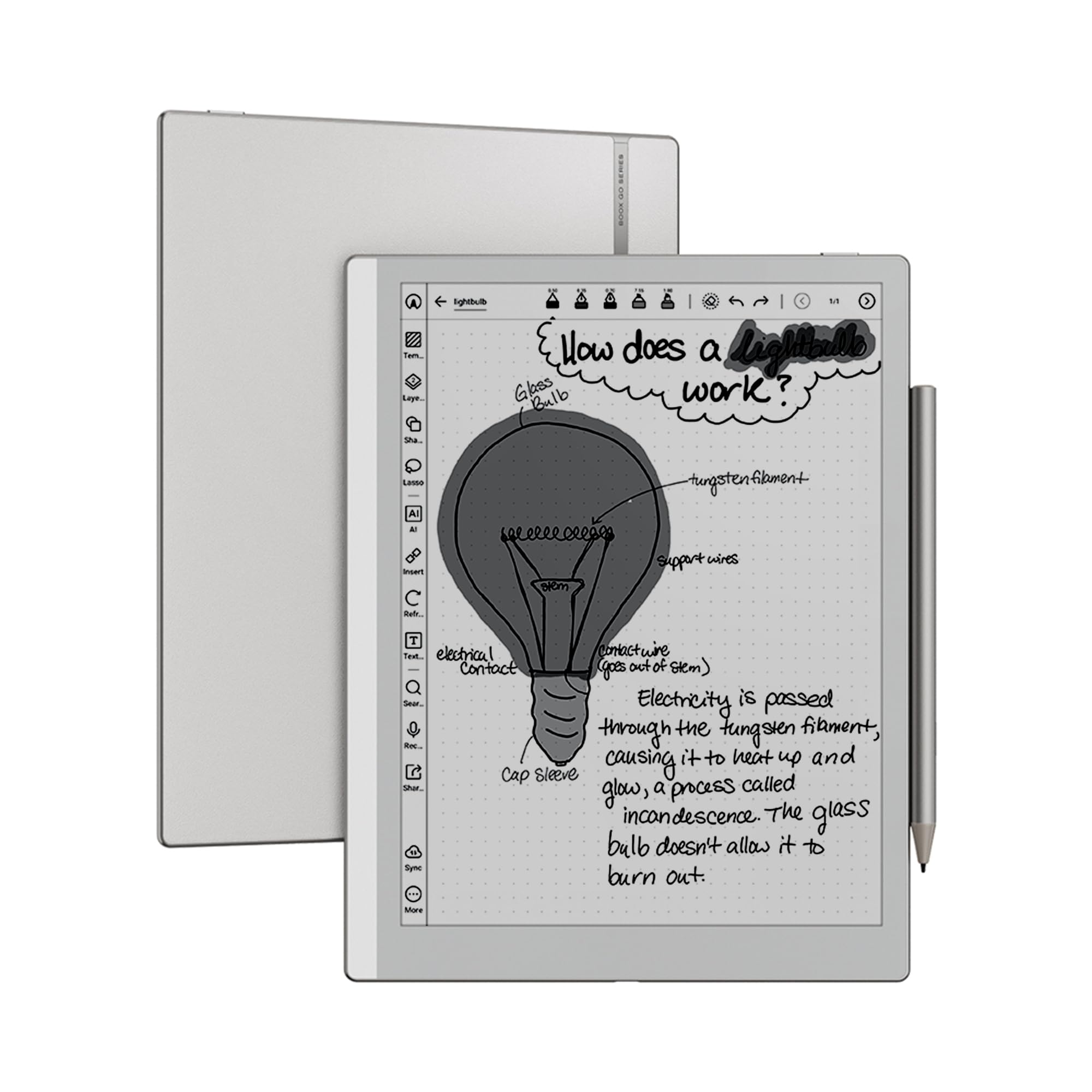
The BOOX Go 10.3 Gen II Lumi is a monochrome E Ink tablet that delivers excellent value for reading and note-taking without the premium of color. The 10.3-inch HD glass ePaper screen at 300 PPI provides sharp, high-contrast text. The octa-core processor and 4GB of RAM ensure smooth navigation within the Android 15 operating system.
The device supports the full Google Play Store, allowing access to thousands of apps. The BOOX InkSense Plus stylus offers 4,096 levels of pressure sensitivity for natural writing. The front light with warm and cold color temperature adjustment allows comfortable reading in any lighting. Dual speakers and a microphone add versatility for audiobooks and voice notes.
This tablet is black and white only. If you need color for highlighting, charts, or comics, this is not the right device. The pen has been described as slippery, and the wake-from-sleep speed is slower than competitors like the Kindle Scribe. This is a fantastic choice for users who want an open, fast, and affordable black-and-white reading and note-taking tablet.
Why it’s great
- High-contrast 300 PPI black-and-white display.
- Full Android 15 with Google Play Store access.
- Adjustable front light with warm and cold temperature.
Good to know
- Black and white only; no color support.
- Pen is slippery and wake-from-sleep is slow.
FAQ
Does a color E Ink tablet work for reading comics?
Can I install the Kindle app on any color E Ink tablet?
Why is the battery life shorter on color E Ink than monochrome models?
Final Thoughts: The Verdict
For most users, the best color e ink tablet winner is the Amazon Kindle Scribe Colorsoft because it balances excellent color display, a natural writing feel, and the convenience of deep Kindle ecosystem integration. If you need the best paper-like writing experience and don’t need apps, grab the reMarkable Paper Pro. And for maximum Android app flexibility on a color E Ink screen, nothing beats the BOOX Note Air 5 C.

Mo Maruf
I created WellFizz to bridge the gap between vague wellness advice and actionable solutions. My mission is simple: to decode the research and give you practical tools you can actually use.
Beyond the data, I am a passionate traveler. I believe that stepping away from the screen to explore new environments is essential for mental clarity and physical vitality.