Our readers keep the lights on and my smoothie glass nicely filled. As an Amazon Associate, I earn from qualifying purchases.
The hunt for a durable slate that keeps a young mind engaged without turning into a digital battlefield is the central challenge for modern parents. The wrong choice can mean cracked screens, unwanted app store charges, or a device that drains before the car leaves the driveway.
I’m Mohammad Maruf — the founder and writer behind WellFizz. For this guide, I spent over 40 hours cross-referencing technical specifications, analyzing processor speeds, battery capacities, and display resolutions, and sorting through thousands of customer feedback reports to identify which models genuinely deliver a safe and satisfying experience.
After all that research, I’ve narrowed the market down to one clear frontrunner. Read on for the definitive analysis of the best children’s tablets that balance durability, performance, and thoughtful parental controls.
How To Choose The Best Children’s Tablets
Selecting the right digital companion for your child involves more than picking a cheap screen. The device needs to survive drops, run educational apps smoothly, and hand total control back to you. Focus on these three areas to find a model that avoids common frustrations.
Build Quality and the Kid-Proof Case
A tablet without a reinforced bumper is a repair bill waiting to happen. Look for models that ship with a silicone or TPU case featuring raised edges to protect the screen during face-down falls. The best cases also include an integrated kickstand for hands-free viewing. A two-year worry-free guarantee is a massive bonus that signals manufacturer confidence in durability.
Processor and RAM for App Performance
Basic learning apps and e-book readers can run on older hardware, but interactive games and video streaming platforms demand more. A quad-core processor paired with at least 3GB of RAM prevents frustrating lag when switching between apps. Budget-friendly options with 2GB or less may struggle with multitasking, leading to a slow experience that frustrates both child and parent.
Parental Control Depth and Ease of Use
Not all control systems are created equal. The best platforms allow you to set daily time limits, approve or block specific apps, filter web content, and lock the device remotely from your phone. Some systems offer pre-loaded age-appropriate content within a dedicated “Kids Mode” that the child cannot exit without a password. Avoid tablets where the parental controls feel like an afterthought or require complicated workarounds to function.
Quick Comparison
On smaller screens, swipe sideways to see the full table.
| Model | Category | Best For | Key Spec | Amazon |
|---|---|---|---|---|
| Amazon Fire HD 10 Kids Pro | Premium | Older kids (6-12) needing speed | 13-hr battery, 32GB | Amazon |
| WXUNJA Android 15 Kids Tablet | Mid-Range | High performance on a budget | 6000mAh battery, 64GB | Amazon |
| Urao Android 16 Kids Tablet | Mid-Range | Large storage and fast charging | 64GB ROM, 1TB expandable | Amazon |
| Gleeso Android 16 Kids Tablet | Mid-Range | Big 10.1″ screen on a budget | 5000mAh battery, 64GB | Amazon |
| Amazon Fire 7 Kids | Entry-Level | Preschoolers (ages 3-7) | 10-hr battery, 16GB | Amazon |
| YosaToo Android 16 Kids Tablet | Value | Budget-friendly first tablet | 4GB RAM, 32GB storage | Amazon |
| Contixo 7″ Kids Tablet | Budget | Ultra-low price entry point | 3100mAh battery, 32GB | Amazon |
In‑Depth Reviews
1. Amazon Fire HD 10 Kids Pro

Amazon’s Fire HD 10 Kids Pro targets the 6-12 age range with a 10.1-inch 1080p display and a processor that handles streaming, light gaming, and e-books without hesitation. The standout feature is the 13-hour battery life, which comfortably outlasts most competitors and covers long travel days. Amazon bundles this with a slim, drop-proof case and a 2-year worry-free guarantee that replaces the tablet if it breaks.
The included 1-year Amazon Kids+ subscription provides ad-free access to a vast library of books, videos, and apps from brands like Disney, Marvel, and National Geographic. The Parent Dashboard, rated “Best Parental Controls” by Parents Magazine, allows you to set time limits, filter content, and grant access to additional apps like Netflix remotely from your phone. The 32GB internal storage can be expanded via microSD, giving plenty of room for downloaded content.
Some users note that the parental controls have a learning curve for completely locking down the browser, and the Fire OS ecosystem locks you into Amazon’s app store rather than the full Google Play catalog. Still, for a premium, worry-free package that prioritizes battery endurance and content curation, this tablet delivers an unmatched balance for older kids.
Why it’s great
- Exceptional 13-hour battery life
- 2-year replacement guarantee included
- Excellent content library with Amazon Kids+
- Slim and durable kid-proof case
Good to know
- No full Google Play Store access
- Parental controls require some setup
- Higher price than entry-level models
2. WXUNJA Android 15 Kids Tablet
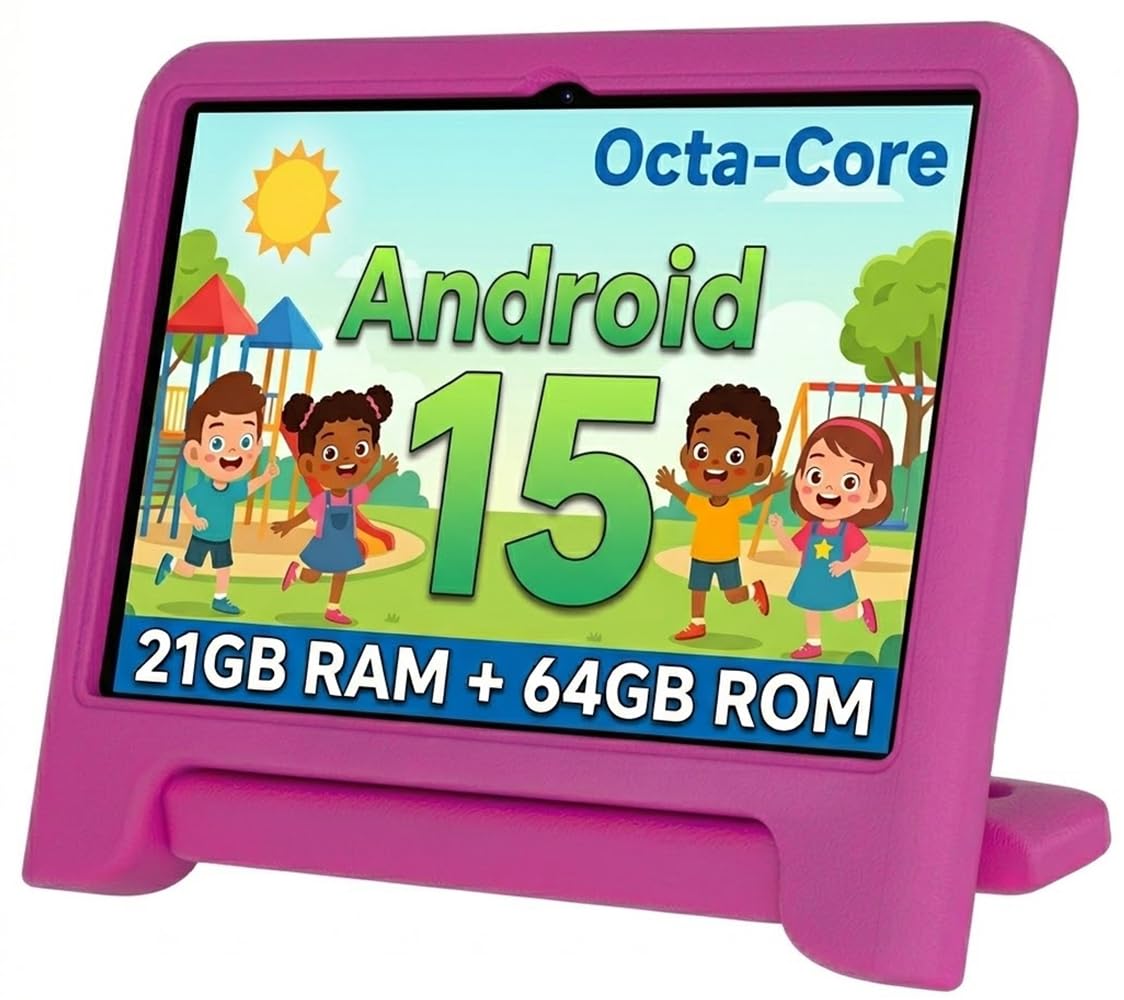
The WXUNJA tablet stands out in the mid-range segment with its 2.0 GHz octa-core processor and 21GB of combined RAM. This hardware muscle translates to smooth app switching and responsive gameplay, a clear step above the lag common in budget tablets. The large 6000mAh battery delivers up to 6 hours of continuous video playback, and PD fast charging brings it back to full in about two hours.
It runs Android 15 with Google Kids Space pre-installed, giving you full access to the Google Play Store while keeping the interface child-friendly. The included silicone case is sturdy, and the adjustable stand is handy for car headrest mounting or kitchen counter viewing. Dual-band 2.4/5GHz WiFi ensures stable streaming, and the 10.1-inch 1280×800 IPS screen uses low-blue-light technology to reduce eye strain.
A small number of reports mention internal screen damage after short drops despite the case, so it is not invincible. The tablet also comes with a 1-year warranty and includes a stylus, adding value for older children starting to draw or take notes. For parents seeking flagship-level performance at a mid-range price, this is a compelling option.
Why it’s great
- Powerful octa-core processor for smooth performance
- Large 6000mAh battery with PD fast charging
- Full Google Play Store access
- Included stylus and sturdy case
Good to know
- Some durability concerns with internal screen
- Pre-installed apps may need manual removal
- Battery life drops with heavy gaming
3. Urao Android 16 Kids Tablet

The Urao tablet packs a staggering 20GB of RAM alongside 64GB of internal storage, expandable up to 1TB via microSD. This massive memory configuration allows dozens of apps to remain open without reloading, making it ideal for children who jump between drawing apps, educational games, and video streaming. The 10-inch LCD panel runs at 1280×800 resolution with low blue light certification to protect developing eyes.
Android 16 provides the latest app compatibility and ad-reduction features, while the pre-loaded parental control suite lets you manage screen time and content approvals. The included food-grade silicone case is lightweight and offers a good grip, with an adjustable bracket for hands-free viewing. Fast charging via USB Type-C fills the 5000mAh battery in about 1.5 hours, according to the manufacturer.
Customer feedback is generally positive, though a single verified review reported the tablet becoming unusable after 8 months of normal use. The Urao does come with a 30-day refund policy and lifetime technical support, but the lack of a longer defect warranty is a consideration. For parents who prioritize storage capacity and snappy multitasking, this remains a top contender.
Why it’s great
- Exceptional 20GB RAM for seamless multitasking
- 64GB internal storage, expandable to 1TB
- Fast USB-C charging
- Low blue light certified display
Good to know
- Some reports of hardware failure within a year
- Limited warranty period
- Requires careful case selection for drop protection
4. Gleeso Android 16 Kids Tablet
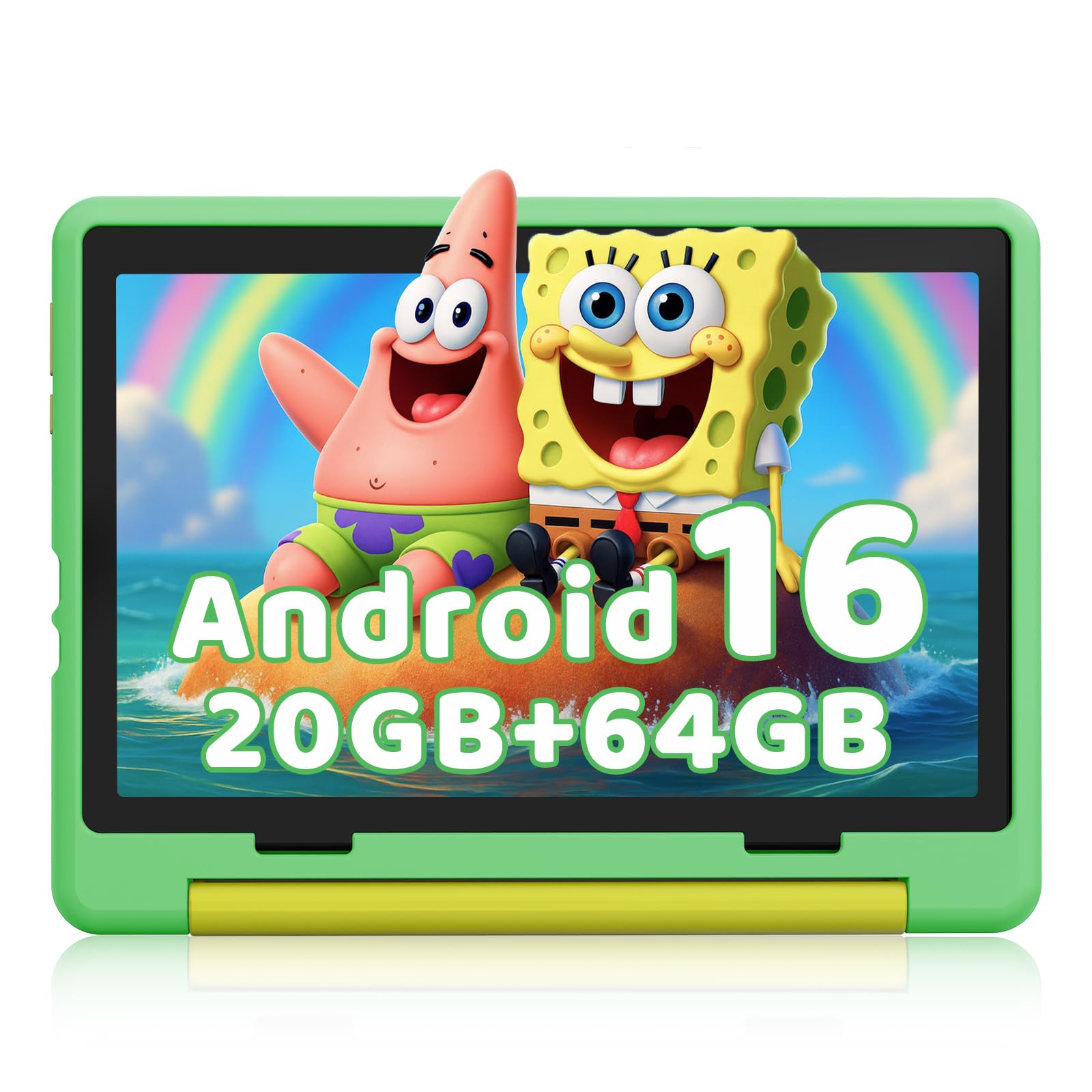
The Gleeso tablet offers a 10.1-inch HD IPS display with a 1280×800 resolution, providing a generous canvas for learning apps and video calls with grandparents. It runs Android 16 on what the manufacturer lists as 20GB RAM and 64GB ROM, with expandable storage up to 1TB. The 5000mAh battery claims up to 8 hours of average life, and USB-C fast charging reduces downtime.
Parental controls are accessible from a dedicated Kids Mode that creates a sandboxed environment. You can set screen time limits, block specific apps, and filter web content remotely. The included military-grade case is thick and shock-absorbent, with raised bezels that prevent the screen from touching flat surfaces if dropped face down. Dual cameras (5MP front, 8MP rear) are respectable for video calls and capturing school projects.
A small number of durability complaints mention the tablet becoming unresponsive after a few months, but the majority of reviewers praise its speed, screen quality, and lightweight feel. The lack of a built-in screen protector is a minor omission, so purchasing one separately is advisable. For the price, this is one of the most well-rounded large-screen options available.
Why it’s great
- Large 10.1-inch HD screen with low blue light
- Fast USB-C charging
- Included shockproof military-grade case
- Ample 64GB storage with expandable slot
Good to know
- Some reported hardware failures within months
- No screen protector included
- Average battery life for its capacity
5. Amazon Fire 7 Kids

The Amazon Fire 7 Kids is a purpose-built entry-level tablet for ages 3-7. The 7-inch screen is small enough for tiny hands to hold, and the bundled kid-proof case adds significant padding around the edges. Amazon backs this model with a 2-year worry-free guarantee: if it breaks, they replace it for free. The 10-hour battery life is solid for this size class and supports a full day of mixed use.
It comes with a 1-year Amazon Kids+ subscription, which provides ad-free access to thousands of books, games, and educational videos from trusted brands like PBS Kids and Nickelodeon. The Parent Dashboard is intuitive and lets you set time limits, filter by age, and approve additional content like Netflix. Storage starts at 16GB but can be expanded up to 1TB via microSD, which is generous for the price bracket.
Some users report noticeable lag, especially when switching between apps or loading graphically intense games. The screen resolution is lower than the 10-inch competitors, and the Fire OS ecosystem limits app choices to the Amazon Appstore. Several customers also note that battery life can degrade significantly after the 2-year warranty period ends. For a durable starter tablet for a preschooler, however, the value proposition is hard to beat.
Why it’s great
- 2-year worry-free replacement guarantee
- Excellent Amazon Kids+ content library
- Long 10-hour battery life
- Sturdy, toddler-proof case
Good to know
- Limited to Amazon Appstore apps
- Can lag with demanding apps
- Smaller screen and lower resolution
6. YosaToo Android 16 Kids Tablet
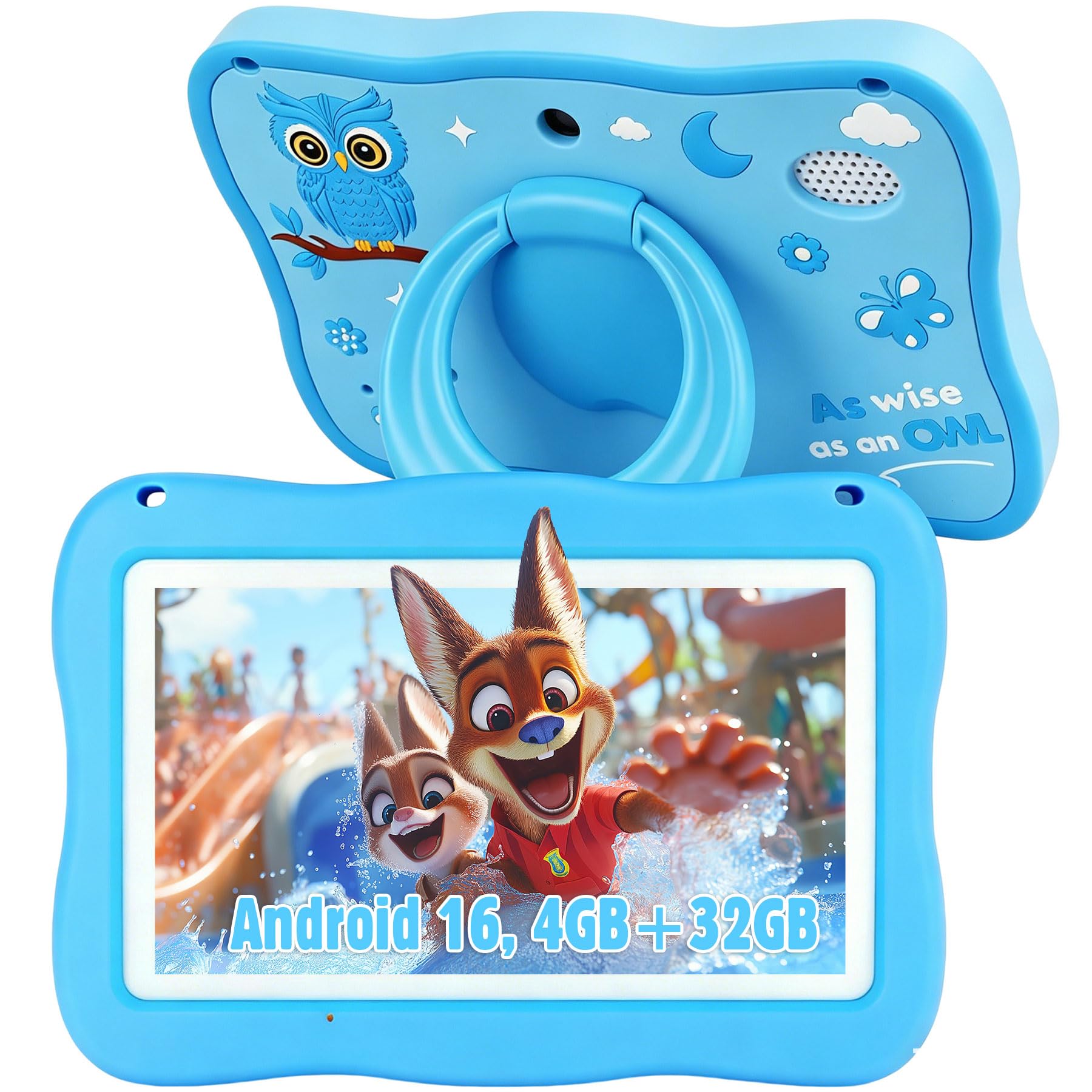
The YosaToo tablet offers a compelling entry point into the Android tablet ecosystem for children. It runs Android 16, the latest version, which provides improved security features and smooth operation for basic learning apps and light games. The 7-inch display with 1024×600 resolution is adequate for young children, though the pixel density is noticeably lower than pricier models.
One of its strongest features is the pre-loaded offline learning app “YUBABE,” which provides access to Montessori-style activities, mini-games, and STEM exercises without needing a WiFi connection. This makes it an excellent companion for long car rides or flights. The included silicone case is thick and features an integrated kickstand, and the 4GB of RAM helps the tablet keep up with basic multitasking better than typical budget Android tablets.
The camera quality is below average, and the screen sharpness won’t impress anyone used to a modern smartphone. Some users report that the tablet can feel a bit slow when loading more demanding apps from the Play Store. However, for a dedicated first tablet focused on offline learning and durability, the YosaToo delivers a strong performance for its price.
Why it’s great
- Latest Android 16 OS with 4GB RAM
- Excellent offline learning app pre-installed
- Sturdy silicone case with kickstand
- Full Google Play Store access
Good to know
- Lower screen resolution and sharpness
- Camera quality is mediocre
- Can lag with demanding apps
7. Contixo 7″ Kids Tablet
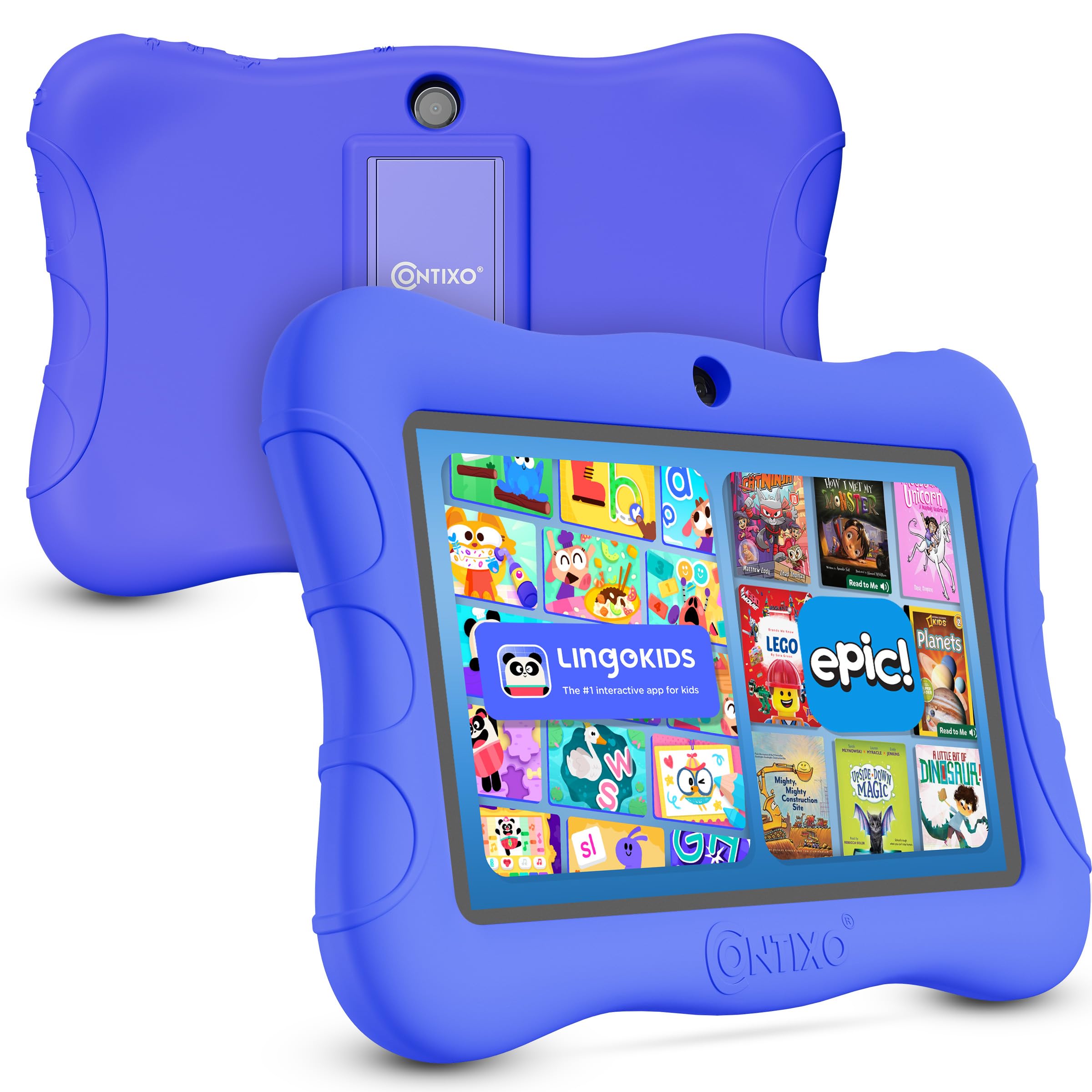
The Contixo tablet is the lowest-cost entry in this guide, designed for families who want a screen for their child without a significant financial commitment. It runs Android 11 Go, a lightweight version of the OS optimized for lower-spec hardware. The 7-inch shatter-safe HD display is protected by a 3-layer screen protector, and the included case features a built-in kickstand suitable for tabletop viewing.
Parental controls allow you to create custom profiles, hand-pick approved content, and set screen time goals. The 32GB internal storage can be expanded by up to 128GB via microSD, which is acceptable for a modest app library. The 3100mAh battery is rated for up to 6 hours of mixed use, making it adequate for short car trips or quiet time at home.
The most significant drawbacks are performance and reliability. Multiple customer reviews cite slow operation, difficulty deleting pre-installed apps, and a battery that drains quickly even when idle. There are also reports of the screen shattering after a short drop, despite the included case. The Contixo can serve as an introductory tablet for the most careful user, but its limitations are hard to ignore in favor of more reliable mid-range options.
Why it’s great
- Lowest price point for budget-conscious families
- Included 3-layer screen protector
- Expandable storage up to 128GB
- Basic parental control profiles
Good to know
- Significant performance lag reported
- Battery life is below average
- Durability concerns with screen
- Outdated Android 11 Go OS
FAQ
What is the ideal screen size for a children’s tablet?
How do parental controls work on Android children’s tablets?
Can a children’s tablet replace a laptop for schoolwork?
What storage capacity do I need for a children’s tablet?
Final Thoughts: The Verdict
For most users, the best children’s tablets winner is the Amazon Fire HD 10 Kids Pro because it combines the longest battery life in its class with a 2-year worry-free guarantee and an extensive, ad-free content library tailored for older kids. If you want full access to the Google Play Store with a powerful octa-core processor, grab the WXUNJA Android 15 Kids Tablet. And for a durable, budget-friendly starter tablet focused on offline learning for preschoolers, nothing beats the Amazon Fire 7 Kids.

Mo Maruf
I created WellFizz to bridge the gap between vague wellness advice and actionable solutions. My mission is simple: to decode the research and give you practical tools you can actually use.
Beyond the data, I am a passionate traveler. I believe that stepping away from the screen to explore new environments is essential for mental clarity and physical vitality.