Our readers keep the lights on and my smoothie glass nicely filled. As an Amazon Associate, I earn from qualifying purchases.
Specs are compiled from manufacturer listings and verified buyer reviews and can change over time — please confirm the key details on the product page before buying.
If you are running payroll or writing business checks from a home office, you have probably hit the same wall — banks charge a small fortune for check books, and the process takes days. A dedicated check printer solves that by printing bank-compliant checks on demand, using magnetic ink that automated clearing houses read at high speed. This guide covers the real-world trade-offs between laser and inkjet MICR printers, hidden software costs in bundles, and which model keeps your checks flowing without draining your wallet.
I’m Mohammad Maruf — the founder and writer behind WellFizz. This guide is built by comparing the manufacturers’ published specifications and the patterns across verified customer reviews, so you get each pick’s real strengths and trade-offs instead of marketing spin.
Whether you are a small business owner tired of manual checks or a payroll manager wanting one printer that handles everything, the right check printer saves hours each month and keeps your bank happy with fully compliant MICR ink.
Our Picks at a Glance

How To Choose The Best Check Printer
Not every printer that says “check printing” uses the right magnetic ink. You need a printer and toner that meet ANSI X9 (the banking standard for the magnetic signal your check produces). The two main technology paths are laser and inkjet — each affects how many checks you can print per cartridge and how often you replace supplies. Laser systems generally yield more checks per cartridge, while inkjet systems often bundle color printing for branding logos on your checks.
MICR Toner vs Standard Ink
MICR toner contains iron oxide particles that a bank’s reader (a MICR scanner) detects as the characters at the bottom of your check. Standard ink or toner will not produce a strong enough magnetic signal, so the check may be rejected during processing. Every product below either ships with an MICR cartridge or is designed to accept one — verify the cartridge model before ordering a refill.
Software Subscriptions That Can Surprise You
Several bundles include check-design software that requires an activation code, a yearly verification fee, or per-check credits. Buyers report that some companies charge an account validation fee or a yearly software fee, and if the company’s website goes down you cannot access your license. Look for printers that work with any check-printing software you already own, or that include software with no recurring fees.
Print Speed and Check Yield
Speed matters if you batch-print dozens of payroll checks. Black-and-white laser printers range from 7.5 ppm (pages per minute) up to 26 ppm. Yield is how many checks you get per cartridge — a 1,000-page MICR toner cartridge prints roughly 3,000 checks at 3-up per page. The fastest laser models also come closest to a 6-second first-page-out, so you are not waiting around for the first check to appear.
Quick Comparison
| Model | Best For | Print Speed (B&W ppm) | Duplex | Est. Check Yield | Amazon |
|---|---|---|---|---|---|
| RT LaserJet Pro M15w MICR★ Best Overall | Compact desk use | 19 ppm | No | ~3,000 checks | Amazon |
| Renewable Toner MTI MICR LBP6230dwAlso Great | High-volume payroll | 26 ppm | Automatic | ~6,300 checks | Amazon |
| VersaCheck HP 3755 MX Gold | Color check printing | 8 ppm | No | 4x life MICR cartridge | Amazon |
| VersaCheck HP 2755 MX Gold | Entry-level all-in-one | 7.5 ppm | Automatic | Standard MICR cartridge | Amazon |
In‑Depth Reviews
1. RT LaserJet Pro M15w Monochrome Wireless Printer with OEM Modified 48A MICR Toner
Our pick — over 4★ from 40+ verified ratings; the strongest balance of quality and price.
A tiny laser printer that fits a corner of your desk and prints checks at 19 pages per minute.
The HP M15w is one of the smallest laser printers you can buy, yet it still pushes black-and-white pages at 19 ppm — the same speed as the larger VersaCheck M15 but in a much more portable body. Customers note it is easy to set up and works great for small business payroll, with one owner calling it the “perfect size” for at-home check printing. The 150-sheet input tray handles a full batch of checks without reloading.
No automatic duplex here, so you will need to flip pages manually if you want two-sided printing. Unlike the bundled VersaCheck models above, there is no recurring software subscription attached — you just install your own check-printing software and go. Reviewers point out that the first print can come out light, but the printer typically settles in after a few pages.
Strengths
- Very compact footprint — barely bigger than a shoebox.
- 19 ppm speed matches the fastest laser options here.
- No software subscription; works with existing check software.
- 8.1-second first page out.
Limitations
- No two-sided printing (simplex only).
- Print quality can be light on the first attempt, per buyers.
Best for: a solo entrepreneur or small office that wants a portable, subscription-free check printer.
skip it if: you need automatic duplexing or want a system that includes software.
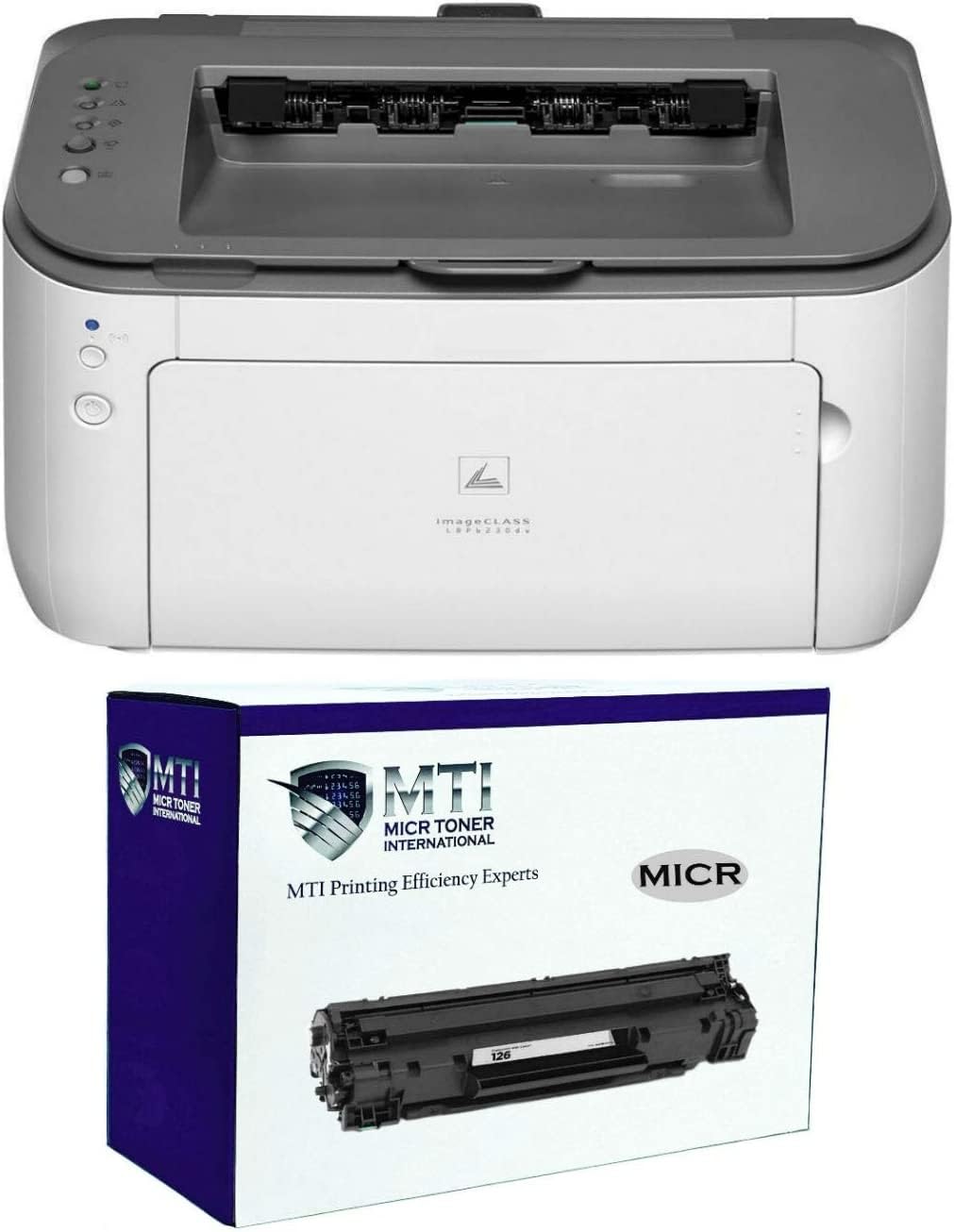
2. Renewable Toner MTI MICR Check Printing System — imageCLASS LBP6230dw
The laser workhorse that delivers 26 pages per minute and over 6,000 checks per cartridge.
This checks all the boxes for a business that runs payroll weekly. Your first check prints in about 6 seconds, and the automatic duplex (two-sided printing) saves paper when you print three checks per page. The MICR toner here is rated for an estimated 6,300 business checks at standard coverage — the highest yield of any model on this list, which means fewer cartridge swaps and a lower per-check cost.
It is a dedicated print-only unit, so you do not get a scanner or copier like some all-in-ones, but that keeps the footprint small enough to sit on a desk. Owners mention liking the compact size and getting lots of printing from it. The catch: a couple of buyers noted the documentation is picture-only with no text instructions, which can make first-time setup a guessing game.
Why It Leads
- Fastest black-and-white speed at 26 ppm — beats the 19 ppm models comfortably.
- Automatic duplex saves paper on check runs.
- ANSI X9 and Federal Reserve compliant from the start.
- MTI lifetime warranty with U.S.-based support.
The Trade‑Offs
- Print-only function — no scan or copy.
- Picture-only setup guide frustrates some users.
Grab it for: high-volume payroll or accounting firms that need reliable MICR checks at the lowest cost per check.
Look elsewhere if: you need an all-in-one (print, copy, scan) or prefer step-by-step text setup guidance.
3. VersaCheck HP DeskJet 3755 MX MICR Check Printer and VersaCheck Gold Software Bundle

A color inkjet check printer that weighs just over five pounds and includes a full software suite.
If you want your company logo and full-color photos on every check, this is the only model here that delivers both MICR black ink and a color cartridge in one package. The color pages per minute of 15 ppm is faster than the 2755 MX model’s 5.5 ppm, so color checks and documents move quickly. The all-in-one also copies and scans, saving you from buying a separate flatbed scanner.
The catch: many owners mention that the VersaCheck software requires a per year verification fee and per 100 checks for credits, making the long-run cost much higher than the sticker suggests. One reviewer noted the printer has large margins that cut off checks, and the WiFi setup is complex. The printer itself is compact at 7″D x 16″W x 6″H and uses a 4x-life MICR cartridge, but the software costs are a serious commitment.
Why You Might Choose It
- Full-color check printing with MICR compliance.
- 15 color ppm — fastest color option in this lineup.
- All-in-one: print, copy, scan.
- Ultra-light at 5.13 lbs.
The Fine Print
- Ongoing software costs: /year + per 100 check credits.
- Customers note margin cropping and complex WiFi setup.
Ideal for: a business that needs color branding on checks and can absorb the software subscription.
Not for: anyone who wants a one-time purchase with no recurring fees.
4. VersaCheck HP Deskjet 2755 MX MICR All-in-One Check Color Printer Gold Software Bundle
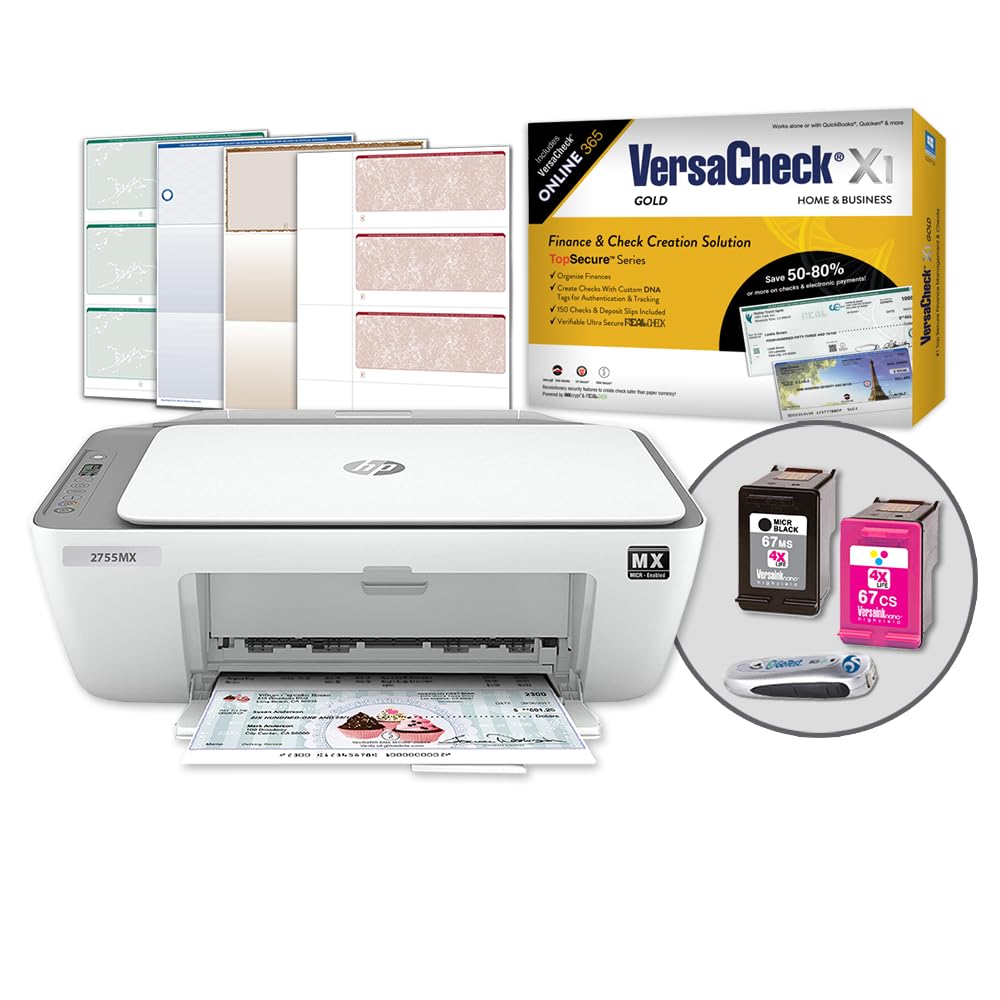
An affordable all-in-one that prints, copies, and scans checks — but at the slowest print speeds here.
At 7.5 ppm black-and-white and 5.5 ppm color, this is the slowest printer in the roundup — the 19 ppm models print black text at 19 ppm versus this model’s 7.5 ppm. It does include automatic duplexing (both sides), making it the only budget-tier option with that feature. The all-in-one function means you can copy and scan as well, which helps if you run a small home office without separate equipment.
The software side has been a headache for many buyers. Multiple reviewers report that the VersaCheck website is dead, 2024 activation codes no longer work, and support directs you to a dead website before hanging up. One buyer mentioned the black ink cartridge dated 01/01/2024 arrived bone-dry. If you get a working unit the hardware is decent, but the software and support history is troubling.
What Stands Out
- Automatic duplex at a budget price point.
- All-in-one print, copy, and scan.
- Wireless printing from smartphones and tablets.
Known Issues
- B&W speed of 7.5 ppm is the slowest — a 2.5x gap vs laser models.
- Reviewers point out dead activation codes and dry cartridges.
- VersaCheck website reportedly not operational.
Only consider if: you need a cheap all-in-one that does duplex, and you trust the software to work from the start.
Avoid if: you cannot risk activation delays or need fast check printing.
Understanding the Specs
MICR Toner and Check Compliance
MICR is short for magnetic ink character recognition — it is the special magnetic ink that banks use to read the routing and account numbers at the bottom of a check. Without it, your check may be rejected by an automated sorting machine. Every printer here ships with an MICR cartridge or is built to accept one. When you replace toner, make sure the new cartridge is labeled MICR, not standard black toner.
Print Speed (Pages Per Minute)
PPM (pages per minute) tells you how many pages the printer can produce in a minute of continuous printing. Laser models here range from 7.5 ppm up to 26 ppm. If you batch-print 50 payroll checks, the difference between 7.5 ppm and 26 ppm means the fast printer finishes in under two minutes while the slow one takes closer to seven minutes. The first page out time (as low as 6 seconds) matters for single-check printing.
Duplex Printing (Automatic Two-Sided)
Automatic duplex means the printer flips the page for you and prints on both sides without you touching the paper. For check printing, this is useful because many check-printing programs let you print three checks per page, and duplex doubles your check count per sheet without manually re-feeding paper. Simplex printers require you to manually flip the stack.
Check Yield per Cartridge
Yield is the estimated number of pages (or checks) you can print from one toner cartridge. Manufacturers usually state yield in pages, then you multiply by 3 if you print three checks per page. For example, a 1,000-page MICR cartridge at 3-up yields approximately 3,000 checks. Higher yield means fewer cartridge swaps and a lower cost per check, but it also means a higher upfront cartridge price.
FAQ
Can I use a regular printer to print checks?
What is the difference between a MICR laser and a MICR inkjet printer?
How many checks can I print from one MICR toner cartridge?
Do check printers require a subscription or software fee?
Will any check-printing software work with these printers?
How fast does a check printer need to be for a small business?
Can I print on regular copy paper with a MICR printer?
What does automatic duplex mean for check printing?
Why are some check printers so compact while others are bigger?
Final Thoughts: The Verdict
For most buyers, the check printer winner is the Renewable Toner MTI MICR Check Printing System because it combines the fastest print speed (26 ppm) with the highest check yield (6,300 checks) and a lifetime warranty, all with no recurring software fee. If you want a compact, subscription-free laser printer for a small desk, grab the RT LaserJet Pro M15w MICR. And for color check printing with logo branding, the standout is the VersaCheck HP 3755 MX if you can handle the software subscription.
How We Picked
We do not accept paid placement. Every pick is matched to a real buyer and a real use-case; we do not hands-on test units.
Sources & Methodology
Specifications: manufacturer listings and product documentation. Review insights: verified customer reviews, as of July 2026. Pricing: not shown on this page (it changes often); check the current price via the retailer link.
As an Amazon Associate, WellFizz earns from qualifying purchases. This does not affect which products we feature.
Related Guides

Mo Maruf
I created WellFizz to bridge the gap between vague wellness advice and actionable solutions. My mission is simple: to decode the research and give you practical tools you can actually use.
Beyond the data, I am a passionate traveler. I believe that stepping away from the screen to explore new environments is essential for mental clarity and physical vitality.