Our readers keep the lights on and my smoothie glass nicely filled. As an Amazon Associate, I earn from qualifying purchases.
A gaming monitor is the single most important window into your virtual world, and the pressure to get the cheapest option that still delivers competitive frame rates is real. The market is flooded with panels that promise high refresh rates and low response times, but the devil is in the details — panel type, connectivity, and ergonomics can make or break your experience long after the unboxing thrill fades.
I’m Mohammad Maruf — the founder and writer behind WellFizz. I’ve spent countless hours dissecting spec sheets, analyzing customer feedback, and comparing real-world performance metrics to separate the genuine bargains from the compromise-heavy traps in the budget gaming monitor arena.
Whether you are upgrading from a 60Hz office screen or building your first gaming rig on a tight budget, finding a truly capable cheapest gaming monitor requires knowing exactly which corners can be cut without sacrificing your competitive edge.
How To Choose The Best Cheapest Gaming Monitor
Navigating the budget monitor landscape requires a sharp eye for specifications that directly impact gameplay. You want the best performance per dollar, but understanding which specs are critical and which are marketing fluff is the key to a smart purchase.
Refresh Rate vs. Response Time: The Performance Duo
A monitor’s refresh rate (measured in Hz) determines how many frames it can display per second, while response time (GTG or MPRT) measures how quickly a pixel can change color. For competitive gaming, a 144Hz panel is the baseline, but 180Hz and 200Hz options are now common in the budget tier. A low response time (1ms MPRT is ideal) prevents ghosting and motion blur during fast-paced scenes. A high refresh rate combined with a slow response time will still produce visible blur.
Panel Technology: IPS vs. VA vs. TN
Budget monitors predominantly use IPS (In-Plane Switching) or VA (Vertical Alignment) panels. IPS panels offer superior color accuracy, wider viewing angles (178°), and consistent brightness, making them ideal for both gaming and media consumption. VA panels provide higher native contrast ratios (3000:1 vs 1000:1), delivering deeper blacks that are excellent for dark horror games or cinematic scenes. TN panels are rare now but can offer the fastest response times at the cost of poor viewing angles and washed-out colors. For this price range, IPS is generally the best all-around choice.
Adaptive Sync and Connectivity
AMD FreeSync and NVIDIA G-Sync Compatible technologies synchronize the monitor’s refresh rate with your graphics card’s frame rate, eliminating screen tearing and stuttering. FreeSync Premium adds low framerate compensation (LFC) for smoother performance when frame rates dip. Check that your monitor has the right ports — DisplayPort 1.2 or higher is required for full refresh rate support on most 1440p high-Hz monitors, while HDMI 2.0 is sufficient for console gaming. Budget monitors may only come with one high-bandwidth port, so plan accordingly.
Quick Comparison
On smaller screens, swipe sideways to see the full table.
| Model | Category | Best For | Key Spec | Amazon |
|---|---|---|---|---|
| ASUS TUF Gaming VG249QML5A | Mid-Range | Esports & Competitive Play | 23.8″ 240Hz Fast-IPS | Amazon |
| SANSUI 27″ Curved | Mid-Range | Immersive Budget Gaming | 27″ 200Hz 1500R VA | Amazon |
| Dell S2725HSM | Mid-Range | Mixed Work & Gaming | 27″ 144Hz 1ms IPS | Amazon |
| Z-Edge UG25S | Mid-Range | Maximum Refresh Rate | 24.5″ 300Hz IPS | Amazon |
| Acer Nitro KG271U | Mid-Range | 1440p Value | 27″ 180Hz QHD IPS | Amazon |
| Samsung Odyssey G3 G30D | Premium | Full Ergonomic Package | 27″ 180Hz VA | Amazon |
| LG 27G610A-B UltraGear | Premium | High-End 1440p Gaming | 27″ 200Hz QHD IPS | Amazon |
| Alienware AW2725DM | Premium | Brand & Build Quality | 27″ 180Hz QHD IPS | Amazon |
| Samsung Odyssey G5 G53F | Premium | QHD IPS with HDR10 | 27″ 200Hz QHD IPS | Amazon |
In‑Depth Reviews
1. ASUS TUF Gaming VG249QML5A
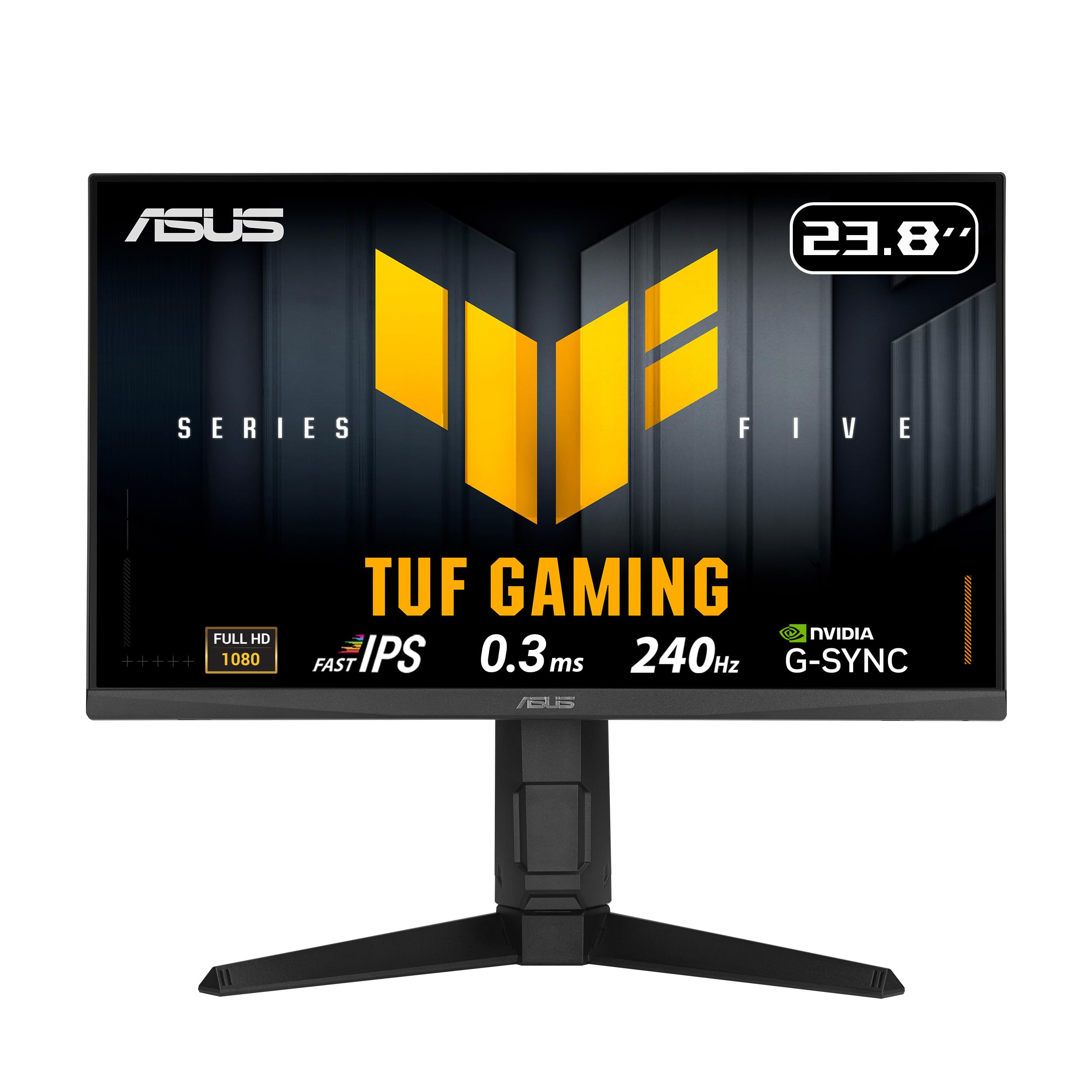
The ASUS TUF Gaming VG249QML5A strikes an incredible balance for competitive gamers who want a high refresh rate without breaking the bank. Its 23.8-inch Fast-IPS panel delivers a native 240Hz refresh rate with a 0.3ms minimum response time, providing exceptionally smooth motion clarity during fast-paced esports titles. The 99% sRGB color gamut ensures that colors remain vibrant and accurate, which is a rarity in this price bracket.
This monitor supports both FreeSync Premium and G-Sync Compatible, so it pairs seamlessly with almost any modern GPU. The ELMB Sync technology can be activated alongside variable refresh rate to eliminate ghosting, giving you sharp visuals during high-frame-rate gameplay. The included DisplayWidget Center software allows for easy on-screen adjustments using a mouse, while the height-adjustable, pivot, and swivel stand gives you full ergonomic control.
User feedback consistently praises its excellent screen refresh rate and color reproduction, though some have noted finicky behavior with the DisplayPort connection requiring a little troubleshooting. The built-in speakers are there for convenience, but you will want a dedicated headset or external speakers for a true gaming audio experience. For anyone seeking a sub-24-inch monitor with top-tier speed, this is an outstanding choice.
Why it’s great
- True 240Hz with 0.3ms response for competitive play
- Full ergonomic stand with height, pivot, and swivel adjustment
- FreeSync Premium and G-Sync Compatible
Good to know
- DisplayPort connection can be finicky for some users
- Built-in speakers are basic
2. SANSUI 27 Inch Curved Gaming Monitor
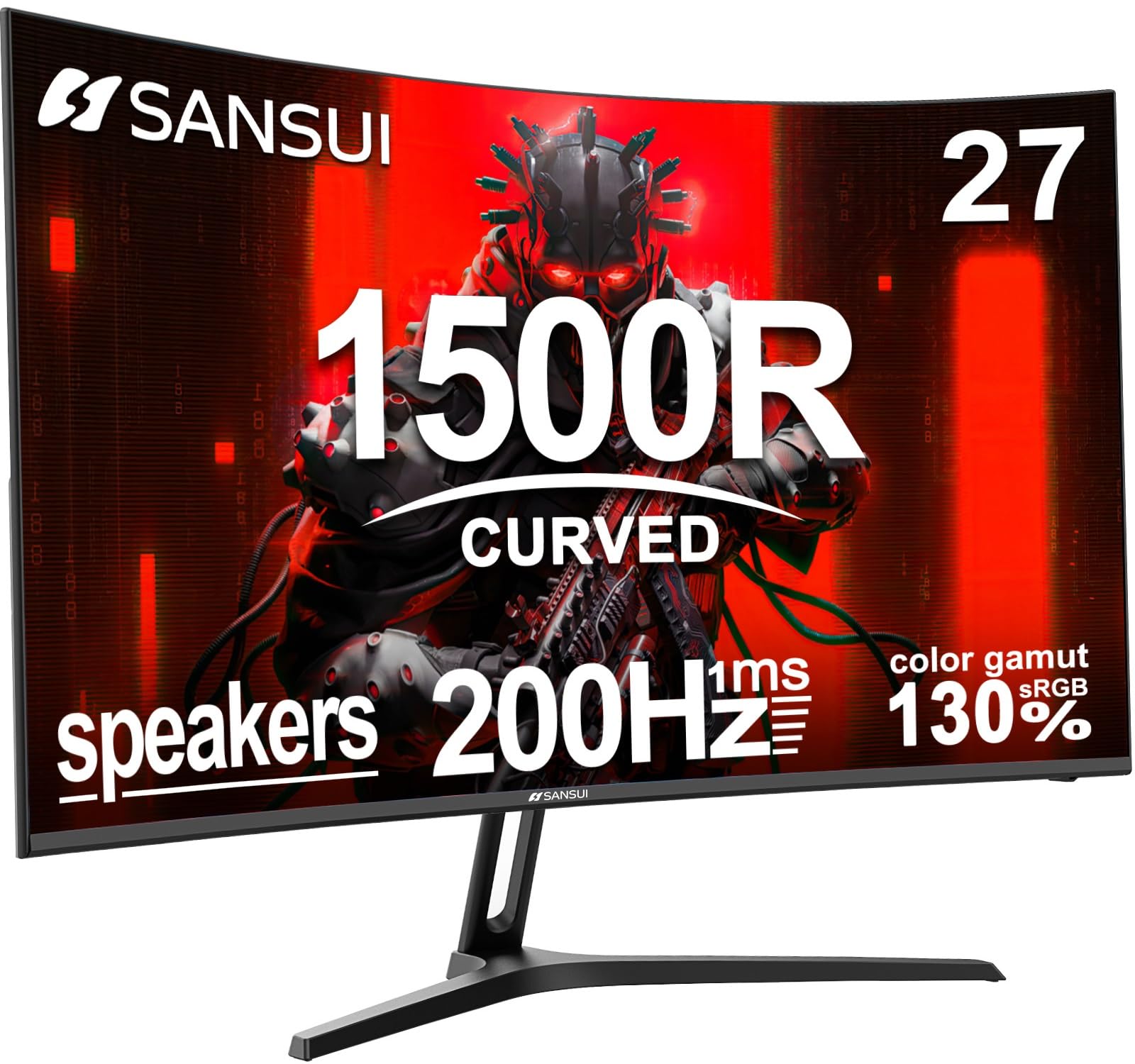
The SANSUI 27-inch curved gaming monitor brings a 1500R curvature and a 200Hz refresh rate to a very accessible price point, making it a compelling option for gamers who prioritize immersion. The VA panel offers a native contrast ratio of 3000:1, which produces deep blacks and rich shadows that IPS panels struggle to match. The 1ms MPRT response time keeps motion blur in check, while 130% sRGB coverage ensures colors pop.
Connectivity includes DisplayPort and HDMI ports that both support up to 200Hz, plus built-in 2x2W speakers for quick playback. The Shadow Booster feature is useful for adjusting black levels in dark game scenes, and the CrossHair and Timer overlays aid precision. It also includes a VESA mount pattern (100x100mm) for arm mounting, though the included stand only offers tilt adjustment between 5° and 15°.
Buyers frequently cite the monitor’s great value, vibrant colors, and smooth performance for its price class. Some note that the built-in speakers are quiet even at max volume, and the stand lacks height adjustment, but for the immersive curved experience and high refresh rate, these trade-offs are well worth it. SANSUI also provides a one-year warranty and lifetime technical support for peace of mind.
Why it’s great
- 1500R curve creates immersive field of view
- 200Hz with 3000:1 contrast for deep blacks
- Excellent value with built-in speakers
Good to know
- Stand is tilt-only with no height adjustment
- Built-in speakers are quiet
3. Dell 27 Plus Monitor S2725HSM
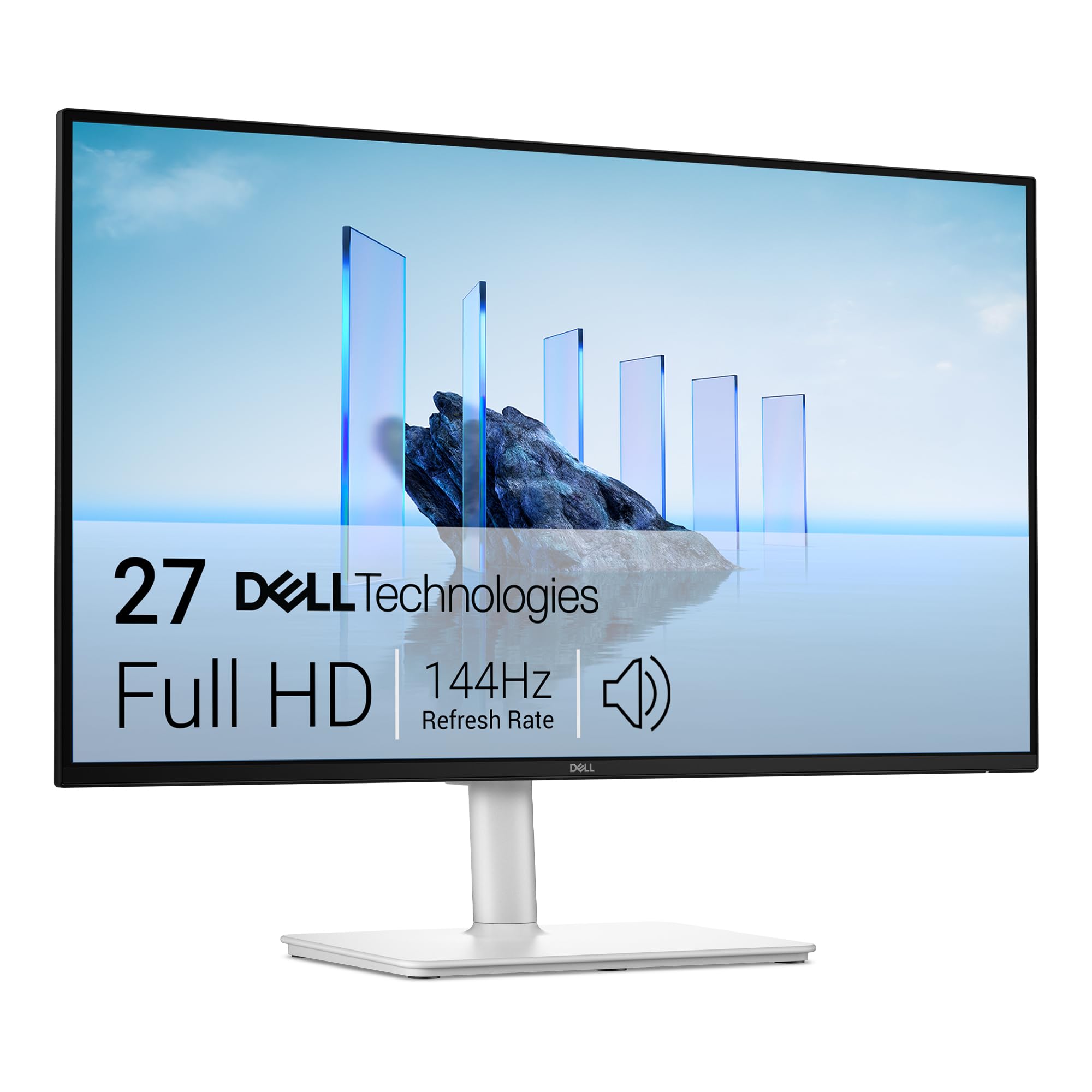
Dell’s S2725HSM brings a clean aesthetic with its Ash White finish and a fully adjustable stand that offers height, tilt, pivot, and swivel adjustments. The 27-inch FHD IPS display runs at 144Hz with a 1ms MPRT response time, delivering smooth gameplay without pushing into the triple-digit Hz extremes that some gamers absolutely require. The 1500:1 contrast ratio and anti-glare screen make it suitable for brightly lit rooms.
It features integrated dual 3W speakers that produce a wider frequency range than typical budget monitor audio, making it a decent option for casual gaming and streaming without external speakers. The monitor is TÜV-certified for eye comfort, with a hardware-based low blue light solution that does not distort colors. It relies solely on HDMI connectivity—there is no DisplayPort—so ensure your GPU supports 144Hz over HDMI.
Users appreciate the tool-free assembly, great Dell display quality, and the surprising performance of the built-in speakers. Some note that out-of-box colors can be slightly warm and may benefit from basic calibration. For those who want a reliable 144Hz panel with a premium ergonomic stand and a clean design for a workspace that also games, this Dell is a polished choice.
Why it’s great
- Full ergonomic stand with height, pivot, swivel, tilt
- Decent built-in speakers for casual use
- TÜV-certified low blue light without color shift
Good to know
- No DisplayPort input
- Color calibration may be needed out of box
4. Z-Edge UG25S Gaming Monitor
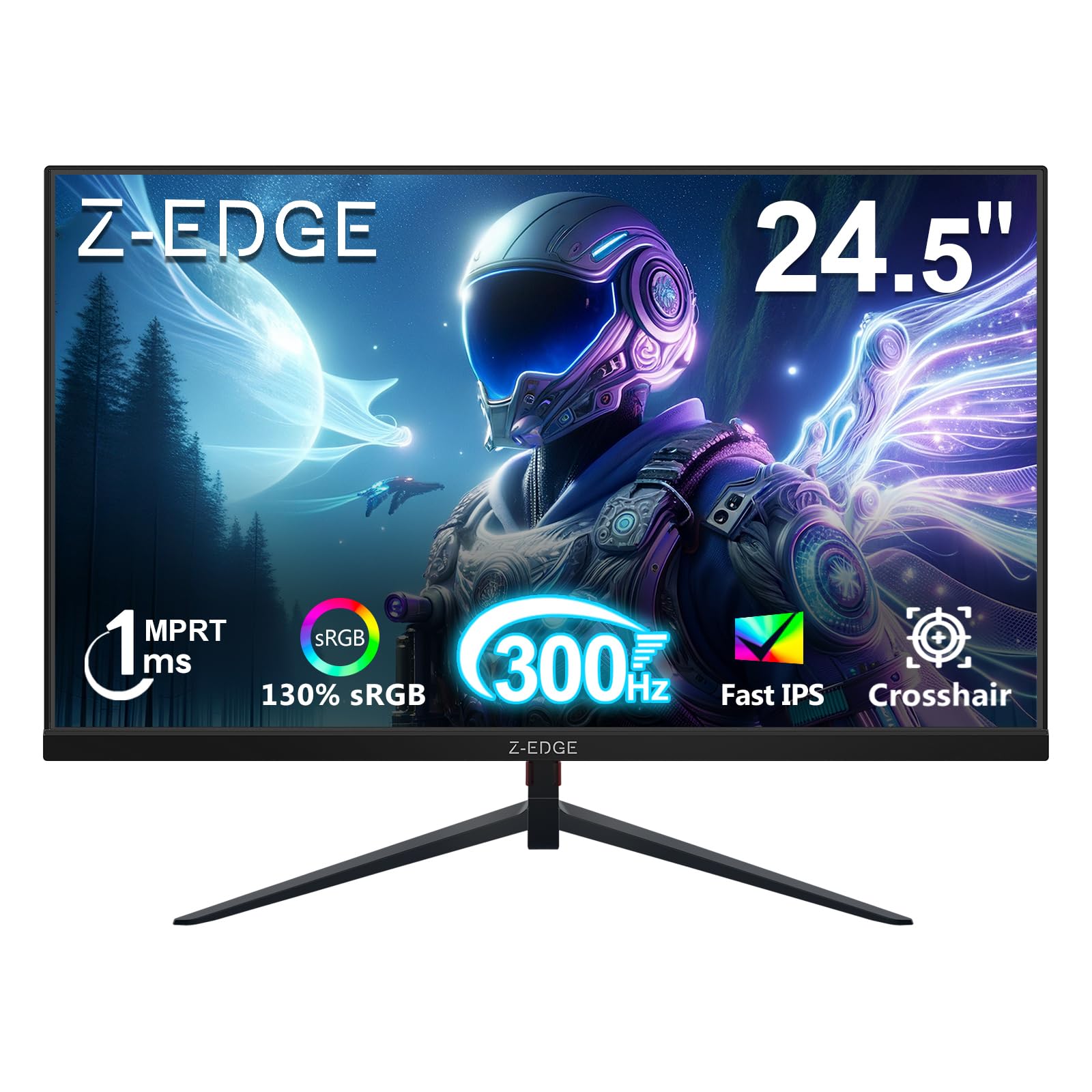
If raw refresh rate is your top priority, the Z-Edge UG25S delivers an astonishing 300Hz on a 24.5-inch IPS panel. This is the highest refresh rate available in this price tier, making it a superb choice for competitive first-person shooters where every millisecond matters. The 1ms MPRT response time and FreeSync support keep visuals tear-free and responsive even during frantic firefights.
The monitor includes two HDMI 2.0 ports supporting up to 240Hz, and two DisplayPort 1.4 inputs that unlock the full 300Hz for a PC. The IPS panel covers 99% of the sRGB color gamut and offers 178° wide viewing angles for consistent color from any position. It has a three-sided borderless design that looks modern and pairs well in a multi-monitor setup, plus VESA 75x75mm mount compatibility.
Customer feedback is overwhelmingly positive regarding its smoothness and crisp visuals for the price. It lacks built-in speakers and the stand offers only basic tilt, but for a dedicated gaming monitor that pushes refresh rates into the stratosphere without a premium price tag, the Z-Edge UG25S is a powerhouse. It is best paired with a capable GPU that can push high frame rates at 1080p.
Why it’s great
- Blazing 300Hz refresh rate
- IPS panel with good color and wide viewing angles
- Dual DP 1.4 inputs for full 300Hz
Good to know
- No built-in speakers
- Stand offers tilt only, no height adjustment
5. Acer Nitro KG271U

The Acer Nitro KG271U is a standout monitor for anyone looking to jump to 1440p without a huge investment. Its 27-inch IPS panel offers QHD (2560×1440) resolution at 180Hz with a 0.5ms GTG response time, combining the sharpness of higher pixel density with the fluidity required for gaming. The DCI-P3 95% color coverage makes this monitor suitable for color-sensitive work like photo editing and design.
It supports AMD FreeSync to eliminate tearing and includes built-in speakers, though these are described as passable for system sounds rather than immersive gaming. The zero-frame design is visually clean, and connectivity includes one DisplayPort 1.2 and two HDMI 2.0 ports, giving you flexibility for PC and console connections. HDR10 support adds some dynamic range, though peak brightness is 250 cd/m², so it is entry-level HDR.
Users consistently report excellent picture quality and smooth performance, with the standout con being the flimsy stand that can wobble and lacks full ergonomic adjustment. If you plan to use a monitor arm or can tolerate a simpler stand, this is the most affordable path to a high-refresh-rate 1440p experience in this guide. It is a fantastic all-rounder for both work and play.
Why it’s great
- QHD resolution at an entry-level price
- 180Hz with 0.5ms response time
- DCI-P3 95% color gamut for creative work
Good to know
- Stand feels flimsy and causes wobble
- HDR performance is limited
6. Samsung Odyssey G3 G30D

The Samsung Odyssey G3 G30D is the monitor to choose if ergonomic flexibility is a hard requirement. It includes a stand that offers height, swivel, pivot, and tilt adjustment, allowing you to dial in your perfect viewing angle for marathon gaming sessions. The 27-inch VA panel runs at 180Hz with 1ms MPRT response, and the 3000:1 contrast ratio ensures deep blacks that enhance immersion in darker games.
It features AMD FreeSync for tear-free gameplay, Black Equalizer to brighten dark shadows and reveal hidden enemies, and Virtual Aim Point crosshairs for improved accuracy. Eye Saver Mode reduces blue light while flicker-free technology minimizes eye strain. The three-sided borderless design looks clean in a dual-monitor setup. Connectivity includes DisplayPort and HDMI, with cables included in the box.
Users love the plug-and-play setup, crisp image quality, and the comfortable ergonomics that make long sessions easier on the neck and eyes. Some note that the brightness caps at 250 cd/m², so it is not ideal for very bright rooms, and that the 180Hz works best over DisplayPort. For a budget monitor that does not skimp on adjustability, the Odyssey G3 G30D is top-tier.
Why it’s great
- Fully adjustable ergonomic stand (height, pivot, swivel)
- 180Hz with 3000:1 contrast ratio
- Eye Saver Mode and flicker-free technology
Good to know
- Brightness is limited to 250 cd/m²
- VA panel viewing angles slightly narrower than IPS
7. LG 27G610A-B UltraGear
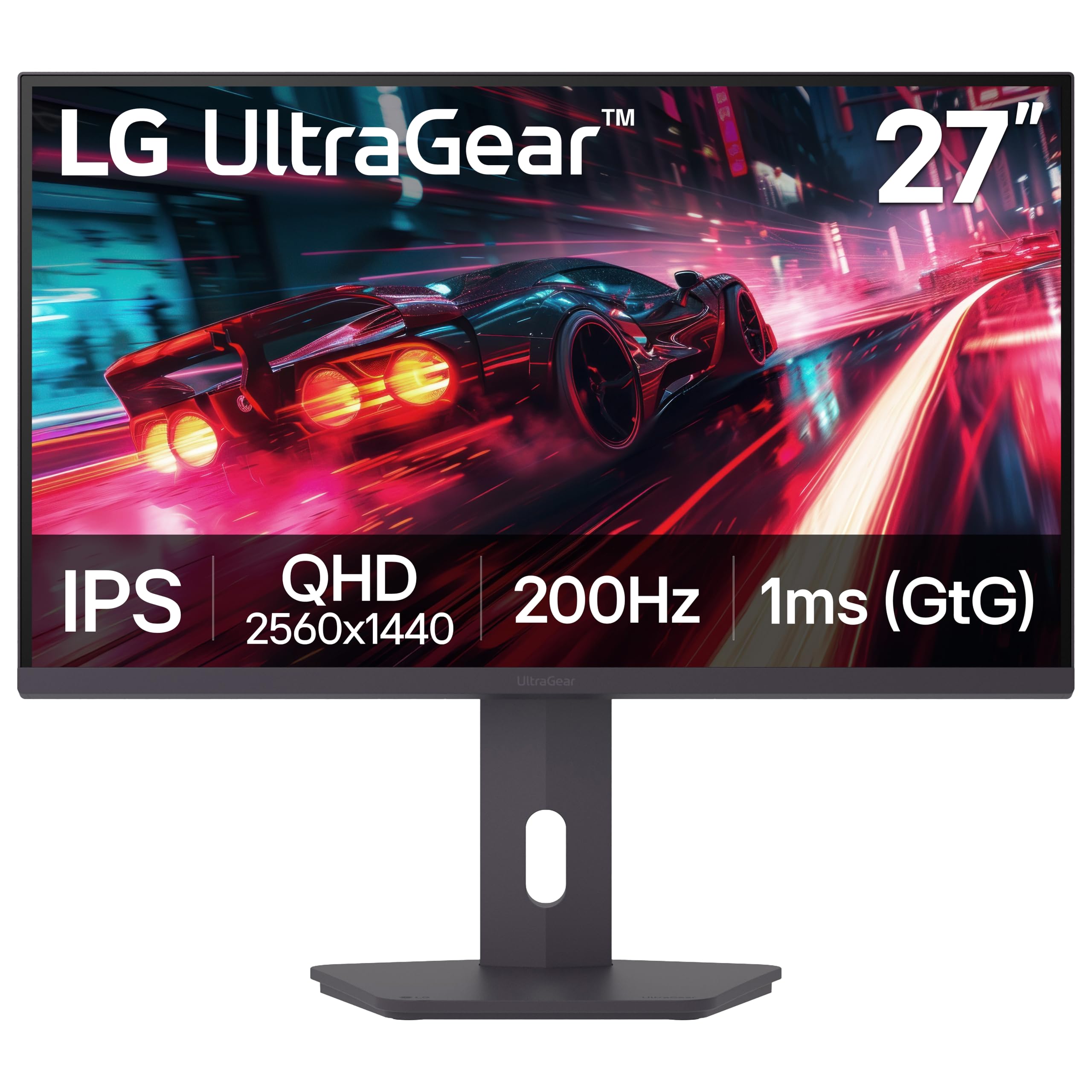
The LG 27G610A-B UltraGear brings premium-level specs to an accessible price point with a 27-inch QHD IPS panel running at 200Hz. It is VESA DisplayHDR 400 certified, delivering a peak brightness of 400 cd/m² and better dynamic range than standard budget monitors. The 1ms GTG response time keeps motion blur to a minimum, and AMD FreeSync Premium ensures smooth tearing-free gameplay with low framerate compensation.
The stand offers full height, tilt, swivel, and pivot adjustment, plus a narrow bezel design that looks sleek on any desk. Dynamic Action Sync reduces input lag for near-instant response, and Black Stabilizer brightens dark areas without overexposing bright ones. The built-in Switch app allows for easy screen splitting into up to six sections for multitasking. Connectivity includes DisplayPort and HDMI ports.
Buyers highlight the sharp QHD resolution, smooth 200Hz performance, and the excellent adjustable stand as major positives. There are no built-in speakers, so you will need external audio. The HDR 400 is a step up from baseline HDR but still limited compared to higher-tier displays. For the balance of resolution, speed, and ergonomics, the LG UltraGear is a top contender in the sub-premium segment.
Why it’s great
- 200Hz QHD with DisplayHDR 400 certification
- Full ergonomic stand with height, pivot, swivel
- FreeSync Premium with low framerate compensation
Good to know
- No built-in speakers
- HDR performance is entry-level
8. Alienware AW2725DM

The Alienware AW2725DM offers the trusted brand name along with a premium feature set. This 27-inch QHD IPS monitor runs at 180Hz with a 1ms GTG response time, and it supports both NVIDIA G-Sync and AMD FreeSync for the widest GPU compatibility. The DCI-P3 95% color coverage and VESA DisplayHDR 400 certification deliver vibrant, accurate colors with enhanced brightness and contrast.
It includes a fully adjustable stand (height, tilt, swivel, pivot) with a sturdy build that feels premium. The design features a slim bezel and the iconic Alienware aesthetic with customizable lighting options. Connectivity includes DisplayPort 1.4, HDMI, and USB ports, plus a console mode for easy plug-and-play with game consoles. The hardware-based low blue light solution reduces eye strain without washing out colors.
Buyers note the fantastic picture quality, sturdy adjustable stand, and smooth gaming performance. Some point out that to reach the full 180Hz, you must use DisplayPort, as HDMI is limited to 144Hz, and there are no built-in speakers or headphone jack. For those who value build quality, brand reputation, and comprehensive sync support in a budget monitor, the Alienware AW2725DM is a solid investment.
Why it’s great
- G-Sync and FreeSync compatible
- DCI-P3 95% with DisplayHDR 400
- Premium build with fully adjustable stand
Good to know
- Full 180Hz requires DisplayPort
- No built-in speakers or headphone jack
9. Samsung Odyssey G5 G53F

The Samsung Odyssey G5 G53F is another strong 27-inch QHD contender, this time using an IPS panel with a 200Hz refresh rate and 1ms MPRT response time. The IPS technology ensures wide 178° viewing angles and consistent color reproduction, making it great for both immersive gaming and content creation. HDR10 support helps with highlights and shadows, though the typical 300 cd/m² brightness keeps it in entry-level HDR territory.
It features AMD FreeSync Premium for smooth gameplay with low framerate compensation. Black Equalizer improves visibility in dark areas, and Virtual Aim Point helps with precision aiming. The Auto Source Switch+ feature is a nice convenience for swapping between a PC and a console automatically. The stand offers tilt adjustment only, so a monitor arm might be a worthwhile upgrade for ergonomic flexibility.
Users report vibrant colors, sharp 1440p clarity, and easy setup right out of the box. Common criticisms include the cheap-feeling stand and a broken cable management loop on some units. For the combination of QHD resolution, a high 200Hz refresh rate on an IPS panel, and FreeSync Premium, the Odyssey G5 G53F delivers excellent specs for its class.
Why it’s great
- 200Hz QHD with IPS panel and HDR10
- FreeSync Premium for smooth gameplay
- Auto Source Switch+ for multi-device use
Good to know
- Stand is basic with tilt only
- Cable management loop can be fragile
FAQ
Will I notice the difference between 144Hz and 240Hz on a cheapest gaming monitor?
Is it better to get a 1080p 240Hz monitor or a 1440p 144Hz monitor at the same price?
Do cheap gaming monitors come with built-in speakers?
Final Thoughts: The Verdict
For most users, the cheapest gaming monitor winner is the LG 27G610A-B UltraGear because it delivers a sharp QHD resolution with a 200Hz refresh rate, DisplayHDR 400, and a fully adjustable stand at a price that undercuts most premium options. If you want the highest possible refresh rate for competitive esports, grab the Z-Edge UG25S for its raw 300Hz IPS performance. And for a classic 1440p value with excellent color accuracy, nothing beats the Acer Nitro KG271U.

Mo Maruf
I created WellFizz to bridge the gap between vague wellness advice and actionable solutions. My mission is simple: to decode the research and give you practical tools you can actually use.
Beyond the data, I am a passionate traveler. I believe that stepping away from the screen to explore new environments is essential for mental clarity and physical vitality.