Our readers keep the lights on and my smoothie glass nicely filled. As an Amazon Associate, I earn from qualifying purchases.
Specs are compiled from manufacturer listings and verified buyer reviews and can change over time — please confirm the key details on the product page before buying.
Finding a tablet that is both affordable and genuinely useful for taking handwritten notes can feel impossible. Many cheap tablets skimp on the stylus experience, leaving you with a slippery screen that never quite feels right. The answer is the Lenovo Idea Tab because it delivers the sharpest display and a battery-free pen at a price that works for most budgets. This guide compares eight budget-friendly options that actually include a pen and prioritize the note-taking experience.
I’m Mohammad Maruf — the founder and writer behind WellFizz. This guide is built by comparing the manufacturers’ published specifications and the patterns across verified customer reviews, so you get each pick’s real strengths and trade-offs instead of marketing spin.
Whether you are a student filling digital notebooks or a professional capturing meeting ideas, you need a device that writes as naturally as paper without breaking your budget. These are the best options for a cheap tablet for note taking that deliver a true pen-on-screen feel you can rely on.
Our Picks at a Glance



How To Choose The Best Cheap Tablet For Note Taking
When you plan to write on a tablet day after day, a few specs make or break the experience. Forget processor speed for a moment. Focus on the stylus, the screen surface, and how long the battery keeps you going between classes or meetings.
Stylus Pressure Sensitivity
This is the single most important spec for natural writing. Measured in levels (like 4,096 or 16,384), pressure sensitivity controls how thick or thin your line gets based on how hard you press. A higher number means your handwriting looks more like the real thing, with natural variation in stroke width. For basic note-taking, 4,096 levels is plenty. For sketching, aim for 16,384.
Screen Surface and Eye Comfort
A glossy screen can feel slippery under a stylus, making your handwriting look shaky. Look for paper-like or anti-glare coatings. These are often called “matte” finishes. They add a slight drag that mimics real paper. An anti-glare surface also cuts reflections so you can write in bright rooms without squinting. TÜV-certified low blue light filters help if you write for hours at a time.
Battery Life and Storage Capacity
Note-taking tablets need to last through a full school or work day without hunting for an outlet. Look for at least an 8,000 mAh battery for all-day use. Expandable storage via a microSD card is a smart move too. You can store years of handwritten PDFs and textbooks without worrying about running out of room.
Quick Comparison
| Model | Best For | Display | Stylus Type | Battery | Amazon |
|---|---|---|---|---|---|
| Jeazans Android 16 Tablet★ Best Overall | Entry-Level Note-Taking Kit | 10.1″ 1280×800 | Capacitive Stylus | Lithium Polymer | Amazon |
| Lenovo Idea TabAlso Great | Best Overall Note-Taking | 11″ 2.5K 90Hz | Lenovo Tab Pen (Battery-Free) | 7216mAh | Amazon |
| TCL NXTPAPER 11 Gen 2Eye Comfort Pick | Eye-Friendly Paper Display | 11″ 2K 60Hz | T-PEN (4096 Levels) | 8000mAh | Amazon |
| XPPen Magic Note Pad (B0F5HJNX2G) | Natural Sketch & Write Feel | 10.95″ 1920×1200 90Hz | X3 Pro Pencil 2 (16K Levels) | 8000mAh | Amazon |
| XPPen 3 in 1 Magic Note Pad (B0DX234NWP) | All-in-One Digital Notebook | 10.95″ 90Hz AG Etched | X3 Pro Pencil 2 (16K Levels) | 8000mAh | Amazon |
| QDDQ 13 Inch Tablet | Large-Screen Note-Taking | 13.4″ 1920×1200 120Hz | Basic Stylus | 10000mAh | Amazon |
| Suicoey 10 Inch Tablet | Budget Note-Taking Bundle | 10″ 16:10 | Basic Stylus | 8000mAh | Amazon |
| YOBANSE Android Tablet | Value Bundle with Accessories | 10.1″ HD IPS | Basic Stylus | 8000mAh | Amazon |
In‑Depth Reviews
1. Jeazans Android 16 Tablet
The most affordable entry point into digital note-taking, with a full accessory bundle included.
The Jeazans Android 16 Tablet is the most budget-friendly option here, yet it still comes with a Bluetooth keyboard, wireless mouse, capacitive stylus, and a folding leather case. Its 10.1-inch display has a 1280 x 800 resolution, which is adequate for note-taking and reading but less sharp than the higher-resolution panels from Lenovo or TCL. It runs Android 16 with 24GB of virtual RAM (3GB physical + 21GB virtual) and 64GB of storage, expandable to 1TB.
Customers note “fast performance, bright screen, excellent battery life” and say it “exceeded expectations for the price.” Another reviewer appreciated the “plenty of storage, easy setup, fast charging.” The capacitive stylus works for basic tapping and rough note-taking, but it lacks the pressure sensitivity and fine nib of the Lenovo Tab Pen or XPPen Pencil 2, so handwriting will not look as natural. For the price, this tablet is a fantastic way to test if digital note-taking works for you before committing to a more expensive model.
Lowest Price, Full Bundle: Get the tablet, keyboard, mouse, stylus, and case for one low price — everything you need to get started.
Know before you buy: The capacitive stylus is basic and the 1280 x 800 screen is less sharp than other options in this guide.
Who it’s for: Absolute beginners or anyone on the tightest budget who wants a complete kit to try digital note-taking.
Who should pass: Anyone who needs a precise stylus with pressure sensitivity for serious note-taking or sketching.
2. Lenovo Idea Tab
The crispest screen in the budget segment makes writing and reading feel premium.
The Lenovo Idea Tab is built for students who need a sharp, fast display and a reliable pen that never needs charging. Its 11-inch 2.5K IPS touchscreen packs a 2560 x 1600 resolution, so your handwritten notes and PDFs look exceptionally clear. A 90Hz refresh rate keeps every scroll and stroke smooth without the lag or ghosting you get on cheaper panels.
Under the hood, the MediaTek Dimensity 6300 processor handles multitasking between note apps, web research, and YouTube study breaks without stuttering. The included Lenovo Tab Pen is battery-free, so you never have to stop working to charge your stylus. Buyers report the battery lasts long enough to charge every other day, and the pen feels comfortable for extended note-taking sessions. One area where it clearly leads is display quality — at 2560 x 1600, it is significantly sharper than the 1920 x 1200 resolution on the TCL NXTPAPER 11 Gen 2, making fine text in PDFs much easier to read.
Why It Works for Notes
- Crisp 2.5K 90Hz display for fluid writing and reading
- Battery-free Tab pen is always ready to write
- Comes with Lenovo AI Note, Squid, Nebo, and MyScript Calculator pre-installed
- Up to 12 hours of YouTube playback on a single charge
Watch Out For
- Uses USB-C 2.0, which is slower for data transfers
- Some owners mention missing extra pen tips in the packaging
Who this is for: Students and professionals who want the sharpest display in the budget tier and a battery-free pen for easy note-taking.
One trade-off: The charger brick is not included in the box — you supply your own USB-C charger.
3. TCL NXTPAPER 11 Gen 2
The screen that feels like paper and treats your eyes kindly through long study sessions.
If you spend hours writing or reading on a tablet, eye fatigue is a real problem. The TCL NXTPAPER 11 Gen 2 tackles this with its NXTPAPER 4.0 display: a TÜV-certified low blue light, anti-glare coating that cuts reflections and flicker. You can switch between Regular, Ink Paper, and Color Paper modes depending on what you are doing, making it versatile for note-taking, reading, and sketching.
The included T-PEN stylus offers 4096 pressure levels, which is plenty for natural handwriting and basic drawing. The 8GB + 8GB RAM setup (with virtual expansion) keeps the MediaTek Helio G80 processor running smoothly across note apps and streaming. Customers note the 8000mAh battery delivers “stellar” battery life, with one reviewer noting standby time was “something ridiculous like 94 days.” A unique bonus: it supports reverse charging, so you can top up your phone from the tablet — a rare feature in this price range. While the 8MP rear camera is not as detailed as the 13MP rear shooter on the YOBANSE tablet, the TCL wins on screen technology and overall build quality.
Paper-First Design: NXTPAPER 4.0 technology with TÜV-certified low blue light and anti-glare coating means you can write for hours without eye strain.
One catch: The touchscreen can become unresponsive while charging, and the speakers are merely okay — not room-filling.
Best suited for: Anyone who reads and writes on a tablet for long stretches and prioritizes eye comfort over raw processing speed.
Not ideal if: You need a headphone jack — this model does not have one.
4. XPPen 10.95″ Magic Note Pad (Standalone Drawing Tablet)
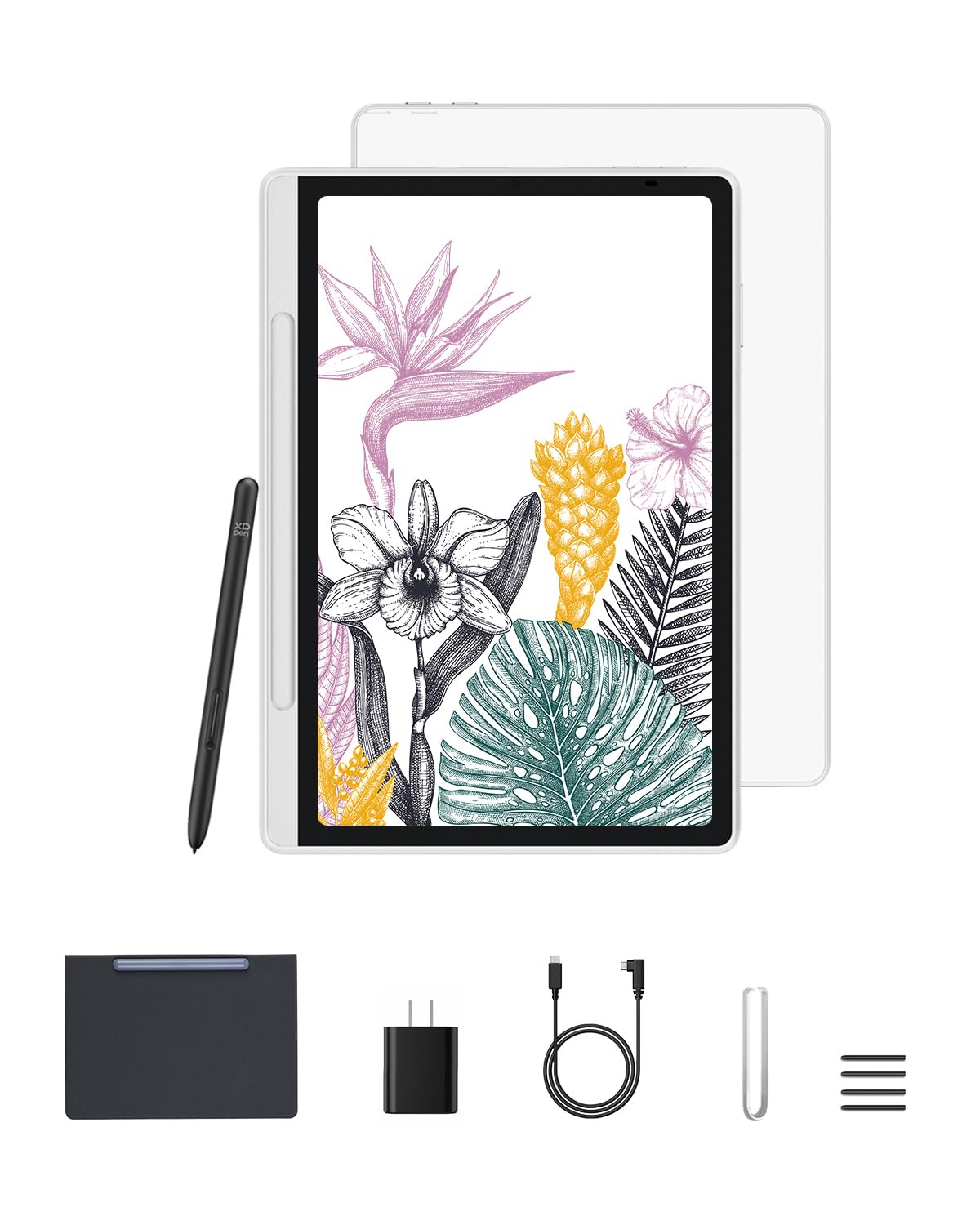
The best paper-like writing feel on a budget Android tablet, thanks to etched glass and a 16K pen.
The XPPen Magic Note Pad is designed specifically for people who write and draw. Its 10.95-inch X-Paper display uses AG nano-etching technology to create a true paper texture and friction under the stylus. Paired with the X3 Pro Pencil 2, which offers 16384 pressure levels and tilt support, you get natural shading and line variation that mimics a real pencil on paper. The 90Hz refresh rate eliminates any visible lag as you write.
This is a standalone Android 14 tablet, not a computer accessory — you can download any note or art app from Google Play. Reviewers point out the pen is “fast with pressure/tilt detection” and that the matte screen is “anti-glare” and easy on the eyes. It weighs only 495g and is 7mm thick, making it ultra-portable for tossing in a bag. One reviewer noted it “vastly outperforms Huion” in terms of pen precision and screen smoothness. The trade-off for this specialized writing feel is that the display is capped at 1920 x 1200 resolution, which is less sharp than the Lenovo’s 2.5K panel for reading fine text.
Standout Features
- AG nano-etched glass delivers true paper-like resistance for natural writing
- Battery-free X3 Pro Pencil 2 with 16K pressure sensitivity
- 3 color modes: nature, light color, and black-and-white
- Pre-installed XPPen Notes app with lifetime free membership
Consider This
- Battery drains about 4% overnight, requiring daily charging
- 1920 x 1200 resolution is decent but not the sharpest in this lineup
Perfect for: Students, artists, and professionals who want a true paper-like writing feel and high-end pen precision without spending iPad money.
skip it if: You need a sharper display for reading dense textbooks — the Lenovo Idea Tab has a higher-resolution screen.
5. XPPen 3 in 1 Magic Note Pad (B0DX234NWP)

A dedicated digital notebook that turns your handwriting into typed text with AI assistance.
The XPPen 3 in 1 Magic Note Pad shares the same core DNA as the standalone drawing tablet above but leans harder into note-taking productivity. It features the same AG nano-etched LCD screen with TCL NXTPaper 3.0 technology, cutting up to 95% of ambient light interference for a clear, glare-free writing surface. The X3 Pro Pencil 2 with 16K sensitivity and a soft pen nib gives you precise control over stroke thickness and color depth based on writing pressure.
Where this model differentiates itself is the software. It comes with XPPen Notes (permanent membership), which converts handwriting to text, records audio, and supports PDF annotation. A system update open up MyScript Notes and MyScript Math — the latter recognizes handwritten equations and lets you plot functions with your pen. Shoppers say it is an “excellent iPad alternative for students” and that the “matte display reduces glare, usable in sun.” The 8000mAh battery charges quickly via a 20W charger. One trade-off compared to the Lenovo Idea Tab is that the viewing angle is narrower due to the etched glass — you will want to view it from the front for the best experience.
Smart Note-Taking: Converts handwriting to text, recognizes math equations, and includes AI note-summary features after a system update.
The limitation: The narrow viewing angle means this is a front-facing work tablet, not a movie-sharing device for a group.
Ideal for: Students and professionals who want a paper-like writing surface, smart note tools, and a battery-free stylus in a portable 495g package.
Not for: Heavy gaming or running multiple demanding apps simultaneously — the MT8781 processor is built for notes and light productivity.
6. QDDQ 13 Inch Tablet
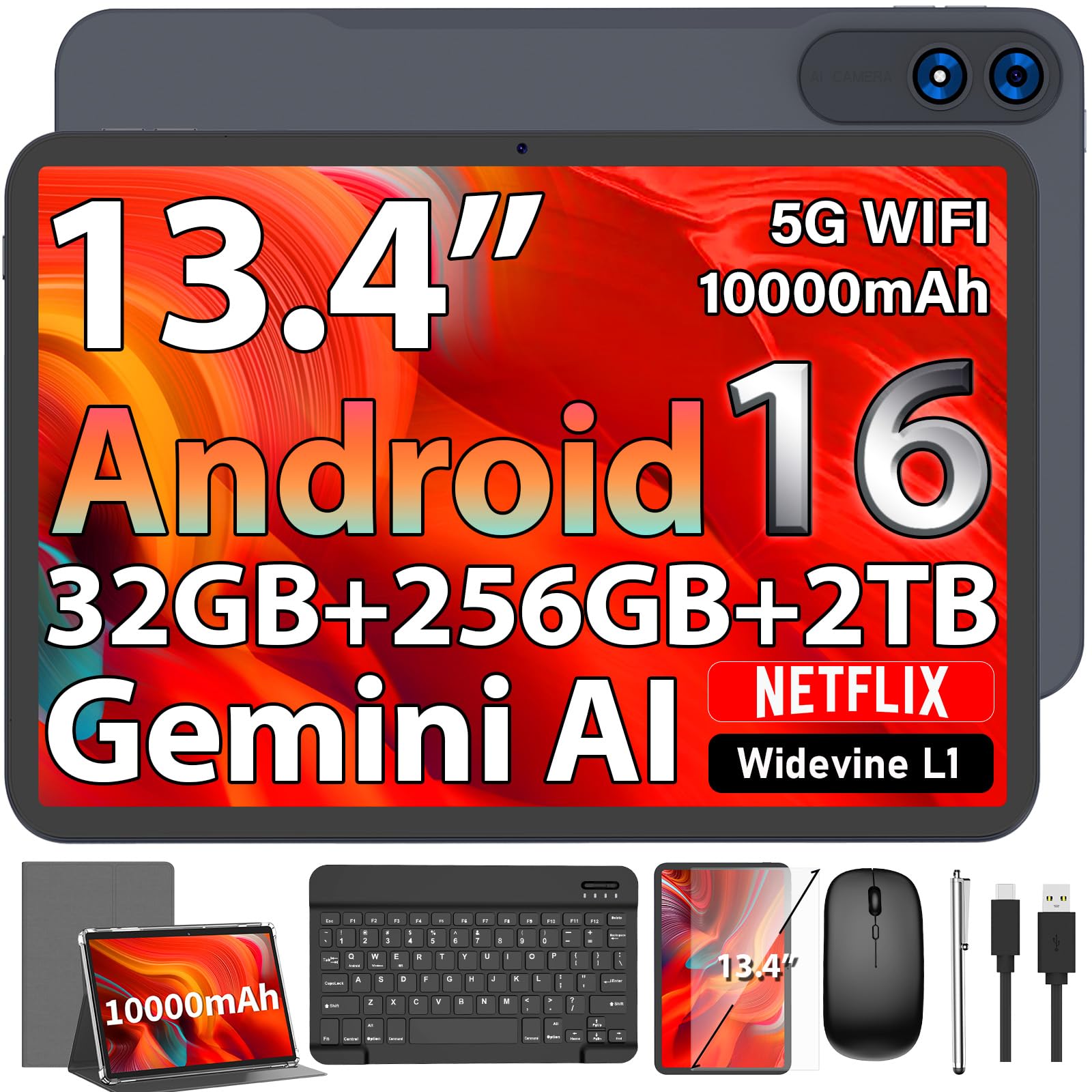
A massive 13.4-inch screen gives you the most canvas for notes and drawings at this price.
If you prefer a larger workspace for your handwritten notes, the QDDQ 13 Inch Tablet delivers the biggest display in this lineup. Its 13.4-inch TDDI screen runs at a smooth 120Hz refresh rate with a 1920 x 1200 resolution, making scrolling and pen strokes feel fluid. Widevine L1 certification means you can stream Netflix and other platforms in HD — useful for study breaks.
Inside, the Unisoc T615 octa-core processor paired with 32GB of RAM (8GB physical + 24GB virtual) handles heavy multitasking. The 10000mAh battery is the largest in this comparison, promising up to 12 hours of video streaming or 8 hours of video calls. Buyers report it works well as a “backup tablet” for work inventory and games. However, one buyer mentioned the included Bluetooth keyboard was “unusable despite multiple attempts,” so the stylus and mouse may be the accessories you rely on most. At 32GB RAM, it also leads the bunch on memory compared to the Lenovo’s 8GB, but the Lenovo’s higher-resolution 2.5K display and better-pedigree pen make it a stronger dedicated note-taking tool.
Screen & Power
- 13.4-inch display with 120Hz refresh rate for smooth writing
- 10000mAh battery — largest in this review for all-day use
- 32GB RAM (expanded virtual) for heavy multitasking
Watch Out For
- Included Bluetooth keyboard had reported connectivity issues
- Basic stylus lacks the pressure sensitivity of dedicated note-taking tablets
Who it works for: Users who want the largest possible screen for split-screen note-taking and media consumption on a budget.
Avoid if: A high-quality, pressure-sensitive stylus is essential for your note-taking workflow.
7. Suicoey 10 Inch Tablet
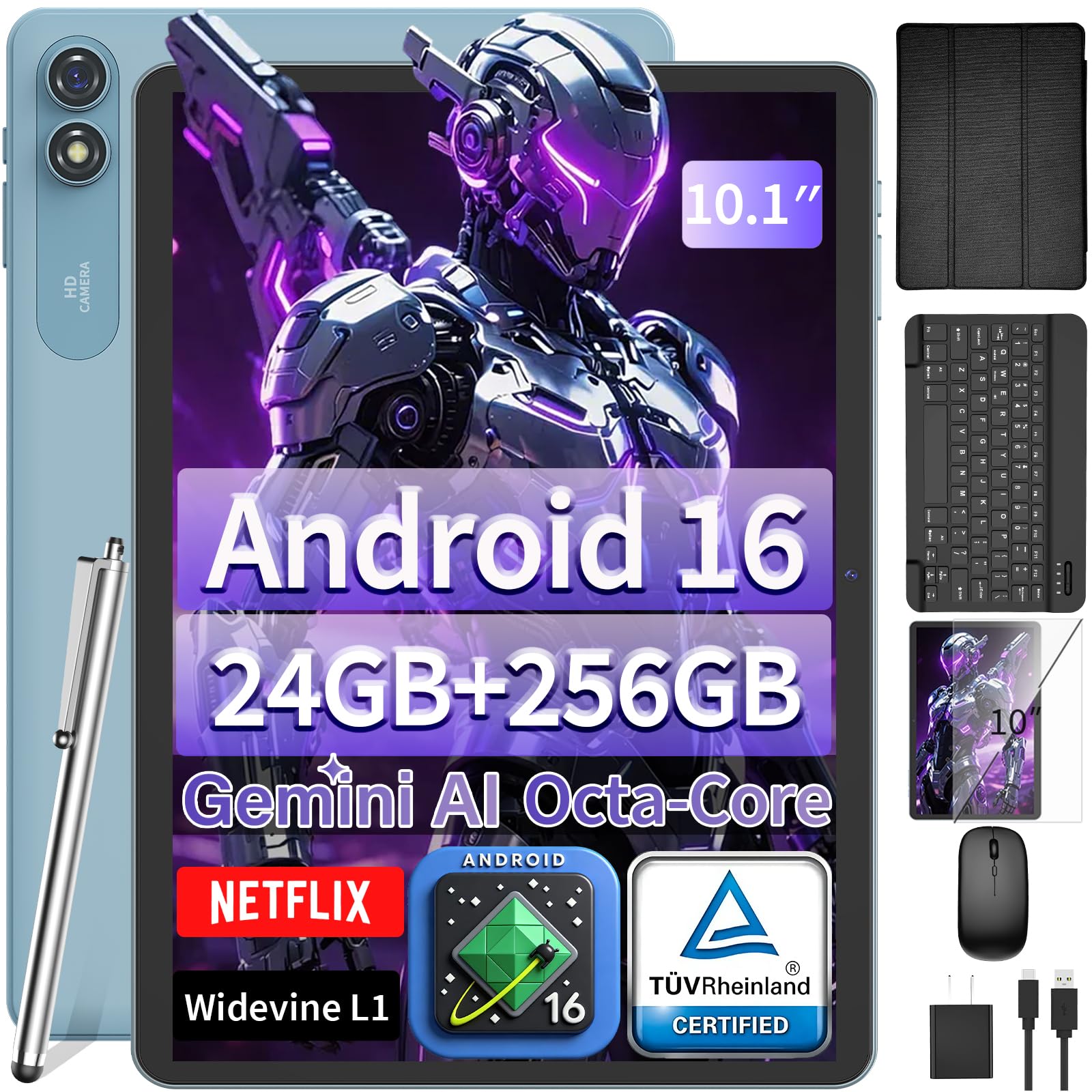
An incredible-value bundle that includes everything you need to start writing digitally.
The Suicoey 10 Inch Tablet outperforms pricier rivals by including a keyboard, mouse, protective case, and a basic stylus right in the box. Its 10-inch display with Widevine L1 certification supports crisp 1080P HD streaming on services like Netflix and Prime Video. The T606 Octa-Core CPU (2x Cortex-A75 + 6x Cortex-A55) keeps the day-to-day experience snappy for browsing and note apps.
The 8000mAh battery is rated for 16 hours of average use, which is competitive with more expensive tablets. Owners mention the display is “bright and the performance is fast while browsing websites, watching movies, and using other apps.” One reviewer called it a “great value for the price” and praised the complete accessory set. However, one owner reported that the “screen scratched easily when cleaned with a tissue,” so investing in a screen protector is wise. While the stylus is basic and lacks the 16K pressure sensitivity of the XPPen Magic Note Pad, this tablet is an outstanding entry point for someone who wants to try digital note-taking without a big investment.
Complete Starter Kit: Arrives with keyboard, mouse, stylus, and case — everything you need for note-taking from the start.
One concern: The screen may scratch more easily than premium tablets; a screen protector is strongly recommended.
Best for: First-time digital note-takers on a tight budget who want a full accessory bundle and good battery life.
Not suited for: Users who need a highly sensitive pressure stylus for detailed sketching.
8. YOBANSE Android Tablet
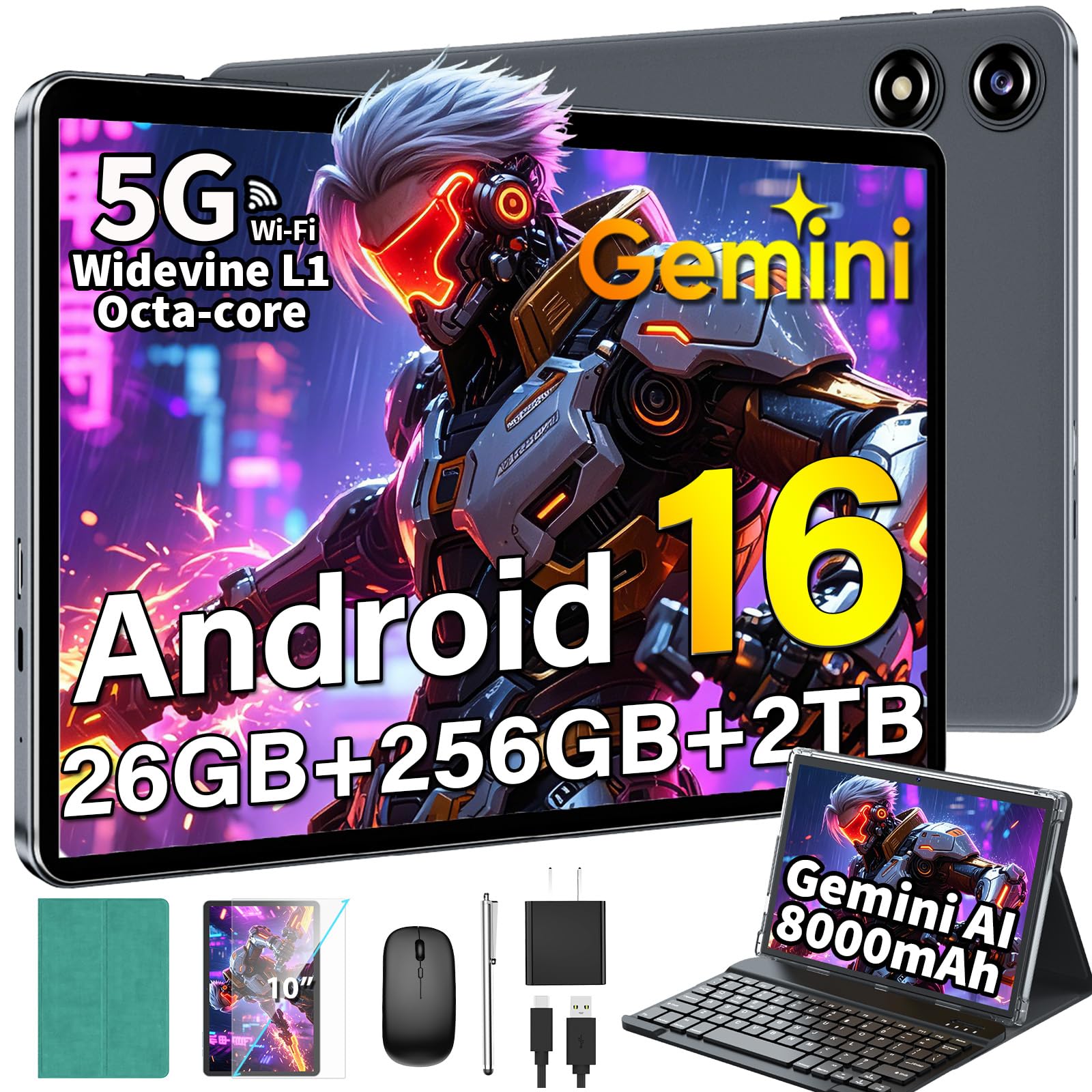
Loads of storage and a roomy 8000mAh battery make this a solid companion for long study days.
The YOBANSE Android Tablet focuses on giving you ample space for all your notes and files. It comes with 256GB of internal storage and supports expansion up to 2TB via a microSD card — the highest potential storage in this roundup. The 10.1-inch IPS display delivers vivid visuals, and the Widevine L1 certification ensures you can stream in HD. The 8000mAh battery is rated for 16 hours of average use, so it will comfortably last through back-to-back classes.
The bundle includes a Bluetooth keyboard, mouse, stylus, protective case, and screen protector. The 13MP rear camera is one of the best in this budget group for scanning documents, and the 5MP front camera works for video calls. One customer observed the tablet “runs a little slow but it’s still great,” while another praised the battery life, saying it “lasts for days.” The stylus is a basic capacitive model, so it lacks the precision of the XPPen or Lenovo pens for detailed note-taking — but if you mainly need to jot down quick ideas and want maximum storage, this is a strong pick.
Storage & Battery
- 256GB internal storage, expandable to 2TB microSD
- 8000mAh battery with 16-hour average life
- 13MP rear camera for crisp document scanning
Consider This
- Performance can lag with demanding apps despite the large RAM spec
- Basic stylus, not ideal for precise handwriting
Ideal for: Students who need massive storage for textbooks and notes, plus a battery that lasts for days between charges.
Trade-off: The stylus is basic and the overall performance may feel sluggish compared to the Lenovo or TCL tablets.
Understanding the Specs
Pressure Sensitivity Levels
This spec tells you how precisely the stylus detects changes in how hard you press. Measured in levels (like 4096 or 16384), a higher number means your handwriting looks more natural, with thicker lines when you press harder and thinner lines when you press softly. For basic note-taking, 4096 levels are fine. For sketching or calligraphy, look for 16384 levels — it gives you finer control over every stroke.
Paper-Like Display (Anti-Glare)
A standard glossy screen can feel slippery under a stylus and reflects ceiling lights, making it hard to see your writing. Tablets with a paper-like or matte finish use a special coating (like AG nano-etching) that adds a slight drag similar to real paper. This gives you more control while writing and cuts reflections so you can work in bright rooms or even outdoors without squinting.
FAQ
Can I take notes on any cheap Android tablet?
What is the difference between a battery-free stylus and one that needs charging?
How much storage do I need for note-taking?
What does Widevine L1 certification mean for a note-taking tablet?
Can I use a cheap note-taking tablet for drawing?
How long should the battery last for a full day of note-taking?
Does a higher screen refresh rate matter for note-taking?
Can I use a cheap tablet with a keyboard for note-taking?
What note-taking apps work best on these tablets?
Are these tablets good for reading textbooks and PDFs?
Final Thoughts: The Verdict
For most buyers, the best cheap tablet for note taking winner is the Lenovo Idea Tab because it combines the sharpest 2.5K 90Hz display with a reliable battery-free pen and pre-installed note-taking apps, all at a price that undercuts premium competitors. If you want the most eye-friendly screen for long writing sessions, grab the TCL NXTPAPER 11 Gen 2 with its NXTPAPER 4.0 display and reverse charging. And for the truest paper-like writing feel with professional-grade 16K pressure sensitivity, the standout is the XPPen Magic Note Pad.
How We Picked
We do not accept paid placement. Every pick is matched to a real buyer and a real use-case; we do not hands-on test units.
Sources & Methodology
Specifications: manufacturer listings and product documentation. Review insights: verified customer reviews, as of July 2026. Pricing: not shown on this page (it changes often); check the current price via the retailer link.
As an Amazon Associate, WellFizz earns from qualifying purchases. This does not affect which products we feature.
Related Guides

Mo Maruf
I created WellFizz to bridge the gap between vague wellness advice and actionable solutions. My mission is simple: to decode the research and give you practical tools you can actually use.
Beyond the data, I am a passionate traveler. I believe that stepping away from the screen to explore new environments is essential for mental clarity and physical vitality.