Our readers keep the lights on and my smoothie glass nicely filled. As an Amazon Associate, I earn from qualifying purchases.
Walking into a live stream with grainy, lagging video is a direct hit to your credibility. The wrong camera makes you look unprofessional before you’ve said a word, and the search for a budget-friendly option often leads to a maze of confusing specs and empty promises.
I’m Mohammad Maruf — the founder and writer behind WellFizz. I’ve spent countless hours comparing sensor specs, autofocus systems, and software ecosystems to cut through the noise and find which of these streaming cameras actually deliver a sharp, reliable image without emptying your wallet.
Whether you’re gaming, vlogging, or hosting meetings, your setup hinges on finding the best cheap streaming camera that balances frame rate, resolution, and low-light performance for a clean look every time you hit record.
How To Choose The Best Cheap Streaming Camera
A budget streaming camera balances three core elements: usable resolution, smooth frame rate, and decent low-light handling. Spending less doesn’t have to mean sacrificing a clear picture, but you need to know which spec shortcuts matter most for your specific use case — gaming, talking-head streams, or professional video calls.
Resolution vs. Frame Rate Trade-Off
A 4K sensor sounds impressive on paper, but many budget cameras struggle to render it cleanly, introducing lag or heavy compression. For live streaming, 1080p at 60fps delivers a smoother and more natural look than 4K at choppy 15fps. Prioritize cameras that can output at least 1080p at a stable 30fps, with 60fps being the target for action-heavy content like gaming or fast hand movements.
Autofocus and Field of View
Fixed-focus lenses are common at the entry-level, but they force you to stay locked at one distance. A camera with true autofocus (phase-detection or contrast-detection) keeps you sharp when you lean in or shift position. Field of view (FOV) also matters — a wide 90-degree lens captures your full desk setup, while a narrower 60-degree view works better for a tight headshot without including too much background clutter.
Microphone Quality and Connectivity
Built-in microphones on budget cameras are often serviceable but rarely great. Look for models with noise-canceling or dual-mic arrays if you can’t use a dedicated mic. For connectivity, USB 2.0 or 3.0 plug-and-play is standard, but ensure the camera supports your streaming software (OBS, Streamlabs, Zoom) without requiring custom drivers that could introduce instability.
Quick Comparison
On smaller screens, swipe sideways to see the full table.
| Model | Category | Best For | Key Spec | Amazon |
|---|---|---|---|---|
| OBSBOT Tiny SE | Premium | AI-powered tracking and low-light streaming | 1080p 100fps / 720p 150fps | Amazon |
| Razer Kiyo V2 X | Premium | 1440p high-refresh streaming | 1440p at 60fps | Amazon |
| UGREEN FineCam 4K | Mid-Range | Vertical streaming for social media | 1/2.55″ Sony sensor | Amazon |
| NearStream 4K | Mid-Range | Adjustable FOV and software control | Adjustable FOV (45°-95°) | Amazon |
| EMEET C60E | Mid-Range | Dual-camera versatility with remote control | Max 11X hybrid zoom | Amazon |
| NexiGo N660P (Gen 2) | Budget | Reliable plug-and-play 1080p 60fps | 1080p 60fps with autofocus | Amazon |
| TONGVEO PTZ Camera | Premium | Large room and church streaming | 20X optical zoom | Amazon |
In‑Depth Reviews
1. OBSBOT Tiny SE

The OBSBOT Tiny SE redefines what a budget streaming camera can do by packing a 1/2.8” stacked CMOS sensor with dual native ISO and staggered HDR into a compact PTZ body. The real standout is the 1080p at 100fps recording — a spec that rivals cameras costing multiples more — which translates to silky-smooth motion handling for fast-paced gaming or dynamic presentations.
AI tracking is the headline feature here. The camera locks onto a subject using gesture controls (a simple hand raise initiates tracking) and keeps you centered with zone and body-part tracking modes. The gimbal moves quietly and responds with minimal latency, making it feel like a dedicated operator is behind the lens. Plus, its low-light performance is genuinely usable, producing clean video even with standard room lighting.
Setup is pure plug-and-play: connect the USB-C cable and it’s immediately recognized by OBS, Zoom, and Streamlabs without needing drivers. The 4x digital zoom preserves detail well in 1080p mode, and the compatibility with Stream Deck and global hotkeys adds workflow flexibility. The included USB-C to USB-A adapter ensures it works with older laptops, and the compact size (1.5g weight) clips easily onto any monitor.
Why it’s great
- Unmatched 1080p 100fps / 720p 150fps smoothness
- Advanced AI tracking with gesture control
- Excellent low-light performance for its price tier
Good to know
- Digital zoom maxes at 4x, no optical zoom
- Software can occasionally glitch, requiring a restart
- No built-in microphone — requires external audio
2. Razer Kiyo V2 X

Razer brings its signature gaming aesthetic to the Kiyo V2 X, a webcam that outputs a sharp 1440p resolution at a fluid 60fps. The wide-angle lens captures a generous portion of your room, which is ideal for streamers who want to showcase their full setup or move around during a broadcast. The auto-focus system is fast and consistent, locking onto faces and objects without the constant hunting that plagues lower-end cameras.
Image tuning is handled through Razer Synapse, which offers intuitive presets and granular controls for color, brightness, and contrast. The built-in microphone is clear enough for casual streaming, though serious streamers will still want a dedicated XLR or USB mic. The integrated privacy shutter is a welcome touch — a quick twist of the lens barrel covers it physically, eliminating any software-based privacy concerns.
Mounting is flexible thanks to the universal pivoting mount that swivels and tilts, and the 1/4-inch thread underneath allows for tripod or boom arm attachment. The slimline design sits flush on top of a monitor without protruding, which is a nice ergonomic detail. Compatibility spans Windows 10/11 and macOS 14+, and it works out of the box with OBS, Xsplit, Streamlabs, Discord, Zoom, and Teams.
Why it’s great
- Native 1440p 60fps for crisp, fluid video
- Fast, reliable autofocus with no hunting
- Physical privacy shutter with a satisfying twist
Good to know
- Image struggles in very dim lighting conditions
- Some users report random blackouts (likely settings-dependent)
- Built-in mic is adequate but not studio-grade
3. UGREEN FineCam 4K
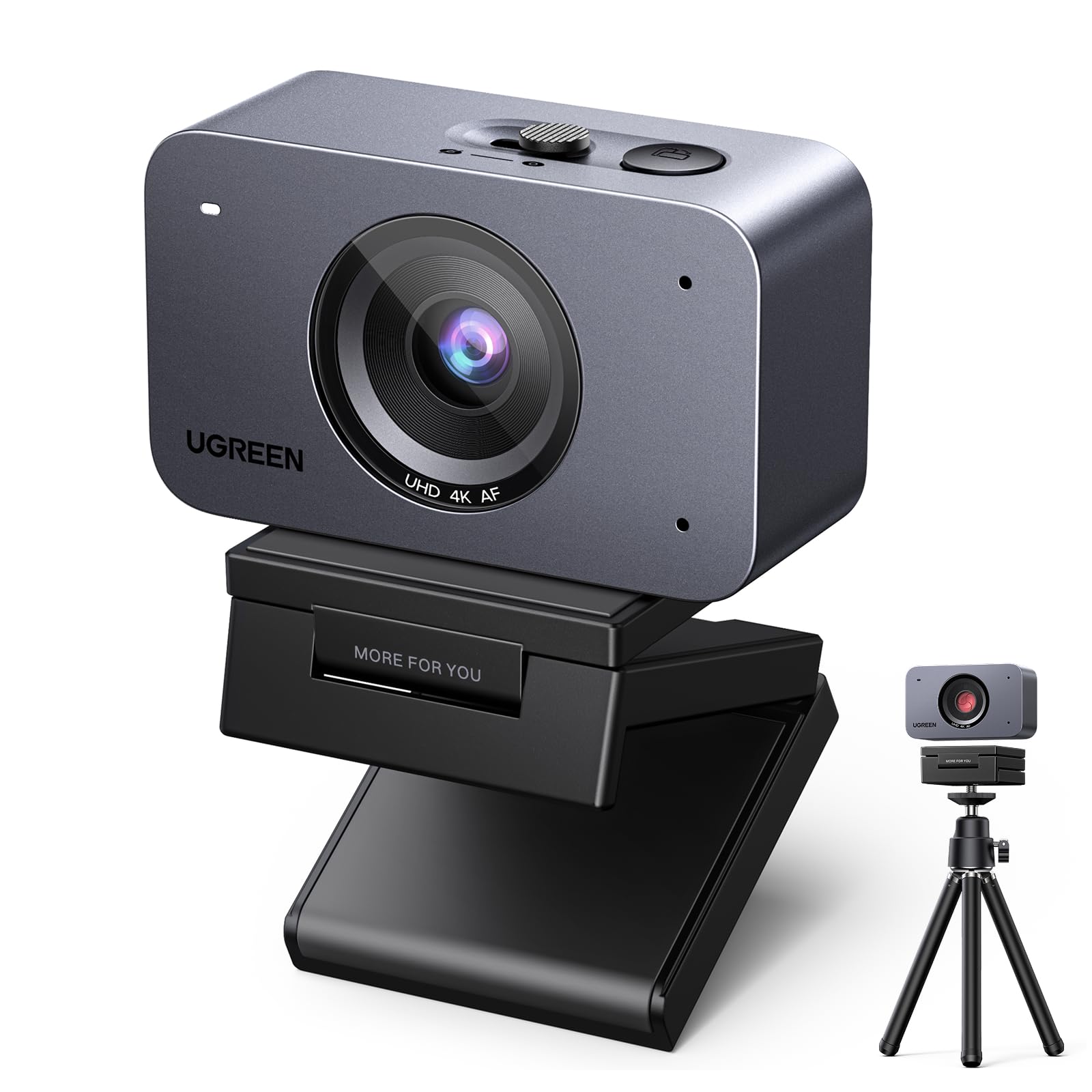
The UGREEN FineCam 4K stands apart from the pack with its dedicated 9:16 portrait mode, which captures vertical video at 2K without cropping. This makes it the top choice for creators who prioritize TikTok, Instagram Reels, and YouTube Shorts over traditional horizontal streaming. The 1/2.55-inch Sony sensor delivers colors that look natural and a low-light performance that reduces the need for a complex lighting setup.
Face AE (Auto Exposure) is a smart addition — it balances the light on your face even when you’re sitting in front of a bright window, preventing that dreaded silhouette effect. The dual-mic array with AI noise reduction does a respectable job of filtering out keyboard clicks and ambient chatter, though it can sound slightly unnatural before enabling the voice clarity setting. The magnetic mount allows quick swapping between landscape and portrait orientations, but it’s not secure enough for setups that get bumped often.
Out of the box, plug-and-play works on Windows, macOS, and Linux. The included USB-C to USB-A+C cable gives you flexibility, and the extendable tripod is a nice bonus for desk placement. The autofocus takes about 1-2 seconds to lock on, which is slower than some competitors, but the overall image quality at 1080p 60fps is clean enough for professional meetings and content creation alike.
Why it’s great
- Native 9:16 vertical mode at 2K for social media content
- Large Sony sensor with superior low-light handling
- AI dual noise-canceling mics reduce background noise
Good to know
- Magnetic mount is lightweight and can shift if jostled
- Autofocus is slower than phase-detect systems (1-2 sec)
- No software for manual adjustment; relies on OBS/PotPlayer
4. NearStream 4K Webcam

The NearStream 4K webcam delivers a flexible shooting experience with its adjustable field of view, letting you toggle between 45°, 60°, 75°, and 95° via the NearSync software. This feature alone makes it a versatile tool for streamers who switch between tight headshots and wide desk shots. The 4K CMOS sensor outputs 4K at 30fps and 1080p at 60fps in MJPEG format, giving you two clean modes depending on your bandwidth needs.
The AI-powered auto-framing tracks your movement and keeps you centered automatically, though the system can be thrown off by rapid hand gestures. The true autofocus — a step above fixed-focus lenses — locks on reliably down to a few centimeters, though the motor emits an audible click when it adjusts. In moderate to good lighting, the image is sharp with accurate color reproduction; low-light introduces some noise, but it remains acceptable for a budget-tier sensor.
Compatibility is broad — Windows, Mac, Linux, and Chrome OS all recognize it as a plug-and-play device. The base includes a 1/4-inch thread for tripod mounting, and the 55-inch fixed cable is long enough for most desk setups. The NearSync software also lets you adjust saturation, brightness, contrast, and hue, plus switch between 60Hz and 50Hz to eliminate flicker from artificial lights.
Why it’s great
- Four adjustable FOV settings for framing versatility
- AI auto-framing tracks your body effectively
- Comprehensive software control for fine-tuning image
Good to know
- Autofocus motor makes an audible click when adjusting
- AI framing can be confused by hand movements
- Fixed 55-inch cable; no USB-C option
5. EMEET C60E Dual-Camera 4K

The EMEET C60E introduces a unique dual-camera concept for the budget streaming space: one wide-angle lens for panoramic scenes and a telephoto lens for detailed close-ups, both sharing a 1/2.8-inch CMOS 4K sensor. This setup allows you to switch between full-room views and tight product demonstrations or face shots without moving the camera physically, which is a huge time-saver for educators and product reviewers.
The 11X hybrid zoom (combining optical and digital) keeps the image stable and clear up to the mid-range zoom levels, though at maximum zoom and 4K you’ll see quality drop-off. The included remote control lets you adjust zoom, focus, and color without interrupting your stream, while the RGB lighting ring adds a bit of personality to your setup (red for energy, blue for professionalism). The dual omnidirectional mics capture sound within a 9.8-foot radius and do a solid job with noise reduction.
Setup is straightforward with USB 2.0 Type-A plug-and-play on Windows 10/11 and macOS 10.14+. The privacy cover flips down over the lens, and the 1/4-inch tripod mount gives you placement flexibility. The EMEET STUDIO software offers precise tuning, but the camera works well out of the box for most meeting and streaming scenarios. Some users report needing to adjust privacy settings and Zoom preferences to get the best quality, so expect a brief calibration period.
Why it’s great
- Dual camera (wide-angle + telephoto) for flexible framing
- Remote control for live adjustments without software
- Maximum 11x hybrid zoom for close-up detail
Good to know
- Zoom not supported in 4K, 60fps, or YUY2 modes
- Initial setup may require privacy settings adjustment in Zoom
- Internal mic is fine for meetings but not podcast-quality
6. NexiGo N660P (Gen 2)
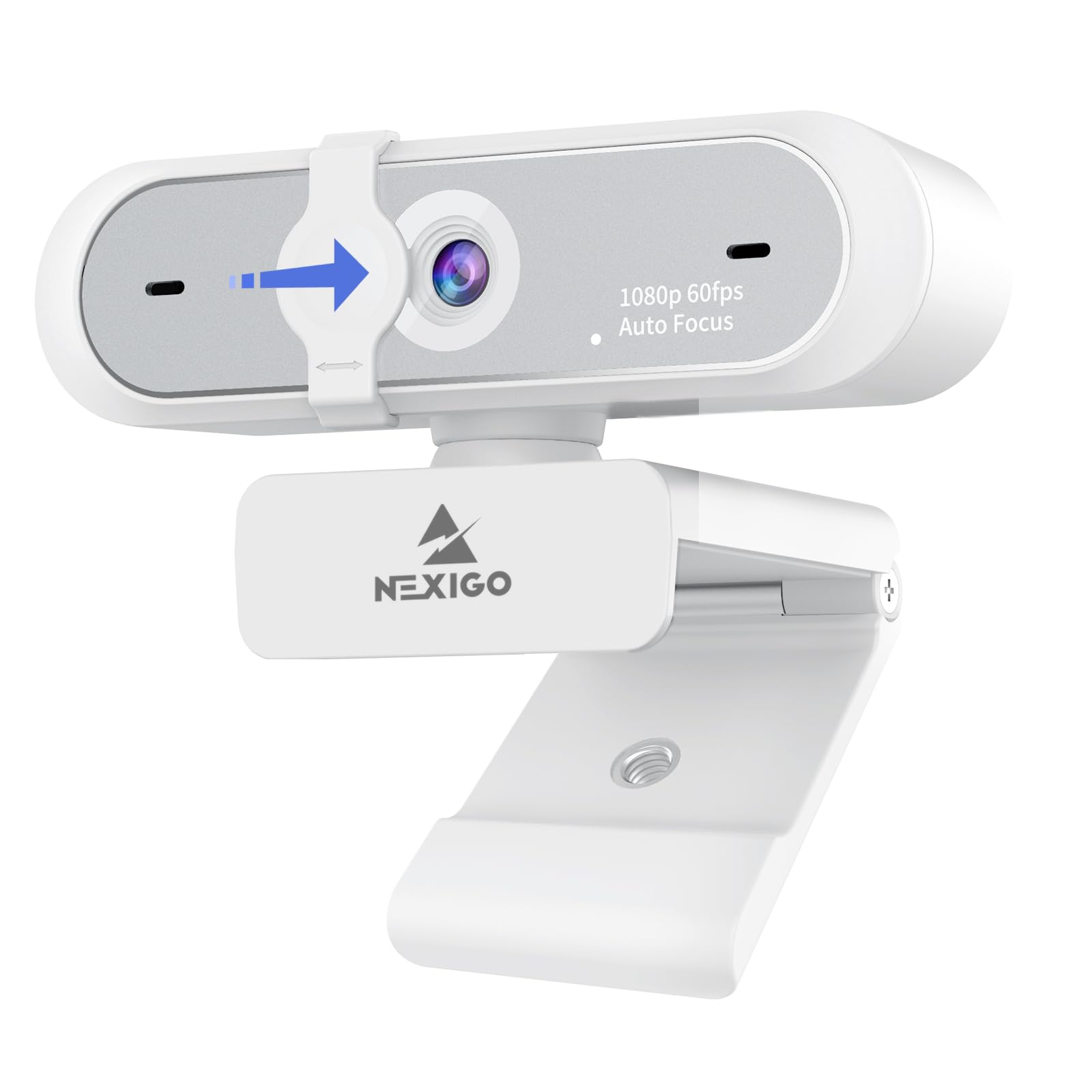
The NexiGo N660P Gen 2 is the definition of a reliable workhorse for entry-level streaming. It delivers Full HD 1080p at 60fps with autofocus, auto white balance, and auto exposure — all of which work intelligently to keep your face well-lit even in dim or backlit rooms. The built-in stereo noise-reduction microphone filters out ambient buzz effectively, making it a great option for online teaching, conferencing, or casual live streaming without an external mic.
Setup is genuinely plug-and-play: connect the 6.5-foot USB cord, and the camera is recognized instantly by Skype, Zoom, OBS, and Teams without any driver downloads. The sliding privacy shutter is a simple but effective physical block against unwanted viewing, and the mount clips securely onto monitors while also offering a threaded tripod base for stand-alone placement. The wide field of view captures a broad desk area, though some users note it can feel a bit too wide for close-up headshots.
Image quality at 1080p is clear and consistent, though in low-light conditions you’ll notice some grain and slight lag. For the entry-level price, the trade-offs are minimal — it’s a camera that shows up and works every day. The plastic build feels light but durable, and the autofocus maintains lock during normal movement without the constant refocusing that cheaper fixed-focus models suffer from.
Why it’s great
- Dependable 1080p 60fps with autofocus and auto-exposure
- Built-in stereo noise-reduction mic for clear audio
- True plug-and-play with no driver installation required
Good to know
- Image shows grain and lag in very low light
- Fixed wide FOV may feel too wide for tight headshots
- Privacy shutter can feel loose after repeated use
7. TONGVEO PTZ Camera System
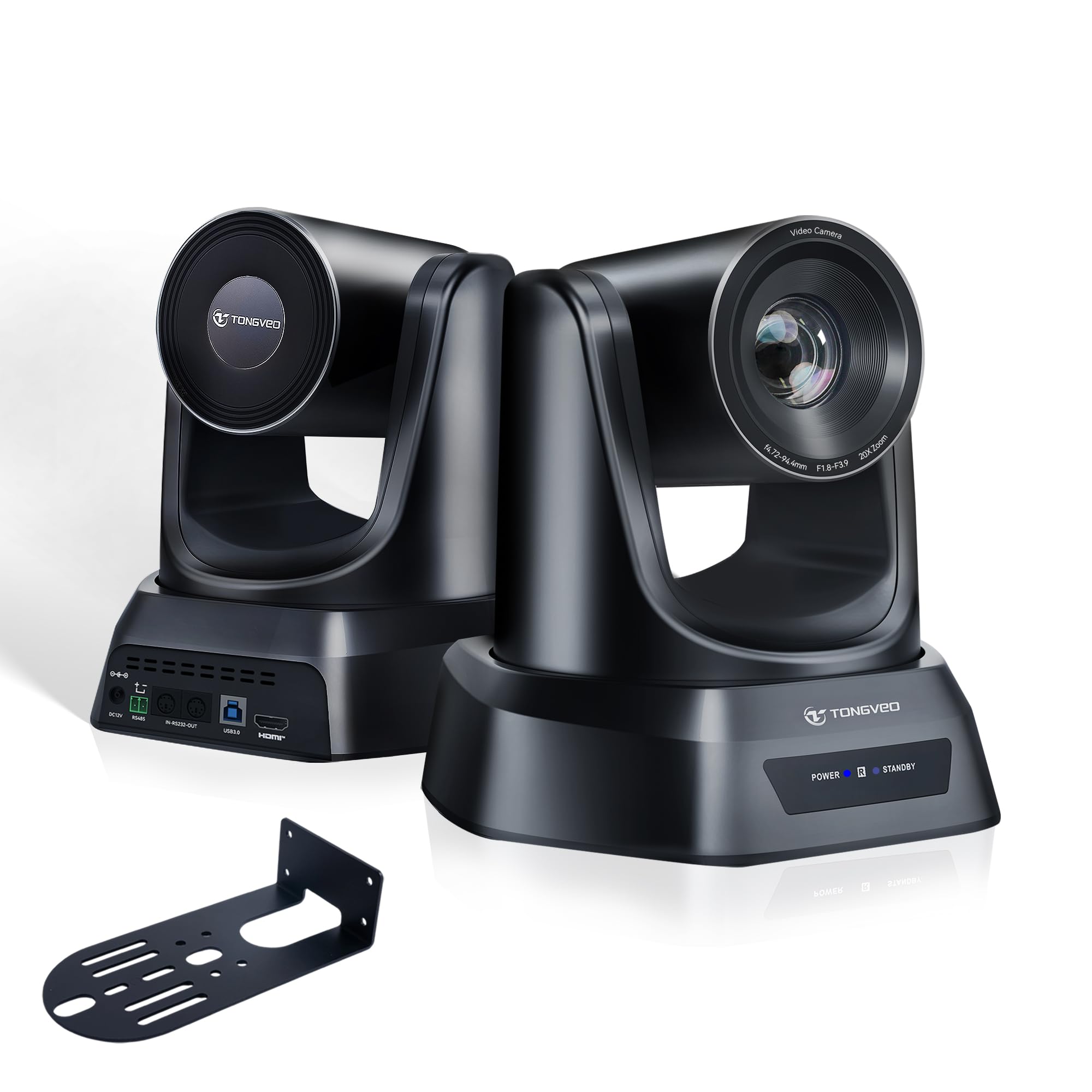
The TONGVEO Conference Room PTZ Camera is built for an entirely different scale of streaming — think church services, lecture halls, and boardrooms. The standout feature is the 20X optical zoom, which pulls in distant subjects with zero loss of quality, unlike digital zoom that degrades the image. The 1080p 60fps video output is crisp and stable, with advanced image processing that maintains accurate colors and consistent brightness across long sessions.
AI auto-tracking supports both single-person tracking and multi-person auto framing, automatically adjusting pan, tilt, and zoom to keep the active speaker centered. The PTZ motor is quiet and smooth, covering up to 350° pan and 180° tilt, with 255 preset positions you can save and recall instantly using the included remote control. For installation, the HDMI and USB 3.0 outputs allow flexible connection to streaming setups, and no drivers are needed — it’s a true plug-and-play system for OBS, vMix, Zoom, and Teams.
Powered by a 1/2.8-inch CMOS sensor, the camera delivers solid low-light performance with minimal noise. The included wall bracket and 9.8-foot USB cable simplify mounting, though for larger rooms you may need longer HDMI or USB runs. The build quality feels professional-grade, and TONGVEO offers responsive technical support for firmware updates. The only real catch is the setup learning curve — the AI and preset features require some initial calibration to dial in.
Why it’s great
- Professional 20x optical zoom with no quality loss
- Quiet, smooth PTZ with 255 presets for multi-angle switching
- AI auto-tracking with multi-person framing support
Good to know
- Requires some calibration to optimize AI and presets
- Fixed cable length may need extension for large rooms
- Heavier build; wall bracket recommended for stable placement
FAQ
Is 4K worth it on a budget streaming camera?
Does autofocus matter for a talking-head stream?
How important is the built-in microphone for streaming?
Final Thoughts: The Verdict
For most users, the best cheap streaming camera winner is the OBSBOT Tiny SE because it delivers unmatched smoothness at 1080p 100fps, professional AI tracking, and strong low-light performance — all at a price that undercuts traditional PTZ systems. If you want native 1440p 60fps with a physical privacy shutter and a wide-angle lens for flexible framing, grab the Razer Kiyo V2 X. And for creators focused on vertical social media content with the best sensor quality at this tier, nothing beats the UGREEN FineCam 4K and its dedicated portrait mode.

Mo Maruf
I created WellFizz to bridge the gap between vague wellness advice and actionable solutions. My mission is simple: to decode the research and give you practical tools you can actually use.
Beyond the data, I am a passionate traveler. I believe that stepping away from the screen to explore new environments is essential for mental clarity and physical vitality.