Our readers keep the lights on and my smoothie glass nicely filled. As an Amazon Associate, I earn from qualifying purchases.
Specs are compiled from manufacturer listings and verified buyer reviews and can change over time — please confirm the key details on the product page before buying.
You want a cheap projector that actually looks good in a dark room and sounds decent enough for movie night. But most budget models wash out colors, buzz with fan noise, or need total darkness to work. This guide compares six affordable projectors on the specs that matter — brightness, contrast, built-in apps, and real buyer feedback — so you pick a keeper on your first try.
I’m Mohammad Maruf — the founder and writer behind WellFizz. This guide is built by comparing the manufacturers’ published specifications and the patterns across verified customer reviews, so you get each pick’s real strengths and trade-offs instead of marketing spin.
Here is what you need to confidently choose among the cheap projectors that actually deliver a satisfying big-screen experience.
Quick Picks
- Aurzen Roku TV Smart Projector — Best Overall
- VISSPL 4K Smart Projector — Brightest Picture
- YOWHICK DP03 — Giant Screen
- YOWHICK Smart Projector (Netflix Compatible) — Netflix Ready
- TMY 1080P Full HD Mini Projector — Streaming Hub
- HAPPRUN Native 1080P Projector — Budget Entry
How To Choose The Best Cheap Projectors
Resolution: Native 1080P vs. Supported 4K
The single most important number on any cheap projector is its native resolution — the actual physical pixels (tiny dots of light) it can display. Look for “Native 1920 x 1080”, which means it can show true Full HD detail. Some projectors claim “4K support,” which means they accept a 4K signal (a higher-quality video input) from your streaming stick or game console and downscale it (shrink it to fit) to their native 1080P. This still looks sharp, but it is not true 4K clarity. For under, native 1080P is your gold standard — it ensures text and fine details in movies are crisp.
Contrast Ratio: The Difference Between Flat and Punchy
Contrast ratio (expressed as 1000:1, 10000:1, or 20000:1) tells you how well the projector shows the difference between the darkest blacks and the brightest whites. A higher ratio means deeper blacks and more detail in shadowy scenes — crucial for horror movies or dramatic lighting. Projectors with a 20000:1 ratio will look noticeably more vivid than one with 1000:1, especially in a dark room — so you see the texture in a dark cave, not just a gray blob.
Built-in Smart Features vs. Bring-Your-Own-Stick
Some budget projectors come with Netflix, YouTube, and Prime Video pre-installed, so you just connect to WiFi and start streaming. Others require you to plug in a separate TV stick (like a Fire Stick or Roku) to access apps. If you want the simplest setup, choose one with built-in apps. If you already have a streaming stick, you can save money with a “dumb” projector that still delivers great picture quality.
Quick Comparison
On smaller screens, swipe sideways to see the full table.
| Model | Best For | Resolution | Contrast Ratio | Max Image Size | Amazon |
|---|---|---|---|---|---|
| Aurzen Roku TV Projector | Roku & Smart Home Fans | 1920 x 1080 | — | 200 Inches | Amazon |
| VISSPL 4K Smart Projector | Brightest Picture | 1920 x 1080 | — | 250 Inches | Amazon |
| YOWHICK DP03 | Largest Projection | 1920 x 1080 | 20000:1 | 400 Inches | Amazon |
| YOWHICK (Netflix) | Built-in Netflix Access | 1920 x 1080 | 1000:1 | 400 Inches | Amazon |
| TMY 1080P Mini Projector | Best Value with Pre-installed Apps | 1920 x 1080 | 10000:1 | 220 Inches | Amazon |
| HAPPRUN H1 | Budget Entry Point | 1920 x 1080 | 10000:1 | 200 Inches | Amazon |
In‑Depth Reviews
1. Aurzen Roku TV Smart Projector
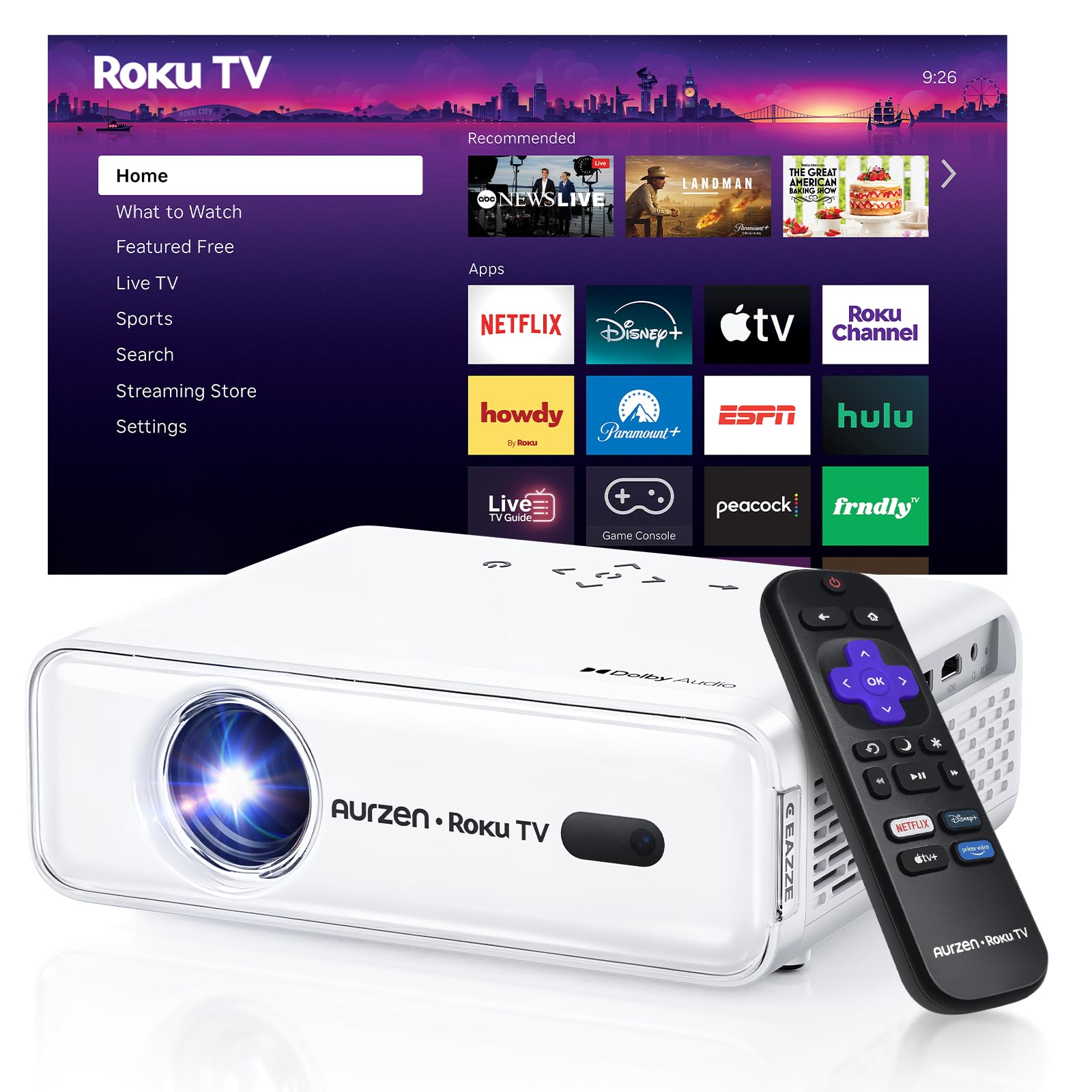
The projector that acts like a Roku TV — no extra stick, no extra remote.
This Aurzen projector integrates America’s #1 TV streaming platform directly into the unit. You get all the top apps — Netflix, Prime Video, Hulu, YouTube, Roku Channel — without needing a dongle (a small plug-in device) or a second remote. Buyers report it is “like a Roku TV in projector form,” and the 1080P Full HD resolution delivers a crisp image that looks great on a 150-inch screen. The built-in Dolby Audio and dual 5W speakers provide room-filling sound, which reviewers noted is “surprisingly good” and “better than expected” for a projector at this level.
Setup is nearly easy thanks to the auto focus and auto keystone correction (a feature that automatically squares up the image if the projector is angled). Just place it down, power it on, and the projector automatically adjusts for a sharp, aligned screen — no manual fiddling with rings or wheels. It also connects via dual-band WiFi (2.4G/5G) and Bluetooth 5.2, so you can pair headphones or a soundbar. One reviewer noted the volume isn’t extremely loud, so a sound bar helps in larger rooms, but for small to medium spaces the built-in audio holds up well.
Roku-first convenience: The Roku platform makes this the most user-friendly option — no separate streaming stick needed, and the Home Screen is intuitive for everyone.
Room to improve: It lacks a center circle guide for perfect ratio alignment during keystone correction, and the maximum 200-inch image is smaller than the 400-inch projectors below.
Reach for this if: You want the simplest possible setup with a built-in Roku interface and auto picture adjustments — perfect for a family living room or quick backyard movie night.
Look elsewhere if: You need the absolute largest projection size (400 inches) or plan to regularly use the projector in a very large space without external speakers.
2. VISSPL 4K Smart Projector
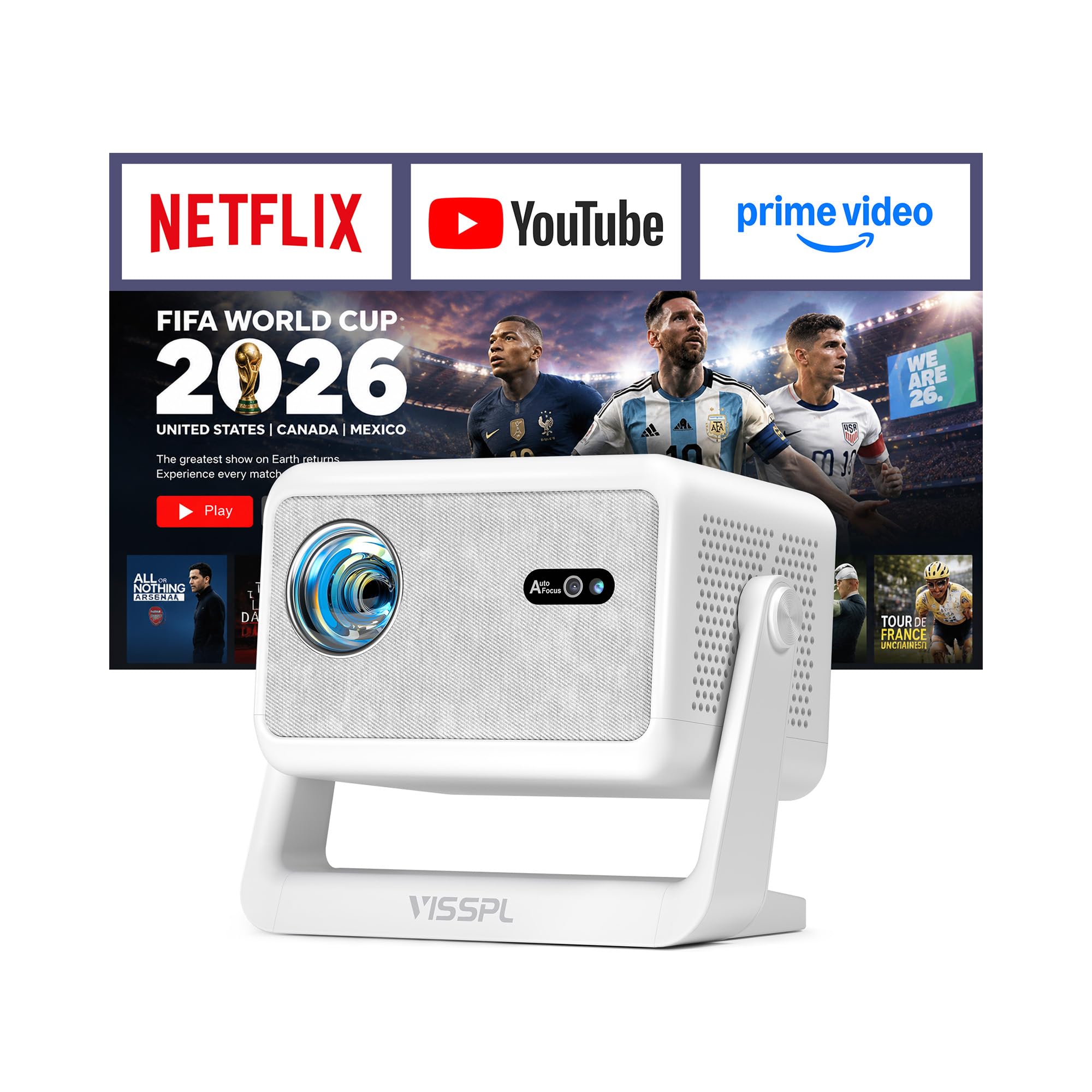
The brightest budget projector that handles a semi-lit room without washing out.
Most cheap projectors need pitch-black darkness, but this VISSPL model boasts 3200 ANSI lumens (a standard unit for measuring light output) of brightness — a spec usually found on pricier units. That raw light output means you can still see a clear picture with a lamp on or during a cloudy afternoon. It combines that brightness with native 1080P resolution and full 4K HDR support (a format that improves color and contrast), so details stay sharp and colors look accurate. Owners mention it “produces a huge, home-theater-like screen” and praise the “smooth set-up” and “auto-adjustable” screen size.
It comes with Netflix, YouTube, and Prime Video pre-installed, so you don’t need any extra hardware to start streaming. The Whale OS includes an app store and supports OTA updates (over-the-air software updates, like on a phone). One of the best features is the dead-silent cooling — the brand claims it is 40% quieter than standard projectors, which matters when you are watching a quiet dialogue scene. It also has precision auto focus that locks in at 0.05mm micro-focus accuracy (the size of a speck of dust) in 3 seconds, and ±50° keystone correction (a wide adjustment range) that lets you place the projector almost anywhere and still get a square image.
Light-handling champion: The 3200 ANSI lumens and 30000 lumen brightness spec make this the best pick if your room has some ambient light during the day.
Minor trade-off: At 2.6 lbs and 6.3″ wide, it is portable but not the tiniest — still fits a backpack easily. A reviewer noted the Fire Stick needs a separate power socket, not the projector’s USB port.
Best for: Anyone who wants a bright, quiet projector with built-in streaming apps and the flexibility of auto focus — great for a bedroom, dorm, or living room that isn’t fully blacked out.
Consider the Aurzen above instead if: You strongly prefer the Roku interface and don’t need the extra brightness of 3200 ANSI lumens for daytime viewing.
3. YOWHICK DP03
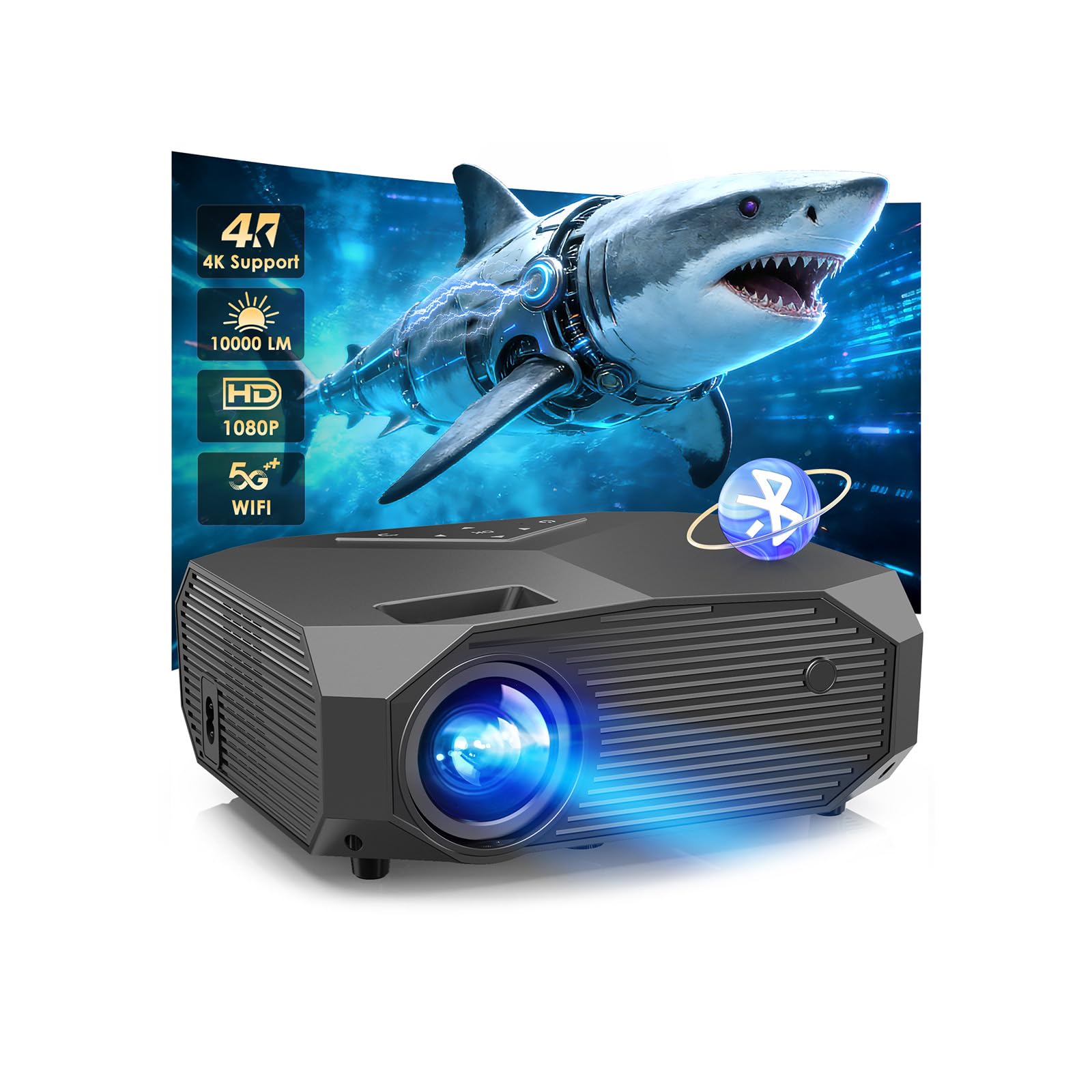
A massive 400-inch picture with the highest contrast ratio in this price bracket.
This YOWHICK projector stands out with a 20000:1 contrast ratio versus the HAPPRUN projector below at 10000:1, which means noticeably deeper blacks and more detail in dark movie scenes. It also projects up to 400 inches (from a distance of 3.6 to 29 feet), versus the 200-inch maximum of the HAPPRUN unit. The native 1080P resolution supports 4K playback, and the 6-layer high-refractive-index coated lens (a multi-layer lens design) aims to deliver true-to-life colors that look vivid even in a well-lit room, according to the manufacturer. One buyer summed it up: “Clear, crisp picture and sound; very bright in dark room with blackout curtains.”
The DP03 comes with dual-band WiFi 6 (the newest, fastest WiFi standard) and Bluetooth 5.3 for fast, stable wireless streaming. It also has a 50%-100% zoom function, so you can shrink the image to 50% of its original size without physically moving the projector — useful if you need to fit a smaller wall space. The built-in ±15° keystone correction helps square up the image if the projector is slightly off-center. Separately, the YOWHICK smart model (product 6) is similar but adds built-in Netflix access, a 1000:1 contrast ratio, and a slightly different port layout.
Contrast and size leader: The 20000:1 ratio and 400-inch max make this the best choice for a dedicated home theater room where you want a truly cinematic experience — darker scenes look punchy, not gray.
Note on setup: This is a “plug-and-play” projector without a built-in smart system, so you will need your own TV stick for streaming apps. Customers note the instructions could be clearer, but setup itself is easy.
Perfect if: You already own a Fire Stick or Roku, want the biggest possible projection with the best contrast for movies, and are comfortable with a quick manual focus tweak.
Skip if: You prefer a projector with apps built right in and no extra dongle — the TMY or VISSPL models are better for that “from the start” streaming experience.
4. YOWHICK Smart Projector (Netflix Compatible)
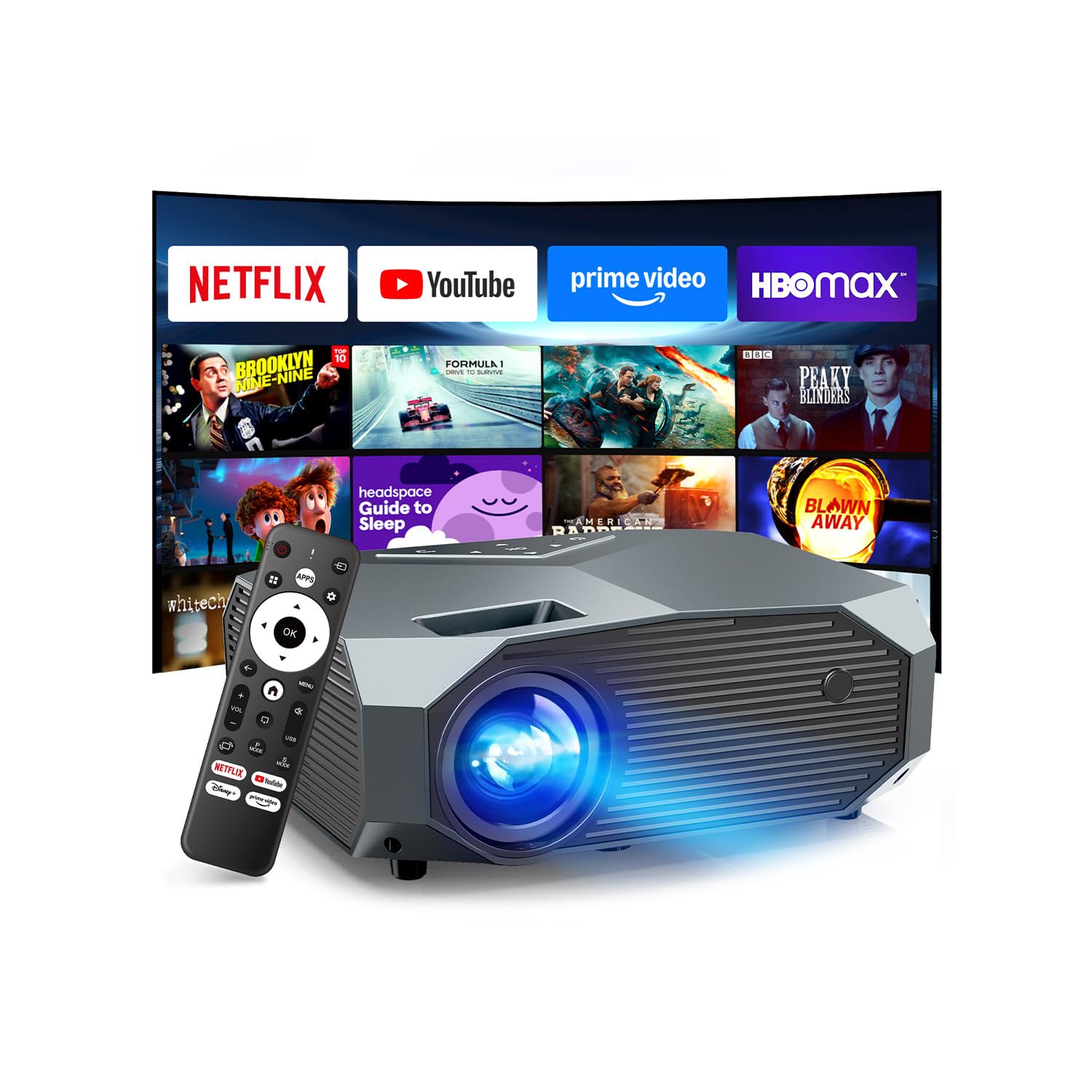
Get the massive 400-inch projection plus direct access to Netflix in one box.
This YOWHICK model is basically the giant-screen sibling of the DP03, but with built-in Netflix compatibility — no extra streaming stick required. It is HDCP 2.2-compliant (a copyright-protection standard), meaning it can handle 4K HDR playback from Netflix without any piracy-protection handshake issues. Like the DP03, it projects a 40-400 inch image from 3.6 to 29 feet away, and it includes a 50%-100% zoom so you can resize without moving the unit. It also supports WiFi 6 and Bluetooth 5.3 for fast, lag-free wireless streaming and headphone pairing. One buyer mentioned it is “perfect for bedroom movie nights” and produces a “bright, clear image with vivid colors and smooth performance.”
The contrast ratio here is 1000:1 — noticeably lower than the 20000:1 on the DP03. This means dark scenes will not look as punchy and detailed. If you watch mostly bright, colorful content like cartoons, YouTube, or daytime sports, the difference is minor. For dramatic movies with lots of shadows, the DP03 will look richer. Buyers also note the fan noise is low thanks to the latest cooling system, and the dual built-in subwoofer speakers provide good audio — though an external speaker still adds punch.
Convenient streaming: Having Netflix, YouTube, and Prime Video pre-loaded saves you from buying a streaming device. It also supports 4K video downscaled to its native 1080P display for excellent clarity.
Trade-off on contrast: The 1000:1 ratio is a step down from the DP03. If deep blacks are important, spend the extra on the DP03 or VISSPL models with higher native contrast.
Best suited for: A bedroom or casual living room where you want a huge image (up to 400 inches) and don’t want to mess with a separate streaming stick — just connect to WiFi and press play.
Worth noting: The brightness is listed at 350 Lumens, which is fine for a dark room but not as bright as the 3200 ANSI Lumens of the VISSPL. Keep the lights low for the best picture.
5. TMY 1080P Full HD Mini Projector
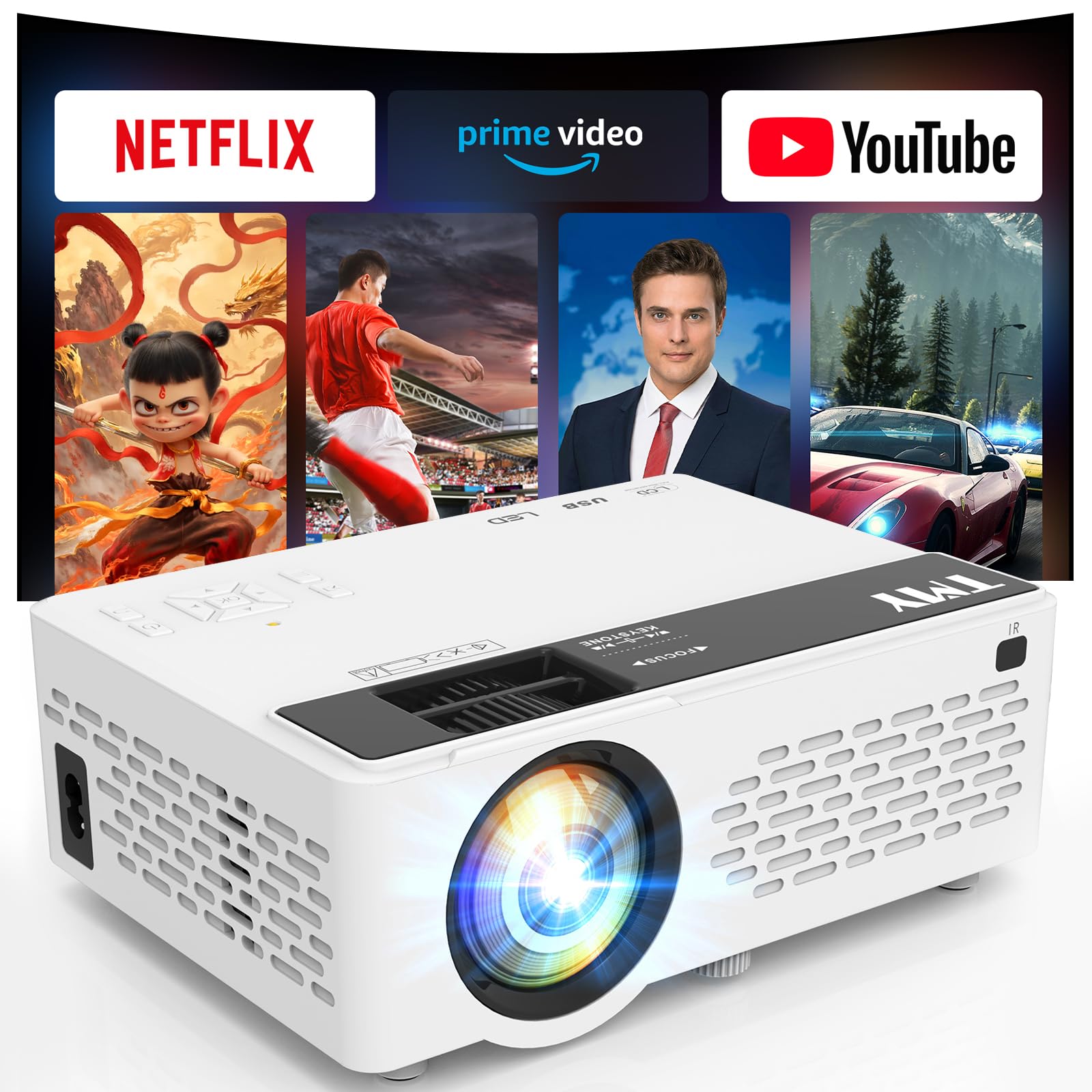
The compact projector that packs Netflix, Prime Video, and YouTube right inside.
The TMY projector is a strong all-in-one option that comes with Netflix, Prime Video, and YouTube pre-installed and ready to go — no sideloading (installing apps from outside the app store), no APK files, no extra dongle. Just connect to WiFi and start watching. It delivers native 1080P Full HD resolution and a 10000:1 contrast ratio, which is the same contrast as the HAPPRUN projector below but at a slightly higher price point. The picture is described by buyers as “clear, bright, and sharp in moderate light.” One owner said “it exceeded expectations for the price” and praised the easy Bluetooth setup.
It has a max projection of 220 inches (from 1.5 to 6 meters away), a 16:9 aspect ratio (the standard widescreen shape) that matches modern TVs, and a lamp lifetime of 10,000 hours — plenty of movie nights for years. The built-in WiFi 6 ensures smooth streaming, and Bluetooth 5.2 lets you connect external speakers or use the projector itself as a Bluetooth speaker for music. A reviewer noted the fan noise is low and the remote is responsive. The only catch: the built-in speaker is described as “okay,” and most buyers recommend pairing it with an external speaker for a fuller sound.
Smart and simple: Three major streaming apps pre-loaded, WiFi 6 for fast connections, and a compact size make this the easiest “unbox and watch” projector in the mid-range.
Sound caveat: The internal speaker works for casual viewing, but you will want a Bluetooth speaker or soundbar for an rich movie experience. The 200 Lumen brightness means it works best in a darkened room.
Grab this if: You want a simple, all-in-one streaming projector for a bedroom, dorm, or apartment — and you already have a small Bluetooth speaker to pair with it.
Consider the VISSPL instead if: You need a brighter picture that can handle some ambient light during the day, or you want the auto focus feature for easier setup.
6. HAPPRUN Native 1080P Projector
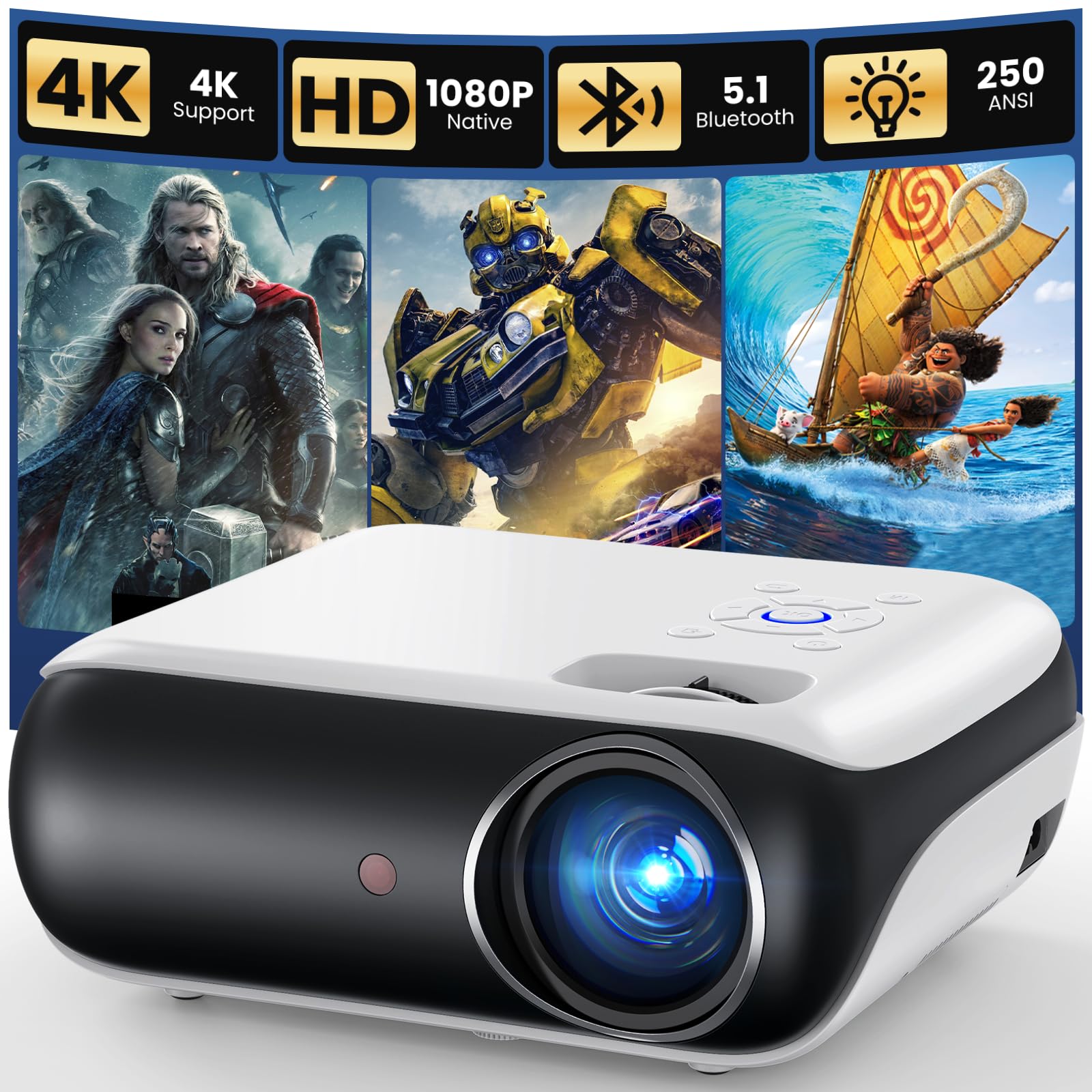
The entry-level projector that proves 10000:1 contrast is possible under.
The HAPPRUN H1 is the most affordable projector on this list, but it still packs native 1080P resolution and a 10000:1 contrast ratio for respectable picture quality. Buyers describe it as “great value for movie nights” and note the image is “bright, clear” with an “excellent picture at sunset/night.” It projects up to 200 inches, supports three installation methods (ceiling, desktop, tripod), and connects via Bluetooth 5.1 to external speakers or headphones. One owner reported the responsive customer service — when a unit developed a black spot after months of use, HAPPRUN quickly offered a replacement with ventilation instructions to prevent it happening again.
The built-in Hi-Fi stereo speakers are decent for a small bedroom but won’t fill a large room. Most buyers recommend an external Bluetooth speaker for better audio. It also plays nicely with Fire TV sticks, Chromecast, and gaming consoles like PS5 via HDMI. The manual focus takes a minute to dial in, and a reviewer warns that physical movement can knock it out of focus, so a stable shelf is ideal. Fan noise is present but acceptable — nothing unusual for this price tier. Phone mirroring is possible but requires an HDMI adapter (not included).
Punchy contrast on a budget: The 10000:1 ratio is the same as the TMY projector above but at a lower price — great for dark-room movie watching with impressive shadow depth.
Minor setup effort: It has no built-in smart apps, so you will need a streaming stick. The manual focus can shift if bumped, and you will want a stable placement spot.
Ideal for: A first-time projector buyer on a tight budget who already owns a Fire Stick and wants a solid 1080P picture for evening movies in a bedroom or small living room.
Skip this if: You want built-in apps, auto keystone, or a brighter picture for daytime use — the TMY or VISSPL models are worth the extra money.
Understanding the Specs
Native Resolution vs. Supported Resolution
Native resolution is the actual number of physical pixels (individual colored dots) the projector’s LCD panel can display. A “Native 1080P” projector has 1920 x 1080 pixels, giving you sharp, clear Full HD images. “Supported 4K” means the projector accepts a 4K signal from your device but downscales it (shrinks it) to its native 1080P display — you get higher-quality input processing, but not true 4K pixels. For budget projectors, native 1080P is the gold standard and the only resolution that guarantees sharp text and fine details in movies.
Contrast Ratio (1000:1 vs 20000:1)
Contrast ratio measures the difference between the brightest white and the darkest black the projector can display simultaneously. A 20000:1 ratio produces deep, inky blacks and bright highlights, making dark movie scenes look dramatic instead of washed-out gray. A 1000:1 ratio still works for bright cartoons and sports, but you will lose shadow detail in nighttime or horror scenes. If you watch a lot of dramatic or sci-fi movies, prioritize a projector with at least 10000:1 contrast.
ANSI Lumens and Brightness
ANSI lumens is the industry-standard measure of a projector’s light output. Budget projectors often skip this rating and use simpler “Lumen” numbers. A unit with 3200 ANSI lumens (like the VISSPL) can produce a watchable image even with a lamp on or curtains slightly open. Lower brightness projectors (around 200-350 Lumens) need a fully dark room to look their best. If you plan to use the projector during the day or in a living room with windows, look for higher ANSI lumens.
Auto Focus & Keystone Correction
Auto focus uses a sensor to automatically adjust the lens until the image is sharp — no manual ring twisting. Keystone correction digitally adjusts the image shape so it appears rectangular even if the projector is placed at an angle to the screen. “Auto keystone” does this for you. “Manual keystone” requires you to adjust it in the settings menu. These features are not essential, but they make setup dramatically faster, especially if you move the projector between rooms or take it outdoors often.
FAQ
Can I use a cheap projector during the day or with the lights on?
What is the difference between native 1080P and supported 4K?
Do cheap projectors have built-in Netflix and other apps?
How large of an image can a cheap projector throw?
Is the built-in speaker good enough for movies?
What is keystone correction and do I need it?
How long do cheap projector bulbs last?
Can I connect my phone or game console to a cheap projector?
Does WiFi 6 really make a difference for a projector?
What is the difference between a cheap projector and an expensive one?
Final Thoughts: The Verdict
For most buyers, the cheap projectors winner is the Aurzen Roku TV Smart Projector because it combines the simplest Roku streaming interface with 1080P clarity, auto focus, and built-in Dolby Audio at a reasonable price. If you want the brightest picture that can handle some ambient light, grab the VISSPL 4K Smart Projector — its 3200 ANSI lumens beat everything else here. And for the largest projection size with the highest contrast ratio, the YOWHICK DP03 delivers a 400-inch display with 20000:1 contrast for truly cinematic dark-room viewing.
How We Picked
We do not accept paid placement, and we did not hands-on test every unit. Instead, we match each pick to a real buyer and use-case by comparing the manufacturers’ published specifications against the patterns in verified customer reviews — so you get each pick’s real strengths and trade-offs instead of marketing copy.
Sources & Methodology
Specifications: manufacturer listings and product documentation. Review insights: verified customer reviews, as of July 2026. Pricing: not shown on this page (it changes often); check the current price via the retailer link.
As an Amazon Associate, WellFizz earns from qualifying purchases. This does not affect which products we feature.

Mo Maruf
I created WellFizz to bridge the gap between vague wellness advice and actionable solutions. My mission is simple: to decode the research and give you practical tools you can actually use.
Beyond the data, I am a passionate traveler. I believe that stepping away from the screen to explore new environments is essential for mental clarity and physical vitality.