Our readers keep the lights on and my smoothie glass nicely filled. As an Amazon Associate, I earn from qualifying purchases.
Specs are compiled from manufacturer listings and verified buyer reviews and can change over time — please confirm the key details on the product page before buying.
Trying to write a report on a tiny laptop screen while watching a video call and scanning a PDF means you spend half your time tab-switching. A cheap portable monitor gives you that second screen without anchoring you to a desk with a full-size display. The current models under budget have never been this capable for what you spend.
I’m Mohammad Maruf — the founder and writer behind WellFizz. This guide is built by comparing the manufacturers’ published specifications and the patterns across verified customer reviews, so you get each pick’s real strengths and trade-offs instead of marketing spin.
Here are seven of the best options on the market right now for remote workers, dorm students, or anyone who wants a bigger view for movies on a trip. Below you will find everything you need to pick the right cheap portable monitor for your actual workflow.
Our Picks at a Glance
How To Choose The Best Cheap Portable Monitor
Picking a cheap portable monitor depends on three quick decisions: what size fits your bag, how you want to connect it, and how bright you need the screen to be. Here is what to look for.
Clip-on extender or standalone screen?
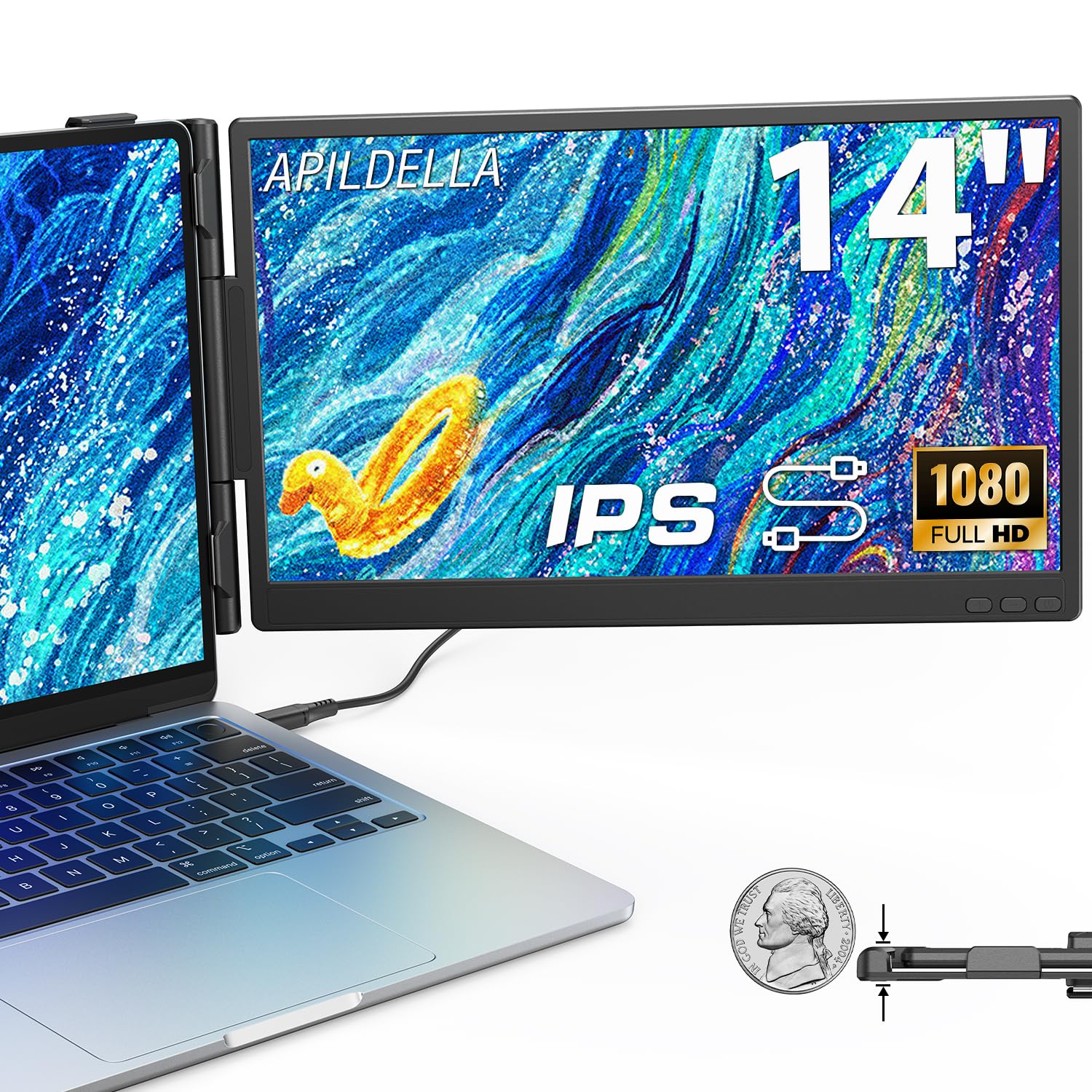
Screen extenders (like the APILDELLA or Blackview) attach directly to your laptop lid and flip open beside your main screen. They save desk space and travel as one unit. Standalone monitors (like the Acer PM161Q or the Lenovo L15) sit separately on a desk, which gives you more freedom to position the screen exactly where you want it, but they need extra room in your bag.
USB-C vs. HDMI
If your laptop has a USB-C port that supports DisplayPort Alt Mode, a single USB-C cable can carry both video and power to the monitor. That is the cleanest setup — no extra cables. If your laptop lacks that feature, you will need a monitor with an HDMI port plus a separate USB-A power cable. Most monitors here include both options, so check your laptop before buying.
Brightness and panel quality
Brightness is measured in nits (or candela per square meter). At 250 nits you get a usable image indoors; at 300 nits you can still see the screen by a bright window or under office lights. An IPS panel gives you wider viewing angles and better colors than a basic TN panel, so the image does not wash out when you are not sitting dead-center.
Quick Comparison
| Model | Best For | Brightness | Weight | Panel Type | Amazon |
|---|---|---|---|---|---|
| APILDELLA 14″ Dual★ Best Overall | Budget extender, dual-screen | 250 nits | — | LCD | Amazon |
| VisionOwl 15.6″Also Great | Best value all-rounder | 300 nits | 1.4 lbs | IPS LCD | Amazon |
| ASUS ZenScreen MB16ACV | Premium brand, eye care | — | — | IPS LED | Amazon |
| Acer PM161Q | Thinnest profile | — | 1.52 lbs | IPS LCD | Amazon |
| Blackview SCM5 | Clip-on with TÜV eye comfort | 300 nits | 2.2 lbs | LCD | Amazon |
| Lenovo L15 | Height-adjustable stand | 250 nits | under 2 lbs | LED | Amazon |
| Orfibz 14.2″ Extender | Lightest clip-on extender | 300 nits | 1.87 lbs | IPS LCD | Amazon |
In-Depth Reviews
1. APILDELLA 14″ Dual Laptop Screen Extender
A surprisingly high 2000:1 contrast ratio on a budget-friendly dual screen.
The APILDELLA 14-inch extender is the cheapest clip-on option here, but it does not cut the corners you would expect. It delivers a 2000:1 contrast ratio — the same deep-black performance as the Acer PM161Q, and twice the depth of the Orfibz extender (which sits at 1000:1). That means movies and dark-mode documents look richer than on most budget screens.
It uses a zero-contact frame design, which means the extender does not touch your laptop screen when folded shut — just a soft silicone-lined clip holds it in place. The sliding support arm fits laptops from 13 to 16 inches. It folds from 0 to 225 degrees so you can angle it however you like. The built-in speakers save you from carrying a Bluetooth speaker for casual video watching. Some reviewers point out that the brightness (250 nits) can look dim unless you connect the external power plug to the first USB-C port, which normalizes the brightness. The picture quality includes HDR mode (a feature designed to show more detail in very bright and very dark parts of an image) for richer colors, and the anti-vertigo low-blue-light feature is designed to reduce eye fatigue.
Smart details
- 2000:1 contrast ratio is excellent at this price point
- Zero-contact frame protects your laptop screen from scratches
- 225-degree fold range lets you angle the screen far back for sharing your view
What to watch
- At 2 inches deep and 28 inches wide when flat, this does not slip into a small bag pocket like the Acer does (0.41 inches deep)
- Brightness drops if you do not use the dedicated power cable — check the manufacturer’s note
Buy the APILDELLA if: your budget is tight but you still want a deep-contrast screen for media consumption and basic productivity.
Avoid it if: you need a standalone monitor that sets up away from your laptop, or you prefer a thinner profile for packing.
2. VisionOwl Portable Monitor 15.6 Inch
A 1.4-pound aluminum frame that punches way above its price tag.
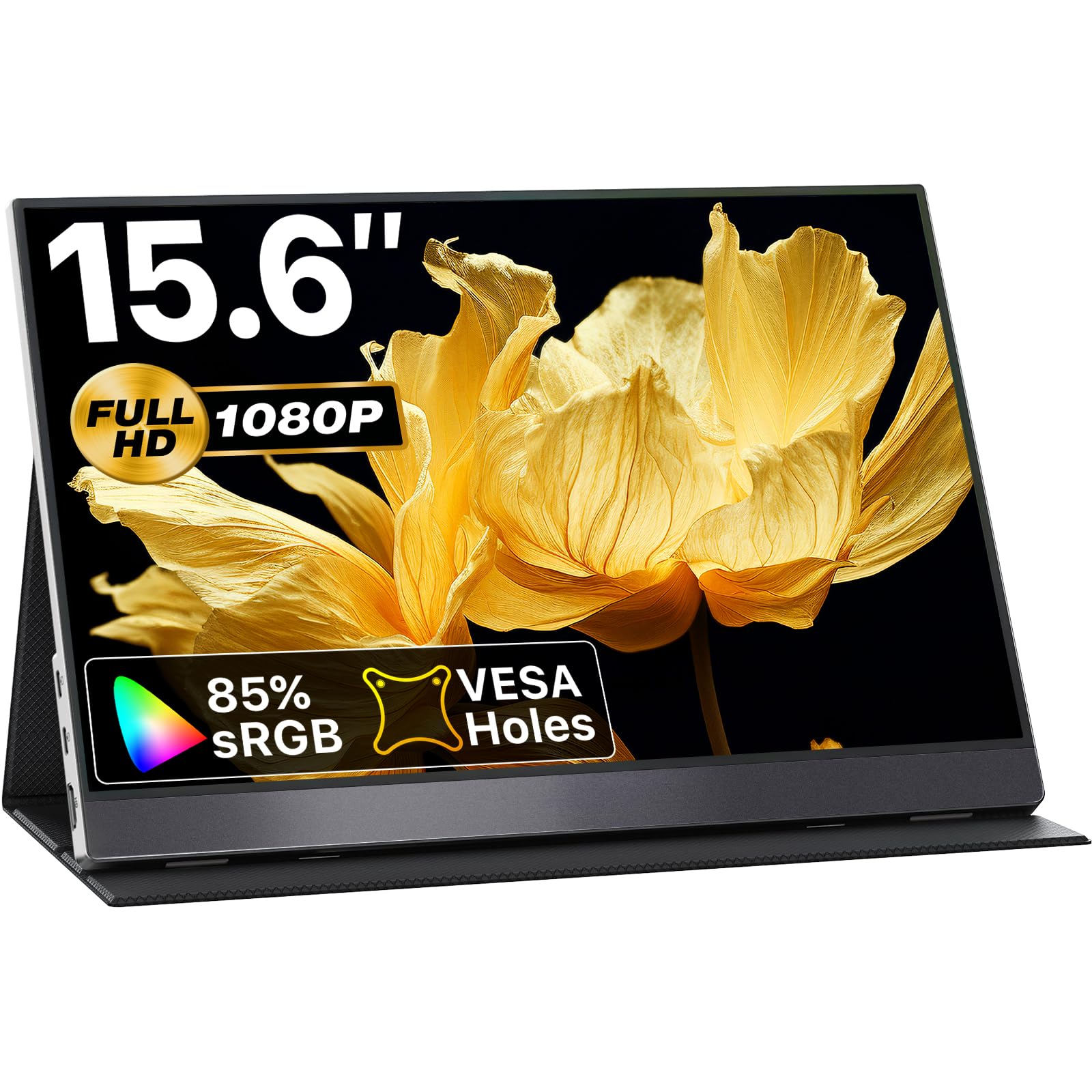
The VisionOwl gives you a proper 15.6-inch second screen without spending big. It weighs only 1.4 lbs (2.3 lbs with its magnetic cover-stand attached), which makes it noticeably lighter than the Orfibz extender — that one comes in at 1.87 lbs, a 34% heavier package. The IPS panel delivers an 85% sRGB color gamut (a measure of the range of colors it can show, especially reds and greens), so photos and design work look punchier than on budget screens that undersaturate those hues.
It supports FreeSync (a technology that syncs the monitor’s refresh rate to your graphics card, so fast-moving games and videos do not stutter or tear). You get two full-function USB-C ports and a standard HDMI input, plus dual stereo speakers that save you from carrying a separate speaker for movie nights on a trip. Buyers report the metal build feels premium, and with 3,351 ratings averaging 4.8 out of 5, this is the most popular pick on the list by a wide margin.
Where it shines
- Aluminum alloy shell dissipates heat better than plastic alternatives, per the spec sheet
- VESA mountable (75x75mm) for desk-arm setups — rare at this price
- Bright 300 nits panel stays readable near a window
Where it gives ground
- Contrast ratio of 1000:1 is decent but not as deep as the Acer’s 2000:1
- The smart cover stand is magnetic and protective but adds almost a pound to your bag
Grab this if: you want the best mix of premium materials, portability, and screen quality at a mid-range price.
Look elsewhere if: you need a monitor that clips onto your laptop — this is a standalone screen with a separate stand.
3. ASUS ZenScreen 15.6 Inch MB16ACV

The trusted brand name with Eye Care certification baked in.
ASUS is a household name in monitors, and the ZenScreen MB16ACV brings a 15.6-inch Full HD IPS panel in an ultra-slim package. what separates it is the anti-glare surface — a matte finish that cuts reflections better than the glossy screens on most budget monitors. That makes a real difference when you are trying to read a spreadsheet in a brightly lit room or on a plane with overhead lights glaring down.
It supports a hybrid-signal solution that works over both USB-C and USB-A (with the included cable adapter), so you are covered even if your older laptop lacks a modern USB-C video port. The kickstand design lets you prop it up in portrait or landscape mode with no extra parts. ASUS backs it with a 3-year warranty, which is twice the coverage most competitors offer. With 950 ratings averaging 4.5 out of 5, buyers consistently praise the build quality and the included ZenScreen Sleeve for travel protection.
Smart perks
- TÜV Rheinland-certified (a third-party eye-safety standard) Flicker-free and Low Blue Light for long sessions
- Free 3-month Adobe Creative Cloud subscription was included with purchase (check current offer)
- Hybrid USB-C/A cable means no adapter needed for older laptops
Things to know
- No built-in speakers — you will need headphones or external audio
- At its price point, you are paying partly for the brand and 3-year warranty, not raw brightness specs
Pick the ZenScreen if: you want a polished, reliable monitor from a major brand, plus long warranty coverage.
skip it if: you need built-in speakers or the absolute cheapest option — the VisionOwl gives you more hardware for less.
4. Acer Portable Monitor 15.6″ PM161Q
Slips into a laptop sleeve at just 0.41 inches thick.
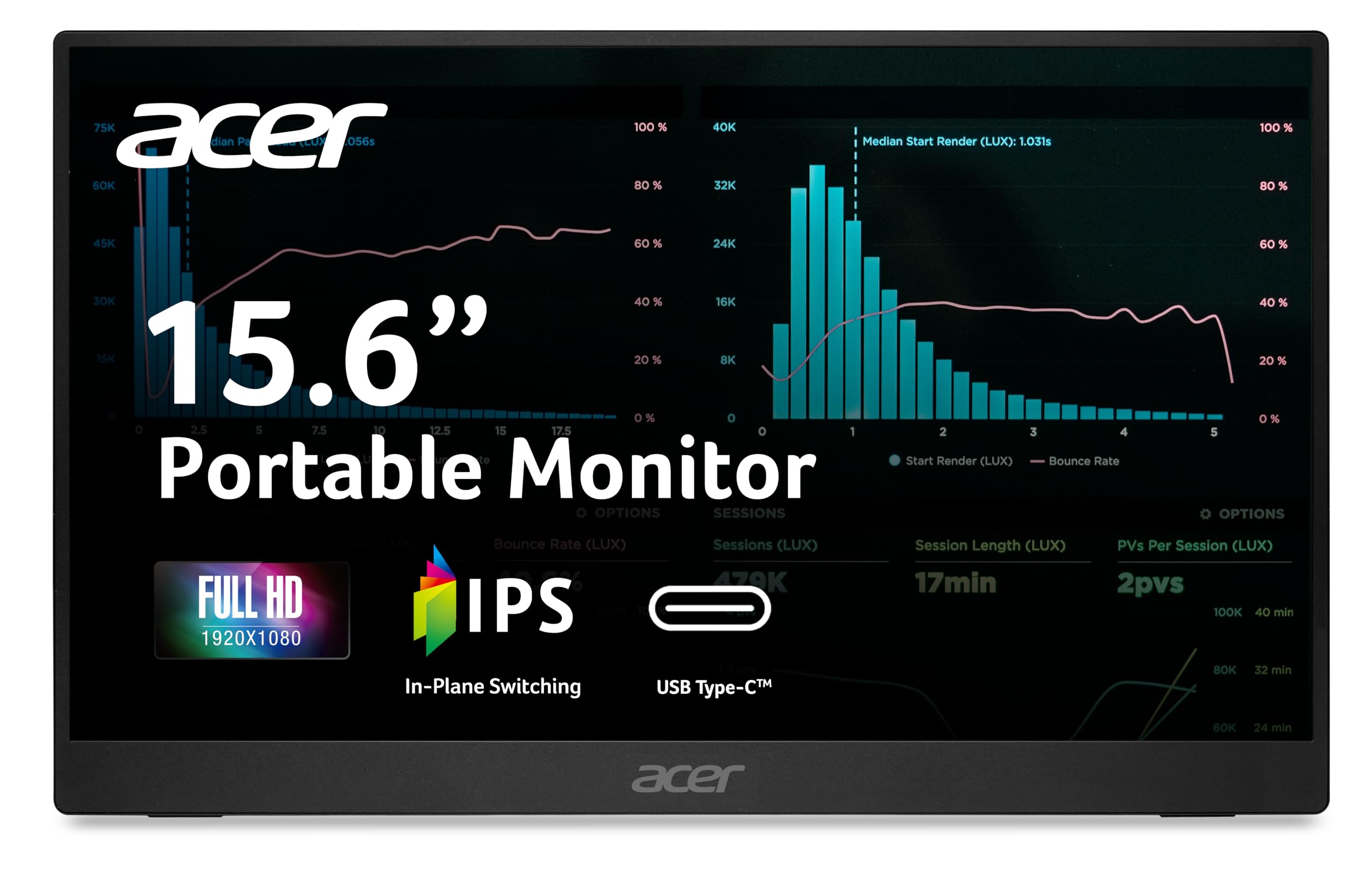
Acer’s PM161Q is built for people who prioritize a slim profile above everything else. At only 0.41 inches deep and 1.52 lbs, it is the thinnest standalone monitor on this list. Compare that to the APILDELLA extender which is 2 inches deep and 28 inches wide when folded — a 4.9x gap in depth that shows how differently these two categories pack into a bag.
The 15.6-inch IPS panel delivers a 2000:1 contrast ratio (the difference between its brightest white and darkest black), which is twice the depth of the VisionOwl’s 1000:1. That means blacks look darker and images pop more, especially in dim lighting. It supports Adaptive-Sync (FreeSync compatible), so if you plug a gaming laptop into it, motion stays tear-free. The single-cable USB-C solution carries video, data, and 15W power to the monitor through one cable, and the included kickstand tilts from 0° to 90° so you can find your ideal angle. Two 1-watt speakers are built in for basic audio.
Standout features
- 2000:1 contrast ratio — noticeably richer blacks than most budget monitors
- Ultra-slim 0.41-inch profile slides into a bag pocket easily
- Includes both USB-C and HDMI cables in the box
Trade-offs
- With only 45 ratings on Amazon, the long-term reliability data is thin compared to the VisionOwl’s 3,351 reviews
- Brightness is not published in the data, so it is hard to confirm how it handles bright rooms
Reach for the Acer if: deep, rich contrast is your top priority and you travel ultralight.
Look elsewhere if: you want a widely-reviewed product with thousands of buyer experiences behind it.
5. Blackview Laptop Screen Extender 14″ SCM5
A rugged extender with TÜV SÜD certified eye protection for long coding sessions.
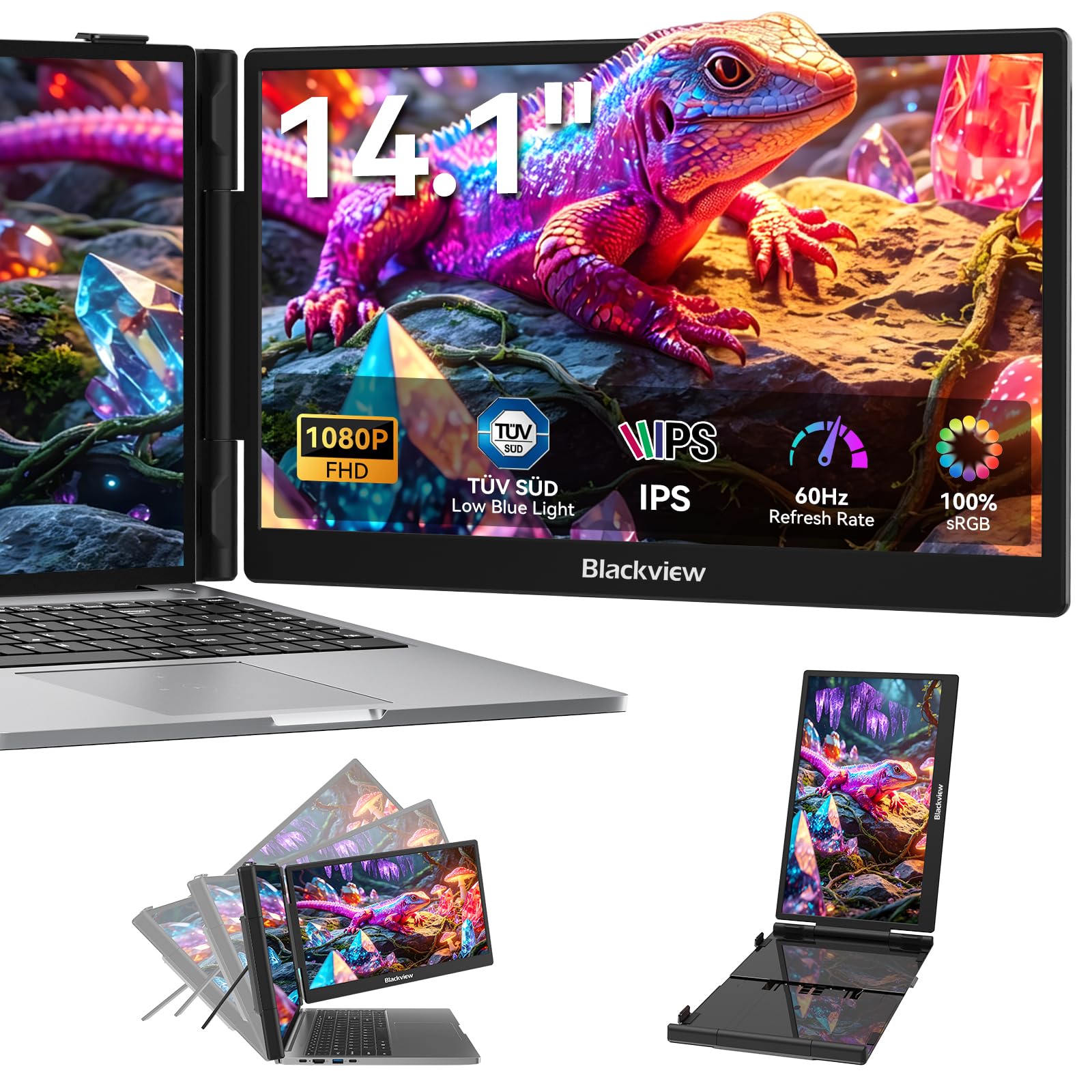
The Blackview SCM5 is a 14-inch screen extender that clips onto laptops from 13 to 17.3 inches. It stands out with a galvanized steel shell that resists scratches and fingerprints, plus a 6-point mounting system and a 90° adjustable stand that owners mention feels rock-solid. At 2.2 lbs, it is heavier than a standalone monitor like the VisionOwl, but you are getting a dual-screen laptop setup that carries as one unit — no separate stand or case to pack.
The 1080p IPS panel hits 300 nits of brightness, so you get the same outdoor-friendly luminance as the VisionOwl. But the real selling point is the hardware-level TÜV SÜD certification (a third-party eye-safety standard) for low blue light and flicker-free operation. That means the monitor actively filters eye-straining blue light at the hardware level, not via a software tint that makes everything orange. Unlike the Orfibz extender’s 80% color gamut, the Blackview claims 100% color gamut for fuller colors. It also includes built-in speakers, which the Orfibz extender lacks. Blackview offers an industry-leading 24-month warranty (most competitors give 12 months), with a replacement-only policy.
Why it stands out
- TÜV SÜD certified low blue light is hardware-level, not a software filter
- Galvanized steel shell is more durable than plastic-body extenders
- 24-month warranty with replacement policy — double the typical term
What to consider
- At 2.2 lbs, it is heavier than the 1.87 lbs Orfibz extender
- Only 75 ratings so far, so it is a newer product with less buyer feedback
Best for: anyone who spends hours staring at code, spreadsheets, or documents and wants certified eye protection without an orange screen filter.
pass on it if: you want the lightest possible extender — the Orfibz is nearly 0.4 lbs lighter.
6. Lenovo L15 Portable Monitor 15.6″

The only monitor here with a built-in height-adjustable stand for better posture.
Most portable monitors force you to prop them up with a flimsy kickstand or a phone case. The Lenovo L15 solves that with a height-adjustable stand that actually lets you set the screen at a comfortable eye level. If you have ever ended a workday with a sore neck from hunching over a low second screen, you will appreciate this immediately.
The 15.6-inch Full HD panel runs at 250 nits of brightness — fine for indoor use but dimmer than the 300-nit leaders on this list, so avoid placing it right in front of a sunny window. It uses flicker-free technology to reduce eye strain, and the lightweight design clocks in at just under 2 lbs. The two USB-C ports handle both video and power, keeping your desk clean. Lenovo lists the contrast ratio as 1000:1 to 3000:1, which is a wide range, but customers note it looks solid for everyday productivity work.
What it gets right
- Height-adjustable stand is unique in this category — no more books under the monitor
- Flicker-free and FreeSync compatible for smooth motion
- Large brand with widespread support and parts availability
What holds it back
- 250 nits is on the dim side — less usable in brightly lit rooms than 300-nit competitors
- No built-in speakers mentioned in the spec data
Choose the L15 if: ergonomics matter more to you than raw brightness, and you want to avoid neck and eye fatigue during long work sessions.
Look elsewhere if: you regularly work in bright coffee shops or near windows where a 250-nit screen may look washed out.
7. Orfibz 14.2″ Laptop Screen Extender
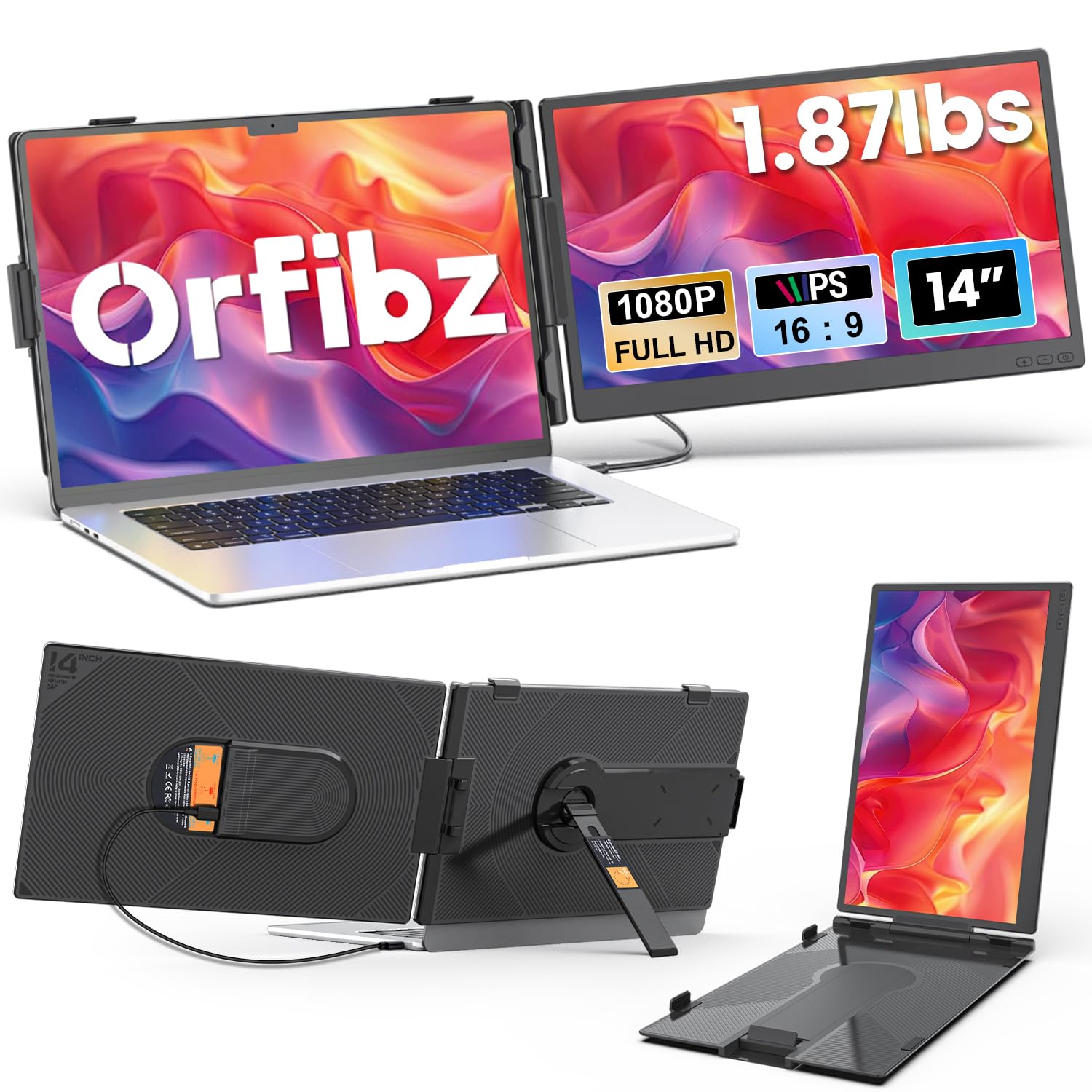
Carry a second screen with almost no weight penalty at just 1.87 lbs.
The Orfibz 14.2-inch extender is the lightest clip-on option here, beating the Blackview by 0.33 lbs. At only 0.27 inches thin, it adds almost no bulk to your laptop bag. It fits laptops from 14 to 17.3 inches, which covers nearly any modern notebook, and the 226-degree adjustable hinge gives you a bit more range than the APILDELLA’s 225-degree limit.
The 1080p IPS panel hits 300 nits of brightness — on par with the VisionOwl and Blackview, and brighter than the APILDELLA’s 250 nits. That extra brightness makes a real difference when you are working in a hotel room with bright overhead lights or sitting in an airport lounge during the day. The color gamut is listed at 80%, which is lower than the Blackview’s claimed 100%, so reds and greens will look a little less saturated. Buyers seem to like the plug-and-play setup, which needs no driver installation: just connect a single USB-C cable if your laptop supports it, or use the included HDMI plus USB-A cable if it does not.
Why it wins
- Only 1.87 lbs and 0.27 inches thin — barely notice it in the bag
- 300 nits brightness keeps the screen visible in bright rooms
- 226-degree adjustable angle gives you maximum flexibility for sharing your screen
Where it compromises
- 80% color gamut means less vibrant colors than the Blackview or VisionOwl
- No built-in speakers — you will need headphones for audio
- 1000:1 contrast ratio is half the depth of the APILDELLA’s 2000:1
Reach for the Orfibz if: keeping weight to an absolute minimum is your priority — this is the smallest, lightest extender you can get.
Look elsewhere if: you want richer colors for photo editing, built-in speakers, or the deeper contrast you get from the APILDELLA or Acer.
Understanding the Specs
Brightness (Nits)
Measured in nits or candela per square meter, brightness tells you how well the screen fights glare from room lights or windows. A 250-nit screen works fine in a dim room or normal office. A 300-nit screen stays readable when the sun streams in or under harsh overhead lights in a coffee shop. If you work in varied lighting, pay the small premium for 300 nits.
Contrast Ratio
This number (like 1000:1 or 2000:1) describes the difference between the screen’s brightest white and its darkest black. A 2000:1 ratio makes blacks look deeper and images feel punchier than a 1000:1 screen. For movie watching or dark-mode coding, the higher ratio is noticeable. For spreadsheets and text editing, the difference is less visible.
FAQ
Will a portable monitor work with any laptop?
Can I use a portable monitor with my phone?
What is the difference between a screen extender and a portable monitor?
How do I know if my laptop is compatible with a screen extender?
Is a 250-nit screen bright enough for outdoor use?
What does FreeSync do on a portable monitor?
How long does a portable monitor typically last?
Can I use a portable monitor as my main display with a gaming console?
How do I avoid eye strain with a portable monitor?
What cables come in the box for a portable monitor?
Final Thoughts: The Verdict
For most buyers on a budget, the winner among the cheap portable monitor category is the VisionOwl 15.6 Inch because it combines a durable aluminum build, bright 300 nits panel, 85% sRGB color gamut, and proven reliability from over 3,300 positive reviews — all at a mid-range price that undercuts the premium ASUS and Lenovo models. If you need a clip-on extender for a laptop, the Blackview SCM5 offers certified eye protection and a longer warranty. And if your absolute priority is the lightest possible extender, the Orfibz 14.2 Inch at 1.87 lbs is the one to grab.
How We Picked
We do not accept paid placement. Every pick is matched to a real buyer and a real use-case; we do not hands-on test units.
Sources & Methodology
Specifications: manufacturer listings and product documentation. Review insights: verified customer reviews, as of July 2026. Pricing: not shown on this page (it changes often); check the current price via the retailer link.
As an Amazon Associate, WellFizz earns from qualifying purchases. This does not affect which products we feature.
Related Guides

Mo Maruf
I created WellFizz to bridge the gap between vague wellness advice and actionable solutions. My mission is simple: to decode the research and give you practical tools you can actually use.
Beyond the data, I am a passionate traveler. I believe that stepping away from the screen to explore new environments is essential for mental clarity and physical vitality.