Our readers keep the lights on and my smoothie glass nicely filled. As an Amazon Associate, I earn from qualifying purchases.
Building a home or small business NAS often stalls at one point: hard drive cost. With multi-bay enclosures demanding multiple drives, every dollar saved per slot matters. The trick is finding a drive that doesn’t sacrifice RAID stability or 24/7 endurance just to hit a lower price point — that balance defines the real value in this category.
I’m Mohammad Maruf — the founder and writer behind WellFizz. For this guide, I’ve compared transfer rates, cache sizes, workload ratings, and real-world RAID behavior across a tight budget-focused selection to find the drives that won’t let you down when the array rebuilds.
Whether you are expanding an existing array or building from scratch, choosing the right storage without overspending starts with the best cheap hdd for nas that still delivers CMR recording and reliable rotational vibration tolerance.
How To Choose The Best Cheap HDD For NAS
Shopping for a NAS drive on a budget means filtering out desktop-grade hardware that isn’t built for continuous vibration or sustained read/write cycles. A few key specs separate a drive that will last years from one that drops out of the array after a few months.
CMR vs SMR Recording
Conventional Magnetic Recording (CMR) writes data without overlapping tracks, making it essential for RAID environments. Shingled Magnetic Recording (SMR) drives can slow to a crawl during parity calculations or rebuilds. Any budget NAS drive you consider must explicitly state CMR technology.
Rotational Vibration (RV) Sensors
When multiple drives spin inside a single enclosure, mechanical vibration can cause positional errors that degrade performance or trigger drive removals. NAS-specific drives include RV sensors to compensate. A cheap drive without RV sensors will struggle in a multi-bay chassis, especially during simultaneous access.
Workload Rate and MTBF
A standard desktop hard drive is usually rated for about 55 TB of data transfer per year. NAS drives, even budget-friendly ones, should support at least 180 TB/year. Mean Time Between Failures (MTBF) above 1 million hours is a strong indicator of 24/7 endurance. Never skip checking these numbers on a budget model.
Quick Comparison
On smaller screens, swipe sideways to see the full table.
| Model | Category | Best For | Key Spec | Amazon |
|---|---|---|---|---|
| Seagate IronWolf 8TB | NAS Optimized | Multi-user RAID arrays | 7200 RPM / 256MB Cache | Amazon |
| WD Red Plus 8TB | NAS Optimized | Quiet, cool-running NAS | 5640 RPM / 256MB Cache | Amazon |
| Toshiba N300 PRO 4TB | Enterprise NAS | High bay count setups | 7200 RPM / 512MB Cache | Amazon |
| WD Red Plus 4TB | NAS Optimized | Entry-level 1-5 bay NAS | 5400 RPM / 64MB Cache | Amazon |
| Seagate BarraCuda 8TB | Desktop Storage | Cold storage / backups | 5400 RPM / 256MB Cache | Amazon |
| MDD MAXDIGITALDATA 4TB | Budget Desktop | Low-cost expansion | 7200 RPM / 64MB Cache | Amazon |
| Synology BeeStation 4TB | Personal Cloud | Plug-and-play cloud backup | Ethernet / 4TB Integrated | Amazon |
In‑Depth Reviews
1. Seagate IronWolf 8TB (ST8000VNZ04)
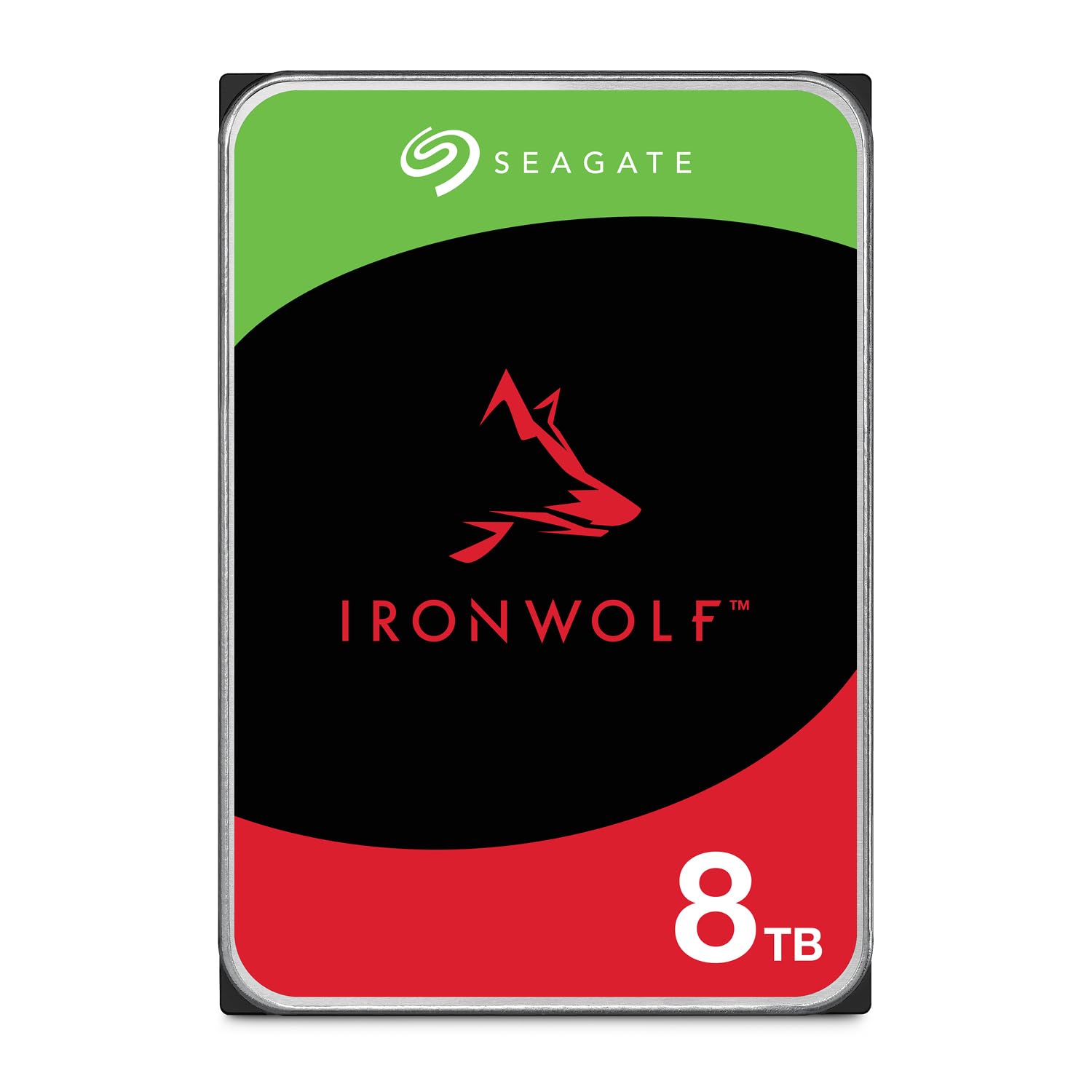
The Seagate IronWolf line is purpose-built for NAS enclosures up to 8 bays, and the 8TB model uses CMR technology to ensure stable RAID rebuilds without the erratic performance drop seen in SMR alternatives. The 7200 RPM spindle delivers sustained transfer rates above 200 MB/s, which keeps multi-user file sharing responsive even under concurrent access.
Integrated rotational vibration sensors actively compensate for the mechanical chatter of neighboring drives, making it a safe choice for tight chassis layouts. The included IronWolf Health Management system provides real-time drive health monitoring, and the 5-year warranty includes Rescue Data Recovery Services — an unusual safety net at this price tier.
Under full load, you will hear the characteristic seek chatter that comes with 7200 RPM drives, but the temps stay within safe margins thanks to the aluminum enclosure. For anyone building a mid-capacity NAS on a budget that still demands enterprise-level reliability, this is the drive to beat.
Why it’s great
- CMR technology ensures stable RAID performance
- RV sensors reduce vibration errors in multi-bay enclosures
- 5-year warranty with data recovery included
Good to know
- Seek noise is noticeable during active reads and writes
- Not ideal for single-drive desktop use due to vibration tuning
2. Western Digital 8TB WD Red Plus (WD80EFPX)

The WD Red Plus line uses CMR across all capacities, and the 8TB model runs at a unique 5640 RPM — a middle ground that keeps idle noise around 24 dBA while delivering around 215 MB/s sustained. That noise figure is noticeably lower than most 7200 RPM NAS drives, a real benefit if your NAS sits in a living room or office.
NASware firmware fine-tunes the caching algorithm for RAID environments, reducing the chance of timeouts during parity calculations. The 180 TB/year workload rate matches the same rating found on the more expensive Red Pro line, so you are not sacrificing endurance for the price discount.
Some users report one drive per batch arriving DOA, but the 3-year warranty and RMA process cover that. Once running, the drives run cool and silent for years. If you prioritize acoustic comfort without moving to a lower-performing desktop drive, this is the strongest budget-friendly pick.
Why it’s great
- Exceptionally quiet operation at 24 dBA idle
- NASware firmware optimizes RAID reliability
- 180 TB/year workload rating matches premium models
Good to know
- Infrequent DOA units out of the box
- 5640 RPM gives up some speed compared to 7200 RPM drives
3. Toshiba N300 PRO 4TB (HDWG740XZSTD)

The Toshiba N300 PRO is built for business-grade NAS environments supporting up to 24 bays — far beyond what most home users need, but that overhead means exceptional tolerance for vibration and sustained load. The 512 MB cache is double what most drives in this price range offer, reducing seek penalties during heavy random I/O.
With a workload rate of 300 TB/year and an MTBF of 1.2 million hours, this drive targets commercial 24/7 operation where data integrity is non-negotiable. RV sensors are built into the frame to handle high-density enclosures, and the 7200 RPM spindle keeps transfer rates competitive with enterprise drives costing more.
Customer feedback notes that the N300 PRO runs slightly noisier than the WD Red Plus, and the warranty registration can be finicky depending on the seller. But for a 4TB drive at this price point, the cache size and workload ceiling make it the most future-proof budget option for expanding arrays.
Why it’s great
- 512 MB cache improves random I/O performance
- 300 TB/year workload rating for heavy NAS use
- Rated for up to 24-bay enclosures
Good to know
- Audible seek noise under active load
- Warranty validation can be inconsistent via third-party sellers
4. Western Digital 4TB WD Red Plus (WD40EFRX)

The WD40EFRX is one of the longest-running CMR NAS drives on the market, and its track record across thousands of Synology and QNAP builds speaks for itself. The 5400 RPM spindle keeps power consumption low and temperatures cool, making it ideal for passively cooled or compact NAS units where airflow is limited.
TLER (Time Limited Error Recovery) is enabled by default, preventing the drive from spending too long attempting to recover a bad sector and causing the NAS controller to drop the drive from the array. This feature alone justifies choosing this over a desktop drive for RAID use. The workload rate of 180 TB/year matches its larger siblings.
Performance is not class-leading — 64 MB cache and 5400 RPM cap sustained speeds around 150 MB/s — but for a backup or media storage array that values uptime over throughput, this drive remains the benchmark for low-cost 4TB NAS storage. The 3-year warranty is standard, but the community reliability data is unmatched.
Why it’s great
- Proven reliability across millions of NAS deployments
- TLER prevents RAID dropouts during error recovery
- Low power draw and heat output
Good to know
- Sustained speeds are limited by 5400 RPM spindle
- Only 64 MB cache compared to newer models
5. Seagate BarraCuda 8TB (ST8000DMZ04)

The BarraCuda is primarily a desktop storage drive, and it lacks the RV sensors and workload rating that define a true NAS drive. However, for cold storage arrays or secondary backup pools that do not run 24/7, the 8TB capacity combined with 256 MB cache and 190 MB/s sustained speed makes it a legitimate low-cost option.
Users report very quiet operation and excellent value per terabyte, especially when used in scenarios where the drive is powered down between transfers. The 5400 RPM spindle keeps vibration low compared to a 7200 RPM enterprise drive, which helps in enclosures that are not built for heavy damping.
The major caveat is the lack of CMR confirmation on this model — Seagate has used SMR on certain BarraCuda revisions. If you plan to use it in a RAID array, verify the specific revision before buying. As a standalone backup destination or media archive, it delivers reliable capacity at a low entry cost.
Why it’s great
- High capacity at a low per-terabyte cost
- Quiet operation suitable for media storage
- 256 MB cache improves burst performance
Good to know
- Not designed for 24/7 NAS operation
- May use SMR — verify CMR status before RAID use
6. MDD MAXDIGITALDATA 4TB (MDD4000GSA6472)

The MDD 4TB is a bare-bones drive that offers a 7200 RPM spindle and SATA 6 Gb/s interface at a price that undercuts nearly every named-brand NAS drive. It is designed for desktop compatibility but listed for use in NAS, CCTV DVR, and surveillance systems, making it a tempting option for budget-first builds.
Real-world user feedback is mixed — several buyers report perfect operation in home NAS arrays, while a smaller number experienced clicking sounds and drive failure shortly after installation. The 3-year warranty provides some recourse, but the inconsistency suggests quality control varies between batches.
This drive does not specify CMR recording, RV sensors, or a workload rate. For a non-critical array running media archives that are backed up elsewhere, it may serve as a low-cost expansion drive. For any array carrying irreplaceable data, the lack of RAID-specific engineering makes it a gamble.
Why it’s great
- Very low entry cost for 4TB 7200 RPM storage
- Compatible with NAS and DVR systems
- 3-year warranty included
Good to know
- Inconsistent quality control — some units fail quickly
- No RV sensors or NAS-specific firmware
7. Synology BeeStation 4TB (BST150-4T)

The Synology BeeStation is not a bare hard drive — it is a complete personal cloud appliance with a 4TB drive integrated inside. Setup works through QR code scanning with no knowledge of RAID or network configuration required, making it the absolute easiest path to centralized storage for non-technical users.
It supports file syncing from Google Drive, OneDrive, and Dropbox, plus Time Machine backups for macOS. The BeeFiles and BeePhotos apps allow remote access from mobile devices, and each family member gets a private storage space. This is less a storage drive and more a cloud replacement that sits on your desk.
The major limitation is the lack of traditional NAS features — no Plex support, no RAID redundancy, and reliance on cloud-dependent setup. It also runs slower than a wired NAS array for large file transfers. For the user who just wants to back up phones and computers without learning RAID levels, it is an effective appliance.
Why it’s great
- QR code setup — no network expertise needed
- Supports cloud backup consolidation from multiple services
- Private user spaces for family sharing
Good to know
- No RAID support — single point of failure
- Transfer speeds slower than wired NAS arrays
FAQ
Can I use a cheap desktop hard drive in my NAS?
What is the minimum cache size I should look for in a budget NAS drive?
How does RPM affect power draw and heat in a NAS enclosure?
Final Thoughts: The Verdict
For most users, the best cheap hdd for nas winner is the Seagate IronWolf 8TB because it delivers CMR recording, RV sensors, a 5-year warranty, and NAS-specific firmware without crossing into premium price territory. If you want whisper-quiet 24/7 operation, grab the Western Digital 8TB WD Red Plus. And for the highest cache size and enterprise workload rating on a budget, nothing beats the Toshiba N300 PRO 4TB.

Mo Maruf
I created WellFizz to bridge the gap between vague wellness advice and actionable solutions. My mission is simple: to decode the research and give you practical tools you can actually use.
Beyond the data, I am a passionate traveler. I believe that stepping away from the screen to explore new environments is essential for mental clarity and physical vitality.