Our readers keep the lights on and my smoothie glass nicely filled. As an Amazon Associate, I earn from qualifying purchases.
Specs are compiled from manufacturer listings and verified buyer reviews and can change over time — please confirm the key details on the product page before buying.
If you want a big-screen gaming experience without dropping a fortune, the challenge has always been finding a projector that won’t introduce a frustrating delay between your controller input and the action on screen. Recent budget-friendly models now include dedicated gaming modes and low-lag performance that were unavailable at these prices a few years ago. This guide highlights cheap gaming projectors that deliver smooth, responsive gameplay and the specs to prioritize to avoid a sluggish experience.
I’m Mohammad Maruf — the founder and writer behind WellFizz. This guide is built by comparing the manufacturers’ published specifications and the patterns across verified customer reviews, so you get each pick’s real strengths and trade-offs instead of marketing spin.
We have focused on models that combine native 1080p resolution, low input lag, and a bright enough image for evening play, all without crossing into the price territory of a dedicated console. Read on to find the cheap gaming projector that fits your setup and your budget.
Our Picks at a Glance

How To Choose The Best Cheap Gaming Projector
Choosing a budget gaming projector requires prioritizing key specs and ignoring marketing claims. A projector that excels for movies may feel sluggish in fast-paced shooters, so consider these key points.
Native Resolution vs. Advertised 4K Support
Almost every cheap projector advertises “4K support,” but nearly all of them have a native resolution of 1920×1080 (1080p). That means they accept a 4K signal but downscale it to display at 1080p. What you genuinely want is a true native 1080p panel.
Brightness: ANSI Lumens and Your Room
Brightness is measured in ANSI lumens. A higher number means you can play with more ambient light before the image washes out. For a cheap gaming projector, anything in the range of 400 to 700 real ANSI lumens is workable in a dark or dim room. Some manufacturers inflate their brightness numbers, so look at verified customer feedback about daytime or low-light performance.
Input Lag and Gaming Modes
Input lag is the delay between pressing a button and seeing the result on screen. For casual games and story-driven titles, lag under 50ms is fine. For competitive shooters or fighting games, you want as close to 18ms as possible. Many budget projectors now include a dedicated “Game Mode” that reduces processing effects (like motion smoothing) to cut lag. The data for our picks shows that models with an explicit low-latency mode consistently earn praise from gamers.
Quick Comparison
| Model | Best For | Brightness (ANSI) | Contrast Ratio | Built-in Speaker | Amazon |
|---|---|---|---|---|---|
| iWIMIUS P65★ Best Overall | Best Overall Value | 700 Lumens | 20000:1 | 20W Dolby Hi-Fi | Amazon |
| Lisowod L61Pro 2.0Best Value | Ultra-Portable Gaming | 2500 | 25000:1 | 35W Dolby | Amazon |
| HAPPRUN H1Brightest Image | Daytime Game Sessions | 2000 ANSI | 20000:1 | 8W HiFi | Amazon |
| HAPPRUN Google TV | Smart Integrated Gaming | 400 Lumens | 2000:1 | 5W with Dolby | Amazon |
| GooDee 4K Smart | Feature-Rich Build | 3000 Lumens | 20000:1 | 30W Dolby Dual | Amazon |
| Goiaey GO2 (White) | Short-Throw Setup | Daytime Support | 50000:1 | 65W Dolby | Amazon |
| WiMiUS G2 | Certified Brightness & Sports | 1100 ANSI | — | 30W Dolby | Amazon |
| PUTRIMS P66 | 360° Ceiling Gaming | 500 ISO ANSI | — | 30W Hi-Fi Stereo | Amazon |
| ONOAYO ONO5Pro 2.0 | Competitive Low-Lag Gaming | 3500 Brightness Level | 28000:1 | 60W Dolby | Amazon |
In‑Depth Reviews
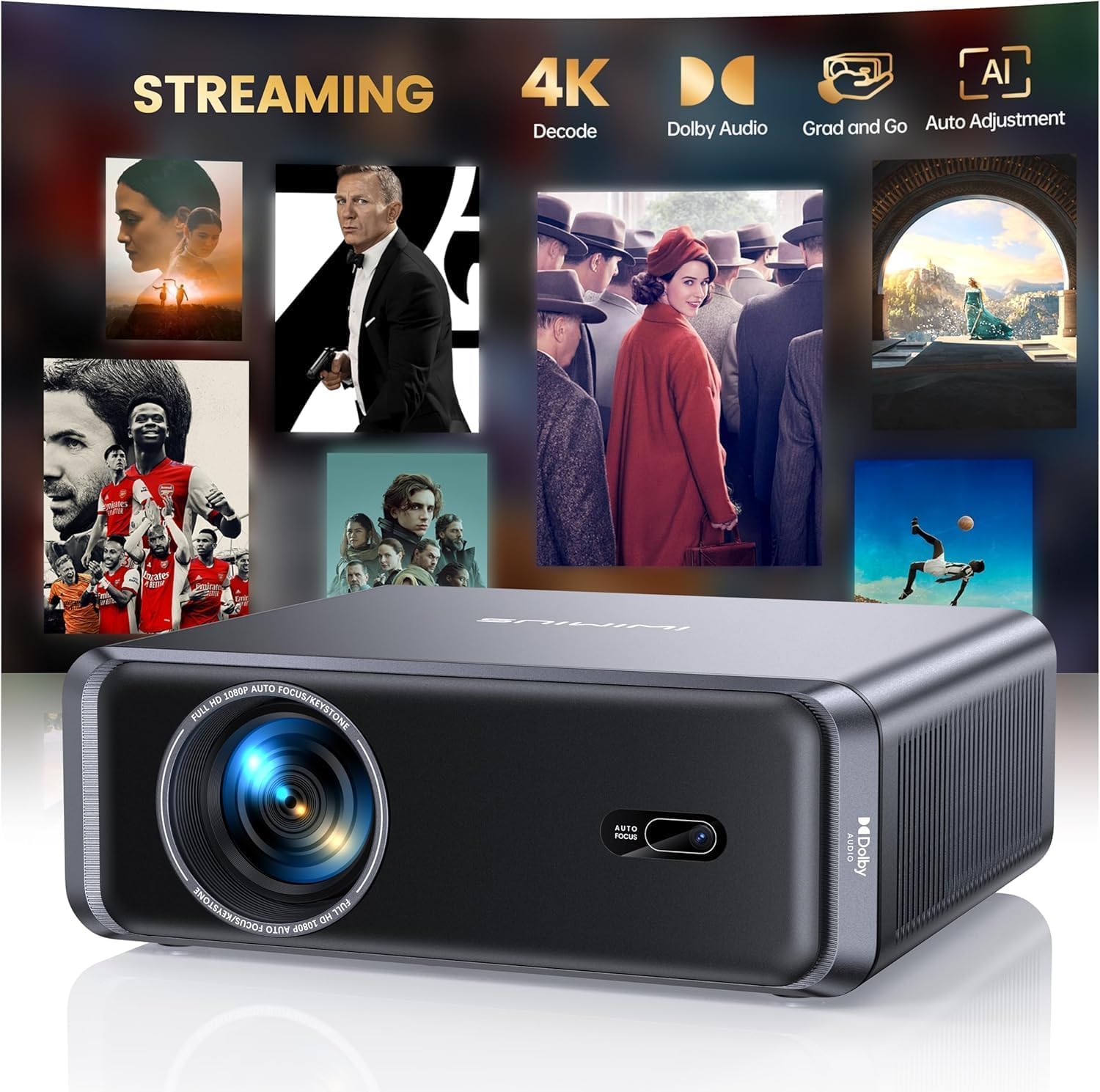
1. iWIMIUS P65 Smart Projector
The P65 delivers low-input-lag gaming, bright 1080p, and built-in Netflix at an affordable price.
For a projector that costs well under entry-level console territory, the P65 brings a genuinely useful set of features. The native 1080p resolution means your games look crisp, not fuzzy, while the 20000:1 contrast ratio keeps dark scenes in horror games visible without crushing the blacks. The 20W Dolby Hi-Fi speakers fill a room with sound, so you can hear footsteps and dialogue clearly without an external audio setup — though you can easily connect one via HDMI ARC if you want more power. The brightness is listed at 700 lumens, and owners consistently note that it works surprisingly well for daytime indoor use, which is a solid return for the price.
The built-in WiFi 6 and Bluetooth 5.2 simplify your gaming setup. You can stream from a console via HDMI or use wireless screen mirroring from a phone or laptop. The AI-powered auto focus and keystone correction get you a sharp, rectangular picture within seconds of turning it on — a huge time-saver when you move the projector from the living room to a bedroom. The crowd favorite feature here is the picture quality; over 49 buyers single it out for praise. It is bright enough for a makeshift golf simulator, and the auto adjustments handle offset angles gracefully.
The only real catch is that a few units have reported issues after a couple of months — an occasional orange or brown blotch — but the manufacturer’s customer service is quick to respond, with one owner reporting a software issue resolved within 12 hours. For a cheap gaming projector that works from the start for most buyers, this is the top choice.
What owners rave about
- Beautiful, crisp 1080p picture with rich contrast (20000:1 ratio).
- Auto focus and keystone make setup a breeze — perfect for quick game sessions.
- Front-facing 20W Dolby speakers are more than adequate for most rooms.
- No external streaming stick needed; apps like Netflix and Prime Video are built in.
The honest trade-off
- Rated at 700 lumens, so heavy daytime play needs a dimmer room.
- The built-in app store is better for casual movie watching than heavy app usage.
Grab it if: you want a one-box gaming solution that handles 1080p, auto-setup, and streaming without extra gadgets.
Look elsewhere if: you need to play in a brightly lit living room during midday — you’d want more lumens.
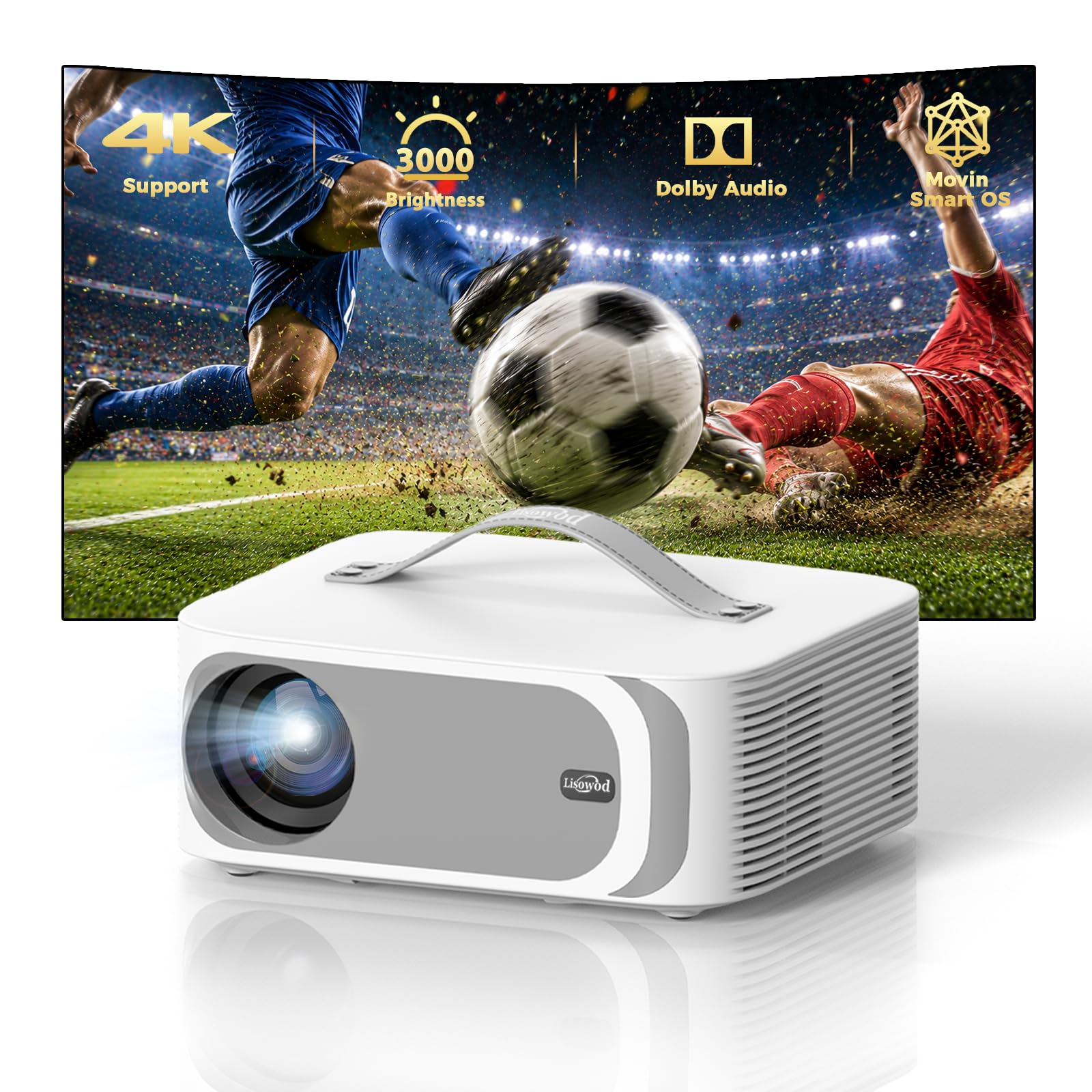
2. Lisowod L61Pro 2.0 Smart Projector
A 2.4-pound powerhouse that packs a 25000:1 contrast ratio and surprisingly room-filling 50W Dolby sound.
This compact projector delivers performance that exceeds its size class. At only 2.4 pounds and with a built-in carry handle, you can easily move it from the bedroom to a friend’s house for a game night. The native 1080p image with a 25000:1 contrast ratio delivers deeper blacks and richer colors than the iWIMIUS P65’s 20000:1, enhancing immersion in dark game environments. The brightness is rated at 2500, and buyers report it handles low ambient light well.
The 35W Dolby stereo speakers are a genuine surprise at this level — they are powerful enough to fill a backyard without needing a separate soundbar. The L61Pro 2.0 also includes a dedicated Game Mode that minimizes input lag for responsive play, and the Quad-core A55 processor helps apps launch quickly. Buyers consistently praise the picture quality (135 mentions) and the ease of setup (105 mentions), with one owner noting it “surpasses a Epson” in image quality.
The trade-off is the auto-focus system; a few owners found it needed a manual nudge to get perfectly sharp, though this is a common quirk in budget projectors. If you need a projector that you can truly grab and go for gaming sessions in different spaces, this is the best value in the list.
True grab-and-go: The 2.4 lb design and handle let you move it between rooms or to a campsite for a big-screen Mario Kart tournament.
One owner’s note: The picture quality is widely considered to beat some projectors costing four times as much — a refreshing find in this budget range.
Reach for this if: portability is your priority — you want a high-contrast, bright 1080p image that you can carry in one hand.
Think twice if: you need a set-and-forget solution and dislike making minor manual focus tweaks.
3. HAPPRUN 2000 ANSI Projector
At a genuine 2000 ANSI lumens, this projector keeps your games playable even when the curtains are open.
Brightness is the headline here. With 2000 ANSI lumens, the HAPPRUN is significantly brighter than the iWIMIUS P65 (700 lumens) and the Lisowod (2500 rated, but real-world ANSI is often lower). This means you can play games during the day with ambient light without the image turning into a washed-out ghost of itself. The 1080p native resolution and 20000:1 contrast ratio mean vibrant colors and solid blacks, even at this high brightness level.
The HAPPRUN adds a neat a neat extra: auto obstacle avoidance and screen alignment. If a wall lamp or picture frame gets in the way, the projector intelligently adjusts the image to avoid it. The 8W Hi-Fi speaker is adequate for casual gaming, but to really feel the explosions, you will likely want to connect an external speaker via the 3.5mm jack or Bluetooth 5.2. Buyers praise the autofocus (111 mentions) and the picture quality (193 mentions), calling it “crisp and vibrant.” One owner noted smooth PS5 and Fire Stick HDMI connectivity with no lag.
The catch is the built-in audio — at 8W, it is noticeably less powerful than the 20W or 50W options above. You also need a separate streaming stick for Disney+ and Hulu due to app copyright restrictions. If daytime gaming is your priority, this is the brightest option in the budget range.
Where it shines
- Genuine 2000 ANSI lumens for daytime playability — the brightest in the budget tier.
- Auto obstacle avoidance is a clever feature that saves setup time.
- smooth connectivity with PS5 and Fire Stick, and no screen mirroring lag.
Where it falls short
- 8W speaker is weak compared to competitors; you will want a soundbar for rich gaming.
- Some streaming services (Disney+, Hulu) require an external stick to play.
Best for: anyone who games in a bright room and needs a projector that can actually compete with sunlight.
skip it if: good built-in audio is a must-have for you, or you hate dealing with an extra streaming dongle.
4. HAPPRUN Native 1080P Google TV Projector

If you want Google TV and voice-controlled Netflix without a separate stick, this is your entry to smart gaming.
This HAPPRUN model skips the complicated app stores and gives you official Google TV with Netflix, Prime Video, Hulu, and YouTube pre-installed and certified. You can even use the voice remote to search for a game walkthrough or adjust the volume without touching a button. At 400 ANSI lumens, it is less bright than the 2000 ANSI model above, so you’ll want a dark room for the best experience. But for evening or basement gaming, the picture is crisp and clear thanks to the native 1080p resolution.
The size is a compromise: at 7.8 inches square, it is noticeably larger than the portable Lisowod, so this is more of a stationary gaming projector. The 5W Dolby speaker is fine for casual use, but most owners pair it with a Bluetooth speaker or soundbar via aux for a fuller sound. The auto focus system works well, and the Wi-Fi 6 ensures lag-free wireless streaming. Owners mention it is “best in class for movies, gaming, and outdoor” use, and the Google TV interface is a major plus for anyone tired of clunky TV interfaces.
The honest trade-off is the brightness: at 400 lumens with a 2000:1 contrast ratio, this is strictly a dark-room projector. If you game mostly at night or in a room with blackout curtains, the convenience of Google TV makes it a fantastic, easy-to-use companion.
Why owners like it
- Official Google TV with voice assistant — no hunting for apps or dealing with sketchy app stores.
- WiFi 6 and Bluetooth 5.2 provide a stable, lag-free connection for wireless gaming and audio.
- Auto focus is reliable, and the Google TV interface is fast and intuitive.
The main compromise
- 400 lumens is dim; you need a dark room for the picture to look its best.
- The 5W speaker is weak for movies and games; plan on using an external sound solution.
Ideal for: the gamer who wants the simplest smart TV experience without any extra cables or remotes.
Not for: those who game in a living room with ambient light during the day.
5. GooDee 4K Smart Projector
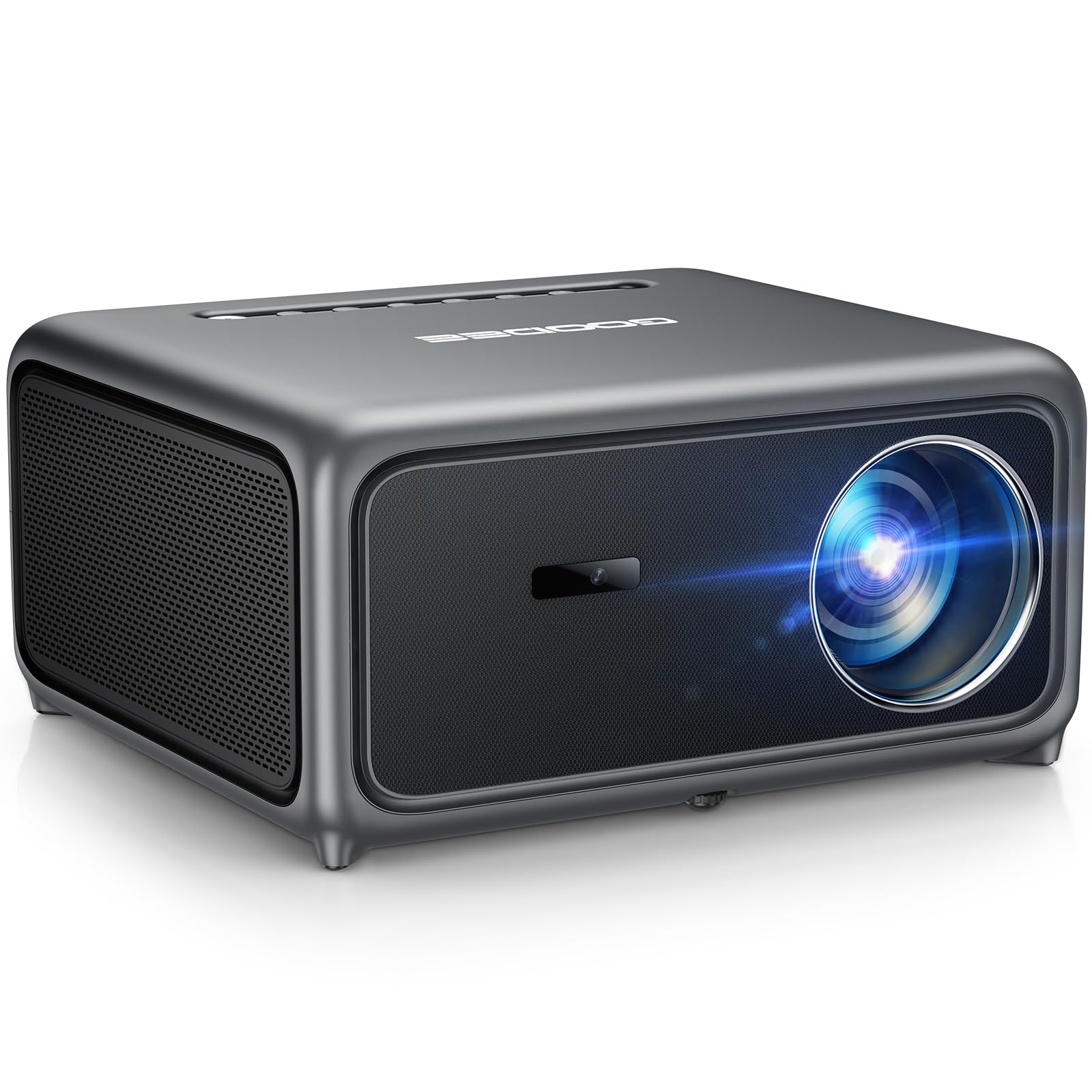
With 30W Dolby speakers and a ToF sensor for near-instant focus, this is the most feature-packed mid-range pick.
The GooDee is a strong contender for anyone who wants a projector that does everything well at a mid-range price. The Time-of-Flight (ToF) auto focus sensor is a step up from standard camera-based systems — it locks focus in milliseconds, so you can start your gaming session immediately. The 30W Dolby Audio dual speakers are loud and clear, making dialogue and sound effects punchy without a separate soundbar. The brightness is rated at 3000 lumens, and with a 20000:1 contrast ratio, the image is vibrant even with some lights on.
The built-in smart system (Movin OS) gives you access to YouTube and a wide app store. The MEMC (Motion Estimation, Motion Compensation) technology smooths out fast motion, which is a real benefit for 60fps racing or sports games, reducing the blur that cheap projectors often show. The Bluetooth 5.4 also allows for low-latency wireless audio connection. Customers note a sharp, vibrant 4K picture (even though it’s natively 1080p) and describe the auto focus as “flawless.”
The downside some owners mention is a fan that can be noisy, and the remote requires fairly direct aiming to work. The daytime picture at 80 inches is rated around 6/10 by one owner, so it’s not a total daylight warrior despite the high brightness claim. If you want a feature-loaded projector for varied gaming environments, this is tough to top at this price.
Image quality: The combination of MEMC and a 20000:1 contrast ratio means fast-moving game scenes stay smooth and detailed without tearing.
Audio output: The 30W Dolby dual speakers are among the best in this class, rivaling entry-level soundbars for clarity.
Choose this for: a feature set that includes ToF auto focus, MEMC smoothing, and powerful built-in audio.
Reconsider if: fan noise bothers you, or you want a fully dark-room-only projector — the daytime performance is average.
6. Goiaey GO2 (White) Projector
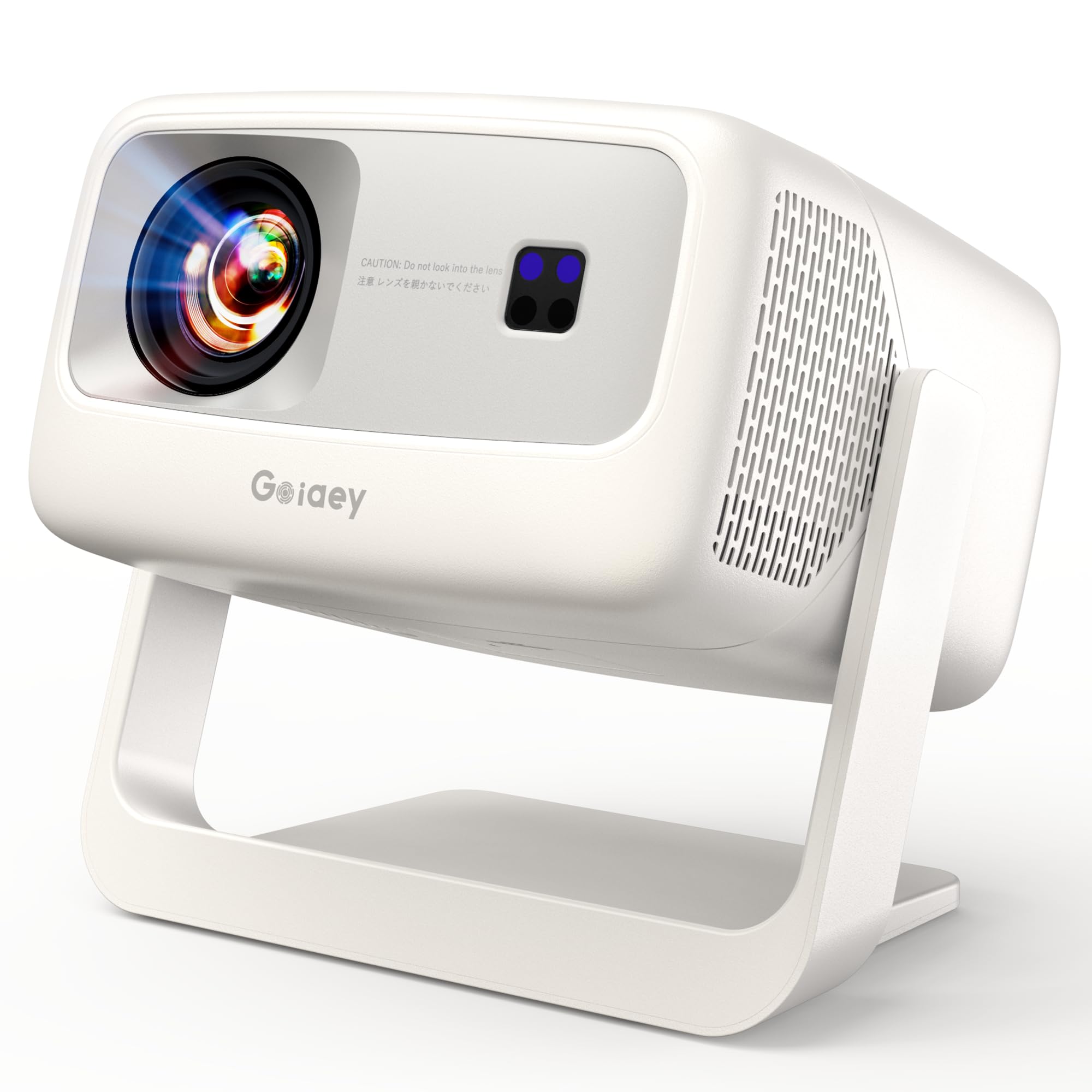
The GO2 uses a 1:1 throw ratio to give you a massive 100-inch image from just 8 feet away.
If your gaming space is limited, the GO2 is the projector you want. With a 1:1 throw ratio, it projects a 100-inch picture from only 8 feet — at 8 feet versus the nearly 11 feet required by most standard projectors. This means you can get a huge gaming screen in a small apartment, bedroom, or even a dorm room without the projector sitting in the middle of the floor. The contrast ratio is an impressive 50000:1, which delivers very deep blacks and bright whites that make HDR games look stunning.
The built-in 65W Dolby audio is the most powerful on this list, capable of filling a medium-sized room with clear, rich sound. The AI Movin 3.0 system supports easy app downloads and offers a Low Latency Game Mode for responsive gaming on consoles like Xbox or PS5. The white version fixes earlier complaints about app downloading, so it works right from the start. Owners call the 1080p image “crisp and bright” and note the auto focus and keystone correction are “perfect.”
The trade-off is the brightness in ambient light. Reviewers point out it excels in dark or dim rooms but struggles with ambient light unless you use a specialized ambient light rejecting (ALR) screen. The fan noise is also noticeable in quiet scenes. If you have a small space and want a cinema-sized gaming display, the GO2’s short throw makes it uniquely suitable.
What stands out
- 1:1 short throw gets you a giant 100-inch image from just 8 feet — perfect for small rooms.
- 50000:1 contrast ratio delivers deep blacks and vibrant colors for rich gaming.
- 65W Dolby audio is the loudest built-in speaker system in this guide.
A real limitation
- Brightness struggles with ambient light; you need a dark room or an ALR screen for best results.
- Fan noise can be audible during quieter game scenes.
Perfect for: gamers in a small room who want a huge screen without the projector distance to match.
Not ideal for: a bright living room where you play during the day — you’ll miss the higher ANSI models.
7. WiMiUS G2 Google TV Projector
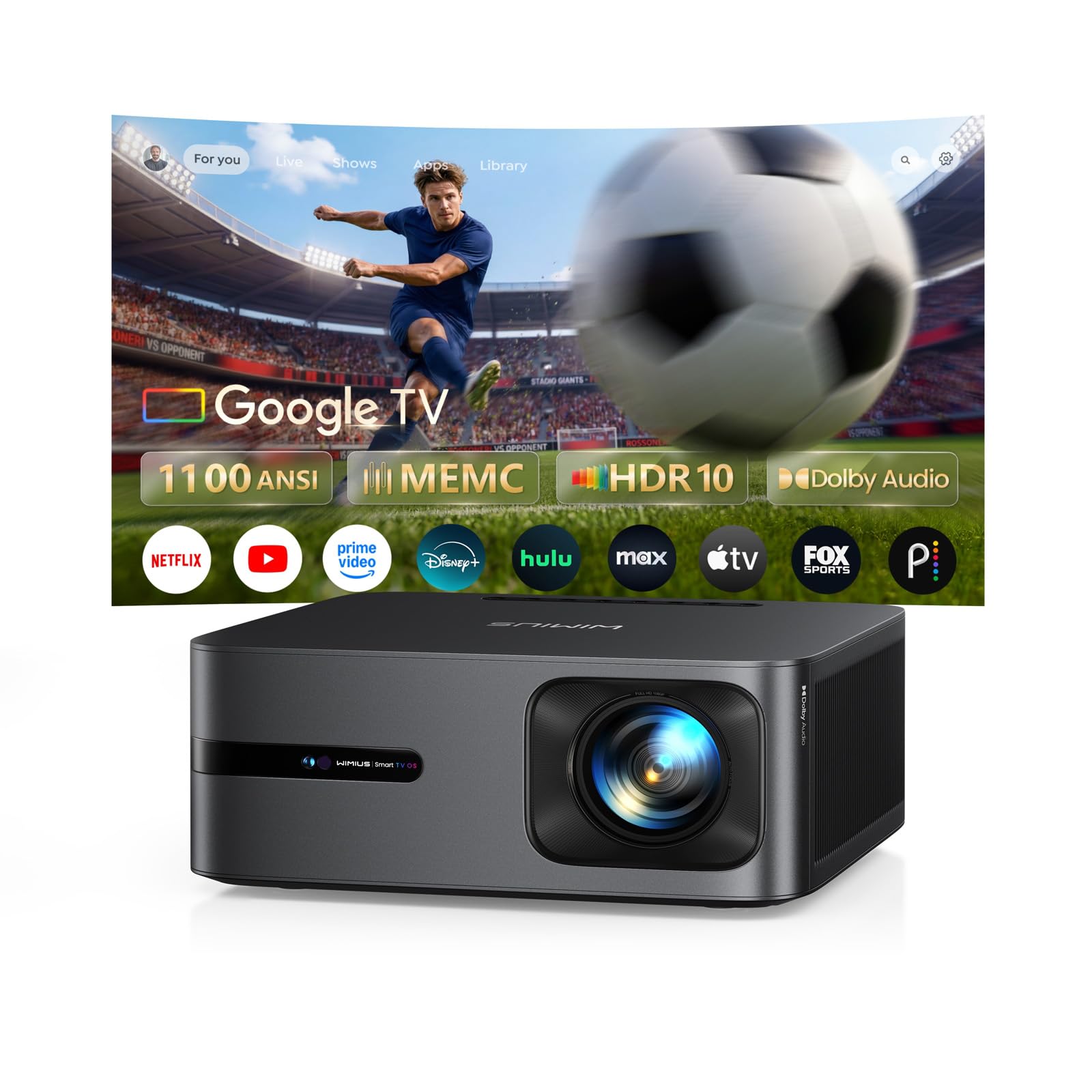
With a real 1100 ANSI lumens rating, the G2 delivers the brightness that many projectors only claim on paper.
The WiMiUS G2 is refreshingly honest about its brightness. While other brands tout “3000 lumens” that are often inflated, the G2 states a real ISO 1100 ANSI lumens, and owners confirm it is visibly bright even with curtains drawn. This makes it a strong candidate for gamers who want a projector that works in a living room with some ambient light, not just a pitch-black cave. The native 1080p resolution, HDR10 support, and MEMC motion smoothing ensure fast-paced games look fluid and sharp.
The official Google TV 14.0 interface is a huge plus, giving you direct access to Netflix, YouTube, Prime Video, and thousands of other apps without a separate dongle. The built-in Google Assistant means you can search for games or control playback by voice. The 30W Dolby Audio speakers produce clear, room-filling sound, and the two-way Bluetooth lets you use the projector as a standalone speaker when not gaming. Owners praise the “crisp” picture and the fast auto-focus and keystone correction. The One-Click Dust Removal feature is a unique bonus that helps maintain image clarity over time.
The main trade-off is the contrast ratio — it is not listed in the specs, and some owners note it is good but not as deep as the Goiaey’s 50000:1. It also lacks the short-throw advantage. If you want a projector with a realistic brightness rating, a premium smart interface, and MEMC for sports and fast games, this is a top-tier choice in the budget premium range.
Smart integration: Google TV 14.0 and Chromecast built-in mean you can cast game streams or use voice commands directly.
Long-term design: The one-click dust removal and 3-year warranty show WiMiUS is thinking about longevity, not just the first few months.
Reach for this if: you value real-world brightness and a polished smart TV experience over raw contrast numbers.
pass on it if: you need the deepest blacks in a dark room — the Goiaey’s 50000:1 ratio is superior for that.
8. PUTRIMS P66 Smart Projector
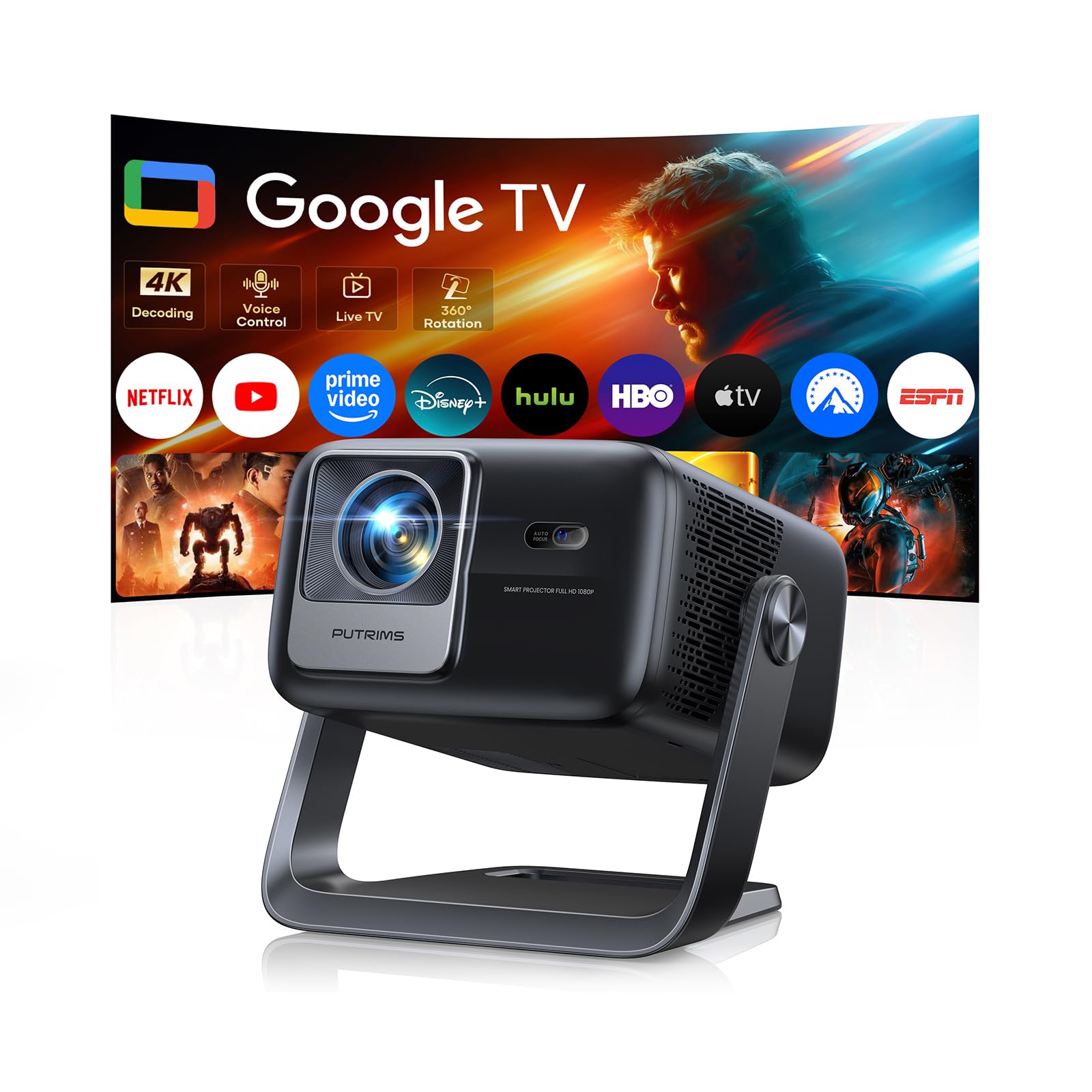
The built-in 360° stand lets you project onto the ceiling for the ultimate bedtime gaming setup.
The P66 is among the most physically versatile projectors on this list. The integrated 360° rotatable stand allows you to angle the image onto a wall, ceiling, or even the floor — perfect for lying in bed and playing a game on the ceiling above you. The 1.17:1 short throw ratio means you get a big image from a short distance, making it a strong alternative to the Goiaey GO2. It runs on a built-in Google TV system with access to over 10,000 apps and 800+ live TV channels.
The brightness is rated at 500 ISO ANSI lumens, which is a genuine and honest rating (ISO is a stricter standard than ANSI). This means it is best used in a dark or dim room. The 30W Hi-Fi stereo speakers deliver good room-filling audio, and the bidirectional Bluetooth 5.3 lets you connect headphones or a soundbar without latency. The AI auto-setup includes auto focus, keystone, obstacle avoidance, and a memory function that remembers your perfect settings for next time. Owners call the picture “sharp and vibrant” and praise the “decent speakers and low fan noise.”
The honest limitation is the brightness — at 500 ISO ANSI, it is not as bright as the WiMiUS G2’s 1100 ANSI, so you need a darker environment for the best image. If you want a projector that can do ceiling gaming or adapt to truly any room layout, the P66 is uniquely positioned to do that.
Unique advantages
- 360° built-in stand for flexible placement — including ceiling projection for bedtime gaming.
- Memory settings mean you set it up once and it remembers those adjustments.
- Low fan noise and solid built-in speakers create an rich experience.
What you give up
- 500 ISO ANSI lumens means this is a dark-room projector; don’t expect great daytime performance.
- The price is higher than many options, placing it at the premium end of this budget guide.
Ideal for: the gamer who wants the widest variety of projection angles, especially ceiling mounting for comfortable late-night play.
Not for: anyone who games in a living room with ambient light or wants the absolute brightest image.
9. ONOAYO ONO5Pro 2.0 Projector
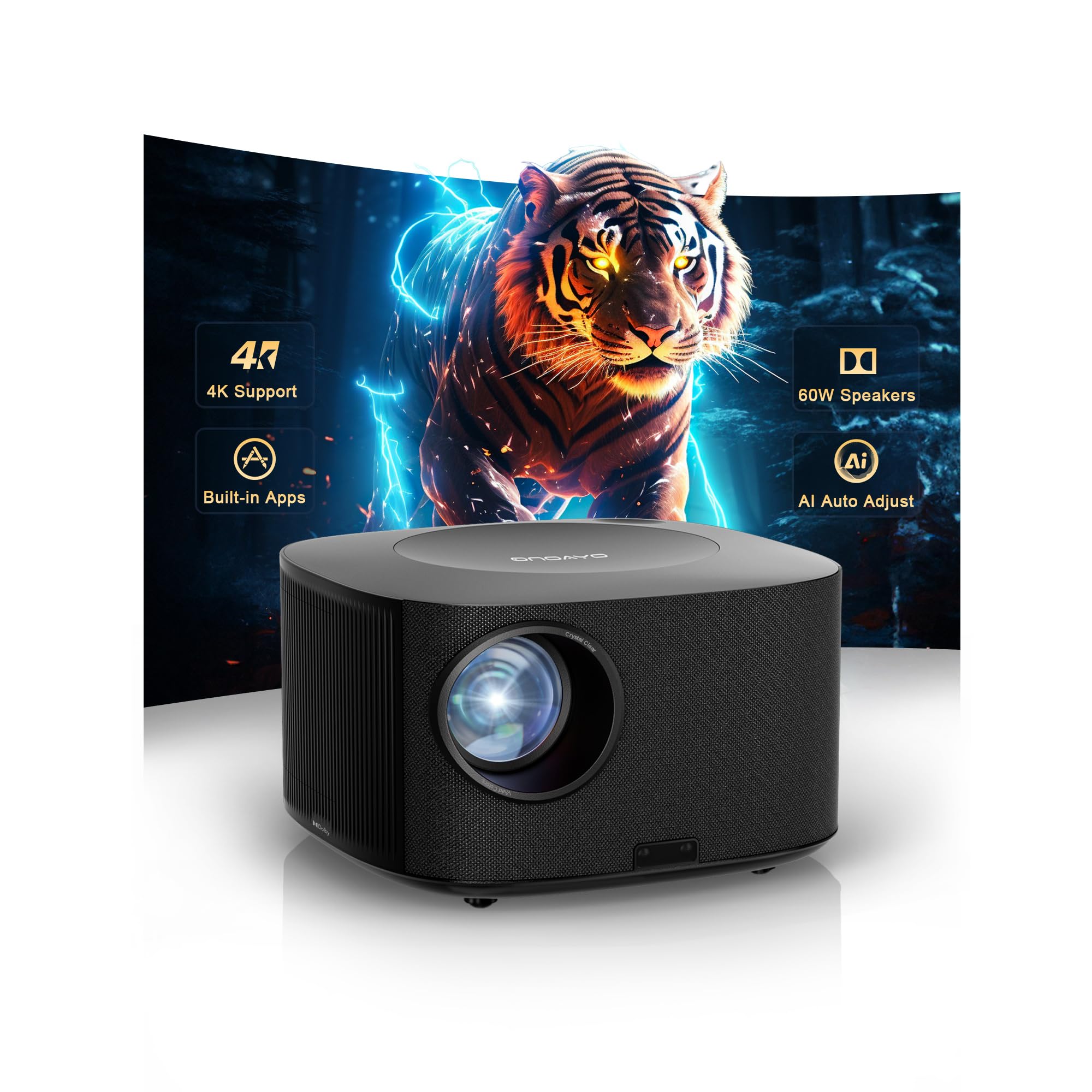
With a dedicated game mode that hits 18ms input lag, this is the closest to a lag-free budget gaming projector you can get.
If competitive gaming is your thing, this is the projector to beat. The ONO5Pro 2.0 features a dedicated Game Mode that achieves 18ms input latency — a figure normally associated with monitors, not budget projectors. This is backed by an HDMI 2.1 port, which is rare at this price and ensures that the bandwidth is there for smooth 60fps gameplay without screen tearing. The 28000:1 contrast ratio, 98% NTSC color gamut, and AI Image Engine Pro work together to produce vibrant, detailed images even in dark games like “Elden Ring” or “Alan Wake 2.”
The 60W Dolby-certified stereo speakers are the most powerful in the entire guide, meaning you can skip a soundbar entirely. The ONO5Pro 2.0 also includes a sealed optical engine to prevent dust build-up, which is a common failure point in cheaper projectors. The smart TV OS 2.0 comes with built-in apps for YouTube, Prime Video, and Disney+. The auto focus and keystone system uses VisionlQ AI calibration, getting you a perfect picture in about 3 seconds, even on tilted surfaces. Owners describe the image as “sharp and vibrant” and the audio as “exceeding expectations.”
The trade-off is the price — it is the most expensive projector in this guide, though still firmly in budget territory for a serious gaming projector. The fan is also audible, and a single owner reported a faint beeping issue that was resolved through a replacement. If you want the lowest latency and the most powerful built-in audio for your competitive gaming sessions, this is the undisputed champion.
What makes it the top performer
- 18ms input lag in Game Mode with HDMI 2.1 — ideal for competitive shooters and fighting games.
- 60W Dolby audio is the loudest and clearest in this list; no soundbar needed.
- Sealed optical engine and triple-temperature control ensure long-term reliability.
The honest trade-off
- It is the most expensive pick here, though still under the budget threshold for serious gaming.
- The fan is noticeable, and one unit had a beeping defect resolved through customer service.
Grab it for: competitive gaming where every millisecond counts — the 18ms latency is a genuine advantage over the other picks.
Look elsewhere if: the price stretches your budget; the iWIMIUS P65 or Lisowod L61Pro offer excellent gaming performance for less.
Understanding the Specs
Native Resolution and 4K Support
Every projector in this guide has a native resolution of 1920×1080 (1080p). This is the actual number of pixels the panel has. When a spec says “4K support,” it means the projector can accept a 4K signal from your console or streaming device but will downscale it to display at 1080p. For gaming on a budget, a true native 1080p is what you want — it is sharp, and the lower processing load helps keep input lag down. Avoid projectors that only say “480p native” or “720p native,” as those will look noticeably blurry on a large screen.
ANSI Lumens and Real-World Brightness
ANSI lumens is the industry standard for measuring how much light a projector puts out. A higher number means you can use the projector in a room with more ambient light before the image washes out. For gaming, you ideally want 500 to 1000 real ANSI lumens for a dark room, or 1000+ if you plan to play with some lights on. Be cautious of “brightness level” numbers (like “3000 brightness”) that do not use the ANSI standard — these are often inflated by the manufacturer. Check customer photos and reviews to see how a projector actually performs in a lit room.
Contrast Ratio and Gaming
The contrast ratio describes the difference between the brightest white and the darkest black a projector can produce. A higher contrast ratio (like 20000:1 or 50000:1) means you will see more detail in dark game areas — think of sneaking through a shadowy corridor in a horror game. A lower ratio (like 2000:1) will make those shadows look gray and muddy. For gaming, a contrast ratio of at least 20000:1 is recommended for a satisfying visual experience.
Input Lag and Game Mode
Input lag is the time between pressing a button on your controller and seeing the action on the screen. For casual games like “Stardew Valley” or turn-based RPGs, lag under 50ms is fine. For competitive shooters, fighting games, or racing sims, you want under 30ms, and ideally around 18ms. A “Game Mode” on a projector reduces or turns off image processing effects (like MEMC motion smoothing) to cut lag. Always enable Game Mode when gaming on a budget projector — it makes a huge difference in how responsive the controls feel.
FAQ
Can I use these cheap projectors for competitive online gaming?
What is the difference between native 1080p and 4K support?
How many ANSI lumens do I need for gaming with the lights on?
Will these projectors work with my PS5 or Xbox Series X?
What does auto keystone correction do for gaming?
Are the built-in speakers good enough for gaming?
How long can I run a cheap gaming projector?
What is the difference between a gaming projector and a regular projector?
Can I connect my Bluetooth headphones to these projectors?
How do I set up a cheap gaming projector for the first time?
Do I need a projection screen or can I use a white wall?
How do I reduce input lag on my cheap gaming projector?
Final Thoughts: The Verdict
If you want one dependable pick, the cheap gaming projector winner is the iWIMIUS P65 because it offers a fantastic balance of bright 1080p image, sturdy built-in streaming, and responsive gaming — all at a price that leaves room for a game or two. If you want truly portable gaming with a high-contrast image, grab the Lisowod L61Pro 2.0. And for competitive players who need the lowest possible input lag and the most powerful audio, the ONOAYO ONO5Pro 2.0 is the one to reach for. Each of these projectors has earned its place by delivering real, tangible value for the price, backed by thousands of satisfied owners.
How We Picked
We do not accept paid placement. Every pick is matched to a real buyer and a real use-case; we do not hands-on test units.
Sources & Methodology
Specifications: manufacturer listings and product documentation. Review insights: verified customer reviews, as of July 2026. Pricing: not shown on this page (it changes often); check the current price via the retailer link.
As an Amazon Associate, WellFizz earns from qualifying purchases. This does not affect which products we feature.
Related Guides

Mo Maruf
I created WellFizz to bridge the gap between vague wellness advice and actionable solutions. My mission is simple: to decode the research and give you practical tools you can actually use.
Beyond the data, I am a passionate traveler. I believe that stepping away from the screen to explore new environments is essential for mental clarity and physical vitality.