Our readers keep the lights on and my smoothie glass nicely filled. As an Amazon Associate, I earn from qualifying purchases.
Specs are compiled from manufacturer listings and verified buyer reviews and can change over time — please confirm the key details on the product page before buying.
Finding a monitor that keeps up with fast-paced shooters without emptying your wallet is the real challenge in PC gaming. Many cheap screens cut corners on motion clarity and refresh rates, leaving you with blurry gameplay and a competitive disadvantage. This guide focuses specifically on monitors hitting at least 144 Hz (or higher) so you get real speed and smooth motion, even when you are on a budget.
I’m Mohammad Maruf — the founder and writer behind WellFizz. This guide is built by comparing the manufacturers’ published specifications and the patterns across verified customer reviews, so you get each pick’s real strengths and trade-offs instead of marketing spin.
We break down the best cheap gaming monitors based on refresh rate, response time, panel type, and real buyer feedback. cheap gaming monitor options can deliver impressive performance when you know what to look for — and this guide shows you exactly which ones deliver.
Our Picks at a Glance

How To Choose The Best Cheap Gaming Monitor
Not every low-priced monitor delivers good gaming performance. You need to focus on a few key specs to avoid a screen that makes fast games look choppy or blurry. Here is what matters most when shopping on a budget.
Refresh Rate: The Heart of Smooth Gameplay
This number tells you how many times per second the image updates. For a gaming monitor, 144 Hz is the minimum you should accept — it makes motion look smooth and reduces eye strain. Higher numbers like 240 Hz or 280 Hz give you an even bigger edge in competitive games, letting you track enemies more clearly.
Response Time: Killing Ghosting and Blur
Measured in milliseconds (ms), response time is how fast a pixel can change colors. A 1ms GTG (Gray to Gray) response is great for eliminating smearing during fast motion. Some premium models hit 0.5ms or 0.3ms, which makes moving objects appear sharper with almost no ghosting behind them.
Panel Type: IPS vs VA vs Curved
IPS panels keep colors accurate and consistent from any angle, so the image stays true even if you sit off to the side. Curved VA panels (like 1500R — a 1500mm radius curve that wraps the screen around your view) deliver deeper blacks and higher contrast, making single-player games feel more rich. Your choice depends on whether you value color consistency or contrast.
Adaptive Sync: Matching Your Graphics Card
AMD FreeSync and NVIDIA G-Sync stop screen tearing by syncing the monitor’s refresh rate to your GPU’s frame output. Most budget monitors support FreeSync, and some are also G-Sync Compatible. Check which connector you use — DisplayPort typically handles higher refresh rates better than HDMI.
Quick Comparison
| Model | Best For | Refresh Rate | Response Time | Panel Type | Amazon |
|---|---|---|---|---|---|
| Acer KG251Q Z1biip★ Best Overall | Highest Refresh Under | 280Hz | 1ms (VRB) | LCD | Amazon |
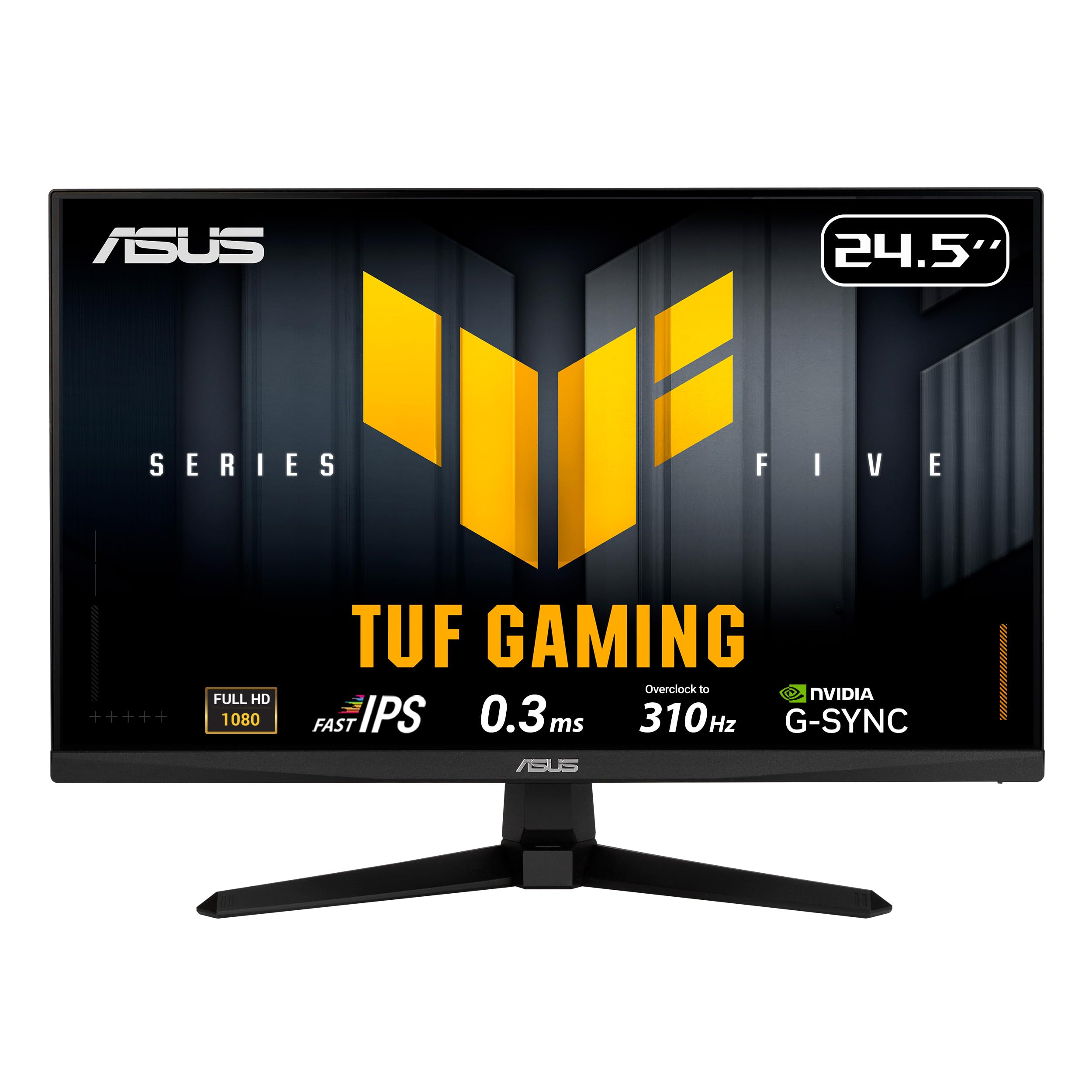
| ASUS TUF VG259QMR5AAlso Great | Speed Demons | 310Hz | 0.3ms | Fast-IPS | Amazon |
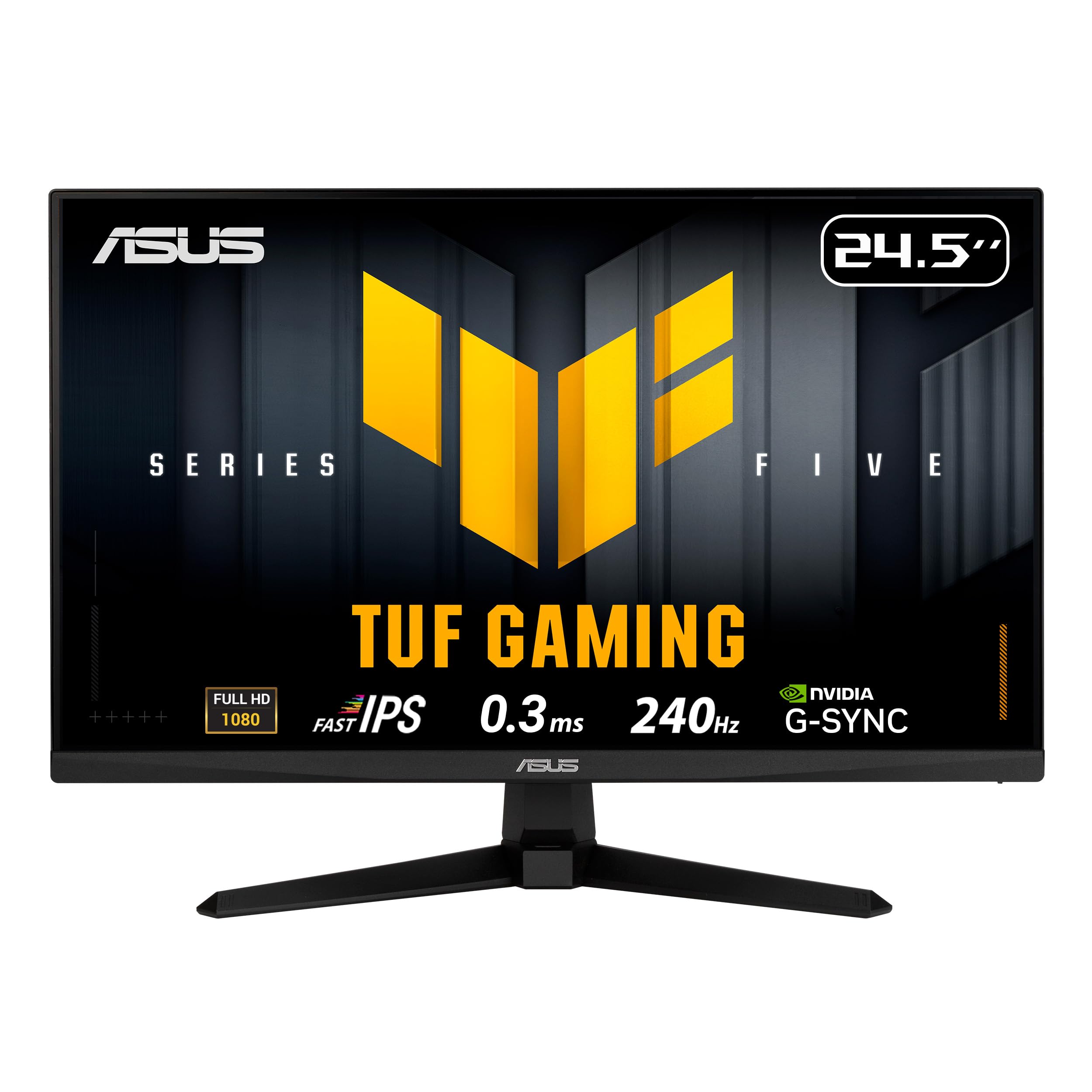
| ASUS TUF VG259QM5APremium Pick | Elite Competitive Play | 240Hz | 0.3ms | Fast-IPS | Amazon |
| SANSUI 27 Curved | rich Curved Gaming | 240Hz | 1ms (MPRT) | LED (VA) | Amazon |
| Dell SE2726HG | Reliable Brand & Color | 240Hz | 0.5ms | IPS | Amazon |
| Acer KG271 X1biip | 27-inch IPS Speed | 200Hz | 0.5ms | IPS | Amazon |
| LG 27GS50F-B | Balanced All-Rounder | 180Hz | 1ms (MBR) | LCD | Amazon |
| LG 24G411A-B | Compact IPS Starter | 144Hz (O/C) | 1ms (MBR) | IPS | Amazon |
In‑Depth Reviews
1. Acer Nitro KG251Q Z1biip
280Hz smoothing at a shockingly low price — the budget competitor’s secret weapon.
The Acer Nitro KG251Q punches well above its price tag with a 280Hz refresh rate that outruns most monitors costing much more. Compared to the LG 24G411A-B’s 144Hz, this Acer delivers nearly double the frame rate (a 1.9x gap), which means you see motion updates almost twice as fast — a huge edge in fast-paced shooters. The 1ms VRB response time keeps movement reasonably clear, though it is not as sharp as the 0.5ms or 0.3ms panels found on pricier ASUS models.
A 3000:1+ contrast ratio provides deeper blacks than typical IPS screens, making dark scenes in games like horror titles look more intense and detailed. The ZeroFrame design with thin bezels is great for multi-monitor setups. AMD FreeSync Premium syncs the refresh rate to your graphics card, eliminating screen tearing without adding input lag. Buyers appreciate the included DisplayPort 1.4 and two HDMI 2.0 ports, giving you flexibility to connect a PC and console at the same time.
The trade-off is that the panel uses LCD technology rather than IPS, so viewing angles are narrower — colors shift if you sit off-center. For a dedicated gaming station where you sit directly in front, this is a minor issue. At this price, getting 280Hz is a rare deal that makes 144Hz screens look slow.
What Makes It Stand Out
- 280Hz refresh rate at a budget-friendly price point
- 3000:1+ contrast ratio delivers deep blacks
- ZeroFrame design works well for dual-monitor setups
- DisplayPort 1.4 and dual HDMI 2.0 ports for flexible connectivity
Where It Cuts Corners
- Narrower viewing angles compared to IPS panels
- 250 cd/m² brightness may feel dim in a bright room
Best for: Budget-conscious gamers who want the absolute highest refresh rate for their dollar
skip it if: You need wide viewing angles for shared viewing or color-critical work
2. ASUS TUF Gaming VG259QMR5A
Blistering speed with a 310Hz overclock and a 0.3ms response that leaves nothing to chance.
This ASUS TUF monitor is built for competitive players who want the fastest possible motion clarity without spending a fortune. The 310Hz refresh rate (overclocked) crushes most screens in this price range — you get a smoother picture than the LG 24G411A-B’s 144Hz by a wide margin, especially in fast corners and flick shots. The Fast-IPS panel delivers 99% sRGB color coverage, so your games look vibrant and colors stay accurate from any angle.
The 0.3ms GTG response time is one of the lowest you will see at this price point, eliminating ghosting during rapid mouse movement. ASUS also includes Extreme Low Motion Blur Sync (ELMB SYNC) technology, which works alongside variable refresh rates to cut both ghosting and tearing at the same time — something cheaper monitors cannot do. Buyers report that the built-in Gaming AI features (like Dynamic Shadow Boost and Dynamic Crosshair) give a real advantage in dark maps, making enemies pop out of shadows more clearly.
A small trade-off is the 24.5-inch screen size, which might feel compact if you are used to a 27-inch display. The included DisplayPort cable is ready for the full 310Hz signal, so you do not need to buy extra accessories. For a mid-range price, this monitor delivers high-end specs that rival models costing twice as much.
Speed Highlights
- Overclocked 310Hz refresh rate for ultra-smooth gameplay
- 0.3ms GTG response time eliminates ghosting
- ELMB SYNC works with variable refresh rates for tear-free clarity
- G-Sync Compatible and FreeSync Premium support
A Few Things to Know
- 24.5-inch screen may feel small for some setups
- Speakers are basic — plan on using headphones or external speakers
Who should grab this: Competitive gamers who prioritize raw speed and motion clarity over screen size
One real limitation: The 24.5-inch screen size gives you less rich real estate for cinematic single-player titles compared to larger 27-inch models.
3. ASUS TUF Gaming VG259QM5A
A 240Hz Fast-IPS panel with 0.3ms response built for pro-level consistency.
This ASUS TUF monitor uses the same 24.5-inch Fast-IPS panel as the 310Hz model but locks in at a still-fast 240Hz refresh rate (240 screen updates per second). The 0.3ms GTG (gray-to-gray) response time matches the top pick, so fast motion stays sharp with no visible ghosting. It also supports FreeSync Premium and G-Sync Compatible, meaning it works smoothly with both AMD and NVIDIA graphics cards — no compatibility worries.
ASUS includes its Extreme Low Motion Blur Sync (ELMB SYNC) technology here too, which lets you use motion blur reduction while keeping variable refresh rate active. This combination is rare at this price level and gives you a competitive edge in games like Valorant or Overwatch. The built-in 2W x 2 speakers are a handy bonus for casual play, though they are not loud enough to replace dedicated speakers or a headset. Owners mention that the 99% sRGB coverage makes colors look punchy and lifelike from the start, with minimal calibration needed.
The slight cost increase over some 180Hz monitors buys you 60 extra frames per second and a faster pixel response, which makes a real difference in twitch-based aiming. If you want pro-grade motion handling from a trusted brand without jumping above the mid-range price zone, this is a solid choice.
Why It Shines
- 240Hz refresh with 0.3ms GTG for elite motion clarity
- G-Sync Compatible and FreeSync Premium for broad GPU support
- Built-in speakers offer convenience for casual sessions
- DisplayWidget Center lets you tweak settings with a mouse
The Downsides
- Same compact 24.5-inch size limits immersion
- Speakers are basic — fine for utility, not for audio quality
Grab this if: You want a proven 240Hz setup with excellent color accuracy and dual-video-card support
Look elsewhere if: A larger 27-inch screen or built-in speakers with more power are non-negotiable
4. SANSUI 27 Inch Curved 240Hz Gaming Monitor
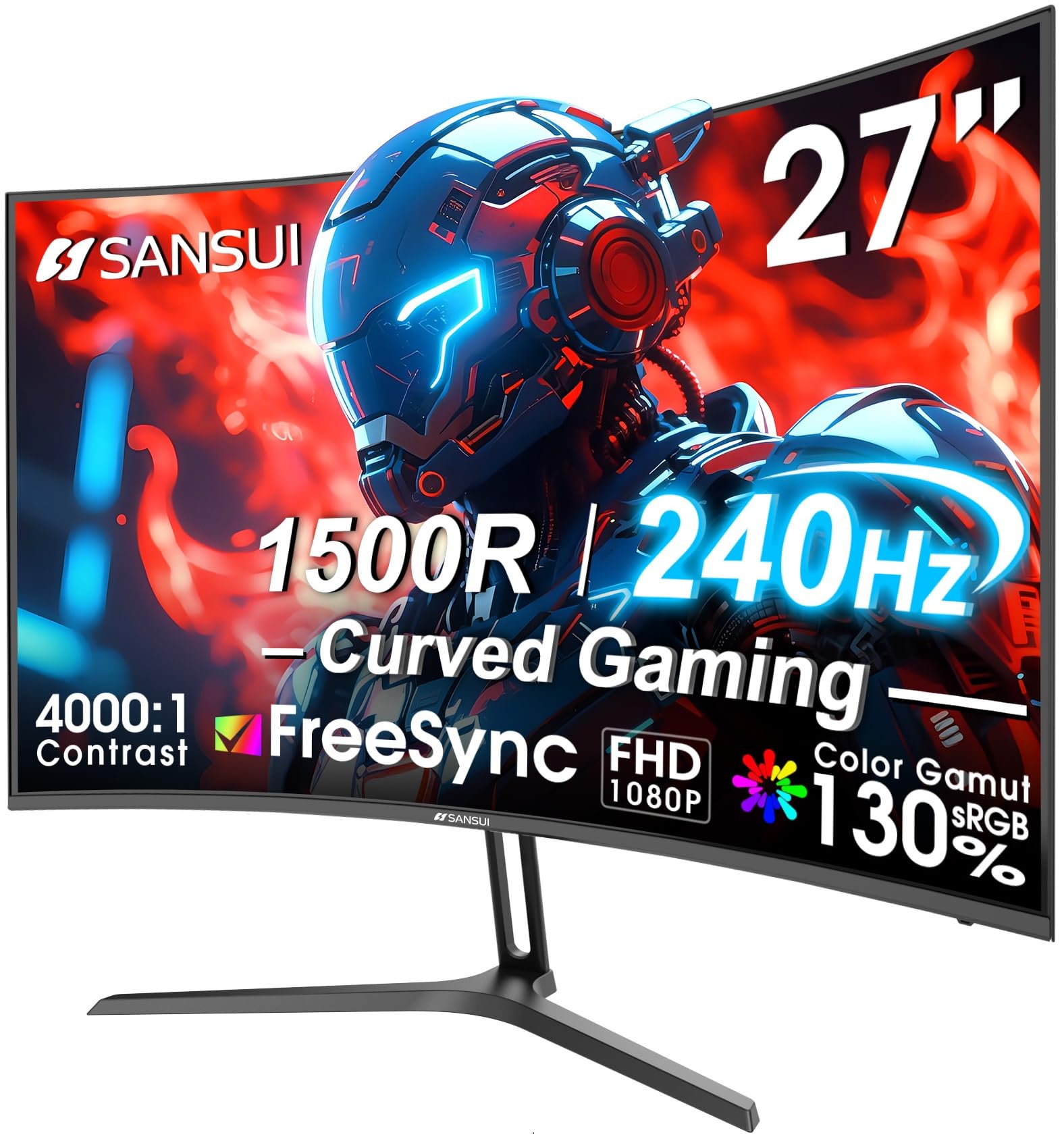
A 27-inch 1500R curve with 240Hz speed that wraps your view into the action.
The SANSUI 27-inch curved monitor brings two features that are rare at this price: a 240Hz refresh rate and a 1500R curvature that wraps the screen around your peripheral vision. The 4000:1 contrast ratio is a standout here — it is 4 times deeper than the Acer KG271 X1biip’s 1000:1 ratio, making black areas in games like RPGs or horror titles look truly dark rather than washed out gray. The 130% sRGB color gamut and DCI-P3 95% coverage deliver vivid, punchy colors that make game worlds pop.
The 1ms MPRT response time is competitive, though it uses motion picture response time technology rather than GTG, which can sometimes introduce a faint flicker in fast pans. SANSUI includes FreeSync support and a clear metal stand that feels more premium than plastic stands. Buyers rave about the value, with many mentioning that the 4000:1 contrast makes single-player games look dramatically better than flat IPS screens at a similar price. The DP 1.4 port handles the full 240Hz at 1080p without compression.
One catch is the tilt adjustment range (-5° to 15°), which is limited — you cannot raise or swivel the screen. VESA 100x100mm compatibility (a standard 100mm x 100mm mounting pattern) lets you attach it to a more adjustable arm if needed. For rich gaming with fast motion, this curved monitor delivers a visual experience most budget flat screens cannot match.
Curve Advantage
- 4000:1 contrast ratio provides deep, rich blacks
- 27-inch 1500R curve wraps the display for peripheral engagement
- 130% sRGB and DCI-P3 95% for rich color reproduction
- 240Hz refresh keeps motion smooth
Compromises
- Limited tilt adjustment — no height or swivel
- No built-in speakers, so you need external audio
Reach for this if: Immersion through deep contrasts and a curved screen matters more than viewing angles
One real trade-off: Limited ergonomic adjustments mean you may need a VESA mount for ideal positioning
5. Dell 27 240Hz Gaming Monitor SE2726HG

Dell’s 240Hz IPS panel with 0.5ms response — smooth motion with factory color quality.
The Dell SE2726HG combines a 27-inch IPS panel with a 240Hz refresh rate and 0.5ms response time, giving you both a large screen and fast motion clarity. The IPS technology delivers 99% sRGB color coverage, so images look vibrant and colors stay consistent even when you view the screen from an angle — unlike the narrower viewing angles of the SANSUI curved monitor. FreeSync Premium and HDMI VRR support eliminate tearing on both PC and console, making this a versatile choice for multi-platform gamers.
Dell has a strong reputation for monitor reliability, and this model includes a TÜV Rheinland 3-star certified low blue light mode that reduces eye strain while preserving color quality — useful for long gaming sessions. The 300 cd/m² brightness is a step above the 250 cd/m² panels found on many budget options, so the screen stays clear even in a well-lit room. Customers note that the anti-glare coating works well, cutting reflections without adding a grainy texture to the image.
The 1000:1 contrast ratio is standard for IPS, meaning blacks are decent but not as deep as the SANSUI’s 4000:1 VA panel. If you prioritize color accuracy and wide viewing angles over maximum contrast, this Dell offers a balanced package backed by a trusted brand. The included HDMI 2.0 cable makes setup easy right from the start.
Trusted Performance
- 240Hz refresh with 0.5ms response for fluid gameplay
- IPS panel with 99% sRGB for accurate, wide-angle color
- TÜV 3-star low blue light reduces eye fatigue
- FreeSync Premium and HDMI VRR for smooth console play
Honest Limits
- 1000:1 contrast ratio cannot match VA panel blacks
- Basic tilt-only stand limits ergonomics
This suits: Gamers who want a large 27-inch screen with accurate colors and a trusted brand name
Consider the alternative: If deep blacks are critical for dark games, the SANSUI curved monitor delivers better contrast
6. Acer Nitro KG271 X1biip

A 27-inch IPS panel at 200Hz with 0.5ms response — speed meets color accuracy at a great price.
The Acer Nitro KG271 combines a larger 27-inch IPS display with a 200Hz refresh rate and 0.5ms GTG response time, offering a balance of size, speed, and color quality hard to find at this price. The IPS panel delivers 99% sRGB coverage, making it a strong choice for gamers who also do photo editing or content creation — the color accuracy is significantly better than the SANSUI curved monitor’s VA panel for viewing angle consistency. FreeSync Premium syncs the refresh rate to your GPU, eliminating screen tearing without adding input lag.
The 200Hz refresh rate is a step below the 240Hz and 280Hz monitors on this list, but it still provides visibly smoother motion than standard 144Hz or 165Hz screens. The 0.5ms GTG response time is excellent, matching the Dell SE2726HG and beating many pricier options. Acer includes a ZeroFrame design with ultra-thin bezels, which makes the monitor feel modern and works well for dual-monitor setups. Reviewers point out that the stand is basic (tilt only) but functional, and the inclusion of a DisplayPort and two HDMI 2.0 ports covers most connection needs.
The 1000:1 contrast ratio is typical for IPS, meaning blacks are not as deep as VA panels — dark scenes in games will appear grayish compared to the SANSUI curved monitor’s 4000:1 contrast. If you prefer a 27-inch size with fast response and accurate colors, this Acer offers a compelling package without the higher price of premium options.
Large & Fast
- 27-inch IPS panel with 99% sRGB for wide-angle color accuracy
- 200Hz refresh and 0.5ms response for smooth competitive gameplay
- FreeSync Premium eliminates tearing
- ZeroFrame design ideal for multi-monitor setups
What to Expect
- 1000:1 contrast ratio means blacks are not as deep as VA panels
- Stand offers tilt adjustment only — no height or swivel
Who this serves: Gamers needing a 27-inch screen with fast response and color accuracy for mixed use
Consider this: If you want deeper blacks, the SANSUI curved monitor is a better choice despite narrower viewing angles
7. LG 27GS50F-B 27-inch UltraGear

LG’s 27-inch UltraGear at 180Hz — a no-compromise middle ground for versatile gaming.
The LG 27GS50F hits a balance with a 27-inch screen, 180Hz refresh rate, and 1ms MBR (motion blur reduction) response time. It is a step down in speed compared to the 240Hz+ monitors above, but the larger screen size and LG’s gamer-focused features make it a strong all-rounder for players who mix competitive and single-player titles. AMD FreeSync support provides tear-free gameplay, and HDR10 compatibility adds more dynamic color to supported games.
Dynamic Action Sync reduces input lag so your actions feel responsive, and the Black Stabilizer brightens dark areas without overexposing the whole image — useful for spotting enemies hiding in shadows. The three-side virtually borderless design keeps the focus on the screen, and the tilt-adjustable stand gives you some ergonomic flexibility. With two HDMI ports and a DisplayPort, you can connect multiple devices and switch between them easily. Shoppers say that the on-screen crosshair feature is a handy addition for first-person shooters without native reticle options.
The 250 cd/m² brightness is standard for budget monitors, and some users wish it was brighter for well-lit rooms. The 180Hz refresh is smooth but not as buttery as the 240Hz or 280Hz competition. For a gamer who wants a 27-inch screen with solid all-around performance and LG’s reliable build quality, this is a value that does not force you into a single use case.
Well-Rounded Features
- 27-inch screen provides good immersion without being too large
- 180Hz refresh and 1ms MBR keep motion smooth
- Black Stabilizer and Dynamic Action Sync improve competitive play
- Borderless design looks clean on any desk
Areas to Note
- 180Hz is outmatched by 240Hz and 280Hz on other budget picks
- 250 cd/m² brightness may be insufficient in very bright rooms
Perfect for: Versatile gamers who want a large screen with decent speed for both competitive and casual play
Trade-off alert: If raw refresh rate is your top priority, the 240Hz and 280Hz options offer better motion fluidity
8. LG 24G411A-B 24-inch UltraGear

A 24-inch IPS entry point with 144Hz overclock and vivid color for new PC gamers.
The LG 24G411A is the most affordable entry into true gaming performance on this list, offering a 144Hz overclock on a 24-inch IPS panel. The 120Hz native speed updates to 144Hz easily through the display settings, and the 1ms MBR response minimizes blur during standard gameplay. Unlike many budget monitors that use older TN (twisted nematic) panels, this LG uses an IPS display with up to 99% sRGB color gamut coverage, so colors look vibrant and accurate from nearly any angle — a clear advantage over the Acer KG251Q’s narrower-viewing LCD panel.
The monitor supports both NVIDIA G-Sync Compatible and AMD FreeSync, giving you flexibility no matter which graphics card you use. Dynamic Action Sync reduces input lag so your clicks and key presses register faster, and the Black Stabilizer helps you see into dark corners without washing out the rest of the image. The Switch app lets you split the screen into up to 6 sections, making it easy to multitask between gaming, streaming, and chat apps. Buyers highlight the ultra-slim bezels and minimal stand design, which create a clean, almost floating look on the desk.
The 24-inch screen is small by modern standards, and the 250 cd/m² brightness is average at best. It lacks the ultra-high refresh rates of the 240Hz+ monitors on this list, so competitive players seeking every last frame advantage may want to step up to the Acer Nitro KG251Q or ASUS TUF options. For a first gaming monitor or a secondary screen, this LG delivers excellent color and smooth motion at a price that leaves room for other components.
Solid Foundation
- IPS panel with 99% sRGB for vivid, wide-angle color
- 144Hz overclock provides smooth motion for the price
- G-Sync Compatible and FreeSync support for any GPU
- Dynamic Action Sync reduces input lag
Honest Limitations
- 24-inch size feels small for rich gaming
- 144Hz is outmatched by higher-refresh budget options
Ideal for: New PC builders or those on a tight budget who want reliable IPS color and smooth 144Hz motion
The catch: Competitive players will outgrow the 144Hz refresh — consider the Acer KG251Q or ASUS TUF for faster frames
Understanding the Specs
Refresh Rate (Hz)
This is the number of times your monitor redraws the image per second. A 144Hz monitor shows 144 frames every second, making motion twice as smooth as a standard 60Hz display. Higher rates like 240Hz or 280Hz reduce motion blur further and make it easier to track fast-moving targets in competitive games. For a cheap gaming monitor, aim for at least 144Hz — and ideally 240Hz if you play fast shooters like Valorant, Apex Legends, or Call of Duty.
Response Time (ms)
Response time measures how quickly a pixel changes from one color to another, typically Gray to Gray (GTG). A 1ms GTG response means pixels transition in 1 millisecond, which prevents ghosting (a faint trail behind moving objects) during fast motion. Lower is better: 0.5ms and 0.3ms provide even sharper clarity. Some monitors use MPRT (Motion Picture Response Time) which can feel similar but may introduce flicker. Pair a fast response time with a high refresh rate for the clearest motion.
Panel Technology
The panel type determines how the image looks from different angles. IPS (In-Plane Switching) panels offer the widest viewing angles and best color accuracy, so the image stays consistent even if you are sitting off to the side. VA (Vertical Alignment) panels, often used in curved monitors, provide higher contrast ratios (like 4000:1) for deeper blacks but have narrower viewing angles. Fast-IPS is a modern variant with pixel speeds near 0.3ms, matching or beating standard TN panels while keeping IPS color quality.
Adaptive Sync
Adaptive Sync technologies — AMD FreeSync and NVIDIA G-Sync — match your monitor’s refresh rate to your graphics card’s frame output. This eliminates screen tearing (where two different frames appear on screen at once) without the stutter that comes from V-Sync. FreeSync Premium adds low framerate compensation (LFC) for smoother motion when frame rates drop. Most budget monitors support FreeSync, and some are certified as G-Sync Compatible. Check that your GPU and connection type (DisplayPort is best) support the same standard.
FAQ
Is 144Hz enough for gaming or should I get 240Hz?
Does a cheap gaming monitor need to be IPS or is VA fine?
Can I use a cheap 240Hz monitor with a console?
How much difference does 0.5ms vs 1ms response time make in real gaming?
Does a curved monitor hurt gaming performance in shooters?
Can I use FreeSync with an NVIDIA graphics card?
Why is 1080p better for a cheap gaming monitor than 1440p?
What does the 1500R in curved mean for my desk space?
How do I set up a 144Hz monitor to actually run at 144Hz?
Is a cheap gaming monitor good for photo editing or design work?
Final Thoughts: The Verdict
For most gamers on a budget, the cheap gaming monitor winner is the ASUS TUF Gaming VG259QMR5A because it packs a 310Hz overclock, 0.3ms response, and ELMB SYNC (Extreme Low Motion Blur Sync) technology into a price that undercuts premium competition. If you want a larger 27-inch screen with fast IPS color and 240Hz smoothness, grab the Dell SE2726HG. And for rich curved gaming with deep 4000:1 contrast, the SANSUI 27 Inch Curved 240Hz Gaming Monitor delivers the best visual experience on this list.
How We Picked
We do not accept paid placement. Every pick is matched to a real buyer and a real use-case; we do not hands-on test units.
Sources & Methodology
Specifications: manufacturer listings and product documentation. Review insights: verified customer reviews, as of July 2026. Pricing: not shown on this page (it changes often); check the current price via the retailer link.
As an Amazon Associate, WellFizz earns from qualifying purchases. This does not affect which products we feature.
Related Guides

Mo Maruf
I created WellFizz to bridge the gap between vague wellness advice and actionable solutions. My mission is simple: to decode the research and give you practical tools you can actually use.
Beyond the data, I am a passionate traveler. I believe that stepping away from the screen to explore new environments is essential for mental clarity and physical vitality.