Our readers keep the lights on and my smoothie glass nicely filled. As an Amazon Associate, I earn from qualifying purchases.
A spool of filament that snaps mid-print or lays down rough, stringy layers isn’t a failed roll—it’s a roll loaded with moisture. A cheap filament dryer is the one tool that transforms brittle PLA and gummy PETG into consistent, high-quality prints without costing as much as a new hotend. The difference between a frustrating jam and a smooth first layer often comes down to keeping hygroscopic materials dry, and the budget-friendly models on the market now offer real engineering, not just a heated box.
I’m Mohammad Maruf — the founder and writer behind WellFizz. After hours of analyzing temperature ranges, heating methods, build quality, and real user feedback on entry-level dryers, I’ve separated the units that actually hold a stable temperature from the ones that simply wrap a spool in warm air.
Whether you print PLA, PETG, or TPU, these dryers solve the root cause of poor adhesion and clogging. This guide breaks down the five best options to help you find the right cheap filament dryer for your setup and material needs.
How To Choose The Best Cheap Filament Dryer
Not every budget dryer performs the same. The cheapest boxes may lack airflow, accurate temperature sensors, or the ability to reach 65°C for technical filaments. Focus on the features that actually impact drying effectiveness rather than cosmetic upgrades.
Heating Method and Air Circulation
Passive conduction dryers heat the chamber walls and hope the warmth reaches the core of the spool. Models with a built-in fan that circulates hot air through 360° vents dry filament faster and more evenly. For under , you can get fan-assisted heating — that should be your baseline unless you only print PLA in dry climates.
Maximum Temperature and Timer Range
PLA dries well at 45–50°C, but PETG, ABS, and nylon need 55–65°C to pull moisture out effectively. A cheap dryer that tops out at 55°C limits your material options. Look for a 45–65°C range with an adjustable timer of 0–24 hours so you can run overnight cycles without babysitting the unit.
Real-Time Humidity Monitoring
A built-in hygrometer lets you see the relative humidity drop inside the chamber as the heater runs. This is not a necessity, but it removes the guesswork — you know when the spool is ready rather than relying on a fixed time estimate. Some budget units include this feature, which adds real value without raising the price significantly.
Quick Comparison
On smaller screens, swipe sideways to see the full table.
| Model | Category | Best For | Key Spec | Amazon |
|---|---|---|---|---|
| SUNLU S2 | Touch Screen | Tech-friendly users wanting data | Max 70°C / 4.6″ touch display | Amazon |
| Creality Dryer Box Pro 2.0 (Fan) | 360° Fan | PETG/ABS with fast drying | 65°C in 15 min / 360° fan | Amazon |
| Creality Dryer Box 2.0 | Hygrometer | Real-time humidity tracking | Real-time hygrometer / 65°C max | Amazon |
| Creality Space Pi SE | PTC Heater | Quick heat-up cycles | PTC / heats to 65°C in 15 min | Amazon |
| SUNLU S1 Plus | Ultra-Quiet | Silent bedside/desk operation | Sub-10dB / 55°C max temp | Amazon |
In‑Depth Reviews
1. SUNLU Official Filament Dryer S2
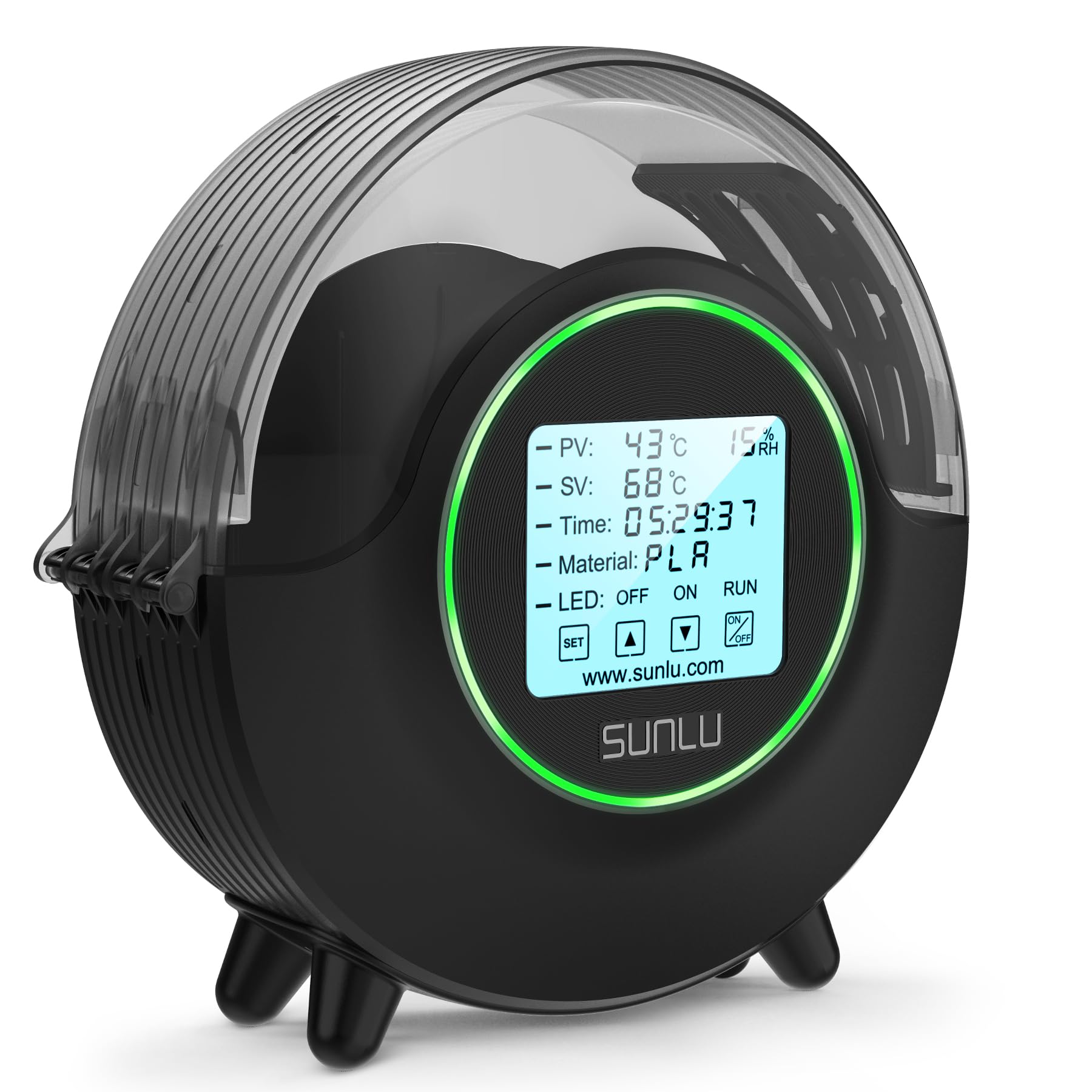
The SUNLU S2 stands apart from other budget dryers by reaching 70°C — five degrees higher than most competitors at this tier. This extra headroom matters if you ever move beyond PLA into nylon or polycarbonate, where higher temperatures are necessary for effective moisture removal. The dual heating sheets and built-in fan create 360° circular airflow, which SUNLU claims increases heating speed by 30% compared to static chambers.
The large 4.6‑inch LCD touchscreen shows set temperature (SV), present temperature (PV), humidity, and a countdown timer, giving you detailed feedback on each drying cycle. Users note the screen is intuitive and the dynamic LED indicator changes color to show the status at a glance. The fan runs quietly in the background, and the dryer can hold a standard 1 kg spool up to 210mm in diameter and 85mm in height.
On the practical side, the power cord is only about 2‑3 feet long and exits from the back, so it may press against a nearby printer or need an extension cord depending on your setup. The instructions are minimal, but the interface is logical enough to use without a manual. For users who want one cheap dryer that handles both standard PLA and more demanding filaments, the S2 delivers solid temperature reach and a modern control interface.
Why it’s great
- Highest max temp (70°C) in its price tier
- Intuitive touch screen with visible data feedback
- Quiet fan with 360° airflow for even drying
Good to know
- Short power cord limits placement options
- Minimal included documentation
2. Creality Filament Dryer Box Pro 2.0 (with Fan)
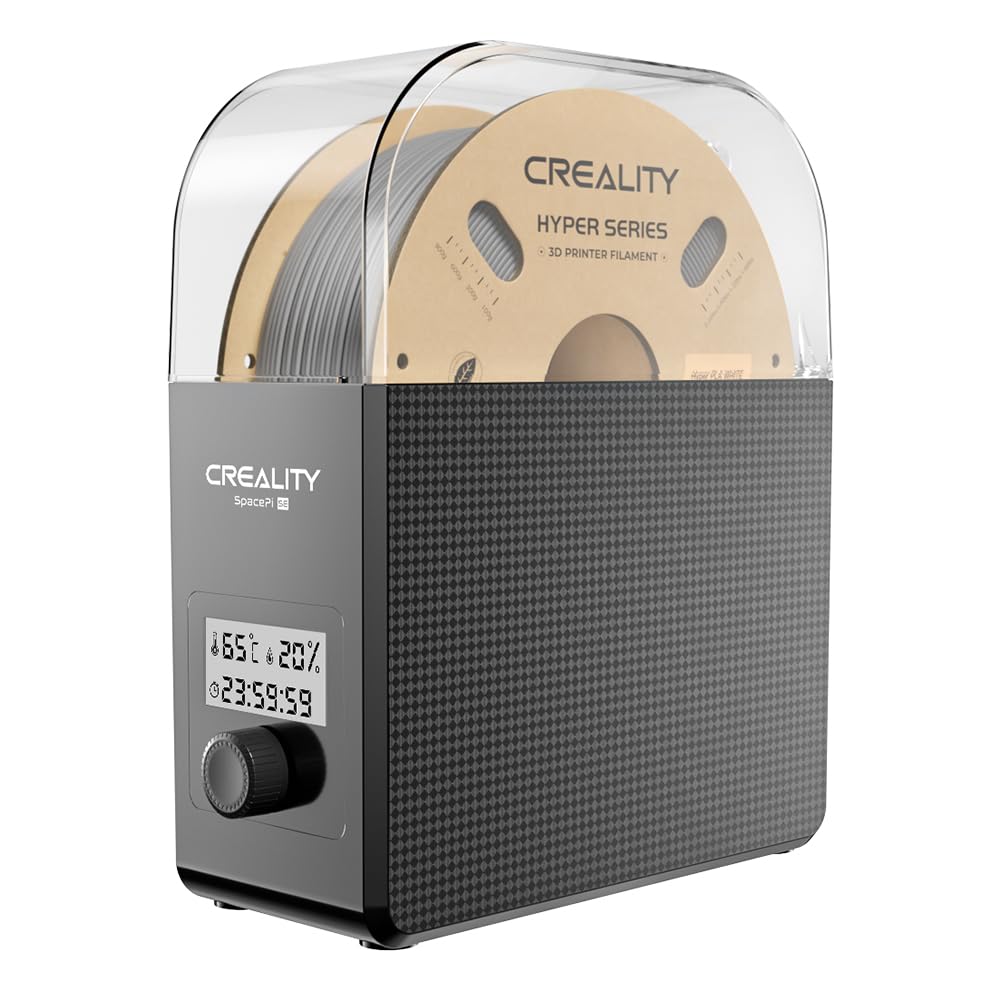
Creality’s Pro 2.0 dryer uses 360° hot-air circulation driven by a built-in fan, which pushes warm air throughout the chamber rather than relying on conductive heating from the walls. It can reach 65°C within 15 minutes, making it one of the faster options in the budget segment. Users report consistent results with PETG spools that had been sitting for weeks, with stringing disappearing after a 10‑hour drying cycle.
The display shows real-time humidity and a drying countdown, so you can track progress without opening the lid. The timer range spans 0 to 24 hours, giving you flexibility for overnight runs on tough spools. The insulation cotton lining on both sides prevents the exterior from getting dangerously hot, and two rollers inside let you feed filament directly to the printer while the dryer runs.
Some users note that the auto shut-off timer does not always reset properly after reaching zero, occasionally continuing past the set time. The humidity reading also lacks calibration, so the absolute number may not be perfectly accurate, but it still provides a useful trend as the spool dries. For the price, this is one of the most reliable dryers for hobbyists who print PLA, PETG, TPU, and ABS on a regular basis.
Why it’s great
- Fast heat-up to 65°C with active fan circulation
- Real-time humidity and timer display
- Insulated walls for safe handling
Good to know
- Auto shut-off timer can be unreliable
- Humidity sensor is uncalibrated
3. Creality Filament Dryer Box Pro (2.0 Hygrometer Version)
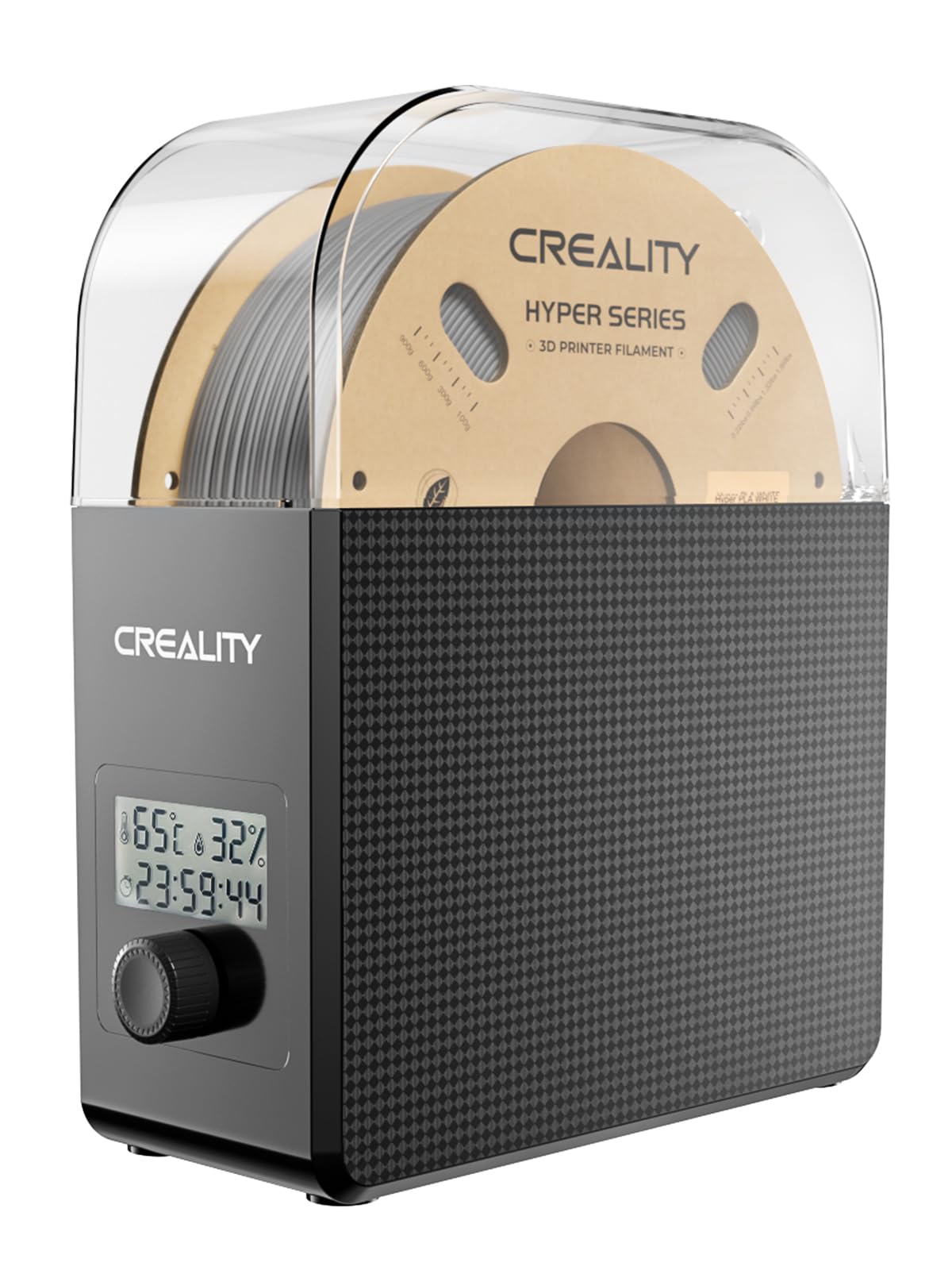
This Creality dryer is functionally similar to the Pro 2.0 but places a greater emphasis on humidity monitoring. The built-in hygrometer reads down to about 15% relative humidity, giving you a direct indication of how dry your spool has become. Many users report reviving spools stored in damp garages — a user dried ABS that had been at 80% RH for years, and after just four hours the crackling sound during extrusion stopped completely.
The heating range covers 45–65°C with a 1–24 hour timer, and the 360° hot-air circulation system ensures even heat distribution. The unit uses bearings for smooth spool rotation, and the footprint is roughly the size of a 1 kg spool itself, making it easy to tuck behind or beside most printers. Several users printed directly from the dryer using a short PTFE tube.
The control interface relies on a single rotating knob, which some find irritating because turning it can inadvertently change settings when you are trying to start a cycle. Once you get used to the knob logic, the unit runs reliably. If consistent humidity feedback is more valuable to you than a fancier display, this version of the Creality dryer offers strong performance at a budget-friendly price.
Why it’s great
- Built-in hygrometer shows real drying progress
- Bearings for low-friction spool rotation
- Compact size with small desk footprint
Good to know
- Single knob control can change settings accidentally
- Not a sealed dry box after the cycle ends
4. Creality Space Pi SE Filament Dryer Box Pro
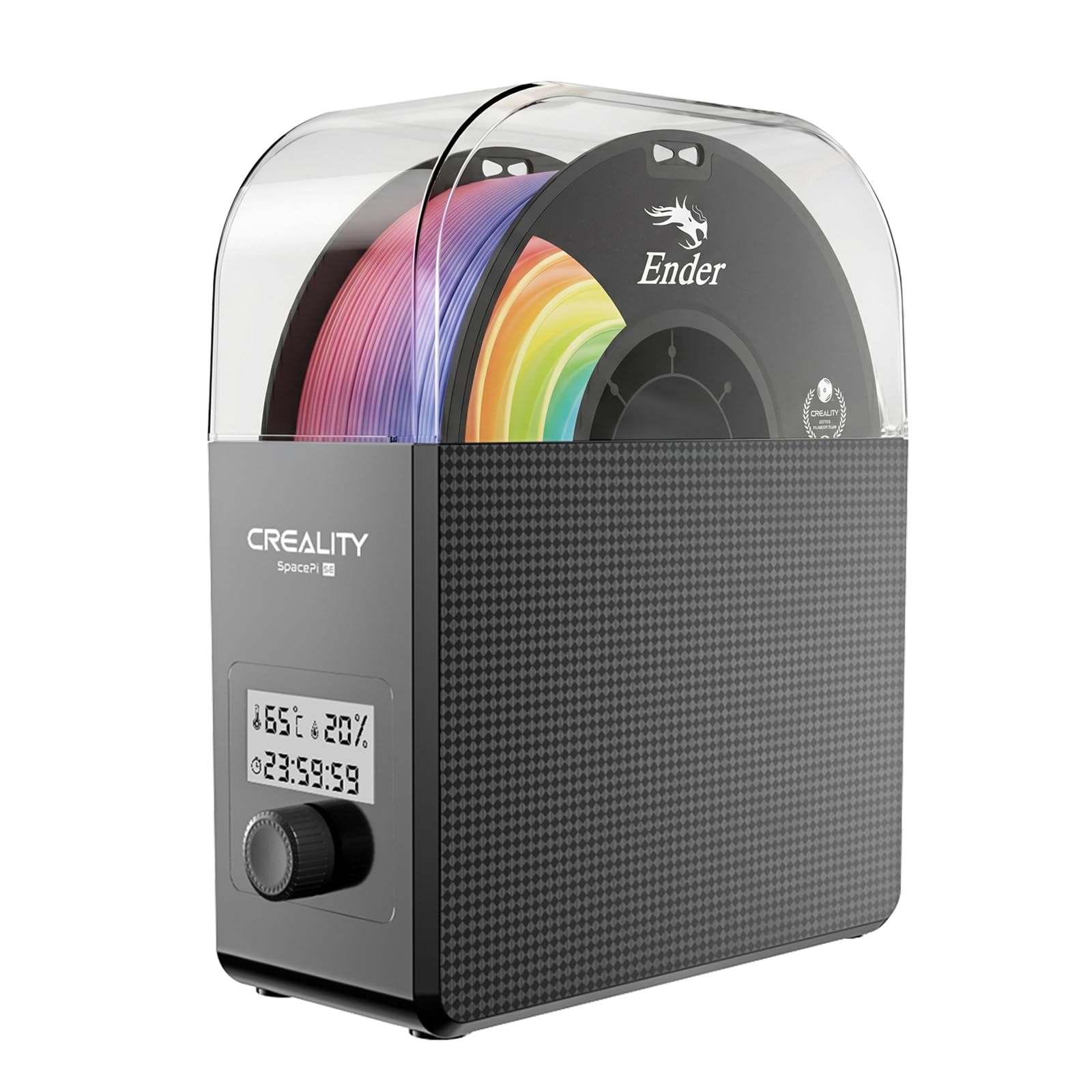
The Creality Space Pi SE uses PTC (Positive Temperature Coefficient) heating elements, which self-regulate to maintain a stable temperature without drifting. Combined with a 360° fan, it reaches 65°C in about 15 minutes and holds that temperature consistently. The insulation cotton lining keeps the outer surface cool and helps the chamber retain heat efficiently during longer drying cycles.
The interface uses a knob and a small display to show real-time humidity and countdown time. Users describe the display viewing angle as poor, requiring you to look straight at it to read the numbers, but the control logic is simple enough to use without staring at the screen. The input voltage is 110V 50/60Hz, which is standard for US outlets. The single-spool design keeps heat concentrated, which helps temperature management compared to larger multi-spool units.
Some users note that this unit functions strictly as a dryer and not as a sealed storage box — after the cycle ends, the chamber is not airtight, so moisture can re-enter. The outlet and plug are on the same side, which can make hanging setups awkward. Despite these limitations, the PTC heating and fast warm-up make it a practical option if you need a reliable dryer for PLA, PETG, ASA, and TPU without spending extra.
Why it’s great
- PTC heater maintains stable temperature
- Fast heat-up to 65°C in ~15 minutes
- Insulated walls are cool to the touch
Good to know
- Poor display viewing angle
- Not a sealed dry box for storage
5. SUNLU Official Filament Dryer S1 Plus
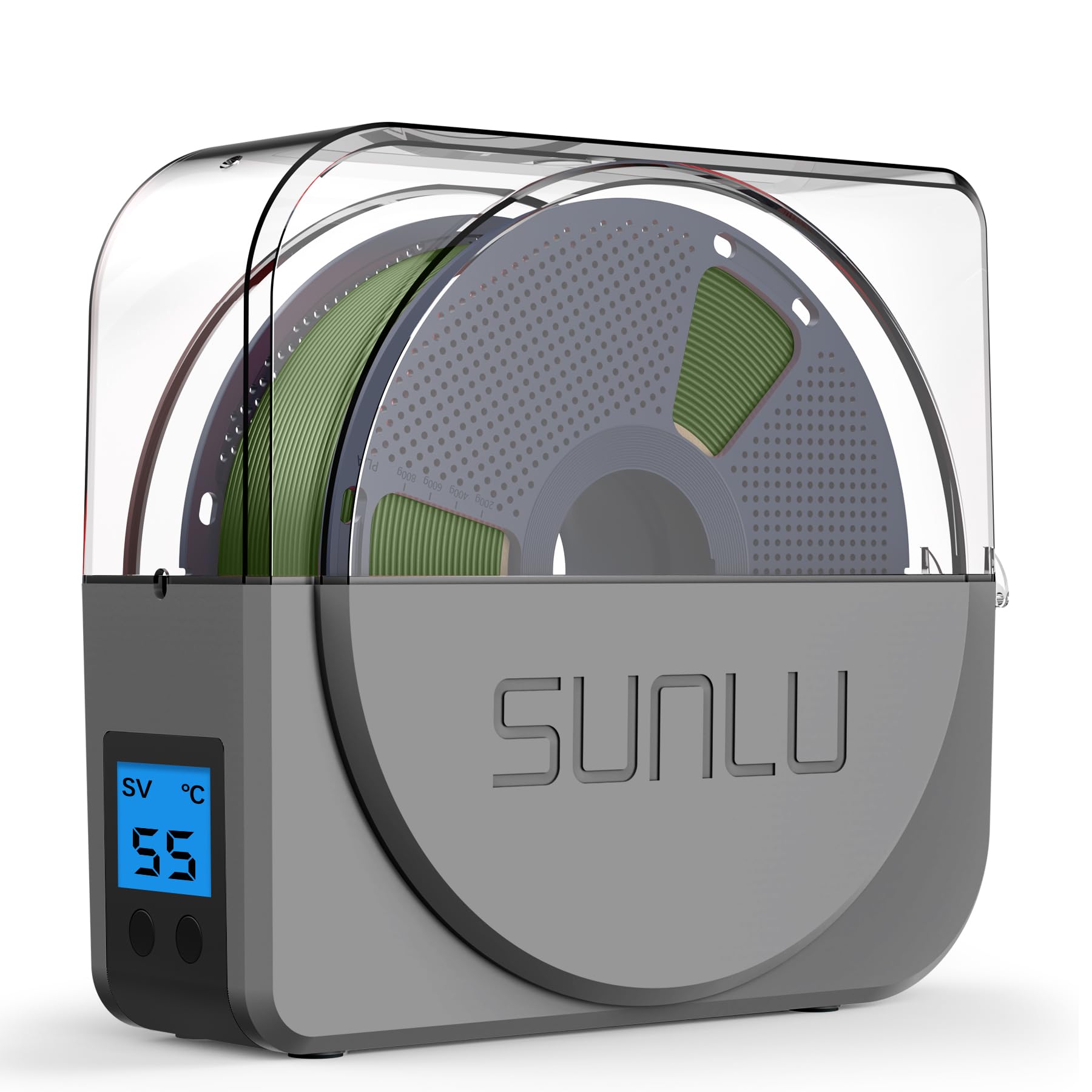
If noise level is your top concern, the SUNLU S1 Plus operates at less than 10 decibels — quieter than a library. The unit uses two internal rollers so you can print directly from the dryer, and it requires no assembly out of the box. The two-button interface is the simplest of any dryer in this roundup, making it approachable for new 3D printing enthusiasts who just want to stop stringing and rough layers.
The temperature range is 35–55°C with a 0–24 hour timer. The 55°C ceiling is the main limitation — this dryer cannot effectively handle nylon, polycarbonate, or CF-filled filaments that need higher heat. Users report excellent results with PLA, PETG, and ABS, with a reviewer noting that older PLA on an Ender 3 stopped stringing completely after a drying cycle. The build feels slightly flimsy compared to the Creality units, but the low price point justifies the lighter construction.
For hobbyists who print mostly PLA and basic PETG and want a dryer that sits quietly next to a desk or bedroom printer, the S1 Plus is a strong entry-level choice. It will not push high-temp materials, but it removes moisture consistently from the most common filaments. Just be realistic about the temperature limit — if you ever plan to dry nylon, this is not the unit for that job.
Why it’s great
- Virtually silent operation (sub-10dB)
- Extremely simple two-button control
- Print-while-dry design with rollers
Good to know
- Max temp of 55°C limits high-temp materials
- Build feels slightly flimsy
FAQ
How long should I dry PLA in a cheap filament dryer?
Can I print directly from a budget filament dryer?
Is 55°C enough for PETG or do I need 65°C?
Final Thoughts: The Verdict
For most users, the best cheap filament dryer is the Creality Filament Dryer Box Pro 2.0 because it balances fast 360° fan heating, a 65°C maximum temperature, and real-time humidity feedback at a price that stays accessible. If you want a modern touchscreen and the ability to reach 70°C for nylon and PC, grab the SUNLU S2. And for a nearly silent unit that handles PLA and PETG without taking up mental space, the SUNLU S1 Plus remains a solid entry-level option.

Mo Maruf
I created WellFizz to bridge the gap between vague wellness advice and actionable solutions. My mission is simple: to decode the research and give you practical tools you can actually use.
Beyond the data, I am a passionate traveler. I believe that stepping away from the screen to explore new environments is essential for mental clarity and physical vitality.