Our readers keep the lights on and my smoothie glass nicely filled. As an Amazon Associate, I earn from qualifying purchases.
Printing from your phone should be as simple as snapping a photo, but most printers still act like it’s 1999. Between hunting for ink cartridges, wrestling with Wi-Fi setup, and watching pages jam, the act of turning a digital document into a physical sheet has become a chore. A dedicated cell phone printer cuts through all that friction by being purpose-built for wireless, on-the-go printing.
I’m Mohammad Maruf — the founder and writer behind WellFizz. I’ve spent hundreds of hours analyzing thermal print heads, battery capacities, app ecosystems, and resolution specs to separate the truly portable printers from the gimmicks that waste your time and money.
Whether you need boarding passes at the airport, contracts at a coffee shop, or instant photo prints for a scrapbook, this guide to the best cell phone printer is built around real-world performance metrics that actually matter for mobile printing.
How To Choose The Best Cell Phone Printer
Not all portable printers are created equal. The key is matching the technology to what you actually need to print — black-and-white documents versus full-color photos — and how often you plan to use it away from a power outlet.
Thermal Inkless vs. Inkjet Printing
Thermal printers use heat to activate specially coated paper, which means you never buy ink, toner, or ribbons. The trade-off is that they print only in black and white, and the paper is slightly more expensive than standard copy paper. Inkjet photo printers, on the other hand, deliver vivid color prints on adhesive-backed paper but require ink cartridges that need periodic replacement and can dry out if unused for weeks.
Resolution and Print Quality
For document printers, 203 DPI is the baseline — text comes out crisp and readable, but fine graphics may look a bit grainy. Stepping up to 300 DPI produces noticeably sharper lines and smaller text that remains legible. Photo printers are rated differently; a 603 DPI inkjet produces near-lab-quality color with smooth gradients and fine detail visible under magnification.
Battery Life and Portability
Battery capacity is measured in milliampere-hours (mAh) and directly translates to how many sheets you can print on a single charge. A 2000mAh battery might handle around 160 Letter-size pages, while a 2600mAh unit stretches that further. Weight is equally critical: anything over 1.5 pounds stops being truly pocketable, so consider where you’ll actually carry it.
Quick Comparison
On smaller screens, swipe sideways to see the full table.
| Model | Category | Best For | Key Spec | Amazon |
|---|---|---|---|---|
| iDPRT MT610Pro | Thermal Document | High-volume document printing | 300 DPI, 360 pages per charge | Amazon |
| NDYIN N80 | Thermal Document | Travel-friendly all-rounder | 203 DPI, 2600mAh battery | Amazon |
| Rongta F81 | Thermal Document | Ultra-light daily carry | 0.99 lb, 203 DPI | Amazon |
| Nelko PP01 | Inkjet Photo | Full-color instant photos | 603 DPI, 2×3” prints | Amazon |
| Fujifilm Instax Mini Link | Instant Photo | Social and party photo prints | Instax Mini film, 12 sec print | Amazon |
In‑Depth Reviews
1. iDPRT MT610Pro Portable Thermal Printer
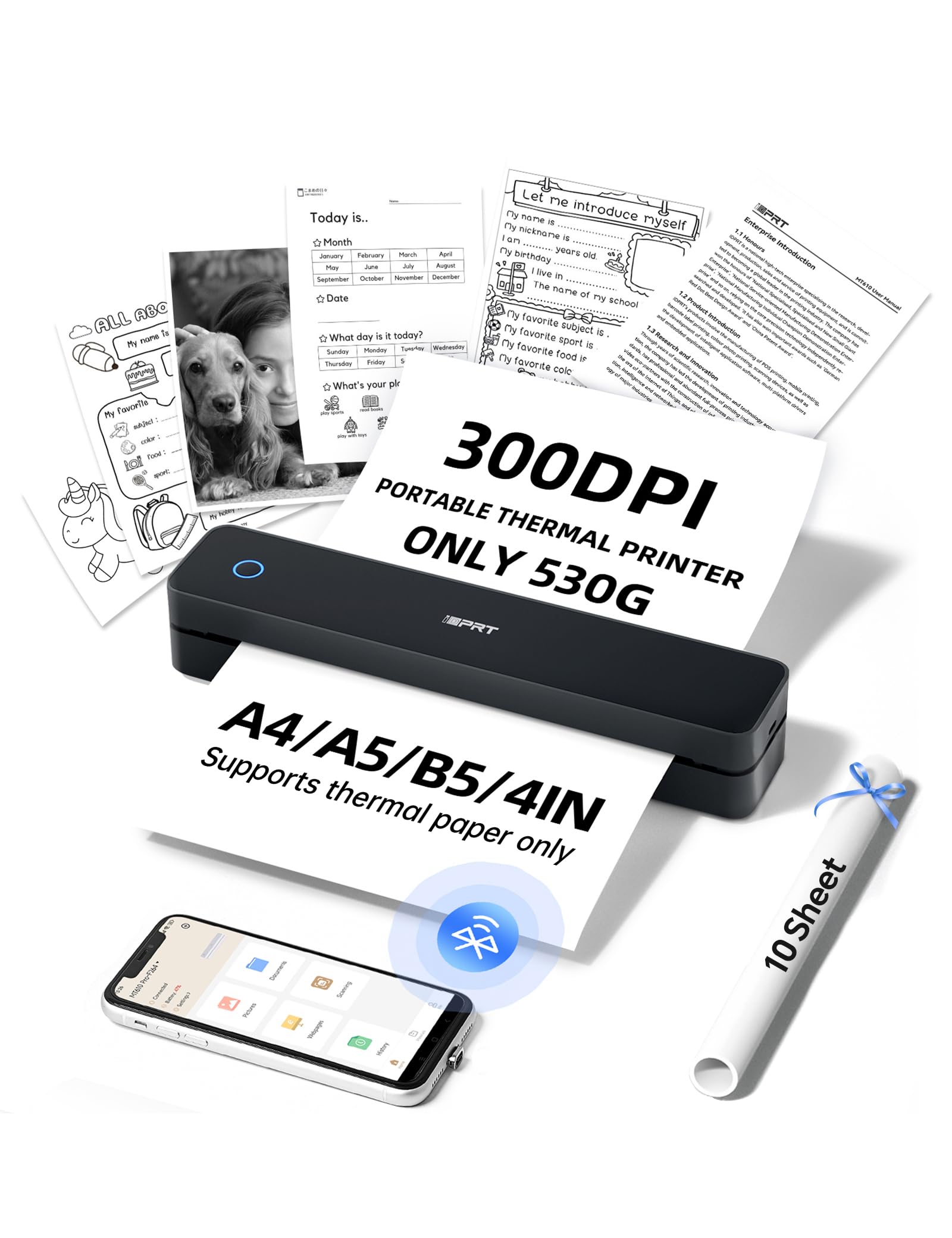
At 300 DPI, the MT610Pro delivers noticeably sharper text and finer line detail than the 203 DPI competition, making it the best choice for anyone who prints small-font documents, contracts, or technical drawings from their phone. The print speed of 4-6 seconds per A4 page keeps you moving through multi-page jobs without the usual thermal printer lag.
Battery life is the standout here: a single 2000mAh charge delivers roughly 360 Letter-size pages, which covers everything from a 200-page training manual to several weeks of meeting notes. At just 1.1 pounds and 10.2 inches long, it slides into a messenger bag alongside a laptop without adding noticeable bulk. The textured grip and matte finish help it survive daily commuting scuffs.
The free HerePrint app pairs via Bluetooth in about 90 seconds and supports printing from Instagram, turning handwritten notes into PDFs, and handling Word and Excel files from a PC over USB-C. Some users report needing WinZip to extract the PC driver, and a small minority experienced an out-of-paper error after a few uses, but the vast majority praise the ease of setup and crisp output.
Why it’s great
- 300 DPI resolution delivers the sharpest text in its class
- 360-page battery life eliminates recharging anxiety on multi-day trips
- Bluetooth and USB-C connectivity cover phone and laptop workflows
Good to know
- PC driver requires manual extraction with unzip software
- Does not print color, only supports thermal paper
2. NDYIN N80 Portable Wireless Thermal Printer
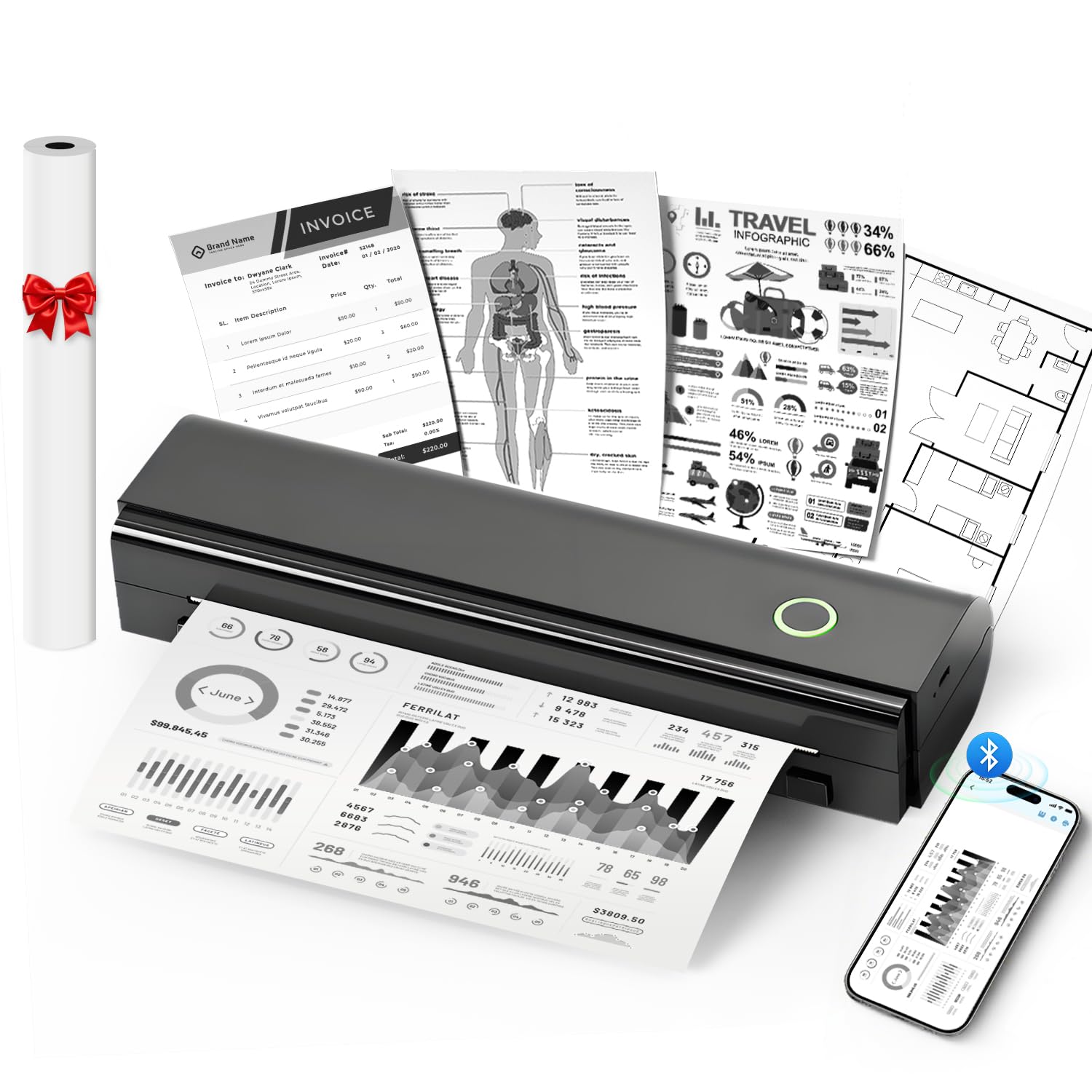
The NDYIN N80 strikes a strong balance between portability and print volume, with a 2600mAh battery capable of printing roughly 160 sheets of 8.5 x 11-inch thermal paper on a single charge. Weighing 1.7 pounds and measuring just 11 x 3.3 x 2 inches, it fits neatly into a backpack or briefcase for business travel, school, or construction site use.
The 203 DPI resolution produces clear, readable text for contracts, invoices, and boarding passes, though fine shading and very small fonts can appear slightly less distinct than higher-resolution options. The Nada Print app (iOS and Android) connects via Bluetooth and includes a paper size toggle for switching between US Letter and A4, plus support for roll paper, folded paper, and tattoo transfer paper for artists.
Setup is genuinely fast — several users report going from unboxing to first print in under five minutes via QR code scanning. The one roll of starter paper is appreciated but runs quickly, so ordering extra thermal paper upfront is recommended. A few users noted occasional paper alignment issues where prints came out at a slight angle, but the overall feedback emphasizes reliability and the huge savings from never buying ink.
Why it’s great
- Large 2600mAh battery supports several days of moderate use
- Compatible with tattoo transfer paper for artists and studios
- Near-instant setup via QR code and app pairing
Good to know
- Paper loading can be finicky — alignment requires careful attention
- Only includes one starter roll of thermal paper
3. Rongta F81 Portable Thermal Printer
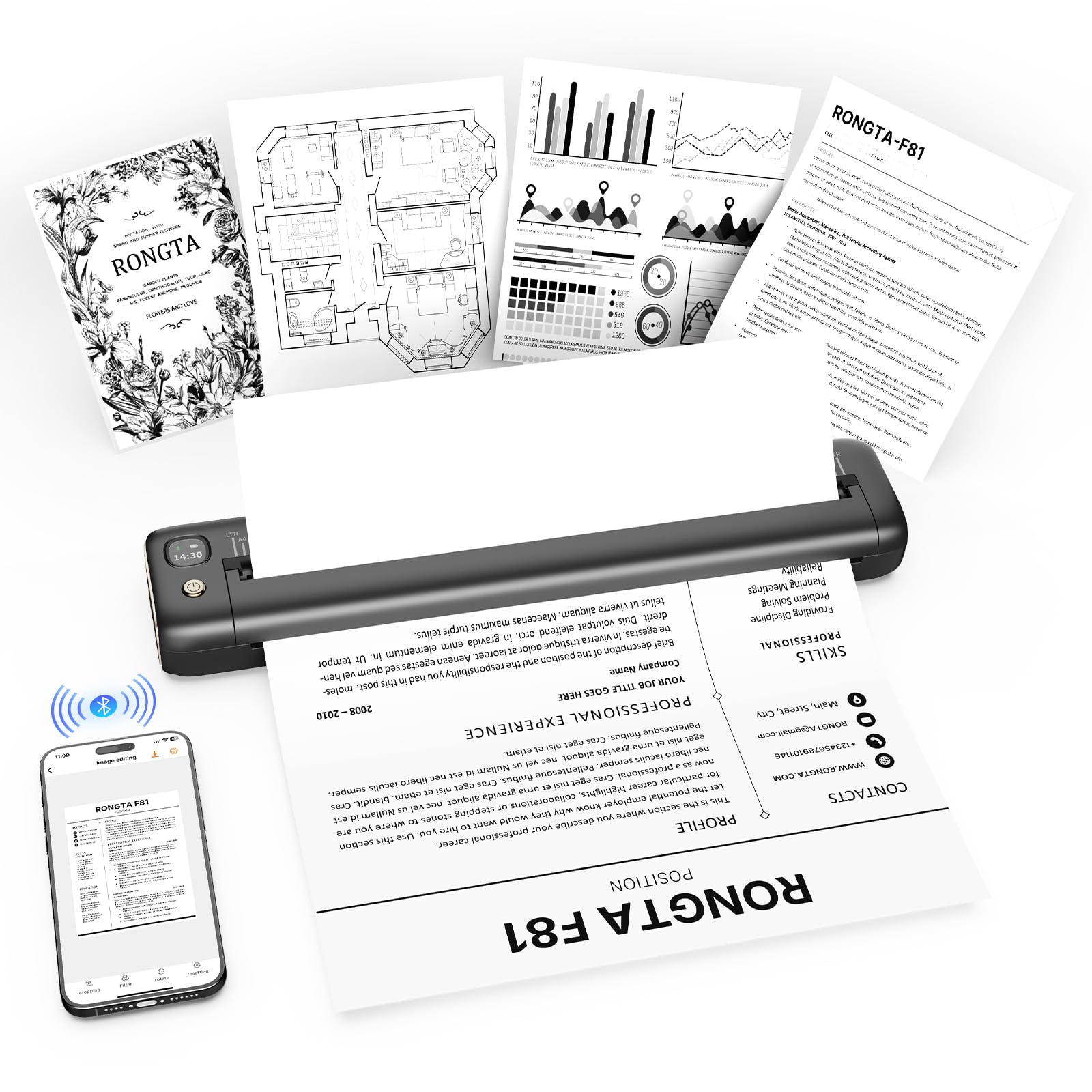
At less than one pound, the Rongta F81 is the lightest full-size document printer in this roundup, making it the obvious choice for minimalists and daily-carry purists who want to print Letter, Legal, or A4 documents without feeling the weight in their bag. The sleek gray finish with gold accents gives it a look that won’t feel out of place in a coffee shop or co-working space.
The SoPrint app handles Bluetooth pairing exclusively — you cannot connect via the phone’s native Bluetooth menu, which is a minor procedural quirk that most users adjust to quickly. Print quality at 203 DPI is perfectly adequate for standard text documents, though one user noted that print can fade toward the bottom of the page if the paper isn’t feeding perfectly straight. Noise levels stay under 60 dB, quiet enough for library or shared office use.
Paper loading is the main friction point: the instructions are not entirely accurate, and getting the thermal paper to feed without skewing requires some practice. Several users also wished for a carrying case, especially since the lightweight build makes it easy to toss loose into a bag. For basic black-and-white document printing on the go, the F81 delivers excellent value, but the app dependency means the printer is only functional as long as SoPrint remains supported.
Why it’s great
- Ultra-light 0.99-pound design vanishes into any bag
- Supports multiple paper sizes including Legal, A4, and 4-inch
- Quiet operation under 60 dB for shared environments
Good to know
- Bluetooth pairing only works through the SoPrint app
- Paper loading is tricky and lacks clear visual guides
4. Nelko PP01 2×3″ Portable Photo Printer

The Nelko PP01 shifts the focus from black-and-white documents to full-color photo printing, using an advanced inkjet system that produces 603 DPI resolution with vibrant colors and realistic skin tones. The prints come out on smudge-proof, water-resistant, and tear-resistant sticky-backed paper, so each photo doubles as a sticker ready for scrapbooks, planners, or laptop covers.
At just 0.6 pounds and roughly the size of a smartphone, the PP01 is genuinely pocketable and fits into a small purse or jacket pocket. Each ink cartridge yields up to 80 full-color 2×3-inch prints, and the included starter pack provides 20 sheets of photo paper plus one cartridge. The Nelko app on iOS and Android offers editing tools, frames, filters, and collage layouts, giving you creative control before you hit print.
Print speed is about 63 seconds per photo, which is slower than thermal document printers but typical for portable color inkjets. The built-in Bluetooth connection pairs quickly, and the app lets you print directly from your phone’s camera roll or social media. A few users noted that if the printer sits idle for a long time, the ink cartridge head may need a gentle vertical wipe to prevent clogging, but overall performance scores are excellent for the category.
Why it’s great
- 603 DPI produces near-lab-quality color prints with realistic tones
- Ultra-portable 0.6-pound design fits in a jacket pocket
- Sticky-backed paper works great for journaling and crafting
Good to know
- Slow print speed at roughly one minute per photo
- Ink cartridge can clog if left unused for extended periods
5. Fujifilm Instax Mini Link Smartphone Printer Bundle
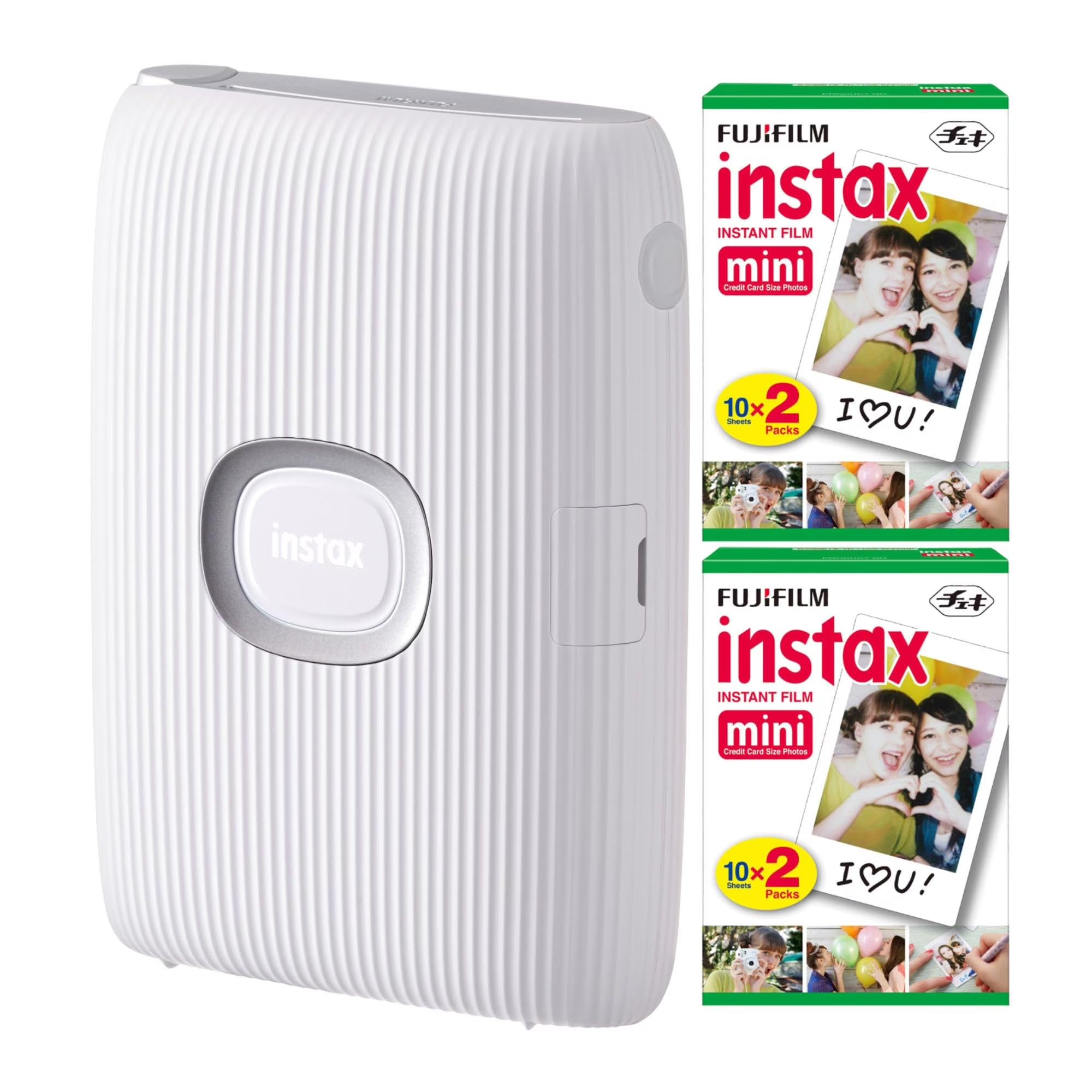
The Fujifilm Instax Mini Link is the most established name in phone-to-instant-print devices, and this bundle includes 40 sheets of Instax Mini film so you can start printing right away. Prints take about 12 seconds to eject and roughly 90 seconds to fully develop into the iconic white-bordered instant photos that fans of the format love. It does not use ink or thermal paper — it exposes specialized instant film using a proprietary process.
The companion app lets you add fun filters, frames, and even print photos extracted from video clips. Up to five smartphones can be connected simultaneously, making it a natural fit for parties, events, and gatherings where multiple people want to contribute photos to a shared print session. The “reprint” feature is clever: turn the printer upside down and press the Instax button to print the last photo again without needing the app.
At 16 ounces, the Mini Link is heavier than the other printers in this guide but still fits in a large coat pocket or small bag. The ongoing cost of Instax Mini film means each print is significantly more expensive than thermal or inkjet options, but the nostalgic look, physical texture, and social sharing experience justify the premium for many users. Build quality is excellent, and the brand’s long-term track record means replacement film will be available for years to come.
Why it’s great
- Instant film prints with the iconic Instax look and texture
- Multi-device connection supports collaborative group printing
- Durable build and proven brand with wide film availability
Good to know
- Per-print cost is much higher than thermal or inkjet options
- Prints are limited to the small Instax Mini format (2.1 x 3.4 inches)
FAQ
Can a cell phone printer print in color?
What kind of paper do thermal cell phone printers require?
Do I need Wi-Fi to print from my phone?
How long does the battery hold a charge when idle?
Final Thoughts: The Verdict
For most users, the best cell phone printer winner is the iDPRT MT610Pro because it combines the highest resolution (300 DPI) with the best battery life (360 pages) in a package that weighs just over a pound. If you want full-color photo printing with sticky-back paper, grab the Nelko PP01. And for the lightest possible daily carry that handles Letter, Legal, and A4 documents, nothing beats the Rongta F81.

Mo Maruf
I created WellFizz to bridge the gap between vague wellness advice and actionable solutions. My mission is simple: to decode the research and give you practical tools you can actually use.
Beyond the data, I am a passionate traveler. I believe that stepping away from the screen to explore new environments is essential for mental clarity and physical vitality.