Our readers keep the lights on and my smoothie glass nicely filled. As an Amazon Associate, I earn from qualifying purchases.
Nothing kills meeting momentum like a grainy feed that can’t tell a face from a filing cabinet. A camera for conference spaces must deliver sharp video, reliable autofocus, and smart framing so every participant feels seen—whether they’re in the room or logging in remotely.
I’m Mohammad Maruf — the founder and writer behind WellFizz. I spend my time dissecting the hardware specifications of business-class cameras, from sensor size and optical zoom ratios to AI tracking latency and microphone beamforming arrays, so you get a unit that actually works for your room layout.
After combing through specs and real-world user feedback, the right camera for conference rooms balances field-of-view width, low-light performance, and seamless plug-and-play compatibility with your existing collaboration software.
How To Choose The Best Camera For Conference
Selecting the right conference camera is about matching hardware specs to the physical space and the way your team actually meets. The wrong field of view or a camera that struggles in dim light turns every call into a chore.
Field of View and Room Size
A narrow field of view forces you to sit close together or leaves participants cropped out of the frame. For small huddle rooms (4–6 people), a 90° to 110° diagonal FOV is sufficient. Medium conference rooms with a long table need a 120° FOV or a PTZ camera that can pan across the room. For large spaces, consider a 360° camera like the Meeting Owl 3 or a multi-camera setup that covers the entire table without fisheye distortion.
Resolution and Low-Light Performance
1080p at 60fps is the baseline for smooth, professional-looking video. 4K offers more detail for cropping or zooming during post-production, but it demands higher bandwidth and more processing power. Pay attention to the sensor size and pixel size — a 1/2.8” sensor with larger individual pixels (such as 2.9 µm) captures more light, reducing grain in dimly lit rooms. Staggered HDR and Dual Native ISO further improve shadow detail and prevent blown-out highlights when a window sits behind the speaker.
AI Tracking and Auto-Framing
AI-powered cameras use facial recognition and body tracking to keep the active speaker centered without a dedicated operator. The best systems switch seamlessly between presenter mode (tracks a single person moving around) and group framing (adjusts to keep everyone visible). Look for cameras that offer multiple tracking modes and allow you to set preset positions for different meeting scenarios — this saves you from fiddling with the remote mid-call.
Audio Quality and Connectivity
A camera with an integrated beamforming microphone array can pick up voices from across the room while filtering out HVAC hum and keyboard clatter. If your room is large or has poor acoustics, a separate speakerphone with 360° audio pickup is essential. For connectivity, USB 3.0 plug-and-play is the simplest for laptops, while HDMI and LAN (with PoE) let you integrate into a fixed AV system. Make sure the camera is natively compatible with Zoom, Teams, Google Meet, and Webex so you’re not troubleshooting drivers before every call.
Quick Comparison
On smaller screens, swipe sideways to see the full table.
| Model | Category | Best For | Key Spec | Amazon |
|---|---|---|---|---|
| OBSBOT Tiny SE | PTZ Webcam | Individual desk & streaming | 1080p @ 100fps, 2.9µm pixels | Amazon |
| Bose Professional VB-S | All-in-One | Small room video bar | 4K UHD, 5x digital zoom | Amazon |
| iuZee 4K PTZ | PTZ Camera | Large room live production | 4K@30fps, 20x optical zoom | Amazon |
| Logitech PTZ Pro 2 | PTZ Camera | Mid-size conference rooms | 1080p, 10x digital zoom | Amazon |
| Prisual PT20X-UL | PTZ Camera | Church & education streaming | 1080p@60fps, 20x optical zoom | Amazon |
| Tenveo VHD20H | PTZ Camera | Pro live streaming & worship | 1080p@60fps, 20x optical zoom | Amazon |
| BizEye A5 + Camera | All-in-One | Small to medium meeting rooms | 4K dual-lens, 360° mic | Amazon |
| NexiGo Meeting 360 Ultra | All-in-One | Large rooms & long tables | 8K capture, 360° 195° dual lens | Amazon |
| Owl Labs Meeting Owl 3 | All-in-One | Hybrid collaboration hub | 360° 1080p, 18ft mic pickup | Amazon |
In‑Depth Reviews
1. OBSBOT Tiny SE

The OBSBOT Tiny SE packs professional AI tracking into a compact PTZ webcam at a price that undercuts most fixed-focus competitors. Its 1/2.8” stacked CMOS sensor with 2.9 µm pixel size and Dual Native ISO delivers remarkably clean 1080p video at up to 100fps, making it one of the smoothest sub-4K webcams available for conference calls. The Staggered HDR preserves detail in mixed lighting, so a bright window behind you won’t blow out your face.
Gesture control and body-part tracking (upper body, hand) let you command zoom and focus without touching the camera. The bundled USB-C cable and USB-A adapter simplify setup, and the OBSBOT software integrates with Stream Deck and global hotkeys for power users. Zone tracking lets you define areas the camera should ignore — useful if you share a desk with a busy background.
Low-light performance is genuinely impressive for this tier: the combination of a large sensor and advanced ISP keeps noise minimal even under dim ceiling lights. A small fraction of users report an occasional bug where the camera faces downward and requires a restart, but firmware updates have steadily reduced this occurrence. For a personal desktop or small huddle room, this delivers more value than many webcams costing twice as much.
Why it’s great
- 1080p at 100fps provides buttery smooth motion
- AI gesture control and zone tracking are genuinely useful
- Excellent low-light performance from 2.9µm pixels
Good to know
- Maximum resolution is 1080p, not 4K
- Occasional gimbal glitch requires a restart
- No built-in microphone
2. Bose Professional VB-S

The Bose Professional VB-S is an all-in-one videobar that merges a 4K UHD camera with four beamforming microphones and a hi-fidelity Bluetooth speaker. Its compact bar form factor (roughly 10 inches wide) fits neatly under a monitor or on a credenza, making it a strong contender for small conference rooms that lack dedicated AV infrastructure. The 5x digital zoom is adequate for a 6- to 8-person table, and the remote control includes customizable presets for different seating arrangements.
Audio is where the VB-S truly separates itself from standard webcams. The beamforming mic array focuses on voices and aggressively suppresses ambient noise, so participants on the far end hear clear speech even when someone types loudly or shuffles papers. You can also stream music via Bluetooth during breaks — a thoughtful touch for all-day workshops. The included mounting kit supports tabletop and wall placement, though a display mount is sold separately.
Image quality is good for a 4K sensor, but it’s not class-leading: the auto-framing can occasionally crop too aggressively, and the digital zoom loses fine detail beyond 3x. Plug-and-play drivers install automatically on Windows and macOS, and the camera works natively with Google Meet, Microsoft Teams, and Zoom. For buyers who prioritize audio clarity above all else, this is the most polished package in its segment.
Why it’s great
- Superior beamforming mic array with excellent noise rejection
- 4K UHD sensor with 5x digital zoom
- Compact bar design with tabletop and wall mount options
Good to know
- Auto-framing can be overly aggressive in crowded rooms
- Display mount bracket is sold separately
- Digital zoom loses detail beyond 3x
3. iuZee 4K AI Auto-Tracking PTZ
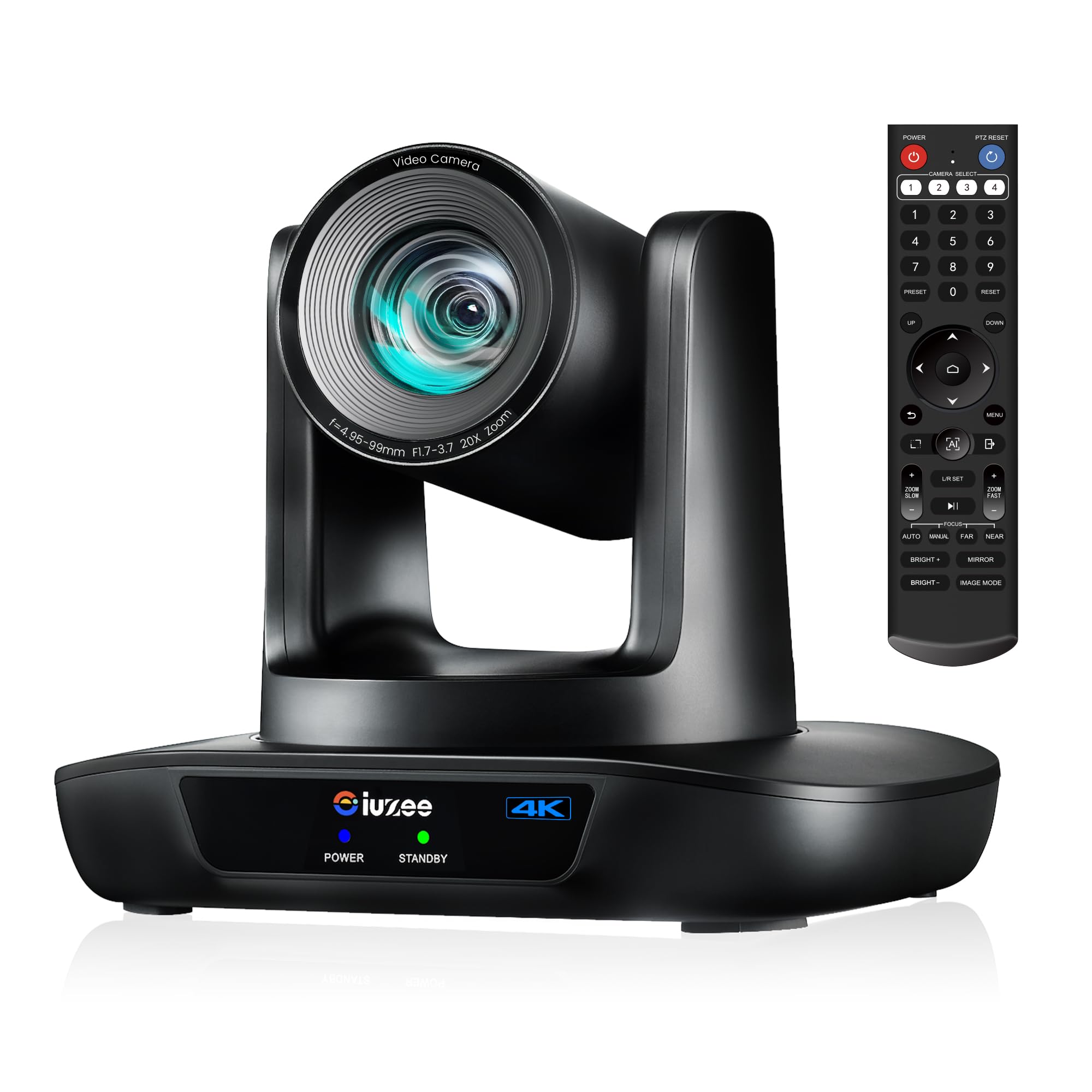
The iuZee 4K PTZ camera is built for venues where a fixed webcam simply won’t cut it — think house of worship services, university lecture halls, and large conference events. Its 1/2.8-inch 8.29-megapixel CMOS sensor paired with a 20x optical zoom lens captures crisp 4K video at 30fps, and the 63° wide-angle lens ensures you don’t miss the edges of the stage. The AI auto-tracking uses facial recognition and human body detection to follow the presenter with millisecond-level response, even when partially obscured.
Connectivity is impressively versatile: USB 3.0, HDMI, and LAN outputs run simultaneously, with Power over Ethernet (PoE) support for single-cable power and data. This is a huge advantage for ceiling-mounted installations where running separate power is impractical. The camera supports H.265 encoding for efficient bandwidth use and can stream directly to YouTube or Facebook via RTMP. You can store up to 255 presets (10 via the included IR remote), and the web interface lets you control every setting from a browser.
Image clarity in low light is solid thanks to 2D/3D noise reduction, though some users note the autofocus hunts slightly more than premium broadcast cameras. There is no built-in microphone — you’ll need an external audio solution. The included wall mount, USB cable, and power adapter make unboxing-to-production straightforward. For organizations that need a dependable, feature-rich PTZ camera without breaking into five figures, this is a standout choice.
Why it’s great
- 20x optical zoom maintains clarity at full extension
- Triple HDMI/USB/LAN output with PoE simplifies installation
- AI tracking reliably follows speakers even when partially blocked
Good to know
- No built-in microphone
- Autofocus can hunt in very low light
- Setup can be complex for first-time PTZ users
4. Logitech PTZ Pro 2

The Logitech PTZ Pro 2 is a veteran in the conference room space, offering a proven balance of optical accuracy and smooth motorized pan/tilt/zoom. It delivers 1080p HD video with excellent color reproduction, and the enhanced motor performance means presets transition more smoothly than the previous generation. The 10x digital zoom and wide field of view make it easy to see the entire conference table or zoom in on a whiteboard.
This camera processes video internally, offloading the encoding burden from your computer — a thoughtful design for older laptops or thin clients. It connects via USB and works out of the box with Skype for Business, Zoom, and Teams. The included remote gives you three programmable preset positions, though the manual pan/tilt controls can feel slightly oversensitive, requiring a gentle touch.
Low-light performance is decent for a 1080p sensor, but not exceptional — you’ll want consistent overhead lighting for the best results. There is no integrated microphone, so plan for a separate USB mic or speakerphone. The PTZ Pro 2 has been a standard fixture in boardrooms for years, and its reliability is well-documented, making it a safe bet if you need a predictable, plug-and-play PTZ camera for a medium-sized room.
Why it’s great
- Reliable plug-and-play with major conferencing platforms
- Internal video processing reduces laptop CPU load
- Smooth motorized presets for professional transitions
Good to know
- 10x digital zoom, not optical
- Pan/tilt controls can feel oversensitive
- No built-in microphone
5. Prisual PT20X-UL
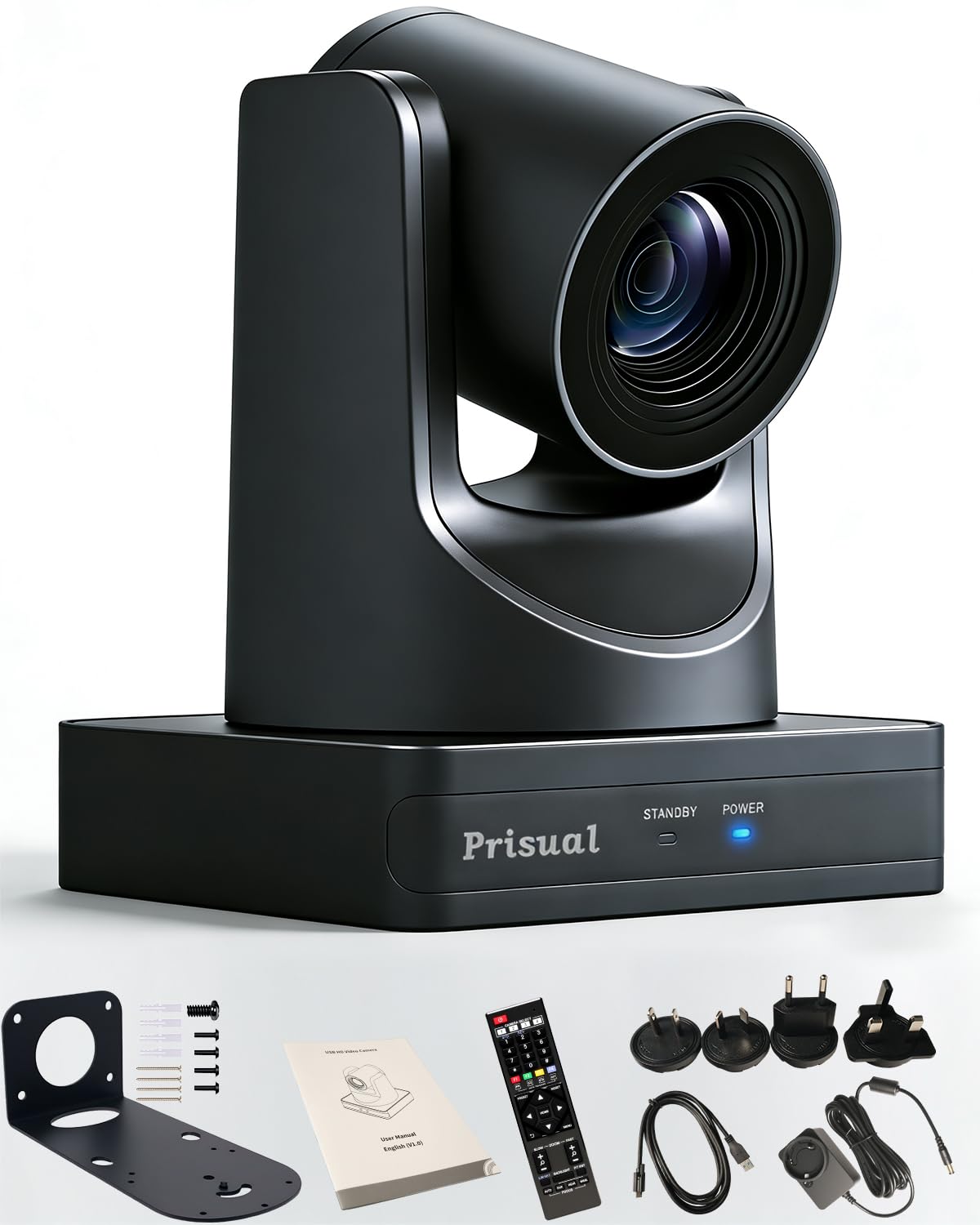
The Prisual PT20X-UL is engineered for environments where video quality and control flexibility are non-negotiable — churches, university lecture halls, and live event production. It outputs true 1080p video at 60fps across all interfaces (HDMI, USB 3.0, and LAN) and pairs a 20x optical zoom with a 16x digital boost for extreme close-ups without sacrificing clarity. The 60.7° horizontal FOV is wide enough for a stage or podium setup, and the synchronous belt drive ensures whisper-quiet pan/tilt movements.
AI auto-tracking locks onto presenters with a simple remote command (F3 to start tracking), and the web interface lets you tweak exposure, color, and zoom speed without needing physical access. The Prisual supports NDI (free license upgrade) for IP-based production workflows, which is a huge value-add at this price point. The metal chassis is built to last a decade, easily outlasting the plastic construction of many competitors. The package includes a wall mount, IR remote, RS232 cable, and a 12V power adapter.
Setup requires some networking knowledge — the manual can be confusing for first-time users, and the default password should be changed immediately. Some users note the autofocus and exposure needed a firmware update to stabilize, but Prisual’s 24/7 support team provides remote assistance and quick turnaround. For organizations streaming services or lectures multiple times per week, the PT20X-UL offers broadcast-grade capabilities at a fraction of the cost of pro video gear.
Why it’s great
- True 1080p@60fps with 20x optical zoom
- Free NDI upgrade for IP-based workflows
- Silent synchronous belt drive for professional movement
Good to know
- Networking knowledge required for initial setup
- Firmware updates needed for some autofocus issues
- Manual documentation could be clearer
6. Tenveo VHD20H
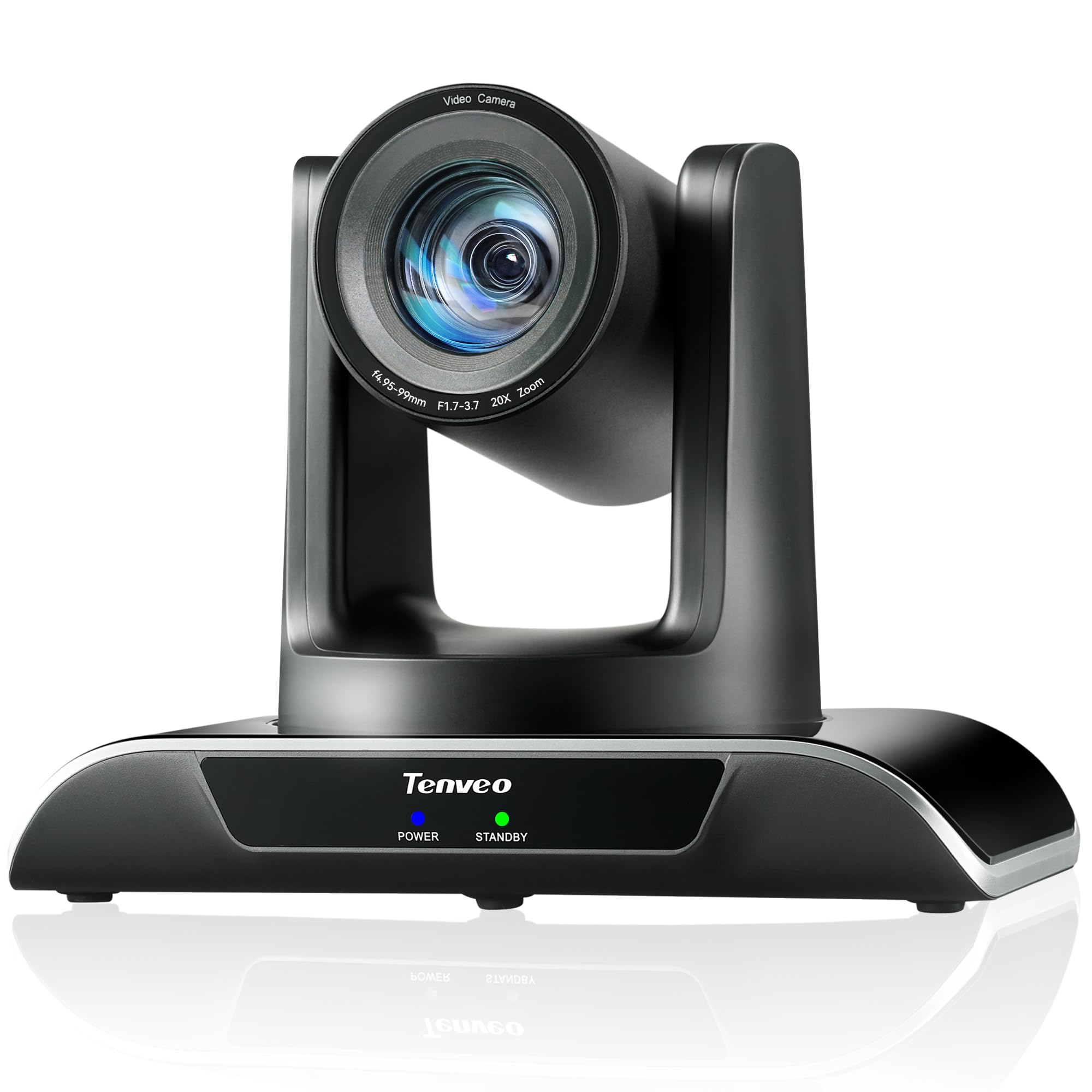
The Tenveo VHD20H is a purpose-built PTZ camera for professional live streaming and large conference spaces, featuring 1080p video at 60fps with a 20x optical zoom lens. The 1/2.8-inch CMOS sensor with 2.07 megapixels delivers natural color and sharp detail, and the advanced ISP processing handles challenging lighting conditions — including dimly lit sanctuaries and lecture halls — without requiring manual color tweaks. AI humanoid and face tracking lock onto the presenter with millisecond-level responsiveness, and the tracking holds even when the subject is briefly obstructed.
Connectivity spans USB 3.0, HDMI, and LAN with PoE support — you can run power, data, and control over a single Ethernet cable when paired with a PoE switch. The IP Auto-Search tool simplifies network discovery, making deployment of multiple cameras far less painful. The camera supports up to 255 presets (10 via the included remote), and the RS232/RS485 interfaces allow integration with professional control surfaces and video switchers. The metal housing feels robust, and the silent pan/tilt motors won’t distract during quiet moments.
There is no built-in microphone, which is standard for this camera class, so plan for an external audio source. Some users report occasional laggy response over IP networks, likely related to network congestion rather than the camera itself. The 3-year warranty and lifetime technical support add significant peace of mind. For houses of worship and educational institutions that stream multiple times per week, the VHD20H delivers consistent, high-quality results.
Why it’s great
- Silent, smooth PTZ motor with 20x optical zoom
- AI tracking handles obstruction and maintains lock
- PoE support simplifies cable management
Good to know
- No built-in microphone
- IP response can lag on congested networks
- Setting up PoE requires compatible switch
7. BizEye A5 + Camera
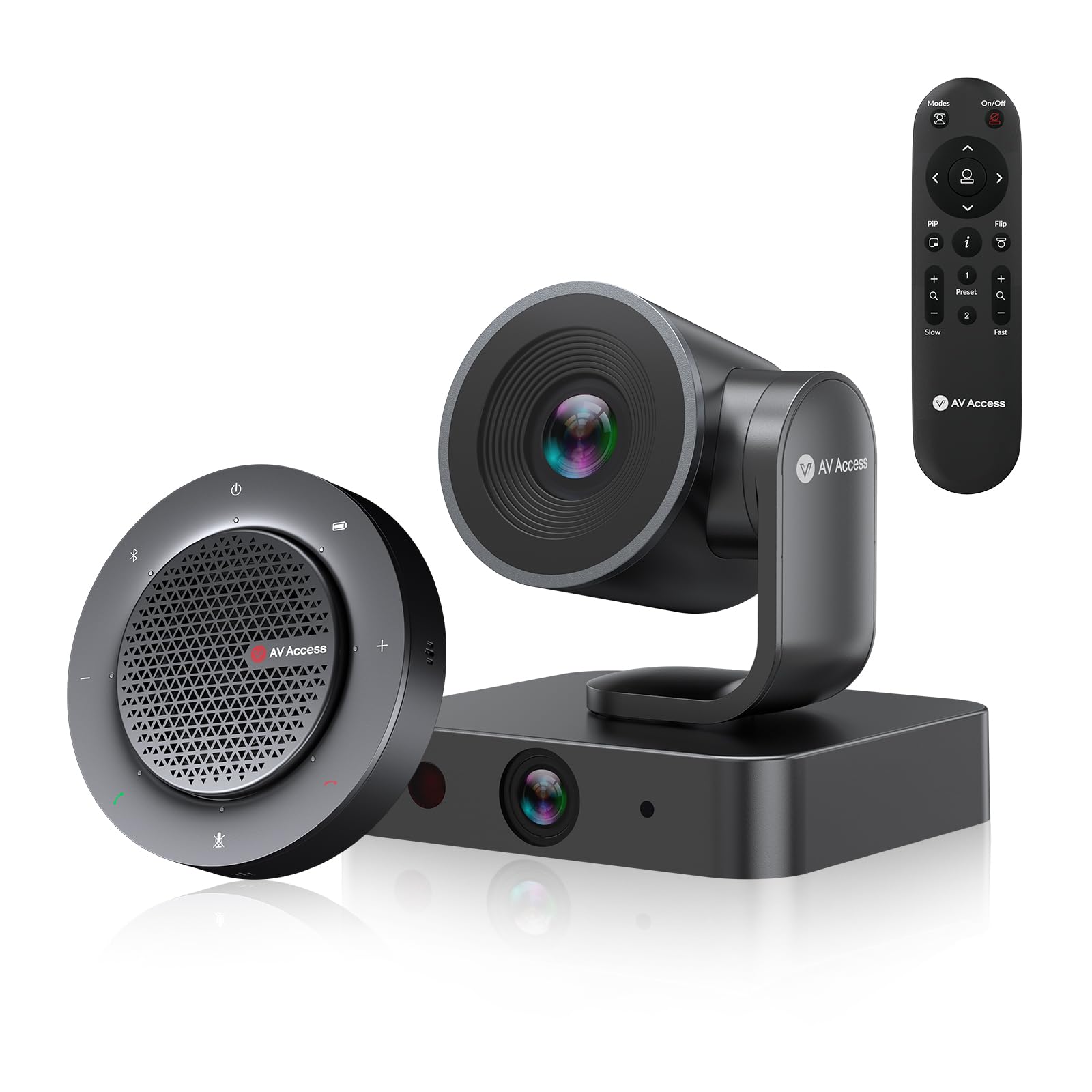
The BizEye A5 kit combines a 4K dual-lens PTZ camera with a wireless USB/Bluetooth speakerphone, making it a complete conferencing solution for small to medium meeting rooms. The main camera uses a 4K sensor with 3x optical zoom and a 110° FOV, while the secondary 1080p panoramic lens covers a 120° FOV. AI-powered features include Individuals Gallery (frames up to 4 people individually), Auto Framing, and Presenter Tracking — automatically adjusting the view based on who is speaking and where they are sitting.
The included speakerphone is the standout component: four omnidirectional microphones capture 360° audio up to 5 meters, with built-in acoustic echo cancellation and noise reduction that keeps conversations natural. The speakerphone runs wirelessly for up to 10 hours, so you can move it to different tables without cable clutter. The camera connects via USB 3.0 (UVC standard) for plug-and-play compatibility with Zoom, Teams, Webex, and Google Meet — no drivers needed.
The dual-lens design provides a more natural group view than a single wide-angle lens, reducing the fisheye distortion that can make participants look distorted. The IR remote and web UI let you save up to 9 camera presets. While the speakerphone’s audio quality is very good for its size, some users report it struggles in rooms with hard surfaces and lots of echo. For a dedicated 4-8 person meeting room that needs both camera and audio in a single purchase, this is an impressively complete package.
Why it’s great
- 4K dual-lens design minimizes fisheye distortion
- All-in-one kit includes wireless speakerphone
- AI Individuals Gallery frames up to 4 people simultaneously
Good to know
- Speakerphone audio quality degrades in echoey rooms
- Optical zoom limited to 3x
- Speakerphone battery life drops with heavy use
8. NexiGo Meeting 360 Ultra (Gen 3)

The NexiGo Meeting 360 Ultra Gen 3 is a purpose-built solution for long-table conference rooms, U-shaped seating, and lecture halls where a single fixed camera can’t see everyone. Its dual 195-degree lenses capture a full 360° panoramic view at 8K resolution, and the built-in operating system eliminates the need for a connected computer — simply plug it into a TV or monitor via HDMI and start a video call directly. The device integrates up to four cameras simultaneously, giving you complete coverage of sprawling meeting spaces.
AI-powered auto-framing and auto-tracking intelligently detect all participants and switch between views based on who is speaking. Eight omnidirectional microphones pick up audio from up to 18 feet away, while the integrated Hi-Fi speakers deliver clear bi-directional sound. The privacy cover provides physical lens protection when the camera is not in use, and the USB/HDMI connectivity makes it compatible with Windows and macOS without additional drivers.
Setup is straightforward: you can connect it to a PC via USB, a TV via HDMI, or to a network router. The built-in app store lets you install Zoom, Teams, Google Meet, and other platforms directly on the device. However, at this price point, the 1080p output from the 8K sensor feels like a missed opportunity — you’re paying for high-resolution capture but outputting at 1080p. The audio quality is good but not best-in-class for this tier. For organizations with long rooms that consistently struggle to include all participants on camera, this is the most effective all-in-one fix available.
Why it’s great
- 360° panoramic view covers long tables and U-shaped rooms
- Built-in OS allows standalone operation without a PC
- Multi-camera integration up to four units
Good to know
- Output is limited to 1080p despite 8K sensor
- Hi-Fi speakers are adequate but not premium
- Expensive for a single-room deployment
9. Owl Labs Meeting Owl 3

The Meeting Owl 3 is the gold standard for hybrid collaboration, using its Owl Intelligence System to automatically focus on whoever is speaking while showing a 360° panoramic view of the entire room. The 1080p HD camera rotates and zooms smoothly to frame the active speaker, and the 360° audio pickup captures voices clearly from up to 18 feet away. The experience feels natural: remote participants see the speaker’s face and body language while still understanding the room layout and who else is present.
Setup is genuinely plug-and-play — most users go from unboxing to their first meeting in under six minutes. The Meeting Owl 3 is certified for Microsoft Teams and works with Zoom, Google Meet, Cisco Webex, and other major platforms without additional configuration. IT administrators can manage fleets of devices through The Nest management tool, enabling bulk registration and default settings across the organization. You can also pair two Meeting Owls or add an Expansion Mic to cover larger spaces, and the Whiteboard Owl accessory captures whiteboard content for remote participants.
Video resolution caps at 1080p, which feels dated at this price point when many competitors offer 4K. The audio quality, while very good, isn’t exceptional for the tier — you may want an external mic for rooms with poor acoustics. The unit has proven extremely durable; multiple users report surviving accidental drops from tables. For organizations where hybrid meeting equity and ease of use are the top priorities, the Meeting Owl 3 remains the most reliable, least-friction solution on the market.
Why it’s great
- Smart 360° auto-framing of active speakers is incredibly intuitive
- Plug-and-play setup in under 6 minutes
- Durable build survives frequent use and accidental drops
Good to know
- Only 1080p video at a premium price
- Audio is good but not class-leading
- Requires clear line-of-sight for best tracking performance
FAQ
What is the ideal field of view for a 10-person conference room?
Do I need 4K resolution for conference calls?
How important is Power over Ethernet (PoE) support?
Can I use a conference camera without a computer?
What is the difference between USB 2.0 and USB 3.0 for conference cameras?
Final Thoughts: The Verdict
For most meeting rooms and budgets, the top camera for conference use is the OBSBOT Tiny SE because it combines AI tracking, smooth 1080p at 100fps, and excellent low-light performance in a compact PTZ package at an exceptional value. If your priority is superior audio quality and you need a single device for a small room, grab the Bose Professional VB-S. And for large hybrid rooms where 360° coverage and speaker tracking are non-negotiable, nothing beats the Owl Labs Meeting Owl 3 for effortless, inclusive collaboration.

Mo Maruf
I created WellFizz to bridge the gap between vague wellness advice and actionable solutions. My mission is simple: to decode the research and give you practical tools you can actually use.
Beyond the data, I am a passionate traveler. I believe that stepping away from the screen to explore new environments is essential for mental clarity and physical vitality.