Our readers keep the lights on and my smoothie glass nicely filled. As an Amazon Associate, I earn from qualifying purchases.
The hunt for a 27-inch gaming monitor on a budget usually ends in a compromise: you either settle for 1080p resolution or accept a low refresh rate that leaves you lagging behind. But the gap between wallet-friendly pricing and genuine performance has narrowed significantly, with several panels now delivering high-refresh QHD visuals at prices that would have seemed impossible a few years ago.
I’m Mohammad Maruf — the founder and writer behind WellFizz. I’ve spent the last 7 years analyzing gaming peripheral markets, breaking down panel technologies, refresh rate standards, and color accuracy metrics in the budget-to-mid-range monitor space.
Whether you’re chasing smooth motion in competitive shooters or vibrant color for open-world adventures, finding the best budget 27 inch gaming monitor demands careful sifting through refresh rate claims, panel types, and connectivity specs that actually matter.
How To Choose The Best Budget 27 Inch Gaming Monitor
Choosing a monitor within a budget means knowing which specs to prioritize and where you can safely trim costs. For a 27-inch gaming panel, resolution and refresh rate are the two pillars that define your experience. Below are the key factors to consider before clicking buy.
Resolution: 1080p vs QHD on a 27-inch panel
At 27 inches, Full HD (1080p) can look noticeably soft because the pixels are spread across a larger screen, leading to lower pixel density. Quad HD (2560×1440) provides roughly 1.7 times the pixel count, making text crisper and game worlds more detailed. If your graphics card can handle it, QHD is the sweet spot for a 27-inch budget monitor. However, if you prioritize ultra-high frame rates in fast esports titles and have a tighter budget for both monitor and GPU, a good 1080p panel still delivers smooth competitive play.
Refresh Rate and Response Time: What the numbers really mean
Refresh rate, measured in Hertz (Hz), tells you how many times the screen updates per second. 144Hz is the baseline for smooth gaming, 165Hz improves responsiveness, and 180Hz to 280Hz provides a genuinely competitive edge in fast-paced shooters. Response time (usually 1ms MPRT or GTG) represents how fast a pixel can change from one color to another, reducing ghosting and motion blur. Budget monitors often quote “1ms” using the MPRT measurement, which is a visual spec rather than a strict grey-to-grey time, so take it as an indicator of motion clarity rather than pixel speed.
Panel Type: IPS versus VA for gaming
IPS panels offer better color accuracy and wider viewing angles (178°), making them ideal for both gaming and creative work. VA panels, on the other hand, deliver higher native contrast ratios (3000:1 or more) for deeper blacks in dark scenes, which can make horror games and narrative adventures more immersive. Budget VA monitors sometimes suffer from slower pixel transitions, but many modern VA panels handle fast motion well enough for all but the most competitive play. Choose IPS for color-critical tasks and VA for contrast and immersion.
Connectivity: Don’t let ports bottleneck your specs
To reach higher refresh rates at QHD resolution, you need DisplayPort (1.2 or higher) or HDMI 2.0. For example, many budget monitors unlock their max 180Hz via DisplayPort, while HDMI might cap at 120Hz or 144Hz. Check your graphics card outputs and the included cables before purchasing. Built-in speakers are present on many budget monitors but are rarely impressive — treat them as a backup and plan on using dedicated headphones or speakers for a proper gaming audio experience.
Quick Comparison
On smaller screens, swipe sideways to see the full table.
| Model | Category | Best For | Key Spec | Amazon |
|---|---|---|---|---|
| Acer Nitro KG271U | QHD | Best Overall Value | 180Hz / 0.5ms GTG / IPS | Amazon |
| KOORUI G2722P | QHD | Ergonomic Adjustability | 200Hz / 1ms / IPS / HDR400 | Amazon |
| GIGABYTE GS27QA SA | QHD | Reliable Brand & Build | 180Hz / 1ms MPRT / IPS | Amazon |
| Samsung Odyssey G5 G53F | QHD | Premium QHD + 200Hz | 200Hz / 1ms MPRT / IPS | Amazon |
| Alienware AW2725DM | QHD | Best Build & Support | 180Hz / 1ms GTG / IPS | Amazon |
| AOC C27G4ZH | FHD Curved | Maximum Speed (280Hz) | 280Hz / 0.3ms MPRT / VA | Amazon |
| Acer Nitro XZ270 | FHD Curved | Curved Immersion + Adjustability | 280Hz / 1ms VRB / VA | Amazon |
| ASUS TUF VG277Q1A | FHD | Esports & Shadow Boost | 165Hz / 1ms MPRT / VA | Amazon |
| Amazon Basics 27″ | FHD | Budget-Friendly Entry | 165Hz / 1ms Response / IPS | Amazon |
In‑Depth Reviews
1. Acer Nitro KG271U

The Acer Nitro KG271U strikes a remarkable balance between price and performance by delivering a genuine QHD (2560×1440) IPS panel with a 180Hz refresh rate and a 0.5ms GTG response time. This combination means you get both the sharpness of 1440p and the fluidity of high-frame-rate gaming without the typical premium upcharge. The DCI-P3 95% color coverage also makes it a solid option for creative tasks beyond gaming, like photo editing.
Connectivity includes one DisplayPort 1.2 and two HDMI 2.0 ports, which is sufficient for driving the full 180Hz at QHD via DisplayPort. The zero-frame design maximizes screen real estate, and the built-in speakers, while not powerful, are functional for casual use or voice calls. The monitor includes AMD FreeSync support to combat screen tearing.
Where the KG271U shows its budget roots is in the stand: it’s flimsy and offers only tilt adjustment, causing some wobble on less sturdy desks. For a long-term setup, investing in a VESA-compatible arm or a more stable base is a smart idea. If you can look past the stand, this monitor offers the best all-around value in this roundup.
Why it’s great
- QHD + 180Hz at an exceptional price point
- IPS panel with 95% DCI-P3 color accuracy
- Overdrive delivers sharp motion clarity
Good to know
- Stand is flimsy and non-adjustable beyond tilt
- Built-in speakers are passable at best
- Brightness caps at 250 cd/m²
2. KOORUI G2722P
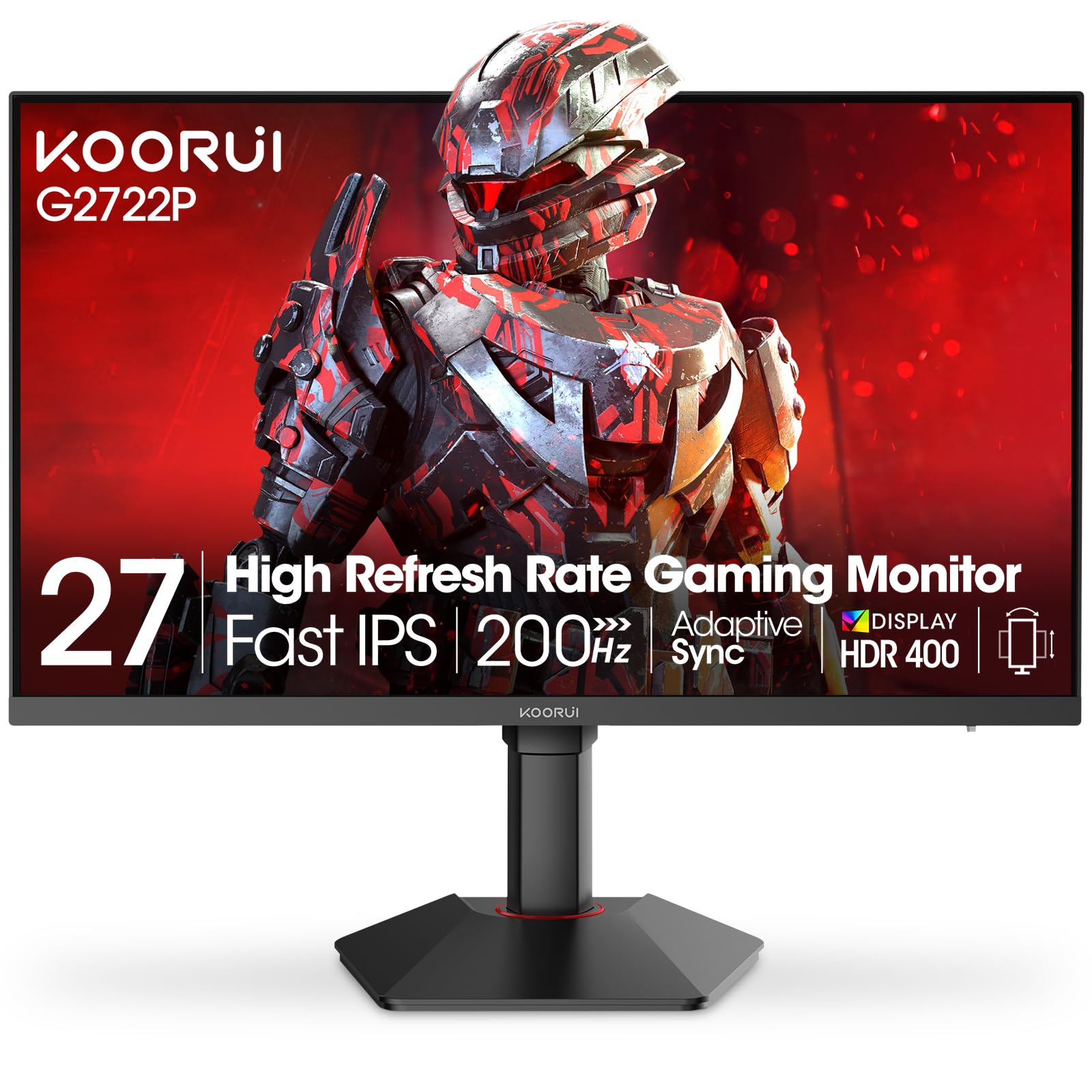
The KOORUI G2722P brings a 27-inch Fast IPS panel at QHD resolution with a 200Hz refresh rate — a spec that rarely appears at this price tier. The 200Hz advantage over standard 180Hz panels translates to slightly smoother motion in fast-paced titles, and the 1ms response time keeps ghosting at bay. With HDR400 certification and a 95% DCI-P3 color gamut, this monitor also handles creative workloads acceptably.
What truly sets the G2722P apart is its fully adjustable ergonomic stand: height, tilt, swivel, and even pivot (rotate into portrait mode). In a category where most budget monitors skimp on the stand, this level of adjustability is a genuine differentiator for users who care about long-session comfort and desk ergonomics. The Adaptive Sync support works with both FreeSync and G-Sync.
The on-screen display (OSD) menu is controlled via a small joystick that takes some getting used to, but it’s manageable once you learn the layout. There are no built-in speakers, but the audio jack allows easy connection to external speakers. For those who need a monitor that adjusts to them — not the other way around — the G2722P is a compelling pick.
Why it’s great
- 200Hz refresh rate higher than most in the class
- Full ergonomic stand (height, tilt, swivel, pivot)
- Vibrant IPS color with HDR400
Good to know
- No built-in speakers
- OSD joystick can be finicky at first
- Limited brand support compared to Acer or ASUS
3. GIGABYTE GS27QA SA
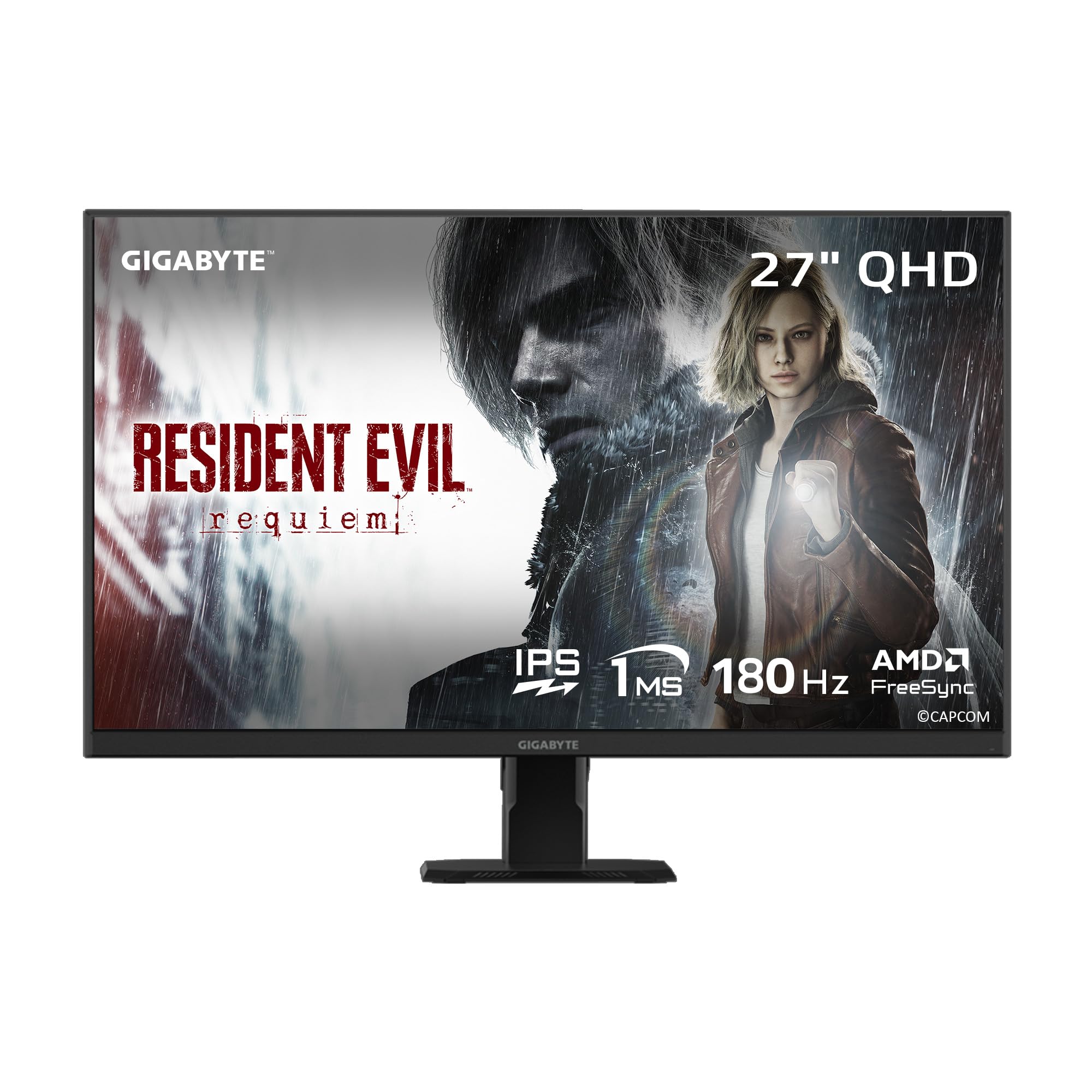
GIGABYTE’s GS27QA SA pairs a 27-inch SuperSpeed IPS panel with QHD resolution and a 180Hz refresh rate, backed by a 1ms MPRT response time. The brand’s “Black Equalizer” and built-in crosshair overlay are thoughtful additions for competitive FPS players who need improved visibility in dark corners. The HDR10 support and 100% sRGB coverage ensure decent color for most gaming and media consumption.
Build quality feels solid, and the included DisplayPort and HDMI cables mean you can hit the full 180Hz out of the box on a compatible system. The monitor also supports AMD FreeSync for tear-free gameplay. A notable plus is the inclusion of a 3-year warranty, which adds confidence for a long-term purchase in this price segment.
Some users have reported that the HDMI port feels slightly looser than ideal, and console-specific compatibility can be tricky — the Xbox Series X may not output 1440p at 120Hz natively with this panel, requiring a drop to 1080p for the higher refresh on console. For PC gamers, however, this is a well-rounded monitor with a minor cable fit issue.
Why it’s great
- SuperSpeed IPS with solid 180Hz and 1ms MPRT
- Game-assist features like Black Equalizer
- 3-year warranty for peace of mind
Good to know
- HDMI port may feel slightly loose
- Console 1440p/120Hz support is limited
- Stand only offers tilt adjustment
4. AOC C27G4ZH

The AOC C27G4ZH takes a different approach, opting for a 1500R curved VA panel at Full HD (1080p) rather than a flat QHD display. The trade-off is resolution for speed: a 280Hz refresh rate with a 0.3ms MPRT response time, making this one of the fastest monitors in this roundup. The VA panel delivers a strong 3000:1 contrast ratio, which means deep blacks and vibrant colors in dark game scenes, and the 1500R curvature adds a genuine sense of immersion.
The ergonomic stand offers height, tilt, and swivel adjustments, which is rare at this price point. FreeSync Premium support ensures smooth, tear-free visuals across a wide frame rate range. The AOC C27G4ZH is ideal for players who prioritize absolute smoothness and immersion over raw pixel density — perfect for competitive first-person shooters and cinematic single-player games.
At 27 inches, 1080p resolution results in a lower pixel density, so text and fine details won’t be as sharp as QHD. Some users might notice pixelation on desktop use or in games with fine HUD elements. If you can accept this trade-off for a blazing 280Hz refresh rate and great contrast, the C27G4ZH delivers where it counts.
Why it’s great
- Class-leading 280Hz refresh rate
- 0.3ms MPRT for minimal motion blur
- Full ergonomic stand and 1500R curve
Good to know
- 1080p at 27 inches reduces pixel density
- VA panel may have slightly slower pixel transitions
- No built-in speakers
5. ASUS TUF Gaming VG277Q1A

The ASUS TUF VG277Q1A is a 27-inch Full HD monitor built for competitive gamers who value consistent performance and feature-rich design. Its 165Hz refresh rate and 1ms MPRT response time are paired with ASUS’s Extreme Low Motion Blur (ELMB) technology, which further reduces ghosting in fast-moving scenes. The VA panel with a 3000:1 contrast ratio allows for deeper blacks compared to typical IPS panels.
ASUS includes Shadow Boost, a feature that brightens dark areas without overexposing highlights — useful for spotting enemies in shadow-heavy game environments. FreeSync Premium is supported, and the monitor works with both NVIDIA and AMD graphics cards for adaptive sync. The stand is tilt-adjustable, and VESA mounting is supported for arm setups.
At 1080p on a 27-inch screen, text clarity and sharpness take a hit compared to QHD alternatives. The stand is also limited to tilt, so taller users may find the default height too low and may need to use a riser or VESA arm. If you play primarily competitive esports titles like Valorant or Overwatch, the motion clarity and low input lag make it a fine choice.
Why it’s great
- Extreme Low Motion Blur technology works well
- Shadow Boost enhances dark scene visibility
- High contrast VA panel (3000:1)
Good to know
- 1080p resolution at 27 inches looks soft
- Stand is tilt-only and sits low
- Color accuracy is decent but not pro-grade
6. Samsung Odyssey G5 G53F

The Samsung Odyssey G5 G53F brings a 27-inch QHD IPS panel with a 200Hz refresh rate and 1ms MPRT response time, positioning it as a premium option within the budget-adjacent price range. The IPS panel ensures vibrant colors and wide 178° viewing angles, and the HDR10 support adds extra depth to highlights and shadows. With AMD FreeSync Premium support, frame tearing is effectively eliminated across a broad range of frame rates.
The “Black Equalizer” feature adjusts dark areas to reveal hidden details, and a Virtual Aim Point overlay helps with targeting in shooters. The Auto Source Switch+ automatically detects and switches to the active input device, which is a small but welcome convenience for multi-device setups. The included cables (HDMI and DP) cover the basics.
The stand is the weakest link: it only offers tilt adjustment, and the cable management loop feels fragile. Some users have reported minor build quality quirks with the stand’s base. For a cleaner and more ergonomic setup, a VESA-compatible monitor arm is recommended. If you can extend your budget slightly and want a well-known brand with solid color performance, the G5 G53F delivers.
Why it’s great
- QHD IPS with 200Hz refresh rate
- Auto Source Switch+ for multi-device use
- Black Equalizer improves shadow detail
Good to know
- Stand is cheap and tilt-only
- Cable management loop is flimsy
- No height or swivel adjustment included
7. Acer Nitro XZ270

The Acer Nitro XZ270 is a 27-inch 1500R curved gaming monitor with a Full HD resolution and a 280Hz refresh rate, backed by a 1ms VRB response time. The VA panel offers a stunning 100,000,000:1 dynamic contrast ratio, delivering deep blacks and vivid colors that make single-player and cinematic games feel more immersive. AMD FreeSync Premium further smooths out frame transitions.
Where the XZ270 separates itself from the AOC C27G4ZH is in the stand: Acer provides full ergonomic adjustment with height, tilt, and swivel support. This makes it one of the most comfortable monitors to use right out of the box within the budget curved category. The near-bezel-less ZeroFrame design is also excellent for multi-monitor setups.
Like the AOC, the 1080p resolution at 27 inches means pixel density is relatively low, so text and UIs won’t appear as sharp as QHD. The built-in speakers are weak, but they exist as a fallback option. If you prioritize immersion through curvature and high refresh rates over pixel-level detail, the XZ270 is a strong candidate with best-in-class stand adjustability.
Why it’s great
- 280Hz refresh rate with 1500R curve
- Full ergonomic stand (height, tilt, swivel)
- Excellent dynamic contrast for VA panel
Good to know
- 1080p at 27 inches is not the sharpest
- Built-in speakers are mediocre
- VRB motion blur reduction may reduce brightness
8. Amazon Basics 27 Inch Gaming Monitor
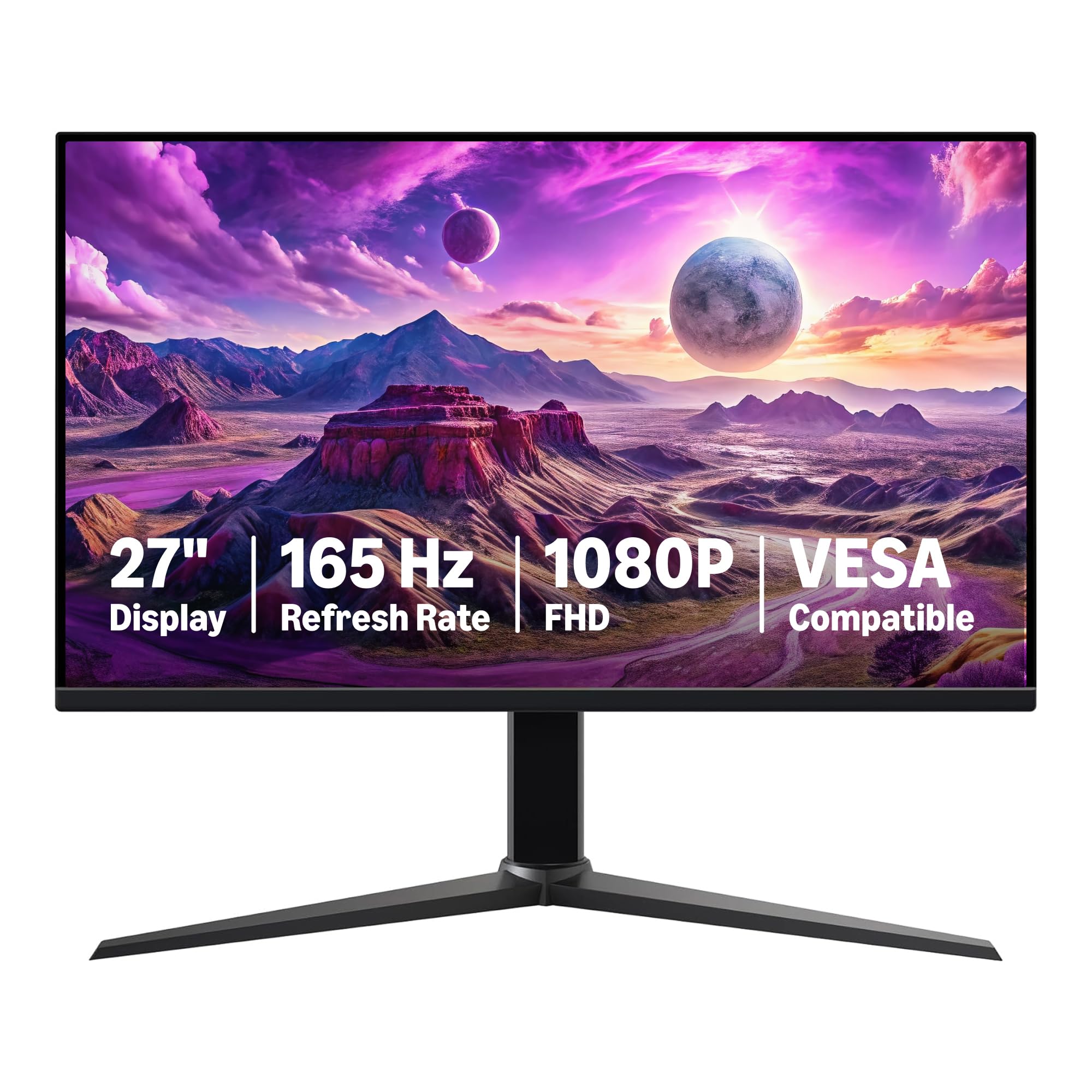
The Amazon Basics 27 Inch Gaming Monitor is exactly what the name suggests: no-frills, reliable components at an entry-level price. It features an IPS panel with Full HD resolution, a 165Hz refresh rate, and a 1ms response time. The monitor supports Adaptive Sync (FreeSync) and includes a USB-C port alongside HDMI and DisplayPort, which is a welcome addition for connecting modern laptops and MacBooks.
Assembly is tool-free and straightforward, and the monitor is VESA-compatible for arm mounting. The built-in speakers are noticeably louder than some budget alternatives, making it usable for casual viewing without external speakers. Users have praised the plug-and-play simplicity and the solid picture quality out of the box.
Color reproduction has been described as slightly “foggy” or less punchy compared to more expensive IPS panels, and the stand is limited to tilt only. For pure gaming at 1080p — especially esports titles — the performance is solid for the price. If your budget is extremely tight and you want a brand-backed product with simple setup, this monitor is a safe bet.
Why it’s great
- IPS panel with decent 165Hz refresh rate
- USB-C connectivity for modern laptops
- Tool-less assembly and built-in speakers
Good to know
- 1080p on 27 inch looks less sharp
- Colors appear slightly foggy to some users
- Stand offers tilt adjustment only
9. Alienware AW2725DM

The Alienware AW2725DM represents the top end of the budget-adjacent segment, offering a 27-inch QHD IPS panel with a 180Hz refresh rate and 1ms GTG response time. The DCI-P3 95% color coverage and VESA DisplayHDR 400 certification deliver rich, vibrant colors and improved brightness for HDR content. The monitor also supports both NVIDIA G-SYNC and AMD FreeSync, giving flexibility across GPU ecosystems.
The physical build quality is exceptional for the price range: the stand offers height, tilt, swivel, and pivot adjustments, with a solid, wobble-free feel. Alienware’s console mode and hardware-based low blue light solution allow for comfortable marathon gaming sessions. The on- screen display is straightforward and easy to navigate via the rear joystick.
One notable omission is the lack of built-in speakers and a headphone jack, which is disappointing for a monitor at this price point. You’ll need external speakers or a DAC for audio. Additionally, the HDMI port caps at 144Hz, so you must use DisplayPort to unlock the full 180Hz. If you value rock-solid build quality and vibrant QHD visuals, the AW2725DM is the premium pick in this list.
Why it’s great
- Premium adjustable stand (height, tilt, swivel, pivot)
- QHD IPS with 95% DCI-P3 and HDR400
- G-SYNC and FreeSync compatibility
Good to know
- No built-in speakers or headphone jack
- HDMI input limited to 144Hz
- Higher price point vs. competitors
FAQ
Is QHD resolution really worth it on a 27-inch gaming monitor?
How much GPU power do I need for a 180Hz QHD monitor?
What does VESA mounting mean and do budget monitors support it?
Can I use a 27-inch 1080p monitor for console gaming?
Final Thoughts: The Verdict
For most users, the best budget 27 inch gaming monitor winner is the Acer Nitro KG271U because it offers the best blend of QHD resolution, 180Hz refresh rate, and IPS color accuracy at a price that doesn’t break the bank — just watch out for the wobbly stand. If you want full ergonomic adjustability and a slightly higher 200Hz refresh from the start, grab the KOORUI G2722P. And for pure speed with a curved immersive screen, nothing beats the AOC C27G4ZH at 280Hz or the Acer Nitro XZ270 with its better stand.

Mo Maruf
I created WellFizz to bridge the gap between vague wellness advice and actionable solutions. My mission is simple: to decode the research and give you practical tools you can actually use.
Beyond the data, I am a passionate traveler. I believe that stepping away from the screen to explore new environments is essential for mental clarity and physical vitality.