Our readers keep the lights on and my smoothie glass nicely filled. As an Amazon Associate, I earn from qualifying purchases.
Finding a tablet that doesn’t frustrate with tiny text, complicated navigation, or sluggish response is the central challenge for older users. The right device should amplify connection—to family, entertainment, and information—without demanding a manual to operate.
I’m Mohammad Maruf — the founder and writer behind WellFizz. My research focuses on filtering through the noise of RAM counts and GHz speeds to uncover which hardware decisions actually translate to a lower-friction experience for the senior user.
This guide cuts through the marketing to focus on screen readability, battery endurance, and interface simplicity, helping you identify the best android tablet for seniors that truly fits their daily needs.
How To Choose The Best Android Tablet For Seniors
Selecting a tablet for a senior involves prioritizing ease of use, readability, and reliability over raw performance. The goal is a device that feels intuitive from the moment it powers on, with a screen that doesn’t cause eye strain and a battery that lasts through a day of video calls, browsing, and reading.
Screen Size and Clarity Are Non-Negotiable
A larger display with a higher resolution directly translates to text and icons that are easier to see. An 11-inch or 13.4-inch screen allows for bigger font sizes without cutting off interface elements. Look for IPS panels with good brightness—ideally over 400 nits—so the screen remains legible in well-lit rooms or near windows.
Battery Life Must Match the User’s Pace
Seniors may not charge a device daily out of habit. A battery capacity of 6000mAh or higher ensures the tablet can handle several days of light use without needing to hunt for a charger. Fast charging (18W or above) is a secondary but meaningful feature, reducing downtime when a recharge is needed.
Storage and RAM for a Friction-Free Experience
Ample internal storage (128GB) prevents the tablet from nagging the user about low space. A microSD slot adds future-proofing. For RAM, 4GB is a baseline for smooth multitasking, while 6GB or more provides a noticeable buffer against lag when switching between apps like video calling, email, and web browsing.
Quick Comparison
On smaller screens, swipe sideways to see the full table.
| Model | Category | Best For | Key Spec | Amazon |
|---|---|---|---|---|
| TECLAST T65 | Premium | Visual Clarity & Media | 13.4″ 120Hz Display | Amazon |
| Lenovo Idea Tab | Premium | Overall Experience & Note-Taking | 11″ 2.5K 90Hz Display | Amazon |
| TCL TAB 10 Gen 4 | Mid-Range | Clarity & Metal Build | 10.1″ FHD Display | Amazon |
| Lenovo Tab One | Mid-Range | Portability & Simplicity | 8.7″ HD Display | Amazon |
| ANTEMPER 11-inch | Mid-Range | Value Bundle with Accessories | 11″ 1280×800 Display | Amazon |
| FEONAL 11-inch | Mid-Range | Cellular Connectivity | 11″ Incell FHD Display | Amazon |
| TUOHAITIME 11-inch | Budget | Accessory Kit | 11″ HD IPS Display | Amazon |
| URAO 10.1-inch | Budget | Low Blue Light Viewing | 10.1″ HD IPS Display | Amazon |
| SVITOO 10-inch | Budget | E-Reading & Budget | 10.1″ HD IPS Display | Amazon |
In‑Depth Reviews
1. TECLAST Android 16 T65 13.4 inch Large Tablet

The TECLAST T65 is the standout recommendation because its 13.4-inch screen directly addresses the core need for readability. The 1920×1200 IPS panel with a 120Hz refresh rate makes text crisp and scrolling feel fluid, which is a significant advantage for seniors who may struggle with smaller, lower-resolution displays. Battery life from the 8000mAh cell is exceptional, easily lasting a full day of video calls, streaming, and reading without needing a midday charge.
Android 16 provides a modern interface with large icons and simple menus, and the inclusion of 4G LTE means the user isn’t tethered to Wi-Fi. The 128GB of internal storage, expandable via microSD, provides ample room for photos and downloaded content. Face unlock offers a convenient, password-free way to access the device, reducing a common point of friction for older users.
It is worth noting that the T65 does not come with a case or keyboard in the box, so factoring in the cost of a protective folio is wise. However, the combination of massive screen real estate, silky-smooth refresh rate, and long battery endurance makes this the device most capable of delivering a frustration-free experience for a senior user.
Why it’s great
- 13.4-inch screen is superb for readability and media consumption.
- 120Hz refresh rate makes navigation feel smooth and responsive.
- 8000mAh battery provides exceptional all-day endurance.
- 4G LTE supports staying connected away from home Wi-Fi.
Good to know
- No included case or keyboard; factor in extra cost for protection.
- The large screen may not suit users wanting a compact, highly portable device.
2. Lenovo Idea Tab

For a senior who wants a premium experience without the complexity of a full desktop OS, the Lenovo Idea Tab is a top-tier contender. Its 11-inch 2.5K IPS display is exceptionally sharp, making text look printed and colors vibrant. The included Tab Pen is a thoughtful addition for those who might find touch gestures less precise for signing documents or jotting down quick notes.
Performance from the MediaTek Dimensity 6300 processor is smooth, ensuring no lag when switching between a video call, a web browser, and an email app. The 8GB of RAM and 256GB of storage provide generous headroom. The included folio case offers immediate protection, and the quad Dolby Atmos speakers deliver clear audio for hearing conversations or show dialogue.
This tablet represents a step up in build quality and display fidelity. While a premium pick, its value is clear from the included pen and case. The only downside for some might be that the included charger is just a cable; users will need their own 20W power brick to hit the faster charge speeds.
Why it’s great
- Sharp 2.5K resolution display offers fantastic text clarity.
- Generous 256GB storage and 8GB RAM for smooth multitasking.
- Includes a quality Tab Pen and protective folio case.
- Quad Dolby Atmos speakers provide clear, rich audio.
Good to know
- Power adapter not included in the box.
- Higher price point compared to other options on this list.
3. TCL TAB 10 Gen 4 Android Tablet
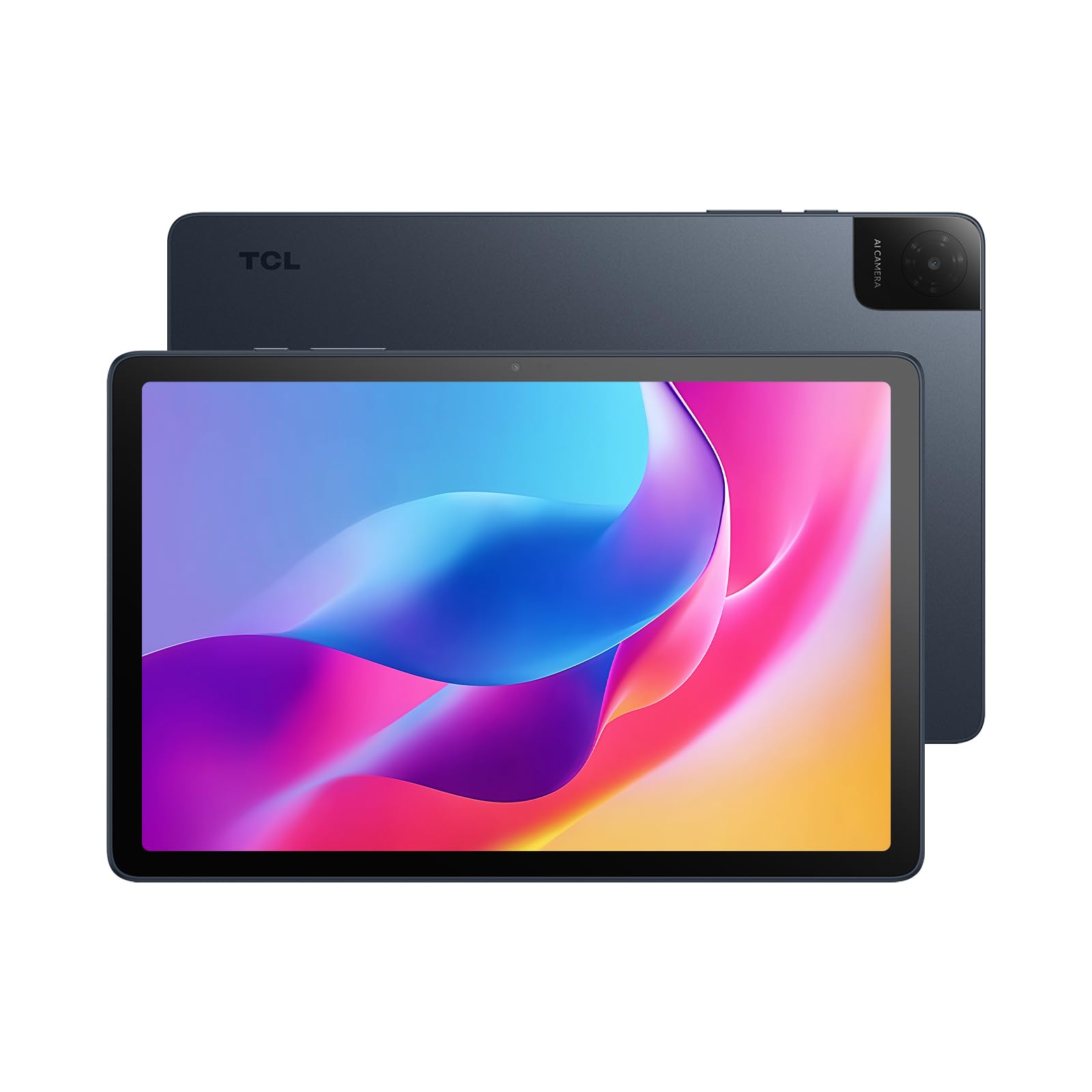
The TCL TAB 10 Gen 4 stands out for its display. The 10.1-inch Full HD (1920×1200) IPS panel is noticeably sharper than the 1280×800 screens found on many budget models. For a senior who reads a lot or watches videos, this extra pixel density makes a real difference in reducing eye strain. The unibody metal construction gives it a premium feel that inspires confidence in handling.
The Sound Booster feature, which can increase audio volume up to 200% in speaker mode, is a hidden gem for users with hearing difficulties. While the tablet runs on Android 15, it offers a clean interface and reliable performance from its octa-core processor. The 128GB of internal storage is solid, and the microSD slot supports up to 1TB of expansion.
One minor consideration is that the 18W fast charging requires a compatible charger not included in the box. However, the 6000mAh battery offers very good endurance, and the inclusion of Eye Comfort mode helps reduce blue light exposure during extended evening use. This is a well-rounded mid-range tablet with a focus on visual and audio clarity.
Why it’s great
- Full HD 1920×1200 display provides crisp text and images.
- Sound Booster feature amplifies audio for those with hearing challenges.
- Premium metal build feels sturdy and durable.
- Large 128GB storage plus 1TB microSD expansion.
Good to know
- Fast charger not included; must be purchased separately.
- Wi-Fi 5 connectivity, not the newer Wi-Fi 6 standard.
4. Lenovo Tab One

For the senior who values portability and simplicity above all else, the Lenovo Tab One is a fantastic choice. Its 8.7-inch HD display, while smaller than other options, is bright (480 nits) and easily fits into a purse or a small bag. The included folio case is a nice value-add, providing immediate protection and a built-in stand for hands-free video calling.
Battery life is a standout feature, with the Lenovo Tab One rated for up to 12.5 hours of YouTube streaming. This real-world endurance means the average user can go multiple days between charges. The MediaTek Helio G85 processor is responsive for core tasks like email, browsing, and streaming, though it’s not designed for heavy gaming.
This tablet delivers a premium brand experience at an accessible price. The downside is that the screen is smaller, which may require using the font-size settings to ensure comfortable readability. For someone who wants a lightweight, durable, and well-supported tablet that is easy to hold and carry, this is a strong candidate.
Why it’s great
- Very portable 8.7-inch size is easy to hold and carry.
- Excellent 12.5-hour battery life for all-day use.
- Bright 480-nit screen is readable in various lighting.
- Comes with a high-quality folio case for protection.
Good to know
- Smaller screen may require increasing font sizes.
- No fast charger included in box.
5. ANTEMPER 11 Inch Android 15 Tablet
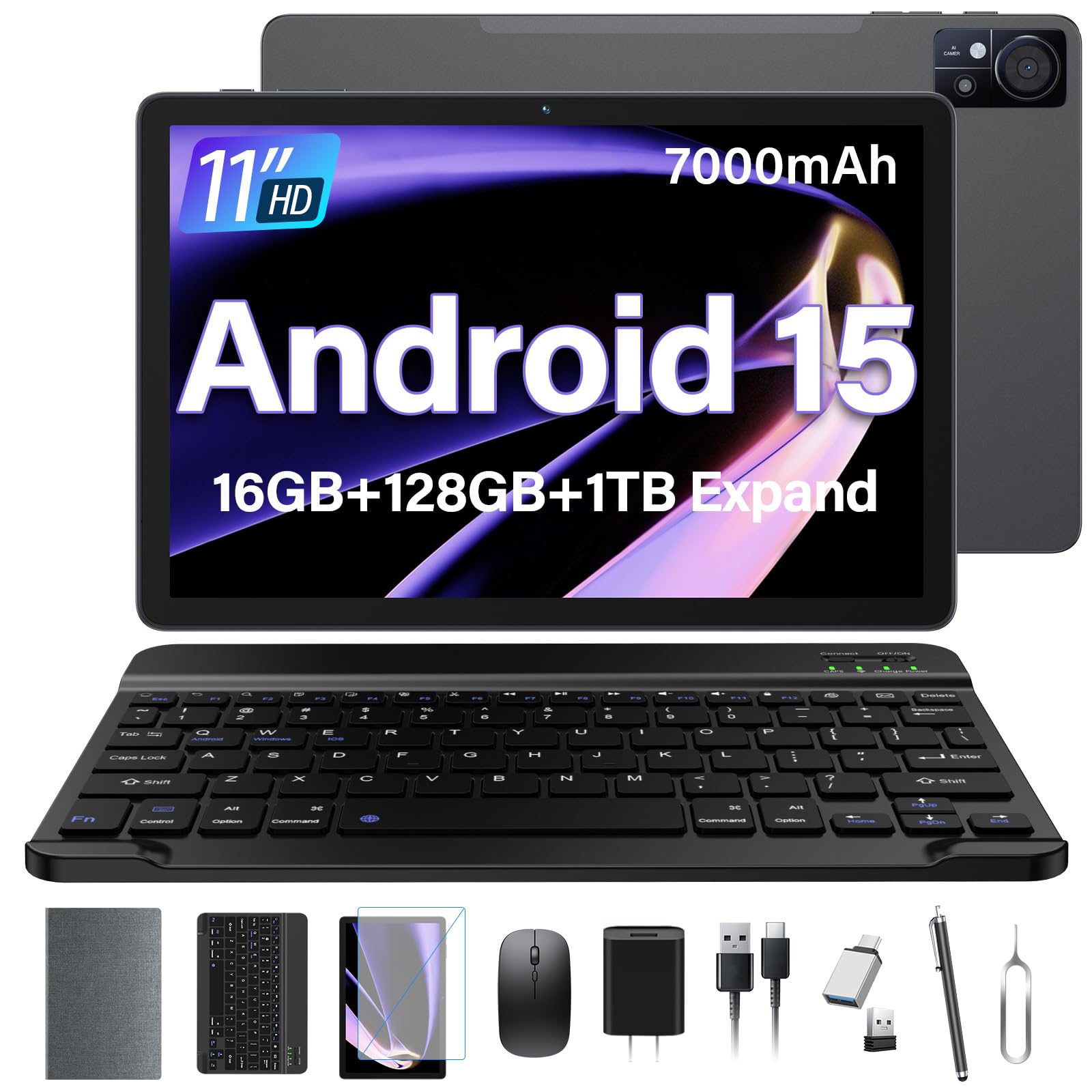
The ANTEMPER tablet offers exceptional value by including a Bluetooth keyboard, wireless mouse, stylus, screen protector, and a foldable case right in the box. This “all-in-one” package means a senior is ready to go without hunting for accessories. The 11-inch 1280×800 HD display is adequate for basic tasks, and the large 7000mAh battery provides solid all-day stamina.
Performance is handled by an octa-core processor paired with 16GB of RAM (8GB physical + 8GB virtual) and 128GB of internal storage. This configuration makes multitasking feel snappy. The inclusion of 4G LTE for cellular data is a key feature, allowing connectivity outside the home without relying on public Wi-Fi.
While the display resolution is not Full HD, it is sufficient for the core use cases of video calling, web browsing, and streaming. The sheer volume of included accessories makes this a compelling choice for a senior who wants a complete desktop-like experience from a single purchase. The build quality of the accessories is good, not premium, but represents incredible value.
Why it’s great
- Includes keyboard, mouse, stylus, case, and screen protector.
- 4G LTE support for connectivity on the go.
- Ample 16GB RAM and 128GB storage for smooth performance.
- Large 7000mAh battery.
Good to know
- Display resolution is 1280×800, not Full HD.
- Accessories are functional but entry-level quality.
6. FEONAL 11 inch Android 16 Tablet

The FEONAL tablet is built for the senior who wants to stay completely untethered from a home network. With dual SIM card slots supporting 4G LTE, it can function as a mobile device for data, keeping the user connected for video calls, navigation, and browsing from anywhere. The 11-inch Incell display offers good viewing angles, and the 1280×800 resolution is fine for its price bracket.
Its 7000mAh battery is a highlight, offering substantial endurance for a day of mixed use. The MTK octa-core processor and 20GB of RAM (8GB physical + 12GB virtual) ensure that performance remains fluid under multiple open apps. The 13MP rear camera and 8MP front camera are capable enough for photos and clear video calls.
This tablet is particularly good for seniors who travel or spend time in areas with unreliable Wi-Fi. The ability to insert a data SIM provides a safety net. The main trade-off is the screen resolution, which is not as sharp as premium models. For a user prioritizing cellular connectivity and battery life over pixel density, this is a very strong option.
Why it’s great
- Dual 4G LTE SIM slots for cellular data on the go.
- Large 7000mAh battery offers excellent endurance.
- 20GB of RAM for smooth, lag-free multitasking.
- Supports Wi-Fi 6 for fast home connections.
Good to know
- Screen resolution is 1280×800, not Full HD.
- Cellular data is data-only; standard voice calls may not work.
7. TUOHAITIME 11 inch Android 16 Tablet
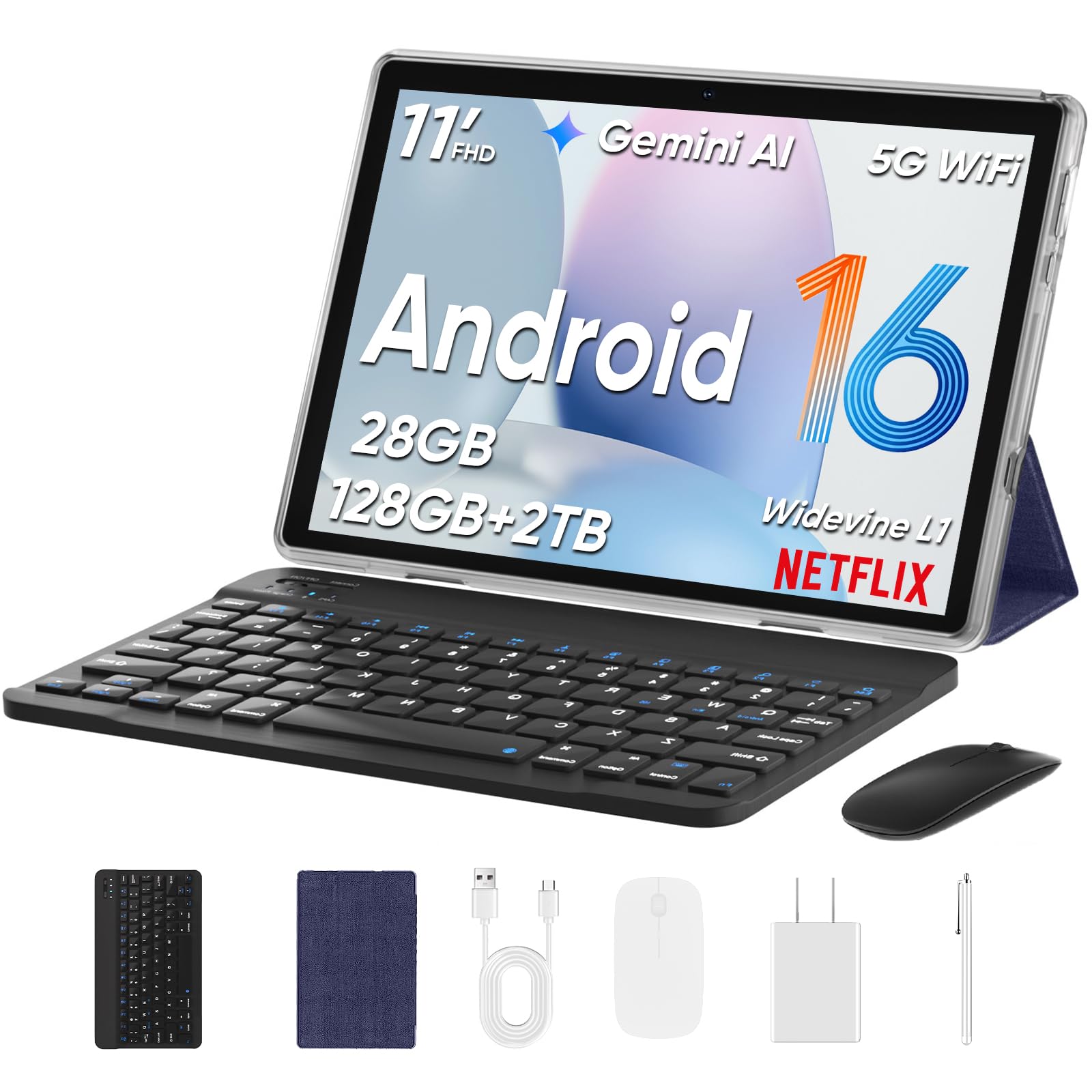
The TUOHAITIME tablet is another excellent example of the “everything included” value proposition. It ships with a Bluetooth keyboard, wireless mouse, stylus, protective case, and screen film. For a senior who is not comfortable shopping for accessories separately, this removes all friction from the setup process. The 11-inch HD IPS display is bright and adequate for reading and video.
Powering the experience is an octa-core processor with 28GB of RAM (4GB + 24GB virtual) and 128GB of internal storage, expandable via microSD to 1TB. The 8000mAh battery is the largest capacity on this list, providing impressive longevity. Face unlock is a convenient feature for quick access, and parental controls are available if needed.
This tablet is purpose-built for a user who wants a comprehensive, ready-to-use package at a low entry price. The 11-inch screen is a good size for seniors, offering more real estate than smaller 8-inch models without being as cumbersome as the 13-inch TECLAST. The bundled accessories are functional and provide a full computer-like experience straight out of the box.
Why it’s great
- Massive 8000mAh battery is the largest capacity reviewed.
- Comprehensive bundle: keyboard, mouse, stylus, case, screen protector.
- Easy face unlock for password-free access.
- 128GB storage with 1TB microSD expansion.
Good to know
- Screen resolution is HD (1280×800), not Full HD.
- Some pre-installed apps may need to be disabled.
8. URAO 10.1″ Android Tablet
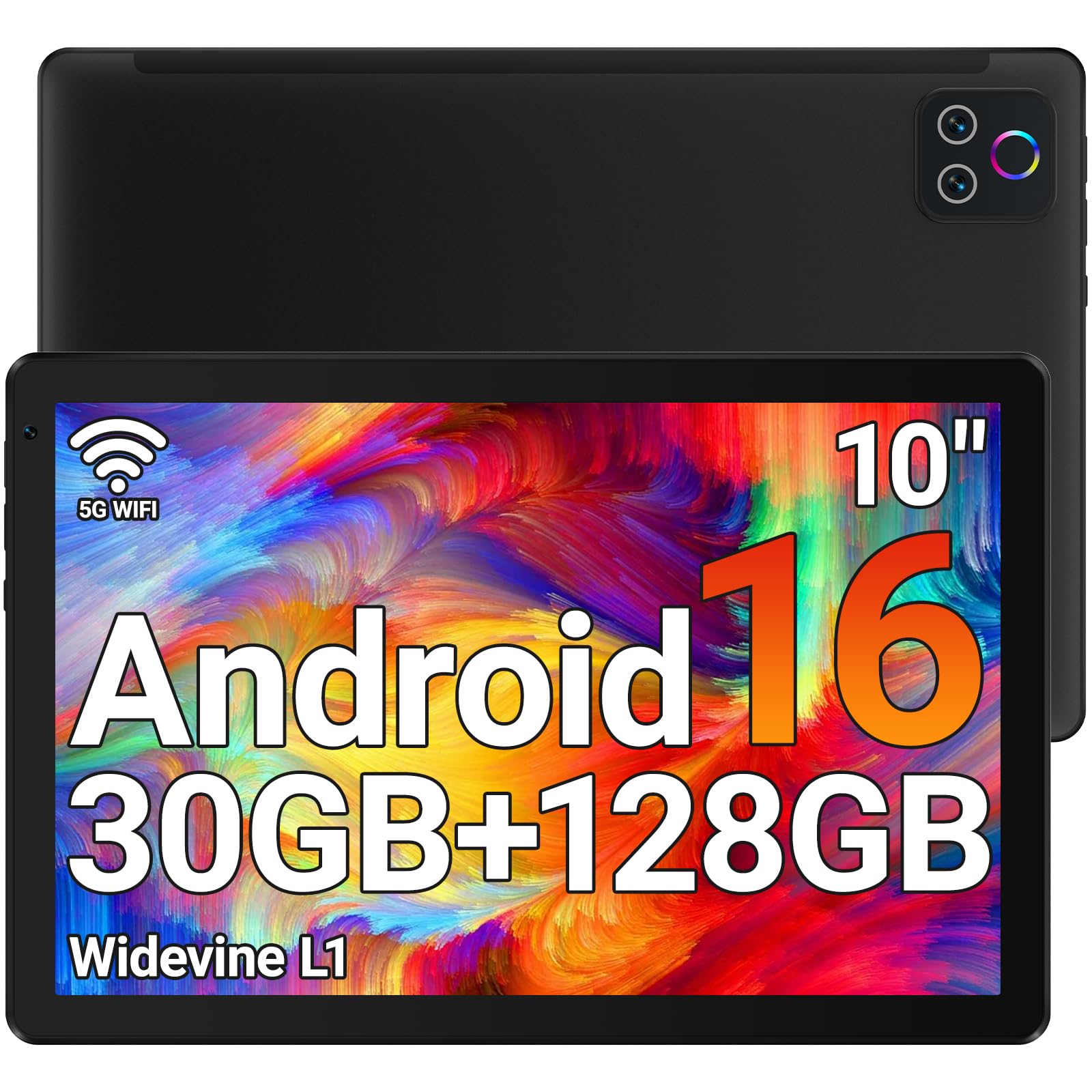
The URAO tablet distinguishes itself by explicitly integrating low blue light technology into its LCD display. This is a meaningful health-oriented feature for seniors who do a lot of reading or browsing in the evening, as it can help reduce eye fatigue without relying on a software filter that washes out colors. The 10.1-inch size is a classic sweet spot for readability and handling.
Its performance is solid for the price, featuring an octa-core processor, 30GB of RAM (6GB + 24GB virtual), and 128GB of storage. A key advantage is its inclusion of Wi-Fi 6, which provides faster and more stable network performance than the older Wi-Fi 5 standard found on many tablets in this range. The 8-hour mixed-use battery life is adequate for a day of moderate activity.
This tablet is a great choice for a senior with specific concerns about eye strain. The lack of GPS may be a limitation for anyone wanting to use it for turn-by-turn navigation. Overall, it offers a very smooth software experience with a focus on display health, making it a comfortable companion for extended reading sessions.
Why it’s great
- Low blue light technology is genuinely easier on the eyes.
- Wi-Fi 6 support ensures a fast, stable connection.
- Ample 30GB of RAM for fluid multitasking.
- Decent 8-hour battery life for daily use.
Good to know
- No GPS built-in for navigation purposes.
- Camera quality is basic.
9. SVITOO 10 Inch Tablet, Android 16
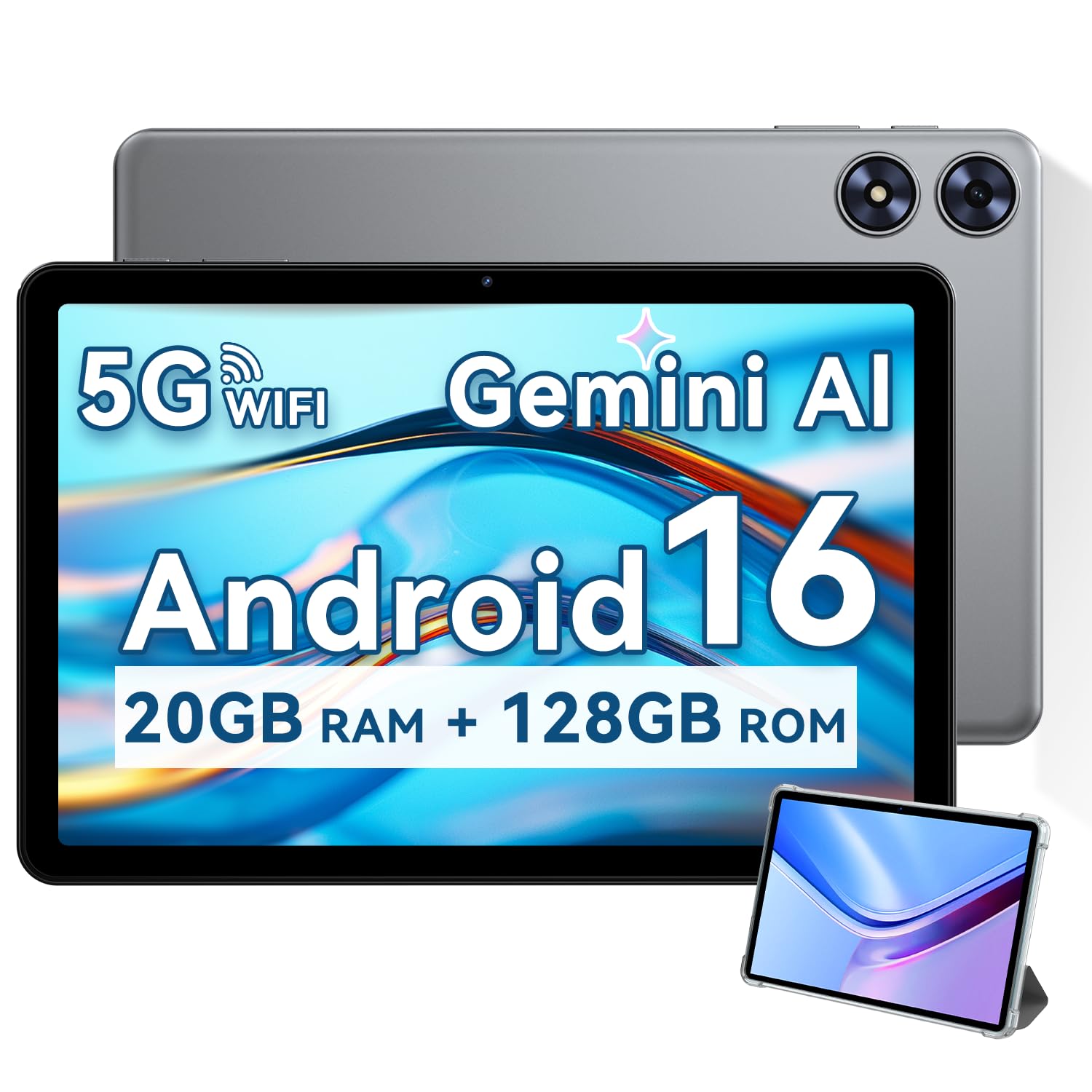
The SVITOO tablet is the entry-level champion for seniors who want to dip their toes into the tablet world without a significant financial commitment. Its 10.1-inch IPS display is perfectly usable for basic tasks like reading, streaming movies, and video calls. The included protective case with a magnetic bracket is a thoughtful touch, as it automatically wakes the tablet when opened, simplifying the interaction.
Performance is driven by an octa-core Unisoc T7250 processor, which handles basic functions smoothly. Real-world reviews confirm it works excellently as an e-reader and for streaming services. The 6600mAh battery is a strong point, providing up to 12 hours of use. Features like Widevine L1 certification mean it streams HD content from services like Prime Video and Disney+.
The speakers are tinny and the camera quality is low, but these are concessions that come with the price tier. The 128GB of internal storage, expandable to 1TB, ensures enough space for apps and media. For a senior whose primary needs are reading, web browsing, and video chatting, the SVITOO represents a very capable and low-risk entry point into the Android tablet ecosystem.
Why it’s great
- Exceptionally low entry price for a full-featured tablet.
- Excellent battery life for e-reading and media consumption.
- Widevine L1 certification for HD streaming.
- Includes a useful protective case with a magnetic cover.
Good to know
- Speakers and cameras are low quality.
- Display colors may appear somewhat washed out.
FAQ
What screen size is best for senior users with poor eyesight?
Do all Android tablets support the same apps from the Play Store?
What does virtual RAM mean, and does it help with performance?
Is a Wi-Fi-only tablet sufficient, or should I get one with cellular 4G LTE?
Final Thoughts: The Verdict
For most users, the best android tablet for seniors winner is the TECLAST T65 because its massive 13.4-inch, 120Hz screen provides unmatched readability and comfort for aging eyes, paired with a huge battery that removes range anxiety. If you want a more portable and premium experience, grab the Lenovo Idea Tab. And for a budget-friendly entry point with a great balance of specs and value, nothing beats the SVITOO 10-inch tablet.

Mo Maruf
I created WellFizz to bridge the gap between vague wellness advice and actionable solutions. My mission is simple: to decode the research and give you practical tools you can actually use.
Beyond the data, I am a passionate traveler. I believe that stepping away from the screen to explore new environments is essential for mental clarity and physical vitality.