Our readers keep the lights on and my smoothie glass nicely filled. As an Amazon Associate, I earn from qualifying purchases.
A stylus that stutters, a screen that glares, or a note-taking app that crashes mid-lecture—these are the real-world frustrations that separate a great digital notebook from a paperweight. Choosing the right Android tablet for note taking means balancing three non-negotiable specs: stylus latency, display quality, and battery endurance for all-day campus or office use.
I’m Mohammad Maruf — the founder and writer behind WellFizz. I’ve spent years digging into tablet hardware, comparing stylus technology across brands, and analyzing the real-world performance of pressure sensitivity and screen coatings so you don’t have to guess.
After sorting through dozens of models by processor power, display resolution, and pen input quality, I’ve built a focused list of the best android tablet for note taking across every price tier.
How To Choose The Best Android Tablet For Note Taking
Not every Android tablet is built for handwriting. A low-lag stylus, a high-refresh display, and a battery that lasts a full day are the core pillars. Here’s what to watch for.
Stylus Technology: Pressure Levels and Latency
The stylus is your primary input. Look for models with at least 4096 levels of pressure sensitivity—this determines whether your handwriting looks natural or robotic. Latency under 50ms is critical; anything slower creates a noticeable gap between pen movement and ink on screen. Battery-free pens (like Wacom’s EMR technology or Samsung’s S Pen) eliminate the hassle of charging your stylus mid-session.
Display: Refresh Rate and Surface Feel
A 90Hz or 120Hz display refresh rate makes a tangible difference when writing fast—the cursor follows your stylus without ghosting. Matte or anti-glare screens reduce eye strain during long study sessions and provide a paper-like texture that improves pen grip. TÜV-certified low blue light filters are a bonus for nighttime note-takers.
Performance: RAM and Storage for Note Apps
Note-taking apps like Samsung Notes, OneNote, Nebo, and Concepts can eat RAM quickly when handling large PDF annotations or layered sketches. Aim for 8GB of physical RAM as a baseline. Virtual RAM expansion (common in mid-range models) helps but doesn’t replace real memory. Storage should be at least 128GB if you plan to store annotated textbooks or lecture recordings locally.
Quick Comparison
On smaller screens, swipe sideways to see the full table.
| Model | Category | Best For | Key Spec | Amazon |
|---|---|---|---|---|
| Samsung Galaxy Tab S9 | Premium | Students & Creative Pros | 11″ AMOLED 120Hz + S Pen | Amazon |
| Lenovo Idea Tab Pro | Premium | Multitaskers & Gamers | 12.7″ 3K 90Hz + Pen | Amazon |
| Wacom MovinkPad 11 | Premium | Artists & Illustrators | 8192 Pressure Levels Pen | Amazon |
| Samsung Galaxy Tab S10 FE | Mid-Range | Everyday Note-Taking | 90Hz Display + S Pen | Amazon |
| OnePlus Pad Go 2 | Mid-Range | Media & Casual Notes | 120Hz Dolby Vision Display | Amazon |
| Lenovo Idea Tab | Mid-Range | Hobbyist Drawing & Study | 2.5K IPS 90Hz + Pen | Amazon |
| TCL NXTPAPER 11 Plus | Mid-Range | Reading & Light Sketching | 2.2K 120Hz + 4096 Stylus | Amazon |
| TECLAST Artpadpro | Mid-Range | Large Canvas Writing | 12.7″ 2K + 10000mAh Battery | Amazon |
| TABWEE T90 Android 16 | Budget | Entry-Level Productivity | 11″ FHD + 8000mAh | Amazon |
In‑Depth Reviews
1. Samsung Galaxy Tab S9 11” (2023)

The Galaxy Tab S9 remains the benchmark for serious note-takers. Its 11-inch Dynamic AMOLED 2X display with a 120Hz refresh rate delivers the lowest stylus latency of any Android tablet at this size—handwriting appears instantly with zero ghosting. The Snapdragon 8 Gen 2 processor ensures Samsung Notes, Nebo, and even heavy Concept-layer files run without hesitation.
The included S Pen uses Wacom’s EMR technology, meaning no charging required and 4096 levels of pressure sensitivity that feel natural for both handwriting and detailed sketching. IP68 water and dust resistance is a rare bonus—spills or rainy commutes won’t ruin your notes. The 8400mAh battery comfortably powers through back-to-back lectures and editing sessions.
On the downside, the S9 does not include a charger in the box, and the 11-inch screen can feel cramped for students who prefer split-screen note-taking with a PDF and a blank canvas. Still, for pure pen-to-screen fluidity, no other Android tablet matches it.
Why it’s great
- 120Hz AMOLED with virtually zero stylus lag
- Battery-free S Pen with excellent pressure curve
- IP68 water/dust resistance for daily carry
Good to know
- No charger included in the box
- Premium pricing; older model but still top-tier
2. Lenovo Idea Tab Pro (with Google Gemini)

The Lenovo Idea Tab Pro offers the largest canvas in the premium tier without crossing into laptop territory. Its 12.7-inch 3K LCD display (2944 x 1840) with a 90Hz refresh rate gives you ample room for full-page notes, PDF annotations, and side-by-side apps. The included Tab Pen Plus supports 4096 pressure levels and feels balanced during extended writing sessions.
Under the hood, the MediaTek Dimensity 8300 handles split-screen note apps and Gemini AI features effortlessly. The 10200mAh battery delivers a full day of mixed note-taking and streaming, and 45W fast charging tops it up quickly between classes. The quad JBL speakers with Dolby Atmos make lecture playback clear without headphones.
That said, the tablet is noticeably heavy—especially in portrait orientation—which can tire your hand during long note-taking sessions. It also requires Lenovo’s specific 45W PD charger for optimal charging speed; generic chargers will trickle-charge slowly. This is a trade-off for the large screen real estate.
Why it’s great
- Massive 12.7″ 3K canvas for detailed notes
- Excellent battery life with large capacity
- AI note-taking integration with Google Gemini
Good to know
- Heavy build; tiring for portrait note-taking
- Requires proprietary charger for fast charging
3. Wacom MovinkPad 11

Wacom’s MovinkPad 11 is built for one thing: serious pen input. The battery-free Pro Pen 3 delivers 8,192 levels of pressure sensitivity—double the standard 4096—which gives note-takers and artists extreme nuance in stroke weight and tilt. The 11.45-inch anti-glare etched glass screen feels like high-quality paper under the pen, reducing fingertip drag and reflections during long writing sessions.
It runs Android 14 natively, so you can install any note-taking or sketching app directly without a computer. The Quick Draw feature launches Wacom Canvas with a simple pen tap, bypassing the lock screen for instant capture of ideas. At just 1.3 pounds, it’s lighter than most Android tablets and easily slips into a bag alongside notebooks.
The trade-off is that the MovinkPad uses a MediaTek processor that isn’t optimized for heavy multitasking or gaming. Opening large layered files in Clip Studio Paint can cause slowdown with liquefy or textured brushes. It also lacks a headphone jack, which may frustrate users who prefer wired monitoring while annotating audio lectures.
Why it’s great
- Best-in-class 8192 pressure level pen response
- Anti-glare matte glass for paper-like feel
- Lightweight and portable for daily carry
Good to know
- Processor can lag with heavy layered files
- No headphone jack
4. Samsung Galaxy Tab S10 FE + S Pen
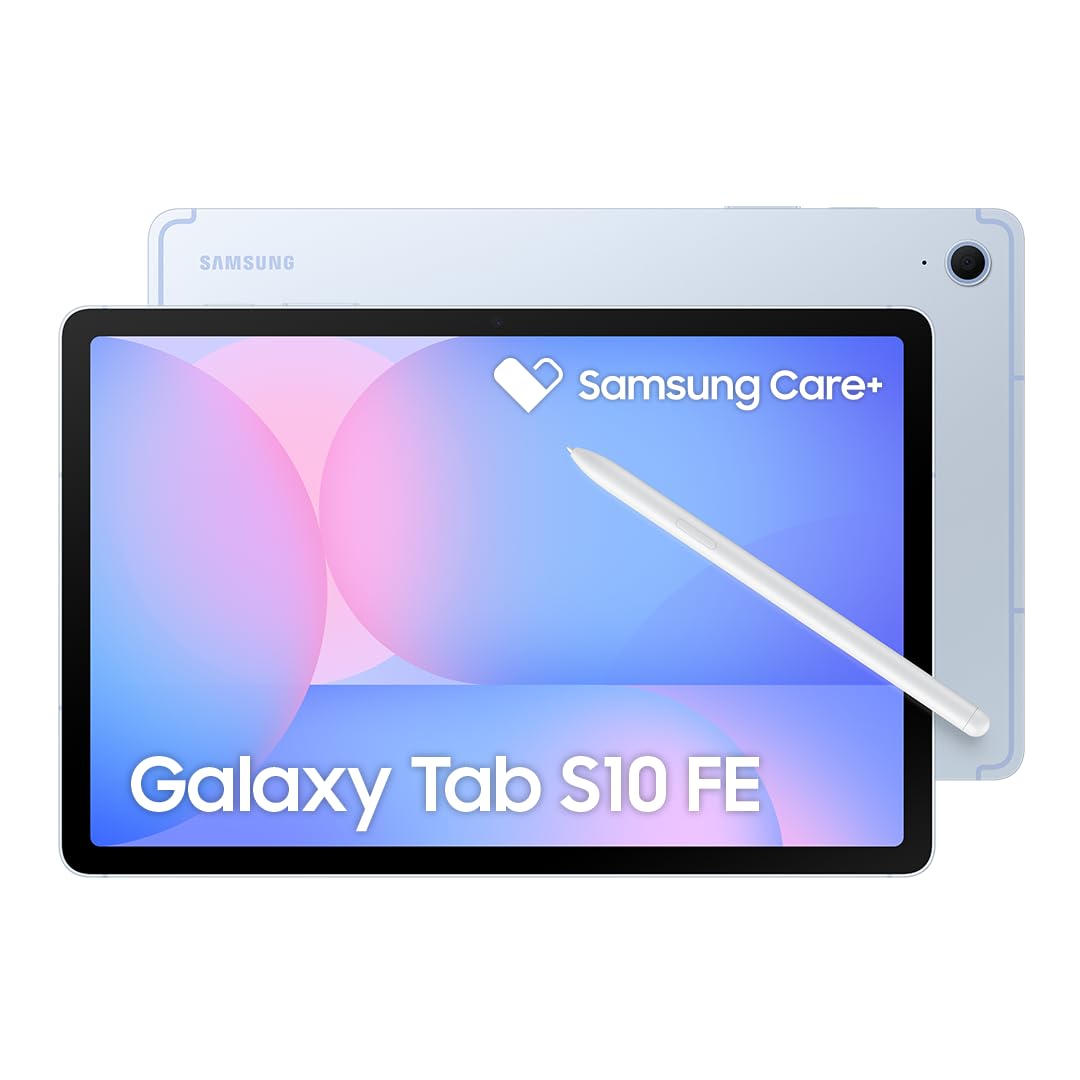
The Galaxy Tab S10 FE brings Samsung’s mature S Pen ecosystem to a mid-range price. The 10.9-inch IPS LCD runs at a 90Hz adaptive refresh rate, which provides noticeably smoother pen tracking than standard 60Hz displays. Handwriting in Samsung Notes feels responsive, and the S Pen’s low latency makes quick margin annotations or highlighting fast and accurate.
The Exynos 1580 processor paired with 8GB of RAM handles daily note-taking, web research, and PDF markup without lag. The 8000mAh battery is rated for up to 20 hours of video playback, meaning you can go through a full day of classes and study sessions on a single charge. The S Pen attaches magnetically to the back and requires no pairing or charging—pick it up and write.
This is an international model without a domestic warranty, which adds some risk for buyers wanting local support. The display is an IPS LCD rather than AMOLED, so blacks appear grayish in dim environments. Also, it lacks a SIM slot—Wi-Fi only—which limits note-taking in areas without reliable Wi-Fi.
Why it’s great
- Samsung S Pen with low latency and no charging
- 90Hz display for smoother writing
- Excellent battery life for all-day use
Good to know
- International model; no domestic warranty
- IPS LCD instead of AMOLED
5. OnePlus Pad Go 2
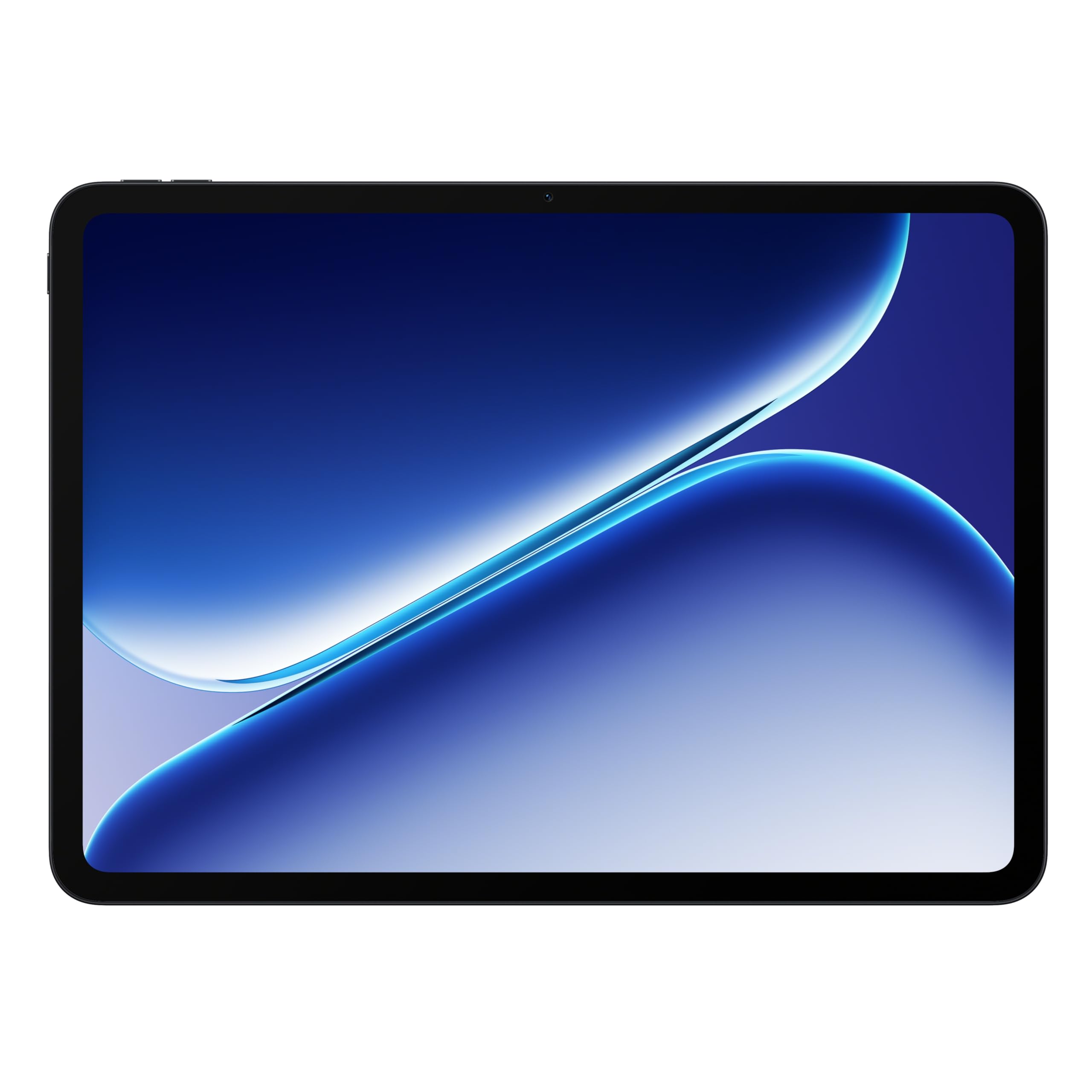
The OnePlus Pad Go 2 stands out with a 12.1-inch Dolby Vision display that runs at a fluid 120Hz refresh rate. For note-taking, this means fast, responsive scrolling through PDFs and smooth pen input when using compatible styluses. The MediaTek Dimensity 7300-Ultra processor handles split-screen note apps without stuttering, and the 10050mAh battery offers true all-day endurance—charging every few days with moderate use.
OnePlus packs the tablet into a slim, lightweight aluminum chassis that feels premium in hand. OxygenOS on the large screen offers intuitive split-screen gestures, which are useful for drag-and-drop note-taking from web browsers. The included SUPERVOOC fast charger brings the battery back to full quickly during short breaks.
The biggest caveat: the stylus is sold separately, and OnePlus’s pen solution doesn’t offer pressure levels comparable to Samsung’s S Pen or Wacom’s Pro Pen. For serious handwriting or sketching, the pen experience feels basic—better suited for light annotations than detailed class notes. Also, storage starts at 128GB with no microSD expansion on some configurations.
Why it’s great
- 120Hz Dolby Vision display is stunning for media
- Massive battery with fast charging included
- Sleek, lightweight metal build
Good to know
- Stylus sold separately with limited pressure levels
- No microSD on some storage configurations
6. Lenovo Idea Tab (College Tablet)

Lenovo’s Idea Tab is a purpose-built college tablet that includes both a Tab Pen and a folio case in the box—no hidden accessory costs. The 11-inch 2.5K IPS display with a 90Hz refresh rate provides sharp text and smooth scrolling for PDFs and handwritten notes. The MediaTek Dimensity 6300 processor pairs with 8GB of RAM to handle note apps, web tabs, and streaming without slowdown.
It comes preloaded with four learning apps—Squid, Nebo, MyScript Calculator, and Lenovo AI Note—each optimized for pen input. The Circle to Search feature with Google lets you circle handwritten equations or text to search instantly. With up to 12 hours of battery life and a 7216mAh cell, it easily survives a full day of lectures.
The included folio case is flimsy, offering minimal drop protection. Some users report that the pen feels slippery on the standard screen protector; a matte paper feel protector is recommended for better handwriting grip. The 20W charging is slower than competitors, and the tablet can struggle with heavy 3D games or massive layered drawing files.
Why it’s great
- Pen and folio case included out of box
- Preloaded with optimized note-taking apps
- Sharp 2.5K 90Hz display for clear text
Good to know
- Flimsy included folio case
- Slow 20W charging speed
7. TCL NXTPAPER 11 Plus
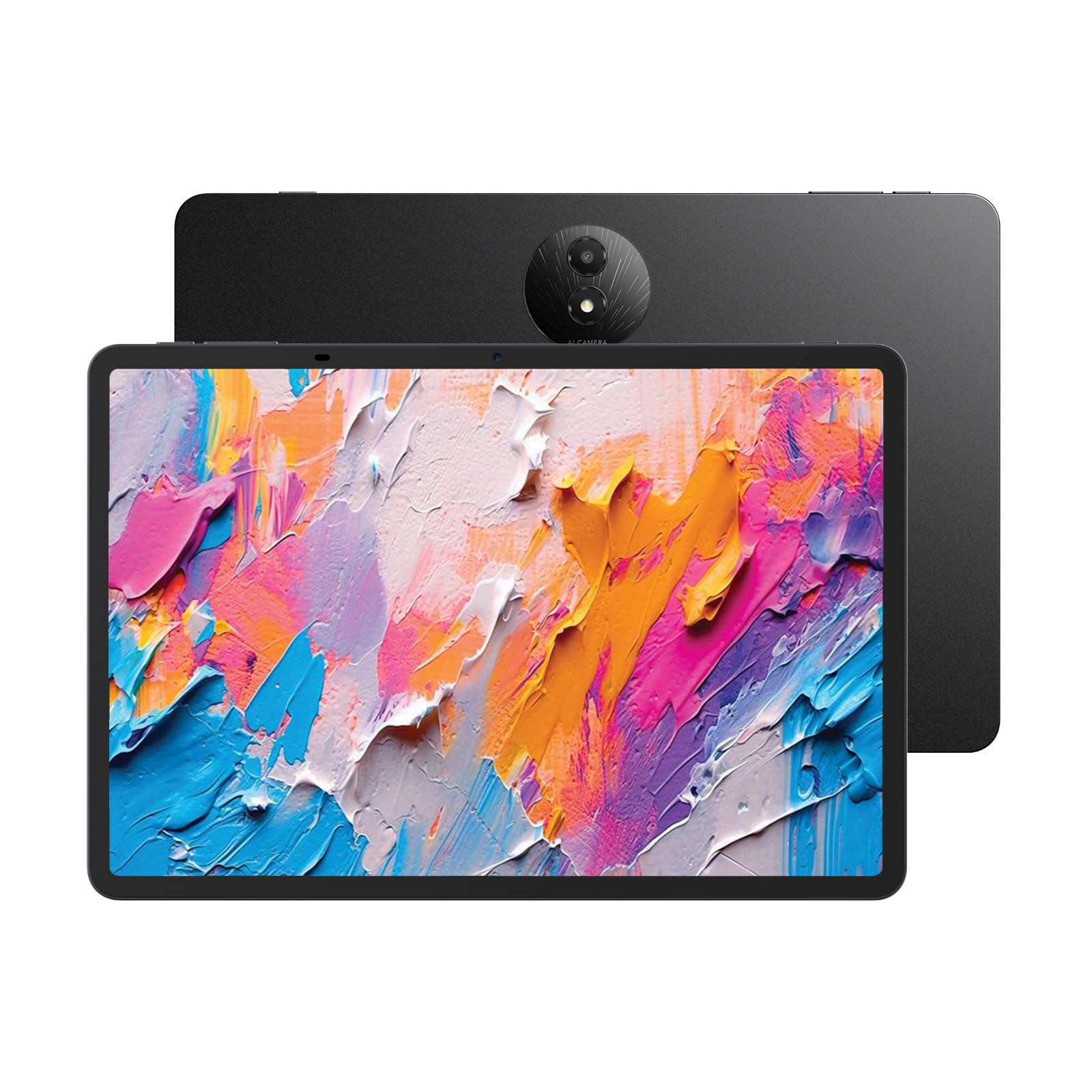
The TCL NXTPAPER 11 Plus takes a unique approach to note-taking by prioritizing eye comfort. Its NXTPAPER 4.0 technology uses anti-glare coating, DC dimming, and TÜV-certified low blue light to create a paper-like reading experience that reduces eye strain during hours of reading and writing. The 11.5-inch 2.2K display runs at 120Hz, offering smooth pen tracking for the T-PEN stylus (sold separately) with 4096 pressure levels.
Switching between three display modes—Regular, Ink Paper, and Color Paper—lets you tailor the screen to the task. Ink Paper Mode turns the tablet into an e-reader for comfortable note review, while Color Paper Mode softens saturation for reading comics or magazines. The tablet also supports AI tools like voice memo, real-time bilingual subtitles, and writing assist.
The Helio G100 processor is enough for note apps and light sketching but struggles with multi-layer drawing or gaming. Storage is 256GB with no microSD slot—you cannot expand it. The stylus lacks a place to store on the tablet, making it easy to misplace during transit. This is a niche pick for those who prioritize reading comfort over raw performance.
Why it’s great
- Industry-leading paper-like display for eye comfort
- 120Hz refresh rate for smooth pen input
- Versatile display modes for reading and notes
Good to know
- Stylus and charger sold separately
- No microSD storage expansion
8. TECLAST Artpadpro

The TECLAST Artpadpro offers a massive 12.7-inch display with a 4:3 aspect ratio—similar to the iPad Pro—which gives note-takers a spacious, near-square canvas ideal for writing and drawing. The 2176×1600 IPS panel is bright and sharp, with TDDI technology for fast touch response. It includes a T-Pen stylus with 4096 pressure levels, making it ready for note-taking right out of the box.
The 10000mAh battery paired with 30W fast charging is a standout feature—this tablet can last through two full days of heavy note-taking before needing a recharge. The MediaTek G99 processor with 8GB physical RAM (20GB with virtual expansion) handles apps like Squid and Concepts smoothly. Android 15 with Gemini AI integration adds smart note-summarization and search tools.
However, the included stylus has accuracy issues. Multiple users report that the pen registers touches before making physical contact, causing unintended marks. For precise handwriting or detailed sketching, this is frustrating. The tablet also lacks guaranteed software updates, so long-term Android version support is uncertain. It’s a strong hardware package let down by inconsistent pen performance.
Why it’s great
- Large 12.7″ 4:3 display for spacious notes
- Excellent 10000mAh battery life
- Good value for included stylus and accessories
Good to know
- Included stylus has accuracy/premature touch issues
- No guaranteed software updates
9. TABWEE T90 Android 16 Tablet

The TABWEE T90 is the most affordable entry in this guide, but it still ships with a complete accessory bundle including a stylus, keyboard, and mouse. The 11-inch FHD display with Widevine L1 support streams lecture videos in HD, and the 8000mAh battery provides a full day of note-taking. The Unisoc T615 processor handles basic note apps, web browsing, and video playback without major lag.
It runs Android 16 with Gemini AI 3.5, offering smart features like note summarization and translation. The 8GB of physical RAM plus 16GB virtual expansion keeps apps from reloading when switching between a note app and a browser. The included stylus works for basic handwriting and annotations, though it lacks pressure sensitivity for nuanced sketching.
The compromises are clear: the stylus is basic with no pressure levels, the accessories feel cheap and not particularly durable, and the battery drains faster than competitors during continuous screen-on use. The included screen protector is reported to bubble easily. This is a valid option for buyers on a tight budget who need a basic digital notebook with keyboard support.
Why it’s great
- Complete bundle with stylus, keyboard, and mouse
- Affordable entry point for note-taking
- Runs Android 16 with Gemini AI
Good to know
- Stylus has no pressure sensitivity
- Accessories feel less durable than premium options
FAQ
What stylus pressure level do I need for note-taking?
Is a 120Hz display necessary for handwriting?
Can I use any stylus with an Android tablet for note-taking?
Does matte screen protector improve note-taking?
Final Thoughts: The Verdict
For most users, the best android tablet for note taking winner is the Samsung Galaxy Tab S9 because its 120Hz AMOLED screen and Wacom-based S Pen deliver the most responsive handwriting experience. If you need a large canvas for split-screen note-taking and AI tools, grab the Lenovo Idea Tab Pro. And for dedicated artists who demand 8192 pressure levels and a paper-like surface, nothing beats the Wacom MovinkPad 11.

Mo Maruf
I created WellFizz to bridge the gap between vague wellness advice and actionable solutions. My mission is simple: to decode the research and give you practical tools you can actually use.
Beyond the data, I am a passionate traveler. I believe that stepping away from the screen to explore new environments is essential for mental clarity and physical vitality.