Our readers keep the lights on and my smoothie glass nicely filled. As an Amazon Associate, I earn from qualifying purchases.
A tablet for a child lives in a world of drops, sticky fingers, and relentless app-switching — and most adult-oriented slates simply aren’t built for that reality. The best options solve all three problems simultaneously: they combine a physically protective chassis, a responsive processor that keeps educational apps from stuttering, and robust parental control software that turns the tablet into a safe digital sandbox.
I’m Mohammad Maruf — the founder and writer behind WellFizz. My research focuses on the intersection of consumer tech durability and child development needs, analyzing processor speeds, battery chemistries, and case material impact ratings for family devices.
After comparing the latest models across specs and real-world durability, I’ve narrowed the field to the seven most reliable options. This guide breaks down exactly how to choose the right android tablet for kids based on your child’s age, your budget comfort, and the features that actually keep a device working past the first year.
How To Choose The Best Android Tablet For Kids
Not every Android slate with a case qualifies as a true kids’ tablet. The most reliable models share three core traits: a physical build that can survive a drop onto tile, an operating system that lets you lock down the experience, and a processor fast enough to keep video playback and learning apps from stuttering. Here’s what to prioritize.
Parental Control Depth
Look for tablets that offer a dedicated kids’ launcher — either pre-installed Google Kids Space or a proprietary mode like iWawa or Kids Place. These systems let you set daily screen-time limits, approve or block individual apps, and filter web browsing without needing a separate subscription. The best implementations also let you manage profiles remotely from your own phone.
Physical Durability and Case Quality
A child’s tablet will be dropped. The question is how many times before it breaks. The best kid-proof cases use EVA foam or thick silicone that extends past the screen edges, creating an air gap that absorbs impact. A built-in kickstand or carrying handle adds everyday usability. Avoid cases that are thin or rigid — they transfer shock directly to the internal display.
Battery Capacity for Real-World Use
A 5000mAh battery typically delivers 6–8 hours of mixed use (video, educational apps, light gaming). Larger 6000mAh or 8000mAh packs push that past a full school day. Fast charging (18W PD or higher) is a meaningful upgrade — it reduces the time the tablet is tethered to a wall outlet when your child wants it back immediately.
Quick Comparison
On smaller screens, swipe sideways to see the full table.
| Model | Category | Best For | Key Spec | Amazon |
|---|---|---|---|---|
| plimpton Kids Tablet 10″ | Premium | Young kids needing long-term durability | 2.0GHz octa-core, 2-year warranty | Amazon |
| WXUNJA Android 15 Kids Tablet | Premium | Dual-band WiFi for streaming | 8000mAh battery, PD charging | Amazon |
| ApoloSignage Android 16 Kids Tablet | Mid-Range | Latest Android OS for app compatibility | 8GB RAM (3+5), 5000mAh battery | Amazon |
| Contixo K102 Kids Tablet | Mid-Range | Disney ebooks and videos included | 10-hour battery, stylus included | Amazon |
| Gleeso Android 16 Kids Tablet | Mid-Range | 1TB expandable storage | Android 16, USB-C fast charge | Amazon |
| PRITOM 10″ Kids Tablet | Budget | First tablet with included lanyard | 6000mAh battery, iWawa apps | Amazon |
| EDDBNi Kids Android 14 Tablet | Budget | Fast charging at low price point | Android 14, 8-hour battery life | Amazon |
In‑Depth Reviews
1. plimpton Kids Tablet 10 Inch
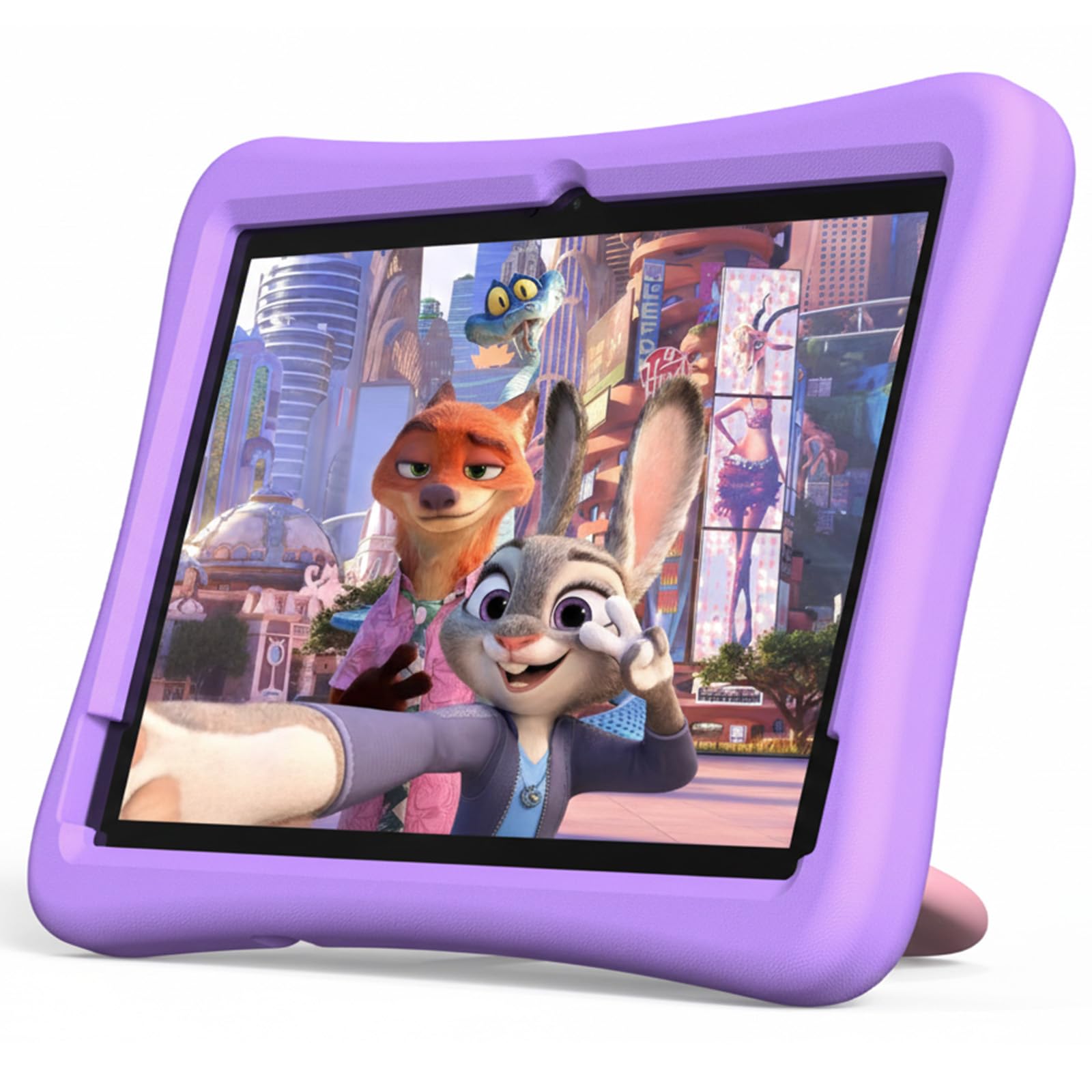
The plimpton tablet earns the top spot because it combines every meaningful feature a parent needs without making compromises that surface after the first month. The 2.0GHz octa-core processor and 4GB of RAM keep Google Kids Space, YouTube, and puzzle games running smoothly, and the Gemini AI integration is a genuine differentiator — it helps with homework and answers questions in an age-appropriate way rather than just dumping raw search results.
The EVA foam case is one of the best in this roundup. It is odorless, resists deformation, and wraps the tablet with raised edges that keep the screen off the floor during a drop. The 360-degree rotatable kickstand lets a child watch content hands-free without needing a separate accessory. The 64GB of internal storage is expandable to 1TB, and the 1280×800 IPS display includes a low-blue-light eye protection mode that actually adjusts brightness automatically.
Battery life sits around 8 hours of mixed use — enough for a long car ride or a full school day of supervised learning. Plimpton backs this unit with a 2-year warranty, which is longer than any other tablet on this list and signals confidence in the build quality. The only real tradeoff is that the 8-core processor isn’t designed for heavy 3D gaming, but for the target age range of 3–10, it delivers exactly what matters.
Why it’s great
- Gemini AI assists with learning and questions beyond basic search
- Odorless EVA case with 360° kickstand offers top-tier drop protection
- 2-year warranty is the longest in this category
Good to know
- Not optimized for demanding 3D games
- Some units have reported lag after extended use
2. WXUNJA Android 15 Kids Tablet
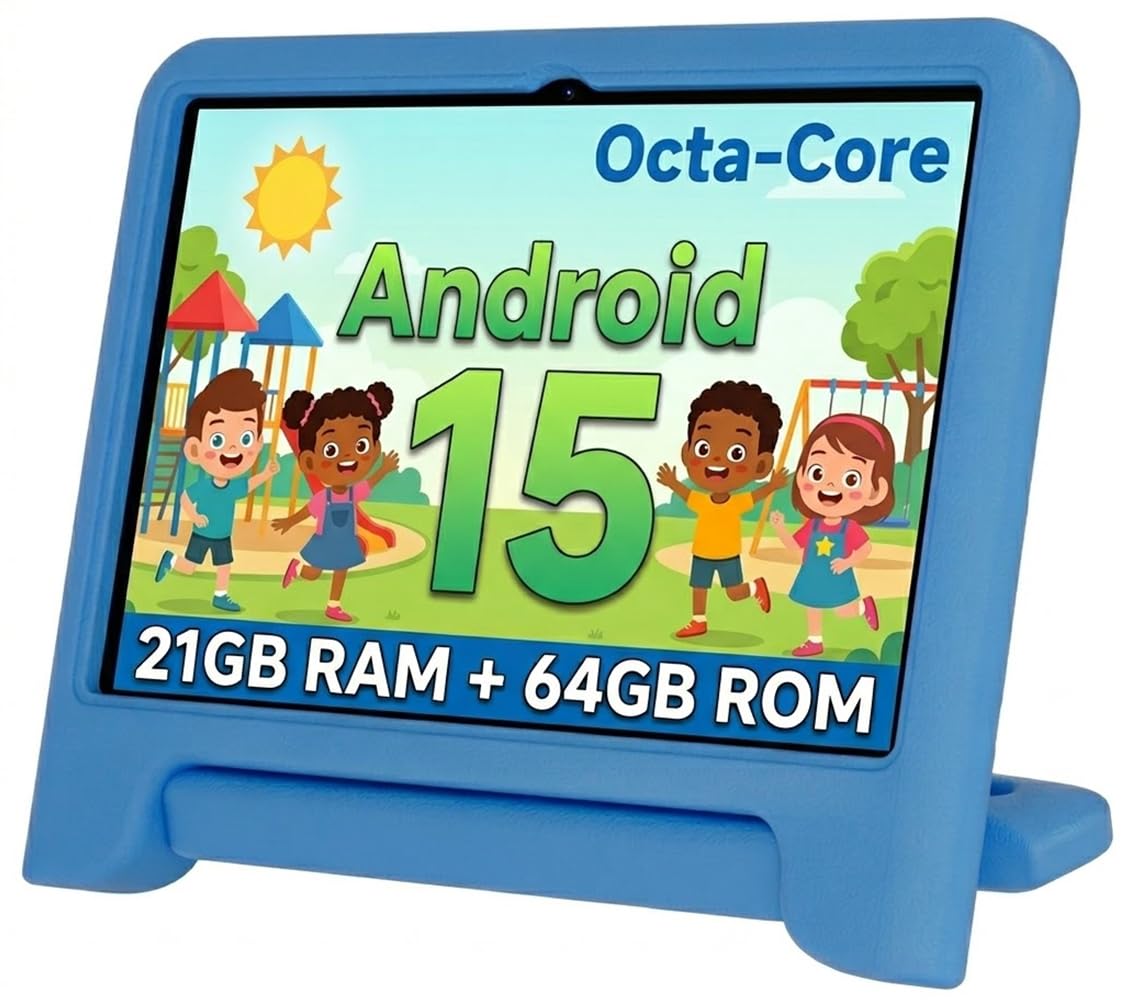
The WXUNJA distinguishes itself with an 8000mAh battery — the largest capacity in this comparison — which translates to roughly 9 hours of continuous video playback. That extra runtime matters when you are on a flight or a long road trip and don’t want to hunt for an outlet. It also supports 18W PD fast charging, so the recharge window is shorter than most competitors.
The octa-core processor clocked at 2.0GHz handles multitasking between educational apps and video streaming without the stutter that plagues quad-core budget tablets. Dual-band 2.4/5GHz WiFi is a meaningful upgrade for households with congested networks — the 5GHz band reduces buffering when multiple devices are active. The included silicone case is sturdy, though it lacks the advanced air-gap design of the plimpton’s EVA case, and the adjustable stand is a handy inclusion for hands-free viewing.
On the software side, WXUNJA runs Android 15 with Google Kids Space pre-installed, so parental controls are robust out of the box. The eye protection mode on the 1280×800 IPS display reduces blue light, and the split-screen feature works well for kids who like to watch a video while drawing. The main concern from user reports is that a drop from bed height onto carpet can cause internal screen damage despite the case — so it is best used on soft surfaces or with extra supervision for very young children.
Why it’s great
- 8000mAh battery is the largest capacity for all-day use
- 18W PD fast charging minimizes downtime
- Dual-band 5GHz WiFi reduces streaming lag
Good to know
- Screen can still break from a short drop despite included case
- Silicone case is not as impact-absorbent as EVA foam
3. ApoloSignage 2026 Android 16 Kids Tablet

This ApoloSignage model is the only tablet in this lineup running Android 16 out of the box, which means it will receive security patches and app compatibility updates longer than any Android 14 or 15 counterpart. The octa-core processor paired with 8GB of RAM (3GB physical + 5GB virtual) delivers snappy performance for app switching and video playback, making it one of the more responsive options at this tier.
The 10-inch IPS display offers 1280×800 resolution with intelligent auto-brightness and advanced blue light reduction — a genuinely useful feature for children who tend to hold the screen close to their face. The included protective case is functional but thin; it handles small drops but doesn’t offer the same shock absorption as the thicker EVA cases on higher-end models. Storage is generous at 64GB, expandable to 1TB via microSD, and the 5000mAh battery delivers around 6 hours of real-world use.
Parents will appreciate that the tablet comes pre-loaded with Google Kids Space and educator-approved apps, so setup is minimal. The parental control dashboard allows you to set daily learning goals and app limits remotely. The main drawbacks are that the case lacks a screen protector (you may want to add one separately) and the battery life is merely average compared to the WXUNJA’s 8000mAh pack.
Why it’s great
- Android 16 offers the longest future-proofing of any model here
- 8GB RAM (3+5) enables smooth multitasking
- Auto-brightness and blue light reduction are genuinely effective
Good to know
- Included case is thin and offers moderate drop protection
- 5000mAh battery is average — plan for a mid-day charge
4. Contixo K102 10-inch Kids Tablet
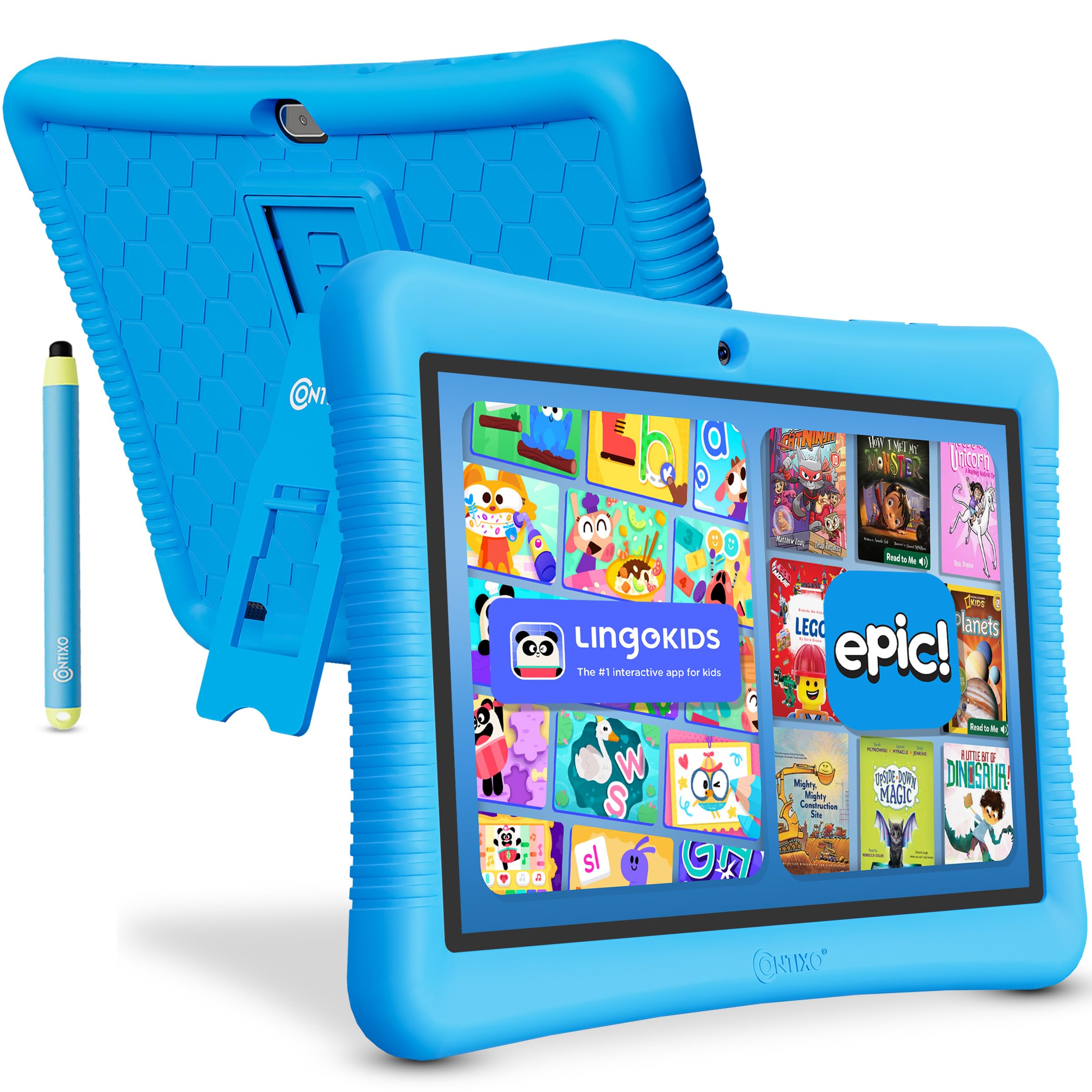
The Contixo K102 sets itself apart with an included bundle of 80 Disney eBooks and videos — a value-add that saves parents from buying individual titles and immediately gives a child familiar, engaging content. The 10-inch 1280×800 IPS display is bright with good viewing angles, and the kid-proof case has raised edges designed specifically to keep the screen from contacting the floor on impact.
The 1.5GHz quad-core processor and 2GB of RAM are modest by modern standards, but they handle the pre-loaded Disney content, YouTube Kids, and basic learning apps like Khan Academy Kids without complaint. Battery life is a highlight at up to 10 hours of mixed use, which is significantly better than many competitors.
Contixo includes a stylus designed for small hands, which is a thoughtful addition for drawing and writing practice. The Kids Place parental control app allows you to set screen-time limits, block apps, and filter web content without ads or in-app purchases sneaking through. The quad-core processor can feel sluggish when multitasking, and some users report screen failures after a few months, so a warranty claim is worth noting.
Why it’s great
- 80 Disney eBooks and videos included at no extra cost
- 10-hour battery life leads the mid-range pack
- Stylus included for drawing and handwriting practice
Good to know
- 32GB storage fills quickly — plan to add a microSD card
- Quad-core processor lags when multitasking
5. Gleeso Android 16 Kids Tablet
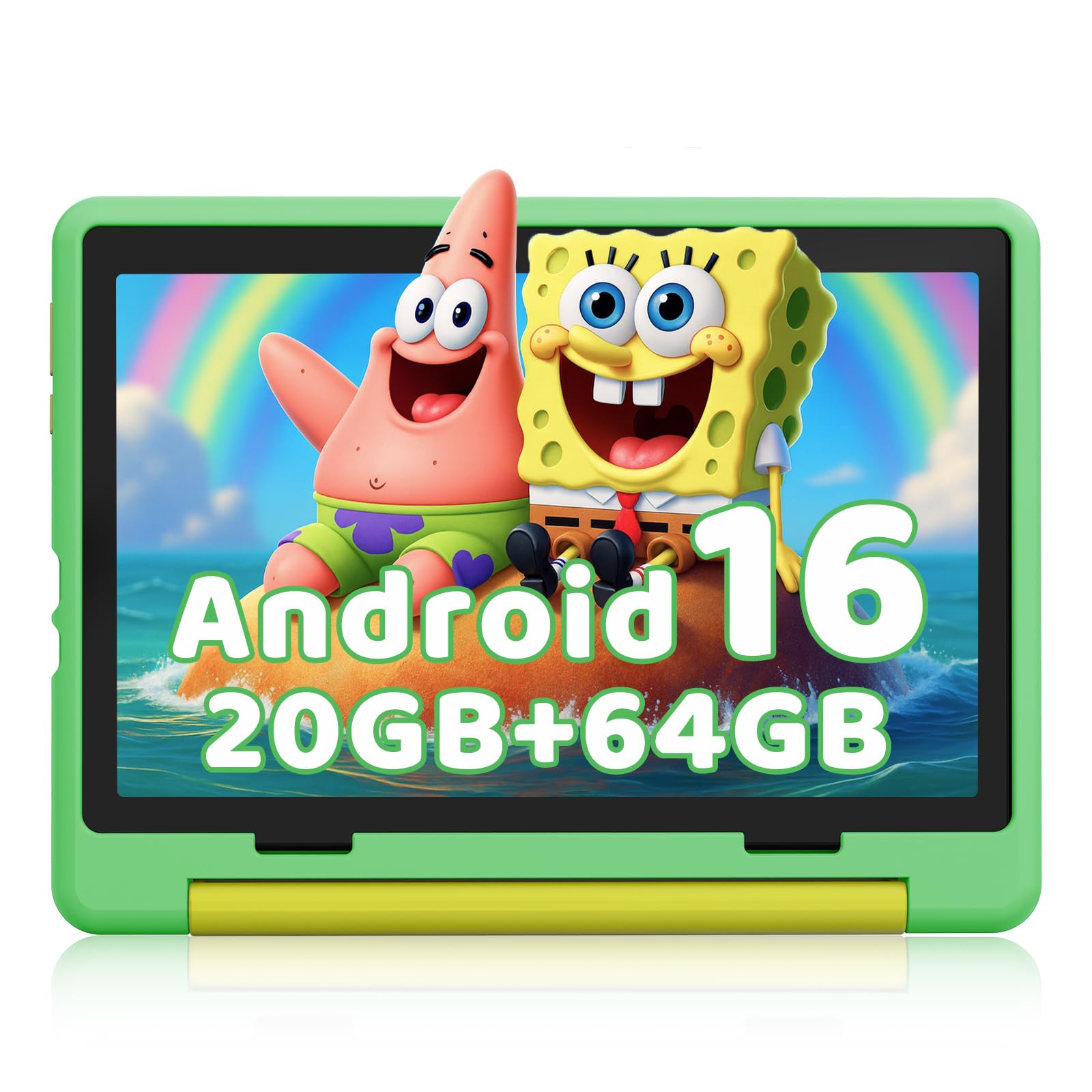
Gleeso brings Android 16 to the mid-range price point, giving this tablet the same future-proof OS advantage as the ApoloSignage model. The 64GB of internal storage plus expansion up to 1TB via TF card means you can store a massive library of apps, movies, and ebooks without ever worrying about space. The 1280×800 HD IPS display includes low-blue-light technology that reduces eye strain during longer sessions.
The included case is described as military-grade, but user feedback suggests it is thinner than expected and may not offer the same level of drop protection as the EVA cases from plimpton or PRITOM. Adding a tempered glass screen protector is a smart precaution. The 5000mAh battery delivers around 8 hours of use, and USB-C fast charging brings it from empty to full in about 1.5 hours — a genuine convenience for busy mornings.
The tablet runs a dedicated Kids Mode that lets parents set screen time limits, block apps, and filter content remotely. The dual cameras (5MP front, 8MP rear) are serviceable for video calls and simple photography projects. The main caveats are that the case is not as rugged as advertised, and some units arrive without proper parental controls pre-configured, requiring manual setup through Google Family Link.
Why it’s great
- Android 16 with 1TB expandable storage is future-proof
- USB-C fast charging reaches full in 90 minutes
- Low-blue-light display is gentle on young eyes
Good to know
- Included case is thinner than advertised — add a screen protector
- Parental controls may require manual setup via Google Family Link
6. PRITOM 10 inch Kids Tablet

PRITOM packs surprising value into this sub- tablet by including a 6000mAh battery, a protective EVA foam case with a kickstand, and a lanyard — the latter being a unique addition that prevents a toddler from dropping the tablet off a high chair or car seat. The 1280×800 HD IPS display is clear and includes an eye-health mode that reduces blue light, making it suitable for longer reading sessions.
The quad-core processor and 4GB of RAM (plus 2GB of virtual RAM) handle the pre-loaded iWawa apps — a collection of learning games, puzzles, and an AR Zoo feature — reasonably well. The 64GB of internal storage is expandable to 512GB, which is generous for a budget tablet. Android 13 Go Edition is not the latest OS, but it is lightweight and runs smoothly on modest hardware.
Customer feedback highlights that the tablet can feel slow with heavier apps, and some units experience touchscreen responsiveness issues or boot loops after extended use. The 1-year warranty and responsive customer service mitigate some of this risk. For parents who want a first tablet for a very young child and are comfortable with a slower experience, the PRITOM delivers strong battery life and physical protection at a low entry cost.
Why it’s great
- Included lanyard prevents drops from high chairs and car seats
- 6000mAh battery lasts 7+ hours for long trips
- EVA foam case with kickstand offers solid drop protection
Good to know
- Quad-core processor lags with demanding apps
- Some units report touchscreen or boot loop issues
7. EDDBNi Kids Android 14 Tablet

The EDDBNi tablet is a no-frills entry-level option that runs Android 14 — a current OS that offers better security and app support than the Android 13 Go edition found on some budget competitors. The quad-core processor and 6GB of RAM (likely 3GB physical plus virtual) deliver adequate performance for YouTube Kids, basic educational apps, and eBook reading. Storage is ample at 64GB, expandable up to 1TB.
The included bumper case is thick and sturdy, with raised edges and a built-in kickstand that lets the tablet stand on a table or car tray. The 6000mAh battery is rated for 8–10 hours, and the included 5MP front and 8MP rear cameras are functional for video calls. The 1280×800 IPS display is clear, though the brightness is average and may struggle in direct sunlight.
The biggest concern with this model is consistency. Several user reports describe units that stopped charging or became unresponsive within months, and customer service was difficult to reach for warranty support. The case design also has a known issue where pressure against the screen bow causes touch unresponsiveness near the bottom. For the price, it works well initially, but longevity is a gamble.
Why it’s great
- Android 14 provides current OS security and app support
- Thick bumper case with kickstand offers solid physical protection
- 6000mAh battery supports 8–10 hours of use
Good to know
- Inconsistent build quality — some units fail within months
- Case pressure can cause touchscreen responsiveness issues
FAQ
Can I use a regular Android tablet with a parental control app instead of buying a kids’ tablet?
How much RAM do I actually need for a kids’ tablet?
What is the ideal screen size for a child’s tablet?
How do I prevent my child from accessing inappropriate content on an Android tablet?
Final Thoughts: The Verdict
For most users, the android tablet for kids winner is the plimpton Kids Tablet because it combines the fastest processor in this comparison, a premium EVA case with a 360-degree kickstand, and the longest warranty at 2 years. If you want the best battery life for all-day trips, grab the WXUNJA Android 15 Kids Tablet with its 8000mAh pack and PD fast charging. And for a budget-friendly starter tablet with a lanyard to prevent drops, the PRITOM 10 inch Kids Tablet is a solid entry point.

Mo Maruf
I created WellFizz to bridge the gap between vague wellness advice and actionable solutions. My mission is simple: to decode the research and give you practical tools you can actually use.
Beyond the data, I am a passionate traveler. I believe that stepping away from the screen to explore new environments is essential for mental clarity and physical vitality.