Our readers keep the lights on and my smoothie glass nicely filled. As an Amazon Associate, I earn from qualifying purchases.
An all-in-one computer is the ultimate desk declutterer, merging a powerful PC and a vibrant display into one sleek package. But beneath the clean aesthetics lies a battle of processors, RAM capacities, screen quality, and storage speeds that can make or break your daily workflow. Choosing the right one means matching internal specs to your specific workload, from casual browsing to intensive creative projects.
I’m Mohammad Maruf — the founder and writer behind WellFizz. My research process involves comparing CPU benchmarks, RAM configurations, storage types, and display technologies across dozens of models to identify the best balance of performance, value, and longevity for different user profiles.
After analyzing over a thousand customer reviews and technical specifications, I’ve compiled this guide to help you navigate the options and find the ideal best all in one computer for your home office, creative studio, or family desk.
How To Choose The Best All In One Computer
Selecting an all-in-one computer requires balancing three core components: the processor, memory/storage, and display quality. Unlike a desktop tower, you cannot easily upgrade these later, so getting the right configuration from the start is essential for a satisfying multi-year experience.
Processor Performance: The Engine Behind the Experience
The CPU is the brain of your system. For everyday tasks like web browsing, email, and streaming, an Intel N100 or entry-level AMD Ryzen 3 will suffice, but they may struggle with heavy multitasking or demanding software. For a smooth experience with multiple browser tabs, office suites, and light photo editing, aim for an Intel Core i5 or AMD Ryzen 5 from the 13th generation or newer. Power users editing video, running virtual machines, or working with large datasets should look for Intel Core i7/i9 or AMD Ryzen 7/9 processors, which offer more cores and higher clock speeds.
Memory and Storage: The Foundation of Speed
RAM is your system’s short-term memory. 8GB is the bare minimum for basic use but can cause lag when multitasking. 16GB is the sweet spot for most home and office users, comfortably handling multiple applications simultaneously. Creative professionals and heavy multitaskers should consider 32GB or more. For storage, a PCIe NVMe Solid State Drive (SSD) is non-negotiable for fast boot times and snappy application loading. A 512GB SSD is a good starting point, while 1TB or larger provides ample space for files, photos, and software without worrying about running out of room.
Display Quality and Touch Functionality
The screen is your primary interface, so don’t overlook it. Full HD (1920×1080) resolution is standard and perfectly adequate for most users, but an IPS panel is preferred over VA or TN for better color accuracy and wider viewing angles. If your work involves photo or video editing, look for a display with 99% sRGB coverage or better. A touchscreen adds a layer of intuitive interactivity, beneficial for navigating Windows 11 or creative applications, but it often increases the price. Consider the screen size (23.8-inch vs 27-inch) based on your desk space and viewing distance.
Quick Comparison
On smaller screens, swipe sideways to see the full table.
| Model | Category | Best For | Key Spec | Amazon |
|---|---|---|---|---|
| HP 27″ Touch All-in-One (Ultra 7) | Premium | Power Users & Creatives | Intel Ultra 7 / 64GB DDR5 / 4TB SSD | Amazon |
| Dell 27 All-in-One (Core 7) | Premium | Business & Creative Pro | NVIDIA MX570A / 32GB DDR5 | Amazon |
| Lenovo IdeaCentre 27 (i7-13620H) | Mid-Range | Content Creation | Intel i7 / 32GB DDR5 / Harman Audio | Amazon |
| HP 27″ Desktop (Ryzen 7 7730U) | Mid-Range | Heavy Multitasking | AMD Ryzen 7 / 32GB RAM / 1TB SSD | Amazon |
| HP 27″ Touch (Ryzen 5 7520U) | Mid-Range | Interactive Home Use | FHD Touch / 16GB RAM / 1TB SSD | Amazon |
| ASUS V470 (i5-13420H) | Mid-Range | Touch & Storage Focus | 27″ Touch / 16GB DDR5 / 1TB SSD | Amazon |
| HP 23.8″ (Core i5-1334U) | Mid-Range | All-Day Productivity | Intel i5 / 16GB RAM / Iris Xe | Amazon |
| Lenovo IdeaCentre 24 (Intel N100) | Value | Streaming & Office Work | 23.8″ IPS / 16GB RAM / 512GB SSD | Amazon |
| Lenovo 24″ FHD (Intel N100) | Value | Everyday Home Computing | 5MP Webcam / 16GB RAM | Amazon |
| Acer Aspire C24 (Ryzen 5 7430U) | Value | Gaming & Streaming | 120Hz IPS / 16GB RAM | Amazon |
| HP 21.45″ (Intel N200) | Budget | Basic Home & Office | Intel N200 / 8GB RAM / 512GB SSD | Amazon |
In‑Depth Reviews
1. HP All-in-One 27″ Touchscreen Desktop (Ultra 7)

The HP 27-inch Touchscreen AIO is the undisputed performance king of this list, packing a next-gen Intel Core Ultra 7 processor with 12 cores for exceptional multitasking. The staggering 64GB of DDR5 RAM ensures even the most demanding virtual machines, large spreadsheets, or 4K video editing timelines run without a hint of lag. The 4TB PCIe NVMe SSD provides massive, lightning-fast storage that will take years to fill, eliminating the need for external drives.
The 27-inch Full HD IPS touchscreen is bright and responsive, with a three-sided micro-edge design that maximizes the viewing area. The height-adjustable stand is a major ergonomic win, allowing users to find their perfect viewing angle, which is rare in this category. The HP True Vision FHD IR camera with Windows Hello provides instant, secure facial login, and the Zoom-certified hardware ensures crystal-clear video calls.
This is a workstation-grade machine disguised as a sleek home appliance. It handles everything from audio production and photo editing to complex data analysis without breaking a sweat. The integrated soundbar delivers clear, punchy audio, reducing the need for external speakers. For users who demand the absolute best performance and future-proofing, this is the definitive choice.
Why it’s great
- Industry-leading 64GB DDR5 RAM for extreme multitasking.
- Massive 4TB PCIe NVMe SSD for vast, fast storage.
- Height-adjustable stand for superior ergonomics.
Good to know
- Premium price point reflects the top-tier components.
- Some users found the included keyboard to be basic.
2. Dell 27 All-in-One Desktop (Intel Core 7)

The Dell 27 AIO stands out for its inclusion of a dedicated NVIDIA GeForce MX570A graphics card with 2GB of GDDR6 VRAM. This is a significant step up from integrated graphics, providing tangible benefits for photo and video editing, 3D modeling, and even light-to-moderate gaming. The Intel Core 7 processor (150U) and 32GB of DDR5 RAM provide the muscle to keep demanding creative applications running smoothly.
The 27-inch FHD IPS touchscreen display is a highlight, offering 99% sRGB color coverage for accurate, vibrant visuals. Dell’s ComfortView Plus technology reduces harmful blue light without compromising color fidelity, which is a blessing for long work sessions. The innovative stand design allows you to tuck the keyboard underneath, keeping the desk space remarkably clean.
The 5MP IR pop-up camera with HDR ensures you look professional on video calls, and the Dolby Atmos-tuned speakers deliver rich spatial audio for an immersive entertainment experience. The inclusion of a 1-year Dell Onsite Service adds peace of mind, as a technician will come to your home if a hardware issue cannot be resolved remotely. This is a strong contender for creative professionals who need dedicated graphics power in a clean, integrated form factor.
Why it’s great
- Dedicated NVIDIA GeForce MX570A GPU for creative apps.
- Exceptional 99% sRGB color-accurate touch display.
- Innovative design with keyboard storage and Onsite Service.
Good to know
- Lacks an optical drive, typical for modern AIOs.
- Setup can be time-consuming due to Windows configuration.
3. Lenovo IdeaCentre 27″ AIO (i7-13620H)

The Lenovo IdeaCentre 27 packs a serious punch with its Intel Core i7-13620H processor, a 10-core chip that boosts up to 4.9GHz. This CPU is a multitasking beast, ideal for content creation workflows like video editing, compiling code, or running complex simulations. Paired with 32GB of DDR5-5200 RAM, this system handles heavy multitasking with absolute ease, keeping dozens of browser tabs and professional applications open simultaneously.
The 27-inch FHD IPS display is rated for 99% sRGB, delivering accurate and vibrant colors for photo and video work. The anti-glare coating and hardware low blue light technology keep your eyes comfortable during marathon editing sessions. Harman-tuned speakers provide a richer audio experience than most competitors, making it suitable for media consumption and casual music production.
The 5MP webcam with dual microphones ensures you look and sound great on calls, and the inclusion of both HDMI-in and HDMI-out 2.1 ports adds versatility for connecting external devices or extending your display. With a sleek Luna Grey design, this Lenovo offers a fantastic balance of raw processing power and premium features for the demanding creative user.
Why it’s great
- Powerful 10-core Intel Core i7-13620H processor.
- 32GB of fast DDR5 RAM for heavy multitasking.
- Color-accurate 99% sRGB display with Harman audio.
Good to know
- Disappointing build quality remarks for the plastic chassis.
- Port placement behind the stand can be awkward to access.
4. HP 27″ All-in-One (AMD Ryzen 7 7730U)

The HP 27-inch AIO offers a compelling mid-range package built around the efficient and powerful AMD Ryzen 7 7730U processor. With 8 cores and 16 threads, this CPU delivers excellent multi-core performance for demanding tasks like video rendering and large data analysis, rivaling Intel’s i7 in multi-threaded workloads. The 32GB of RAM ensures ample headroom for running multiple virtual machines, heavy spreadsheets, or editing high-resolution photos.
The 27-inch FHD display features a three-sided micro-edge design that creates a nearly borderless viewing experience, with a 90% screen-to-body ratio. It’s an ideal canvas for web browsing, document editing, and streaming content. The pop-up tiltable privacy camera with HP Video Controls gives you complete control over your privacy, and the dual-array microphones with advanced noise reduction technology ensure your voice is heard clearly on calls.
This HP model prioritizes a clean, collaborative experience without skimping on internal muscle. The Ryzen 7 processor provides a smooth, responsive feel across all standard tasks, and the 1TB SSD offers generous storage. For users who need Ryzen-level multi-core performance and a large, immersive display for a productive home office, this is a well-rounded and capable choice.
Why it’s great
- Fast AMD Ryzen 7 processor with excellent multi-core power.
- Generous 32GB of RAM for demanding multitasking.
- Tiltable pop-up privacy camera for flexible security.
Good to know
- Some user reports of random shutdowns related to overheating.
- Standard FHD resolution, not 4K.
5. HP 27″ Touch All-in-One (AMD Ryzen 5 7520U)

Designed for intuitive interaction, this HP 27-inch AIO brings a responsive touchscreen to the forefront. The FHD IPS display supports touch input, making it easy to navigate Windows 11, swipe through photo galleries, or interact with creative applications directly. The 99% sRGB coverage ensures colors are more accurate than typical office screens, making it suitable for light photo editing and design work.
Under the hood, the AMD Ryzen 5 7520U is a capable mid-range processor that handles everyday multitasking, streaming, and office productivity with ease. The 16GB of LPDDR5 RAM provides a snappy experience, and the 1TB PCIe NVMe SSD offers plenty of fast storage for your entire digital library. The HP True Vision 1080p FHD IR tilt privacy camera is a standout feature, providing professional video quality for Zoom calls and enabling secure login via Windows Hello.
The inclusion of a premium wireless keyboard and mouse in the box adds value and reduces desk clutter further. The AI noise reduction technology enhances call clarity, making it a great choice for professionals who spend their days on video conferences. For users who want the practicality of a touchscreen combined with solid, modern performance, this HP model is a compelling option.
Why it’s great
- Responsive FHD IPS touchscreen for intuitive navigation.
- Color-accurate 99% sRGB display for creative work.
- High-quality 1080p IR privacy camera with Windows Hello.
Good to know
- Some reports of motherboard failure within months of purchase.
- Onboard RAM cannot be upgraded.
6. ASUS V470 All-in-One (i5-13420H)

The ASUS V470 combines a premium aesthetic with a feature set aimed at the modern home office. Its 27-inch Full HD anti-glare touchscreen display is a standout, providing easy interaction without distracting reflections. The 16GB of DDR5 RAM is the latest generation of memory, offering faster speeds and better power efficiency compared to DDR4, contributing to a snappy and responsive system.
Powered by an Intel Core i5-13420H processor, this AIO delivers solid performance for demanding productivity tasks like video conferencing, data analysis, and content creation. The 1TB PCIe SSD provides both speed and ample capacity for your growing file collection. The ASUS AI Noise-Canceling Technology is a significant upgrade for remote workers, filtering out background noise from your microphone for crystal-clear communication.
The 1080p Full HD webcam with an array microphone and Dolby Atmos-tuned speakers ensures a high-quality multimedia and conferencing experience. The sleek, space-saving design with a clean cable management system will look at home in any modern workspace. For users seeking a stylish, future-proofed AIO with a buttery-smooth touch experience, the ASUS V470 is an excellent mid-range investment.
Why it’s great
- 27-inch anti-glare touchscreen for comfortable, interactive use.
- Fast 16GB DDR5 RAM and spacious 1TB SSD.
- AI Noise-Canceling Technology for distraction-free calls.
Good to know
- Screen height is not adjustable.
- Users noted some pre-installed bloatware.
7. HP 23.8″ All-in-One (Intel Core i5-1334U)
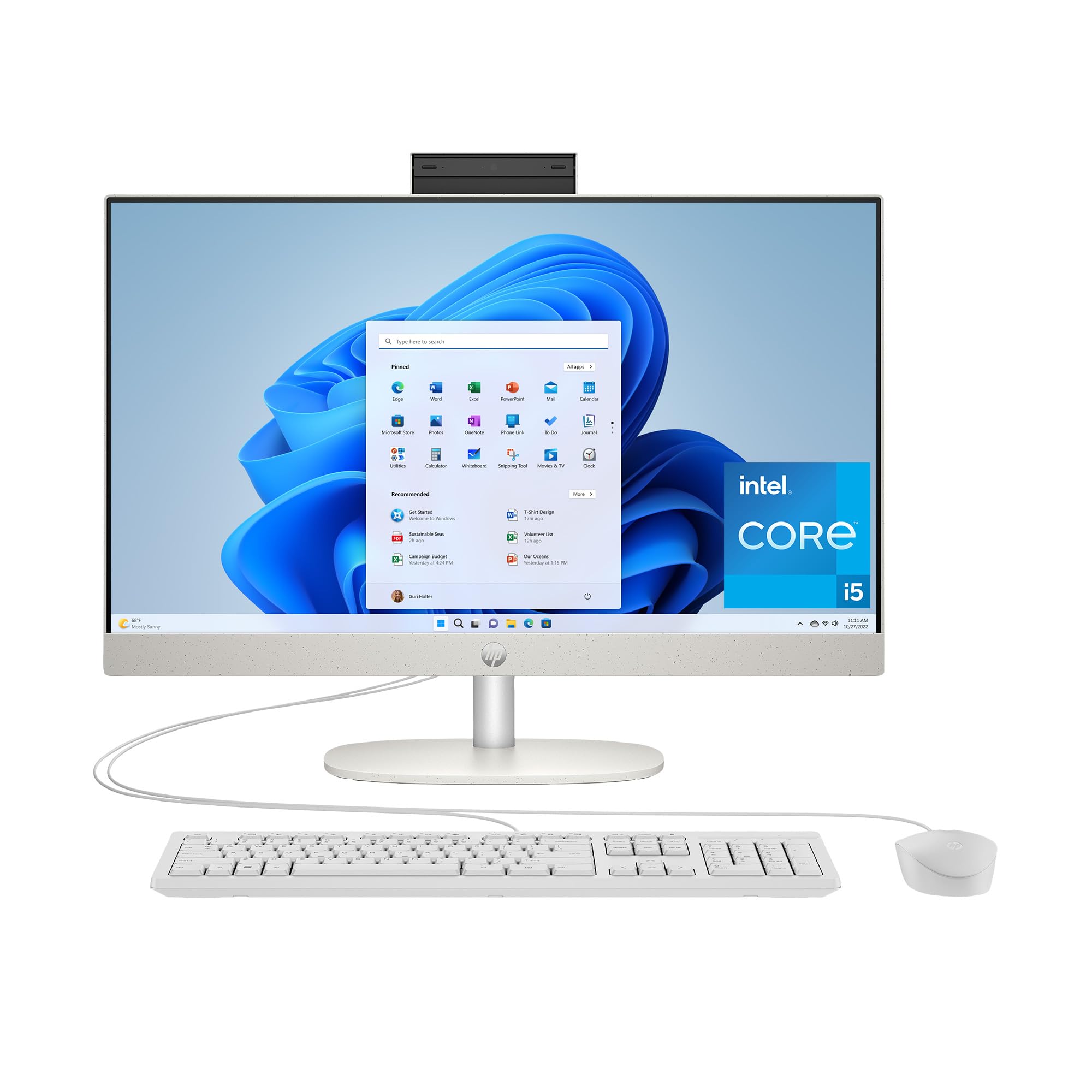
The HP 23.8-inch AIO strikes a beautiful balance between performance, size, and price, making it an outstanding choice for family use or a primary home office machine. The 13th Gen Intel Core i5-1334U processor offers a significant jump in performance over lower-tier chips, providing the power needed for smooth multitasking across web browsing, streaming, and office applications without the premium cost of an i7.
The 23.8-inch FHD IPS display is crisp and vibrant, with ultra-slim micro-edges that make the screen feel larger than its size suggests. The 16GB of RAM is the sweet spot for modern households, preventing slowdowns when multiple users (with different profiles) are active or when running several applications at once. The Intel Iris Xe Graphics is a capable integrated solution, easily handling 4K video streaming and light photo editing.
The design is sleek and minimalist in a Shell White finish, fitting seamlessly into any decor. The built-in speakers are decent for video calls and casual listening. With its combination of a fast modern processor, ample memory, and a high-quality display, this HP model delivers excellent day-to-day performance, proving that you don’t need a top-tier CPU for a fantastic computing experience.
Why it’s great
- Excellent performance with 13th Gen Intel Core i5 processor.
- Ideal 23.8-inch IPS display with micro-edge design.
- Well-balanced 16GB RAM for smooth multitasking.
Good to know
- Some users experienced an initial sound issue, resolved by support.
- Standard FHD resolution, not optimized for high-end photo editing.
8. Lenovo IdeaCentre 24 AIO (Intel N100)
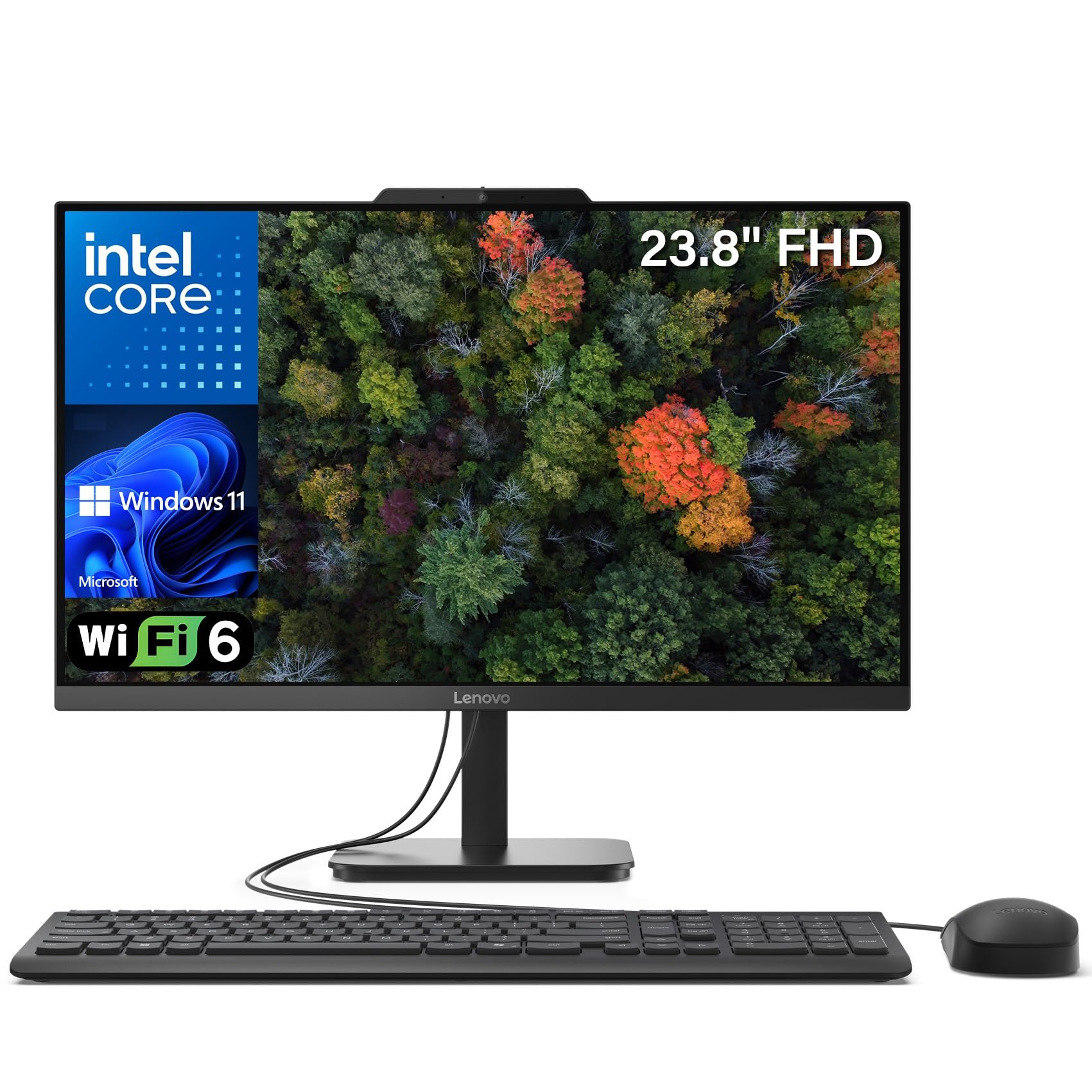
The Lenovo IdeaCentre 24 proves that excellent value doesn’t mean compromising on the essentials. For its price point, it packs a surprisingly robust 16GB of DDR4 RAM, which is double the base amount found in many entry-level AIOs. This immediately makes it a better multitasker, allowing you to keep numerous browser tabs and applications open without hitting performance walls.
The 23.8-inch Full HD IPS anti-glare display is a highlight, delivering 99% sRGB color accuracy for true-to-life colors, a treat for the eyes whether you’re editing documents or streaming movies. The Intel N100 quad-core processor is energy-efficient and perfectly adequate for the core tasks most users need: web browsing, email, word processing, and video conferencing. The built-in HD webcam ensures you’re ready for calls right out of the box.
With its space-saving design and inclusion of a wired keyboard and mouse, this Lenovo is a complete, no-fuss solution for a student dorm, a grandparents’ desk, or a home office focused on productivity. The 512GB PCIe SSD provides fast boot times and responsive application loading. For budget-conscious buyers who refuse to accept sluggish performance, this IdeaCentre is a smart, balanced pick.
Why it’s great
- Excellent value with a generous 16GB of RAM.
- High-quality 99% sRGB color-accurate IPS display.
- Fast 512GB PCIe NVMe SSD for snappy boot times.
Good to know
- Processor is entry-level, not for heavy multitasking.
- USB ports on the bottom of the display can be hard to reach.
9. Lenovo 24″ FHD AIO (Intel N100)
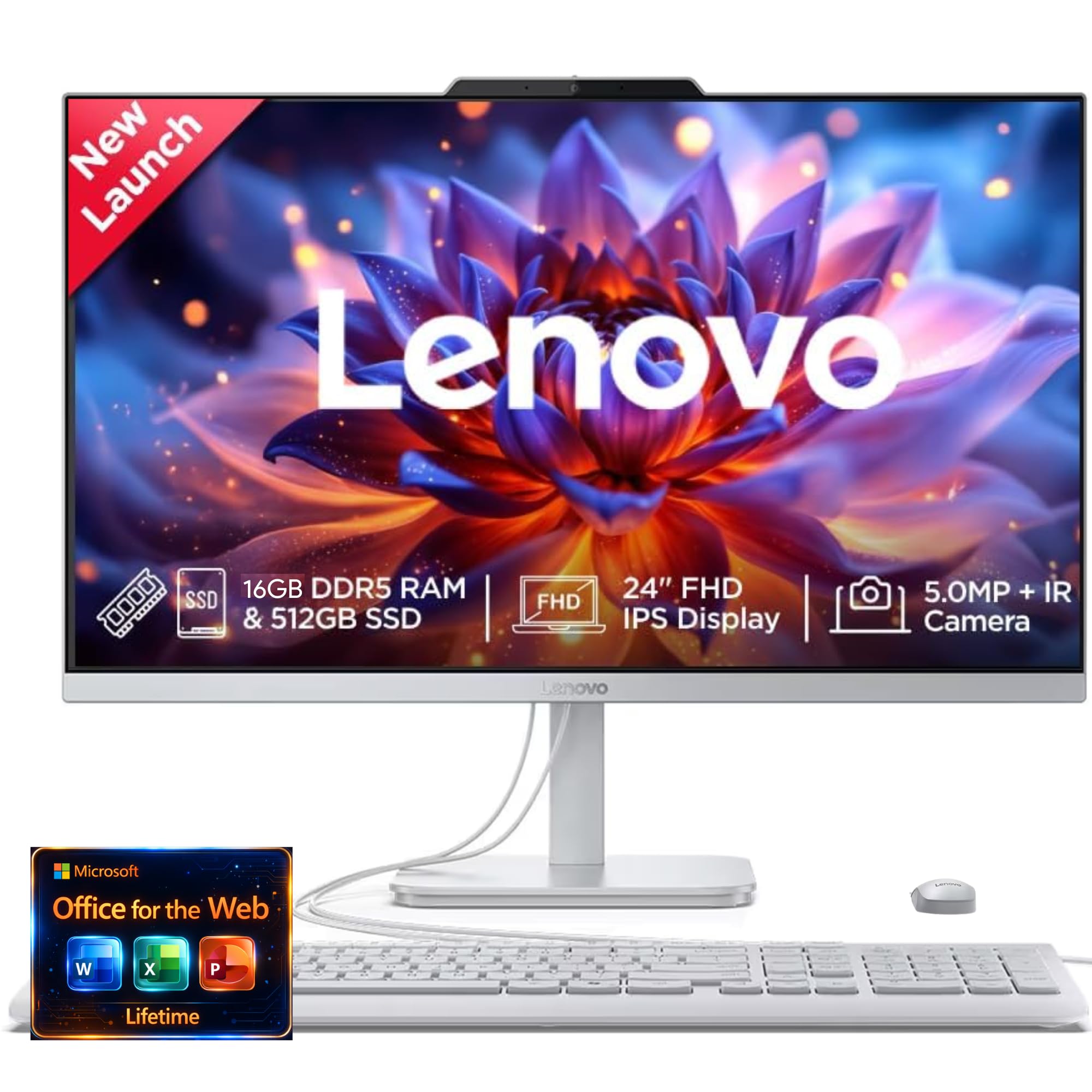
This Lenovo 24-inch AIO is another excellent value proposition, focusing on delivering a premium visual and audio experience without a premium price tag. It features a 5MP webcam with an IR camera for Windows Hello, a significant upgrade from the standard 720p or 1080p cameras found in most budget AIOs. The AI-algorithm-based Lenovo Smart Meeting and AI Noise Cancelling technology further enhance video call quality.
Powered by the Intel N100 processor and 16GB of RAM, this system is well-suited for daily productivity, streaming music and video, and staying connected with family and friends. The Harman audio-enhanced speakers provide richer sound than typical built-in speakers, making it more enjoyable for media consumption. The expansive display, available up to QHD, offers a cinematic viewing experience for movies and creative projects.
The sleek and stylish design helps it blend into any room. For professionals and families who spend a lot of time on video calls and prioritize call quality, the superior webcam and noise cancellation features of this Lenovo model offer tangible benefits. It’s a smart choice for anyone who wants a capable, modern AIO with enhanced communication features at a very accessible price.
Why it’s great
- Excellent 5MP webcam with IR for Windows Hello.
- AI-powered noise cancellation for crystal-clear calls.
- 16GB of RAM provides a smooth multitasking experience.
Good to know
- Entry-level Intel N100 processor limits heavy workloads.
- Standard wired keyboard and mouse included.
10. Acer Aspire C24 AIO (Ryzen 5 7430U)

The Acer Aspire C24 throws a curveball at the competition with its 23.8-inch Full HD IPS display that boasts a 120Hz refresh rate. In a category where 60Hz is the norm, this higher refresh rate translates to noticeably smoother motion—scrolling through long web pages feels fluid, dragging windows around the desktop is effortless, and it provides a better experience for casual gaming. This is a unique selling point that directly improves the feel of daily use.
Under the hood, the AMD Ryzen 5 7430U is a serious step up from the Intel N-series processors found in many value-oriented AIOs. This hexa-core processor provides ample power for demanding multitasking, streaming 4K content, and running productivity suites without a stutter. Paired with 16GB of DDR4 RAM and a fast 512GB PCIe NVMe SSD, this Aspire feels responsive and modern.
It also offers a strong selection of connectivity options including Wi-Fi 6E and a USB Type-C port. The front I/O panel provides convenient access to ports, a thoughtful design touch. For users who value a smooth, visually fluid experience for both productivity and entertainment, the Acer Aspire C24 offers an unbeatable combination of a high-refresh-rate screen and powerful processor at a very competitive price.
Why it’s great
- Unique 120Hz IPS display for ultra-smooth motion.
- Fast AMD Ryzen 5 7430U hexa-core processor.
- Modern connectivity with Wi-Fi 6E and USB-C.
Good to know
- The internal fan can be loud under load.
- Some users reported difficulty connecting printers.
11. HP 21.45″ All-in-One (Intel N200)
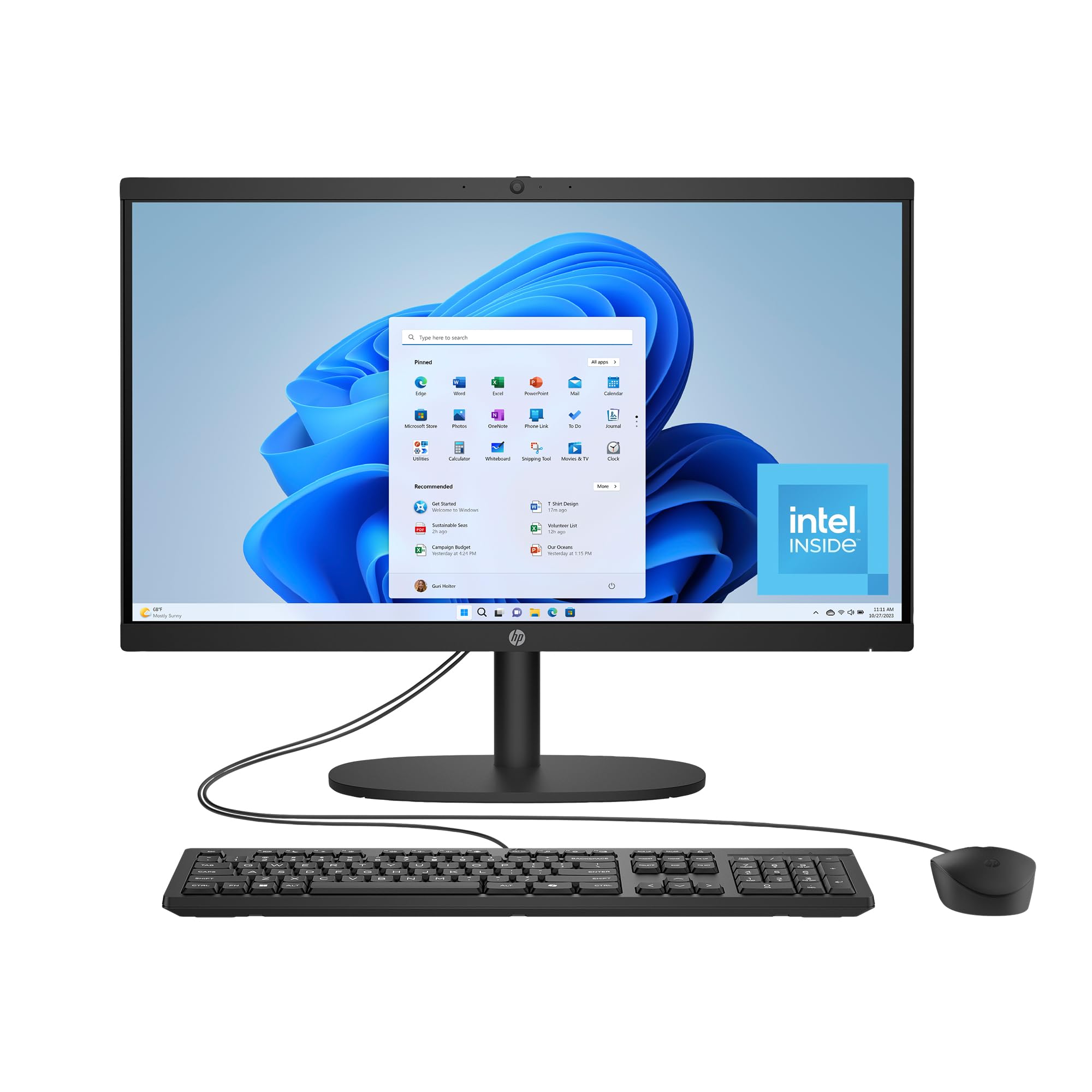
The HP 21.45-inch AIO is the entry point into the all-in-one ecosystem, designed for users whose computing needs are simple and focused. It is perfectly suited for basic tasks like checking email, browsing the internet, editing simple documents, and streaming video. The Intel N200 processor is energy-efficient and provides adequate performance for this specific workload, while the 8GB of RAM is sufficient for light multitasking.
The 21.45-inch FHD display is a solid feature at this price point, offering a wide and vibrant viewing experience for its size. It includes a flicker-free DC Dimming technology, which reduces eye strain during extended use. The built-in AI-noise reduction for the microphone and a manual camera privacy shutter show that HP has considered the practical needs of home users.
With its compact form factor, this HP model is perfect for small desks, dorms, or as a dedicated kitchen computer for recipes and video calls. The inclusion of Wi-Fi 6 and Bluetooth 5.3 ensures modern wireless connectivity. For the budget-minded buyer who simply needs a reliable, space-saving computer for the fundamentals, this HP model delivers exactly what is needed without any unnecessary frills.
Why it’s great
- Excellent value for a complete, space-saving system.
- Great for basic tasks: browsing, email, streaming.
- Flicker-free display and privacy shutter included.
Good to know
- 8GB RAM is the minimum for modern multitasking.
- Processor is not designed for heavy workloads or gaming.
- Some users reported a defective mouse after a short time.
FAQ
Can I upgrade the RAM or storage on an all-in-one computer later?
What is the difference between integrated and dedicated graphics for an all-in-one?
Are touchscreen displays worth the extra cost on an all-in-one?
How important is the display’s color accuracy (sRGB) for an all-in-one?
Final Thoughts: The Verdict
For most users, the best all in one computer winner is the HP 27-inch Touchscreen AIO (Ultra 7) because it offers unmatched performance with its 64GB RAM and 4TB SSD, future-proofing your investment for years. If you want a dedicated graphics card for creative work or light gaming, grab the Dell 27 All-in-One (Core 7). And for the best balance of price and features, the Lenovo IdeaCentre 24 AIO is a fantastic value that doesn’t skimp on display quality or memory.

Mo Maruf
I created WellFizz to bridge the gap between vague wellness advice and actionable solutions. My mission is simple: to decode the research and give you practical tools you can actually use.
Beyond the data, I am a passionate traveler. I believe that stepping away from the screen to explore new environments is essential for mental clarity and physical vitality.