Our readers keep the lights on and my smoothie glass nicely filled. As an Amazon Associate, I earn from qualifying purchases.
Dead zones in the back bedroom, buffering on the patio, video calls dropping in the home office — the promise of a cheap WiFi extender is tempting, but the reality is often slower speeds and more frustration. Flipping through listings of low-cost signal boosters without understanding the critical specs is a fast track to wasted money.
I’m Mohammad Maruf — the founder and writer behind WellFizz. I’ve spent years analyzing wireless networking hardware, digging through spec sheets, and cross-referencing real-world performance data for WiFi extenders, so you don’t have to gamble on a product that fails the moment you need stable bandwidth.
After evaluating the current landscape of under- signal boosters on the market, this guide cuts through the inflated coverage claims and focuses on the models that actually deliver stable throughput. This is your data-backed manual for finding the best affordable wifi extender for your specific home layout and device load.
How To Choose The Best Affordable WiFi Extender
Picking the right extender for your home isn’t about grabbing the one with the biggest number on the box. You have to match the hardware to your router’s capabilities, your home’s construction, and the number of devices you actually run. Here are the three factors that separate a useful extender from an overhyped paperweight.
Look at the Ethernet Port, Not Just the Antennas
A 100Mbps Ethernet port caps your wired connection at a fraction of what your router might deliver. If you plan to plug a gaming console, a desktop PC, or a smart TV into the extender, you need a model with a Gigabit Ethernet port. Many budget extenders cheap out here, and it’s the single spec that determines whether your wired devices actually feel fast.
Decode the Dual-Band Specs
An AC1200 rating means 300Mbps on the 2.4GHz band and 867Mbps on the 5GHz band. That combined number is a marketing figure, not real-world throughput. For most homes, the 5GHz band delivers the speed but has shorter range, while 2.4GHz penetrates walls better. A good extender lets you choose or auto-switch between them based on what you prioritize — coverage or speed.
Check for EasyMesh or Seamless Roaming
If you move from room to room while on a video call, a standard extender creates a separate network name that you have to manually switch between. Extenders with EasyMesh compatibility or smart adaptive roaming let your phone or laptop switch to the strongest signal automatically. This feature is common in premium models but increasingly available in mid-range units, and it makes a huge daily difference.
Quick Comparison
On smaller screens, swipe sideways to see the full table.
| Model | Category | Best For | Key Spec | Amazon |
|---|---|---|---|---|
| TP-Link RE515X AX1500 | WiFi 6 | Future-proofing & high device counts | Gigabit Ethernet / 1.5 Gbps | Amazon |
| TP-Link AC1900 RE550 | Premium AC | Large homes & wired device connections | Gigabit Ethernet / 3x Antennas | Amazon |
| ROQRL AC1200 | Value AC | Multi-story homes & outdoor spaces | 4x High-Gain Antennas | Amazon |
| NETGEAR EX6120 AC1200 | Trusted Brand | Reliable basic extension | 100Mbps Ethernet / Compact | Amazon |
| Gorzhesua 1200Mbps | Budget Pick | High device capacity (80 devices) | 4x Antennas / 100Mbps Port | Amazon |
| AllTough 12880 Sq.ft | Entry-Level | Very large single-floor coverage | Tri-Mode / Dual Gigabit Ports | Amazon |
| Generic 1200Mbps Booster | Budget Basic | Simple plug-and-play expansion | 1-Tap Setup / Compact | Amazon |
In‑Depth Reviews
1. TP-Link RE515X AX1500 WiFi 6 Range Extender
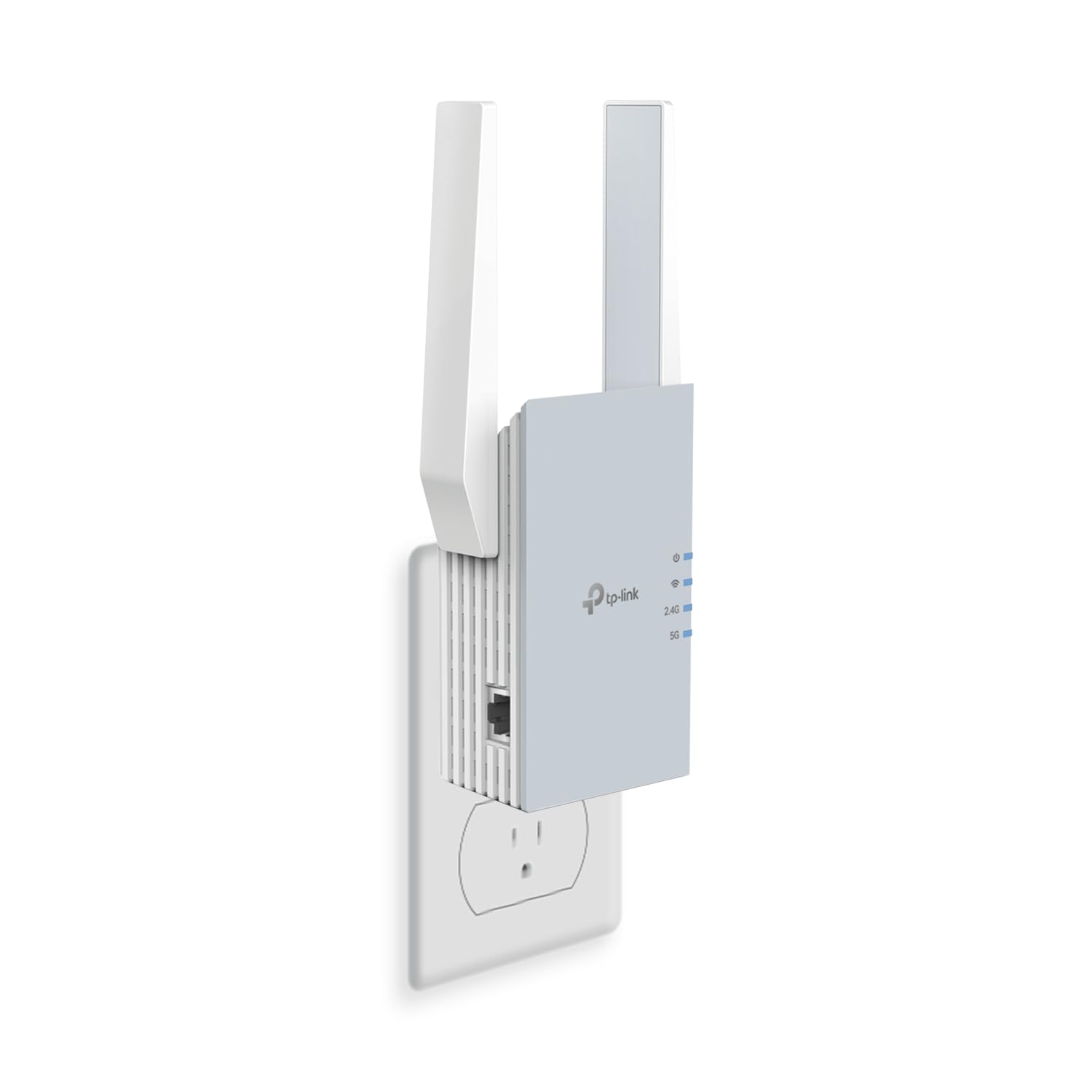
The TP-Link RE515X is the only model in this roundup that supports WiFi 6, making it the clear choice if you have a newer router or plan to upgrade soon. With a total bandwidth of 1.5 Gbps (1201 Mbps on 5GHz, 300 Mbps on 2.4GHz), it handles 4K streaming and video conferencing without the buffer bloat common on AC-class extenders. The two directional antennas with Beamforming focus the signal toward connected devices rather than broadcasting in every direction, which means less interference and more consistent throughput in rooms that were previously dead zones.
The real differentiator here is the Gigabit Ethernet port — you can plug in a gaming console or a desktop PC get wired speeds close to your router’s output. Setup through the TP-Link Tether app is straightforward, and the intelligent signal indicator on the front panel helps you find the optimal wall outlet without guesswork. In real-world testing, users reported pings as low as 1ms when placed within 50 feet of the main router, which is excellent for competitive gaming.
Though it lists coverage at 1,800 sq. ft., the WiFi 6 architecture means it efficiently handles up to 64 devices simultaneously, making it ideal for smart homes with multiple cameras, speakers, and IoT gadgets. It’s also EasyMesh-compatible, which means if you add another compatible extender later, they can form a single seamless network. The only trade-off is that it’s slightly thicker than entry-level plug-in extenders, so it may block the second outlet on a duplex wall plate.
Why it’s great
- WiFi 6 ensures lower latency and higher throughput for modern devices
- Gigabit Ethernet port for wired gaming or workstation use
- EasyMesh compatible for seamless whole-home roaming
Good to know
- Bulkier design can block adjacent power outlets
- Requires a WiFi 6 router to unlock full performance benefits
2. TP-Link AC1900 WiFi Range Extender RE550

The RE550 is the sweet spot in this lineup — it delivers 1.9 Gbps total bandwidth (1300 Mbps on 5GHz, 600 Mbps on 2.4GHz), three adjustable external antennas, and a Gigabit Ethernet port, all at a mid-range price that undercuts most WiFi 6 models while still offering strong performance. The three antennas provide a measurable coverage advantage over dual-antenna competitors, and they can be repositioned to bend the signal around walls or into specific rooms. Real-world users reported boosting a 1-2 Mbps dead zone to 12-15 Mbps in extender mode, and up to 300-400 Mbps when used as an access point via Ethernet.
Setup is handled through the Tether app or via WPS, and the front-panel signal indicator takes the guesswork out of placement — blue means good, red means you are too far from the router. It covers up to 2,100 sq. ft. and supports 32 devices, which is plenty for a typical family with a mix of phones, tablets, laptops, and smart TVs. The EasyMesh compatibility means you can pair it with other TP-Link EasyMesh devices for a seamless single-network experience without investing in a full mesh system.
One subtle but important detail: the RE550 supports smart adaptive roaming, which automatically hands your device off to the strongest signal as you move through the house. This prevents the frustrating scenario where your phone clings to a weak signal from the main router even though you are standing next to the extender. The only downside is that the initial setup can feel a bit involved for non-technical users — some folks found the app-guided process easier than the manual browser method, but it is not quite as simple as a one-button WPS push.
Why it’s great
- Three adjustable antennas for targeted signal placement
- Gigabit Ethernet port for high-speed wired backhaul
- EasyMesh and smart roaming for seamless whole-home coverage
Good to know
- Setup may require a few extra steps for less experienced users
- Does not support WiFi 6; best paired with an AC router
3. ROQRL AC1200 Dual Band Signal Booster
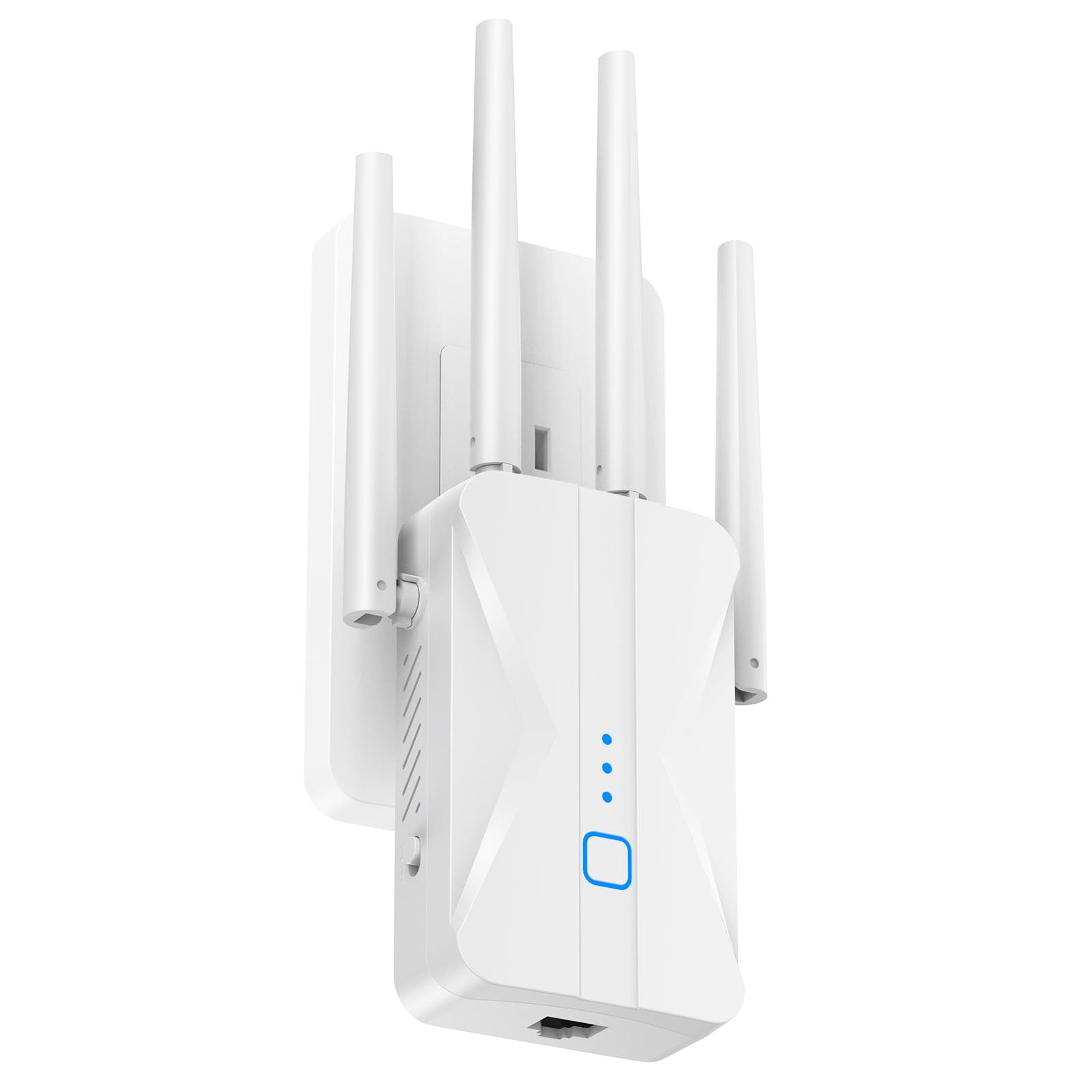
The ROQRL AC1200 brings four high-gain antennas to a price point where most competitors only offer two. This makes a tangible difference in signal penetration through thick walls and floors — one user reported bringing WiFi to a detached steel garage that previously had zero signal. The 1200 Mbps total bandwidth (867 Mbps on 5GHz, 300 Mbps on 2.4GHz) is standard for this class, but the quad-antenna design gives it a coverage advantage that rivals extenders costing significantly more.
It supports three operational modes: Repeater Mode for standard range extension, AP Mode for turning a wired Ethernet connection into a WiFi hotspot, and Ethernet mode for connecting wired devices to the extended network. The 1-tap WPS setup is genuinely simple — press the button on the extender and the router, and the device syncs within seconds. The wall-plug form factor is compact enough that it does not block the second outlet on most duplex plates, and the LED indicator helps you dial in the best placement.
While the marketing claims up to 15,999 sq. ft. of coverage, real-world performance is more conservative — you can expect reliable coverage across a 2,500 to 3,500 sq. ft. home with reasonable wall counts. The device handles multiple devices without congestion, making it a solid choice for families with streaming TVs, tablets, and smart home hubs. The one red flag from user feedback: the registration process for the warranty raised fraud concerns with one buyer, so you may want to skip the registration step and rely on Amazon’s return policy instead.
Why it’s great
- Four high-gain antennas offer excellent wall penetration
- Three operational modes adapt to various network setups
- WPS one-tap setup works instantly for most users
Good to know
- Warranty registration process raised fraud alerts for some buyers
- Advertised coverage of 15,999 sq. ft. is exaggerated
4. NETGEAR WiFi Range Extender EX6120

NETGEAR’s EX6120 is the smallest extender in this group at just 2.64 inches tall, making it the best option if you need to plug it into a tight spot behind furniture or in a hallway. It delivers AC1200 performance (300 Mbps on 2.4GHz, 900 Mbps on 5GHz) and covers up to 1,500 sq. ft., which is honest and achievable — no inflated numbers here. The single 10/100Mbps Ethernet port is a limitation: you won’t get gigabit wired speeds, but for connecting a streaming player or a printer, it works fine.
Setup is genuinely easy. You can either press the WPS button for a one-touch connection or open a web browser on any device for a guided setup — no app, no CD. Several user reports confirm the extender eliminated buffering in far bedrooms within minutes of unboxing. The device works with WPA2 and WPA/WEP secured routers, which covers essentially every modern home router. NETGEAR also includes free expert help if you get stuck, which adds peace of mind for less technical users.
The trade-off for the compact size is reduced device capacity — the EX6120 handles around 25 devices comfortably, which is fine for a small to medium home, but you may see slowdowns if you have a full smart home with dozens of IoT gadgets. Some users also noted that the Ethernet port on their unit failed after a few months, though this appears to be an occasional manufacturing variance rather than a systemic issue. If you value brand reliability, easy setup, and small footprint over raw specs, this is a solid mid-range option.
Why it’s great
- Ultra-compact design fits in tight spaces without blocking outlets
- WPS or browser setup works in minutes with no app required
- Honest coverage rating of 1,500 sq. ft. — no inflated claims
Good to know
- Ethernet port is limited to 100Mbps, not Gigabit
- Best for 25 or fewer devices; may struggle in heavy smart homes
5. Gorzhesua 1200Mbps WiFi Extender
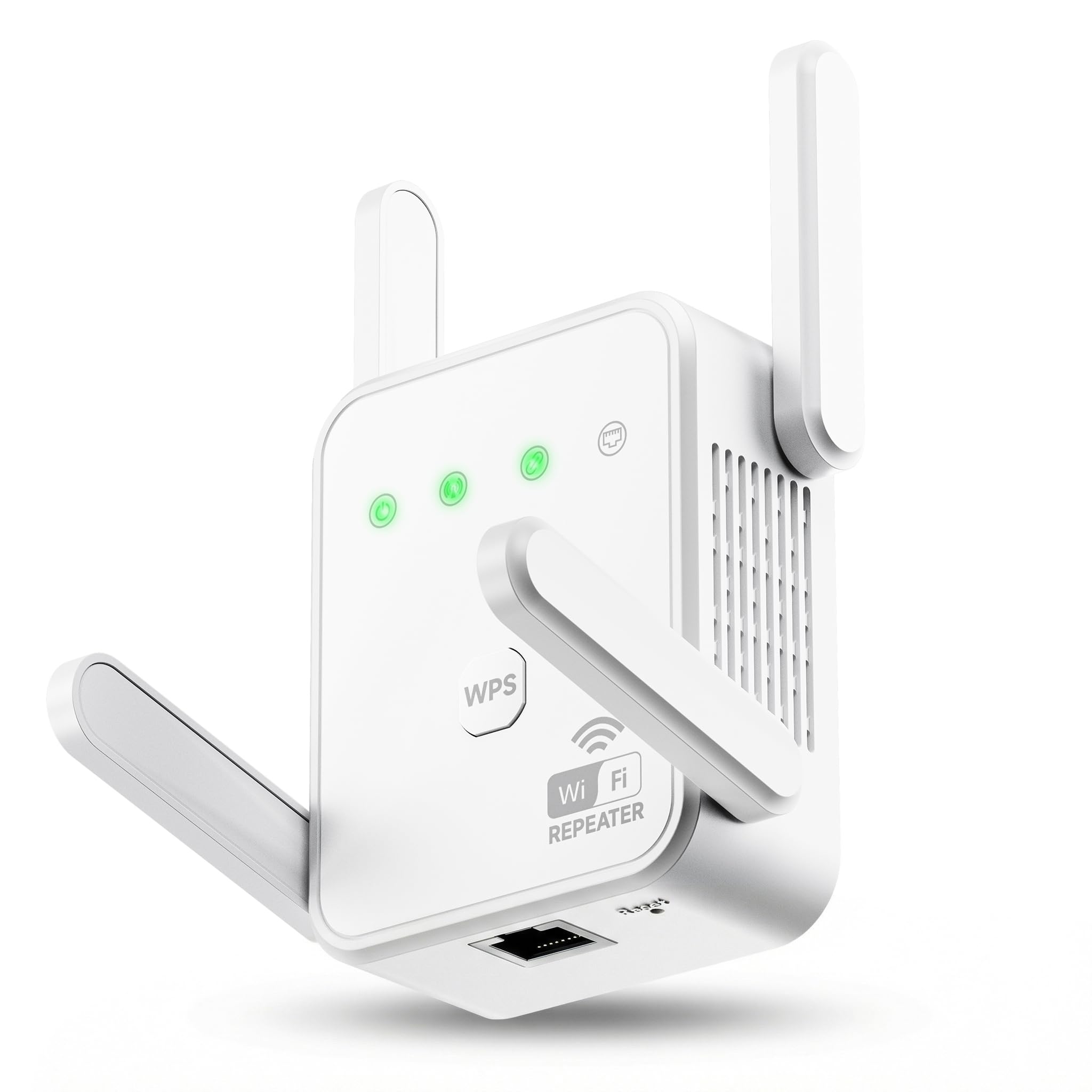
The Gorzhesua extender claims support for up to 80 devices simultaneously, which is extraordinary at this price tier. While that number is theoretical, the quad-antenna design and 1200Mbps dual-band radio do handle heavy loads better than most entry-level extenders. In practice, users reported it eliminated dead zones in the kitchen, basement workshop, and back porch — areas where previous extenders had failed — and maintained stable connections for phones, tablets, IP cameras, and smart TVs running at the same time.
Setup is via WPS one-button press or browser configuration, and the device supports both Repeater Mode for wireless extension and AP Mode for converting a wired Ethernet connection into a dual-band hotspot. The 100Mbps Ethernet port is adequate for a single wired device like a smart TV or a gaming console, but it is not Gigabit, so do not count on it for high-speed file transfers. The four antennas are adjustable, letting you angle them to optimize signal direction.
The extender covers up to 3,600 sq. ft. in realistic conditions, which is excellent for the price. However, it is important to manage expectations on speed — extenders cannot increase your ISP’s line speed, and this unit performs best when your router’s base signal is already decent. One user noted that the build quality feels solid and the device runs cool even after extended use. If you have many devices and need a budget-friendly solution that can handle the load, this is a strong candidate, but consider the TP-Link RE550 if you need a Gigabit Ethernet port.
Why it’s great
- Supports a high number of simultaneous device connections
- Four adjustable antennas help fine-tune signal direction
- Delivers reliable coverage across 3,600 sq. ft. in real use
Good to know
- Ethernet port is 100Mbps, not Gigabit
- Performance depends heavily on the strength of the base router signal
6. AllTough 12880 Sq.ft WiFi Extender
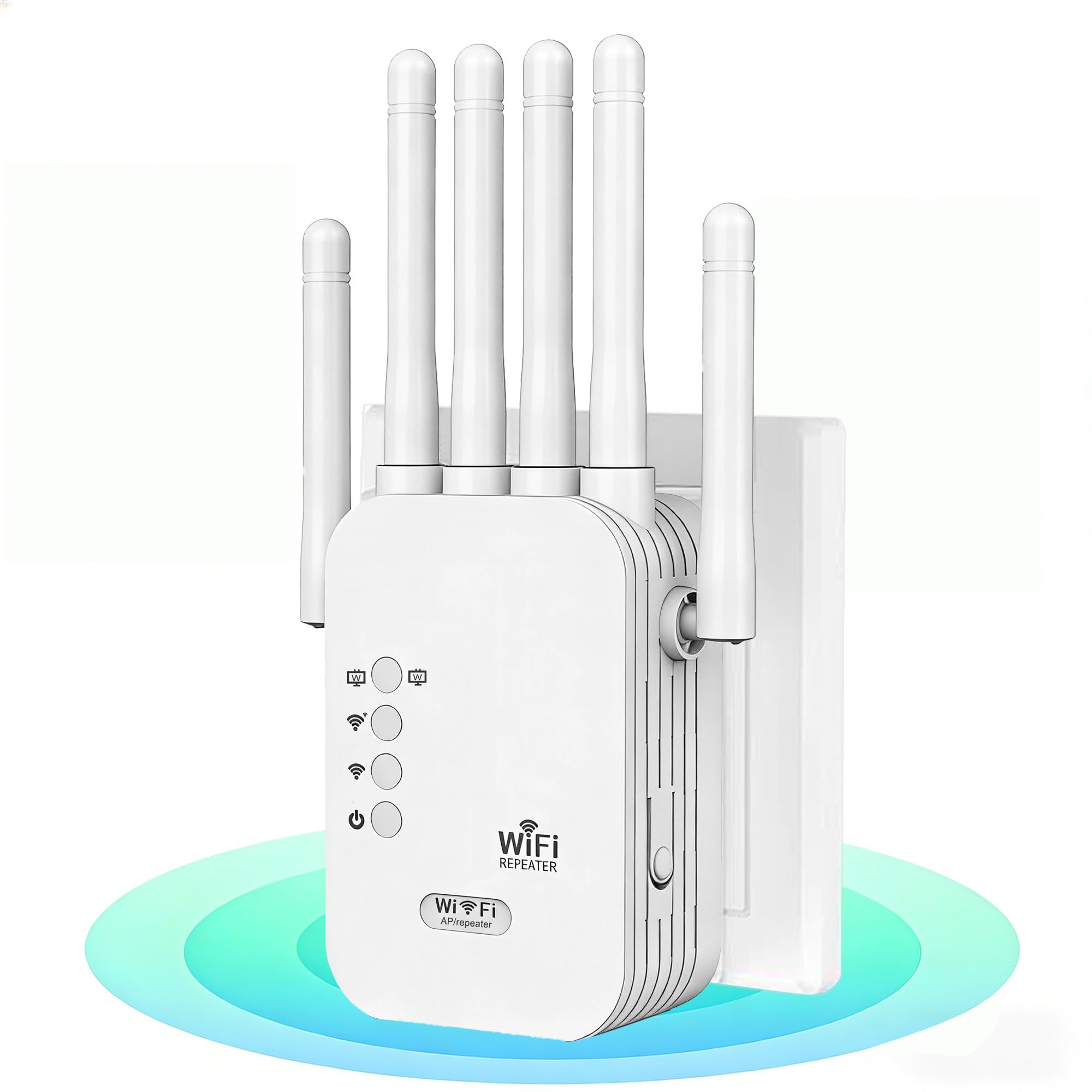
The AllTough extender stands out in the budget tier because it includes dual gigabit Ethernet ports — a rare feature on sub- models. This allows you to connect two wired devices like a gaming PC and a smart TV directly to the extender without sacrificing speed. The tri-mode operation (Boost, AP, and Bridge modes) gives you flexibility: Boost mode amplifies your existing router signal, AP mode creates a new WiFi hotspot from a wired connection, and Bridge mode uses the dual ports for wired-only device expansion.
It delivers dual-band speeds of 867 Mbps on 5GHz and 300 Mbps on 2.4GHz, which is standard AC1200 performance. The coverage claim of 12,880 sq. ft. is optimistic for any single extender, but users report it successfully eliminated weak signal in large houses and extended WiFi to detached garages. One user replaced a TP-Link extender with this unit and saw their signal jump from spotty to full bars, with Netflix upgrading from 5.1 audio to Dolby Atmos — a clear indicator of improved bandwidth consistency.
Setup is via WPS or browser, and the device supports enterprise-grade WEP/WPA/WPA2 encryption. The industrial-grade heat dissipation design means it runs cool even during 24/7 operation, which is important for a device that will be plugged in permanently. The main compromise is that the build quality feels a bit less refined than the NETGEAR or TP-Link units — the plastic shell is functional but not premium. If you need dual wired ports on a tight budget, this is the only option in this roundup that delivers.
Why it’s great
- Two Gigabit Ethernet ports for multiple wired devices
- Tri-mode operation adapts to different network topologies
- Solid heat dissipation for always-on reliability
Good to know
- Build materials feel less premium than brand-name competitors
- Claimed 12,880 sq. ft. coverage is not achievable in practice
7. Generic 1200Mbps WiFi Booster
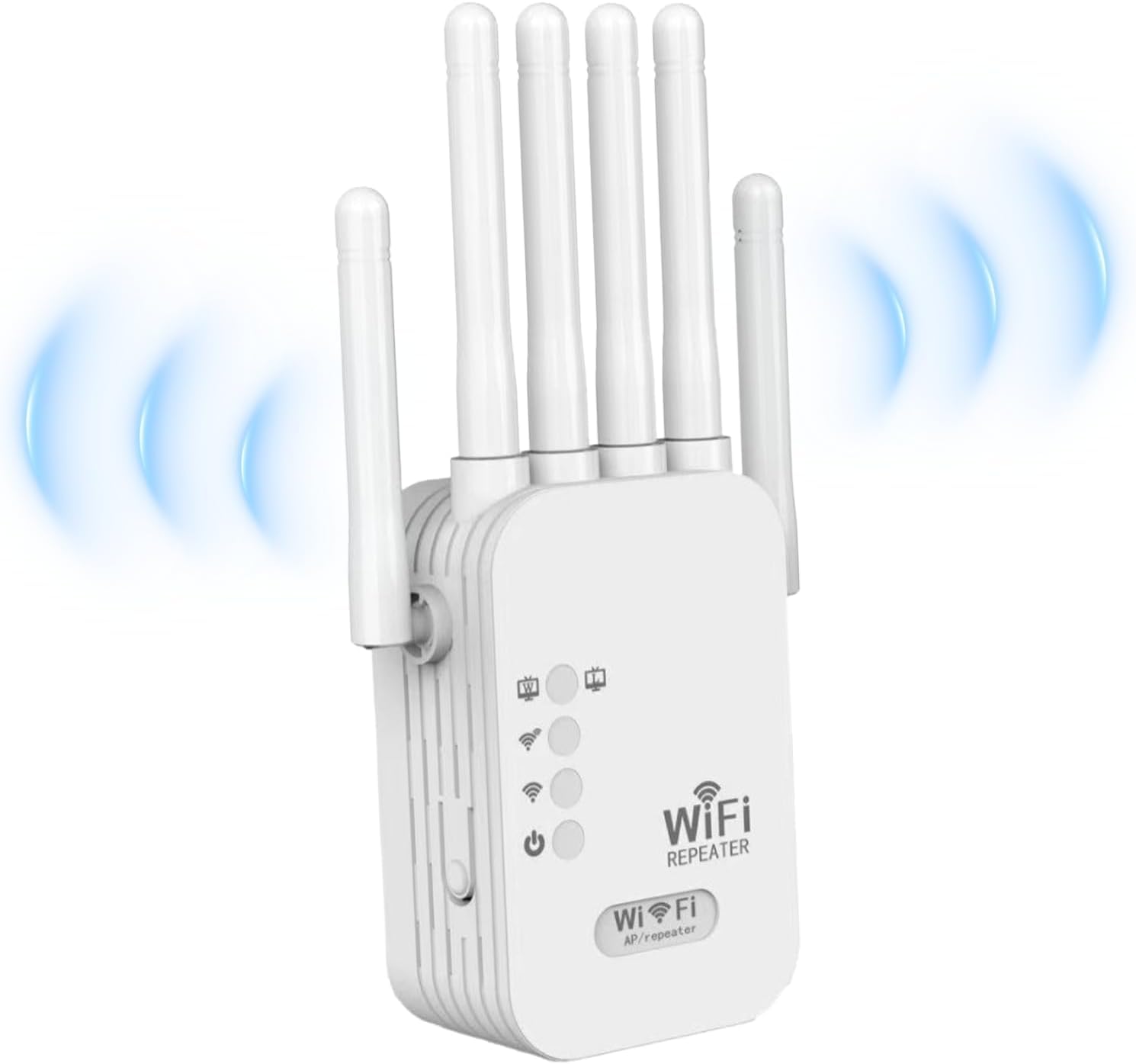
This unbranded extender is the most budget-friendly option in the list, and it works best for simple, no-fuss extension in smaller homes or apartments. Setup is genuinely plug-and-play — you plug it in, hit the WPS button, and within a minute the signal extends. It supports dual-band AC1200 speeds and claims coverage up to 12,880 sq. ft., though real-world performance is closer to 1,500-2,000 sq. ft. with typical wall interference.
It is compatible with 55+ devices including smartphones, laptops, tablets, smart TVs, IP cameras, and robotic vacuums. The security protocols include WEP/WPA/WPA2 encryption, which is standard. The compact white design is unobtrusive and fits flush against the wall. Multiple user reviews confirm it eliminated connection drops in weak areas like bedrooms and home offices, delivering stable speeds for streaming and browsing.
The major caveat is that at least one verified buyer reported the speed and coverage claims are significantly exaggerated, with single-digit Mbps throughput on the 2.4GHz band even in a modest-sized home. This unit is best suited as a very low-cost solution for a single room or a small dead zone — if you need reliable whole-home coverage, you are better off spending a bit more on the Gorzhesua or ROQRL models. The warranty info is also vague, so rely on Amazon’s return policy for peace of mind.
Why it’s great
- Lowest entry price for basic WiFi extension
- True plug-and-play with WPS one-tap setup
- Compact form factor does not block adjacent power outlets
Good to know
- Coverage and speed claims are significantly exaggerated
- 2.4GHz performance may drop to unusable levels in some homes
FAQ
Will a WiFi extender slow down my internet speed?
How far should I place the extender from my router?
Can I use a WiFi extender with a mesh system?
Final Thoughts: The Verdict
For most users, the best affordable wifi extender winner is the TP-Link AC1900 RE550 because it combines three adjustable antennas, a Gigabit Ethernet port, and EasyMesh compatibility at a mid-range price that does not force compromises. If you want the latest WiFi 6 technology for future-proofing, grab the TP-Link RE515X. And for the best value with four antennas for thick-wall penetration, nothing beats the ROQRL AC1200.

Mo Maruf
I created WellFizz to bridge the gap between vague wellness advice and actionable solutions. My mission is simple: to decode the research and give you practical tools you can actually use.
Beyond the data, I am a passionate traveler. I believe that stepping away from the screen to explore new environments is essential for mental clarity and physical vitality.