Finding a great monitor doesn’t mean emptying your wallet. The real challenge is cutting through the dozens of similar-looking screens to find the one that delivers quality where it matters for your specific needs, avoiding the pitfall of a bargain that leaves you squinting at a dull, blurry display.
I’m Mohammad Maruf — the founder and writer behind WellFizz. My focus is dissecting technical specifications and analyzing thousands of data points and user experiences to identify where manufacturers cut corners and where they deliver genuine value.
This guide filters out the noise, presenting only the monitors that have proven their worth, helping you secure a display that feels anything but cheap. Your search for the perfect best affordable monitor ends with a smart, data-driven choice you can feel confident about for years.
How To Choose The Best Affordable Monitor
Navigating the monitor market is about balancing core performance with your budget. It’s easy to get overwhelmed by specs, but focusing on a few key areas will lead you to a display that feels premium without the premium cost. Let’s break down what truly matters.
Panel Technology: The Heart of the Image
The panel type dictates everything about your viewing experience. IPS panels are the all-rounder champion, offering excellent color accuracy and wide viewing angles, making them ideal for office work, content consumption, and collaborative tasks. VA panels deliver deeper blacks and higher contrast ratios, which is great for movies and single-user setups, though viewing angles can be narrower. For an affordable monitor, IPS is often the safest bet for consistent, quality color.
Resolution and Size: Finding the Sweet Spot
Pairing the right resolution with your screen size is crucial for sharpness. For a 24-inch screen, 1080p (Full HD) is perfectly sharp. At 27 inches, 1080p starts to show individual pixels if you sit close, so a jump to 1440p (QHD) offers a massive clarity upgrade. For productivity, a larger ultrawide or 32-inch 4K screen can replace a dual-monitor setup, but ensure your computer can drive the higher pixel count smoothly.
Refresh Rate and Responsiveness
Don’t think refresh rate is just for gamers. A 75Hz or 100Hz panel makes everyday scrolling in documents and web browsers noticeably smoother than the standard 60Hz. For gaming or fast-paced content, aim for 120Hz or higher, paired with a low response time (5ms or lower) to minimize motion blur. Technologies like AMD FreeSync are a valuable bonus, synchronizing the monitor’s refresh with your graphics card to eliminate screen tearing.
Ergonomics and Connectivity
Your comfort is a long-term investment. A monitor that only tilts is common at the entry-level, but one with height adjustment can prevent neck strain. VESA mount compatibility gives you the freedom to use a monitor arm later. For ports, having multiple HDMI inputs and a DisplayPort offers flexibility. Built-in speakers are convenient for basic audio, while USB-C ports with power delivery can dramatically clean up your desk setup by charging a laptop and handling video/data through one cable.
Quick Comparison
On smaller screens, swipe sideways to see the full table.
| Model | Type | Best For | Key Feature | Amazon |
|---|---|---|---|---|
| Dell SE2725HM | 27″ IPS | Balanced Everyday Use | 100Hz, ComfortView Plus | Amazon |
| Acer Nitro KG271U | 27″ QHD | High-Value Gaming & Work | 1440p, 180Hz, AMD FreeSync | Amazon |
| Samsung ViewFinity S8 | 32″ 4K | Premium Productivity | USB-C 90W, KVM, Ergonomic | Amazon |
| ASUS ROG Strix XG27ACS | 27″ QHD | Enthusiast Gaming | 180Hz, 1ms, USB-C Hub | Amazon |
| Amazon Basics 27″ IPS | 27″ IPS | Feature-Rich Value | Built-in Speakers, USB Ports | Amazon |
| LG 32UR500K-B | 32″ 4K | Immersive Media & Work | 4K UHD, HDR10, Built-in Audio | Amazon |
| Dell SE2726HG | 27″ FHD | High-Refresh Gaming | 240Hz, FreeSync Premium | Amazon |
| Samsung 34″ ViewFinity S50GC | 34″ Ultra-Wide | Multitasking & Immersion | Ultra-WQHD, 100Hz, PBP/PIP | Amazon |
| LG 24U411A-B | 24″ IPS | Compact Speed | 120Hz, 1ms MBR, IPS Panel | Amazon |
| Amazon Basics 24″ IPS | 24″ IPS | Reliable Entry-Level | 75Hz, VESA, Multiple Inputs | Amazon |
| Philips 271V8LB | 27″ VA | Large Screen Basics | 100Hz, High Contrast, Eye Care | Amazon |
In‑Depth Reviews
1. Dell 27 Monitor – SE2725HM

The Dell SE2725HM stands out as the quintessential balanced performer. It delivers a premium brand’s build quality and thoughtful features at a mid-range point, making it an exceptional daily driver for work, study, and casual entertainment. The 27-inch size paired with the IPS panel provides ample, consistent screen real estate with accurate colors from any viewing angle.
Where it truly excels is in user comfort and smoothness. The 100Hz refresh rate is a tangible upgrade over standard 60Hz displays, making scrolling through documents and web pages feel fluid and reducing eye strain during long sessions. Dell’s ComfortView Plus technology is a standout feature, as it’s an always-on solution that reduces blue light emissions without the typical yellow tint that plagues other blue light filters, preserving color integrity.
The design is clean and professional with a small footprint, thanks to a built-in power supply. The stand offers a practical tilt adjustment, and VESA compatibility means you can easily mount it later. While it lacks built-in speakers and USB ports, it focuses its value on core display performance and eye care, which are priorities for most users.
Why it’s great
- 100Hz refresh rate offers noticeably smoother motion for all tasks.
- ComfortView Plus provides effective, always-on blue light reduction without distorting colors.
- Dell’s reliable build quality and compact design with a clean aesthetic.
- TÜV Rheinland certification assures tested eye comfort standards.
Good to know
- No built-in speakers; you’ll need external audio.
- Limited ergonomic adjustment (tilt only, no height).
- Does not include advanced ports like USB-C or USB hubs.
2. Acer Nitro KG271U N3bmiipx

The Acer Nitro KG271U represents a monumental leap in value, packing specs typically found in premium-tier monitors into a surprisingly accessible package. Its 27-inch QHD (2560×1440) IPS display is the star, offering 78% more pixels than 1080p, resulting in incredibly sharp text and detailed imagery perfect for productivity and immersive gaming.
Performance is where it punches far above its weight class. The 180Hz refresh rate, coupled with AMD FreeSync and a super-fast response time, creates an exceptionally smooth and tear-free visual experience that competitive gamers will appreciate. It also supports HDR10 and covers 95% of the DCI-P3 color gamut, giving content creators and media enthusiasts vibrant, accurate colors that pop.
This monitor makes very few compromises to hit this price-performance sweet spot. The zero-frame design maximizes screen space, and the inclusion of both DisplayPort and HDMI 2.0 ports ensures compatibility with modern systems. The primary trade-off is in the stand, which is basic and offers only tilt adjustment, making a VESA mount a popular companion for optimal ergonomics.
Why it’s great
- Stunning QHD resolution provides a massive clarity upgrade over 1080p.
- High 180Hz refresh rate with FreeSync for ultra-smooth gaming and motion.
- Excellent color performance with wide DCI-P3 coverage for creative work.
- Delivers high-end gaming monitor specs at a mid-range point.
Good to know
- The included stand is basic, wobbly, and lacks height adjustment.
- HDR performance is modest due to peak brightness limitations.
- Built-in speakers are very basic, suitable only for system sounds.
3. Samsung 32” ViewFinity S8 (S80UD)
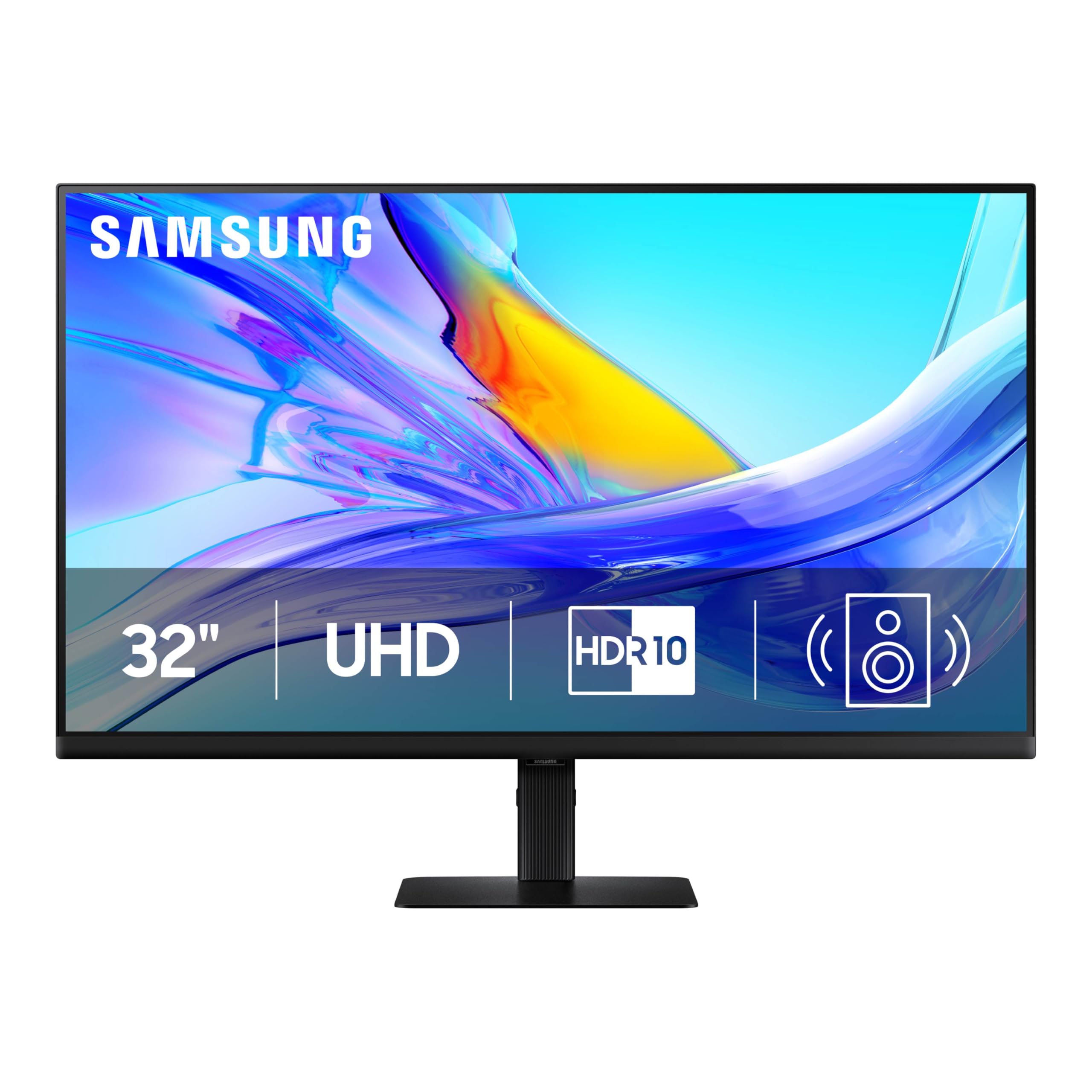
The Samsung ViewFinity S8 is a premium productivity powerhouse designed for professionals who need space, sharpness, and seamless connectivity. Its 32-inch 4K UHD IPS panel delivers an incredibly dense pixel count, making text and fine details razor-sharp—a boon for coders, writers, and anyone working with detailed graphics or multiple windows.
This monitor goes far beyond just a great screen. The USB-C port with 90W power delivery is a game-changer, allowing you to connect a laptop with a single cable for video, data, and charging, dramatically decluttering your desk. The built-in KVM switch is another professional-grade feature, letting you control two connected computers with one keyboard and mouse, effortlessly toggling between them or using Picture-by-Picture mode.
Ergonomics are top-tier with a fully adjustable stand offering height, tilt, swivel, and even pivot for portrait mode. Combined with TÜV-certified eye care features like flicker-free technology and blue light reduction, it’s built for all-day comfort. While it commands a premium investment, it consolidates the functions of a high-end monitor, a dock, and a KVM switch into one elegant device.
Why it’s great
- Superb 32-inch 4K IPS display with exceptional text clarity and screen real estate.
- USB-C with 90W PD simplifies connectivity and powers laptops.
- Built-in KVM switch is invaluable for multi-computer setups.
- Fully ergonomic stand with height, pivot, swivel, and tilt adjustments.
Good to know
- Positioned at a premium price point within the “affordable” spectrum.
- 60Hz refresh rate is standard, not aimed at high-refresh gaming.
- Built-in speakers are adequate but lack depth for serious media consumption.
4. ASUS ROG Strix XG27ACS
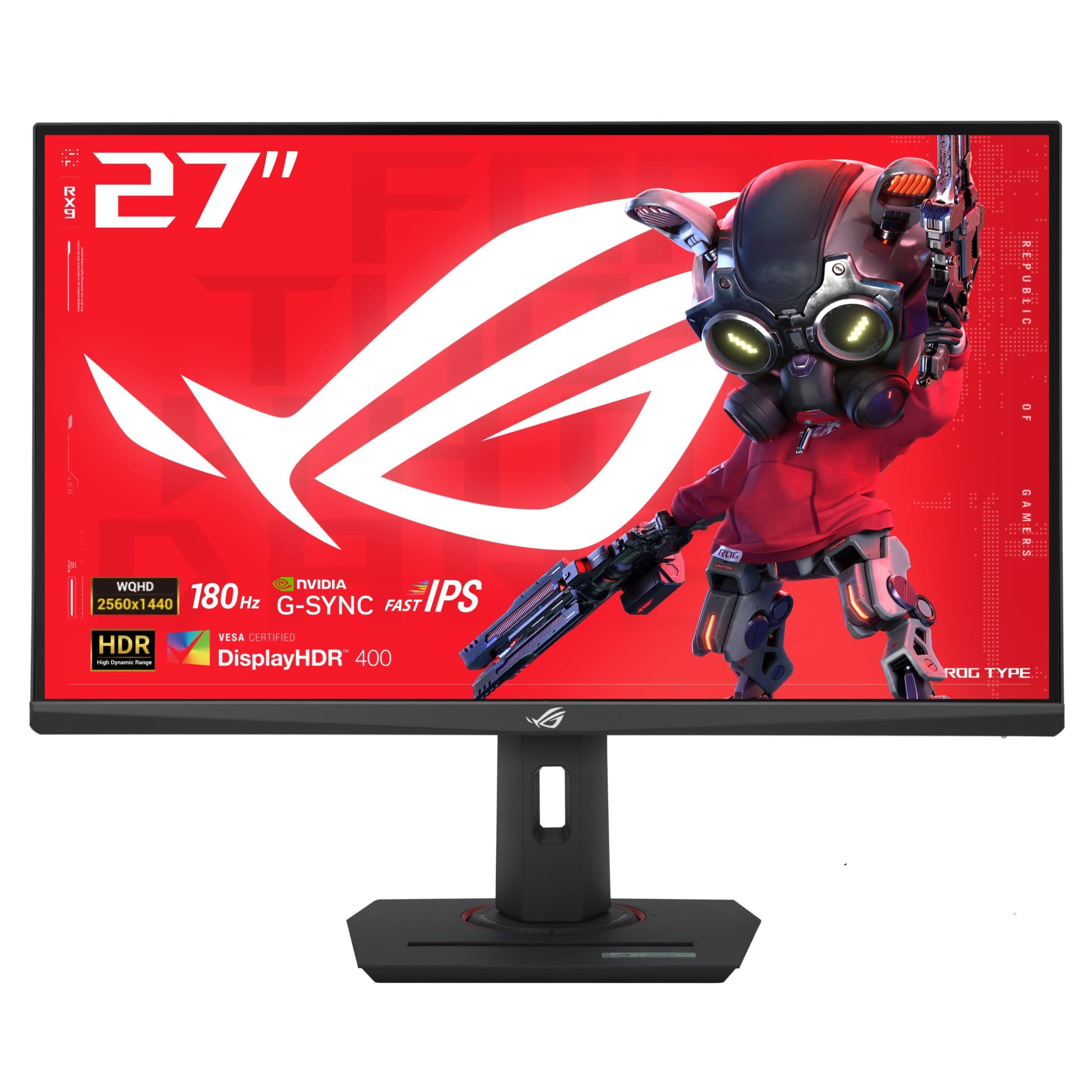
The ASUS ROG Strix XG27ACS is for the gamer who refuses to compromise on performance or features. It combines a sharp 27-inch QHD Fast IPS panel with a blazing 180Hz refresh rate and a true 1ms gray-to-gray response time, creating a buttery-smooth, crystal-clear visual experience that gives you an edge in fast-paced titles.
ASUS enhances this raw speed with its proprietary ELMB Sync technology, which enables motion blur reduction simultaneously with variable refresh rate (G-Sync Compatible), eliminating ghosting and tearing without the usual trade-offs. The monitor is also incredibly well-built, featuring a highly adjustable stand with a clever tripod socket for webcams or microphones, showcasing its thoughtful design.
Beyond gaming, it’s a fantastic all-rounder. The USB-C hub supports video input and acts as a USB pass-through for peripherals, keeping your setup tidy. The DisplayWidget software lets you adjust settings with your mouse, and the out-of-the-box color calibration is excellent. It’s a monitor that feels premium in every detail, from performance to construction.
Why it’s great
- Exceptional gaming performance with 180Hz, 1ms, and ELMB Sync technology.
- Robust, feature-rich stand with extensive height and swivel adjustment.
- Convenient USB-C hub for streamlined connectivity.
- High-quality build and gamer-centric design with useful extras.
Good to know
- No built-in speakers, requiring external audio.
- The large stand base can occupy significant desk space.
- HDR400 support is present but offers a limited HDR experience.
5. Amazon Basics 27 Inch Monitor

This Amazon Basics 27-inch monitor proves that a budget-friendly option can still be packed with convenient features. It starts with a solid foundation: a 100Hz IPS panel that provides smooth motion and good color reproduction for a 1080p display. Where it really shines is in the extras you don’t usually find at this price point.
The inclusion of built-in speakers is a major convenience, saving you from buying separate desktop speakers for casual video calls or background music. Even more impressive are the four integrated USB ports, which effectively turn the monitor into a basic hub for your keyboard, mouse, and other peripherals, reducing cable clutter to your PC tower.
Setup is straightforward, and the design is sleek with thin bezels. It’s a classic example of getting more than you pay for, offering functionality that simplifies your workspace. The primary compromise is in ergonomics, as the stand only offers tilt, and some users note it can lean forward slightly, but this is easily remedied with a VESA mount.
Why it’s great
- Unbeatable combination of 100Hz IPS panel, speakers, and USB hub at its price.
- Built-in speakers provide adequate audio for everyday use.
- USB ports add significant convenience for connecting peripherals.
- Sleek, modern design with VESA compatibility for mounting.
Good to know
- Stand offers only tilt adjustment and may not be perfectly stable on all desks.
- 1080p resolution on a 27-inch screen may look slightly pixelated up close.
- Glossy screen finish can be prone to reflections in bright rooms.
6. LG 32UR500K-B Ultrafine

The LG 32UR500K-B brings a truly cinematic 4K experience to your desk without a prohibitive cost. Its expansive 32-inch VA panel with 3840×2160 resolution offers stunning detail and immersion, perfect for watching movies, diving into open-world games, or having dozens of windows open for complex projects.
It supports HDR10, which enhances contrast and color depth for compatible content, making scenes more dynamic. The built-in stereo speakers, equipped with Waves MaxxAudio, are a notable step up from the tinny speakers found on most monitors, providing decent audio that can eliminate the need for external speakers in a pinch.
LG’s OnScreen Control software is a nice bonus, allowing easy screen splitting and settings management from your desktop. The stand offers a useful tilt adjustment, and the three-side borderless design looks premium. For anyone craving a large, high-resolution screen for media consumption and general productivity, this monitor delivers exceptional immersion.
Why it’s great
- Immersive 32-inch 4K UHD display with rich colors and deep VA contrast.
- HDR10 support enhances media playback on supported platforms.
- Surprisingly good built-in speakers with MaxxAudio enhancement.
- Borderless design and OnScreen Control software add polish and utility.
Good to know
- 60Hz refresh rate is standard, not geared toward high-refresh gaming.
- VA panel viewing angles are good but not as wide as IPS.
- Port placement can be tight when using monitor arms without angled cables.
7. Dell 27 240Hz Gaming Monitor – SE2726HG
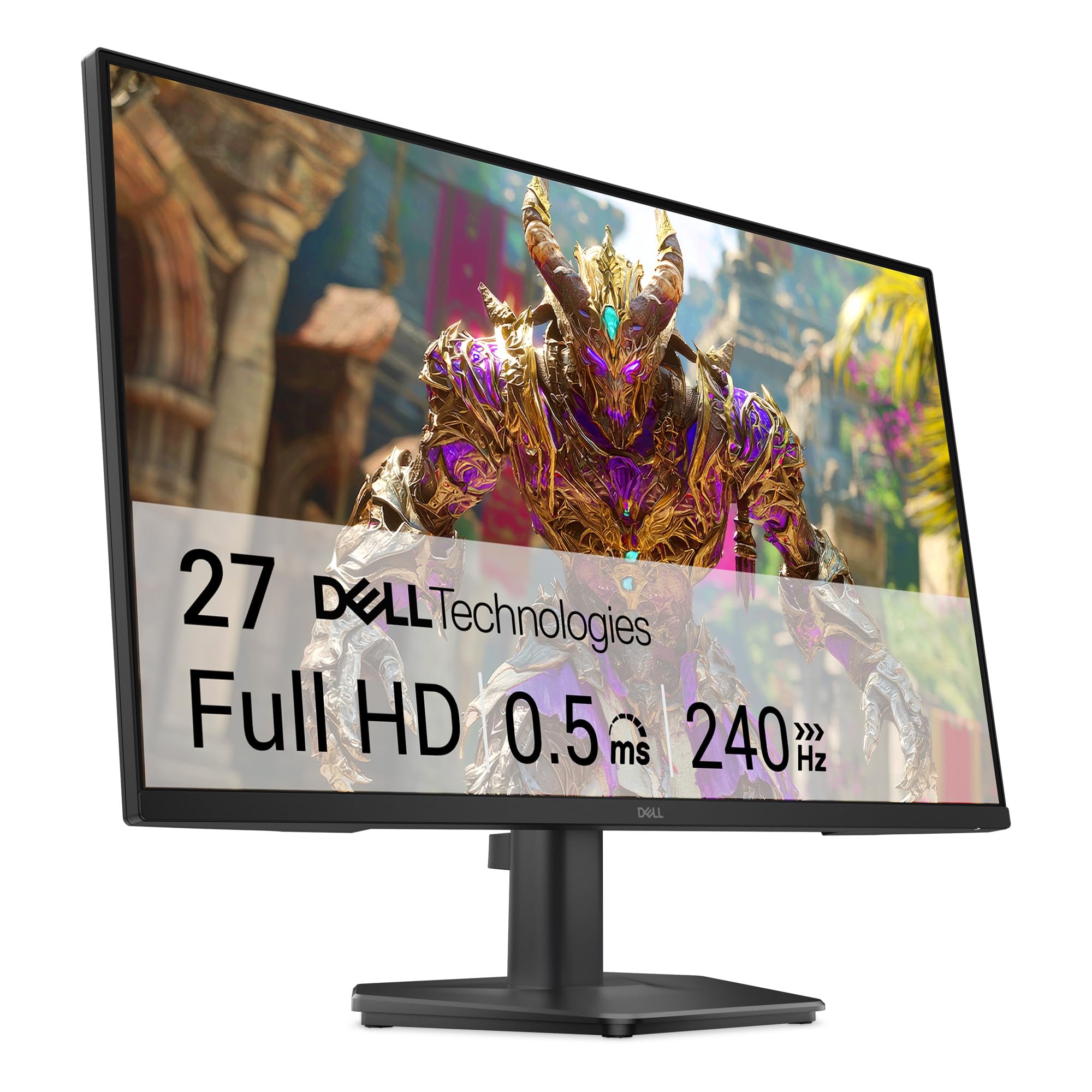
The Dell SE2726HG is a dedicated speed machine for competitive gamers who prioritize frame rate above all else. Its 240Hz refresh rate and fast 0.5ms response time (MPRT) deliver an incredibly fluid and responsive experience where every millisecond counts in esports titles like Valorant or Counter-Strike.
It utilizes a Fast IPS panel, which means you get that blistering speed without sacrificing the color accuracy and wide viewing angles of traditional IPS technology. AMD FreeSync Premium support ensures smooth, tear-free gameplay by synchronizing the monitor’s refresh rate with your AMD or compatible NVIDIA GPU’s frame rate.
Dell doesn’t skimp on eye comfort either, including a TÜV-certified display with low blue light features. The design is clean with thin bezels, and setup is straightforward. The fixed-height stand is the main ergonomic limitation, but for gamers who may use a mount or who have a perfectly positioned desk, this monitor is a performance-focused triumph.
Why it’s great
- Extremely high 240Hz refresh rate for competitive gaming advantage.
- Fast IPS panel combines speed with good color and viewing angles.
- FreeSync Premium ensures smooth, tear-free performance.
- Dell reliability and good out-of-the-box image quality.
Good to know
- Stand lacks height adjustment, limiting ergonomic flexibility.
- 1080p resolution on a 27-inch screen is functional for gaming but not as sharp as 1440p.
- Focus is purely on speed; lacks extra features like USB ports or speakers.
8. Samsung 34″ ViewFinity S50GC

The Samsung S50GC ultrawide monitor is a productivity revolution in a single screen. Its expansive 34-inch display with a 21:9 aspect ratio and 3440×1440 (Ultra-WQHD) resolution provides the equivalent horizontal space of two side-by-side monitors without the distracting bezel in the middle, perfect for coding, video editing, financial modeling, or having multiple documents and browsers open simultaneously.
A 100Hz refresh rate makes navigating this vast desktop feel smooth and responsive, a noticeable upgrade over standard 60Hz ultrawides. Features like Picture-by-Picture (PBP) and Picture-in-Picture (PIP) allow you to display inputs from two different computers at once, a boon for remote workers or developers who need to switch between systems.
Samsung includes thoughtful eye-care features like an ambient light sensor and Flicker Free technology. The virtually borderless design looks sharp and facilitates near-gapless multi-monitor setups if you want to go even bigger. It’s an outstanding value for anyone seeking to maximize screen real estate and workflow efficiency.
Why it’s great
- Massive, seamless desktop space boosts multitasking efficiency dramatically.
- 100Hz refresh rate ensures smooth scrolling and cursor movement.
- PBP and PIP modes are incredibly useful for multi-source workflows.
- Excellent value for the size, resolution, and feature set.
Good to know
- Flat panel at this size may feel less immersive than a curved ultrawide to some.
- VA panel color accuracy may require calibration for precise color work.
- Stock stand is tall with limited adjustment; a monitor arm is recommended.
9. LG 24U411A-B

The LG 24U411A-B packs a surprising amount of performance into a compact 24-inch formfactor. It’s a fantastic choice for users with limited desk space or for a secondary monitor that doesn’t sacrifice performance. The 24-inch 1080p IPS panel is sharp at this size, and the 120Hz refresh rate brings a level of smoothness to everyday tasks and light gaming that feels premium.
LG includes gamer-friendly features like 1ms Motion Blur Reduction (MBR) and Black Stabilizer, which help keep fast motion clear and improve visibility in dark scenes. The IPS technology ensures consistent colors and wide viewing angles, while the borderless design on three sides gives it a modern, sleek look. Reader Mode is also included for reduced blue light during long work sessions.
It’s a no-fuss monitor that excels at the basics with a welcome performance boost. The stand is tilt-adjustable and the overall build is solid, though some users note the stand can feel a bit light. For a compact, speedy, and reliable display that punches above its weight, this LG model is a standout.
Why it’s great
- 120Hz refresh rate in a compact 24-inch form factor for smooth motion.
- IPS panel delivers good color accuracy and wide viewing angles.
- Includes gamer-oriented features like 1ms MBR and Black Stabilizer.
- Borderless design and tilt adjustment for a clean, flexible setup.
Good to know
- Stand is basic and may feel less sturdy than larger models.
- No built-in speakers, requiring headphones or external audio.
- HDR10 support is very modest on a panel of this brightness.
10. Amazon Basics 24-inch Full HD IPS Monitor

When you need a dependable, no-surprises display for basic computing, the Amazon Basics 24-inch monitor delivers exactly that. It’s built on proven AOC technology, offering a solid 1080p IPS panel with a 75Hz refresh rate, which provides a slight but noticeable smoothness advantage over standard 60Hz office monitors.
Connectivity is a strong point, featuring HDMI, DisplayPort, and VGA inputs, giving you flexibility to connect older and newer devices. The inclusion of built-in speakers, while basic, is a convenient bonus that many budget monitors omit. The stand tilts for basic adjustment and it’s VESA compatible, allowing for easy mounting if you want to free up desk space later.
This is a workhorse monitor designed for reliability in office environments, remote work, or as a secondary screen. It doesn’t have flashy features or ultra-thin bezels, but it consistently provides a clear, stable image and the essential connections needed for daily tasks. For a straightforward, entry-level solution, it’s hard to beat.
Why it’s great
- Excellent connectivity with HDMI, DisplayPort, and VGA ports.
- Includes built-in speakers and a 75Hz refresh rate at an entry-level point.
- Reliable performance backed by AOC’s panel technology.
- VESA compatible for mounting, with a simple tilt-adjust stand.
Good to know
- On-screen controls and menu can be less intuitive than competitors.
- Stand and overall design are functional rather than stylish.
- Maximum brightness may be lower than some other options.
11. Philips 271V8LB 27″ Frameless Monitor

The Philips 271V8LB is the most budget-friendly path to a large 27-inch screen. It utilizes a VA panel, which is its defining characteristic, offering a high 3000:1 contrast ratio that produces deeper blacks and more impactful images compared to typical IPS panels at this price, making it well-suited for movie watching and single-user setups.
The 100Hz refresh rate is a welcome feature that adds fluidity to motion, and the three-sided frameless design gives it a modern look that works well in multi-monitor arrangements. Philips includes its EasyRead mode, which creates a paper-like effect for reading long documents, and other eye-care features to reduce strain.
This monitor makes clear compromises to reach its price point, such as a glossy screen that can show reflections and a stand that only offers tilt. However, for users who want maximum screen size for their money and prioritize contrast for media consumption, it presents a compelling case.
Why it’s great
- Very large 27-inch screen at a budget-friendly point.
- High contrast VA panel delivers deep blacks for media.
- 100Hz refresh rate improves smoothness over 60Hz.
- Frameless design on three sides and includes basic eye-care features.
Good to know
- VA panel has narrower viewing angles than IPS.
- Glossy screen coating is prone to glare in bright rooms.
- Stand is basic with tilt-only adjustment and no height or swivel.
Understanding the Specs
Panel Type: IPS vs. VA
IPS (In-Plane Switching) panels are known for superior color accuracy and wide 178-degree viewing angles, making content look consistent even when viewed from the side. They’re the best all-rounder for most uses. VA (Vertical Alignment) panels offer much higher contrast ratios (often 3000:1 vs 1000:1), meaning deeper blacks and more punchy images, but colors can shift when viewed off-center. Choose IPS for color-critical work and shared viewing; choose VA for media consumption in a controlled, single-user environment.
Refresh Rate & Response Time
Refresh rate (Hz) is how many times per second the screen updates the image. 60Hz is standard, but 75Hz, 100Hz, or 120Hz makes everything from cursor movement to video playback feel smoother. Response time (ms) measures how quickly a pixel can change color. A lower number (like 5ms or 1ms) reduces ghosting and blur in fast motion. For general use, 75Hz/5ms is a nice upgrade. For gaming, prioritize 120Hz+ and 5ms or lower.
FAQ
Is 1080p still good for a 27-inch monitor?
Do I need a high refresh rate if I don’t game?
What is AMD FreeSync or G-Sync Compatible?
Are built-in monitor speakers any good?
Final Thoughts: The Verdict
For most people, the best affordable monitor winner is the Dell SE2725HM because it perfectly balances a premium brand’s reliability, a smooth 100Hz IPS panel, and genuine eye-comfort technology at a very fair mid-range point. If you want the most dramatic performance upgrade for gaming or creative work, grab the Acer Nitro KG271U for its stunning QHD resolution and 180Hz refresh rate. And for maximizing productivity with seamless connectivity and a sharp 4K image, nothing beats the feature-packed Samsung ViewFinity S8.

Mo Maruf
I created WellFizz to bridge the gap between vague wellness advice and actionable solutions. My mission is simple: to decode the research and give you practical tools you can actually use.
Beyond the data, I am a passionate traveler. I believe that stepping away from the screen to explore new environments is essential for mental clarity and physical vitality.